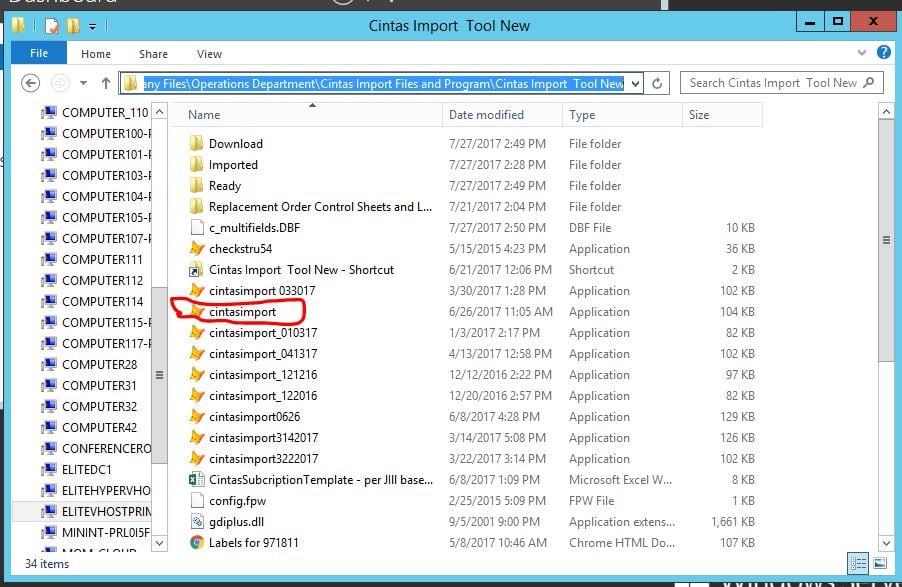
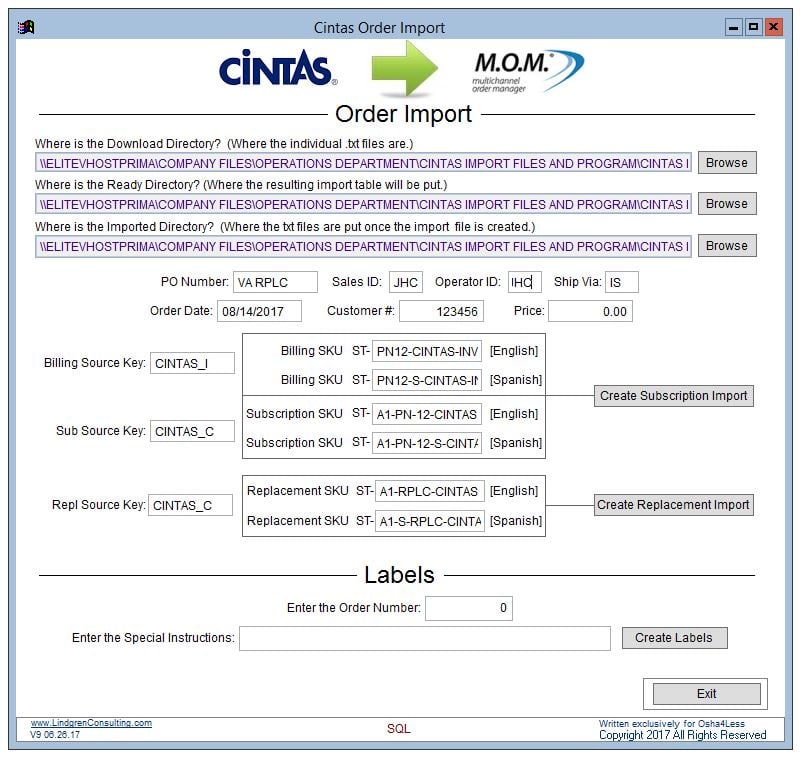
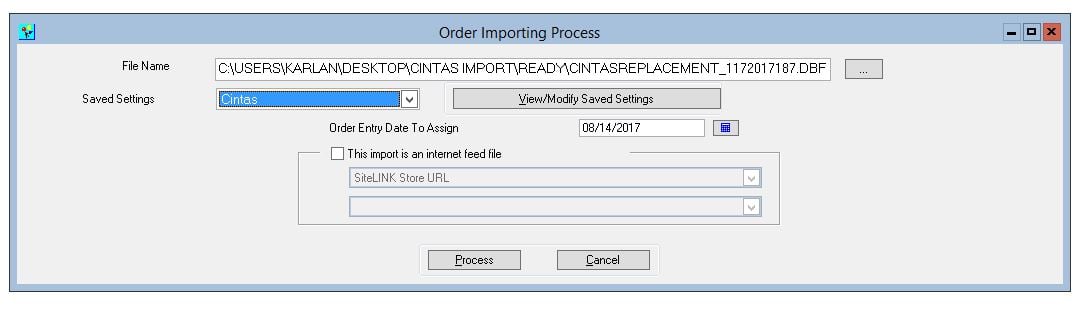
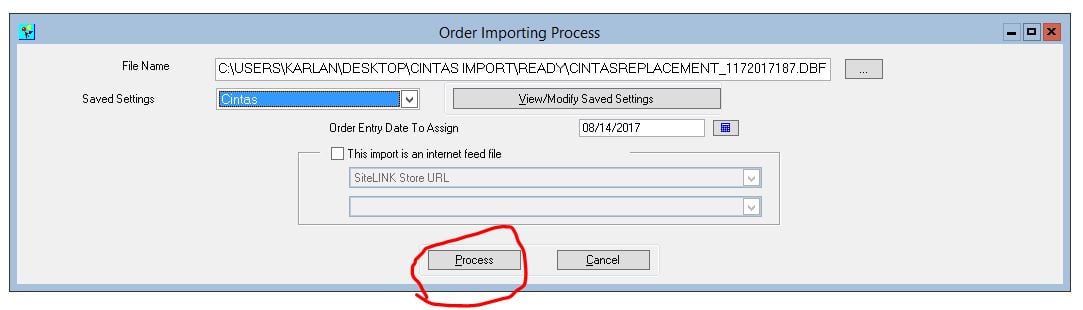
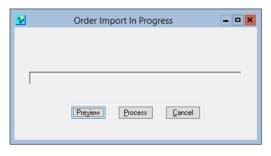
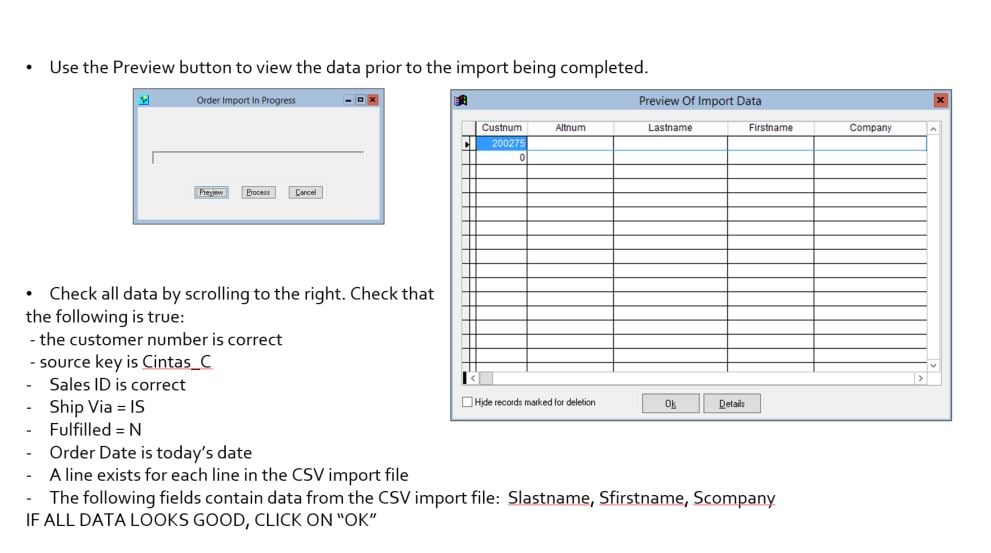
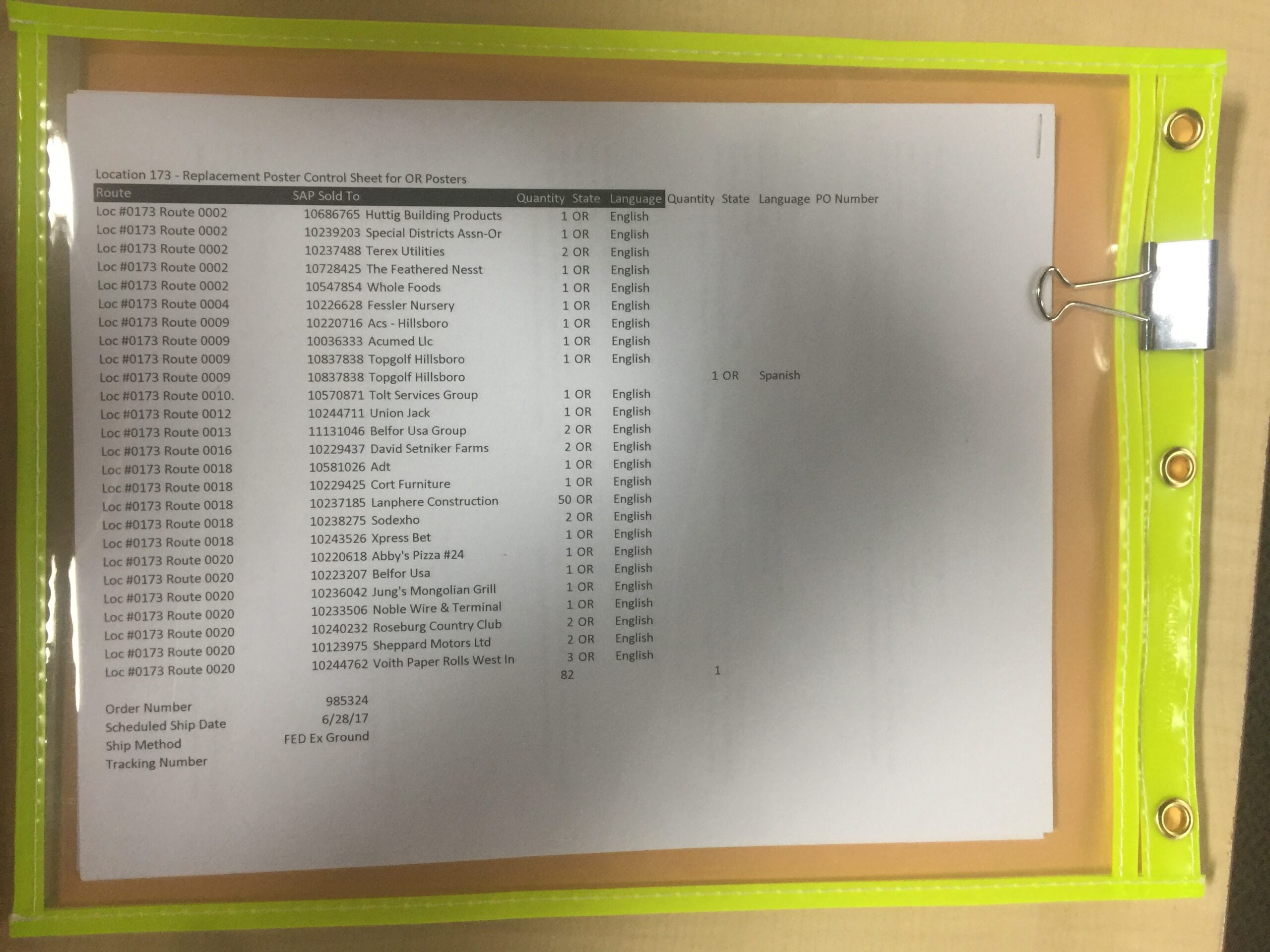
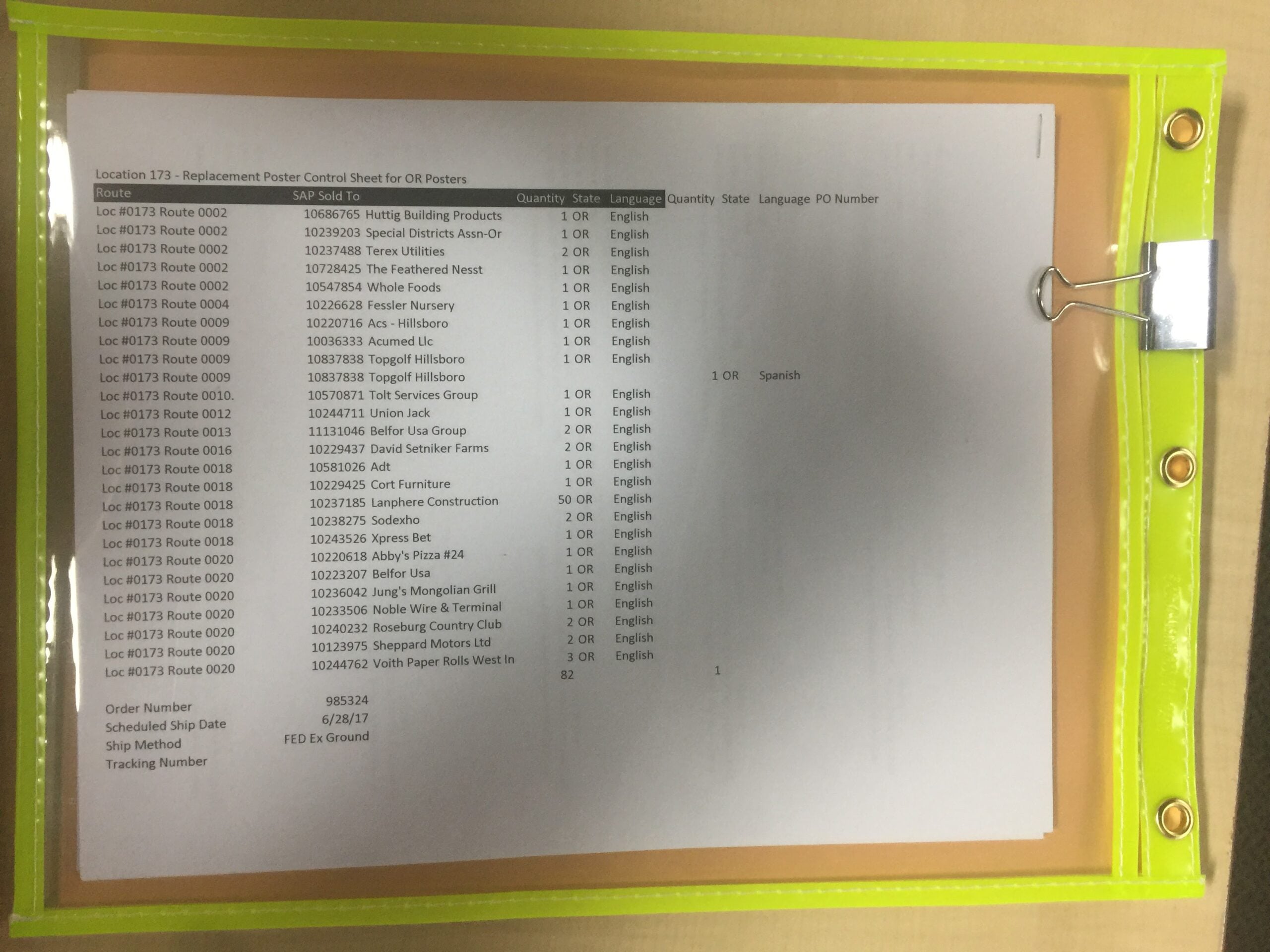
Thd Cintas Import Program is used for importing various types of lists. Some or all of the input fields are used when running the program. For Cintas Replacement A Import, all fields above the line with the work Labels in it will be used.
For each of the file locations needed for the program to run effectively, click on the BROWSE button and verify that they are set to the following folder locations:
DOWNLOAD: \ELITEVHOSTPRIMACompany FilesOperations DepartmentCintas Import Files and ProgramCintas Import Tool NewDownload
READY: \ELITEVHOSTPRIMACompany FilesOperations DepartmentCintas Import Files and ProgramCintas Import Tool NewReady
IMPORTED: \ELITEVHOSTPRIMACompany FilesOperations DepartmentCintas Import Files and ProgramCintas Import Tool NewImported
For REPLACEMENT A File Import, we will follow these rules:
1. PO Number should be XXRPLC where XX is the state that triggered the replacement import
2. Sales ID is always JHC
3. Operator ID is the MOM User ID of the person processing the Input File
4. Ship Via should be IS
5. Order date should be the date the input file is being processed
6. Customer Number is the MOM customer number for the Cintas Branch that the REPLACEMENT posters will be shipped to. This number can be found in step 2.
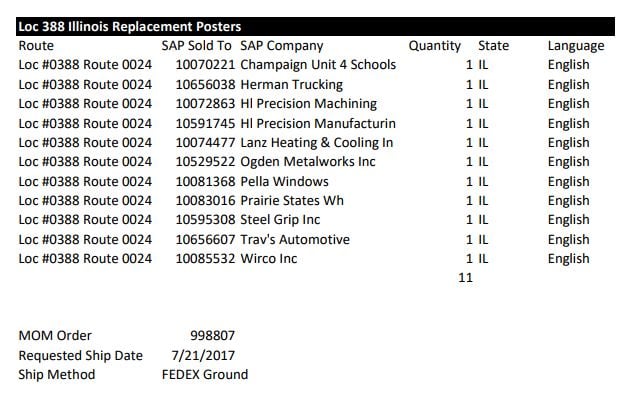
7. Compare the data in all the source key fields and SKU fields matches the picture below.