From the Main Page
Main Page
- Search the Property Address using the SmartBar
- Click the property you are looking
Look at the details of that specific property and take note of the personal property - will need later in the contract.
(garage, appliances, heating system, ac unit, smoke and alarm detectors, etc)
Add New Folder/Filling-Out-Signature page
Add New Folder/Filling-Out-Signature page
Create a New Folder
Click Notify List Broker
Click Next
Folder name should be the Property Address.
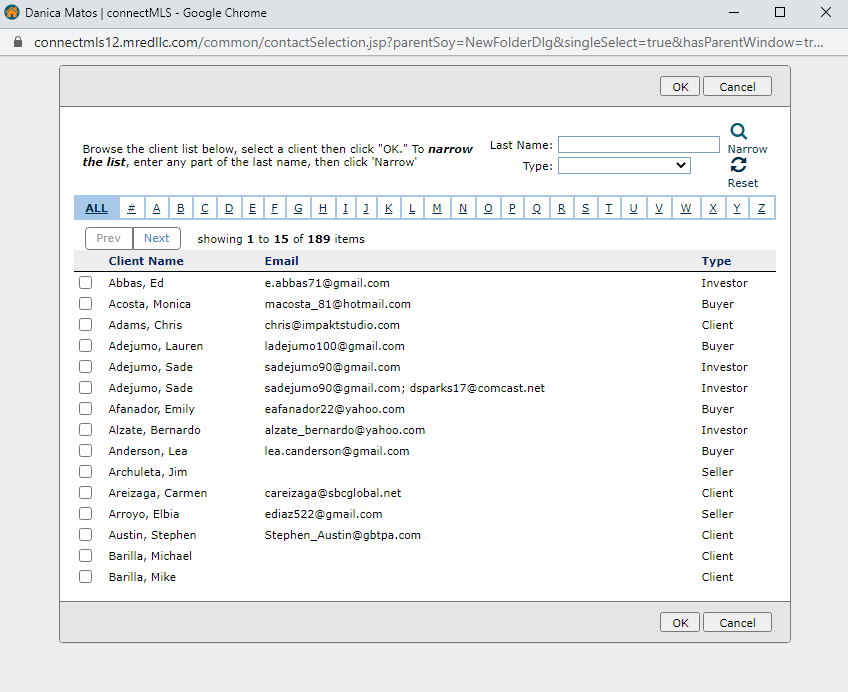
Buyer Information - should already be in the Client Database inside MLS.
Click Lookup Client
Note: If you have a New Client,
Fill out First and Last Name
and Email Address
Keep in mind that this information is going to a contract that will be circulated to a lot of people.
Agent's Broker information (Buyer's Broker) - Information is usually autopopulated.
Also, add agent's Mobile Number.
Buyer's Attorney Information
Click Lookup Service Partner and look for the Buyer's Attorney found in the system.
If not available in the database, enter the details manually.
Note: Put as much information needed.
Click Lookup Service Partner and look for the Loan Officer found in the system.
If not available in the database, enter the details manually.
Note: Put as much information needed.
Once you are done filling out the details, click Continue.
Part 3 - Fixtures and Personal Property at No Added Value
Part 3 - Fixtures and Personal Property at No Added Value
Line 19-28 - click and add the details that are currently in the property
Please Note: It’s important to ensure this is filled out correctly, it may cause issues with the deal at a later time so please be sure to add what comes with the property.
Line 29 - List the items included at No Added Value.
Line 30 - Add items that are not included in the sale.
Line 31 - If water heater is not working, or if something is not working in the property, make sure to write it here.
Line 35 - Home warranty - if seller already offered that they will pay for the home warranty for the buyer, click the box. Make sure to fill out section XXX also when you get to that page.
Part 4 - Purchase Price and Payment
Part 4 - Purchase Price and Payment
Line 36 - Purchase Price - Enter the purchase price you and your buyer agreed to. Please Note: in multiple offer situations consider going over list price, esp if you are asking for a closing credit.
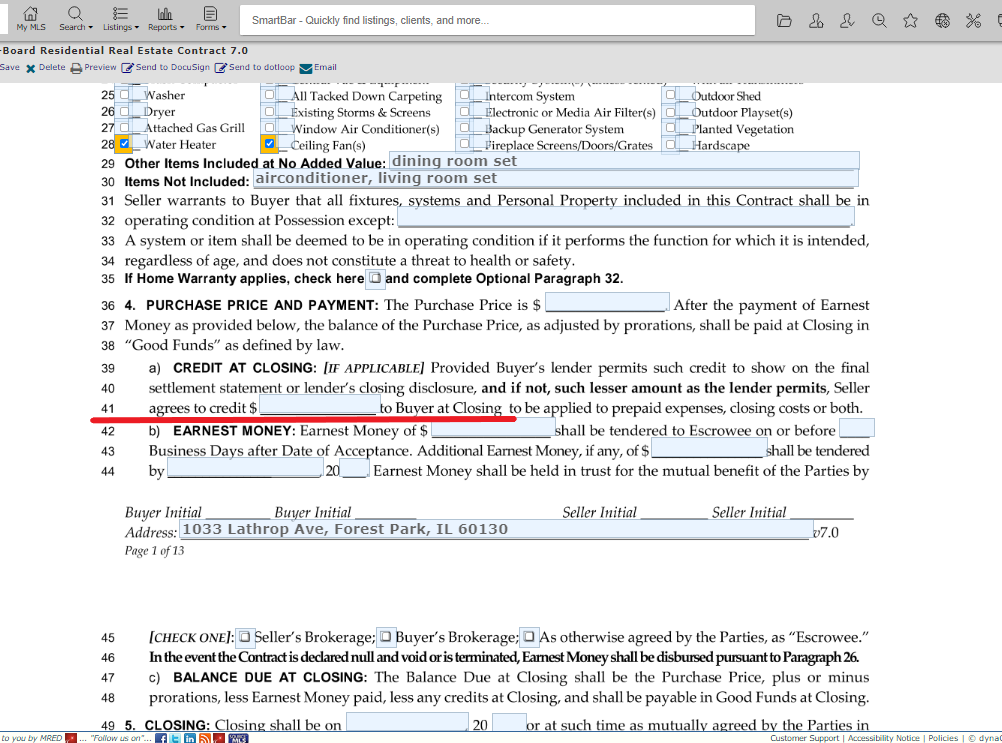
Line 41 - Closing cost credit - add percentage or amount ($).
Line 42 - Earnest Money – add the initial amount and it should be on or before 3 business days.
Line 43 - Additional earnest money.
Line 44 - Add additional earnest money date - 3 business days after A/I.
Line 45 - The earnest money will be deposited to - usually the listing office, if they don’t hold EM, please figure out where it will be held and then check off the proper box. If your office holds EM see if the other party agrees to have it held there.
Part 7 - Financing
Part 7 - Financing
Line 55 - If buyer is using a loan to pay.
Line 60 - What type of loan. (FHA, VA etc.)
Line 61 - If the loan type is unique, please check other and add the type of loan in the box (ex: rehab loan, construction loan, hard money)
Line 62 - Enter the mortgage rate that your client was quoted or on their pre approval letter.
Line 63 - Enter the Loan amortization (ex: 15, 30 years) and always enter 0% for points.
Line 84 - If buyer is buying cash with no mortgage - have them sign an initial here. (Nothing needs to be filled out)
Line 94 - If buyer is buying cash but might want to get a loan, have them sign an initial here. (Nothing needs to be filled out)
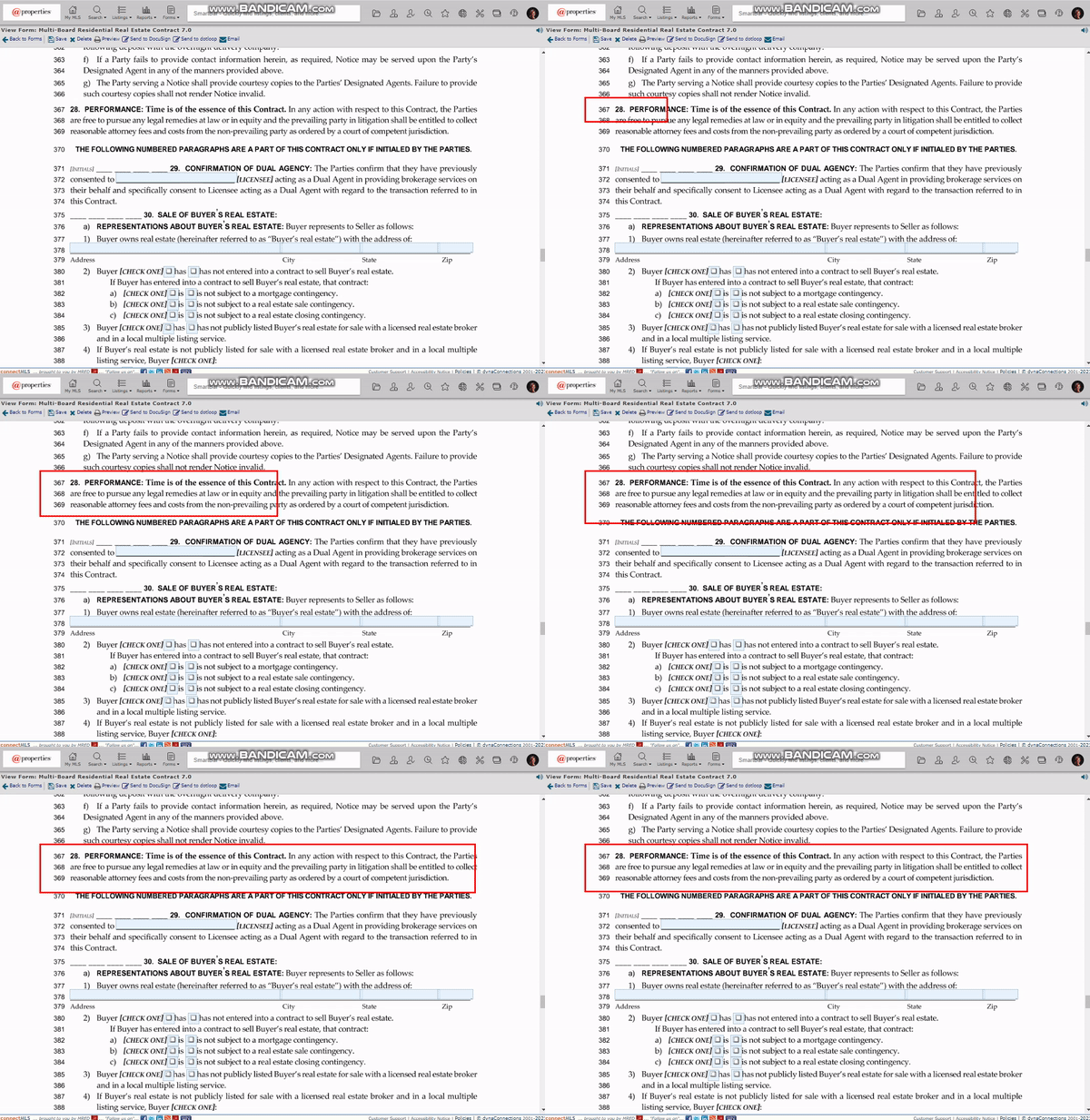
Part 30 - Sale of Buyer's Real Estate
Part 30 - Sale of Buyer's Real Estate
Line 375 - Sale of buyer's Real Estate - If buyer has to sell their home to buy this property, have your buyer sign his initial here.
Line 378 - If your buyer needs to sell their home in order to buy this property, please fill out the information - add the address to the home they must sell.
Line 380 - 384 - Make sure to fill out correctly and properly due to the stage where your buyer is in their home sale.
Line 385 - Click has or has not. If buyer has or has not listed his property for sale publicly.
Line 389 - If they have listed the property for sale publicly, click on this line item.
Line 393 - Click this if they did not.
Signature Page
Signature Page
Please Note: Make sure everything is correct.
(Make sure to review the details before going through the signature part and send it out to Seller)
Click Send to Docusign