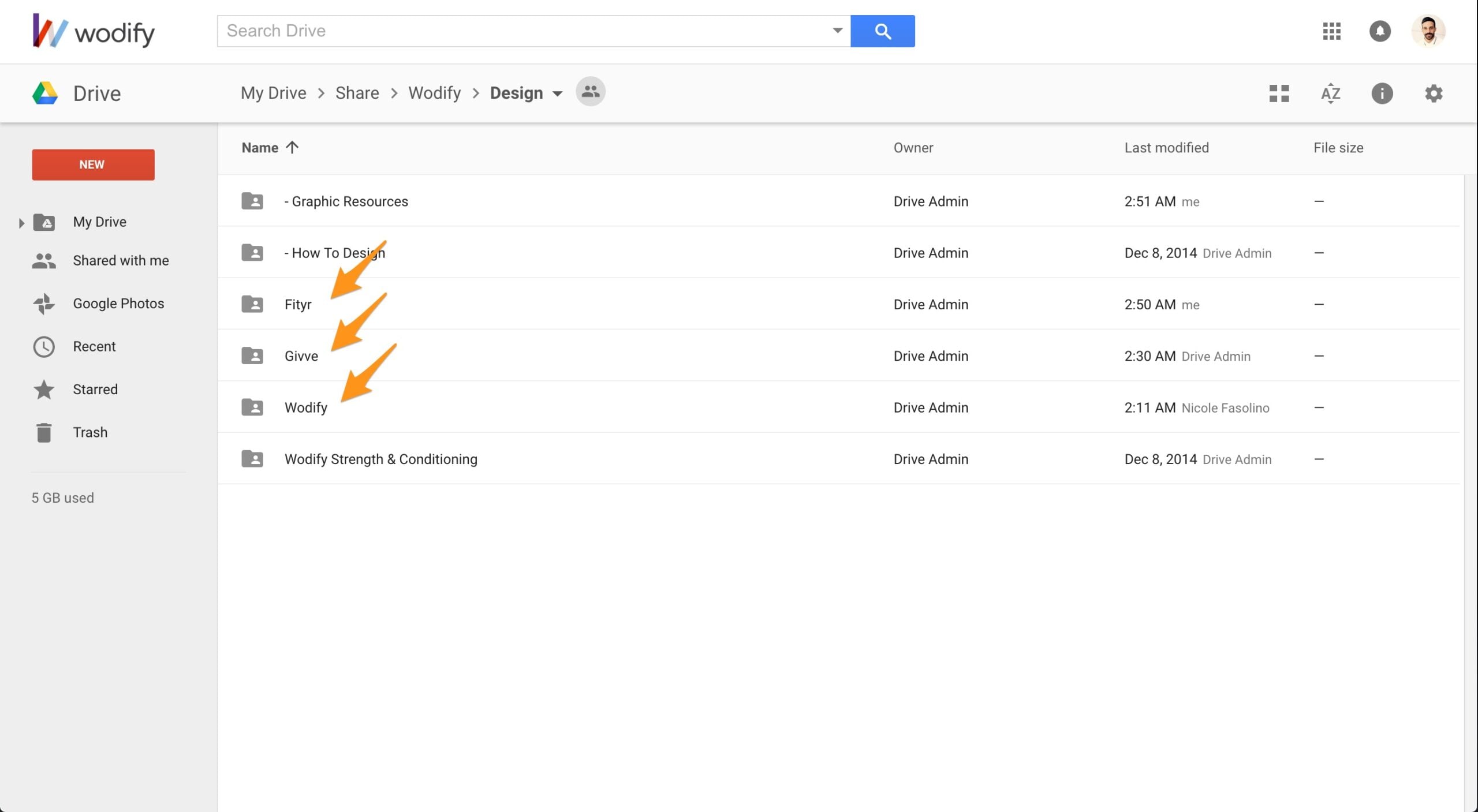
Avoid unnecessary files for each project.
When using a file for a project in the drive, please clean up and only keep the essential files.
We know designers love to keep image references and tests, but look at it from a different point of view: you will have the opportunity to create something new in the next project.
Keep an Ideas folder in your local laptop.