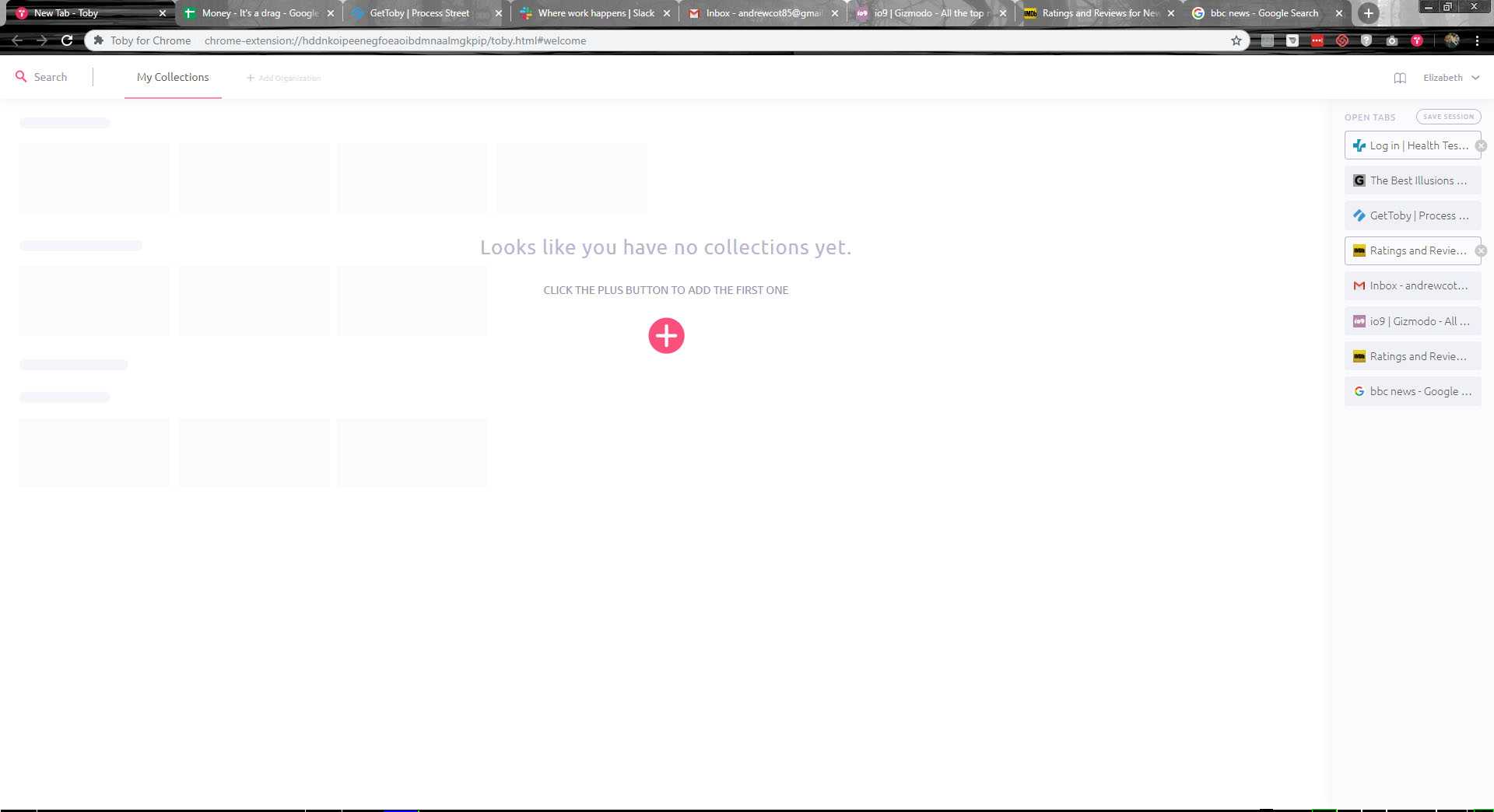
You're at your home page now. Here you can organize all of your tabs.
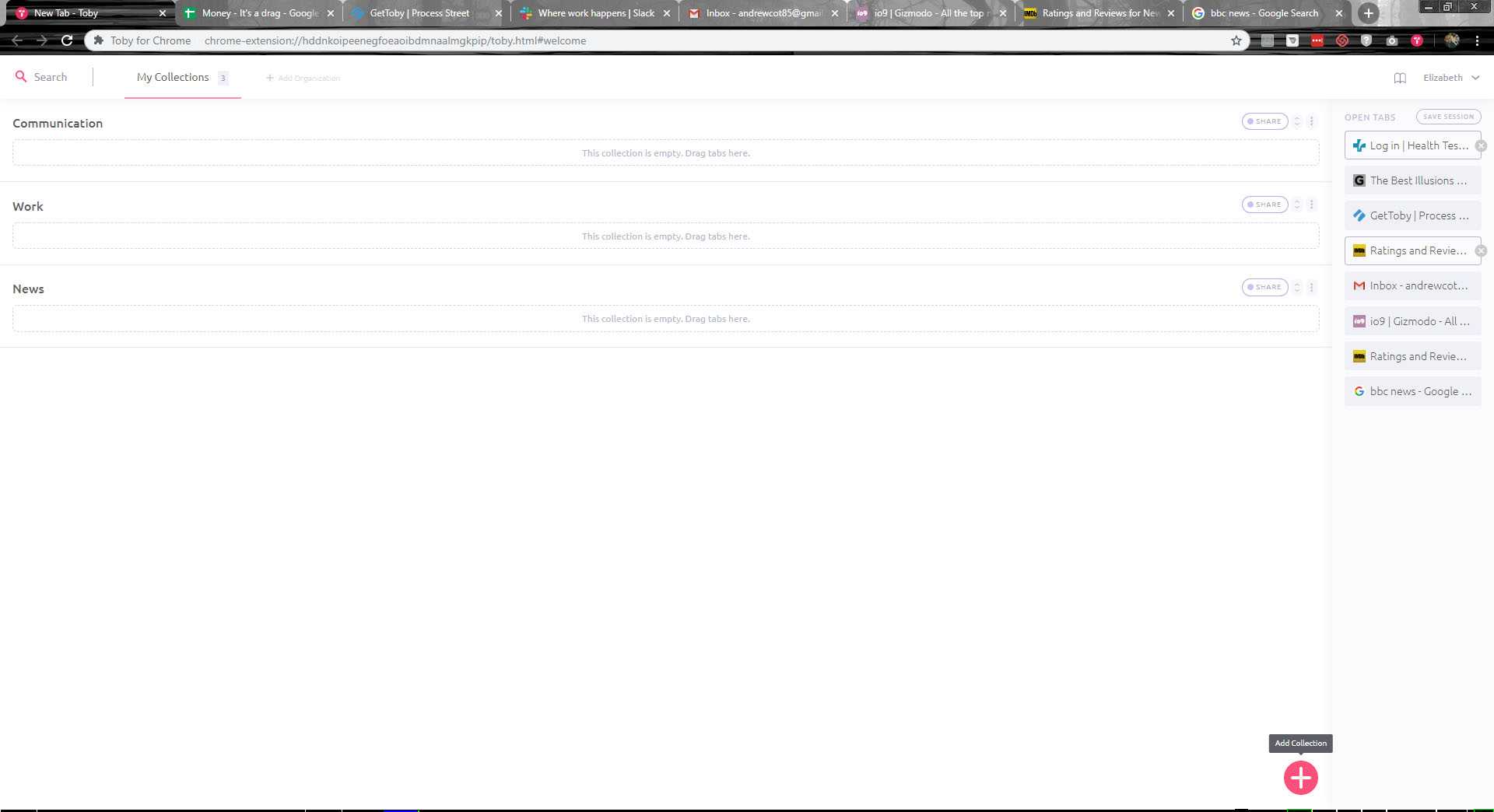
First click on the red + in the center of the page. You'll then be prompted to type in the name of the folder.
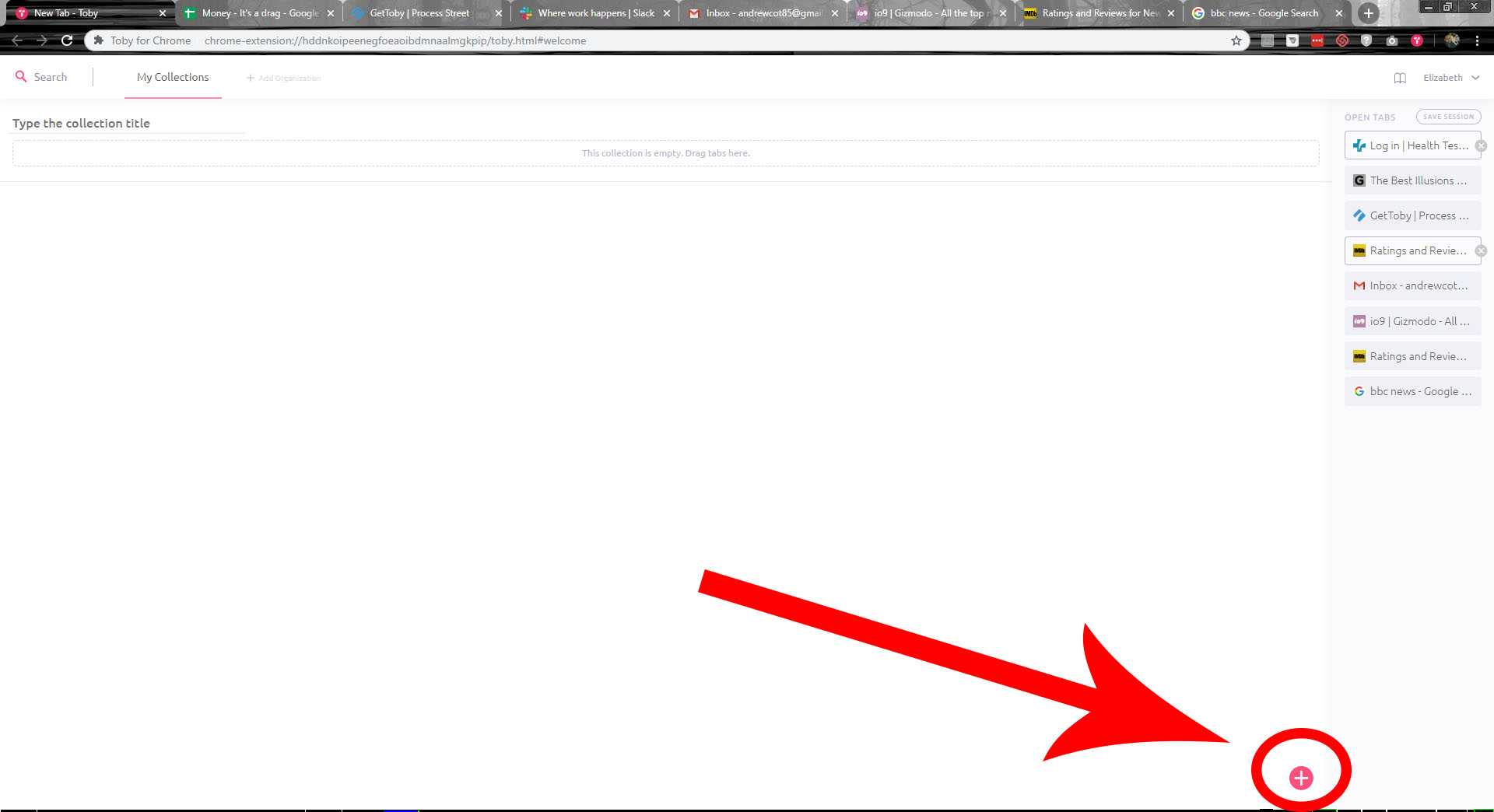
You can also add new folders by clickin on the red plus at the bottom right corner of the screen
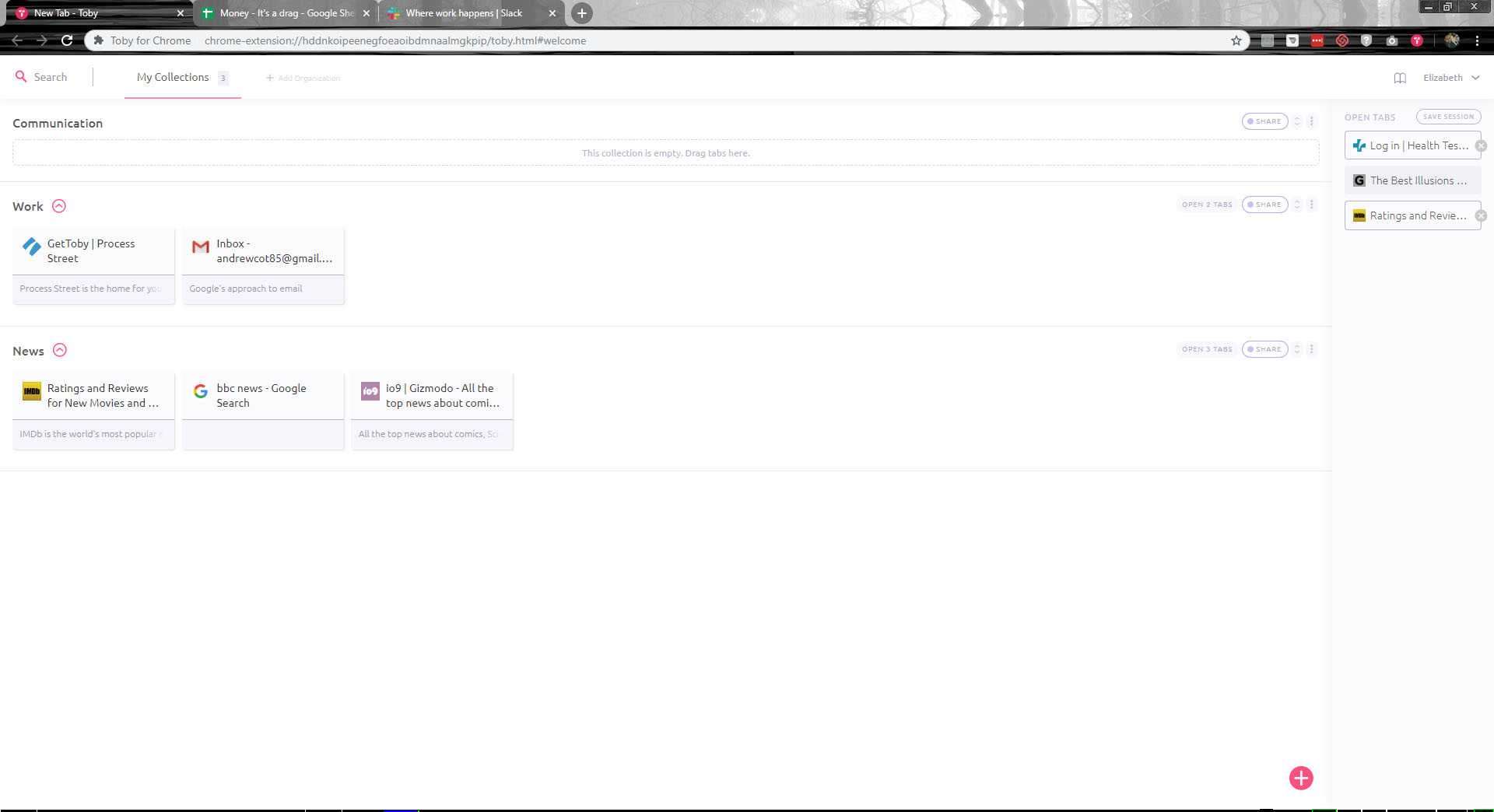
Here we've created 3 different folders, and as you can see, all the tabs along the top are also on the right side of the page. To organize the tabs, locate the tab on the right side of the page and click, hold, and drag the tab into the correct folder.
You'll notice that the tabs are not only organized, but they've been removed from the top of the web browser as well.
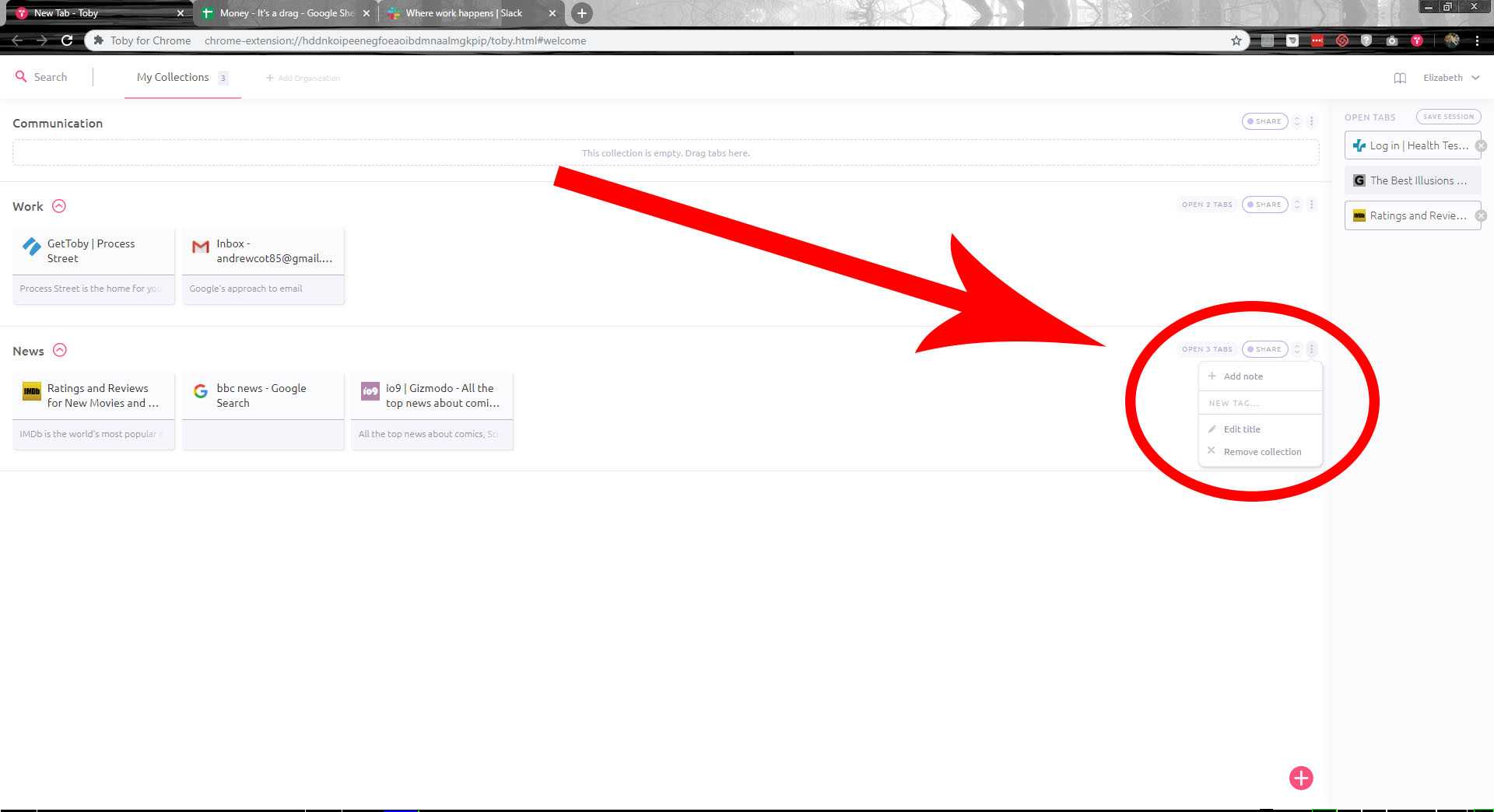
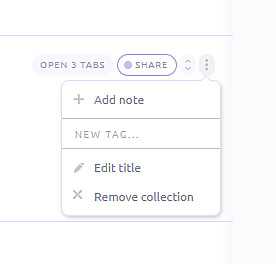
Each folder has a few options located at the right end of it's entry.
If you click on the "Open 3 tabs" it'll open all of the tabs. You can also share the folder, edit the title or remove it by clicking on the drop down menu on the right side.