CLICK HERE to access XERO
Login to Xero with your email address and password.
Authentication via your phone may be required to complete the log-in.
The Xero dashboard will be displayed.
From the Xero Dashboard ensure all transactions for the period end have been Reconciled.
Reconcile any outstanding transactions.
The current return is displayed.
You will be warned if there are any items still requiring reconciliation.
The GST Return appears.
To Print the Audit Report
A PDF will open with the GST Return and the Audit Report
Instead of printing the report you could review it onscreen.
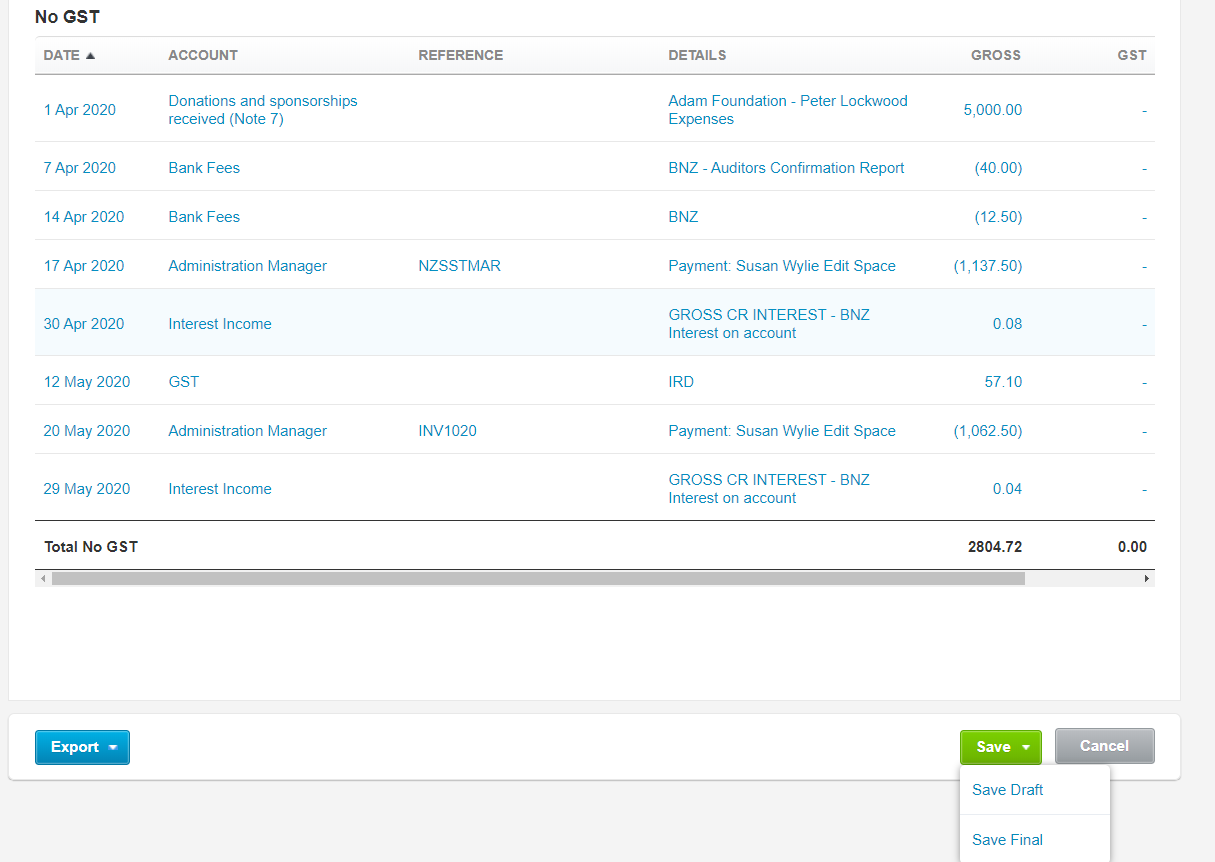
If adjustments or corrections are necessary, you can access each transaction from the GST Audit Report, just chose the link for that transaction.
Make the necessary changes (e.g. change whether the transaction is GST inclusive or exclusive.
Once checked as correct on the bottom right of the GST Return from the "Save" pull down menu choose "Save Final".
The Ready to File menu appear at the top of the GST Return
To file the GST Return with the IRD:
The myIR login screen appears
User ID: ???????
Password: ???????
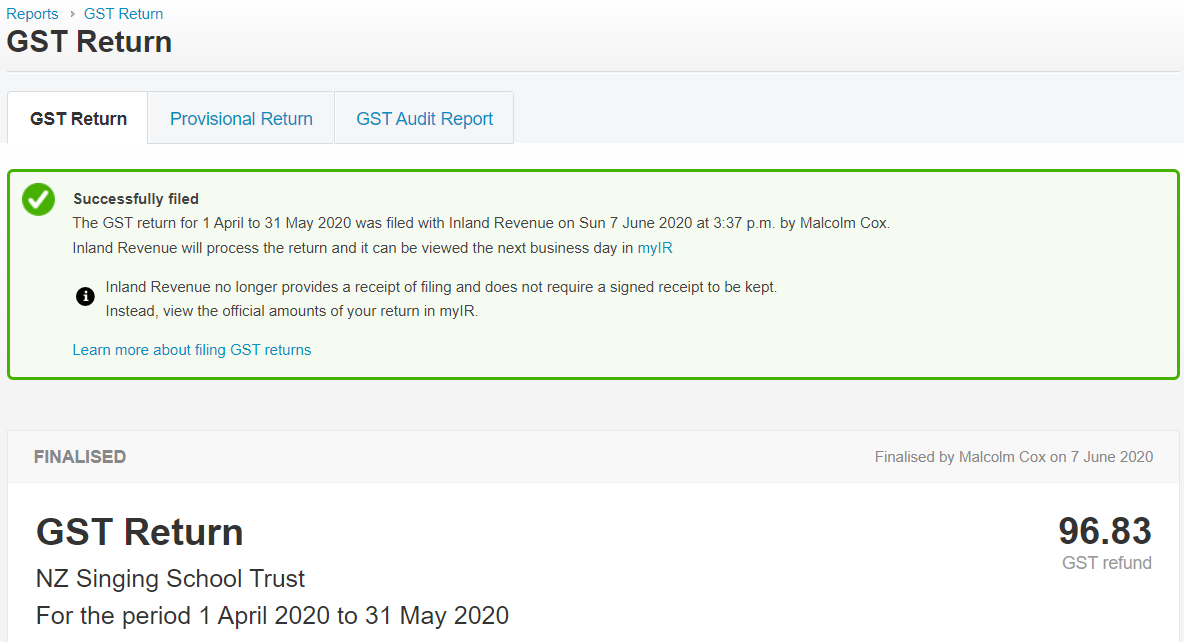
An acknowledgement will be returned confirming that the return is Successfully filed.
NOTE:
There will either be a GST Refund (if GST on expenses exceed GST income)
OR there will either be a GST To Pay (if GST on income exceed GST expenses)
Payment will need to be processed:
and
The date for payment should be set to occur at least 3 days BEFORE the last day for payment.