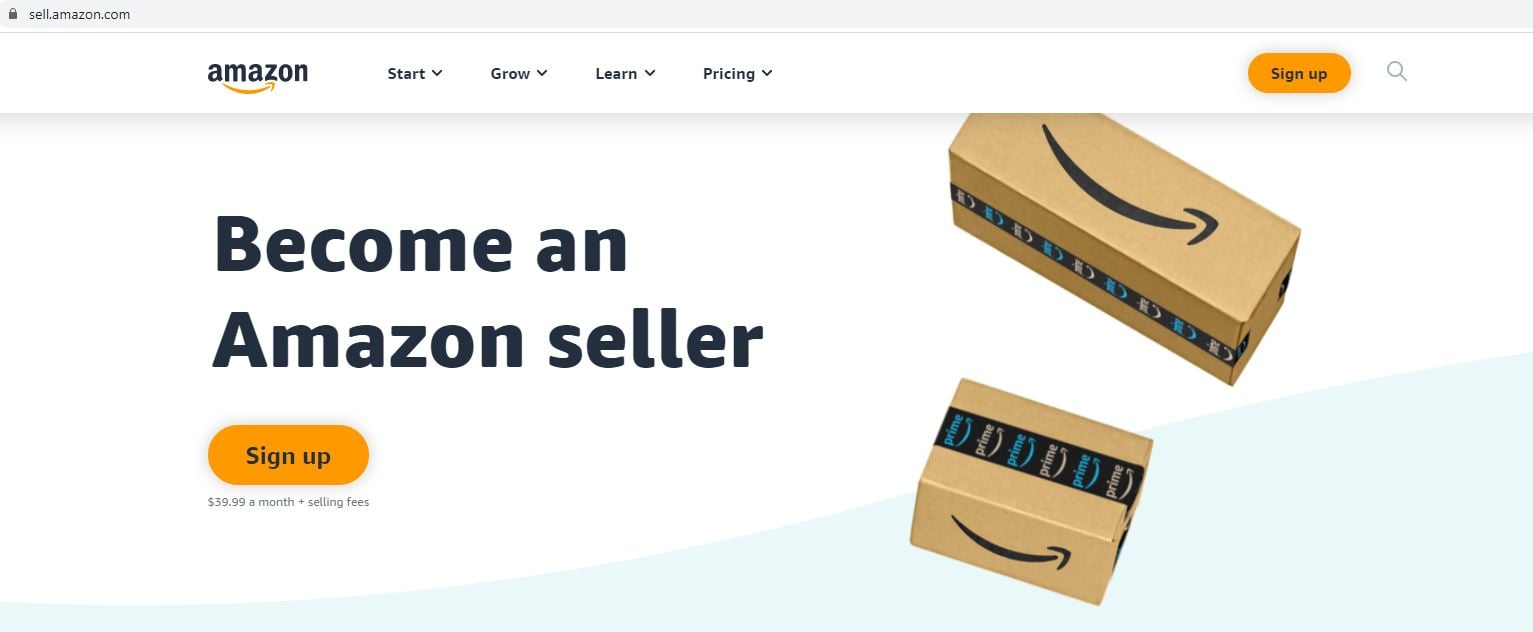
Once you’ve chosen the seller plan that is right for you, the following window will appear where you’ll be asked to enter your email address and a password (of your choosing) for your seller account.
Click on the "Create your Amazon account" button to create an account
Note: When you have an Amazon Seller account, enter your credentials and click the ‘Next’ button to proceed.
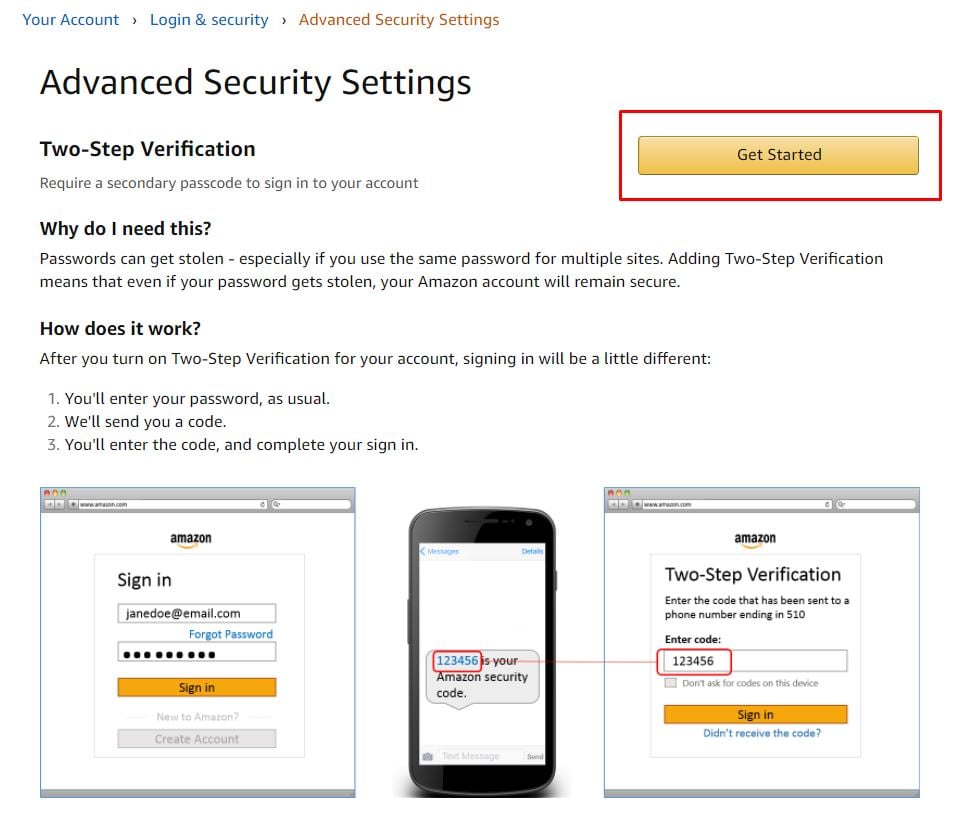
This will take you to a second screen asking you to enter in a one-time password (OTP) generated by Amazon, which will be sent to the email address you provided in the previous screen. This is Amazon’s way of verifying the email you entered.
After you’ve added that OTP to its corresponding field, click the ‘Create your Amazon account’ button.