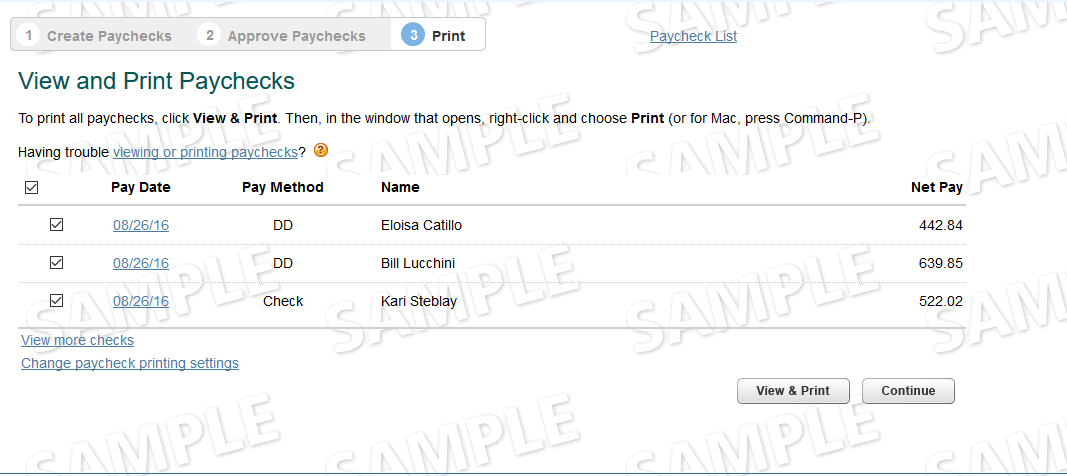
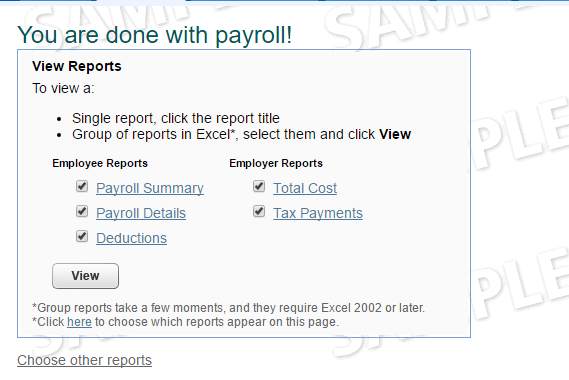
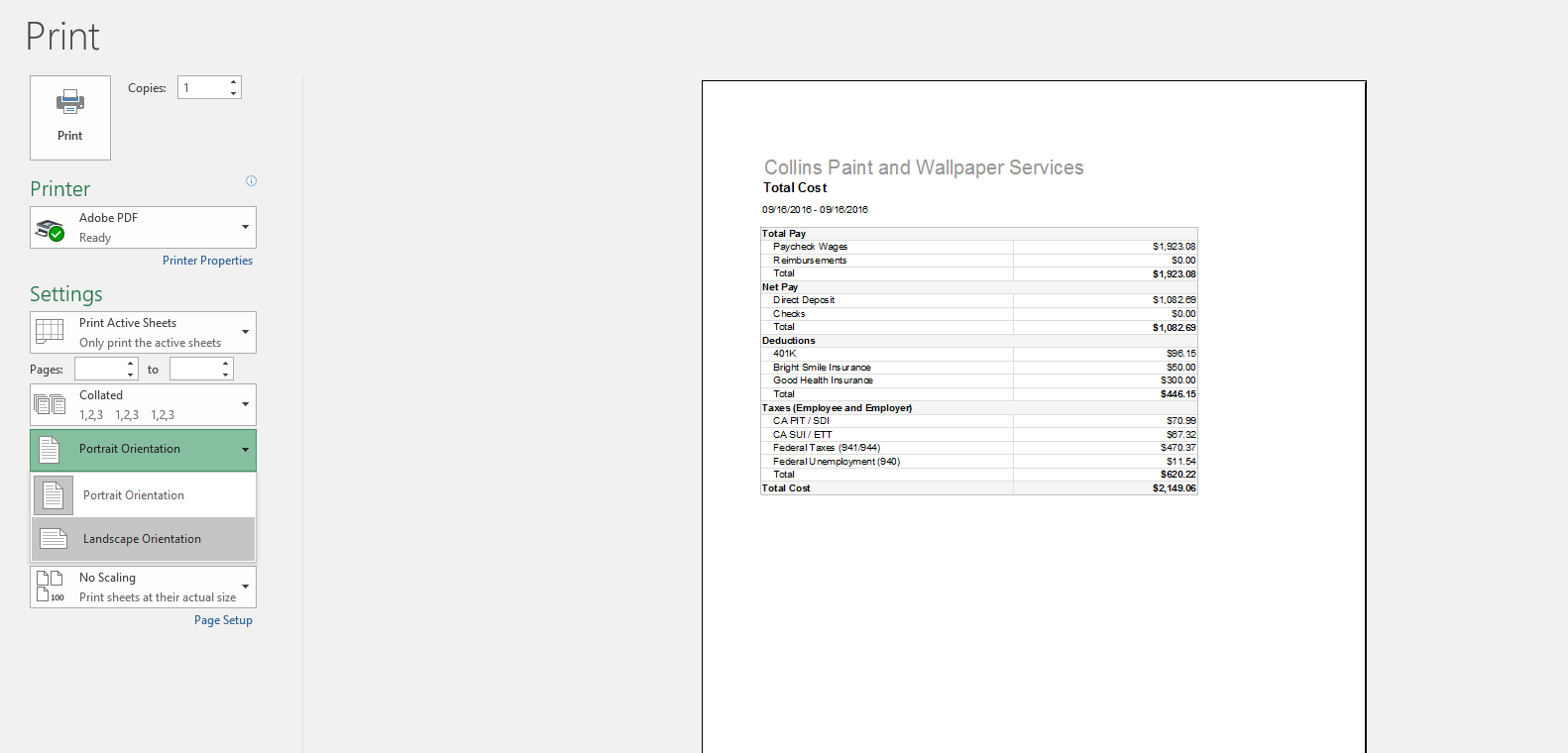
By this point you should have a printed and saved a copy of they paychecks and the payroll Reporting. Go to the folder where they are both located:
- Select both files
- Select the Payroll Cover Page (Provided below)
- Right Click and choose to combine files in Adobe Acrobat.
Arrange the documents in the following order:
- Payroll Cover Sheet
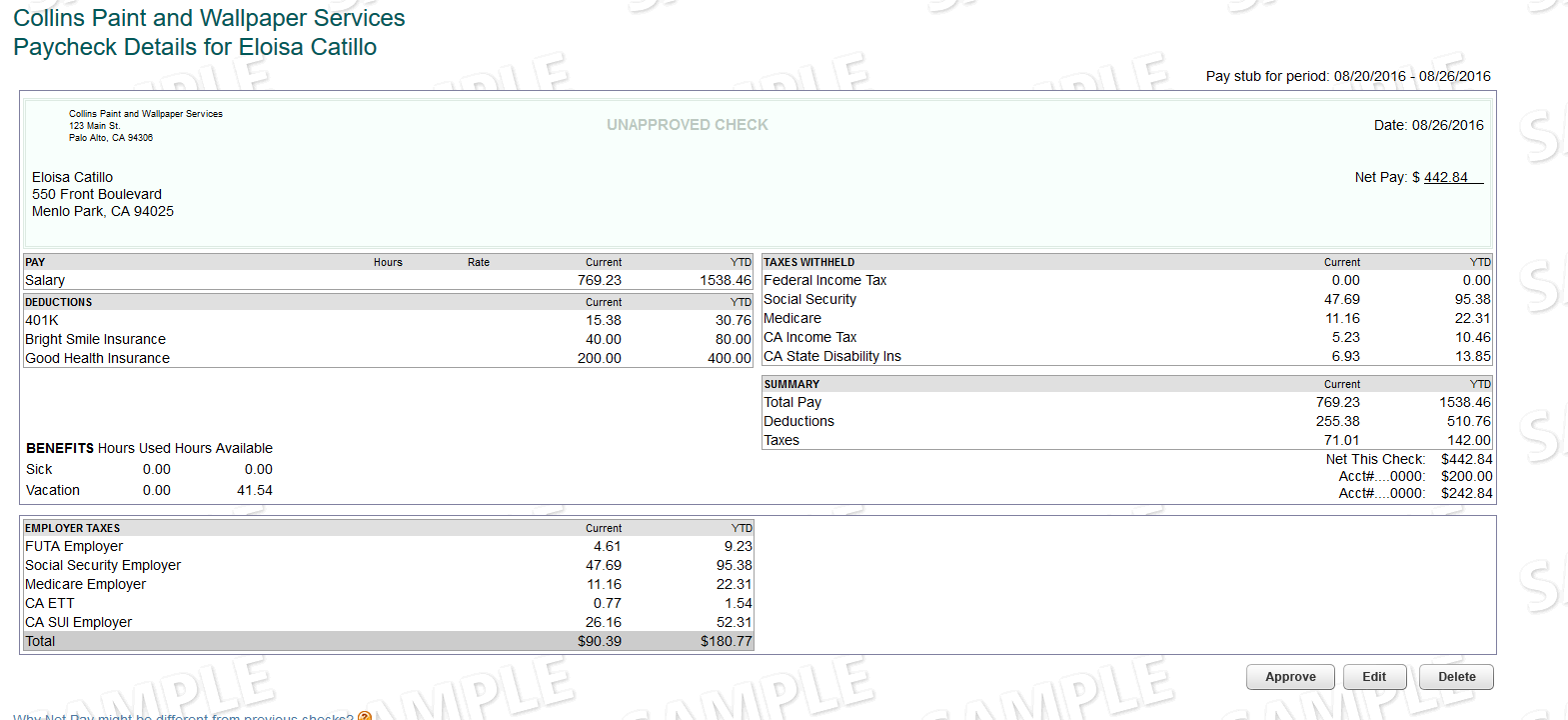
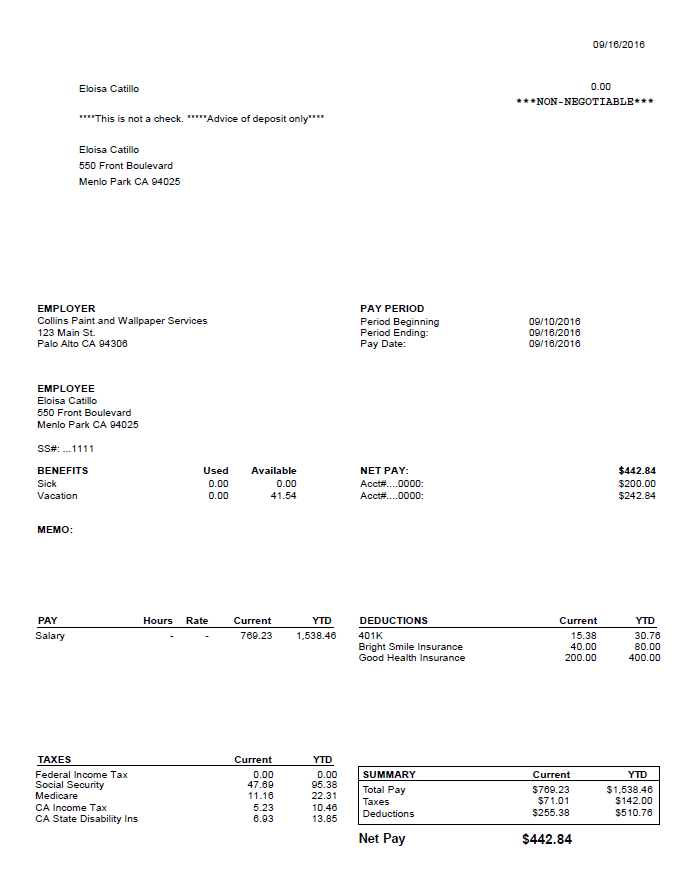
- Check stubs (with watermarks)
- Payroll Reporting
Select Combine Files and your completed payroll packet wiill be opened in Adobe.
Save the file in the following format: "mm.dd.yyyy Client Name Payroll Processing" where the date is the check date.
- For Example : 09.01.2016 Parkway Payroll Processing