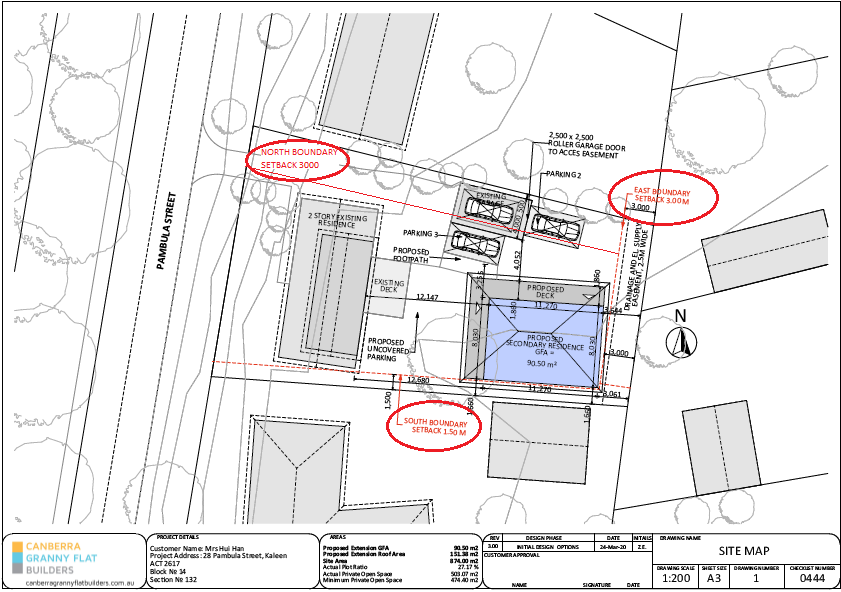
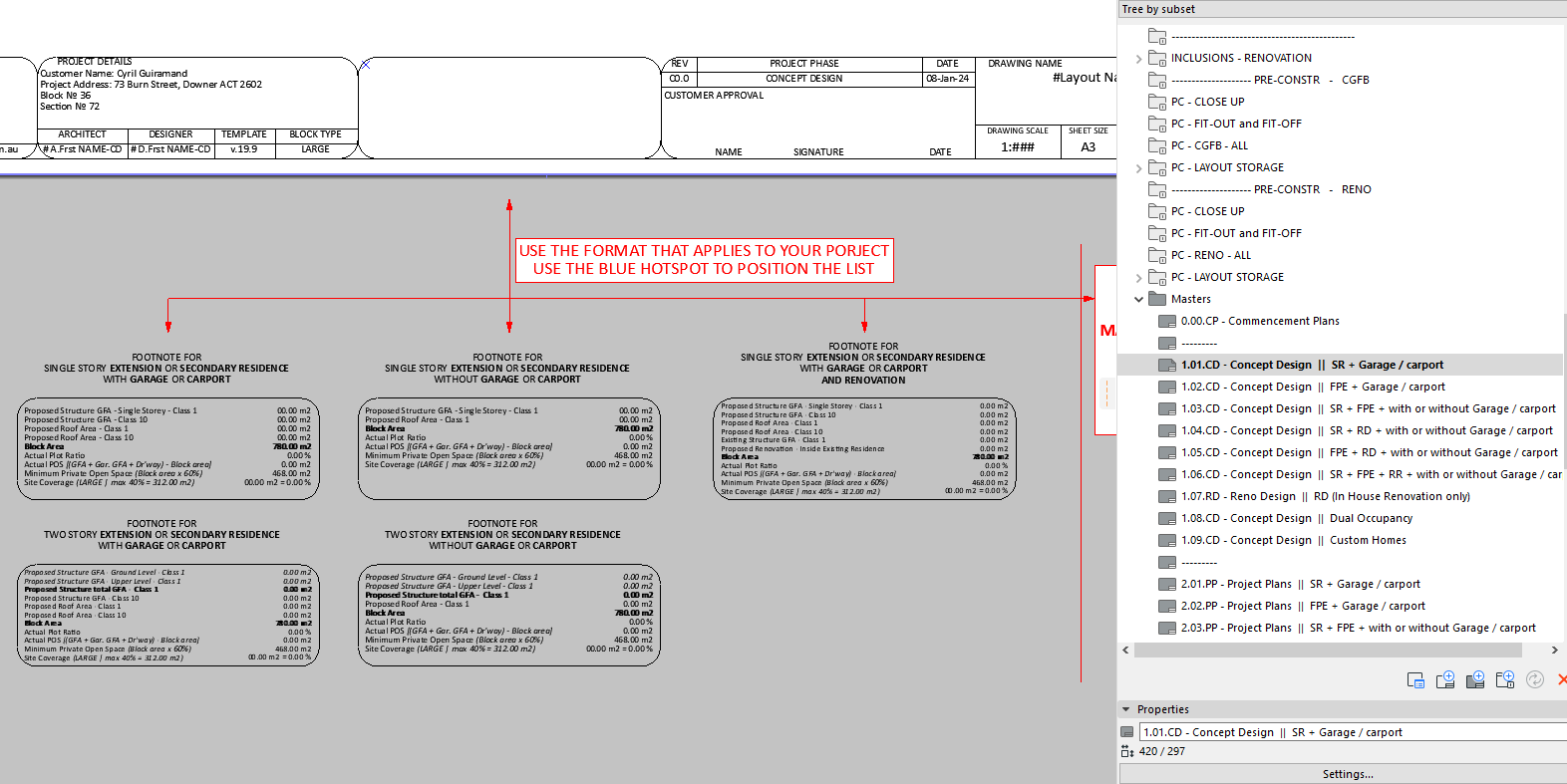
The correct Checklist Number has been included in the bottom right-hand side of the Title Block. The number is the exact number provided by the designer in the design request.
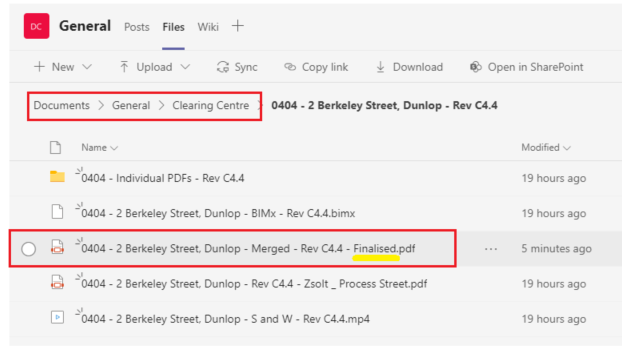
All emails and folder in MS Team will contain the Checklist number, which may change due to change of options or once a design has been approved/signed off.
The Designer will advise when new checklist numbers are required. All checklist numbers are generated from the CGFB database (GCONs) and are unique. They provide a version control method, to ensure the correct calculator is being used on the revision of the floor plans in ArchiCAD.
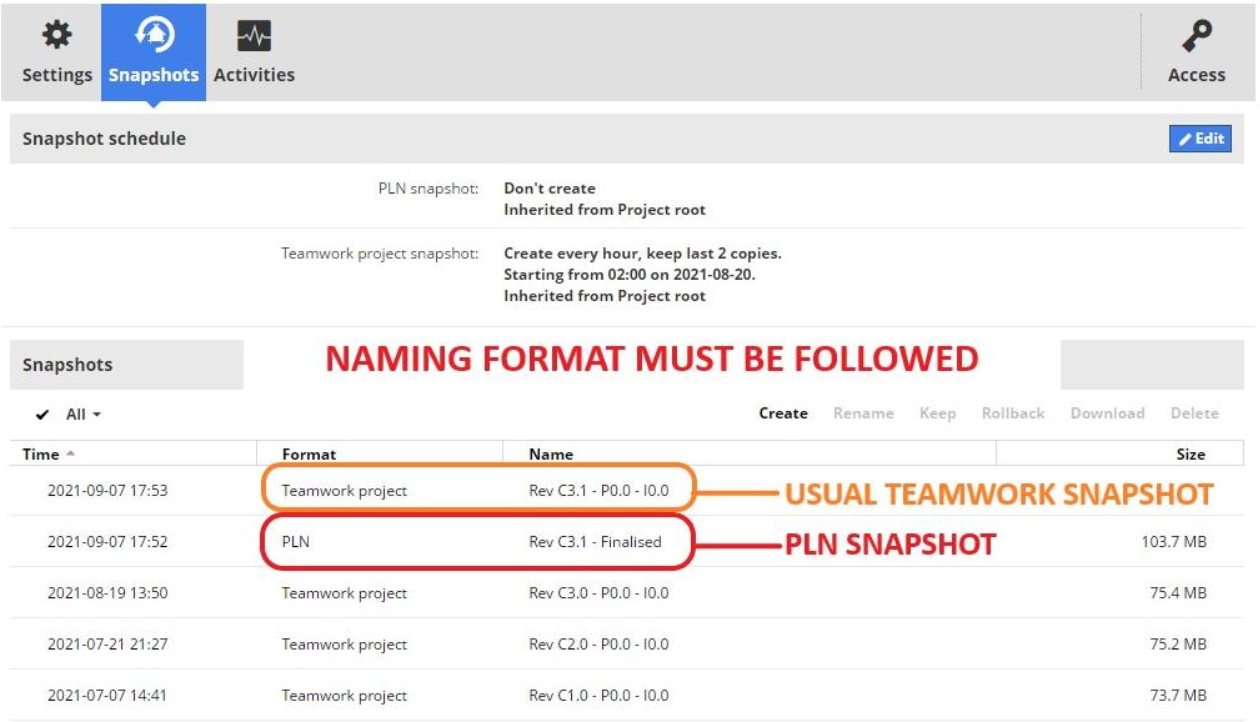
Please ensure the correct checklist number is used both in the ArchiCAD file naming and on all PDFs created for client reviews.