1. Boards
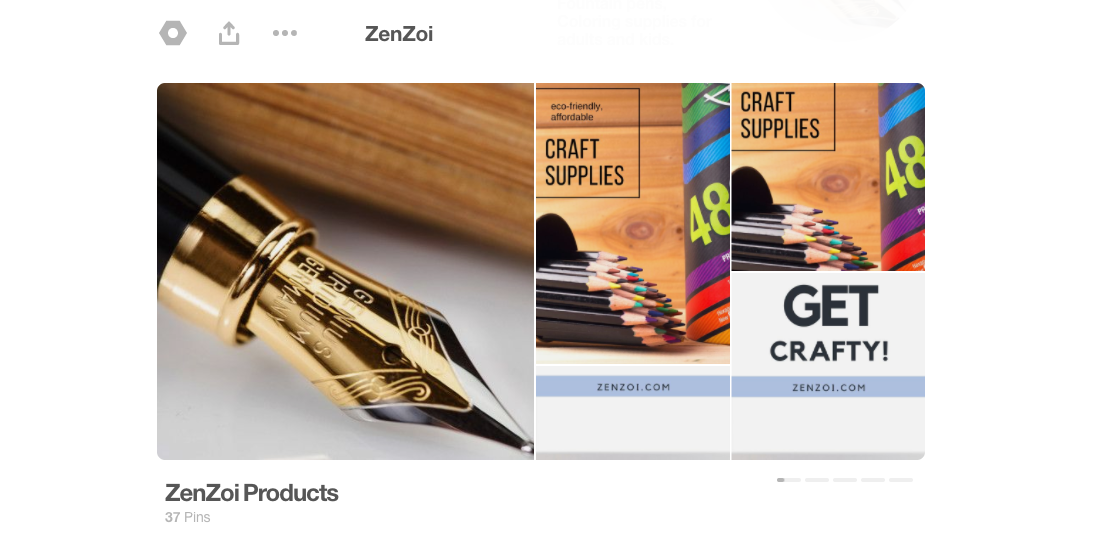
Pinterest boards are buckets of categorized content. Each one contains content with similar interests.
For example, one board might be “Facebook Marketing” while another captures content surrounding “Pinterest Tips for Newbies”.
2. Secret Boards
Secret boards are the same as above, except they’re secret. No one but you or anyone you’ve invited to pin with you is able to see your pins until you make the board public.
3. Group Boards
Group boards work the same as normal boards but have multiple pinners sharing content within the board.
4. Pin
A pin is an image that you add to a board that links to an external webpage (an article, product page, blog post, etc.).
5. RePin
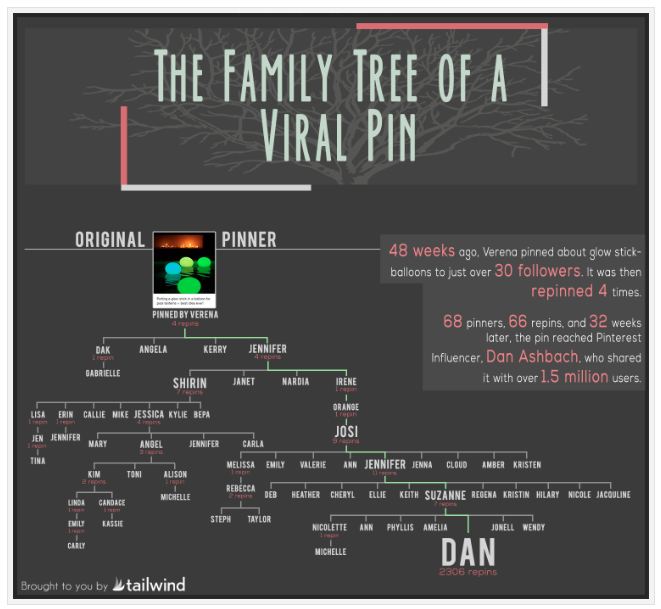
When you repin someone’s content, you’re sharing it with all of your followers.
It’s similar to a Facebook share or Twitter retweet. It’s a way to say, “Hey, I really like this and I’m choosing to share it with my community.”
6. Comments & Likes
Comments & Likes on Pinterest are no different than they are on Facebook.
Find a pin you really like? Leave a comment or click “Like” to show your support.
7. Pin It Button
The Pin It Button is a widget or plugin that can be added to your website or blog.
When someone visits your site and wants to pin your article, they simply click on the button & share it to their account.