Face ID / Touch ID
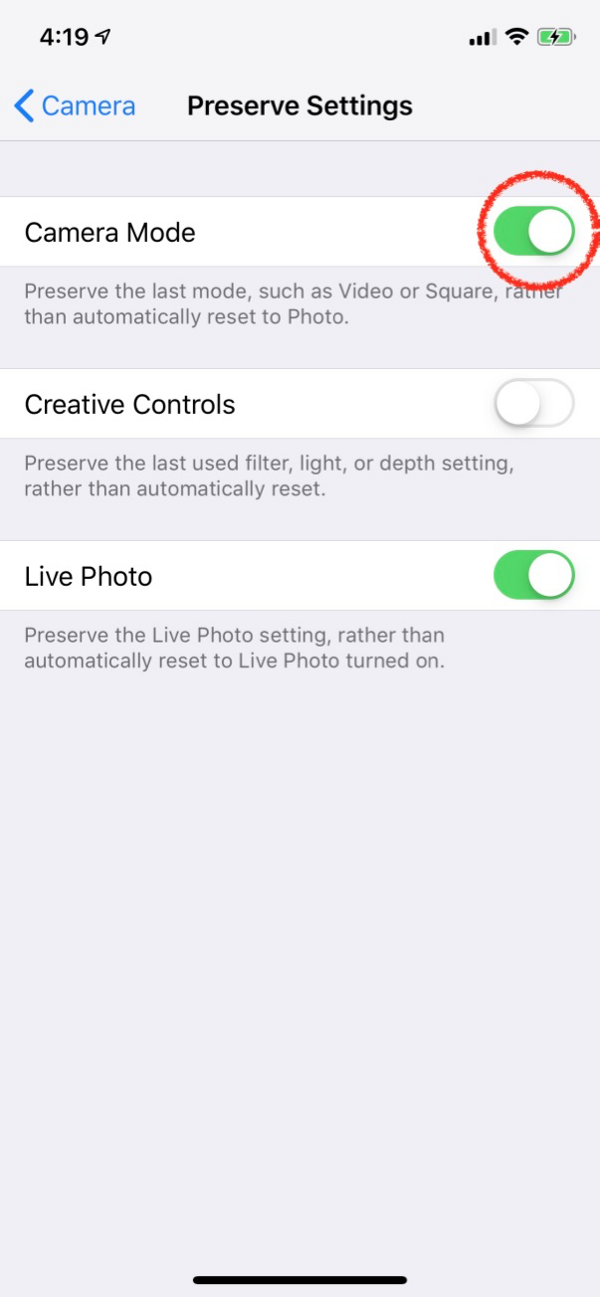
You should be using Face ID for everything. If you don't have Face ID, then you should use Touch ID. If you don't have either - then you should get a new phone (seriously)...
Anytime you need to punch in a pin or password, you should consider that a personal productivity failure. This is an incredibly useless expenditure of cognitive processing power (and time). You should ALWAYS be logging in via Face ID / Touch ID, or LastPass.
Whenever I type in a password or pin, I immediately remedy the problem (usually through going to the app settings and enabling Face ID / Touch ID).
Set Up iCloud Backups
Look at all this work you're doing to make your phone the ultimate productivity machine. Good for you!
But let's lock this in and make sure this is the only time we ever have to think about (most of) this stuff...
You should be backing up pretty much everything, and your phone is no exception. I strongly suggest using Apple's iCloud Backups (their native backup service). It's super cheap (I pay $11.88 per year for 50GB) and super native - you will never even realize it's running, and your phone will always be backed up.
Go to Settings > Apple ID > iCloud
You'll see options to manage your iCloud storage and which apps get backed up. Given how cheap this storage is, you should probably just back everything up...
I used to resist paying for backups too. But you can not risk downtime in today's world. The amount of time and energy this $11.88/yr will save you is totally worth it. I hope you all take my advice, and nobody has to realize this the hard way (like I did)...
Also - iCloud backups are extremely easy to restore. Whenever you get a new phone, you'll be able to instantly pull back your familiar environment with about 5 taps of the screen. Totally worth it and necessary for peak productivity.
We'll set up backups for other things later. Right now, just get your phone backups automated and move on.
Set Up Medical ID
Sounds pretty trivial, but amazingly this could save your life! If you're incapacitated, a stranger can access your Medical ID from your power-off screen. Paramedics and hospitals are becoming more and more likely to check for this in emergency situations.
Go to Health App > Medical ID > Edit
Insert your medical information here...
- Emergency Contact (or a few)
- Under medications and conditions, you can put your actual information or simply put "Call Emergency Contact for Medications & Medical Conditions"
- Your blood type would be useful. Most of the time you'd be pumped full of O-negative blood (the universal donor). But there are situations (especially in third-world or mass casualty) where this could save your life
- It's up to you whether or not you want to be an organ donor. There is no productivity gain for becoming one 🙂
This is also sometimes used by kind strangers when you lose your phone (to check for contacts or address).
Set Your Home Address (Final Spots)
There are lots of different places your phone will pull this information from. Let's just go ahead and get it finalized now, so we never have to think about it again...
We've already put our address in the Google Maps App, so no need to touch that. But there are 3 other places to set your address -
- Settings > Apple ID > Payment & Shipping
- Settings > Wallet & Apple Pay > Shipping Address
- Siri pulls your address and personal information for your personal contact record. So go into the Contacts App, locate your contact record, and click Edit. Make sure this information is what you want Siri using and sending out.
Change Your Phone's Name
This one is getting a little crazy. But why not?
Instead of using the default iPhone name (which gives away who you are at your local Starbucks or airport), let's use the real estate for something more useful...
- Advertise yourself or your business -
StartupBros.com/about
- Inspire yourself to stay focused w/ small affirmations -
I Stay Focused or Watch Me Grow
To change your Phone's Name, head to Settings > General > About > Name
Set a Simple Personal Hotspot Password
Most smartphones now operate as personal hotspots, allowing your computer (or other devices) to use your phone's data network as it's internet connection. Which is an awesome feature 🙂
Instead of having some ultra-complex personal hotspot password, why not have something dead simple anyone can understand on the first try?
One great method for this is short 3 word passwords. You can read about that method here. So your password may end being horsealphaomega or staplehotbulb
I would never use a password like this for anything LastPass could handle. But wifi passwords are things I need to say out loud and communicate to people. It's super annoying having to explain Uppercase vs Lowercase and all that BS...
You can do this on your home or business wifi networks as well. For most of us, there will be little to no security risk.
Other Apps
TrueCaller or NoRobo App
AdBlock App
Calm or Headspace
Shortcuts
Acrobat Reader App
Copied App
Doodle App
Dropbox
Launcher
ScanBot / CamScanner
Brain.FM / Tide
Pomodoro (BeFocused) - We'll talk about the Pomodoro Method elsewhere in this program. But this app is the best Pomodoro Timer I have ever found. If you do use this, it should be a tool on your Home Screen
Fasting (Zero App) - We'll talk about diet & exercise elsewhere, but this is the best intermittent fasting tracker. Install this (enable notifications for once), choose 16hr fast, and enjoy!

![[Productivity] Configuring Your Phone](https://www.process.st/templates/wp-content/uploads/2024/02/vub_sj2Tizfk0hQKKfVAXg.png)