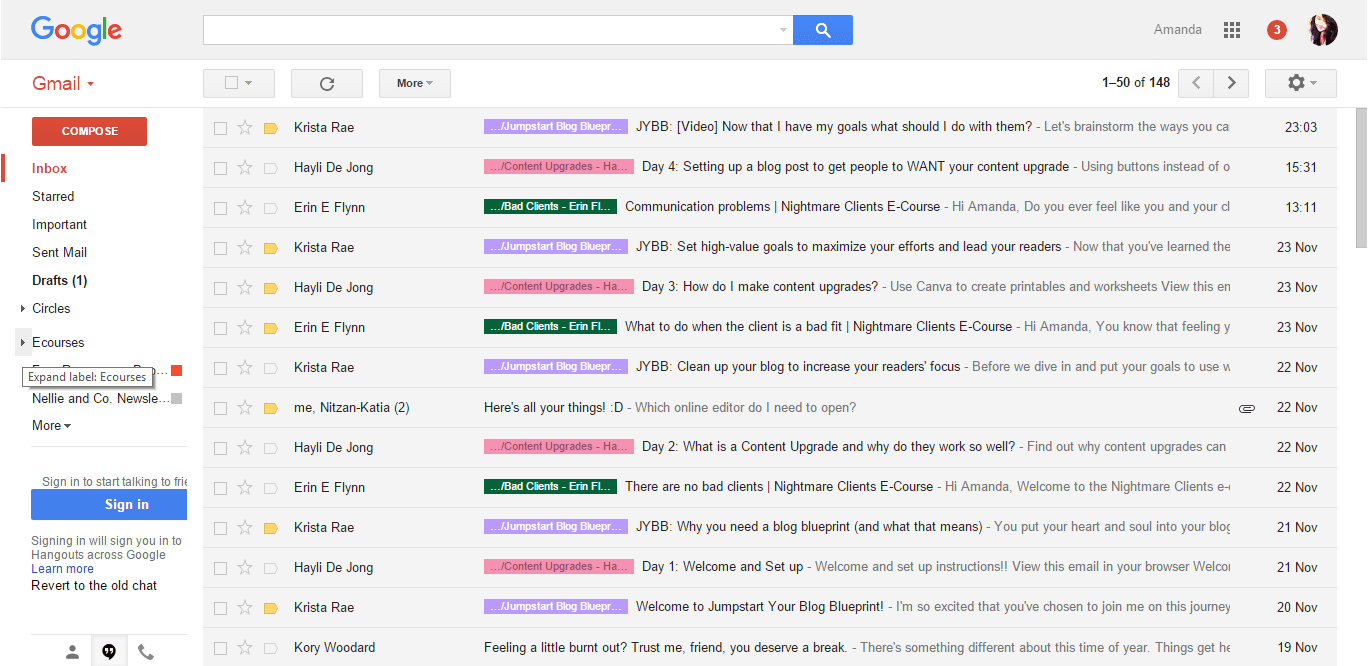
And here's what each one of them means:
Default: It shows the emails in the order that they came in — the layout we see every day.
Important first: Gmail uses its own prediction to determine which emails are important, and places them at the top of your inbox with a yellow marker. Everything else goes below that.
Unread first: This setting displays unread emails above recent emails. This is especially helpful if you use the read/unread as a to-do list.
Starred first: This is for the ones who use stars to prioritize their inbox. The starred messages appear first, followed by everything else.
Priority Inbox: Gmail learns what kind of emails you interact with the most, and puts them at the top of your inbox. This is great for folks who have to deal with a lot of emails every day.