Now it's time to set up your Purchase Confirmation Email Sequence!
Your Purchase Confirmation Email Sequence includes all of the email "touch-points" that you should have with your customer from the moment they purchase your offer, to the moment they receive your offer, and beyond.
The emails within your sequence fall into 2 categories :
- Automated emails
- Scheduled Broadcasts
Your automated emails are emails that are not time and date sensitive that you'll send immediately after your customer makes a purchase. This includes the initial order confirmation they should receive right away, and perhaps the first couple post-purchase emails / reminders.
Your scheduled broadcasts are the emails that must be sent to all of your customers on a specific date and at time specific time. If you're offering a class, these emails might include your 24-hour and day-of reminders, your thank you emails, etc.
Everyone's post-purchase sequence will differ depending on the nature of your offer, so use your best judgement as to which emails should be added to your sequence, and which email should be scheduled as Broadcasts.
Watch this video to learn how to set up your Sequence(s) in Convertkit :
**IMPORTANT UPDATE**
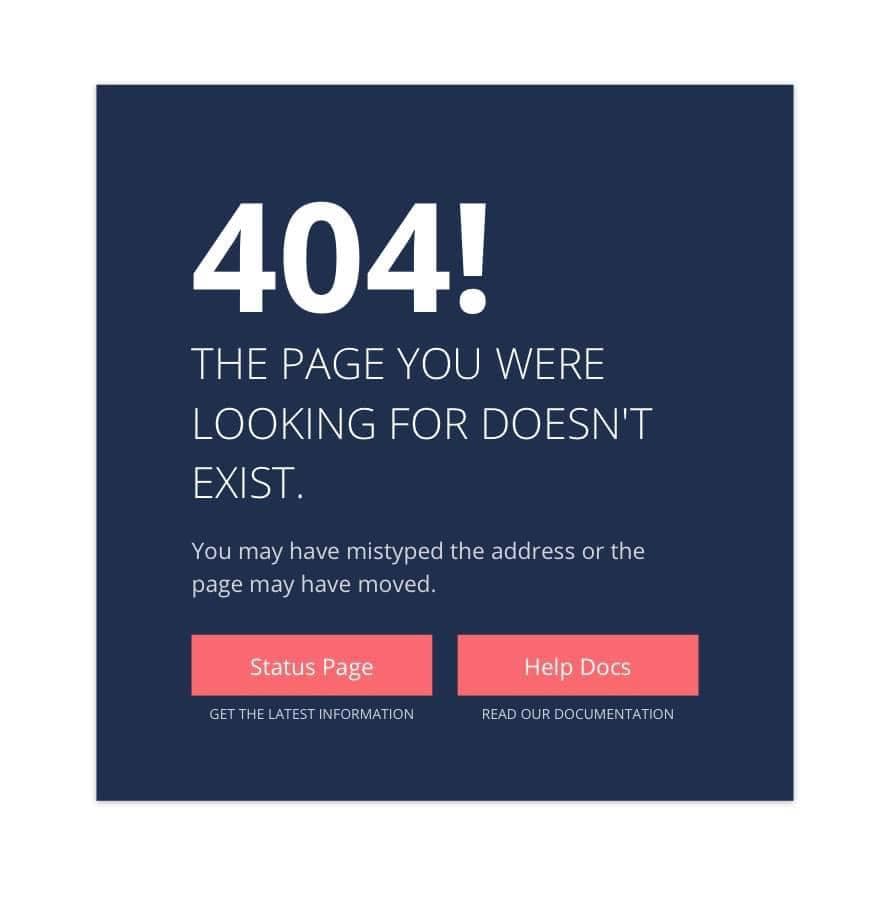
As of April 2021, Convertkit has added bit.ly to a list of blocked links. As such, you are no longer able to include bit.ly links in emails sent from Convertkit. If you do send a bit.ly link via Convertkit, your recipients will receive the following error message when they click the link in your email:
You can continue to use your bit.ly links to promote your offer on your social media and everywhere else. This is an issue related only to emails sent from Convertkit. For more information, see this Help Article from Convertkit.
For instructions on how to include the links to your sales page in your emails sent from Convertkit, please watch this video:
You will learn how to set up Broadcasts for the remainder of your emails in Step 8.