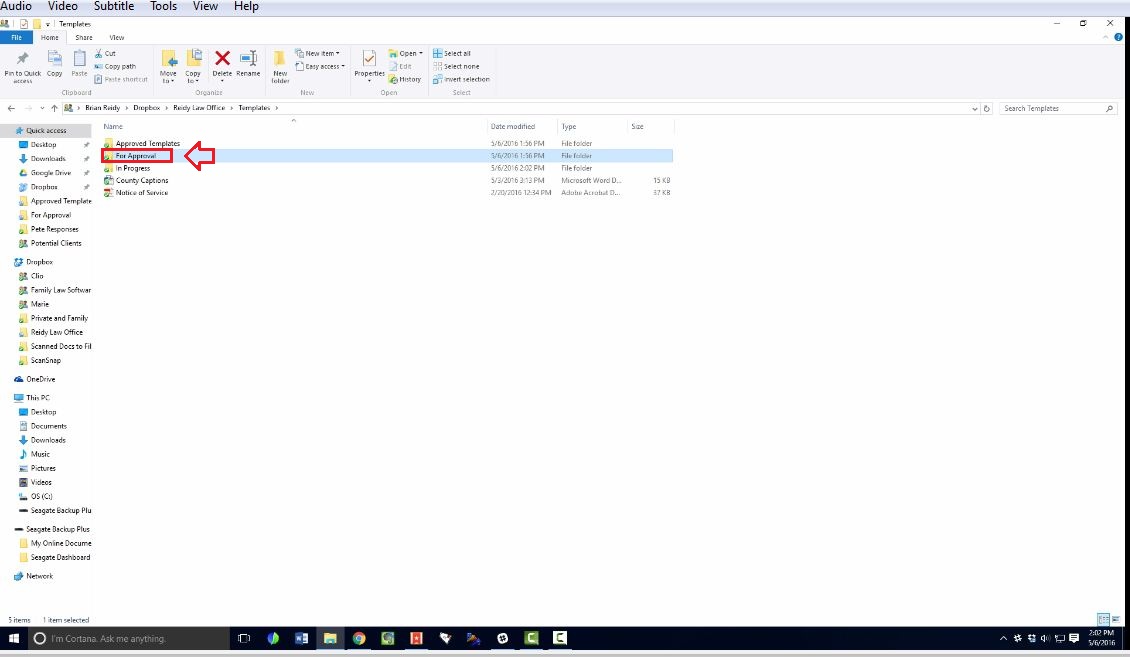
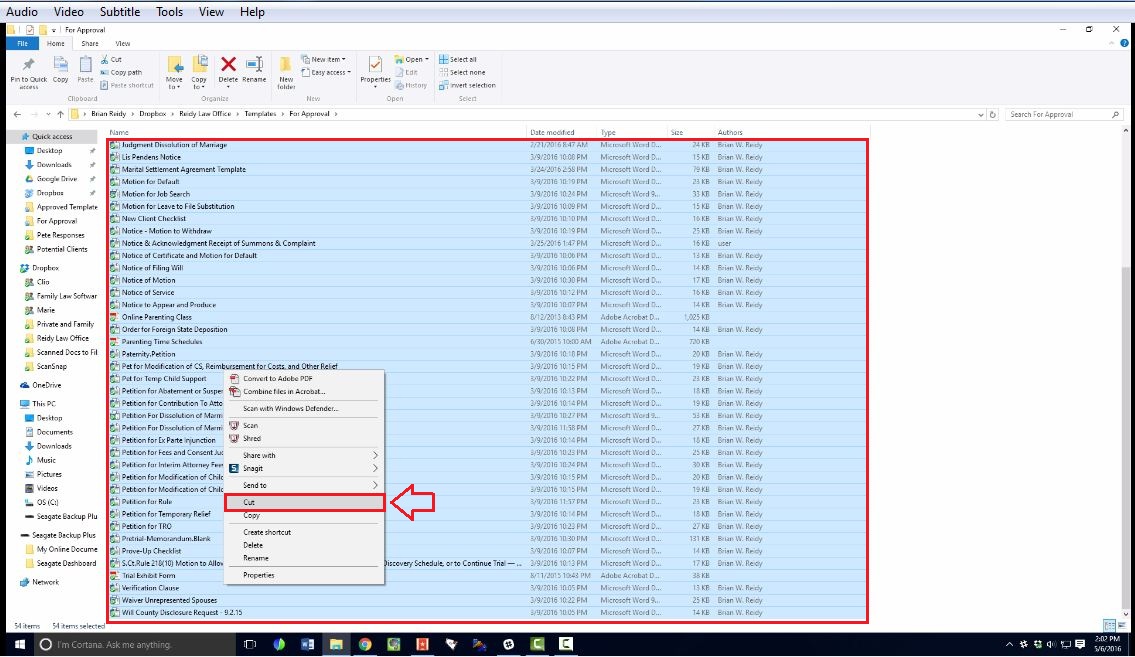
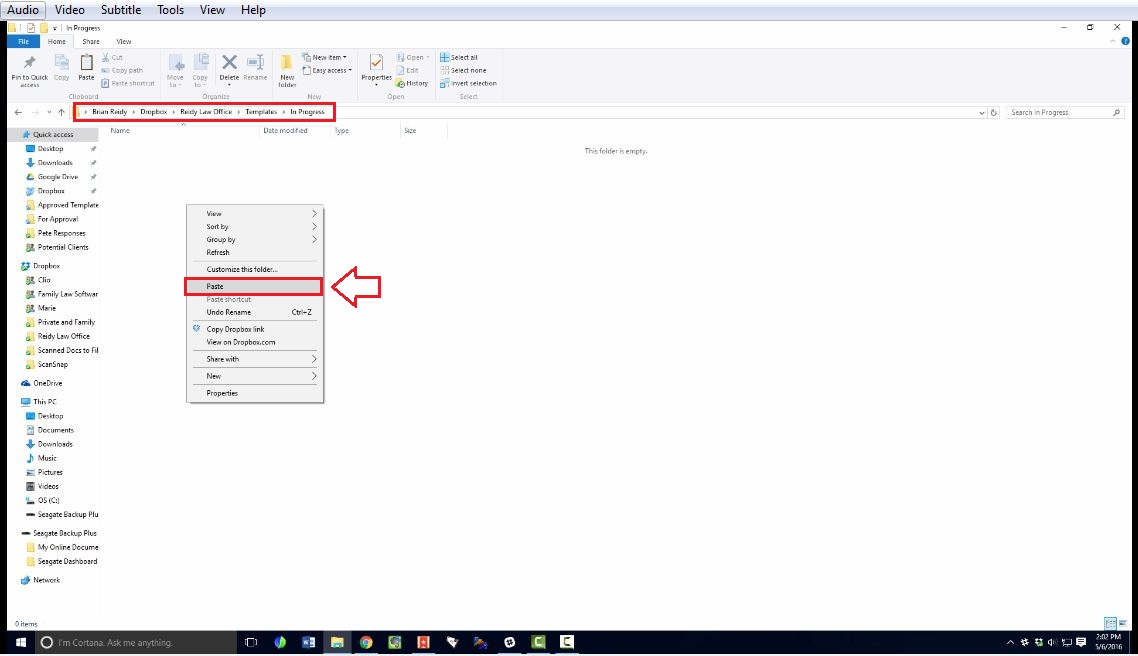
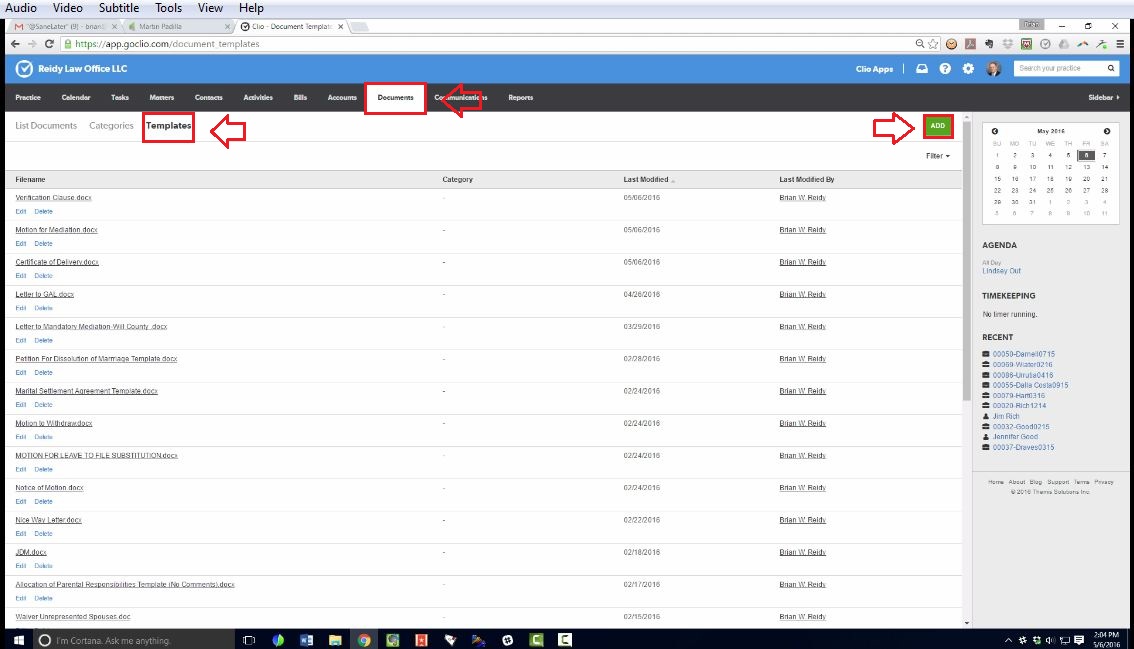
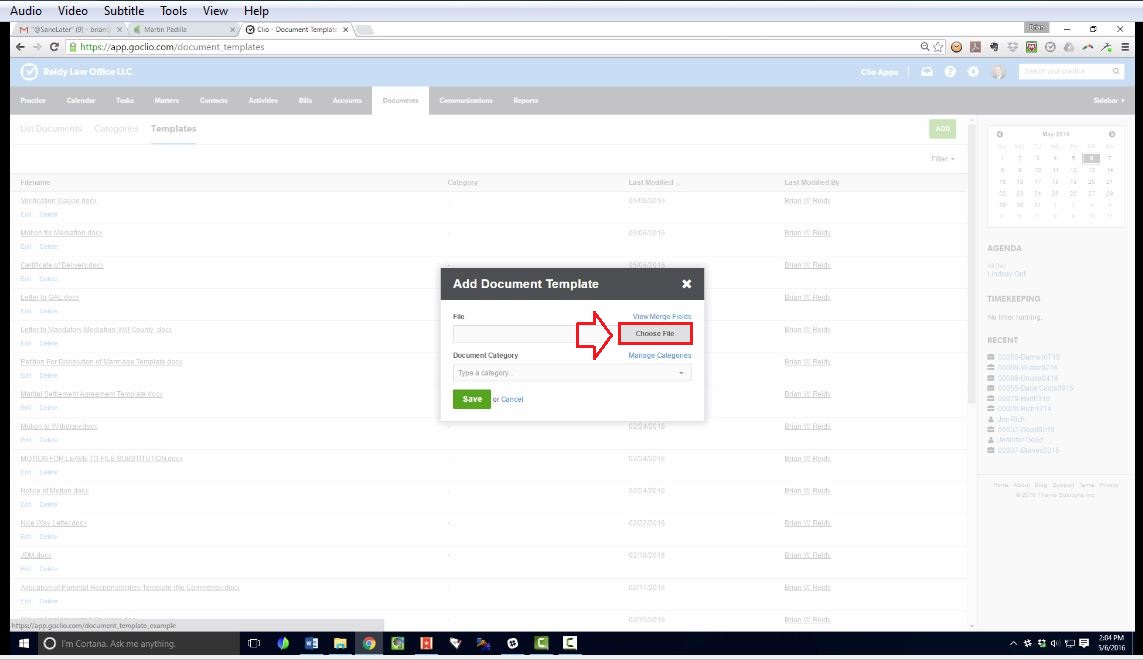
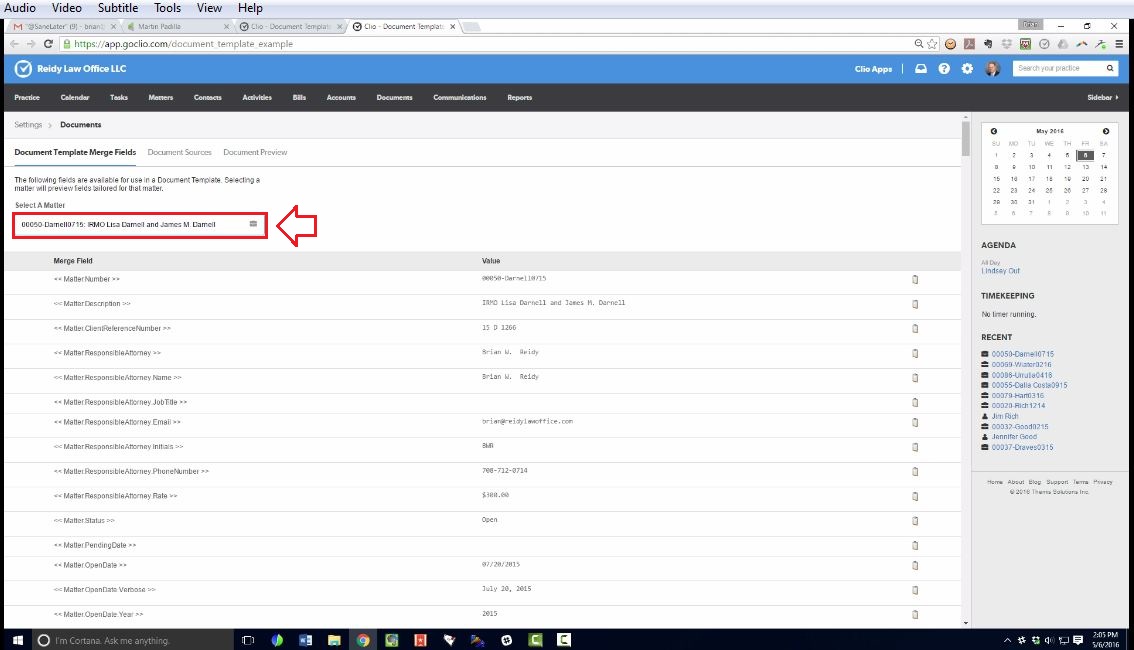
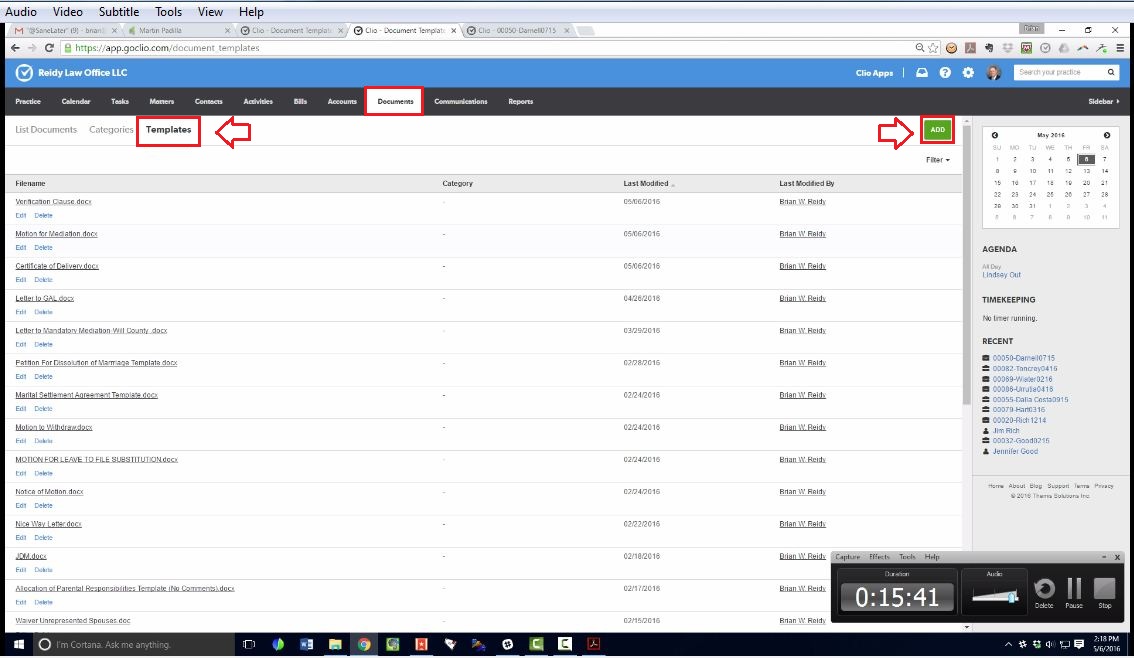
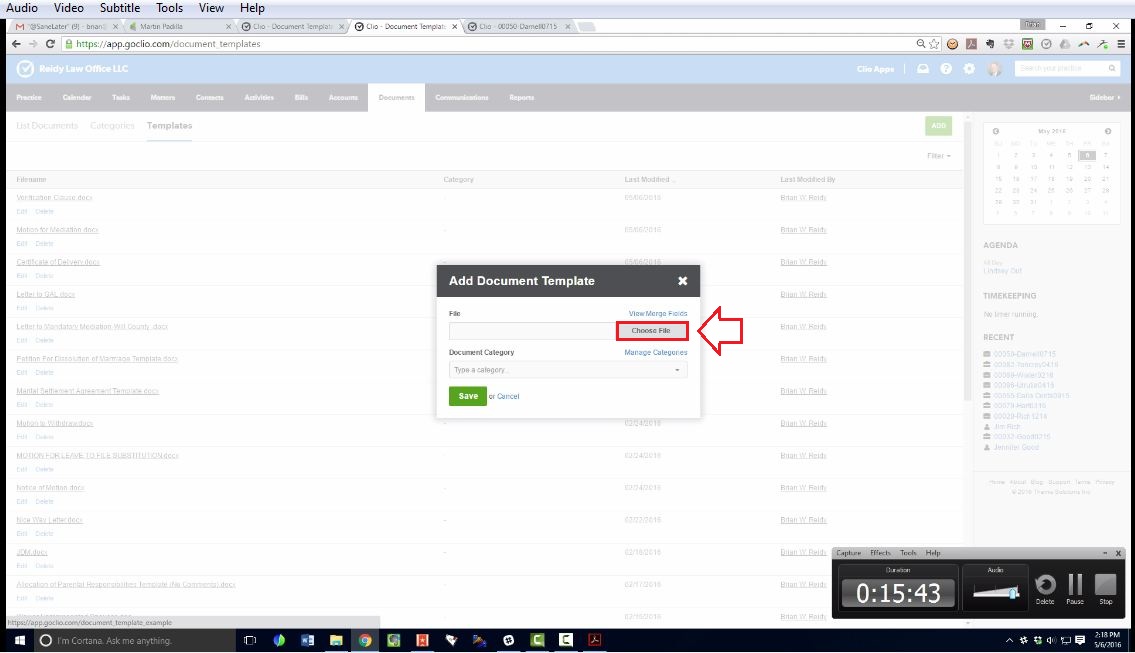
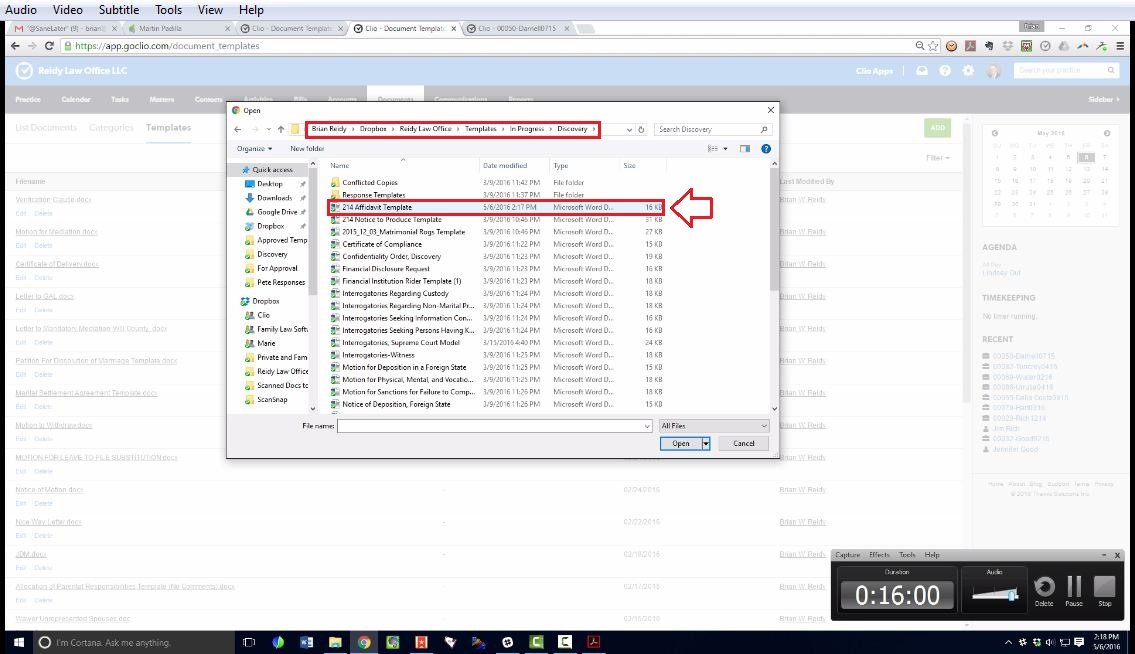
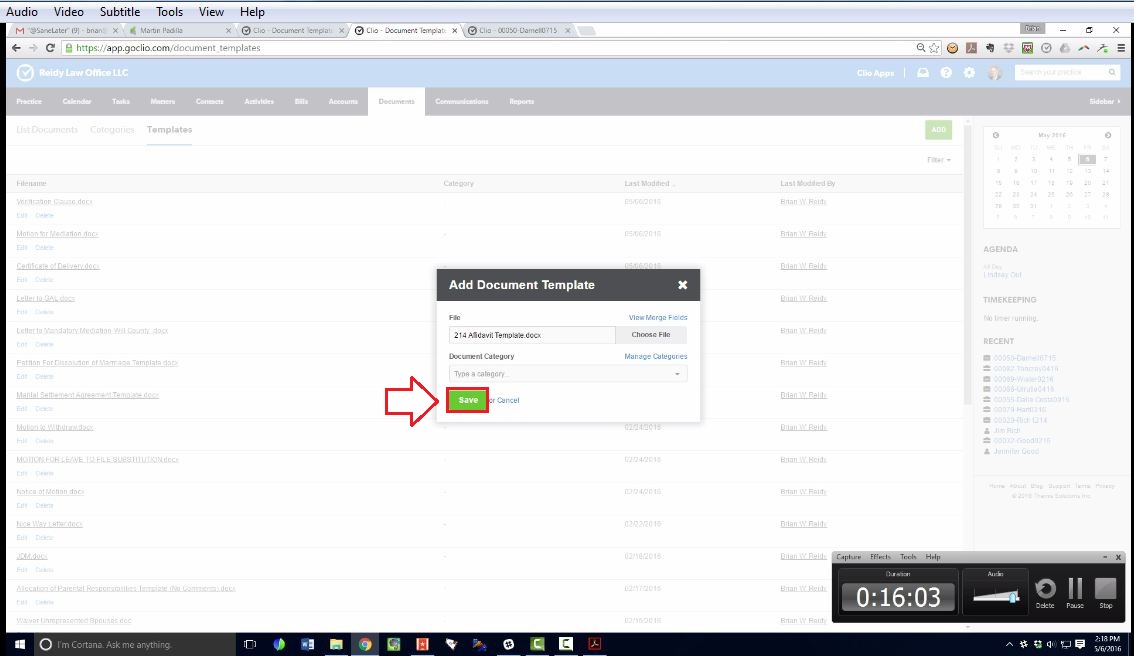
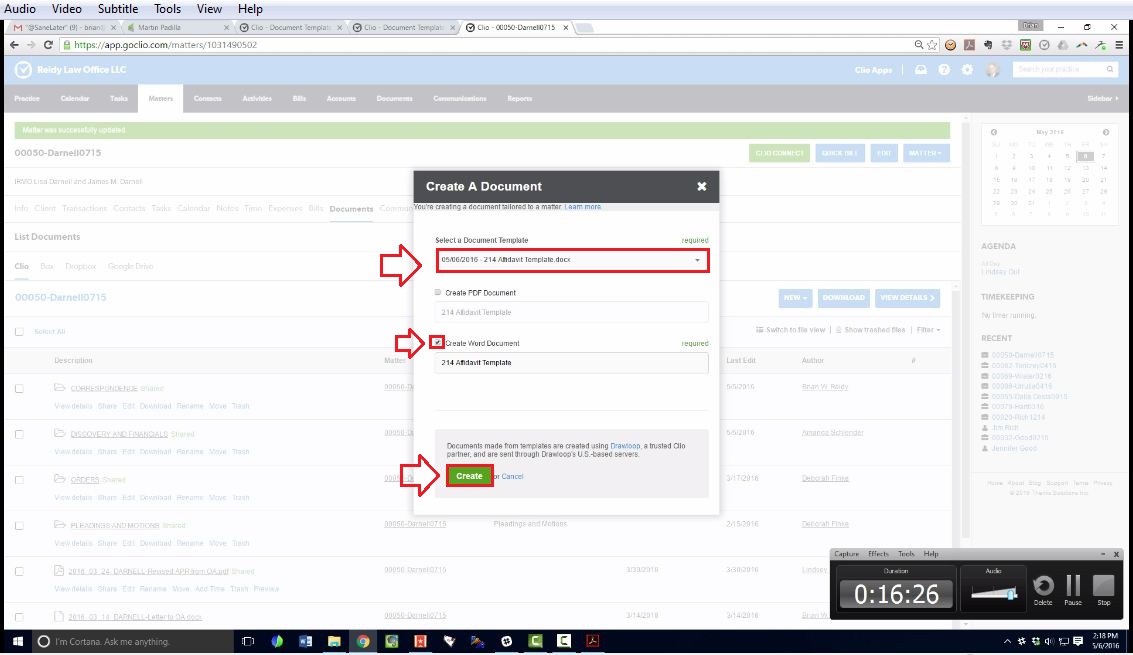
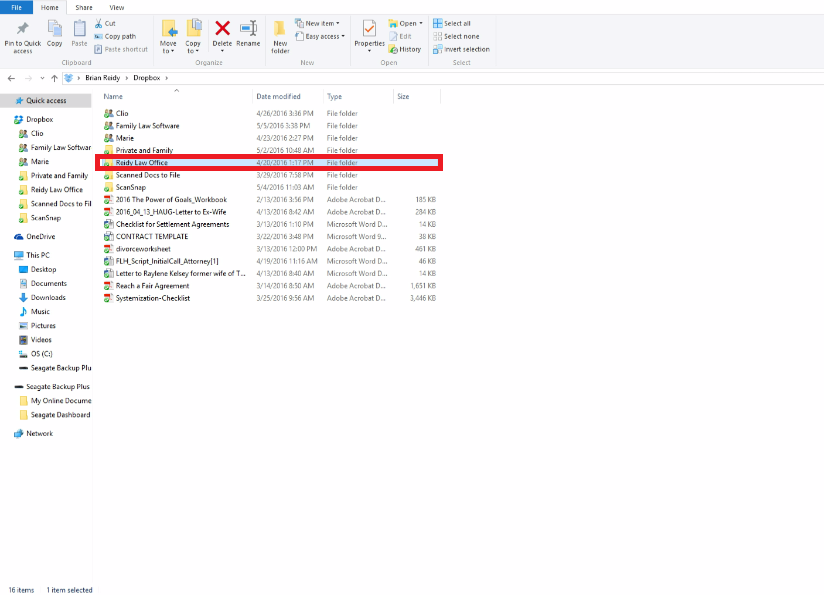
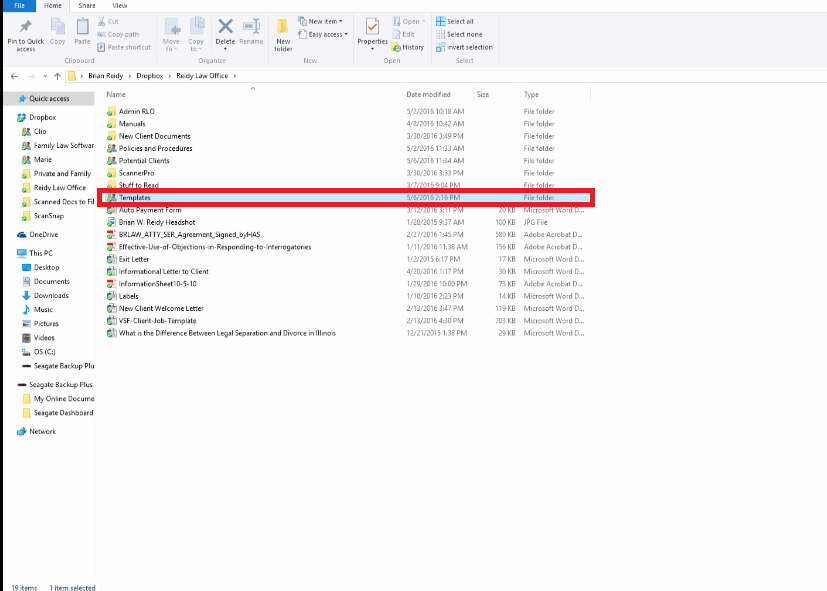
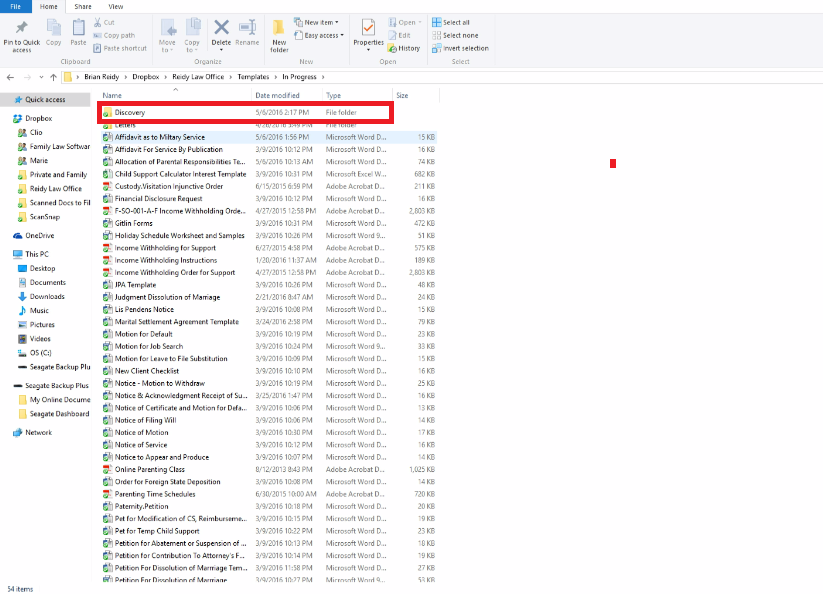
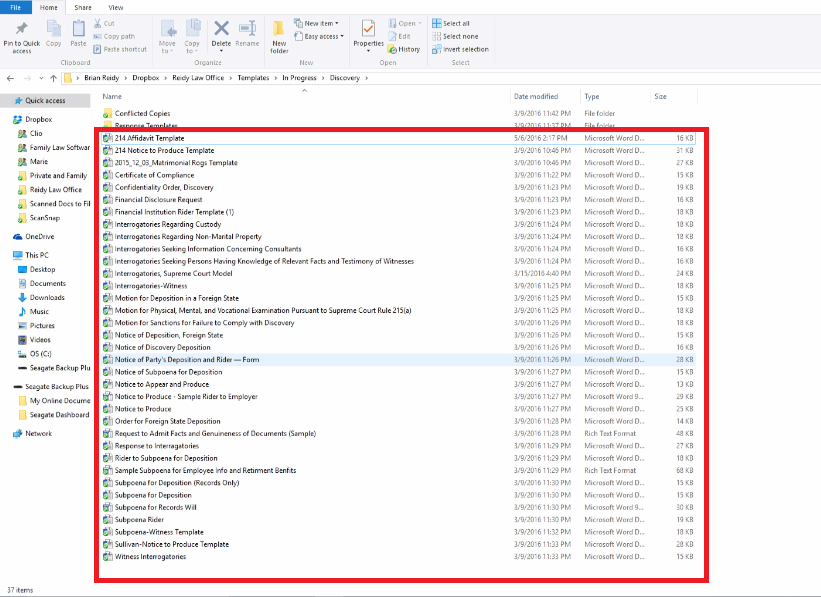
4. Click on "Choose File"
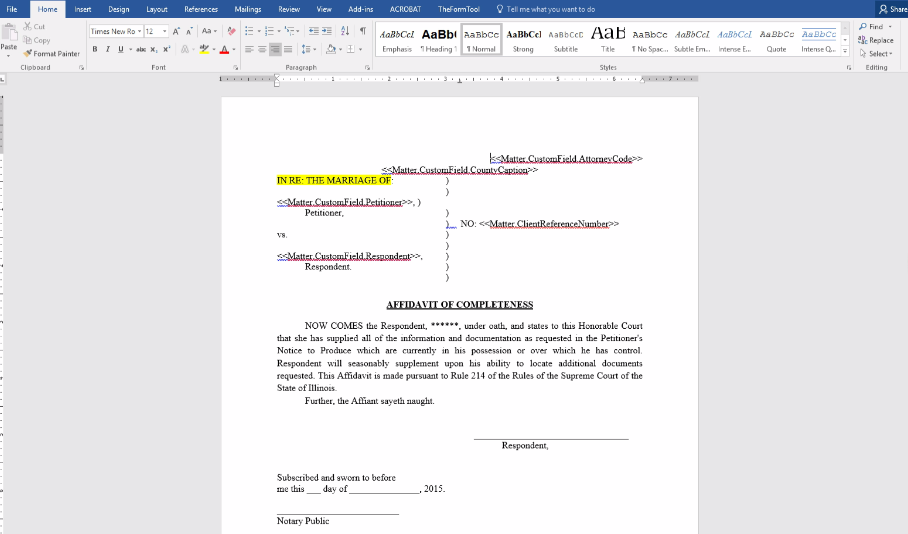
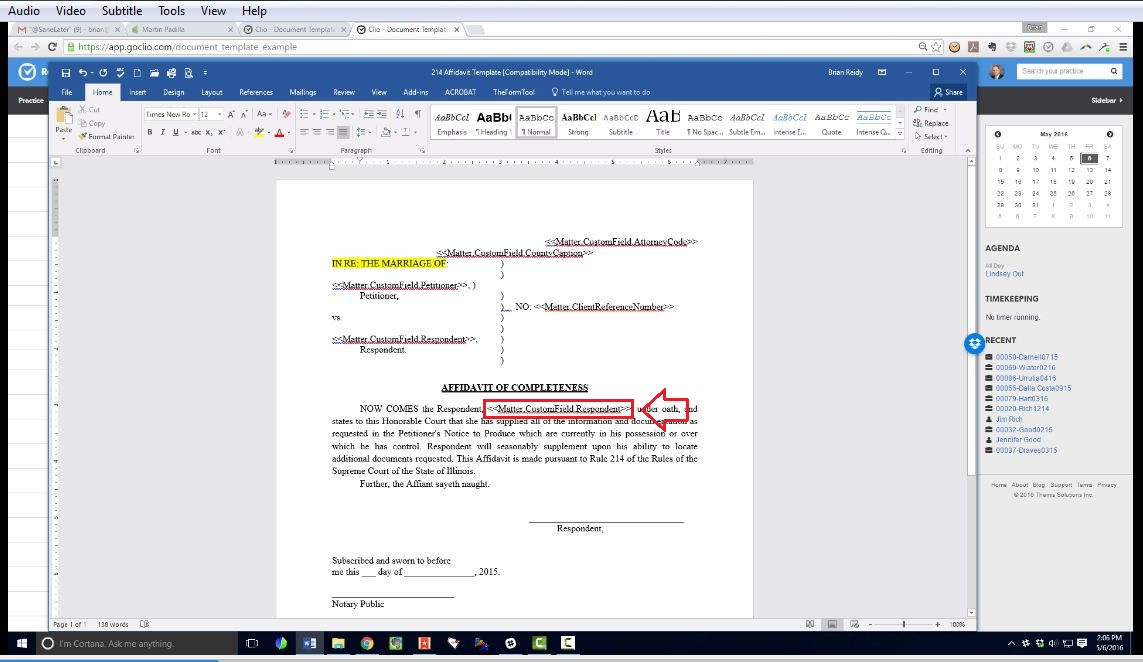
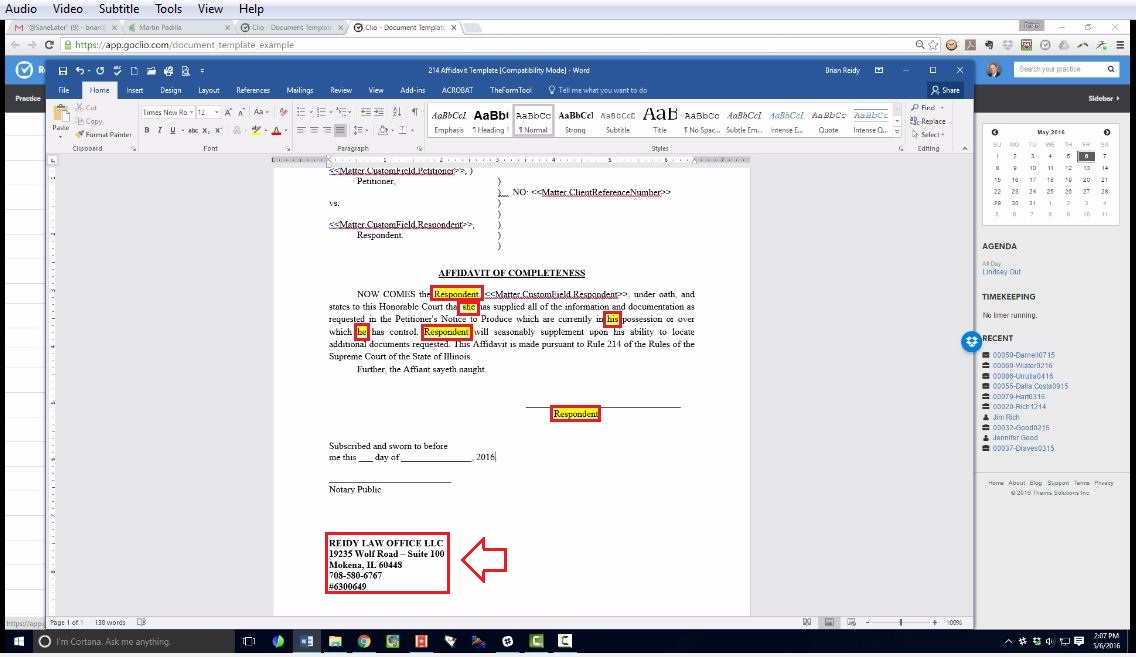
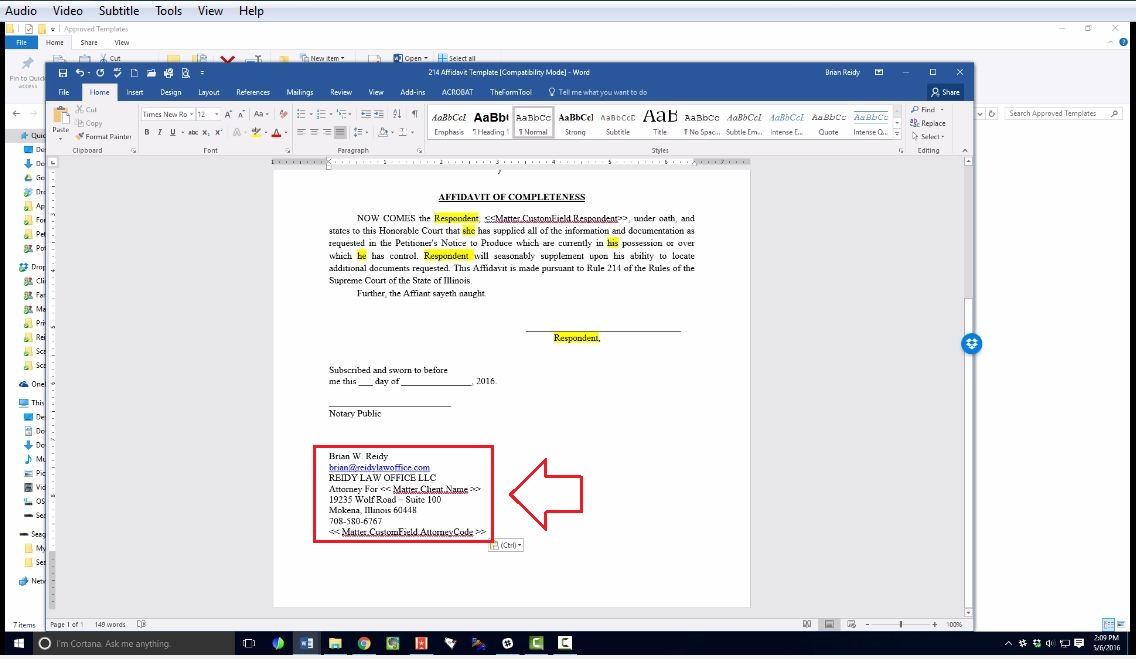
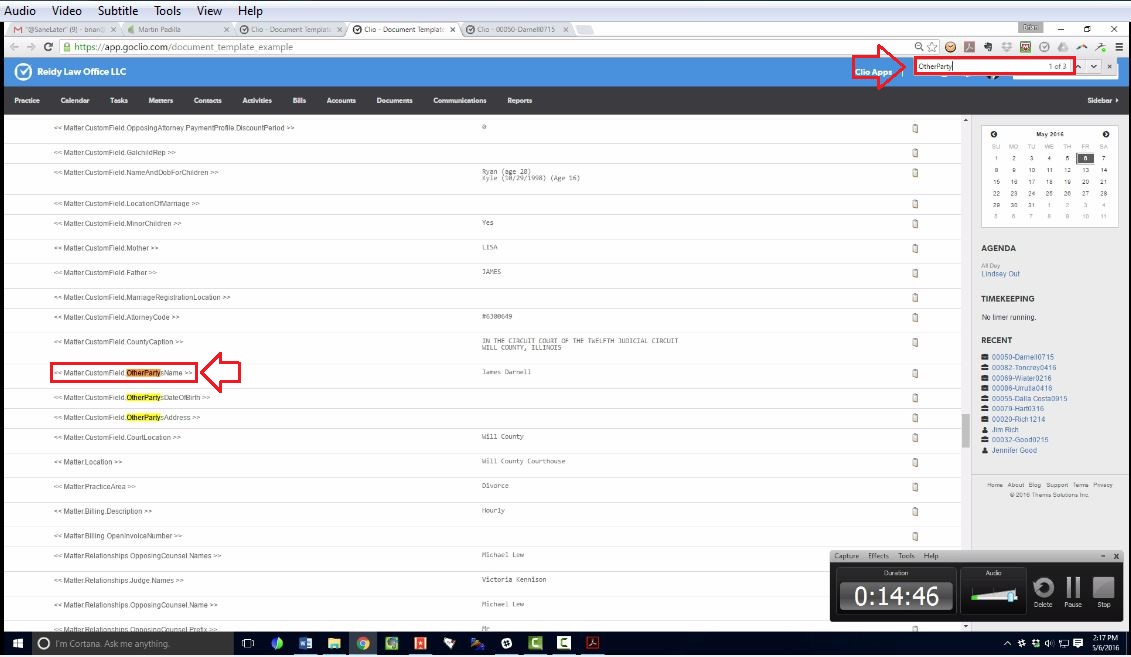
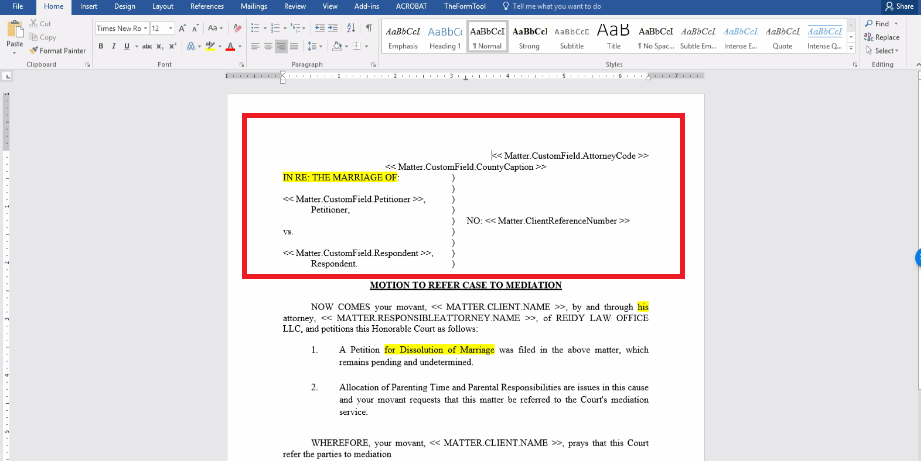
6. Put the respondent name.
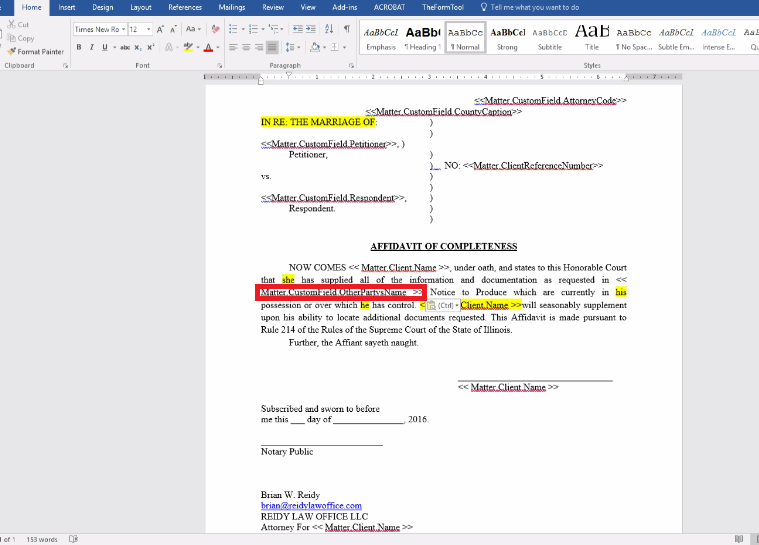
7. Check if the spacing is correct.
8. Look for pronouns that is incorrect or might need to be changed.
9. Highlight "Respondent" It could changed over time.
10. Make sure that the information of the contact address is correct.
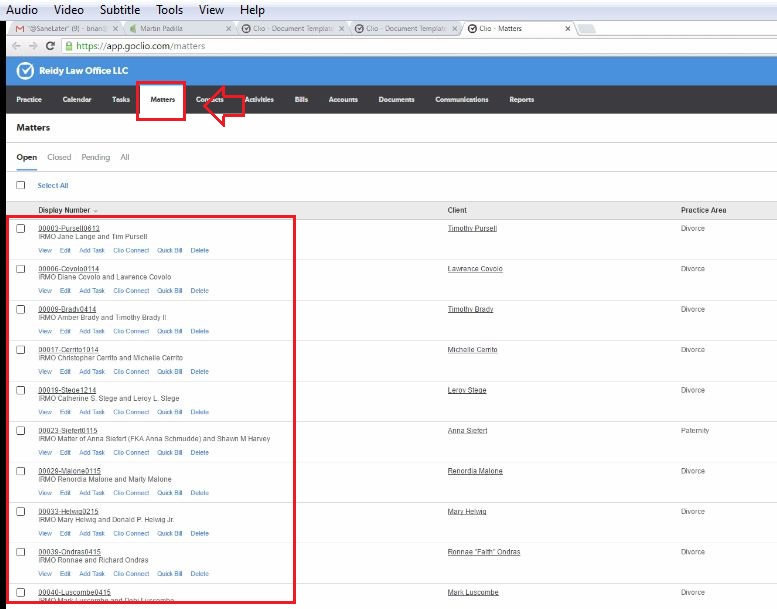
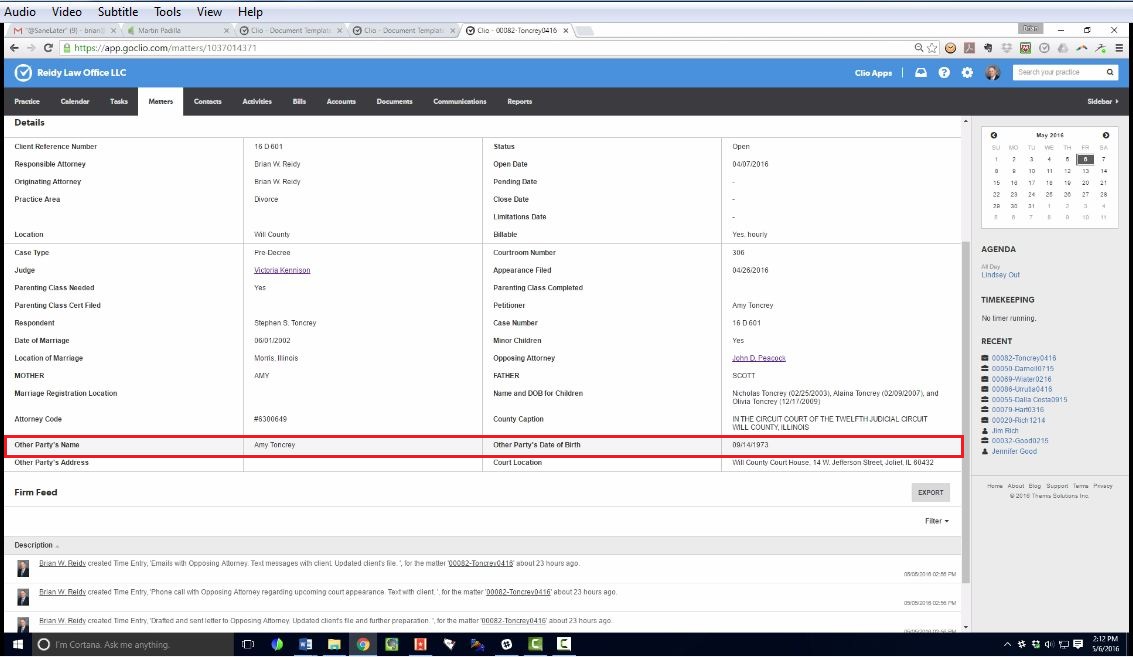
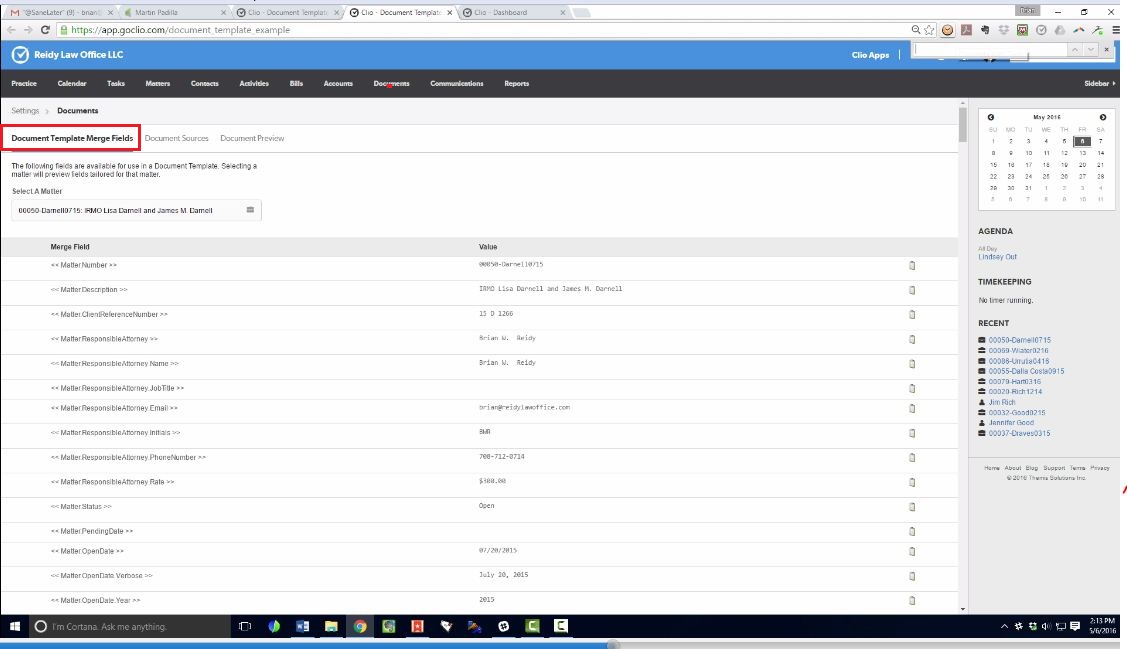
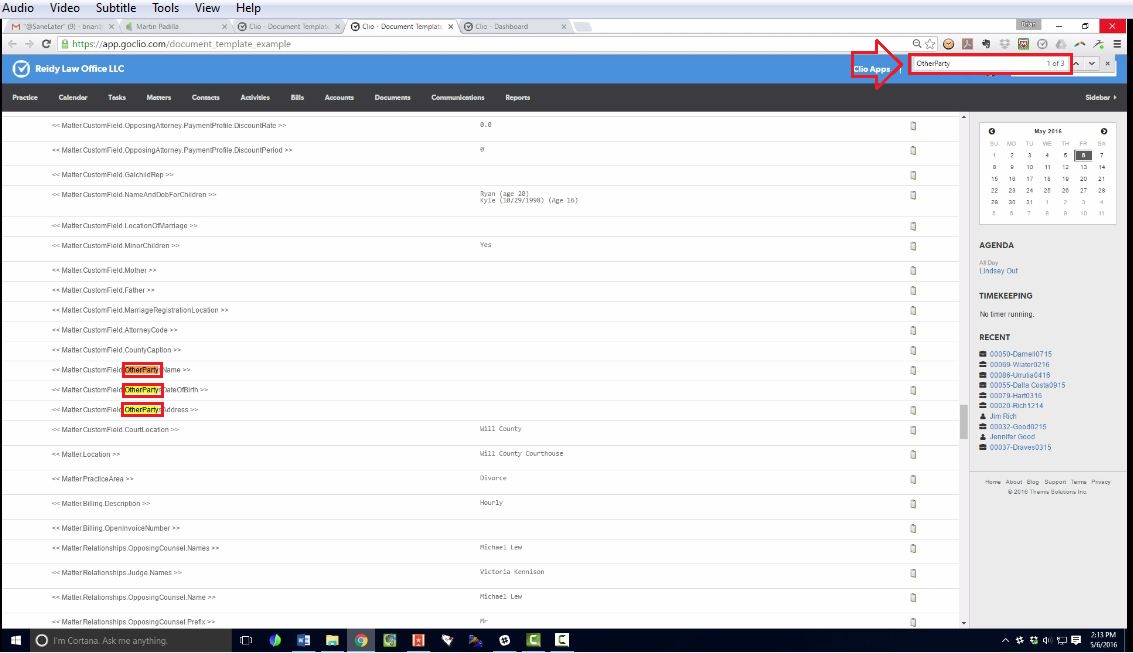
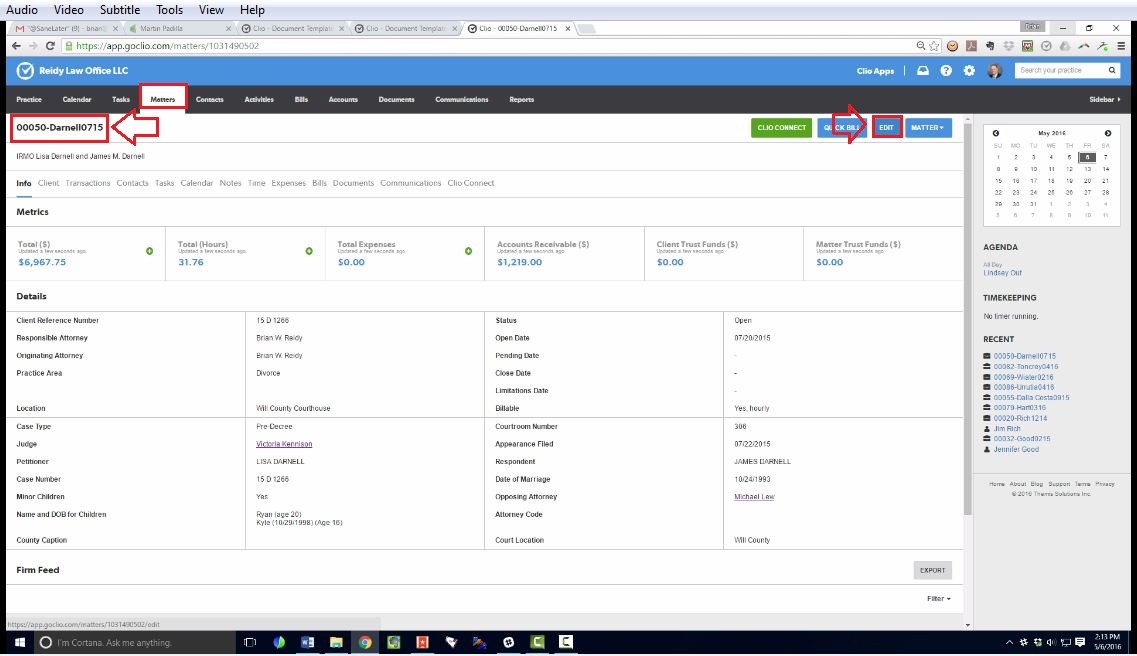
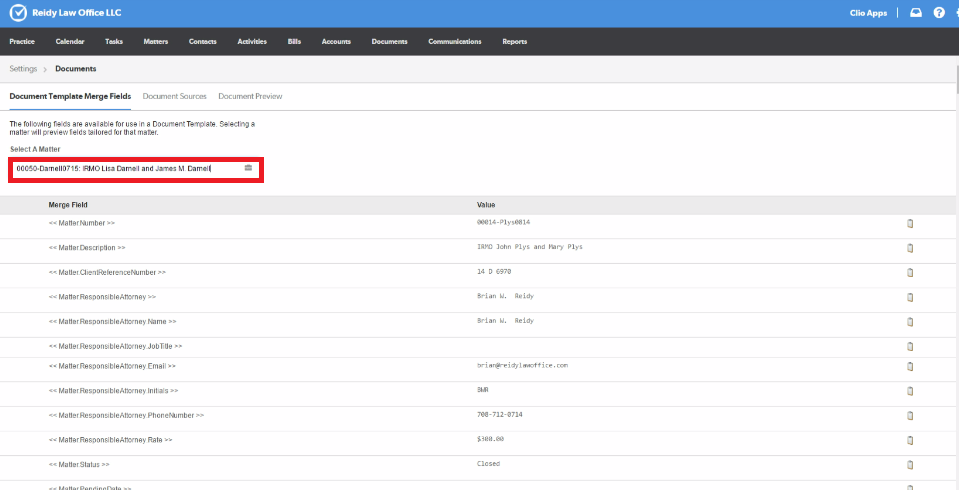
- To find the correct information, go to the documents.
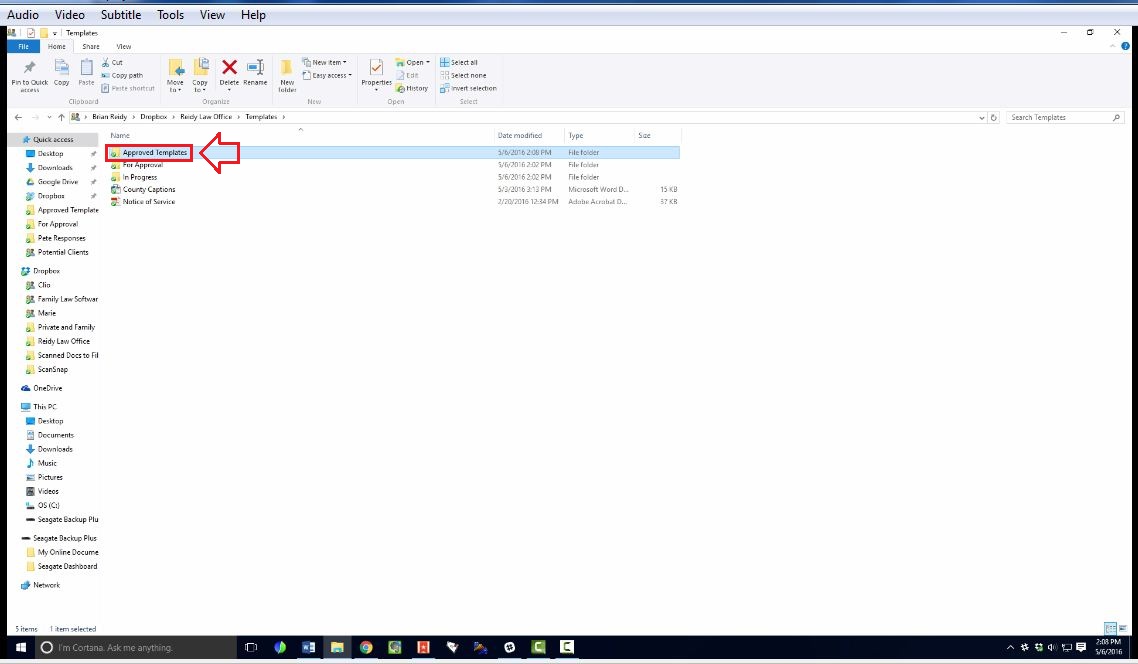
12. Go to "Approved Templates"
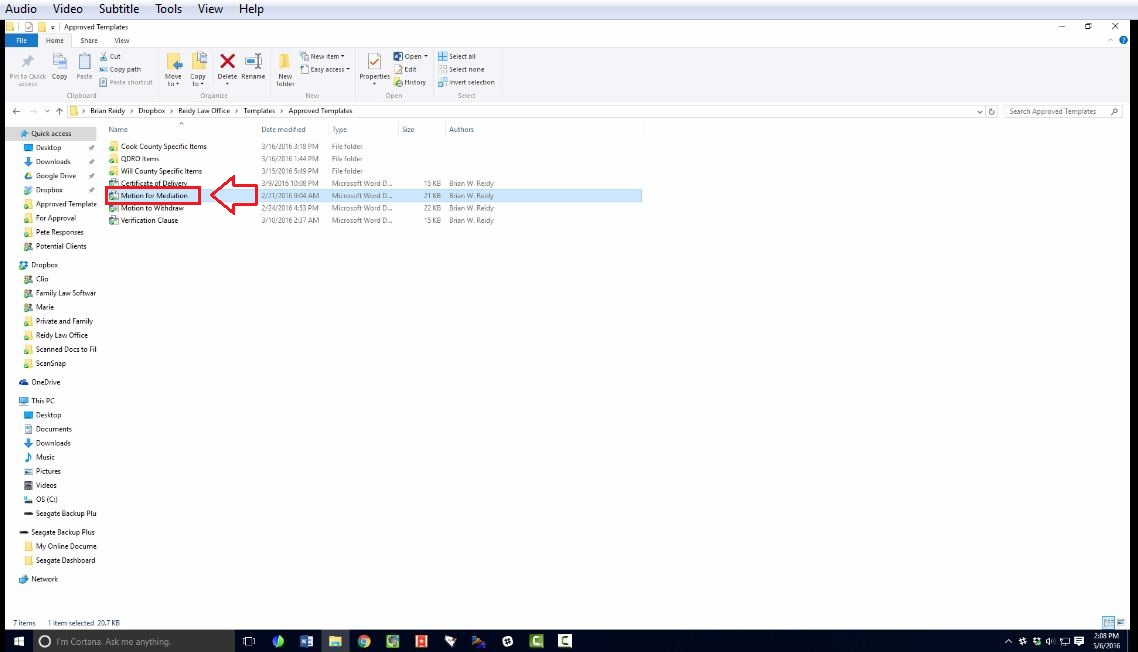
14. Click on the document.
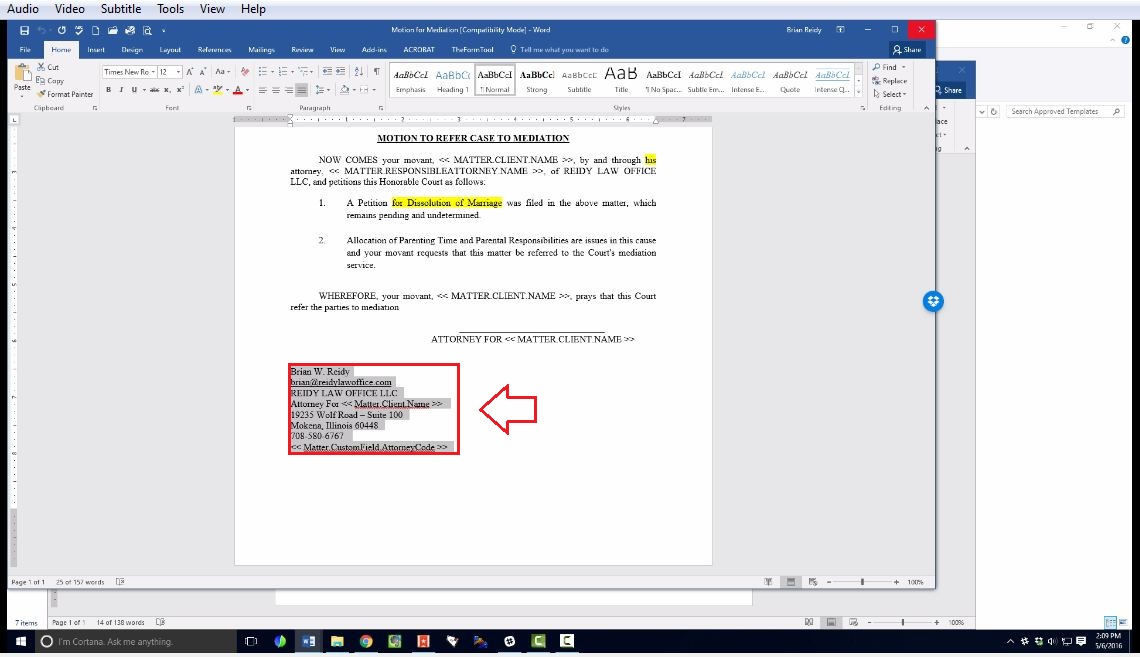
15. Copy the correct information.
16. Paste it on the document.
- Make sure that the documents are always justify.
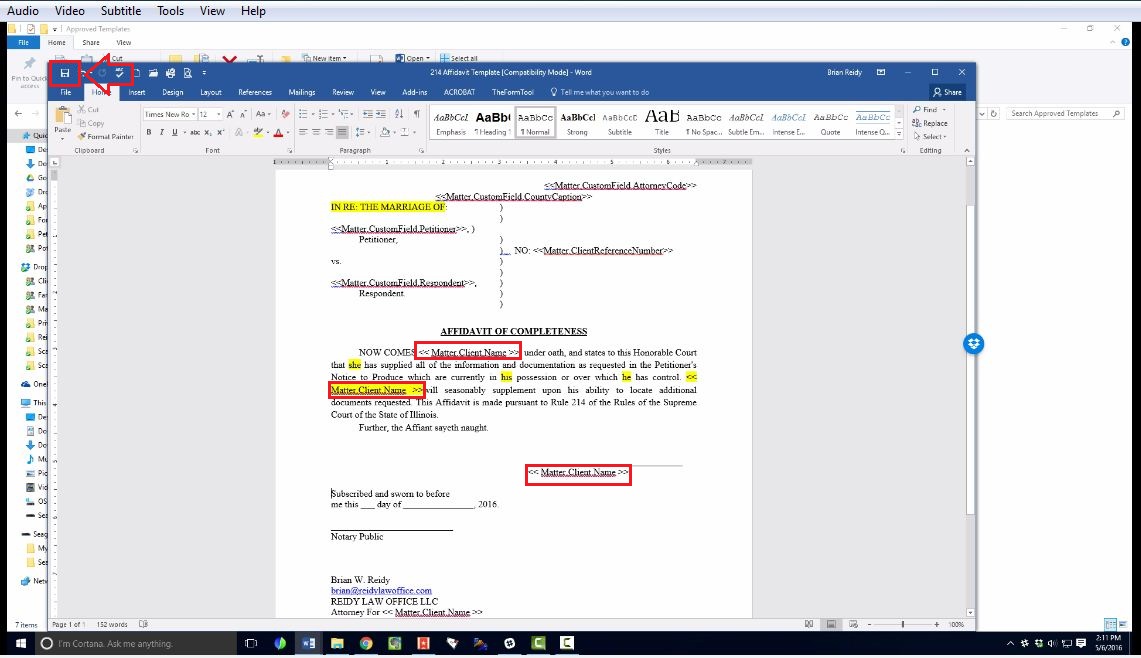
17. Instead of respondent name, changed it to matter client name.
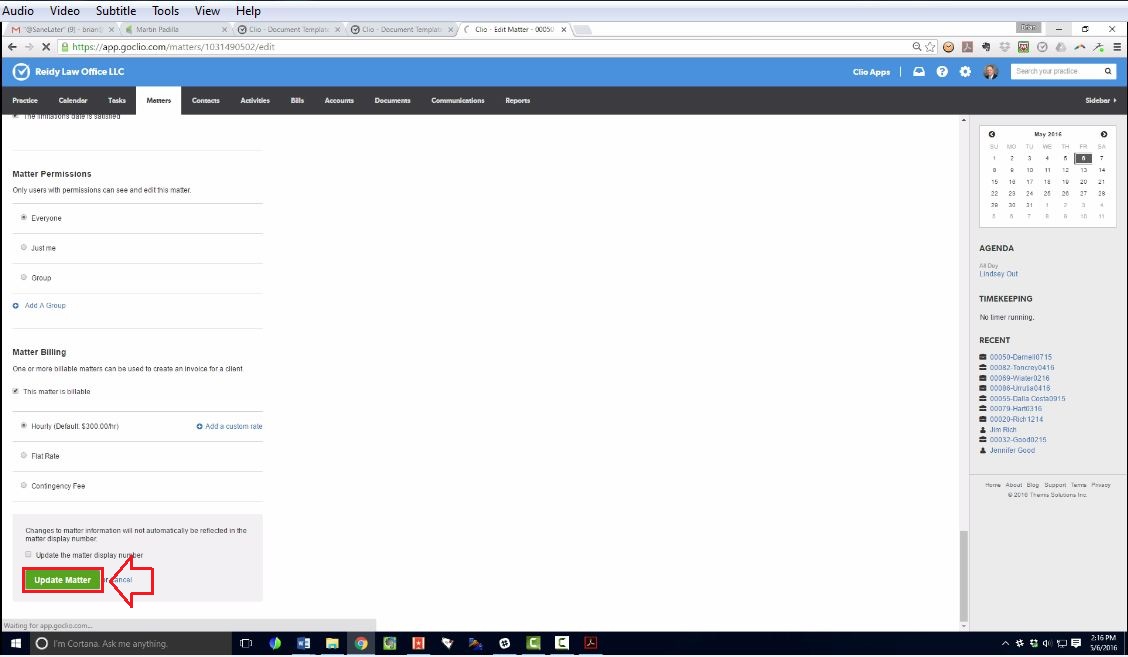
18. Click save.