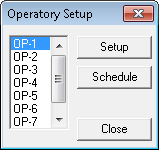
Now that you know the ID of the Provider and Operatories are selected, open up their schedule as follows to ensure it is accurate:
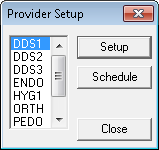
1. In the Setup menu in the Appointment Book, click Provider Setup.
The Provider Setup dialog box appears.
2. Select the provider you want to set a schedule for.
3. Click Setup.
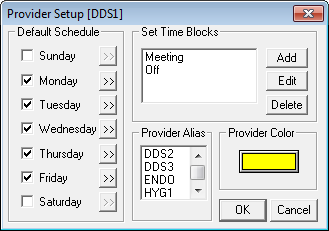
The Provider Setup dialog box appears.
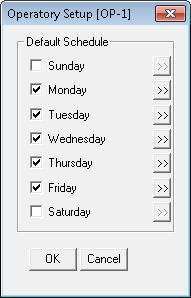
4. Select the days of the week the provider usually works.
Note: Dentrix defaults to Monday through Friday.
5. Set the working hours for each selected day.
a. Click the search button to the right of the day.
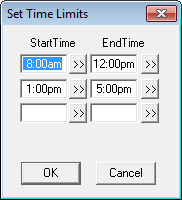
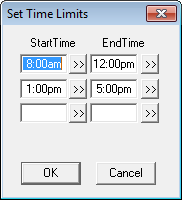
The Set Time Limits dialog box appears.
b. To change the time range for a time block, click the Start Time or End Time search button of the time block you want to change.
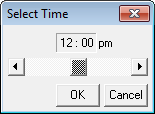
The Select Time dialog box appears.
c. To change the time in intervals of 10 minutes, click the left arrow to decrease or the right arrow to increase the time. Or, drag the slider to the left or right.
d. Click OK when you are finished.
e. Repeat steps b through d for all other start and end times.
f. Repeat steps a through f for all other workdays.