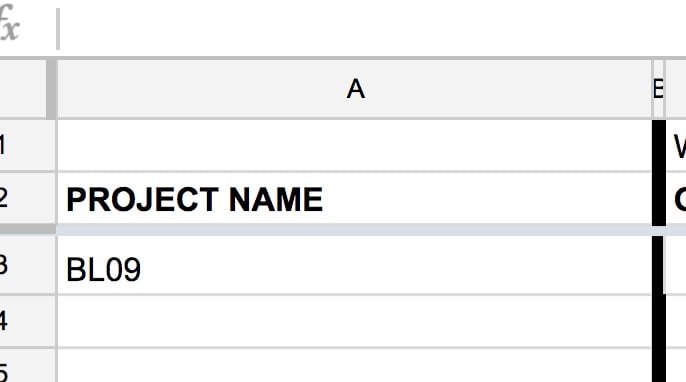
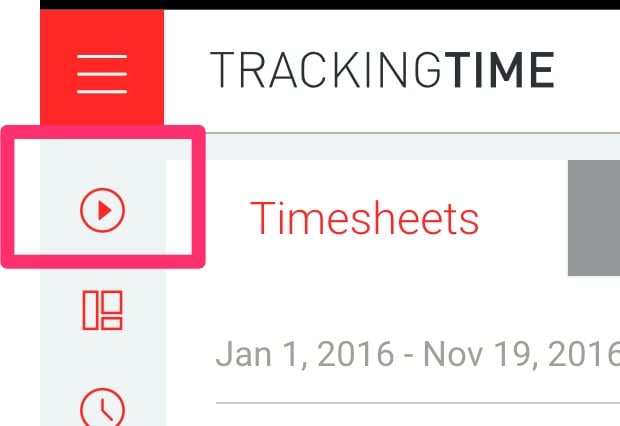
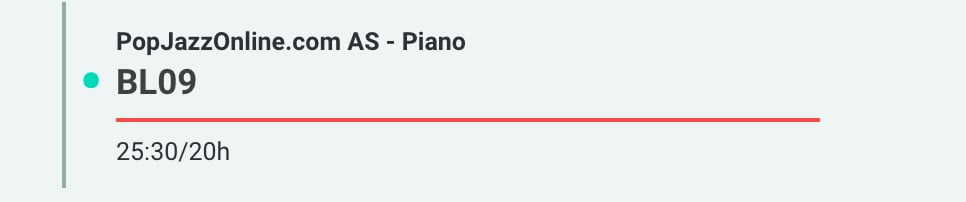
In trackingTime, get the current lesson title and write it here
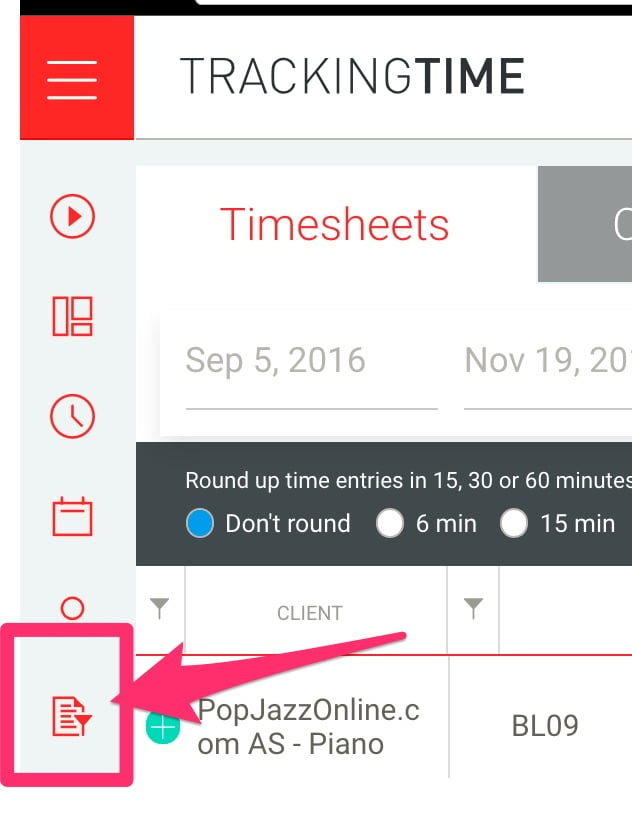
In TrackingTime: Click on report
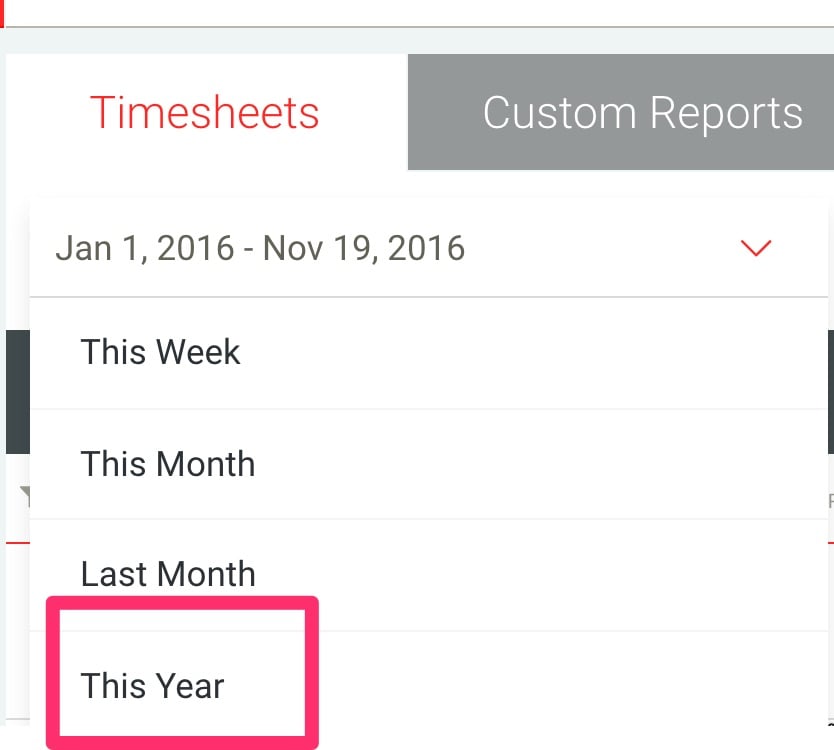
Click on the date and select this year
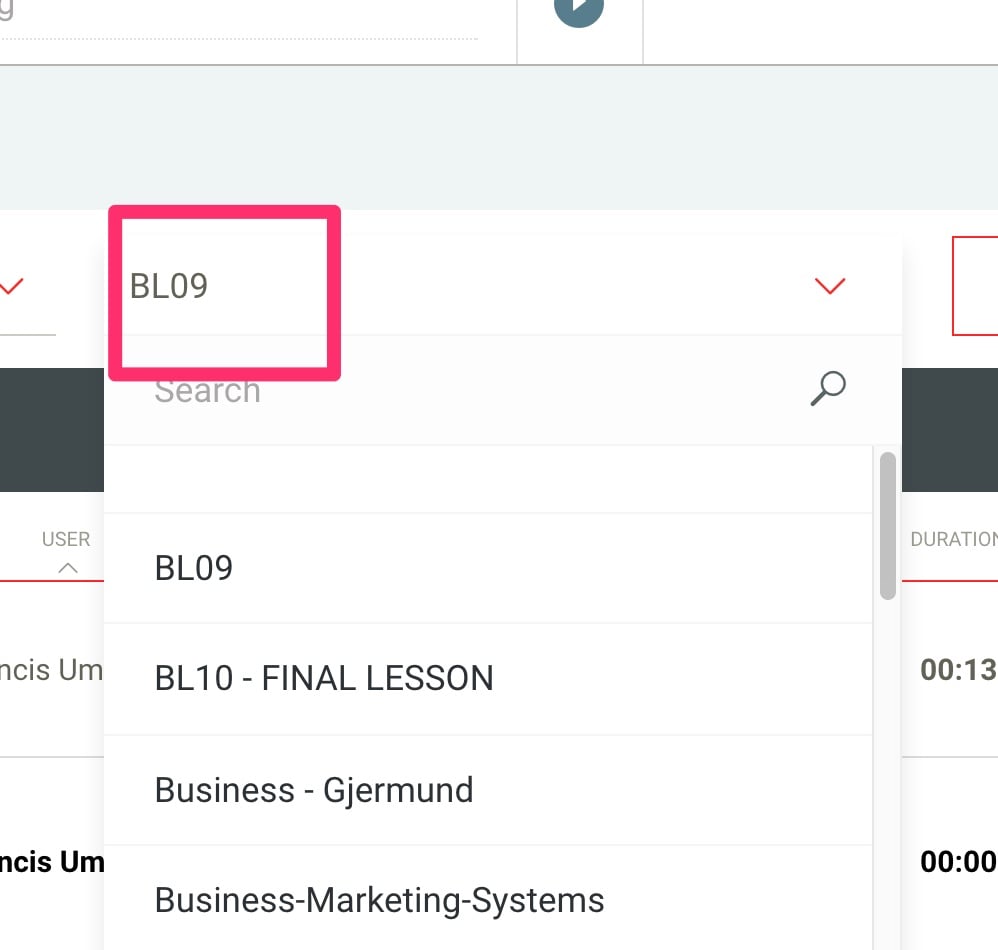
Select the type of project (Current project)
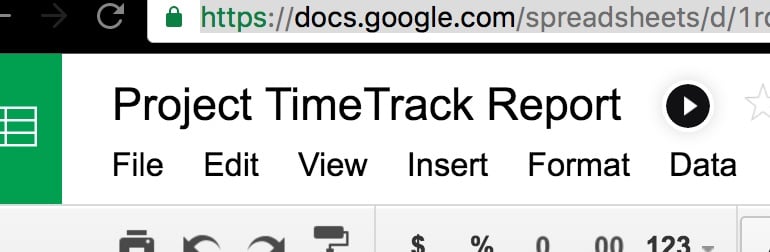
Open google sheet Project TimeTrack Report
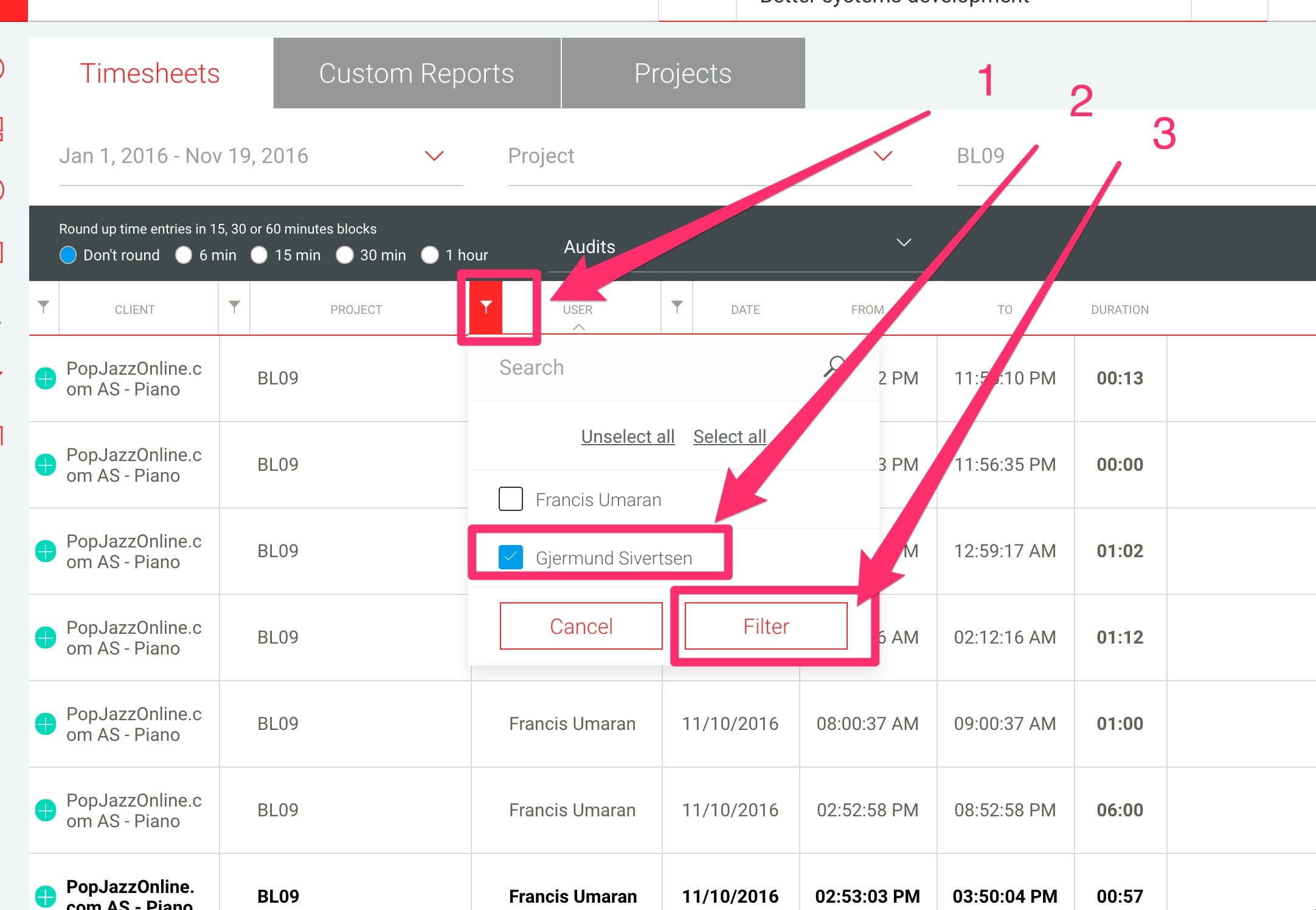
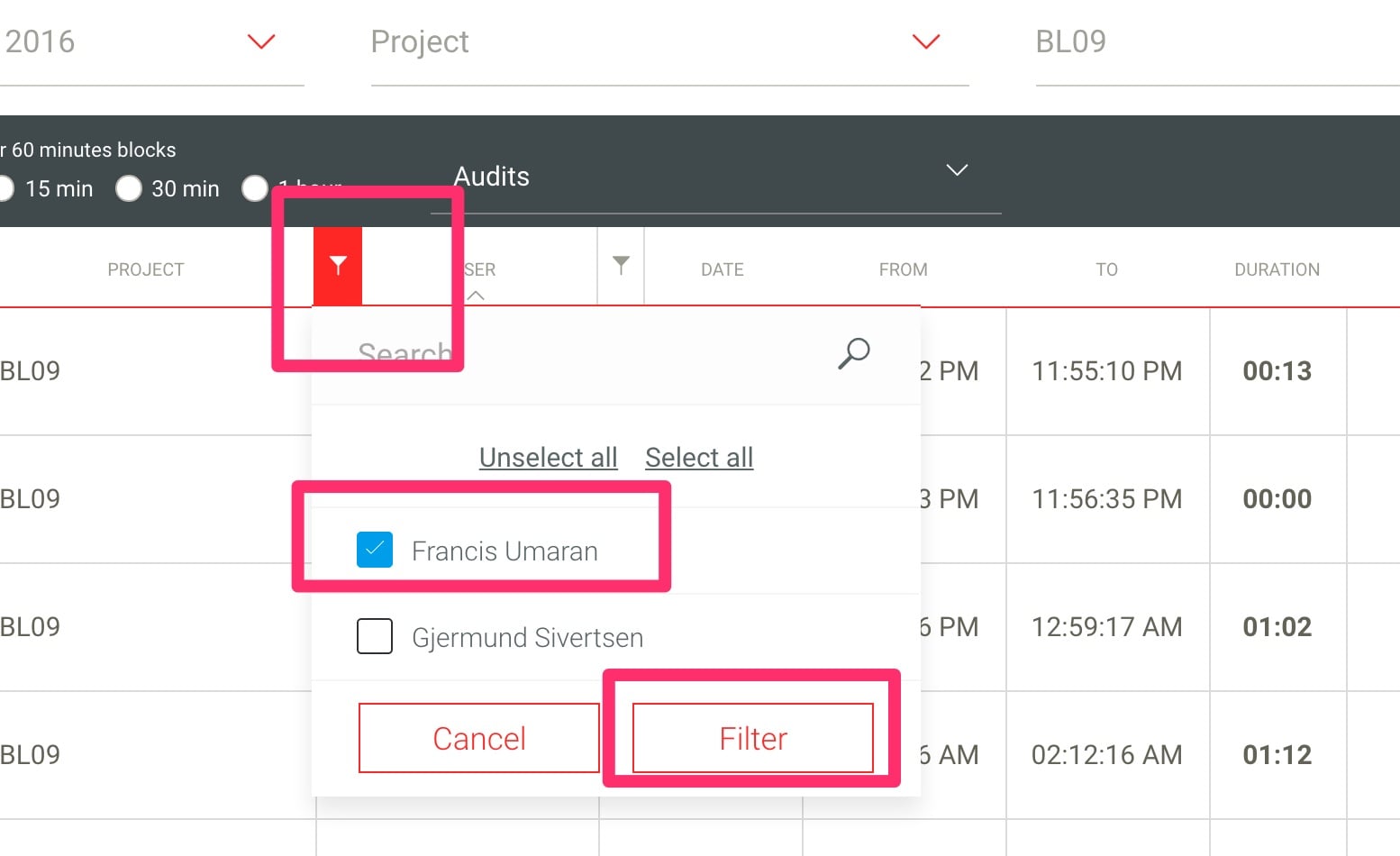
Go back to trackingtime-report and filter user Gjermund
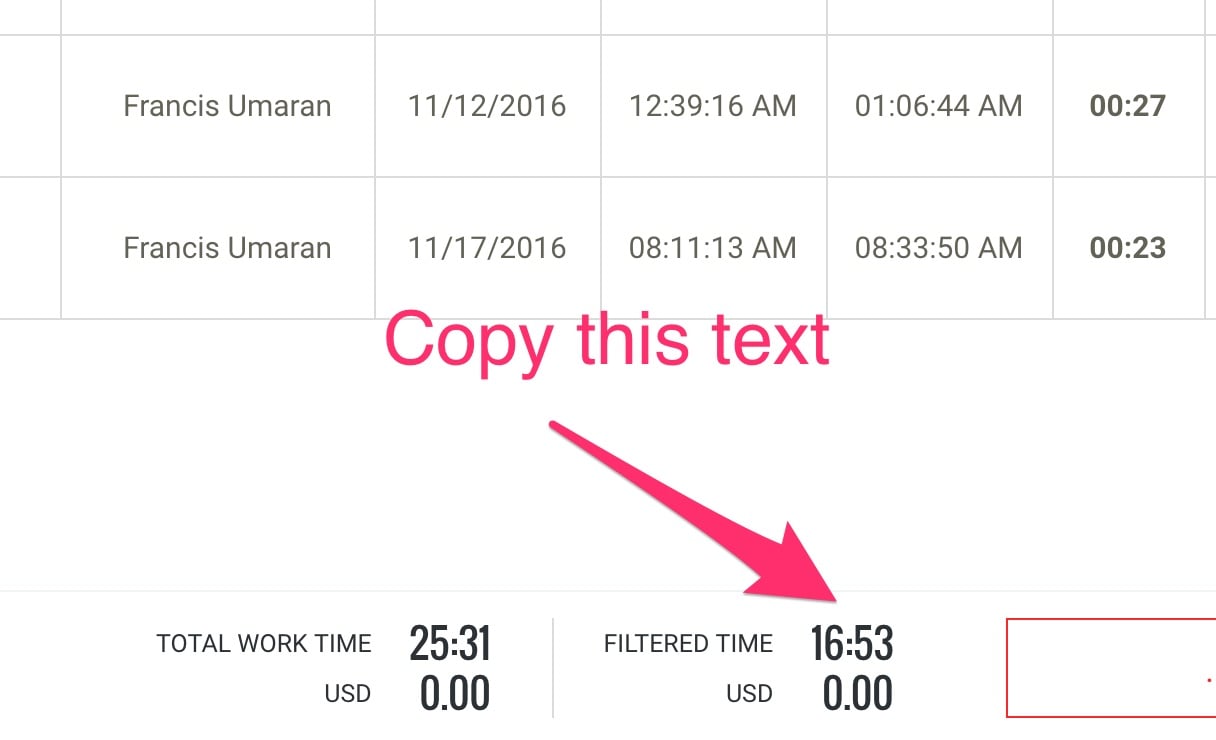
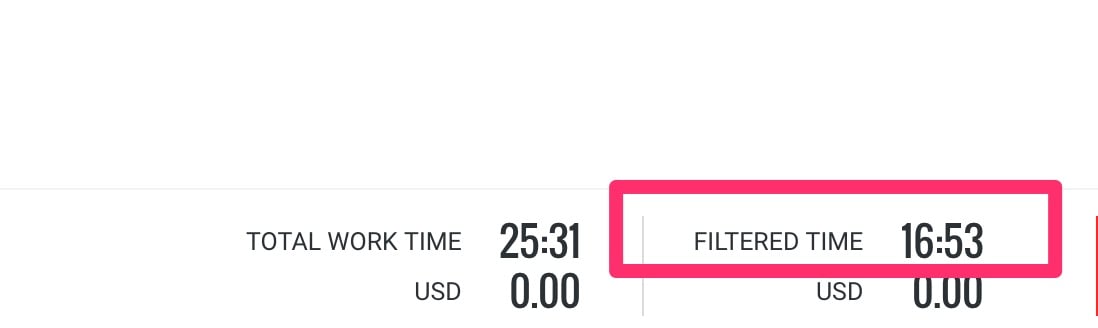
Copy result from filtered time
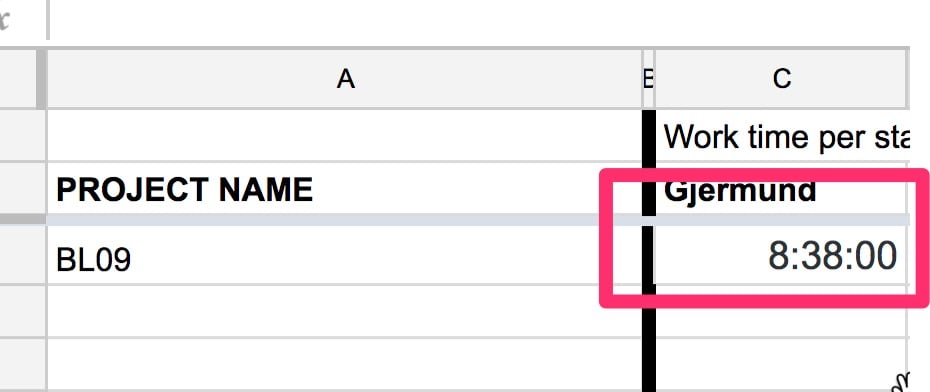
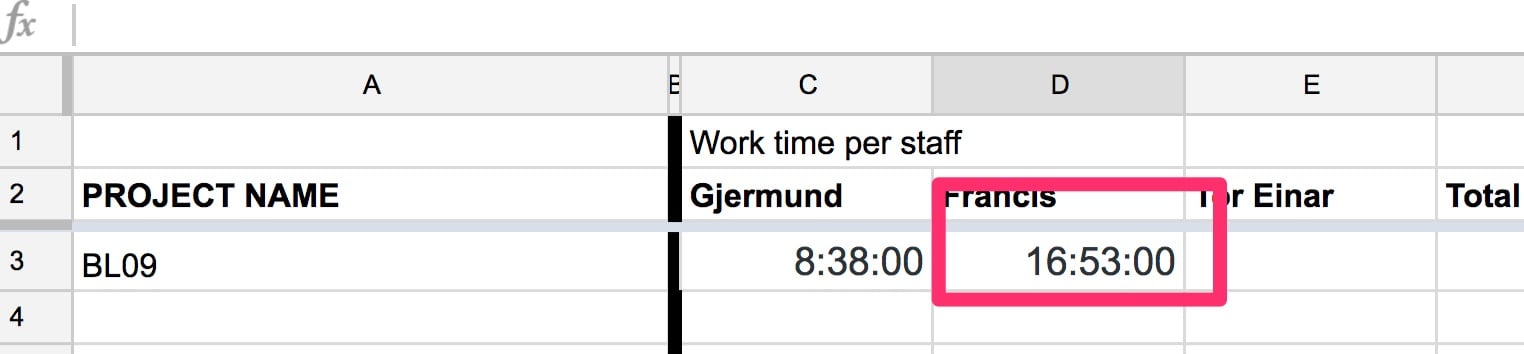
Paste the number in google sheet
Go back to Trackingtime and do the same for Francis
Click back on Tasks in Tracking time
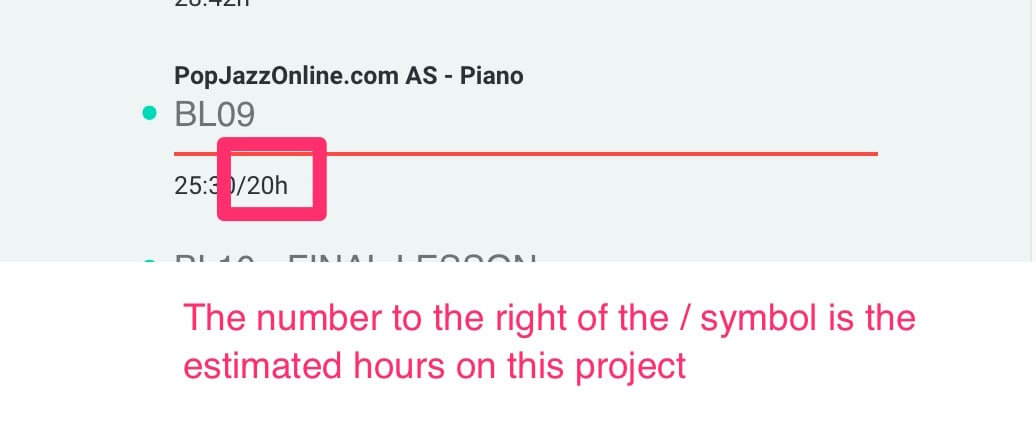
See how much time we estimated on the project
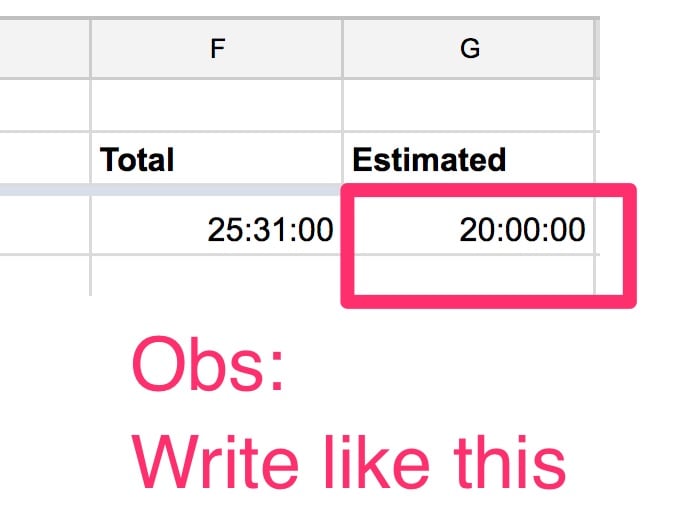
Write the estimate in the Project TimeTrack Report using this format
Close down the Project TimeTrack Report file
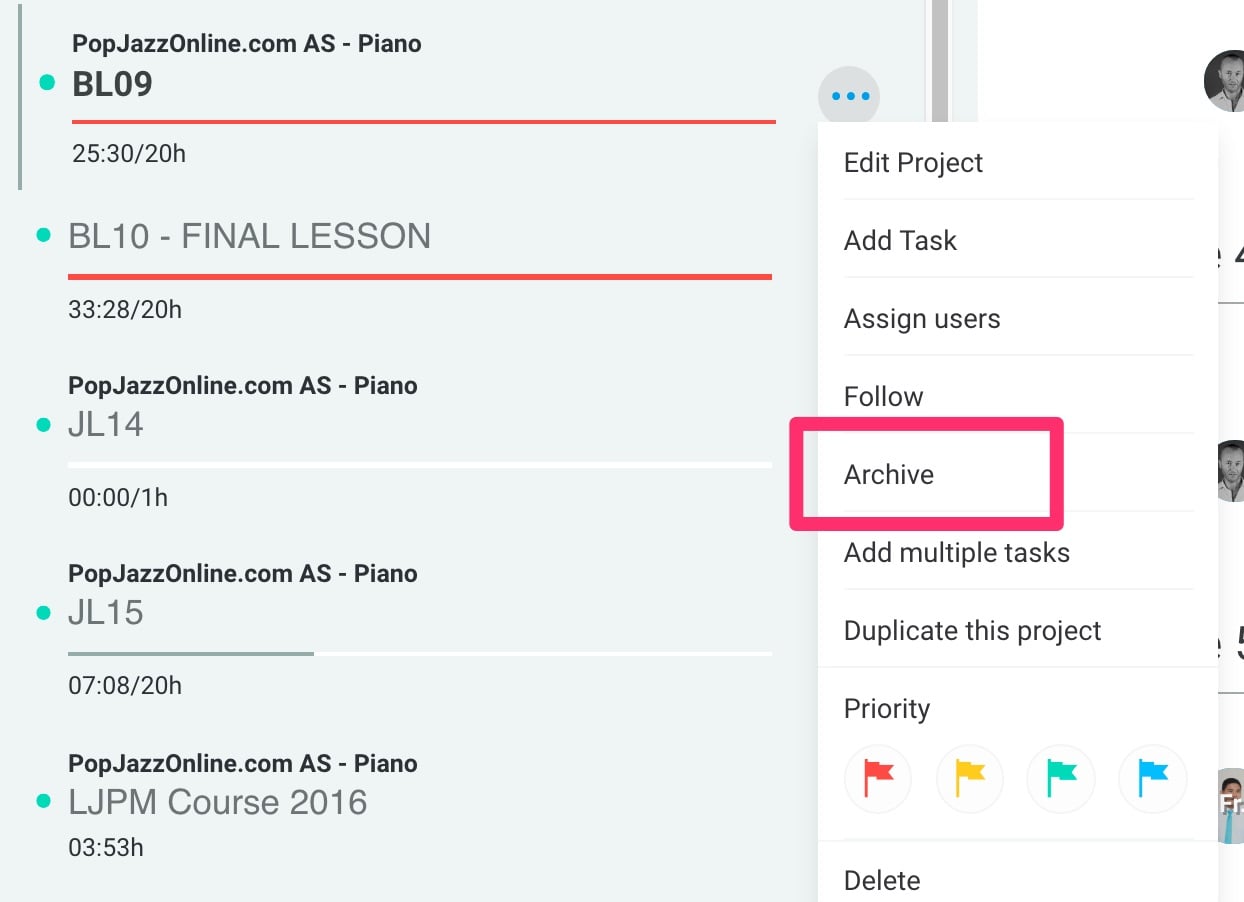
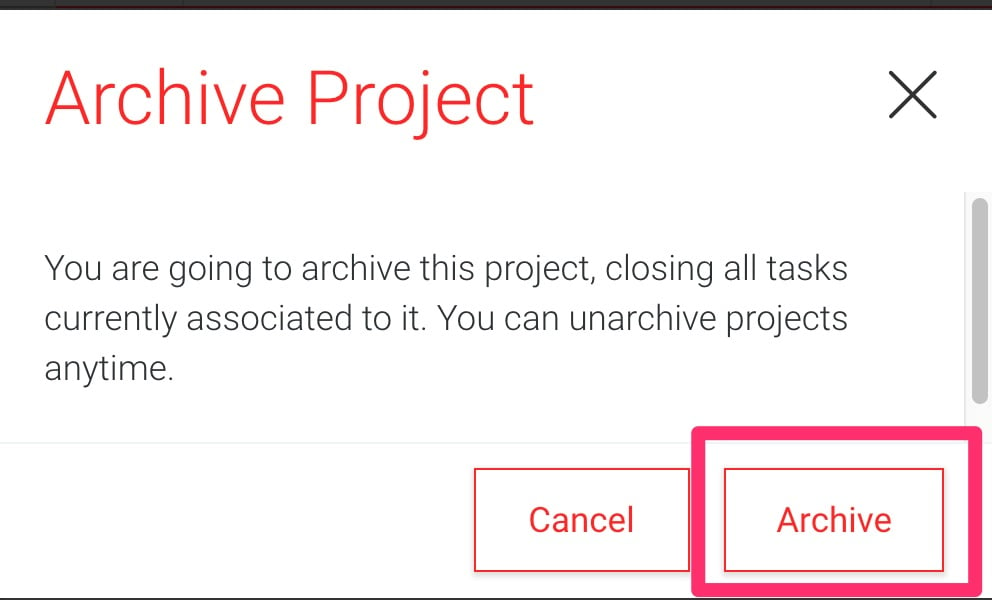
ARCHIVE THE PROJECT LIKE THIS:
Go back to TrackingTime and click on the project we're working on
Stop the timer and click done on your task (the one you're working on)
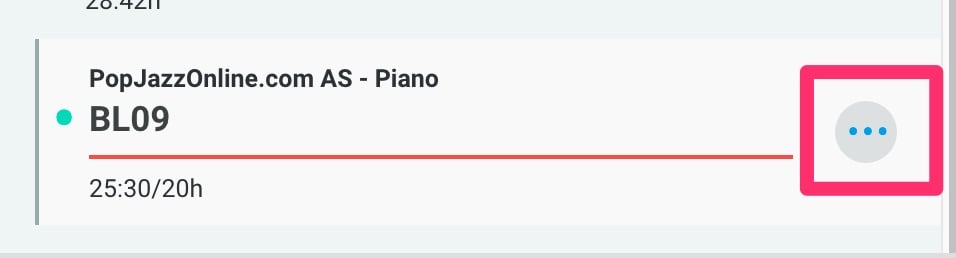
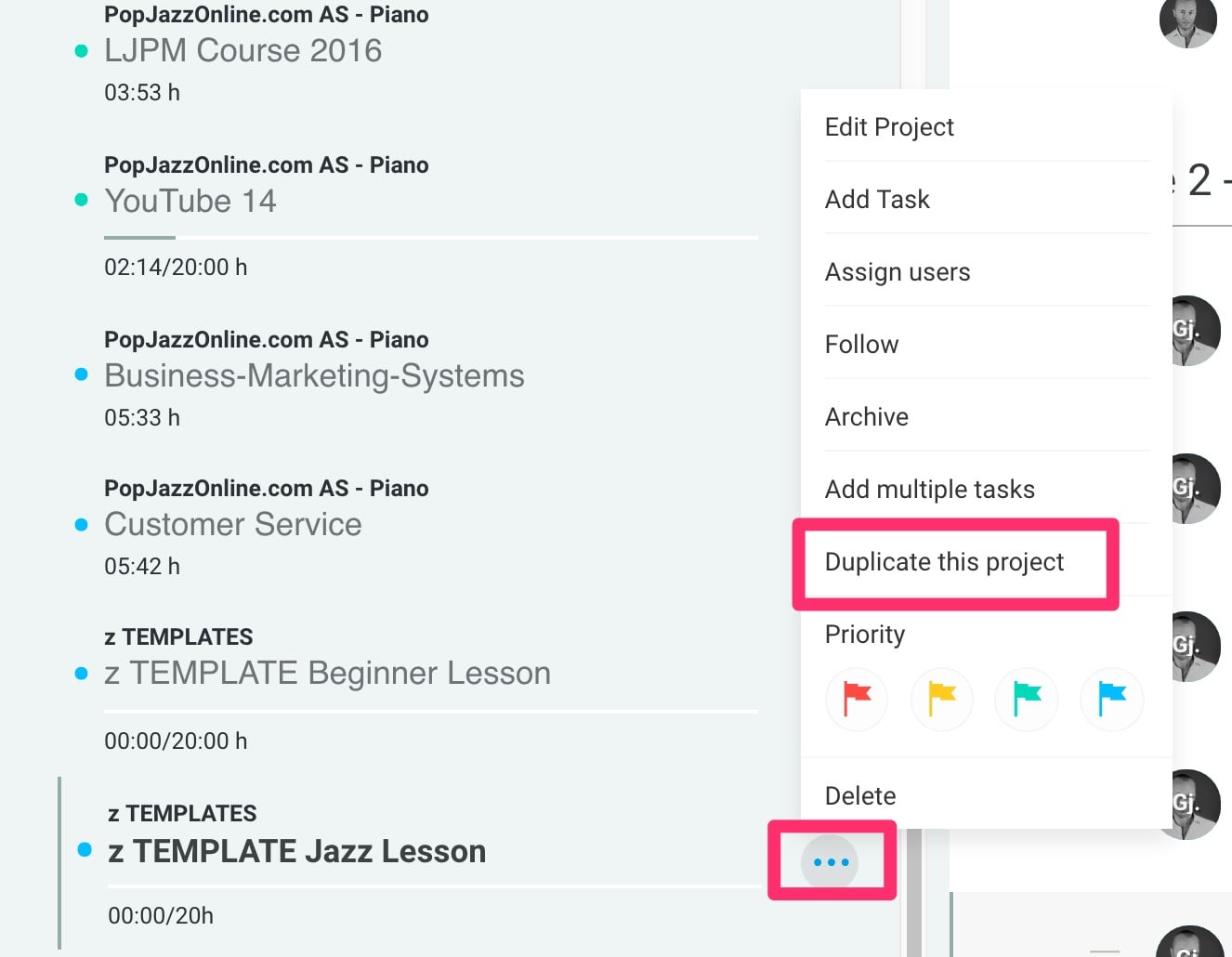
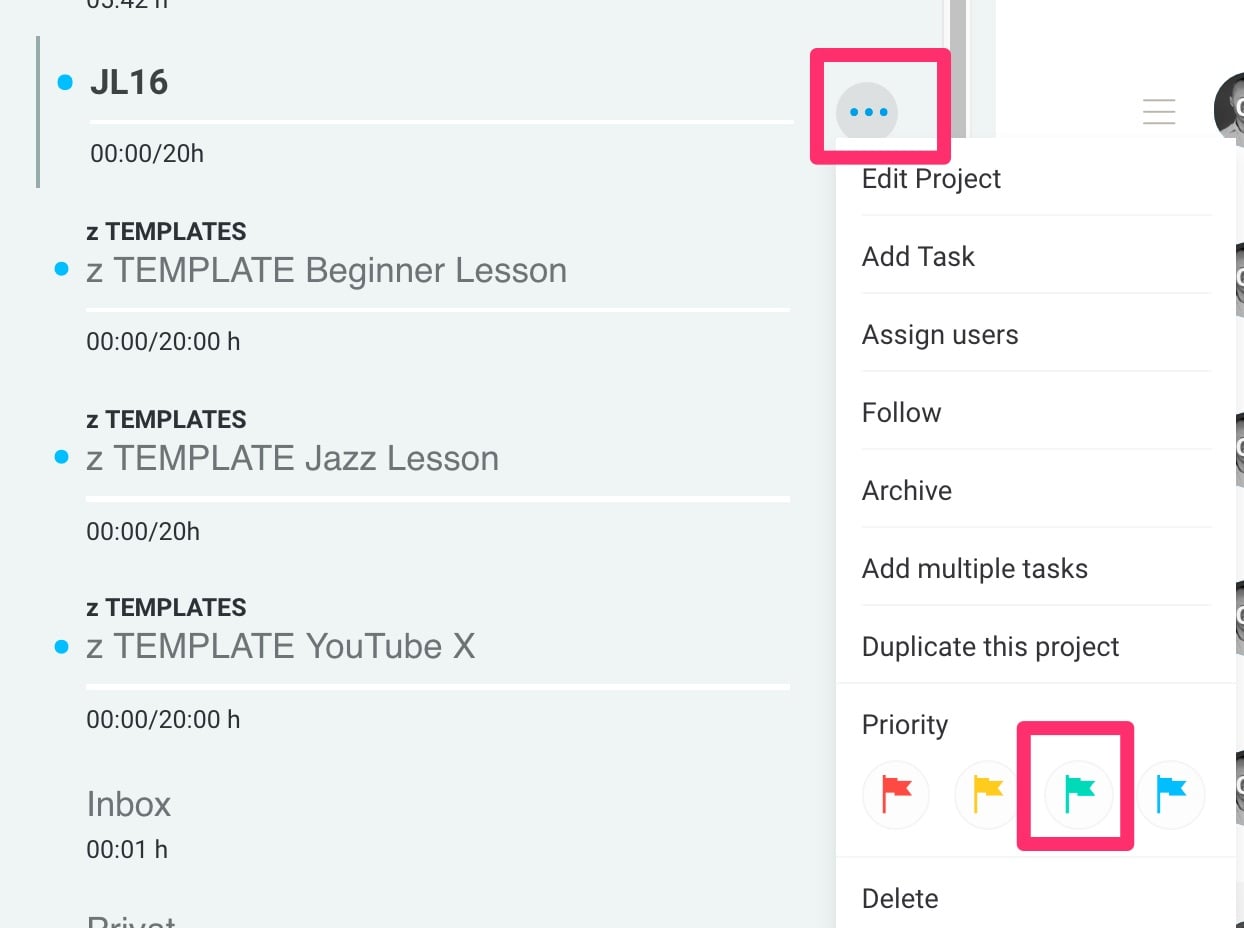
Hover over the dotted symbols and click to get the menu
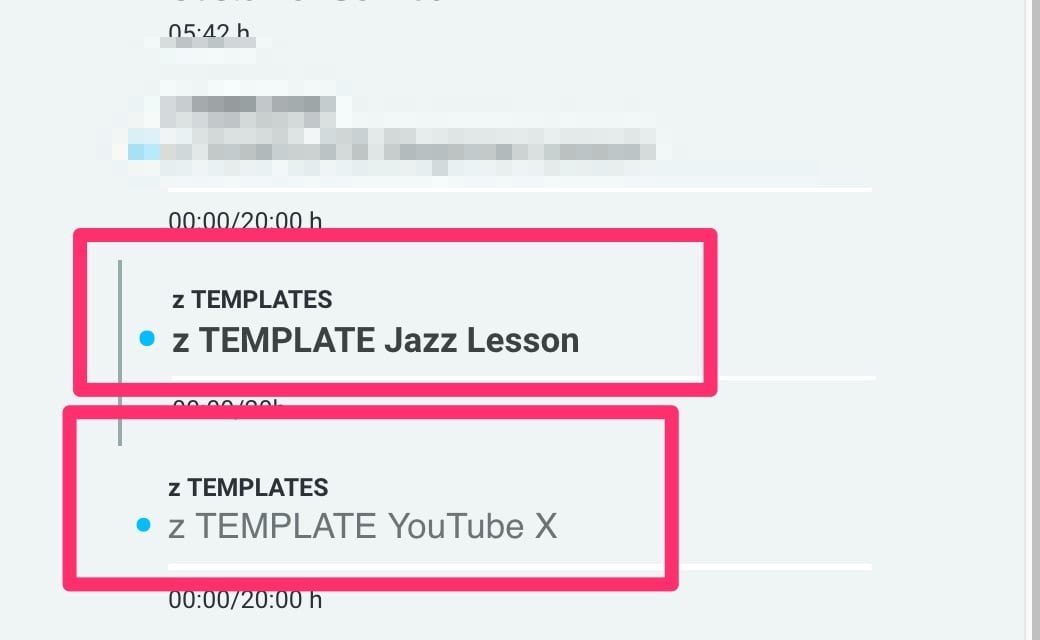
Go to the project z TEMPLATE XXX Lesson (same as the current type of lesson)
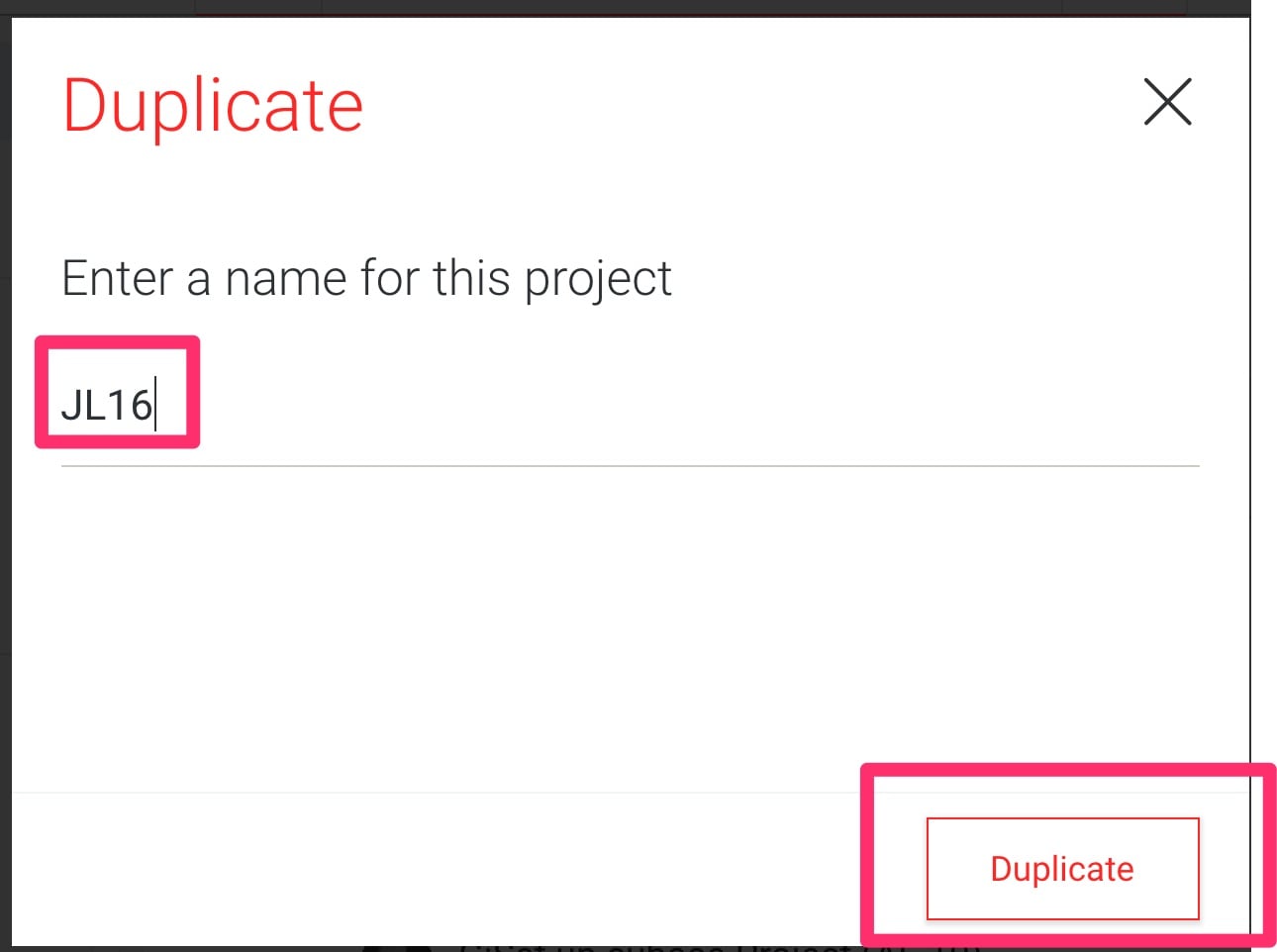
Select duplicate this project
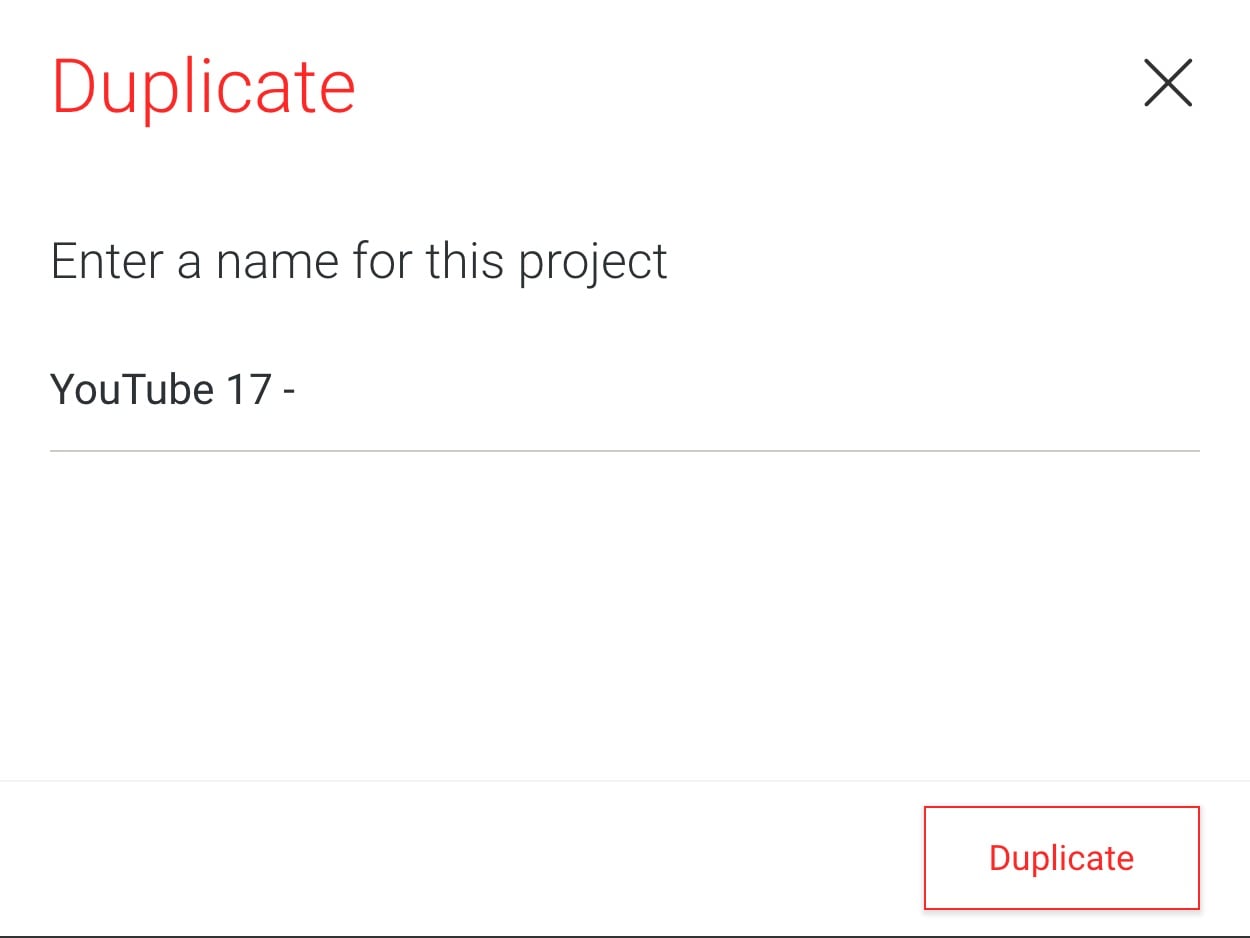
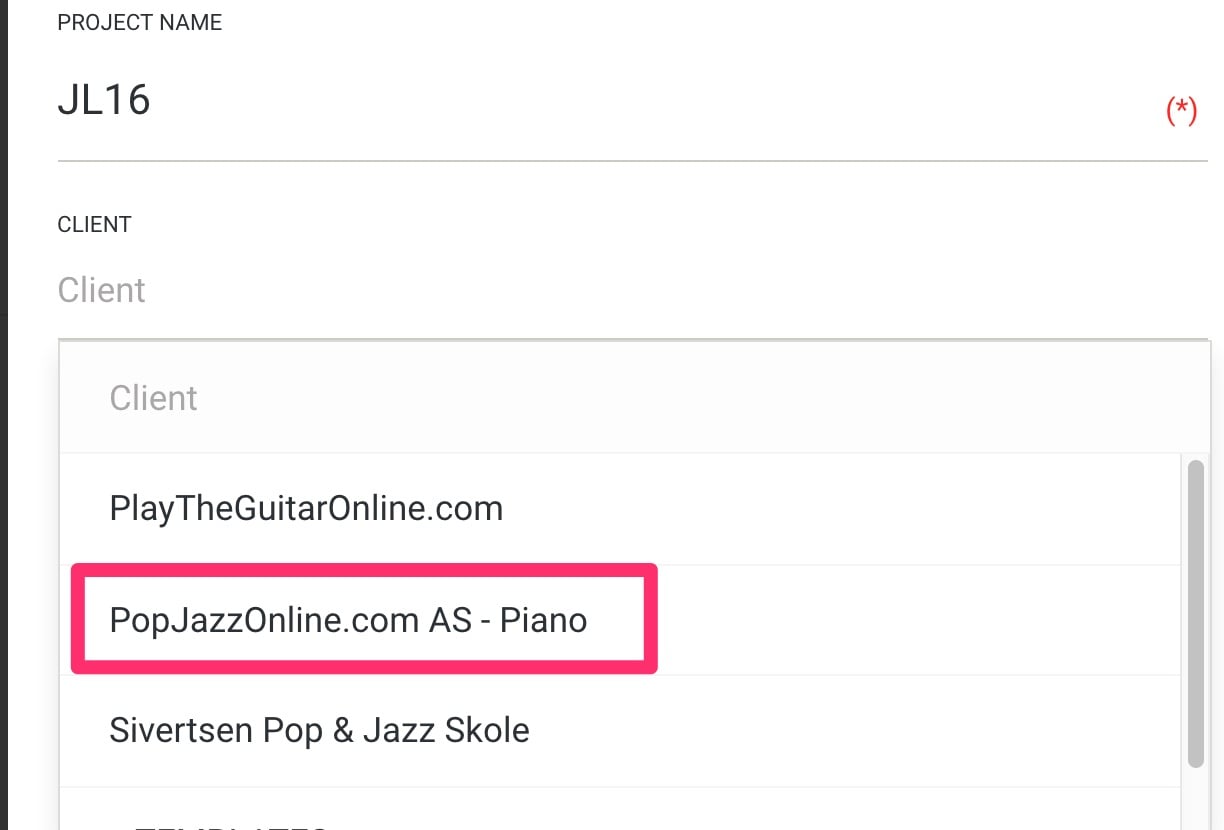
Name it the same as the current lesson + 1. If you can't remember, go to step 2 to se EXACTLY how it is written
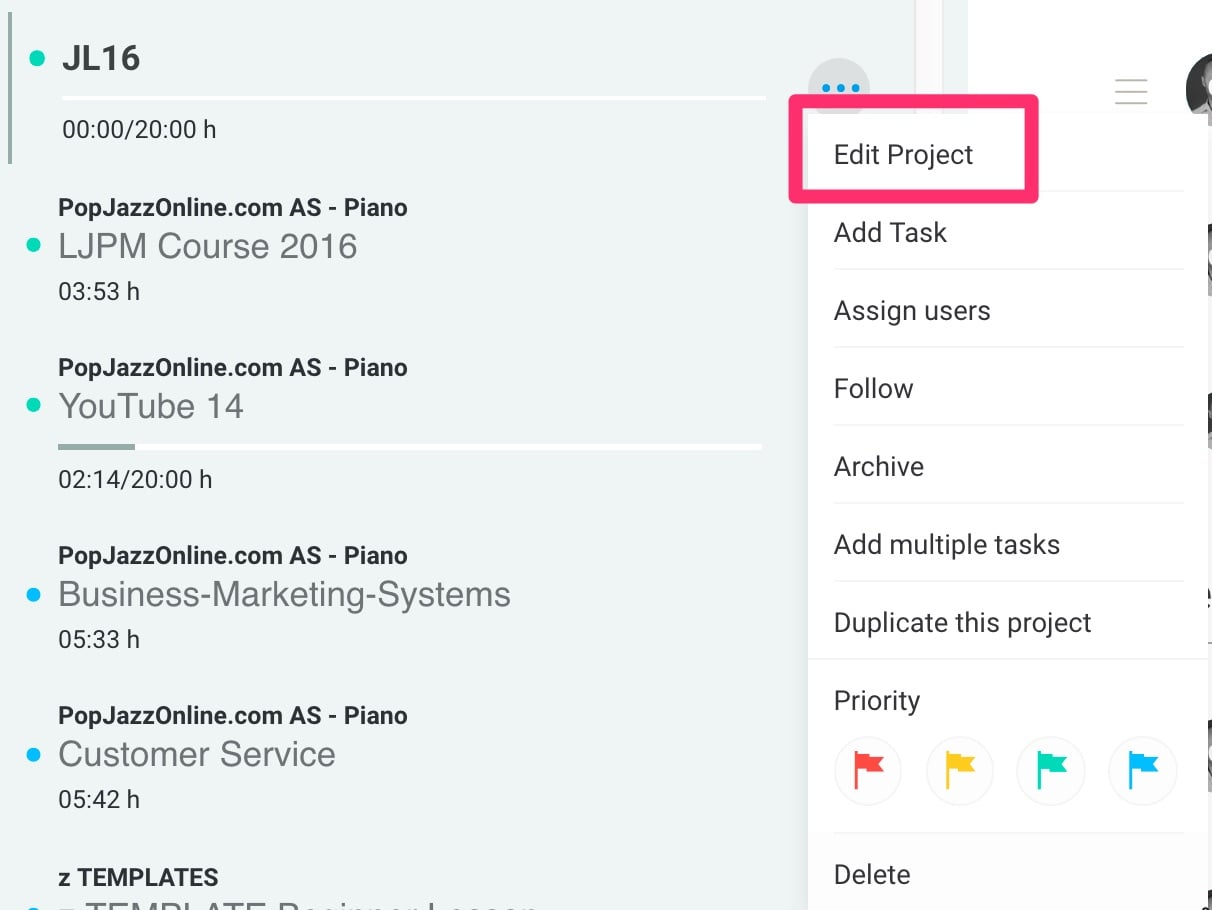
Click on the new project, select GREEN flag
Set client as PopJazzOnline.com AS - Piano
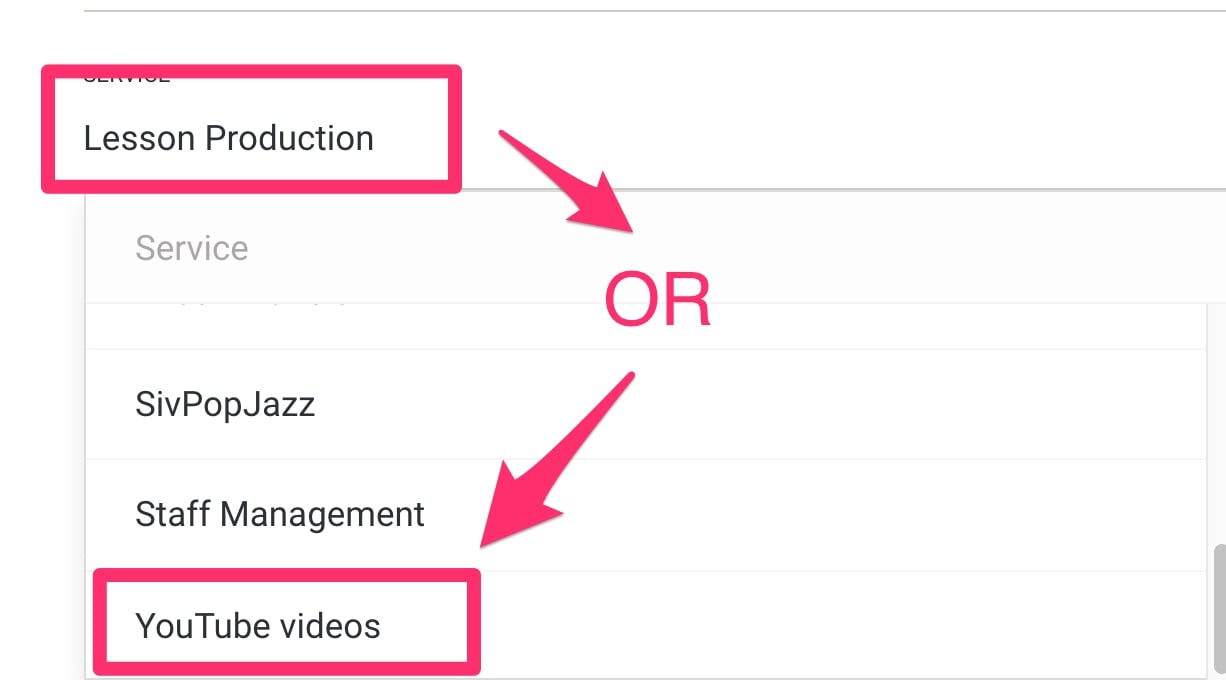
Select service as Lesson production or YouTube videos
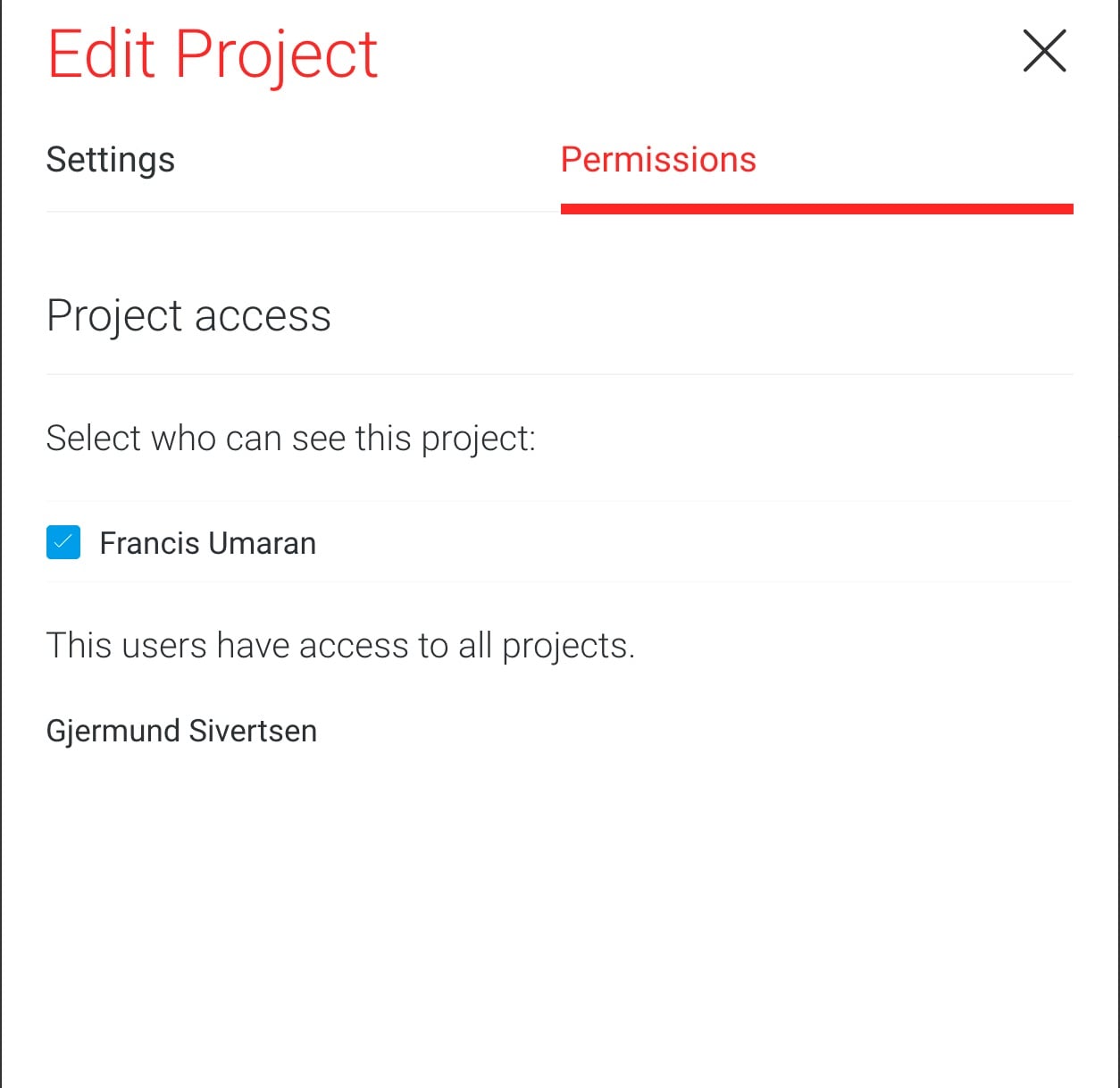
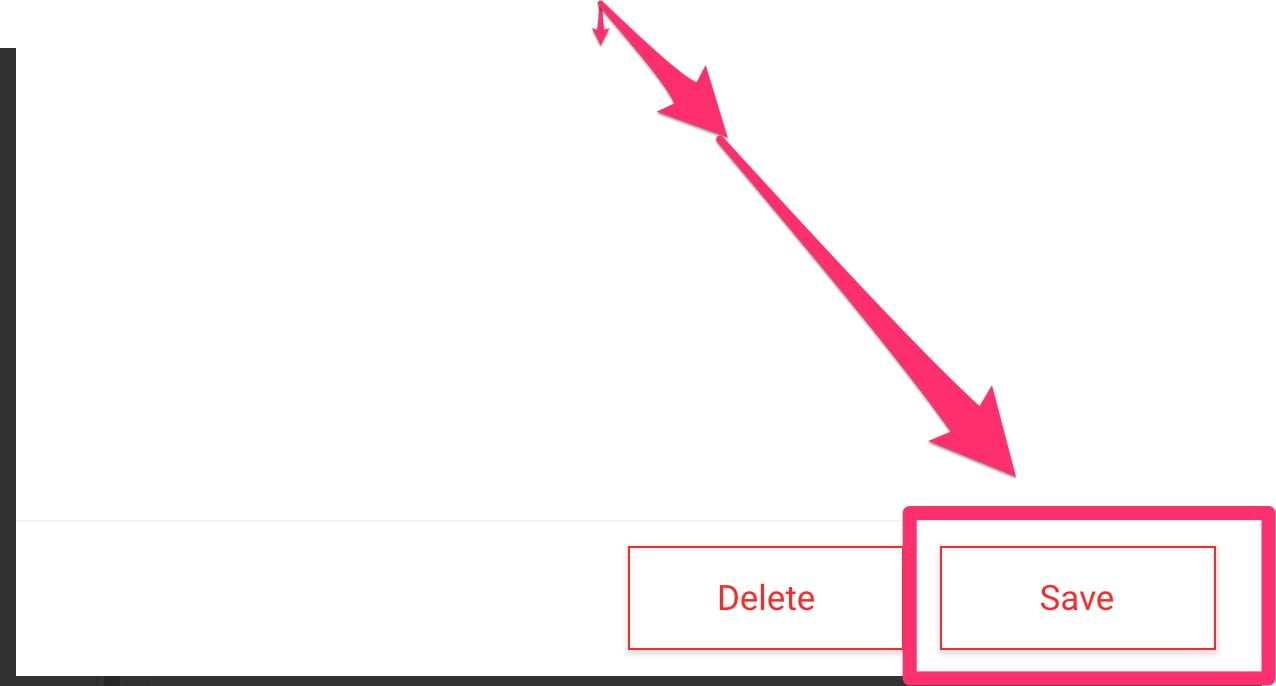
Click on permissions, and make sure we both can see this project, then hit save
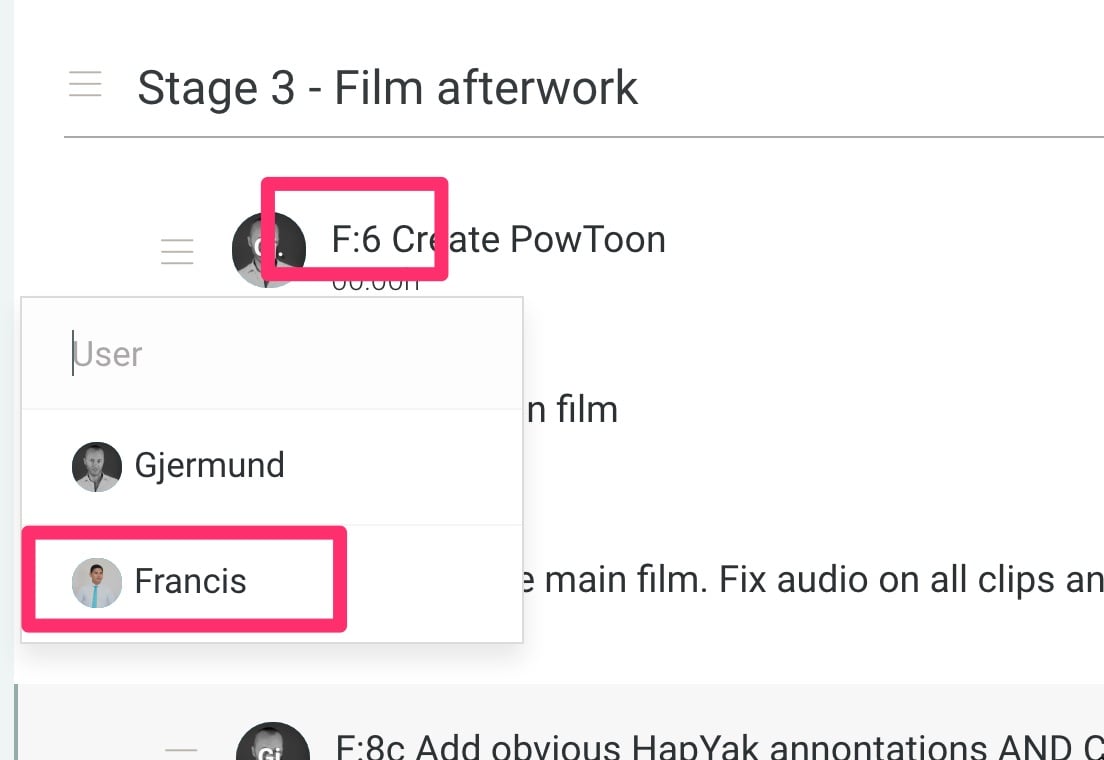
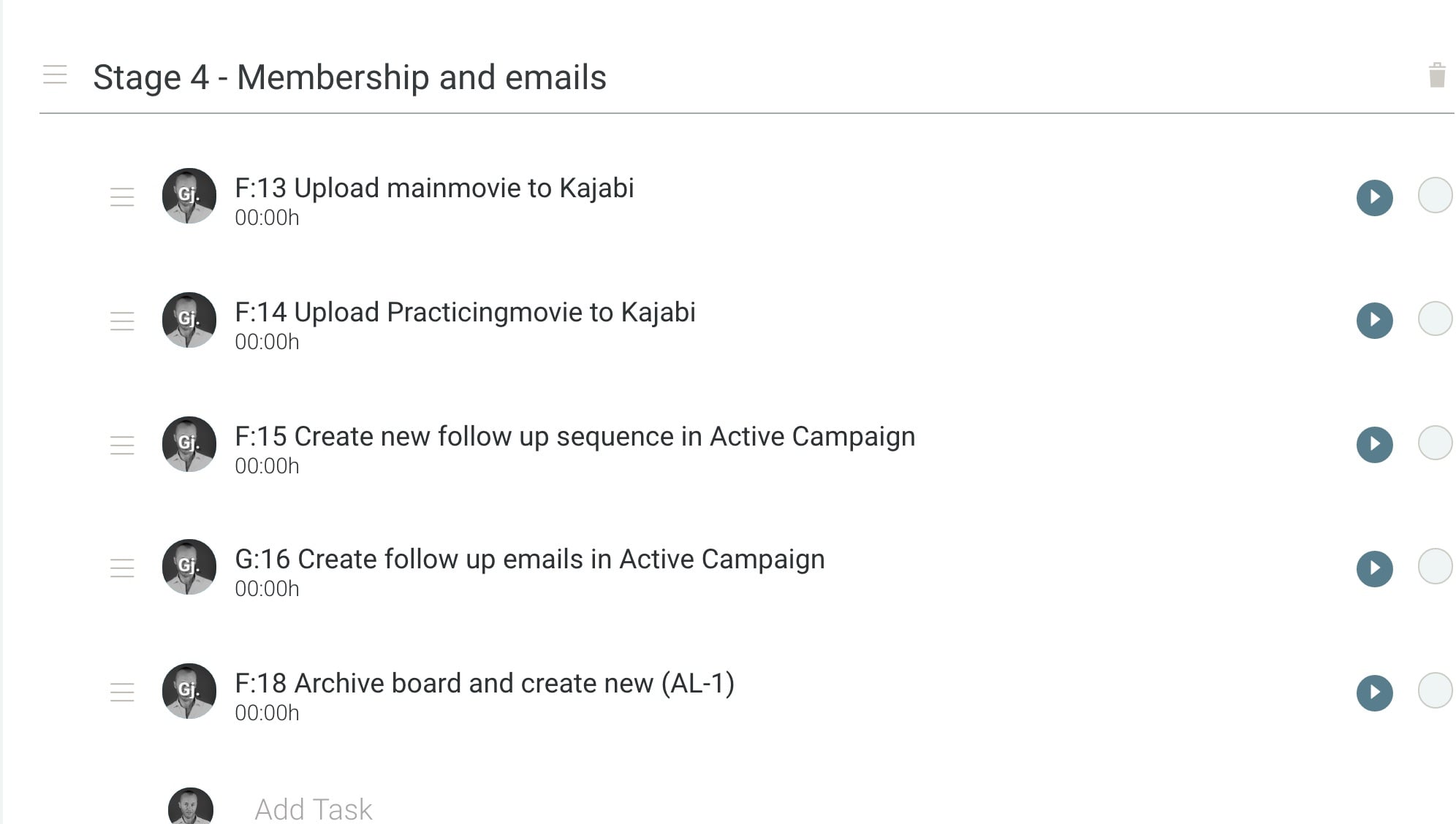
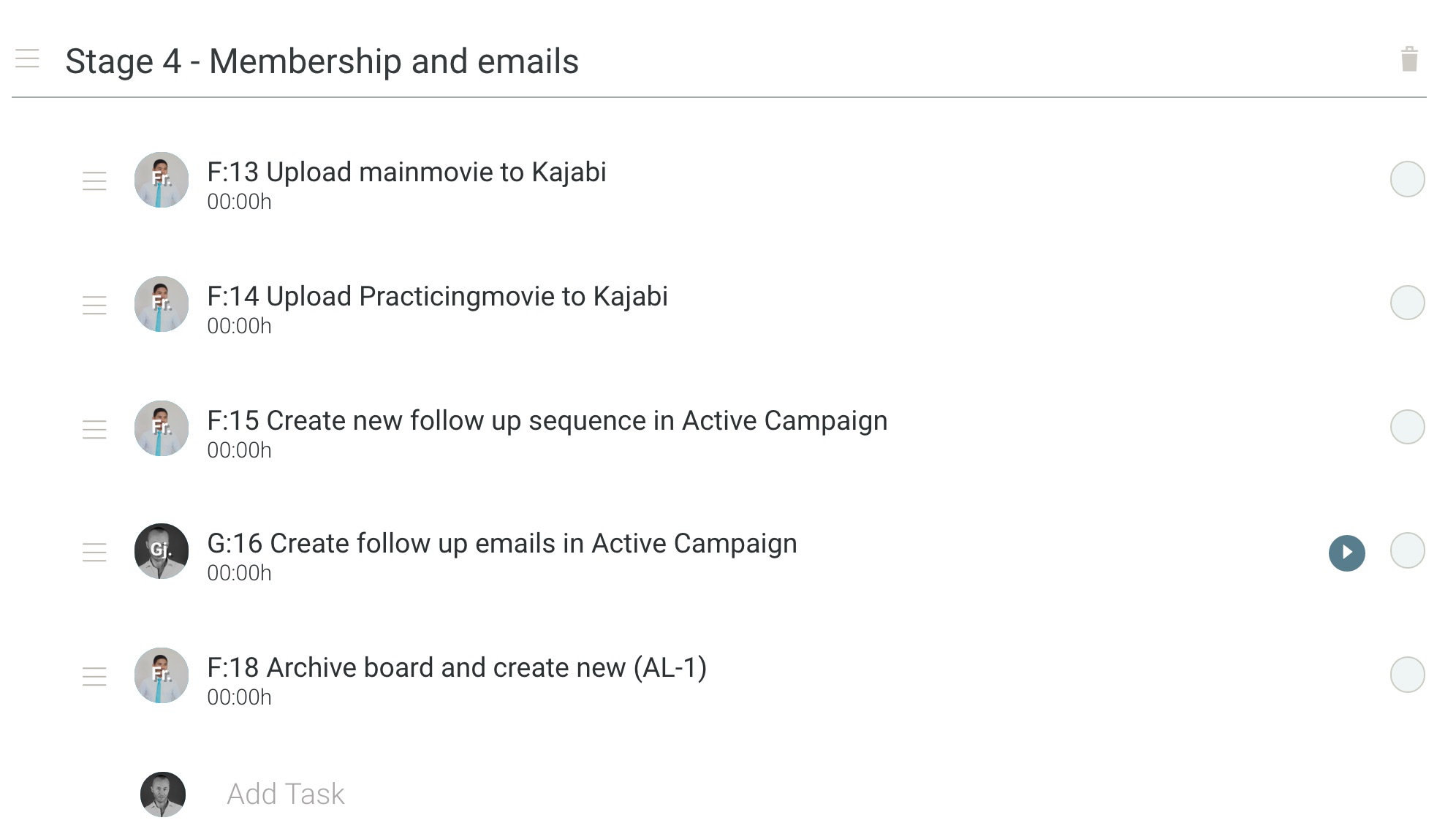
Assign all G- Tasks to Gjermund, and all F Tasks to Francis
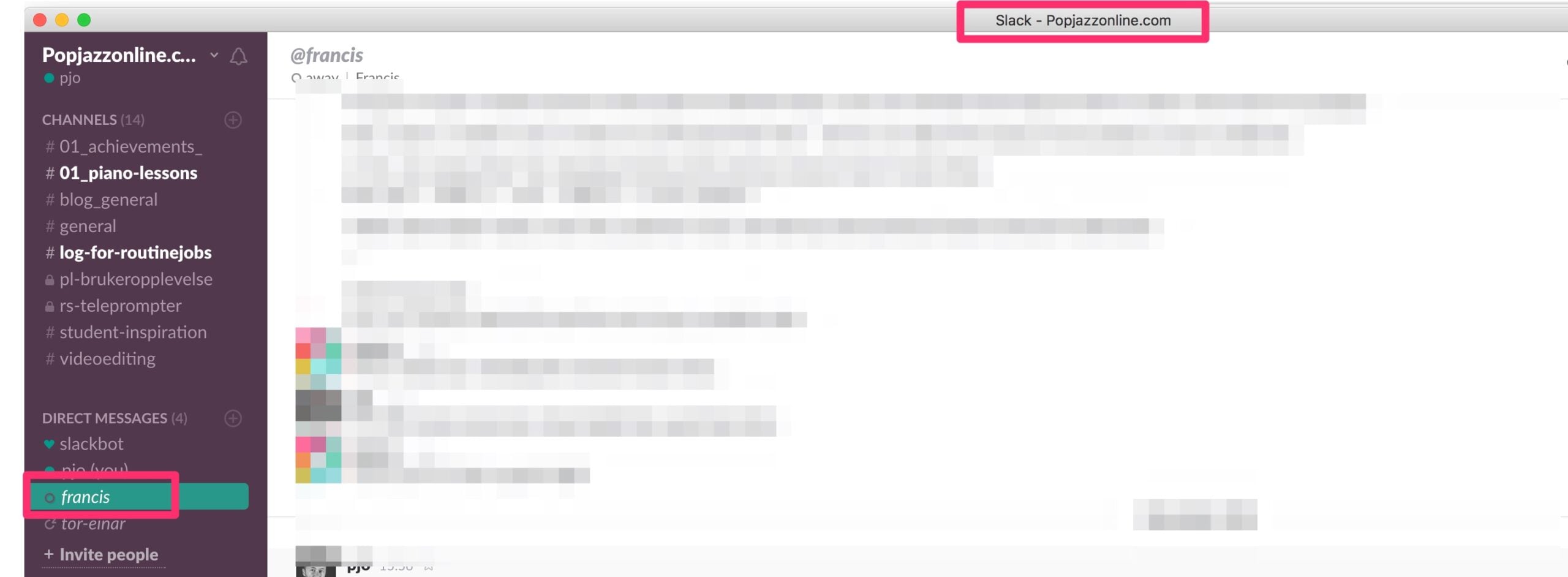
Let Gjermund know through Slack that you've archived and set up the new lesson and you're done