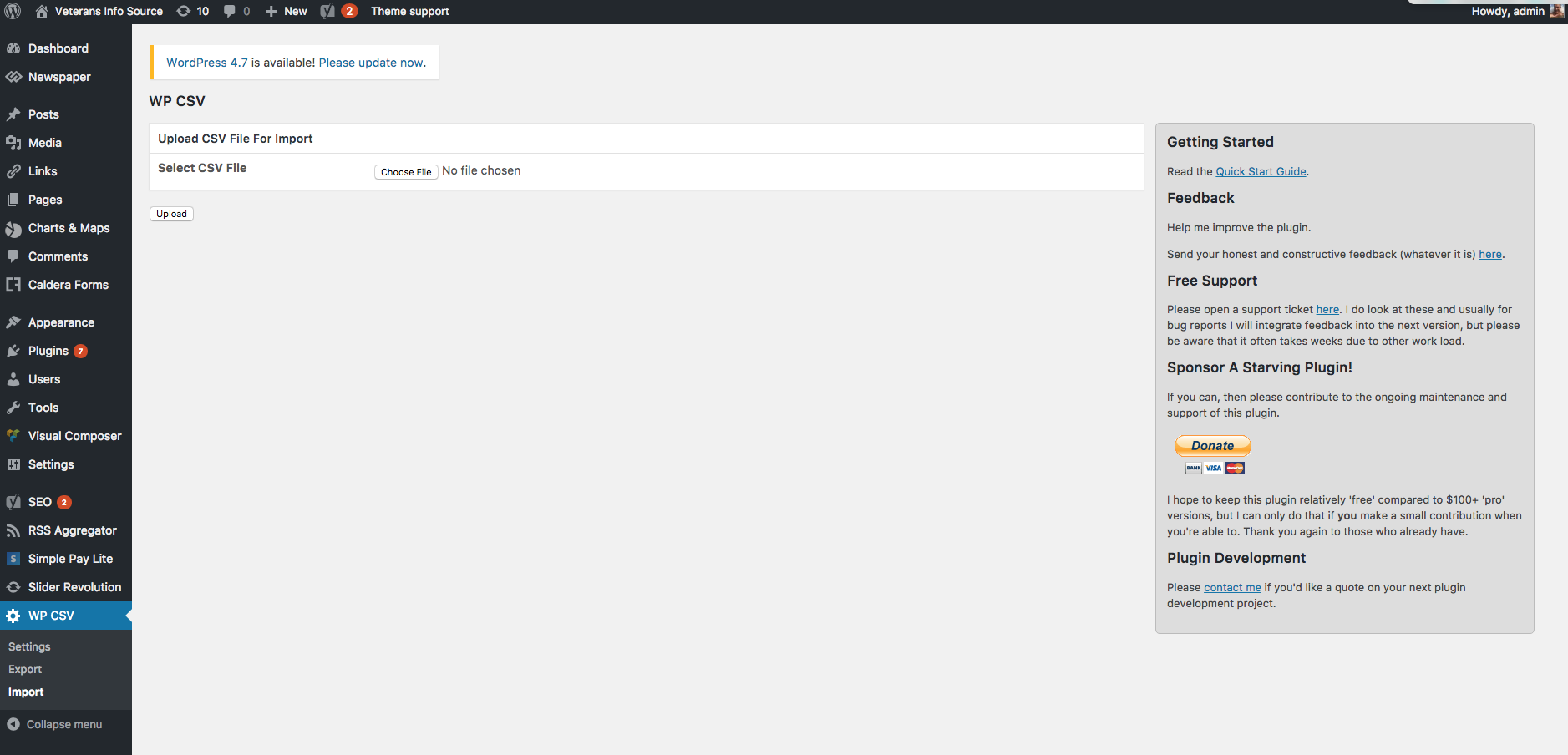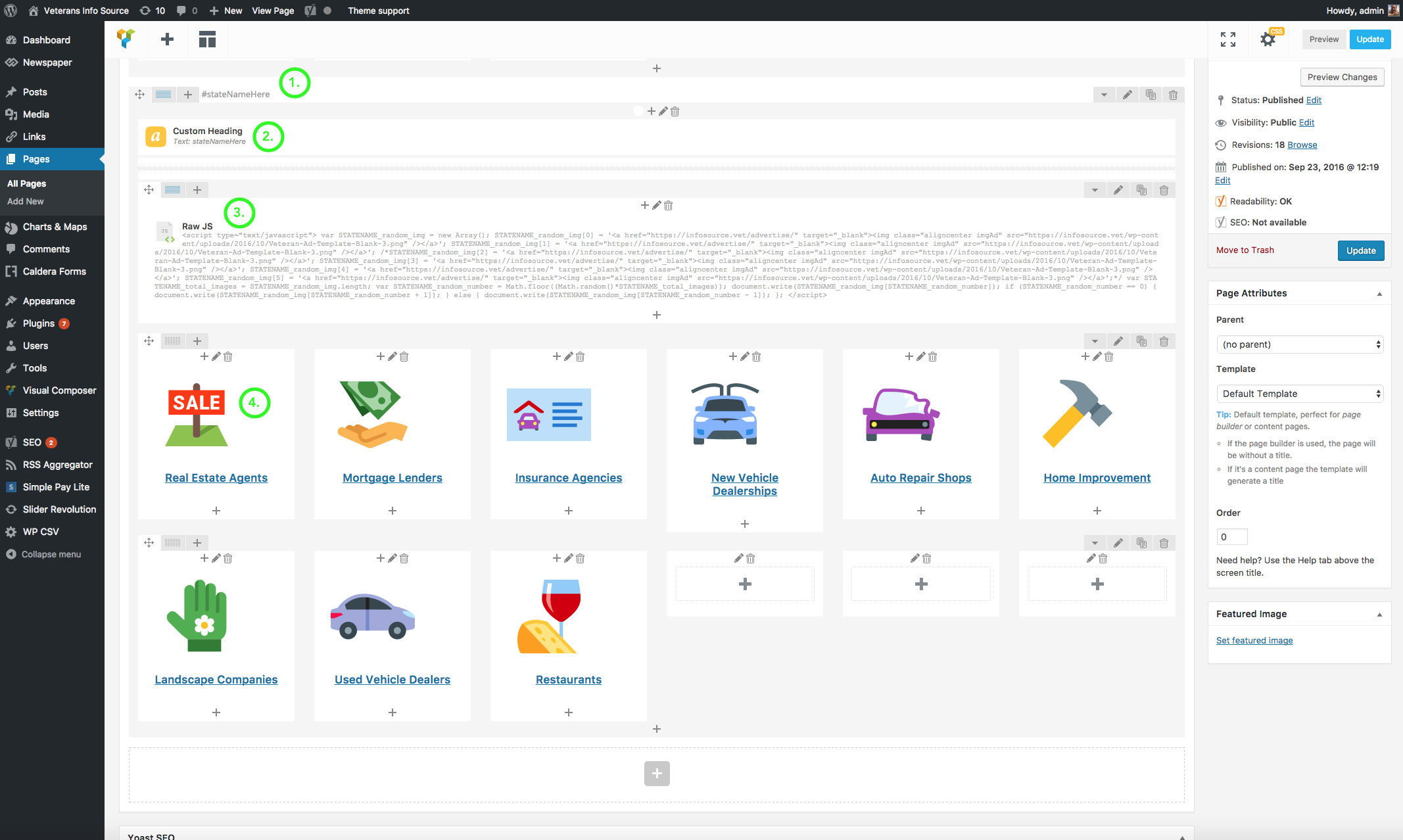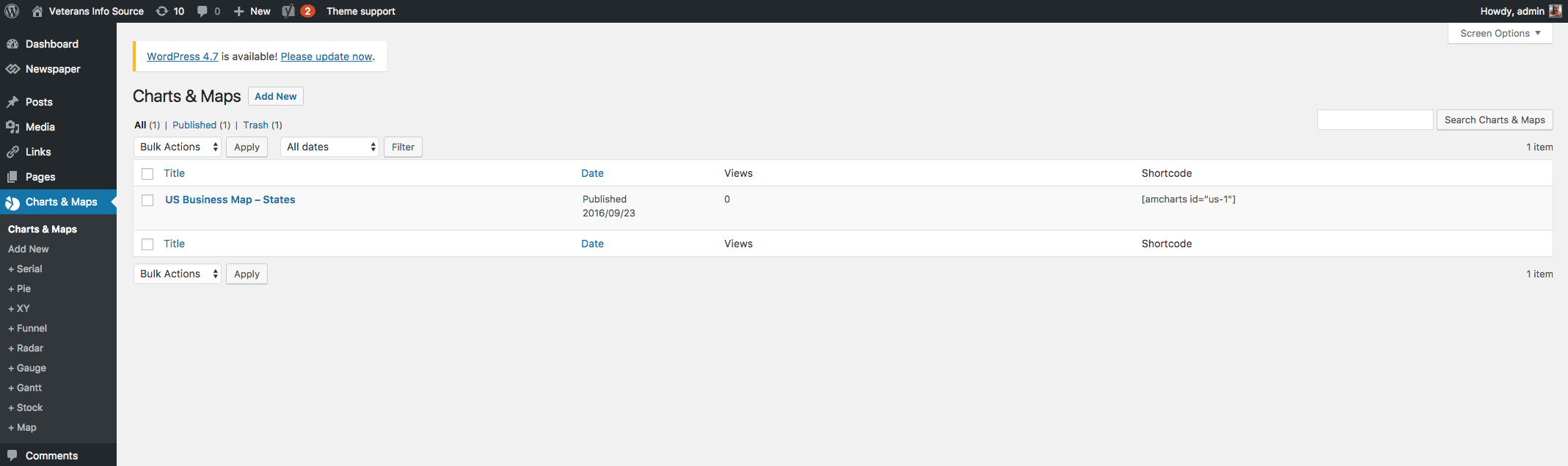
Bulk create new city pages in each category on the website using the above template.
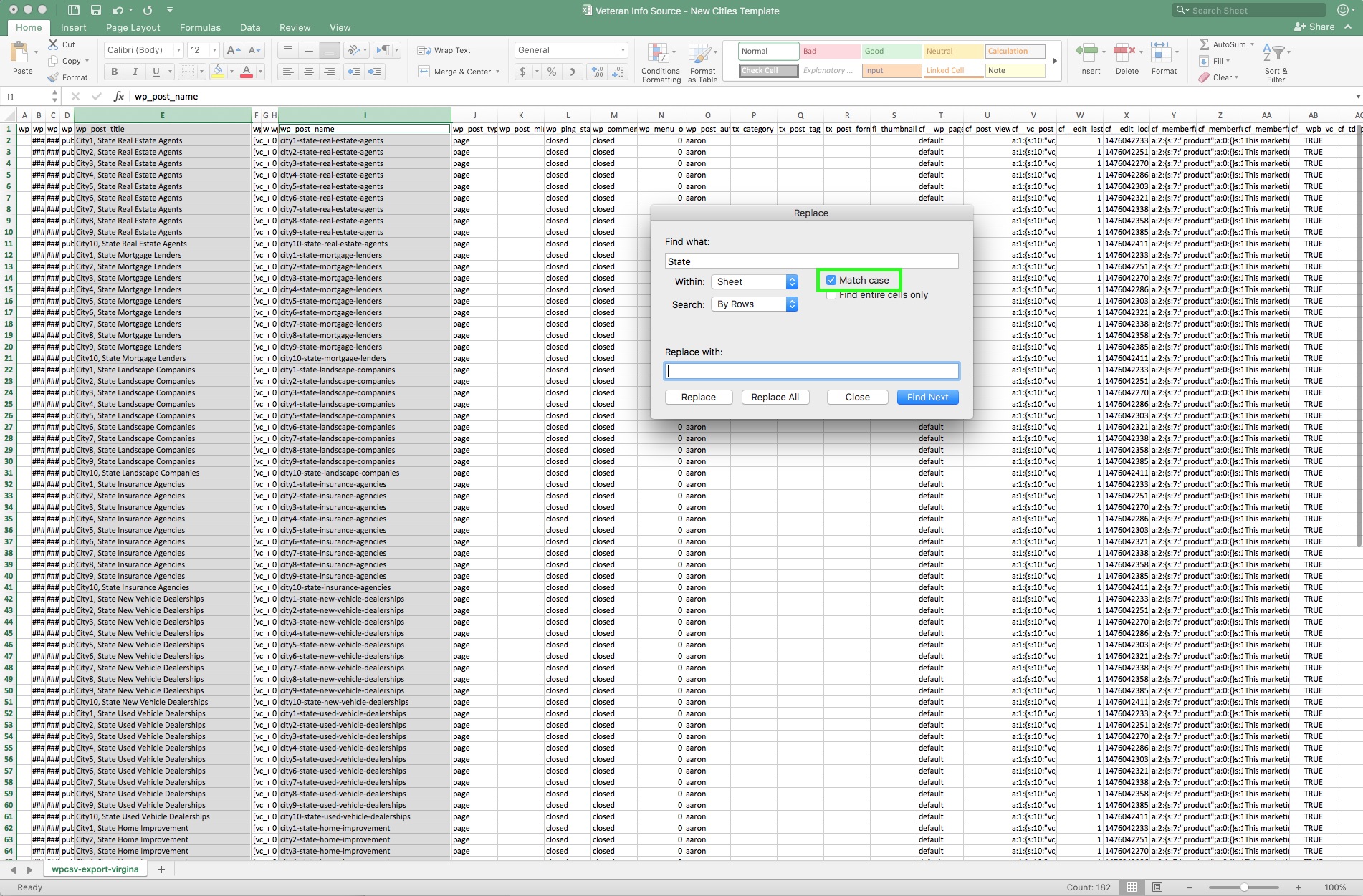
1. Use the Replace function to quickly find and replace all filler information.
- City name placeholders exist in the template as "city1" and "City1"
- The state name exists as "State" and "state"
- NOTE the capitalization of the two instances of each city and of the state name. Maintain the capitalization for visual formatting by marking 'Match Case' in Excel's replace function.