Uploading tweets to Postcron
When we write a new blog post, we need to drive traffic to that post and promote it via various social channels. At the moment, we're focusing on Twitter for this process. The overall process is-
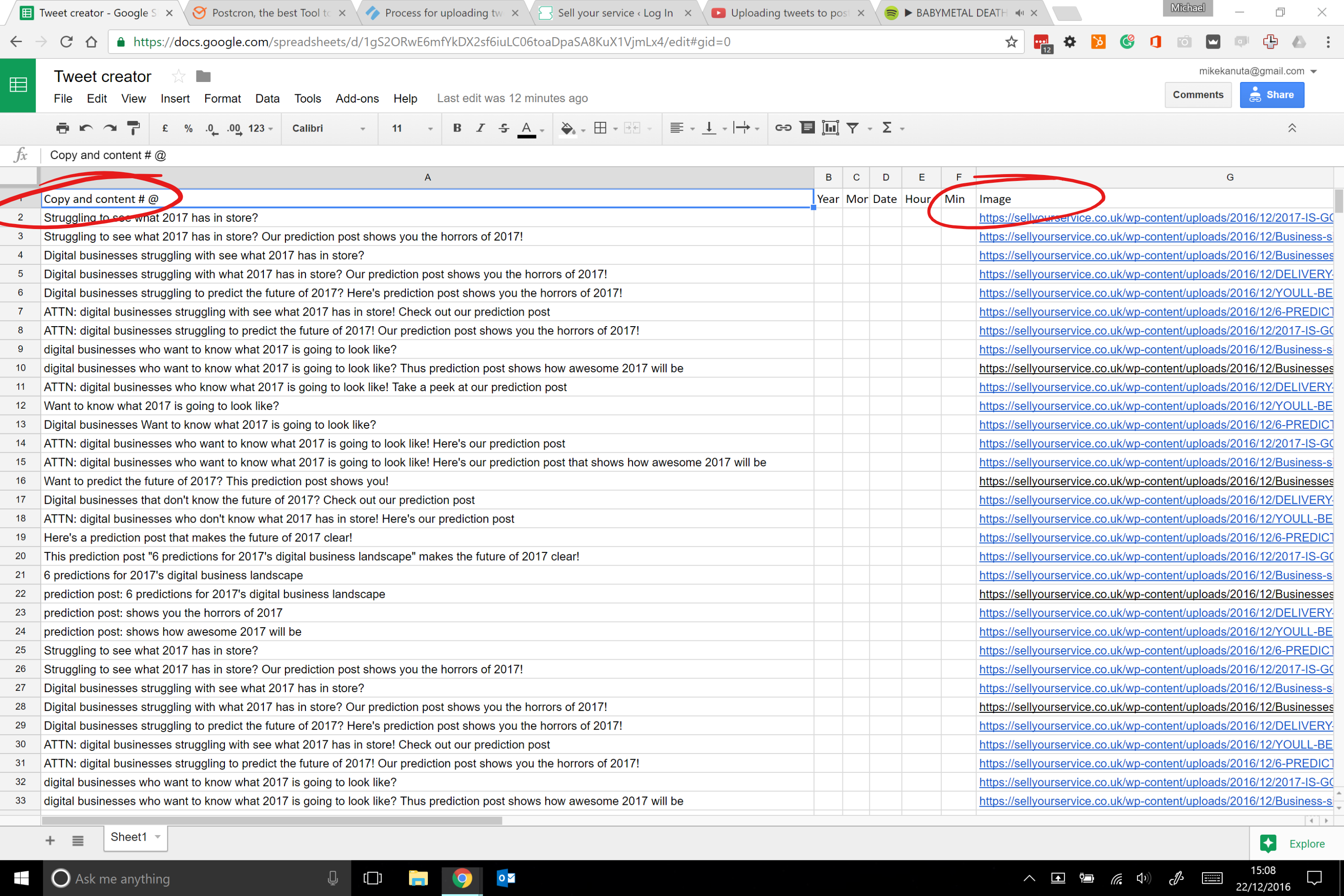
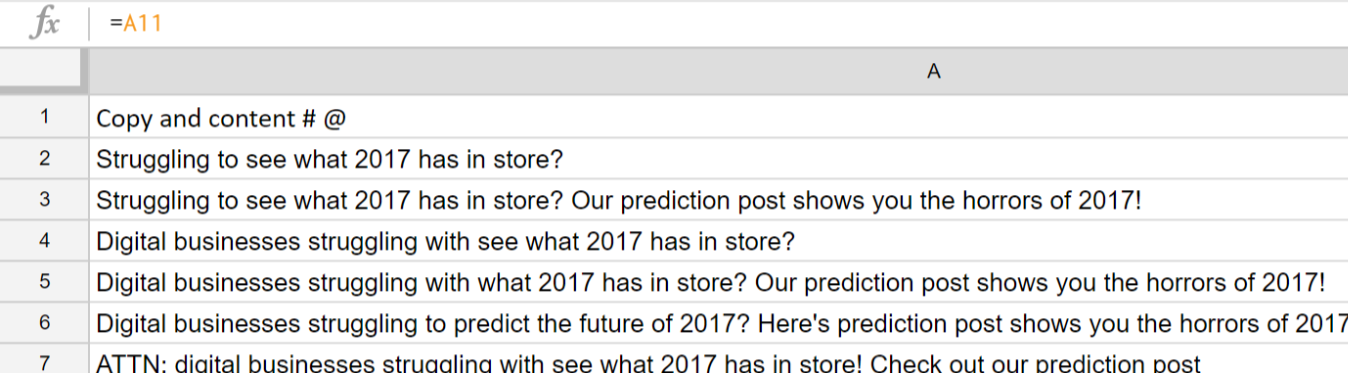
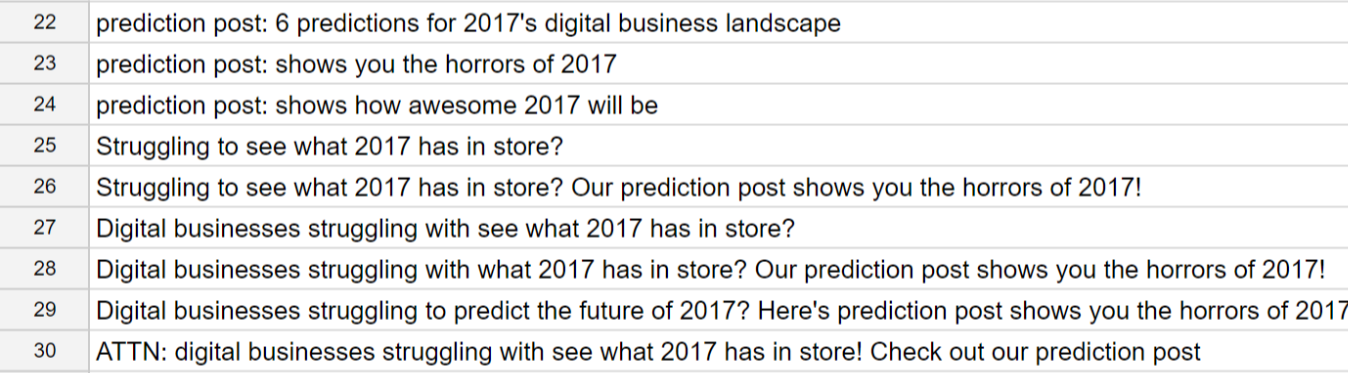
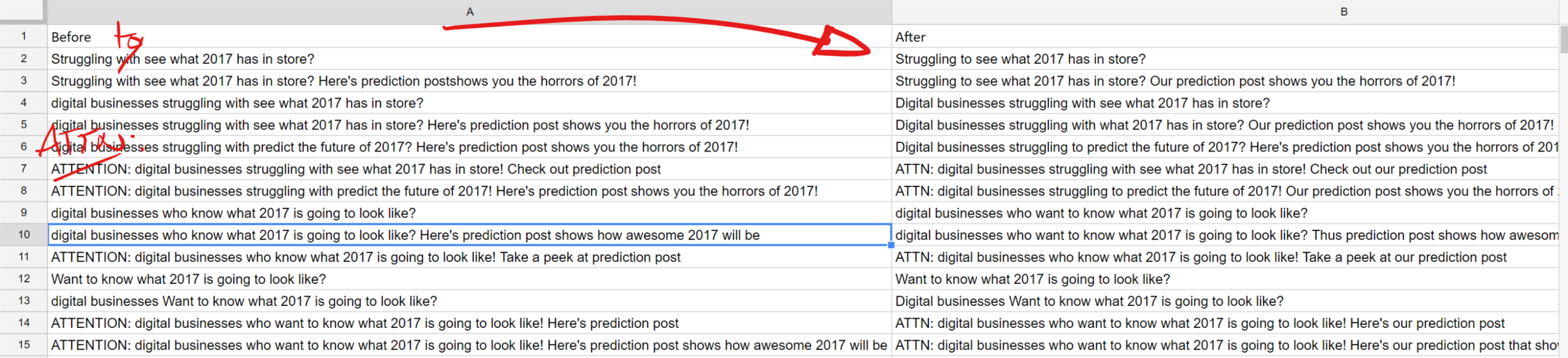
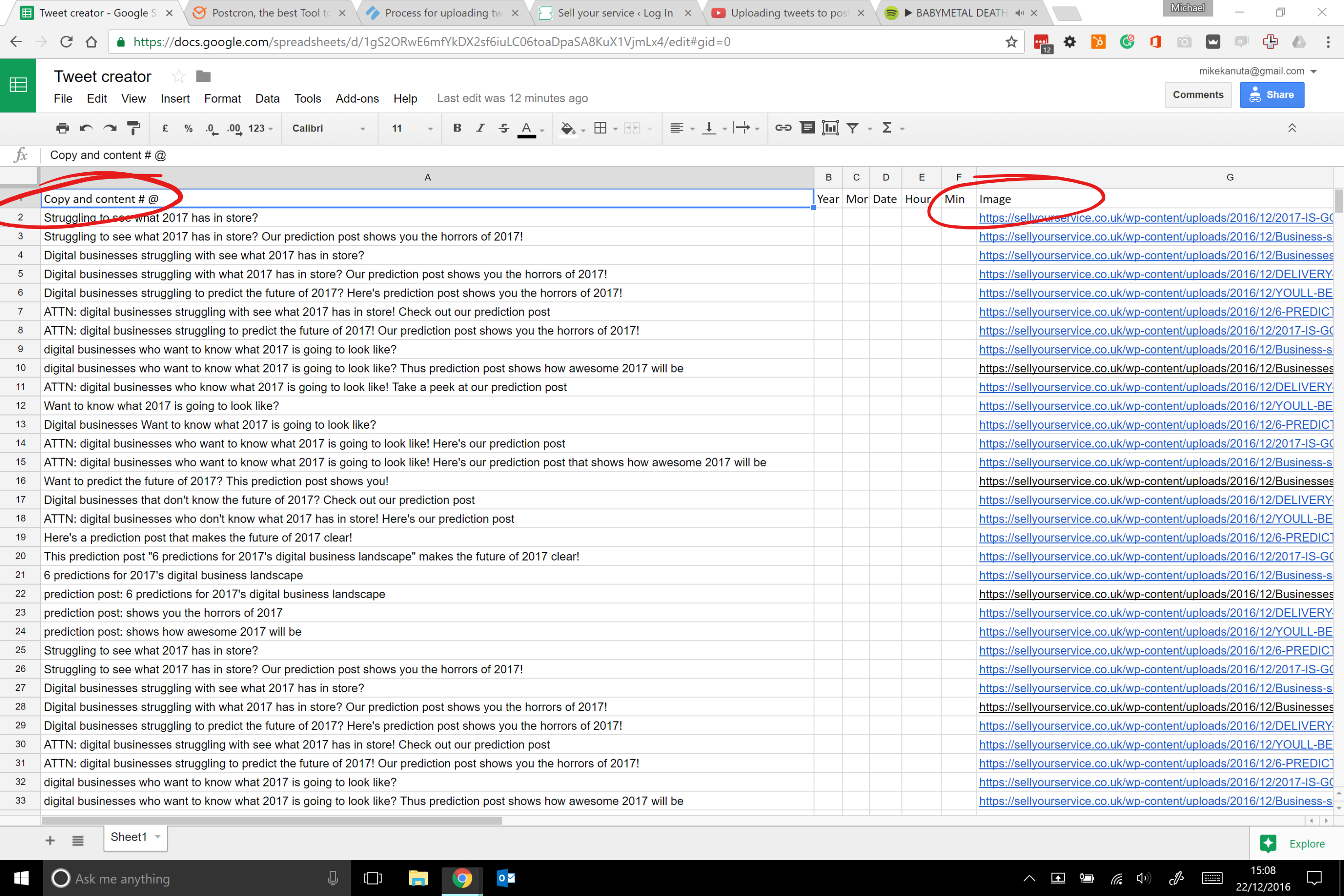
- Editing the content in the spreadsheet
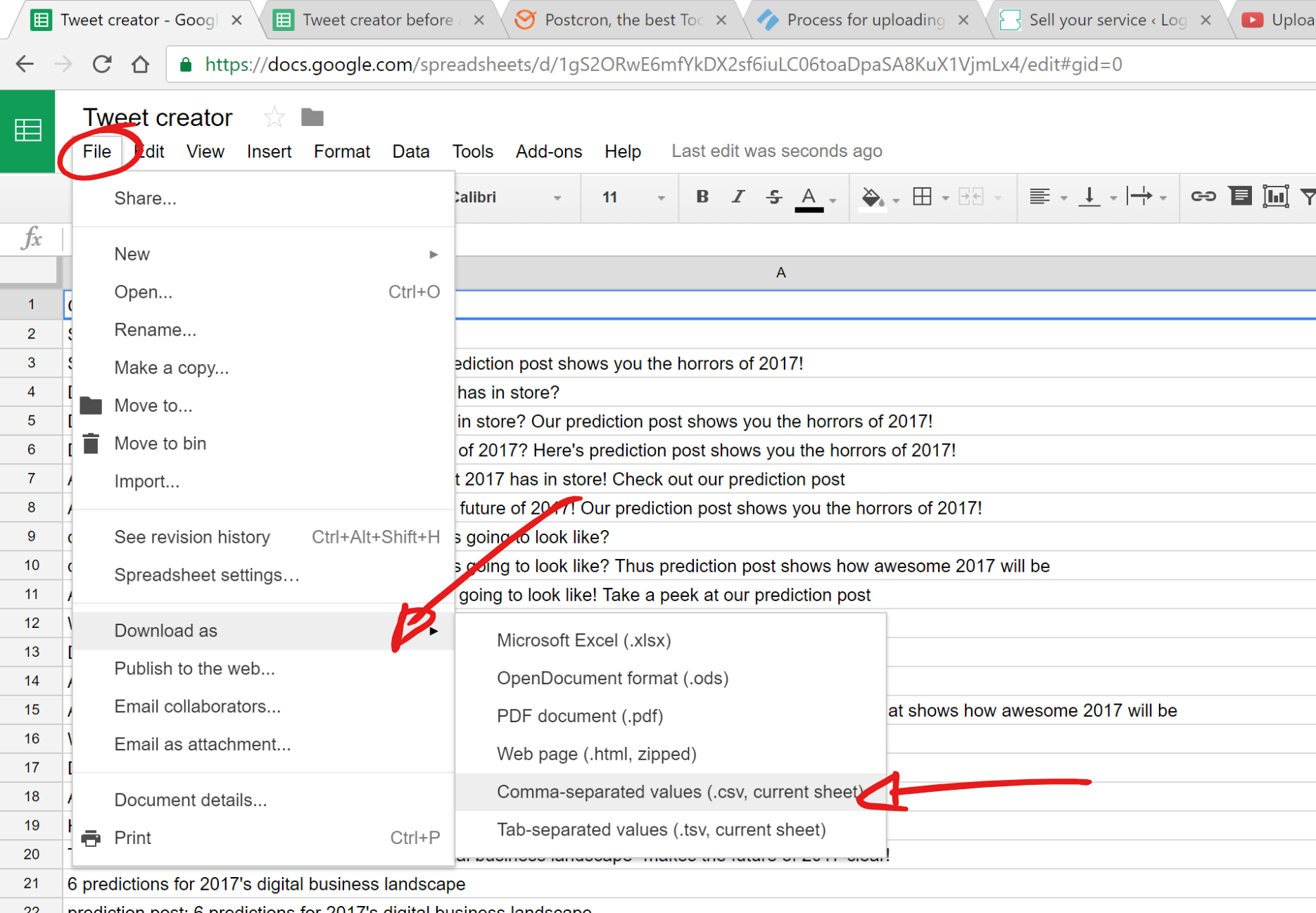
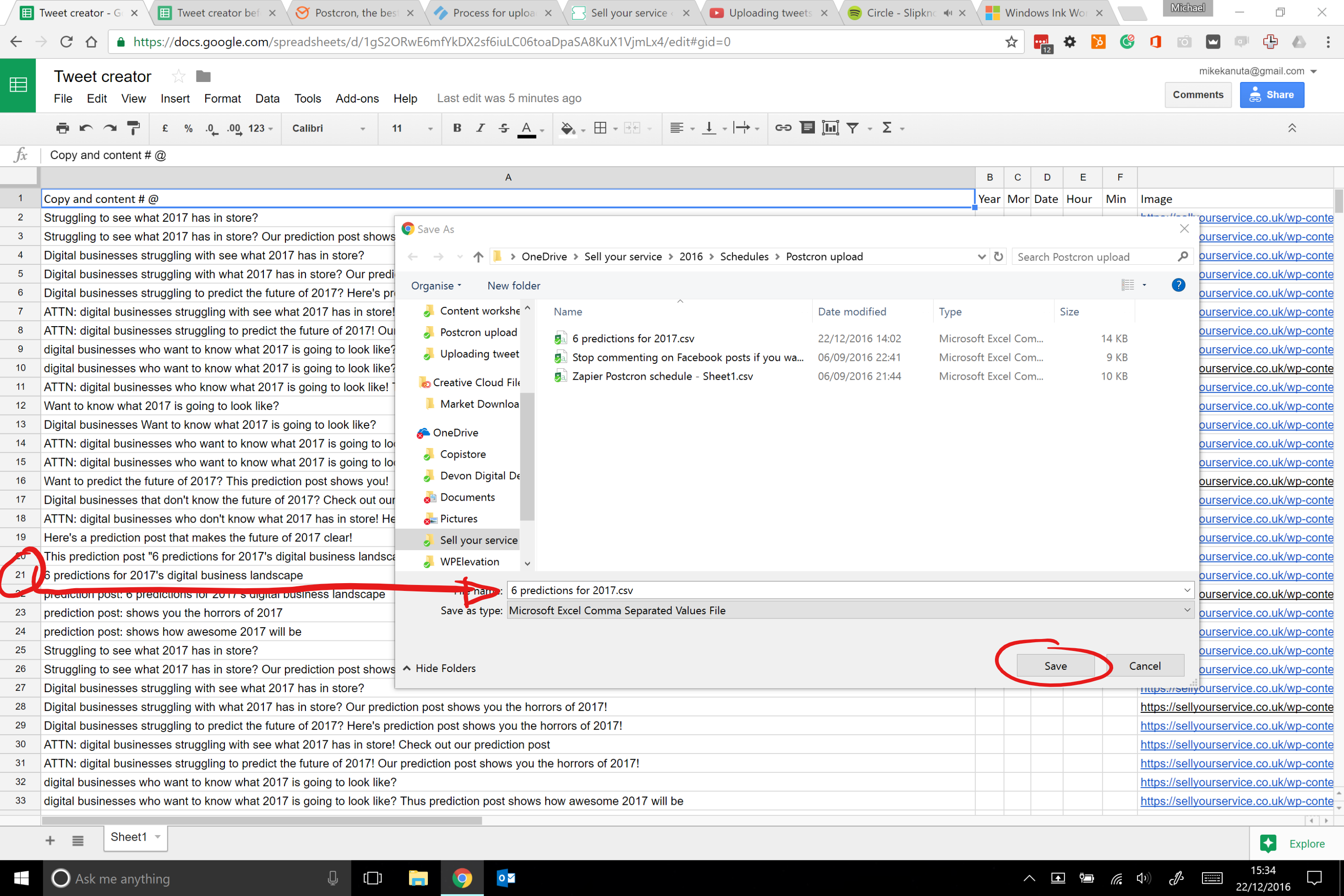
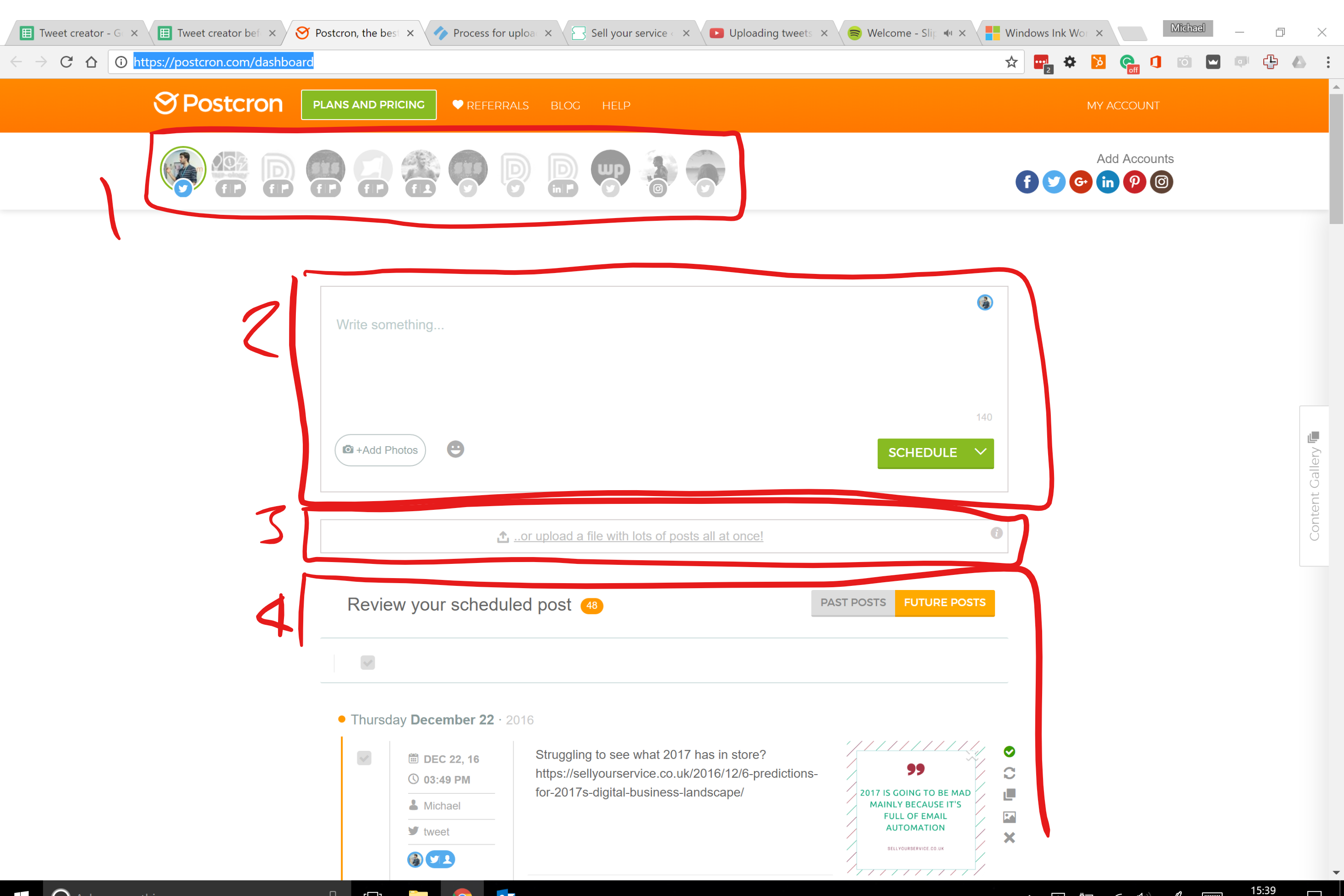
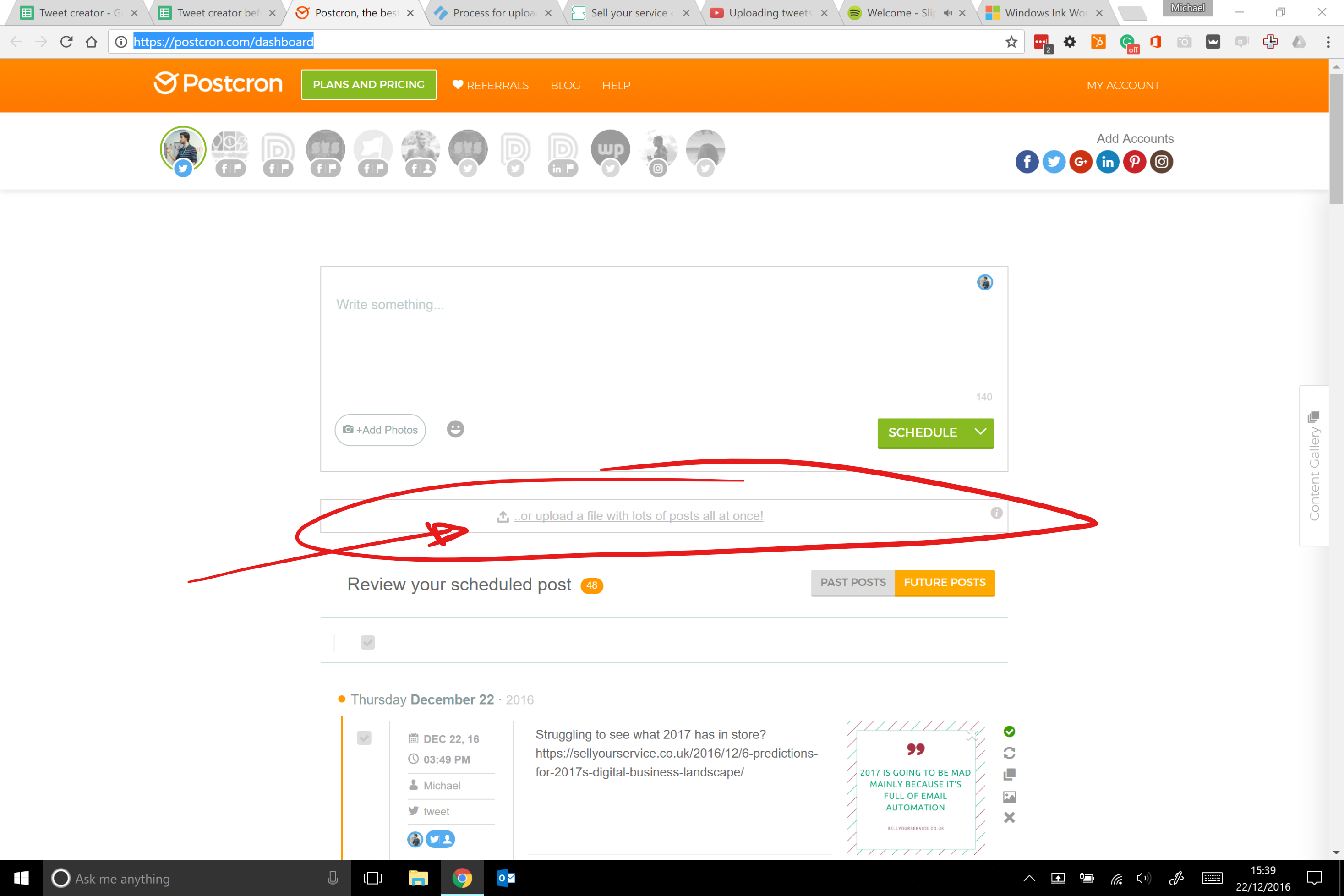
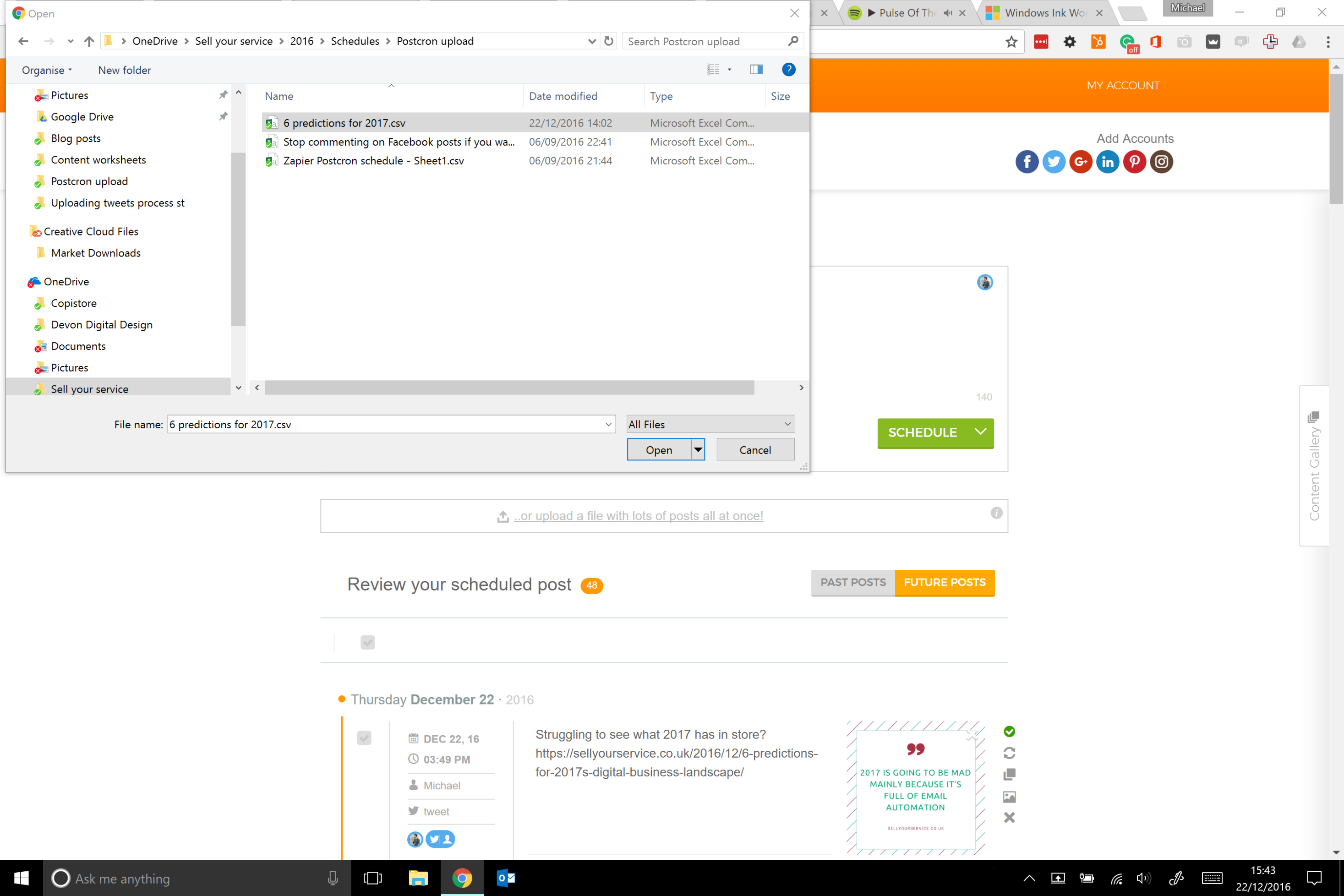
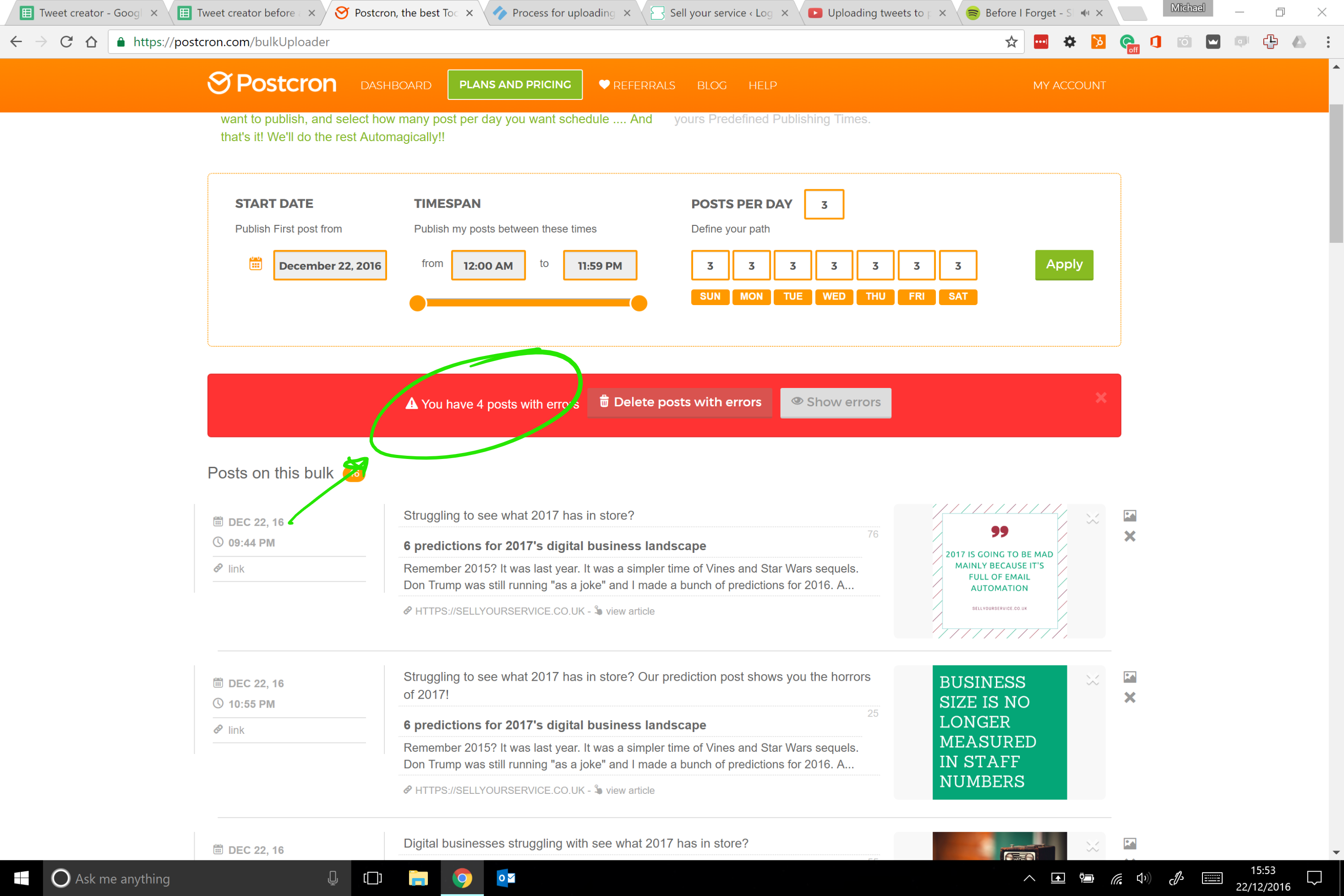
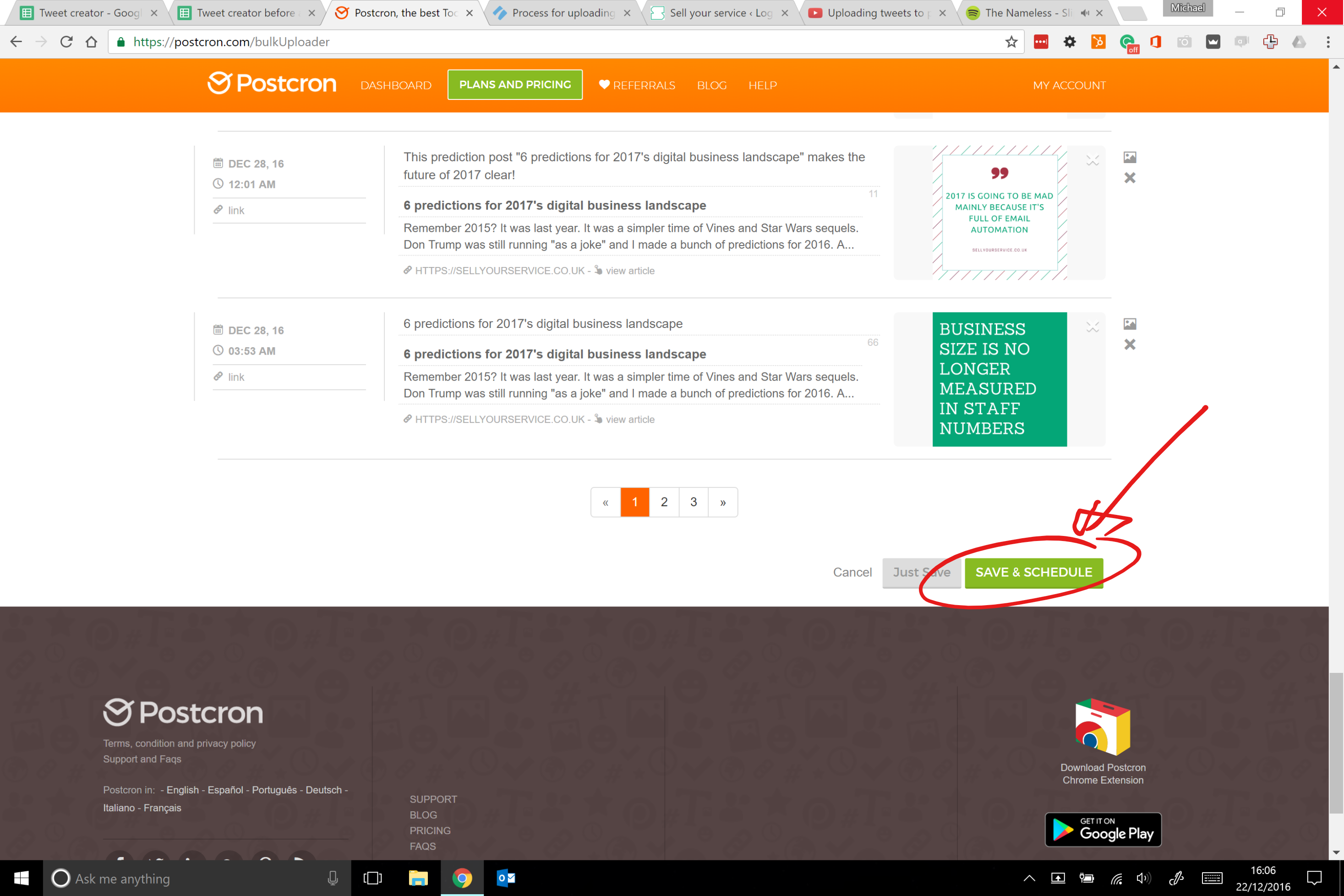
- Uploading the CSV file to Postcron
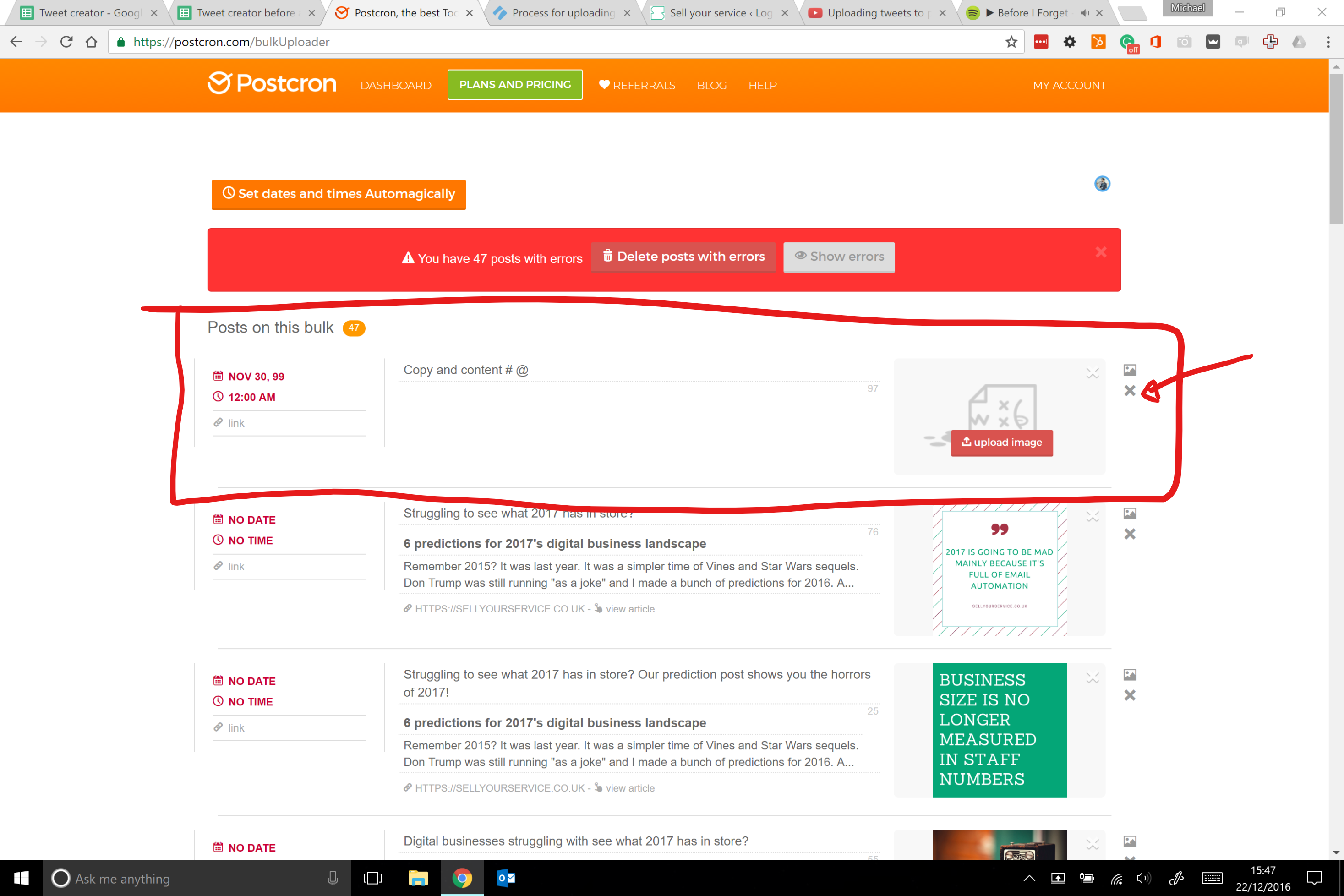
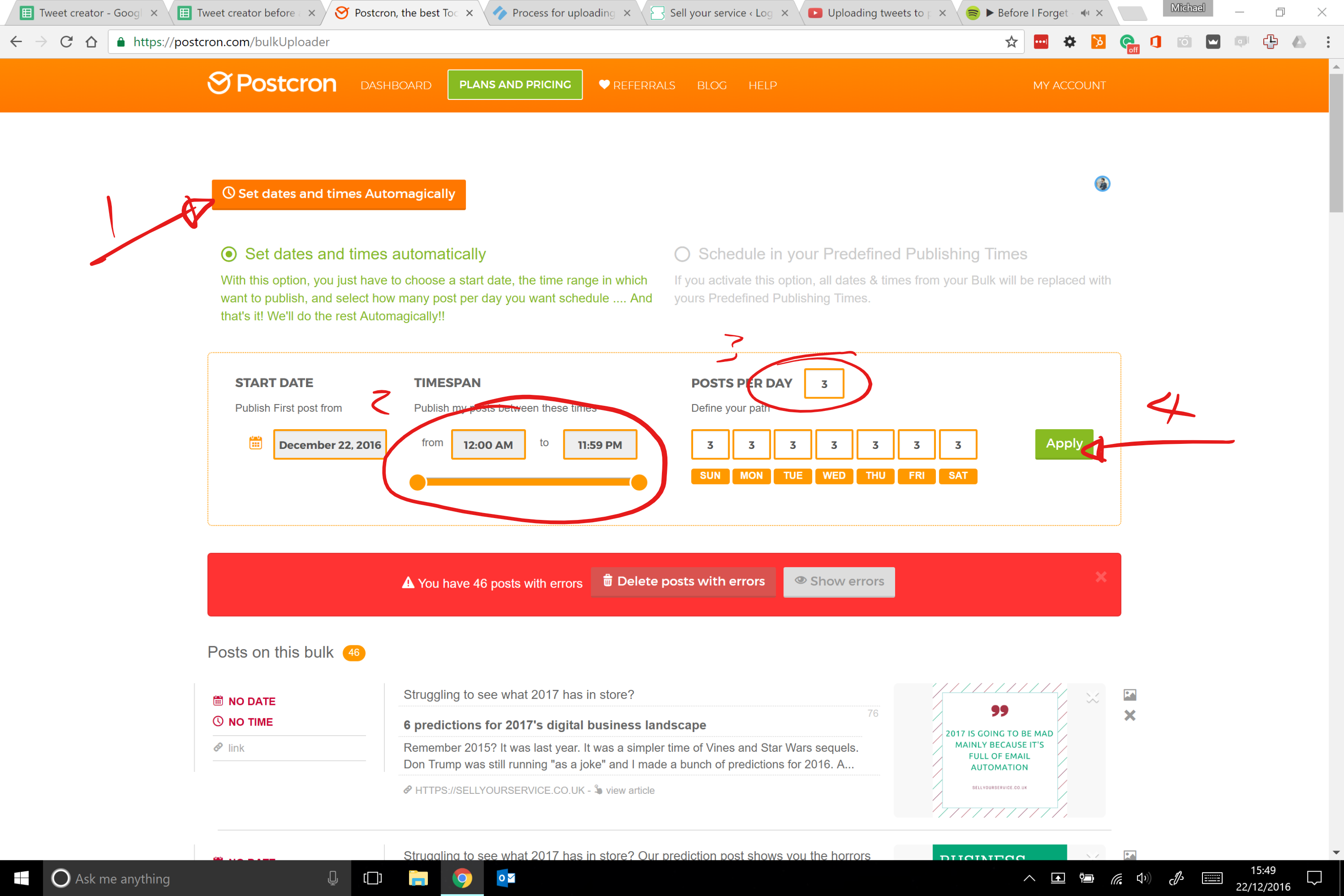
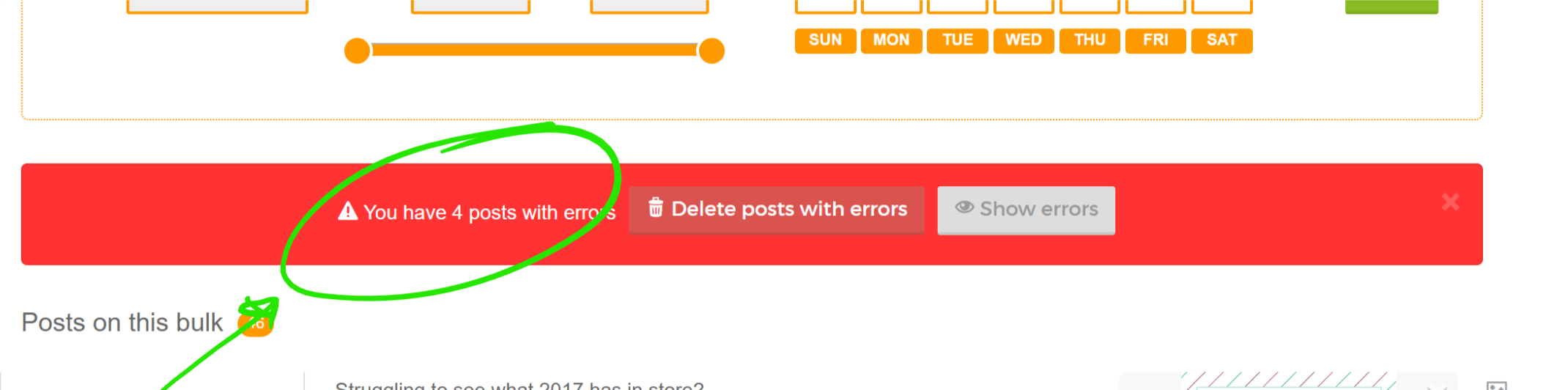
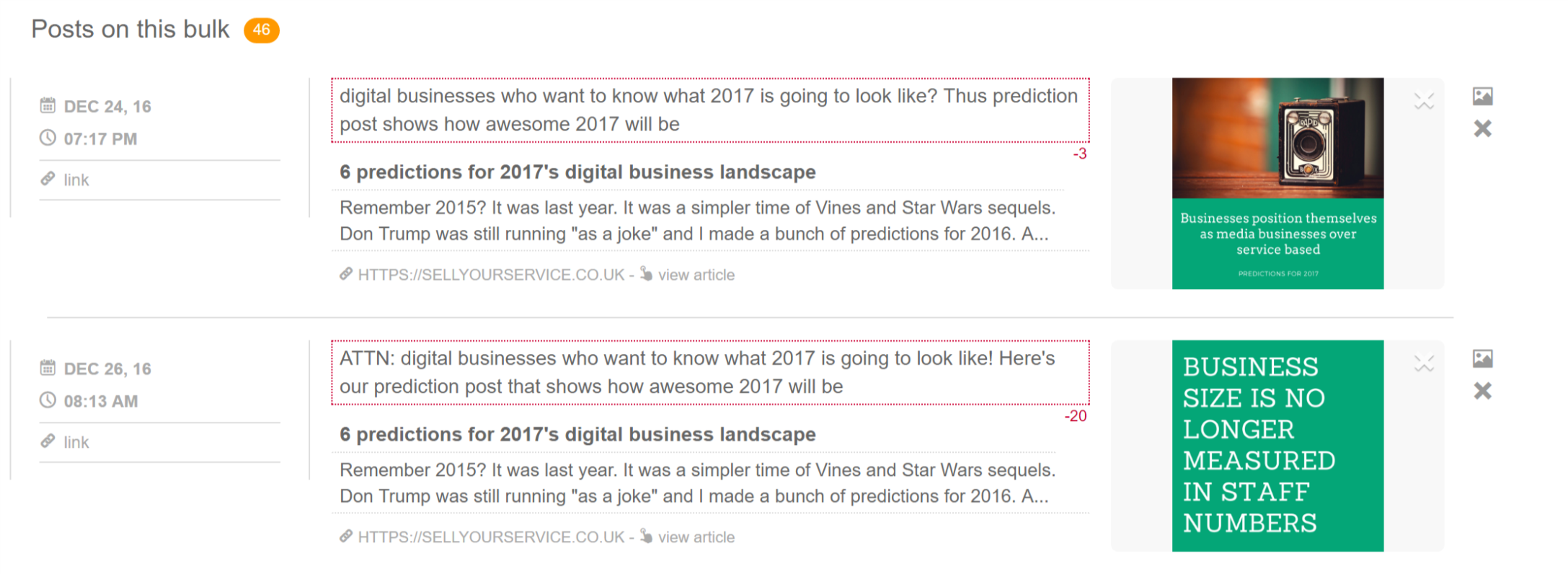
- Editing tweets in Postcron
You can see a video run through below.
This process exists so you can edit the tweets in Google sheets, download a CSV file and upload it to Postcron. Then, we can make another round of edits if need be to the tweets in Postcron
It's important that we can direct traffic to our blog from Twitter. This is a vital part of our social marketing strategy.
What You Will Need
You'll need access to the below
- Tweet creator Google sheet
- Postcron
If you do not have access to these resources, please contact Mike to request access.
Technical Considerations
When a new blog post is uploaded, you'll receive an email with a new version of this checklist. Click the link in the email to get a new checklist for each new blog post.