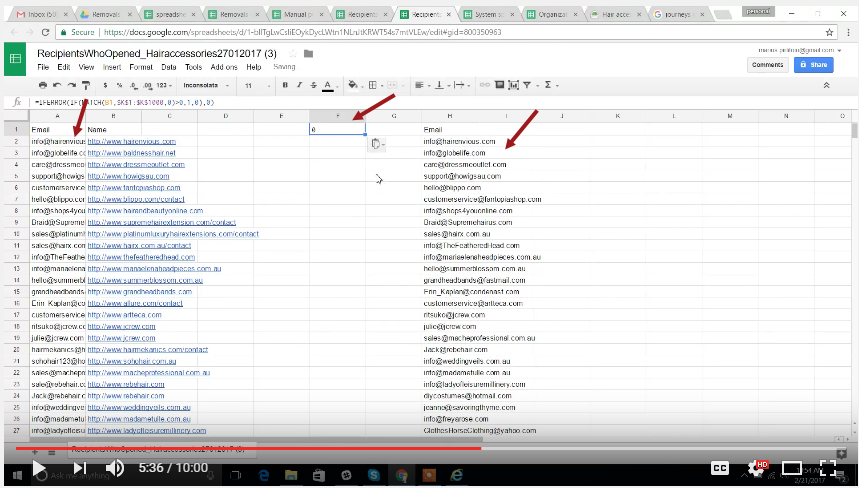
Copy the email address of the result 1 and 2 to a new spreadsheet (5:36)
7
Save the final result to a campaign spreadsheet (9:42)
8
Video Tutorial:
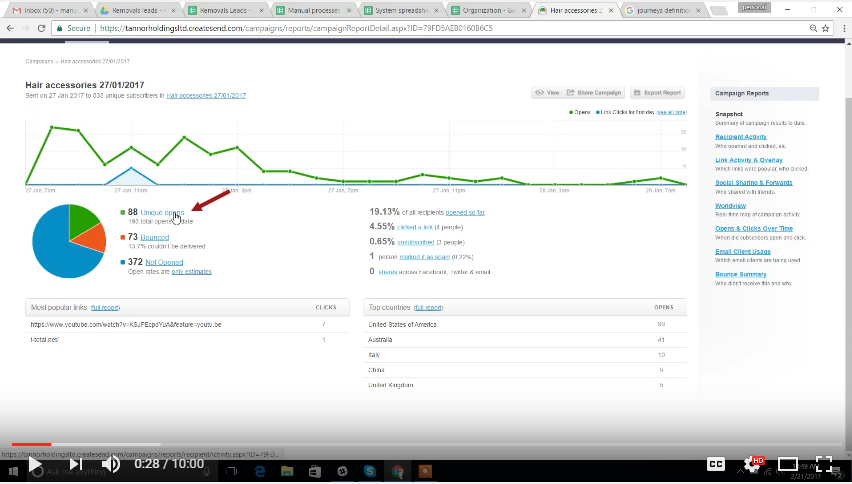
Harvesting the results of the campaign (0:15) :
Select the campaign(0:15)
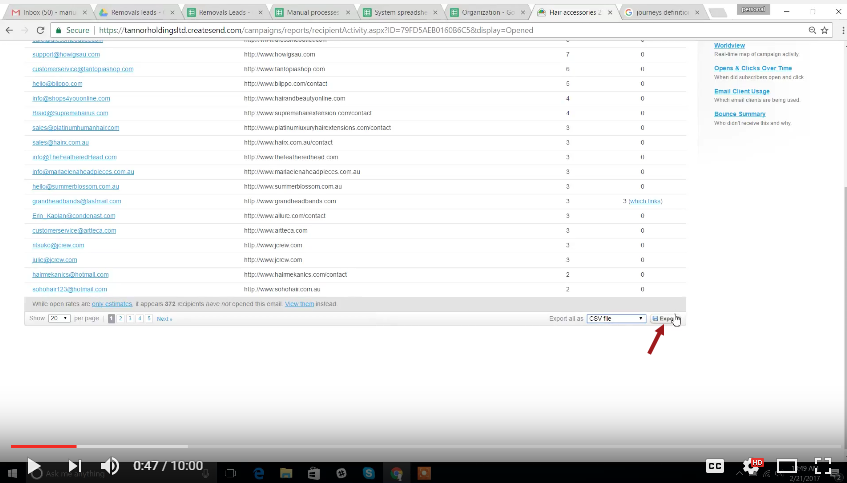
Download the file (0:47)
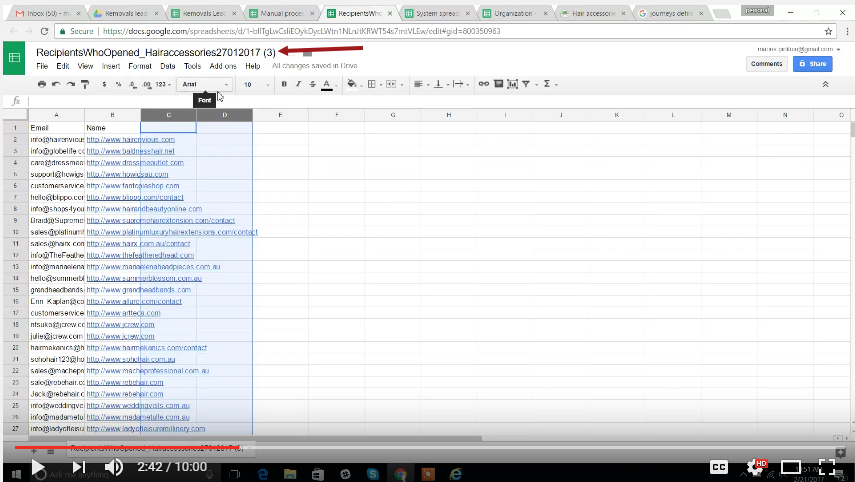
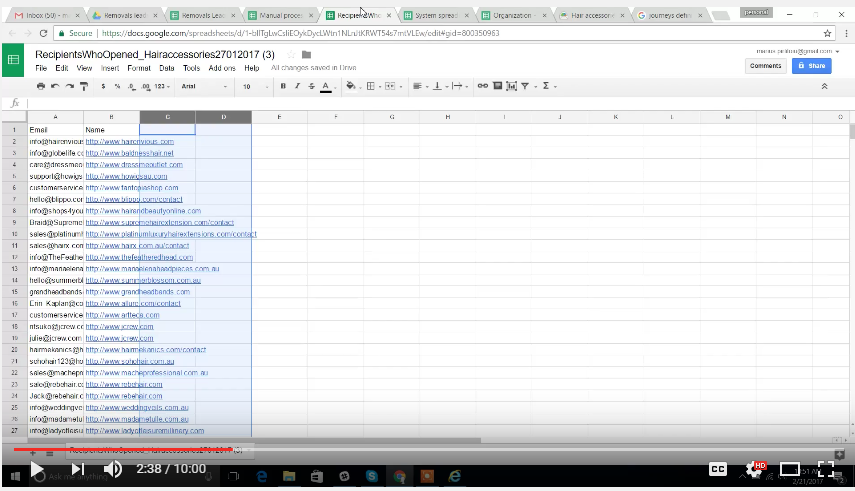
Save it to the google spreadsheet (2:40)
Save the sheet to your google spreadsheet.
Label it correctly NameOfTheCampaign_DateToday_#1,2,3 the number will varies if the result you get is already number 2 or 3 or the first result. That's why you should include the date
Update the sheets you have downloaded (2:49)
Input the
Copy the email address of the result 1 and 2 to a new spreadsheet (5:36)
Copy the email of the results 1 and 2
Cop the formula in the center, refer to the picture above the center arrow.
Save the final result to a campaign spreadsheet (9:42)
Optional cookies and similar technologies support analytics, advertising and visitor identification, and embedded content. Change or withdraw consent in Cookie settings. Cookie policy.