What is Process Street?
Request a demo
Share
Copy link
Edit
in
Process Street
Templates
/
Campaign Monitor Training 3: Changing The Campaign
Uncategorized
Campaign Monitor Training 3: Changing The Campaign
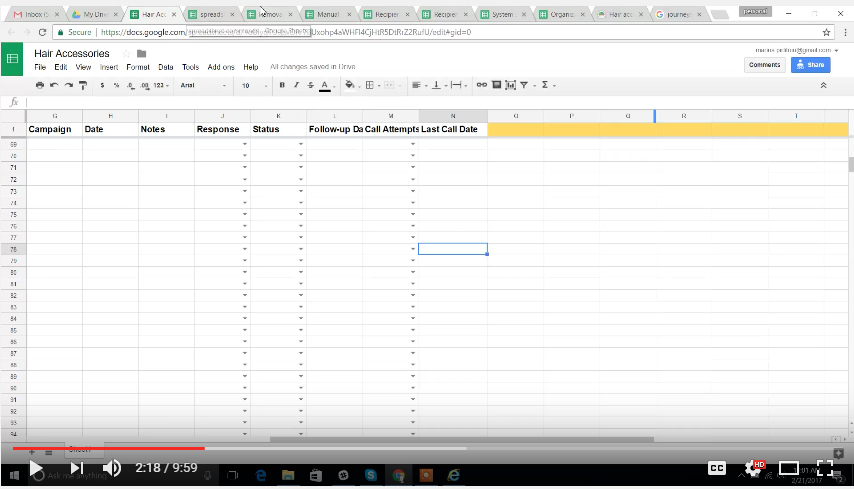
1
Changing the campaign (2:16):
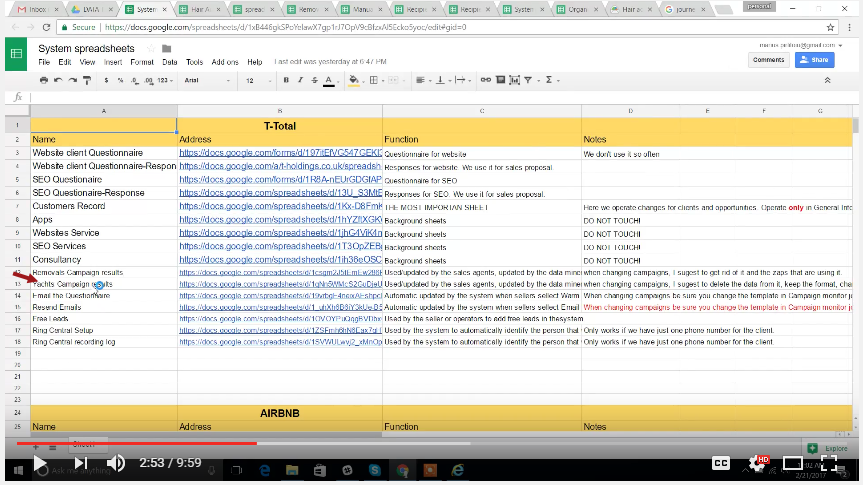
2
Get the old campaign spreadsheet (2:53)
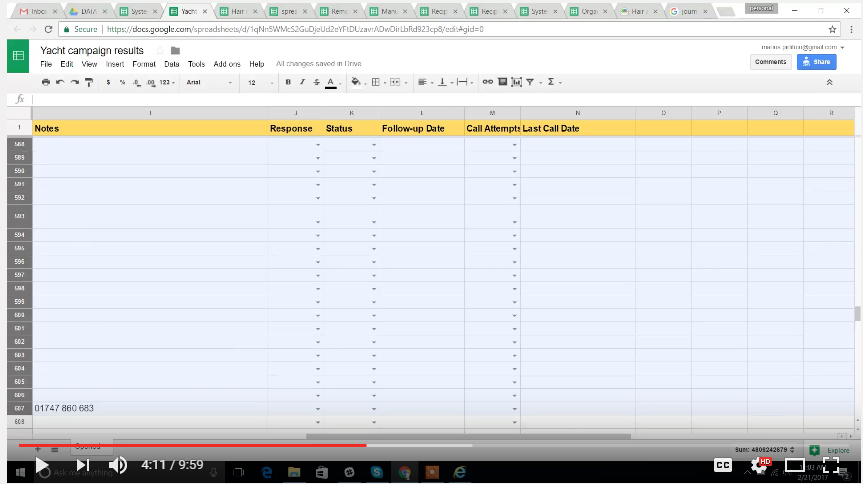
3
Delete the information (4:08)
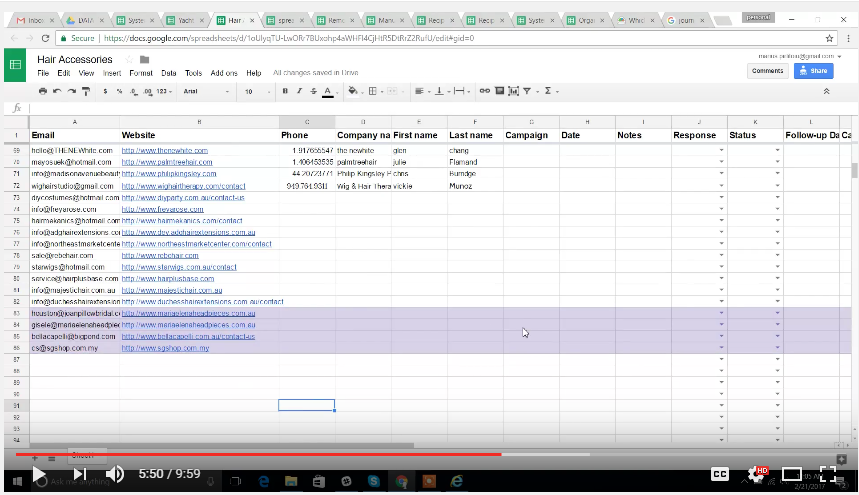
4
Transfer the data ( 5:44)
5
Email resend for the different campaign but using the same email (6:43):
6
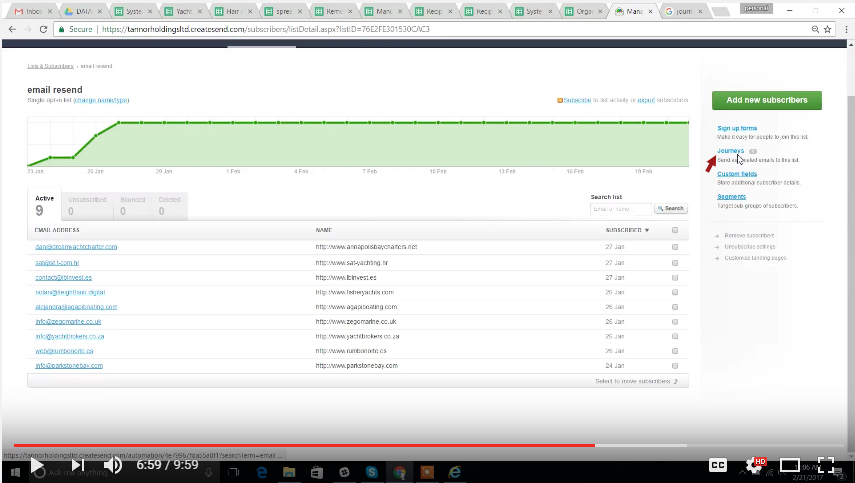
Click Journey (6:59)
7
Click the Campaign (7:04)
8
Edit the content of the email
9
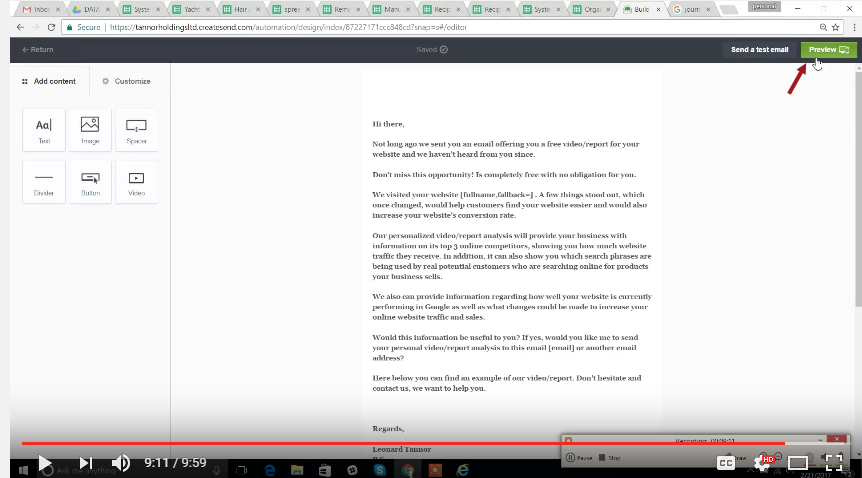
Click Preview (9:11)
10
Click "Done"
11
Video Tutorial:
Changing the campaign (2:16):
Get the old campaign spreadsheet (2:53)
Go to the system spreadsheet (will be provided).
Select the old campaign as shown in the picture.
Delete the information (4:08)
Delete the information. (not the formula)
Transfer the data ( 5:44)
color the clients who are hot leads. Like they opened and watch the videos.
Email resend for the different campaign but using the same email (6:43):
Click Journey (6:59)
Click Journey
Click the Campaign (7:04)
Edit the content of the email
Click Preview (9:11)
Click "Done"
Video Tutorial:
Browse all templates
Edit in Process Street
Stay updated—subscribe to our blog!
More templates like this
Payroll Processing – User Guide
PROCEDURE PAYROLL PROCESSING-TSHEETS &QB-Payroll Processing
How to Build a Process from Resources (Copy)
2. Entrega de proyecto
12 Month Maintenance Schedule
Resource Based Economy Transition Team Support
View all Uncategorized templates