Series Start [30 minutes before first pass]:
Close and reopen the VU Transceiver
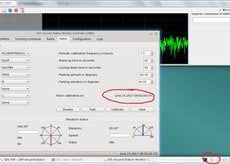
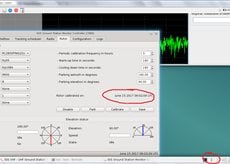
Make sure the rotors were recently calibrated
Observe the state of the satellite on the Status, Passes tabs
Observe last state of the Telemetry Viewer
Create pass plan: TLE (once per series), Min/Max, coarse WODs..
Status tab ‣ Update file handles, WOD info
Status tab ‣ Update paramsDB / flight params that were changed
Files tab ‣ Update uplinked / downlinked files
Passes tab ‣ Describe the lastest pass
Check that the temperature is not fixed
Observe last state of the Telemetry Viewer
Create pass plan: TLE (once per series), Min/Max, coarse WODs..
Status tab ‣ Update file handles, WOD info
Status tab ‣ Update paramsDB / flight params that were changed
Files tab ‣ Update uplinked / downlinked files
Passes tab ‣ Describe the lastest pass
Check that the temperature is not fixed
Observe last state of the Telemetry Viewer
Create pass plan: TLE (once per series), Min/Max, coarse WODs..
Status tab ‣ Update file handles, WOD info
Status tab ‣ Update paramsDB / flight params that were changed
Files tab ‣ Update uplinked / downlinked files
Passes tab ‣ Describe the lastest pass
Check that the temperature is not fixed
Status tab ‣ Update latest TLE age
Sync downlinked files to backend [optional]
When applicable, add TODO for the next series
Weekly operation (Every Thursday morning):
Update the TLE in the LGS controller
Update the Debian software