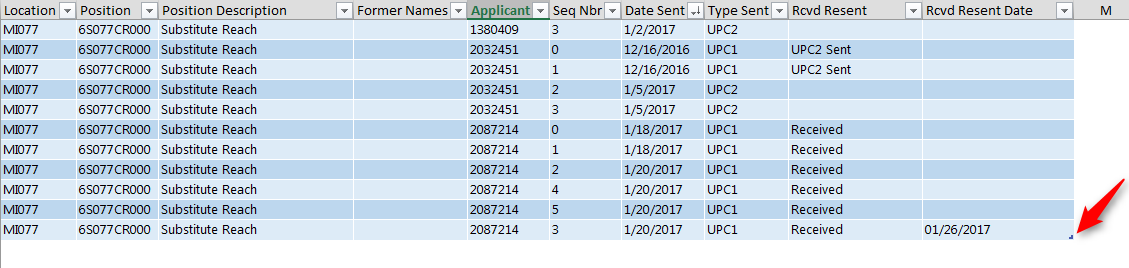
Copy/Paste table of data into TransparencyUPC sheet
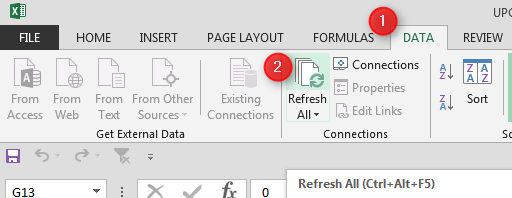
Go to the Data tab and click on Refresh All
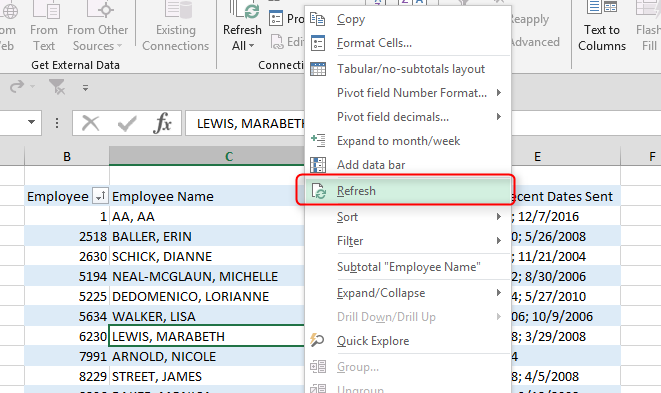
Go to the Dates Sent Pivot and Rcvd Date Pivot sheets and right-click in each pivot table, choose refresh
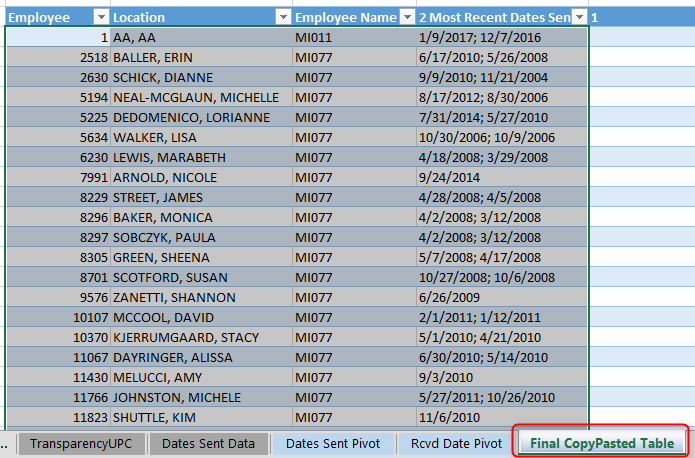
Copy all columns of the Dates Sent Pivot and paste it into the first 4 columns of the FinalCopyPasted table
Go to the Rcvd Data Pivot sheet and copy the Most Recent Rcvd Date column; paste into last column of FinalCopyPasted Table
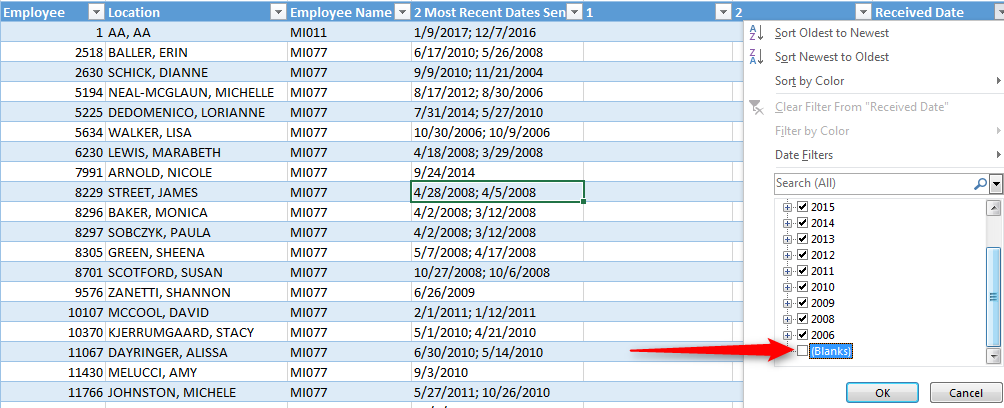
Filter out blanks in the Received Date column
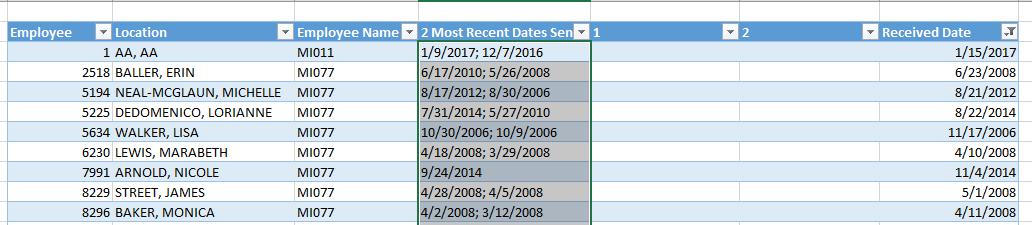
After table is filtered, delete data in 2 Most Recent Dates Sent column
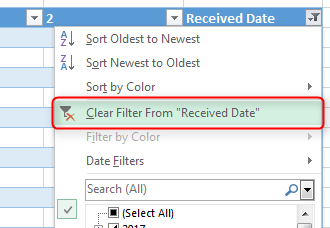
Clear the filter in the Received Date column
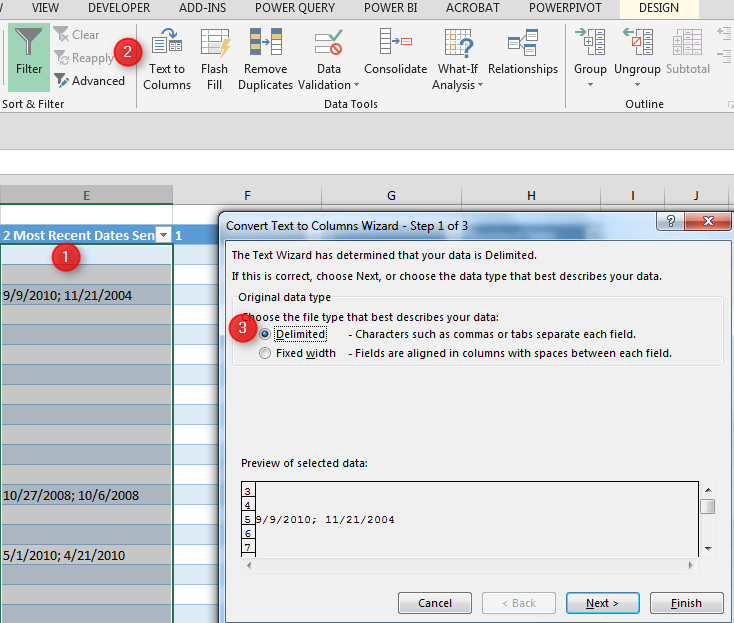
Highlight the 2 Most Recent Dates Sent column, choose Text to Columns under the Data tab, and select 'Delimited' radio button, then click Next
Choose Semicolon, then Next
Choose the Date format and change the Destination to $F$3, then click Finish