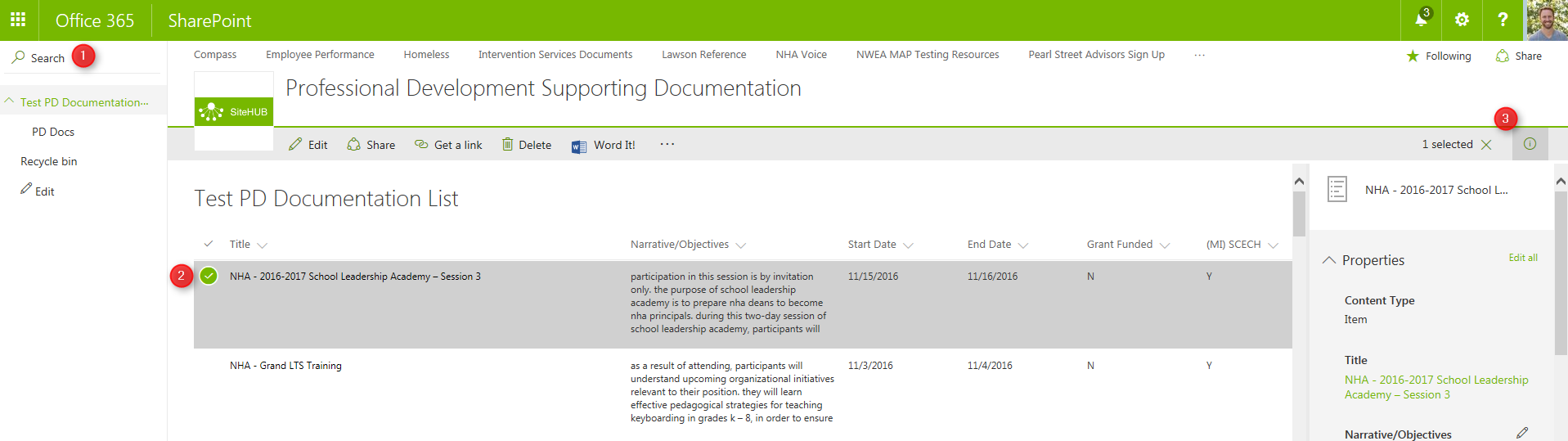
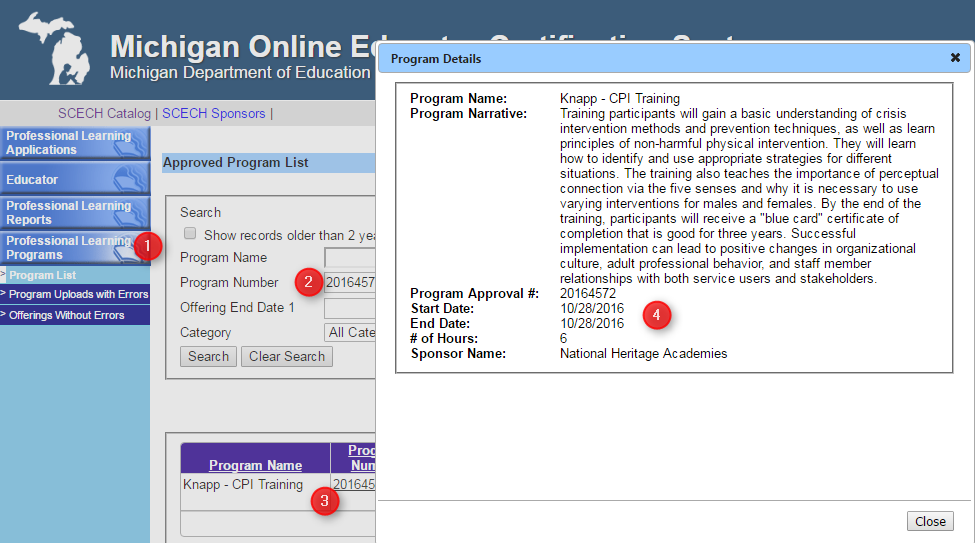
5. Find the Program file in the SharePoint Document Library (old) by either navigating the folder structure or searching by Program Title
(Note: to preview a file, select its row and click the "i" button on the top right)
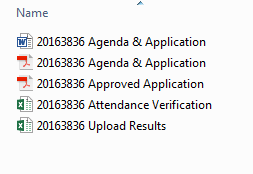
6. Download and rename the files into the temp desktop folder:
*7. Go back to the already filtered View PD Data workbook, and
- open a new workbook
- copy the table from the View PD Data workbook
- paste data into new workbook
- save as 'SCECH # Upload Results' into the temp folder
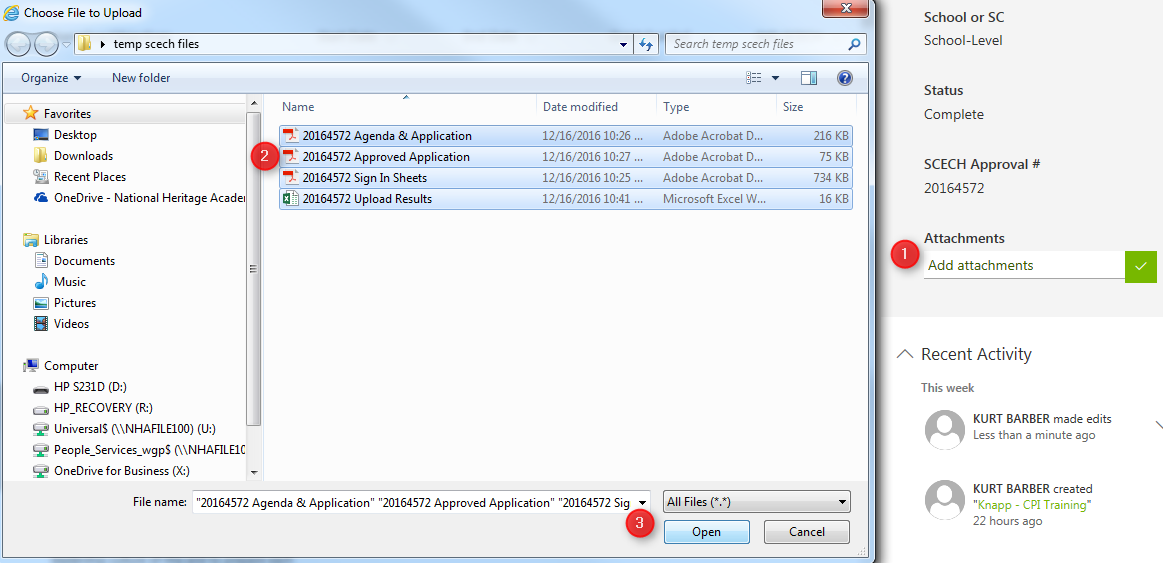
8. Select 'Add attachments' from the SharePoint List pane; select all the attachments, click Open
9. Finally, check off the SCECH program in the Master 16/17 SY SCECH Excel sheet and delete the files in the temp folder