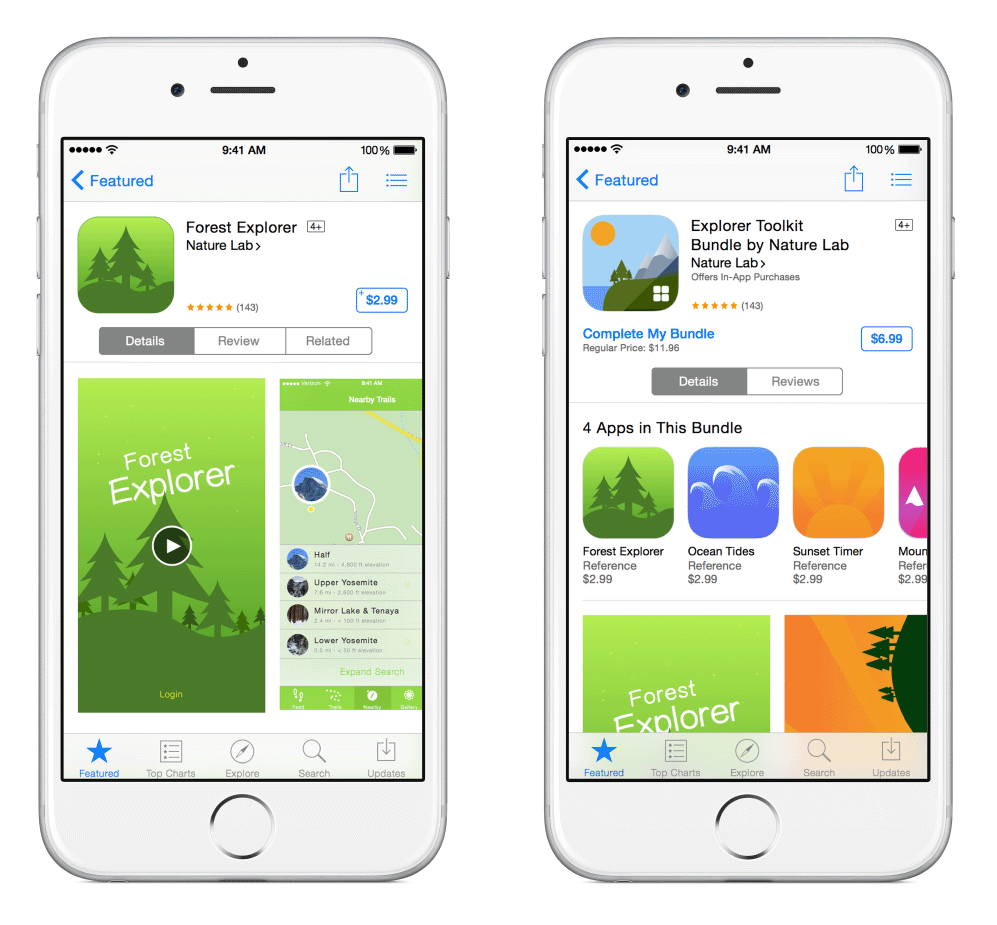
There are eight major components of an app's product page:
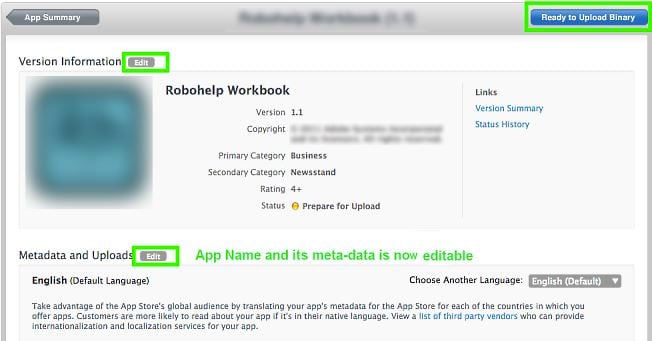
- App name
- Icons
- App previews
- Screenshots
- Description
- What's new
- Keywords
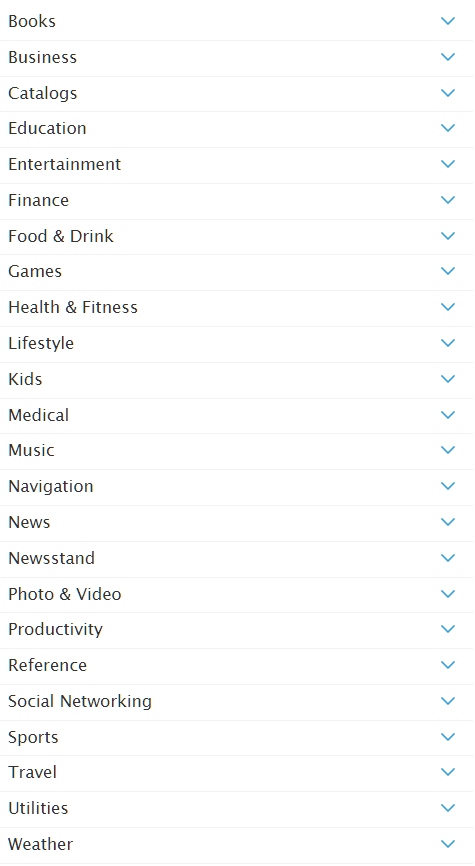
- Categories
Your app name should be carefully chosen and in line with these Apple recommendations:
"Choose a simple, memorable name that is easy to spell and hints at what your app does. Be distinctive — avoid names that use generic terms or are substantially similar to existing app names."
Also take into account that names over 23 characters may be truncated on iOS devices.
Your app icon should be distinctive enough for users to recognise without being told the app name. It should be legible in all required sizes, the full list of which can be found here.
An app preview demonstrates the features, functionality, and UI of your app in a short video that users can watch directly on the App Store. Keep it between 15 and 30 seconds, and only use footage directly from the app itself. More tips can be found here.
When no app preview is available the App Store default to show app screenshots. Apple recommends to:
"Add copy and graphic overlays only when you need to provide context for the images. Avoid framing your screenshots with Apple products, as they do not add value to your message and reduce the space available for your screenshots"
The ideal app description is concise, attention-grabbing and highlights the main features of the app in a list. Don't include pricing or keywords in your description copy.
The What's New section of your product page will show any updates, bug fixes or tweaks you have made to your app.
Your keywords are limited to 100 characters, so maximize this space by removing plural duplicates, category names and the word 'app'.
You also must remove:
- unauthorized use of trademarked terms, celebrity names, and other protected words and phrases
- terms that are not relevant to the app
- competing app names
- irrelevant, inappropriate, offensive, or objectionable terms
Below is a list of categories your app might fall under. You can pick a maximum of two, one main and one subcategory: