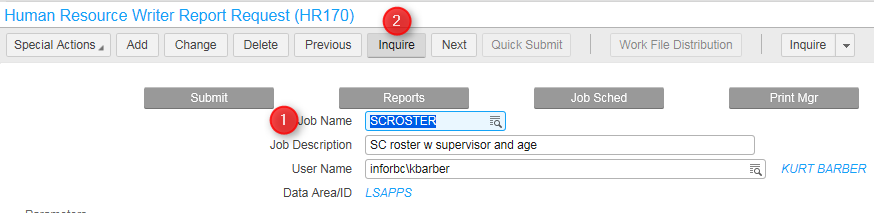
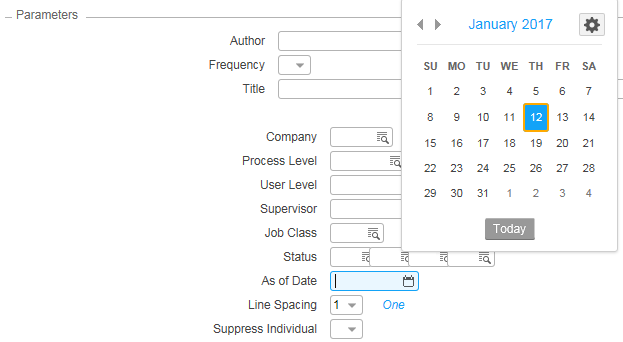
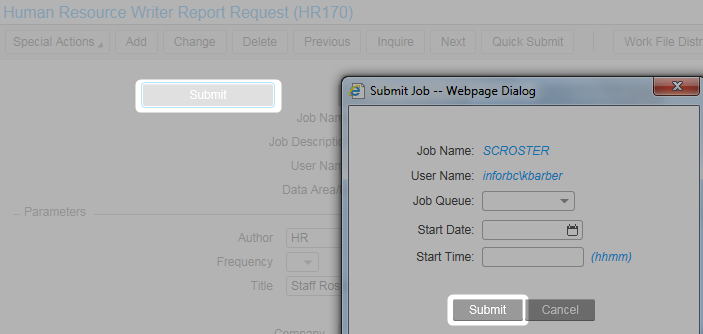
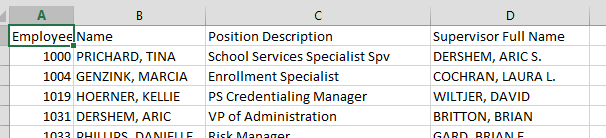
Remove all columns except for the 4 below; sort by Employee (#)
Save as CSV (save to your desktop is fine)
Find the last CSV file and ensure the data is in the same 'shape' and format as the current data - save it in the same place as the new file
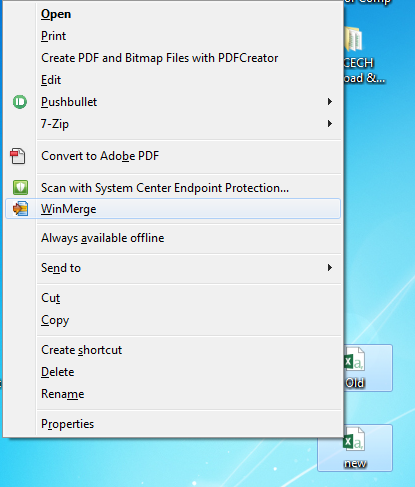
Select both the new and old CSV (Ctrl key) and right click, then choose WinMerge
WinMerge then opens - Click on Tools, then Generate Report, and save the report as an HTML file
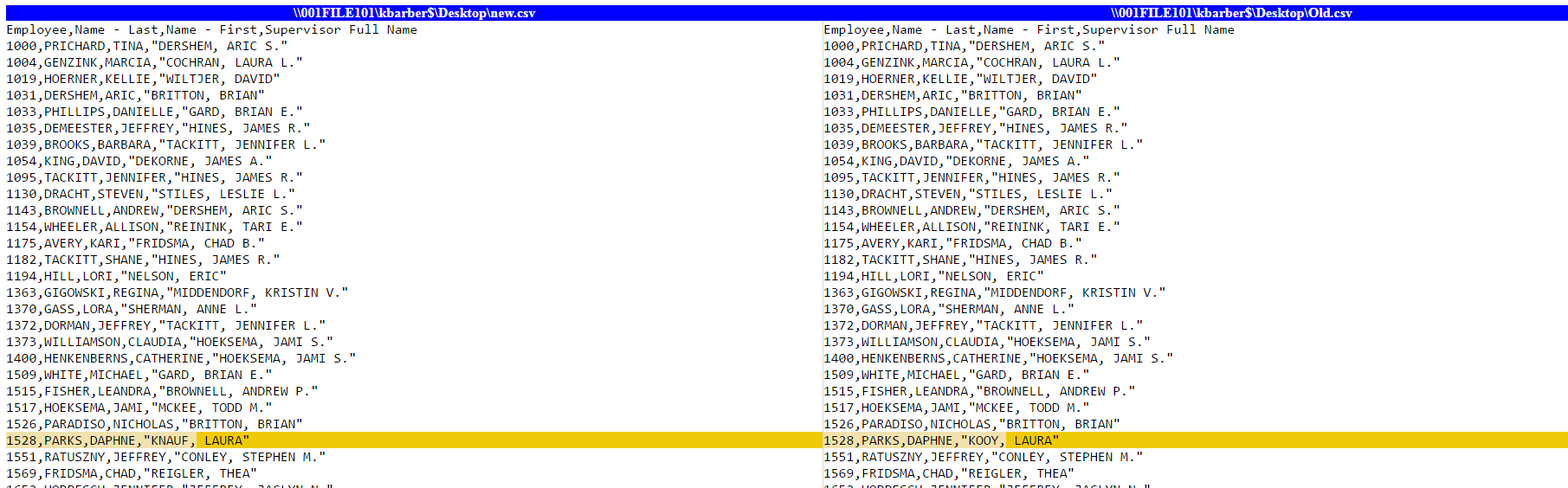
The HTML report file opens in internet browsers and shows the user the discrepancies: