Uncategorized
Campaign Monitor Training 1: How We Work With The Campaign

Campaign Monitor Training 1: How We Work With The Campaign

1
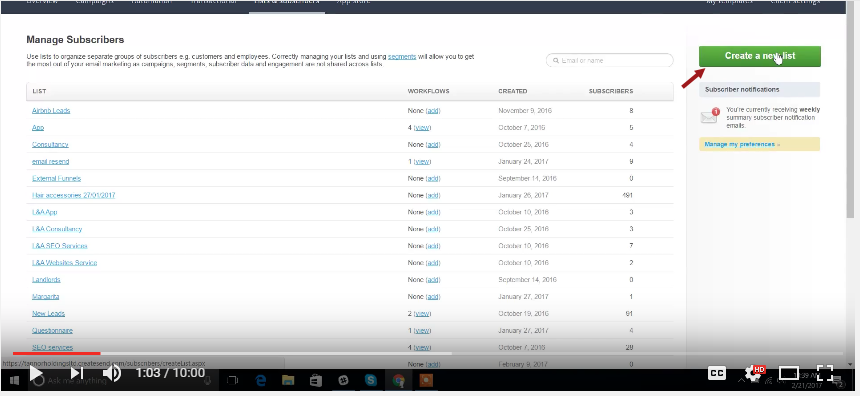
Creating a new Subscriber (1:03):
2
Click the "Create" button (1:05)
3
Add the title of the subscriber (1:18)
4
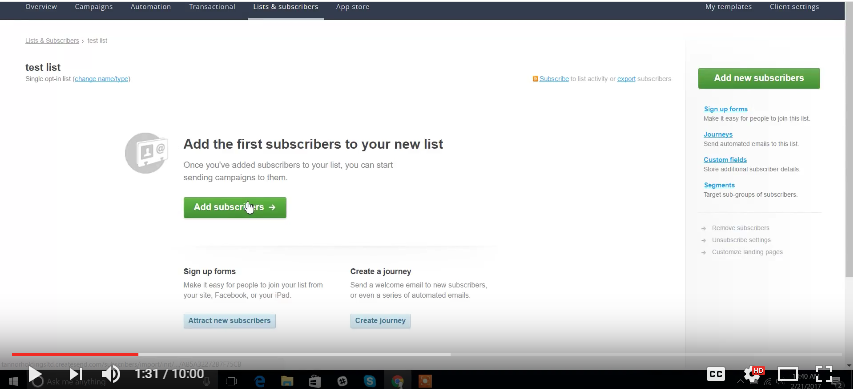
Click Add Subscriber (1:31)
5
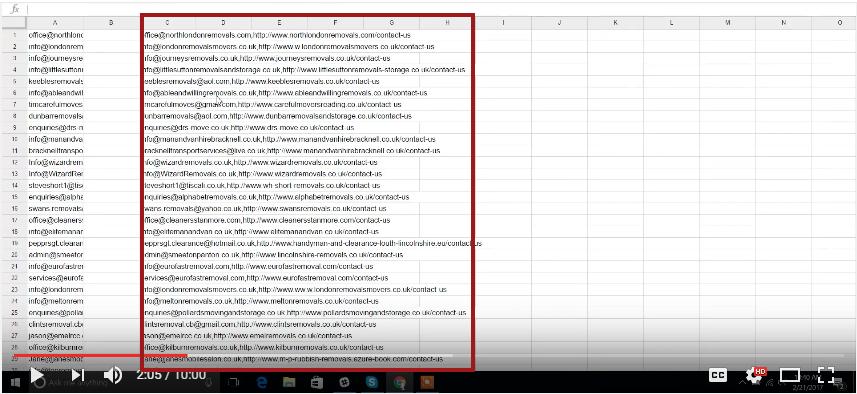
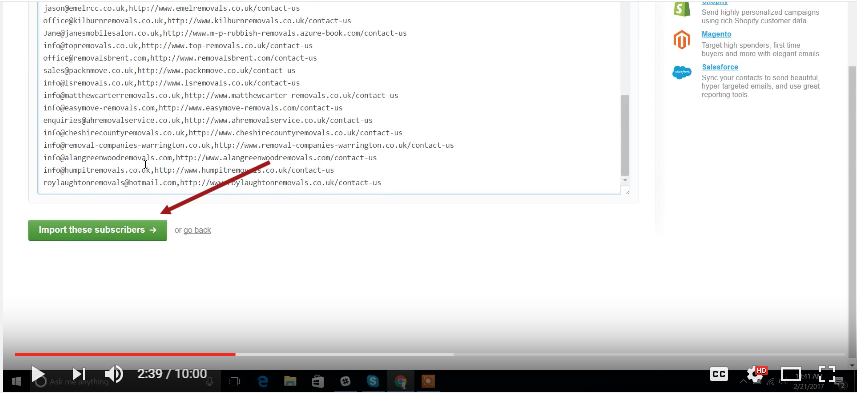
Grab the emails from the leads we have collected in a particular campaign (2:05)
6
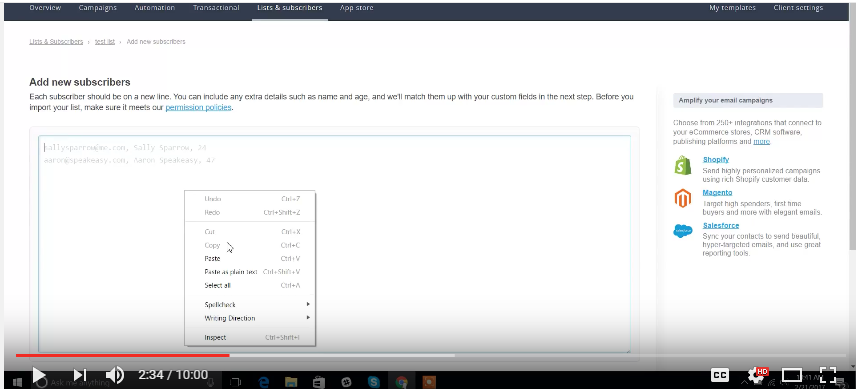
Paste it to the box provided (2:34)
7
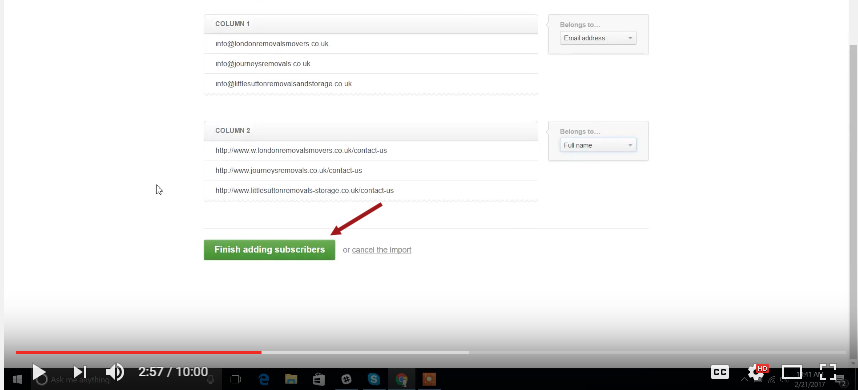
Check the column (2:56)
8
Creating a campaign monitor (3:26):
9
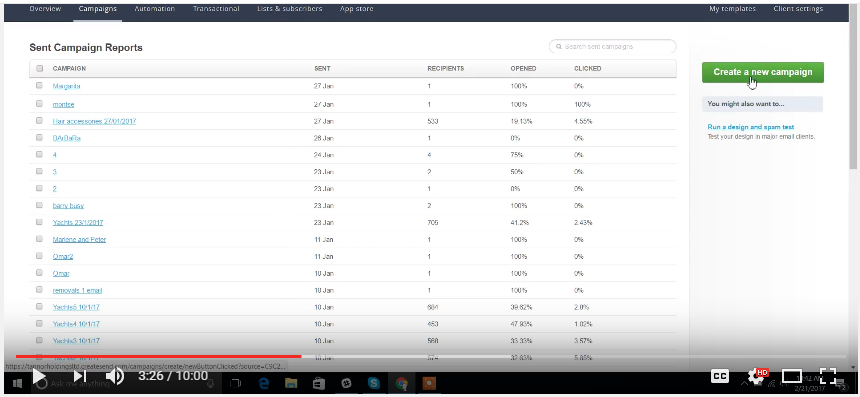
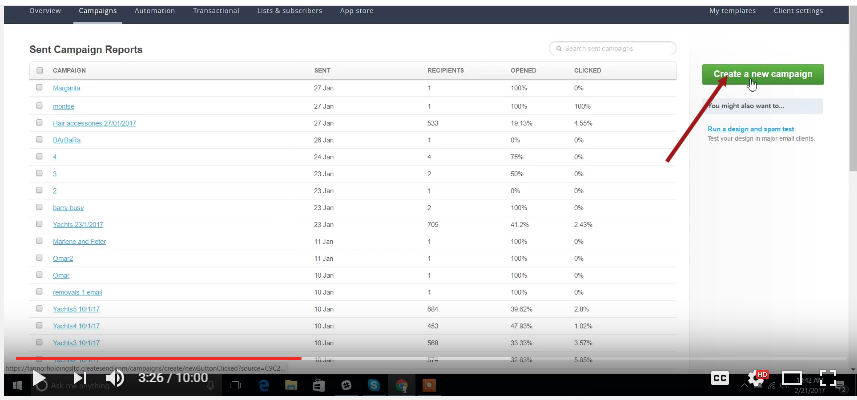
Click Create new campaign (3:26)
10
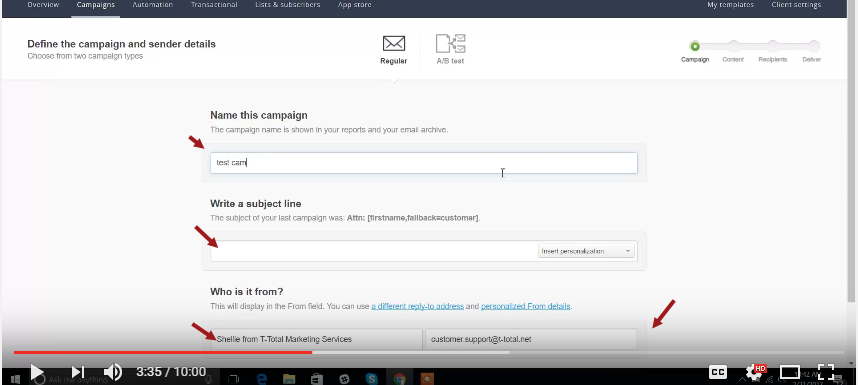
Define the Campaign and sender details (3:35)
11
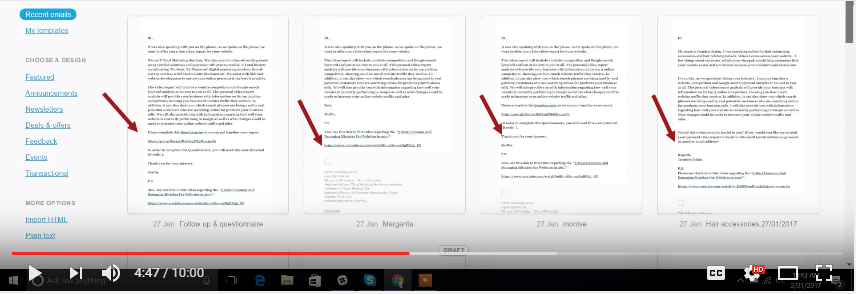
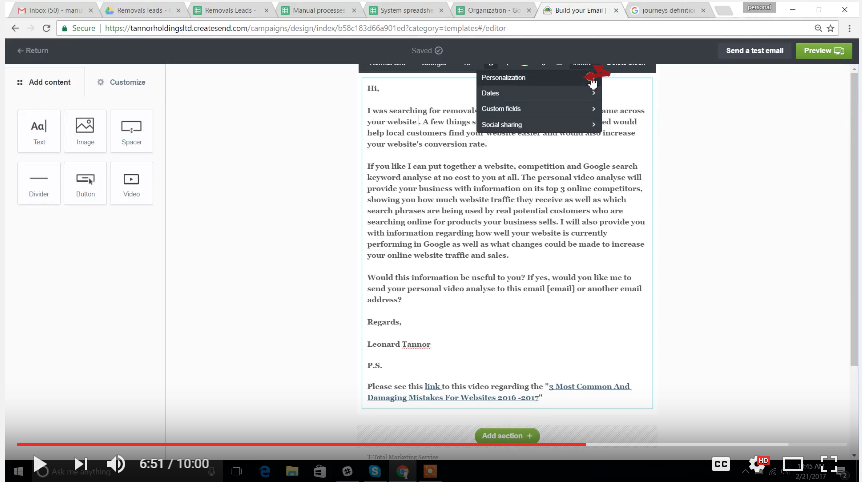
Choose the campaign email template (4:47)
12
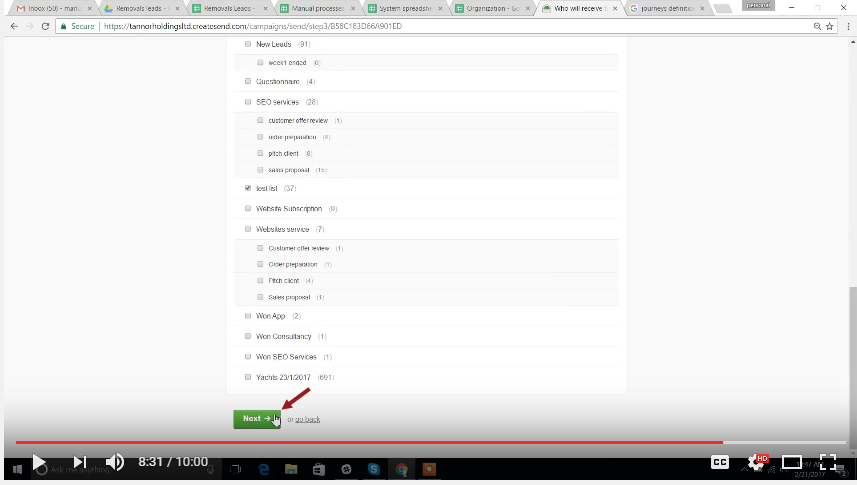
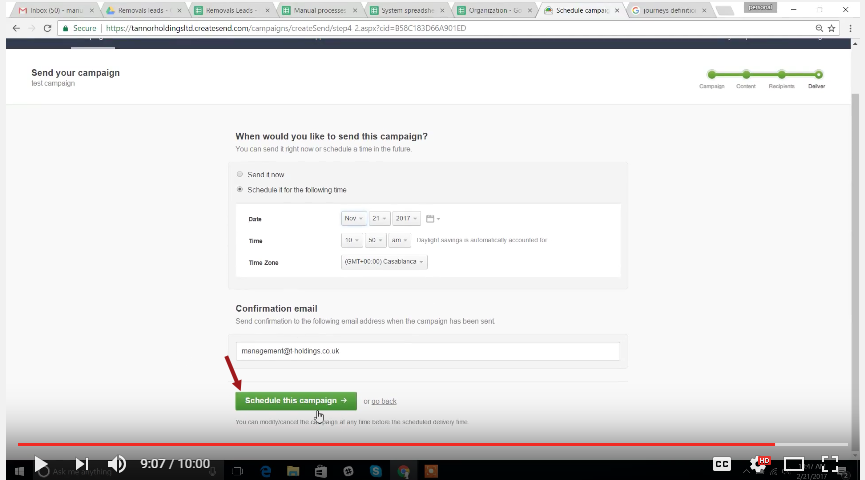
Define recipients (7:54)
13
Video Tutorial: