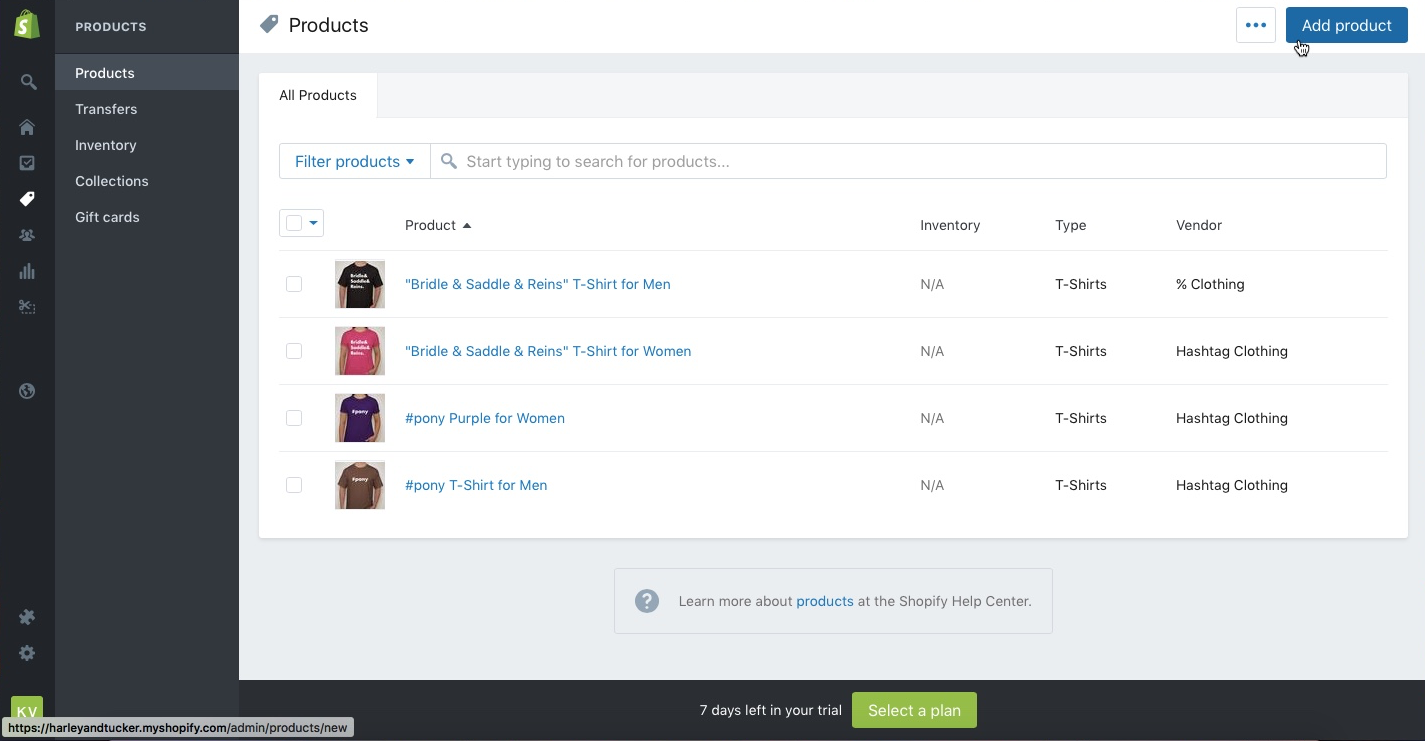
From the Shopify homepage, in the left navigation menu, click "Products"
On the next screen in the top-right corner, click the blue button "Add Product"
Proceed to copy & paste all of the Product Information you acquired as part of the "Acquire Product Details" checklist.
DON'T FORGET! Once you've add all Product Information, click the blue "Save" button in the top-right corner!