


Turn every policy into automated workflows with built-in enforcement and audit-ready proof.



10 Wealth Management Application Tools You Need to Know About for Financial Success
A wealth management application is no longer just a budgeting app with a nicer dashboard. The best tools now combine account aggregation, portfolio tracking, automated investing, tax-aware planning, retirement forecasts, cash-flow controls, and guided next steps in one place.
This list focuses on applications that earn a place in a 2026 wealth management stack. Mint is gone, business accounting tools like QuickBooks and BlackLine do not belong in a personal wealth shortlist, and narrow bill-sharing apps are not enough for readers who want a real wealth picture. The strongest options now fall into three groups: full planning platforms, automated investment platforms, and money-management apps that keep the household plan accurate.
Use this guide to shortlist the right wealth management application for your situation, then pair the chosen app with a repeatable review process. The app gives you visibility. A process makes sure the visibility turns into decisions, follow-through, and better financial behavior over time.
We will cover:
- 10 best wealth management application tools
- What is a wealth management application?
- How to choose a wealth management application
- Key wealth management application features
- Benefits of wealth management applications
- Wealth management apps for advisory firms
- FAQs
10 Best Wealth Management Application Tools
The right ranking depends on whether you want human advice, automated investing, a household command center, or a budgeting system that forces better cash decisions. This list favors durable products with active platforms, clear use cases, and enough financial coverage to support wealth decisions beyond simple expense tracking.
1. Range
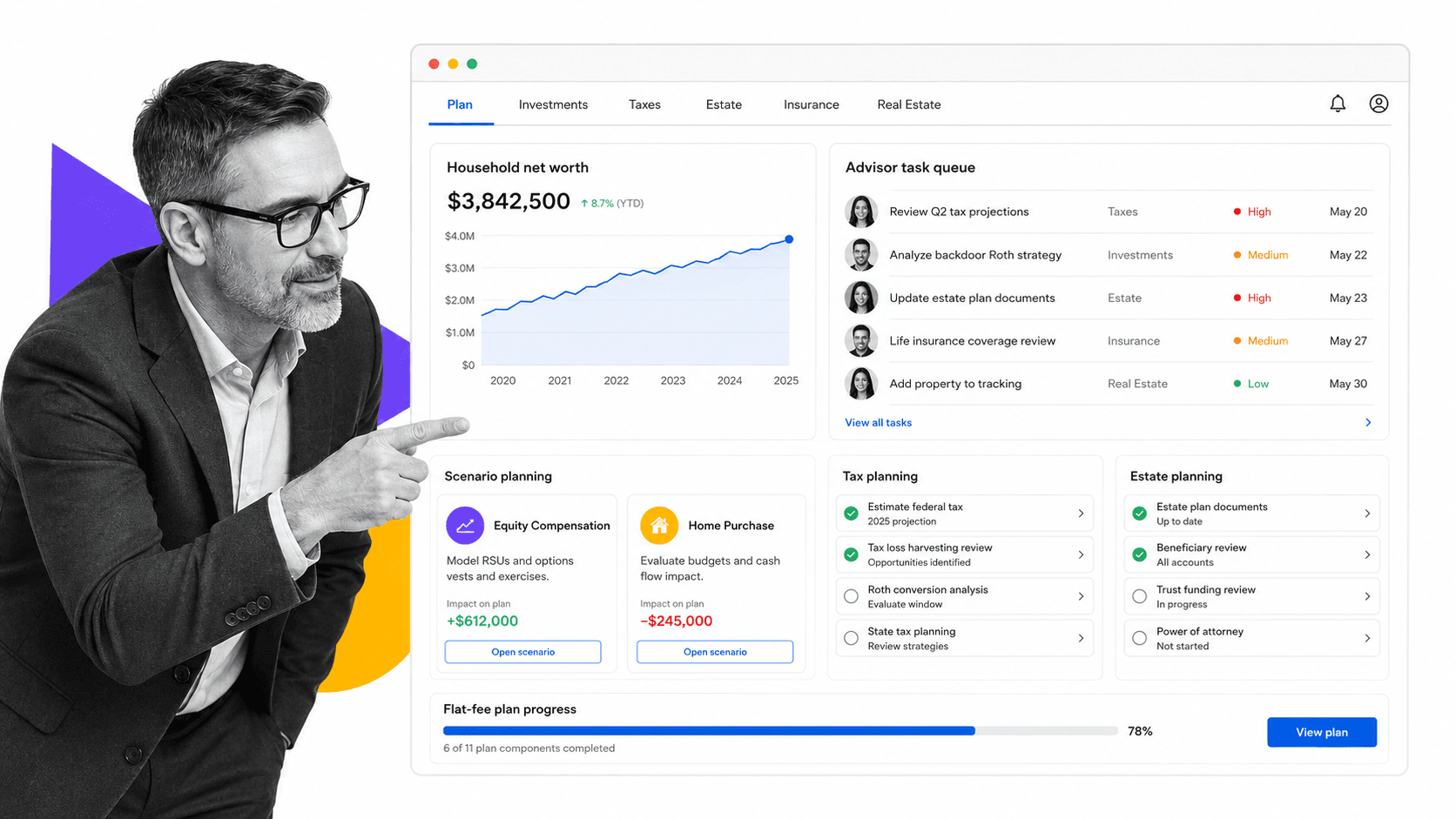
Best for high-earning households that want flat-fee financial planning. Range Range moved into the list because current search results increasingly emphasize holistic planning, not just portfolio dashboards. It combines investment planning, tax planning, estate planning, insurance review, real estate questions, equity compensation, account aggregation, and task tracking. The key difference is the service model: Range is built around flat annual pricing and coordinated access to financial professionals instead of a simple app-only dashboard.
Range is strongest when your financial life has enough complexity to justify planning depth. It is less useful if you only need a free net worth tracker or a low-cost starter investing app.
- Best fit: high-earning households that want flat-fee financial planning.
- Keep in mind: Decide whether you need advice, automation, budgeting discipline, or account visibility before choosing.
- Refresh decision: add.
2. Empower
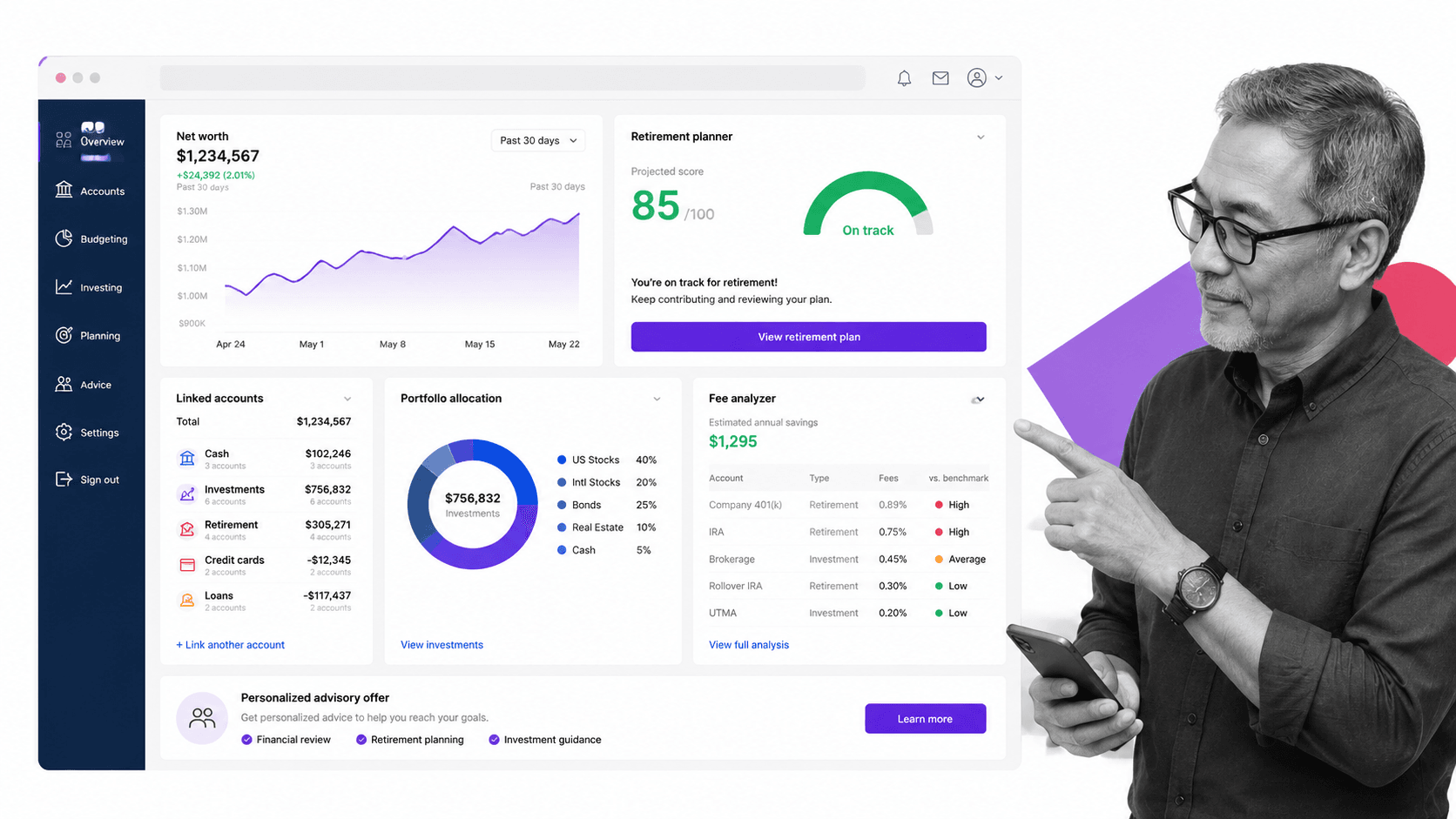
Best free net worth and retirement dashboard. Empower Empower remains one of the most useful wealth management applications because its free dashboard gives users a broad financial view across cash, debt, retirement accounts, investments, and net worth. It is especially useful for people who want retirement planning and portfolio allocation visibility before deciding whether they need a paid advisor relationship.
The main tradeoff is that Empower also uses the dashboard as an entry point into paid advisory services. That is not a problem if you understand the model, but readers should separate the free planning tools from the managed account offer.
- Best fit: free net worth and retirement dashboard.
- Keep in mind: Decide whether you need advice, automation, budgeting discipline, or account visibility before choosing.
- Refresh decision: rewrite.
3. Wealthfront
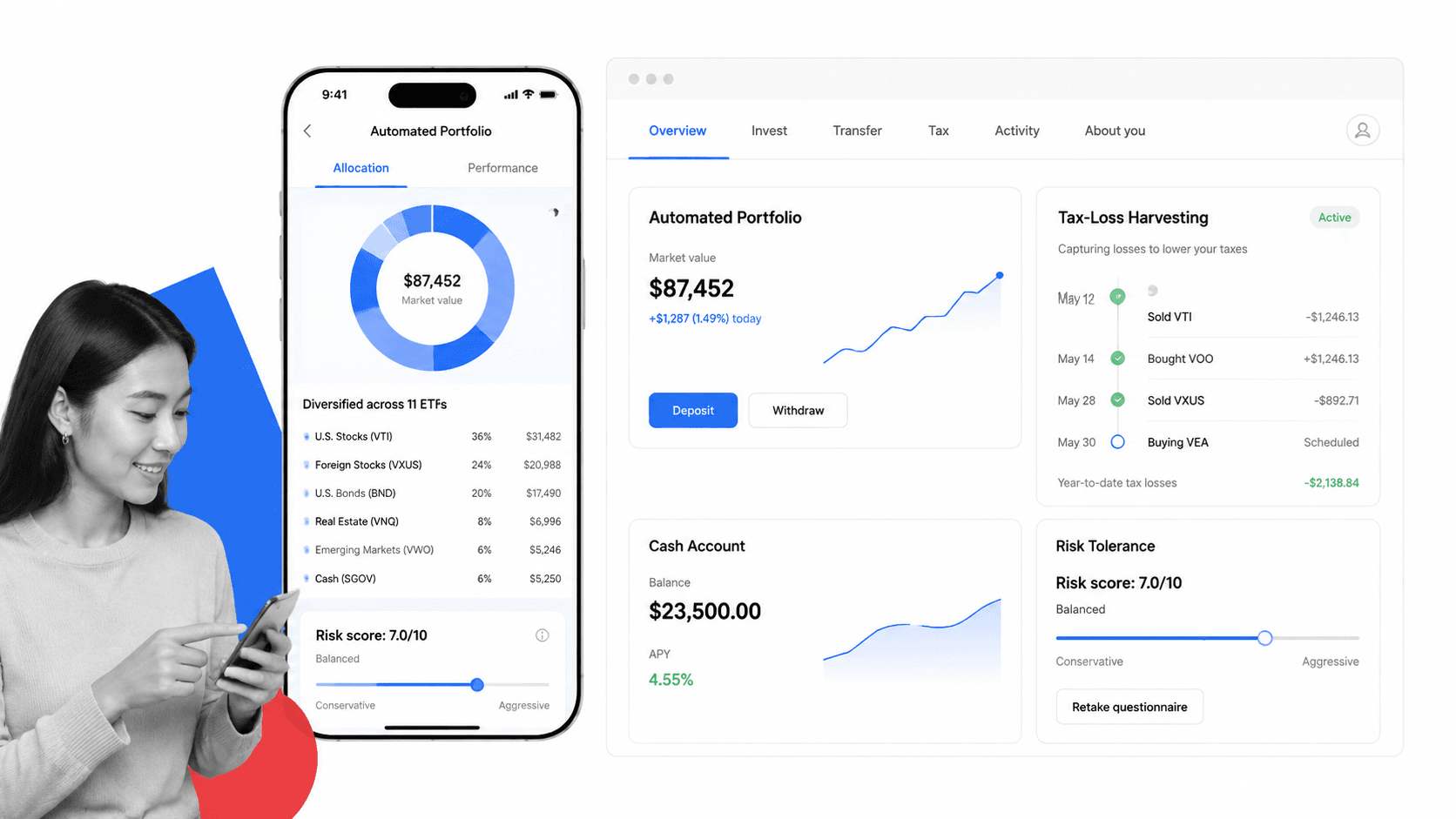
Best automated investing and tax-aware portfolio management. Wealthfront Wealthfront stays on the list because it is still a strong automated investing choice for people who want goal-based portfolios, rebalancing, tax-loss harvesting, bond options, cash management, and planning tools without a traditional advisor relationship. It is a better fit for hands-off investors than for people who want ongoing human guidance.
Wealthfront is useful when you want a clean investing engine and can accept the limits of a mostly digital advice model. It should not be treated as a full household budgeting app.
- Best fit: automated investing and tax-aware portfolio management.
- Keep in mind: Decide whether you need advice, automation, budgeting discipline, or account visibility before choosing.
- Refresh decision: keep.
4. Betterment
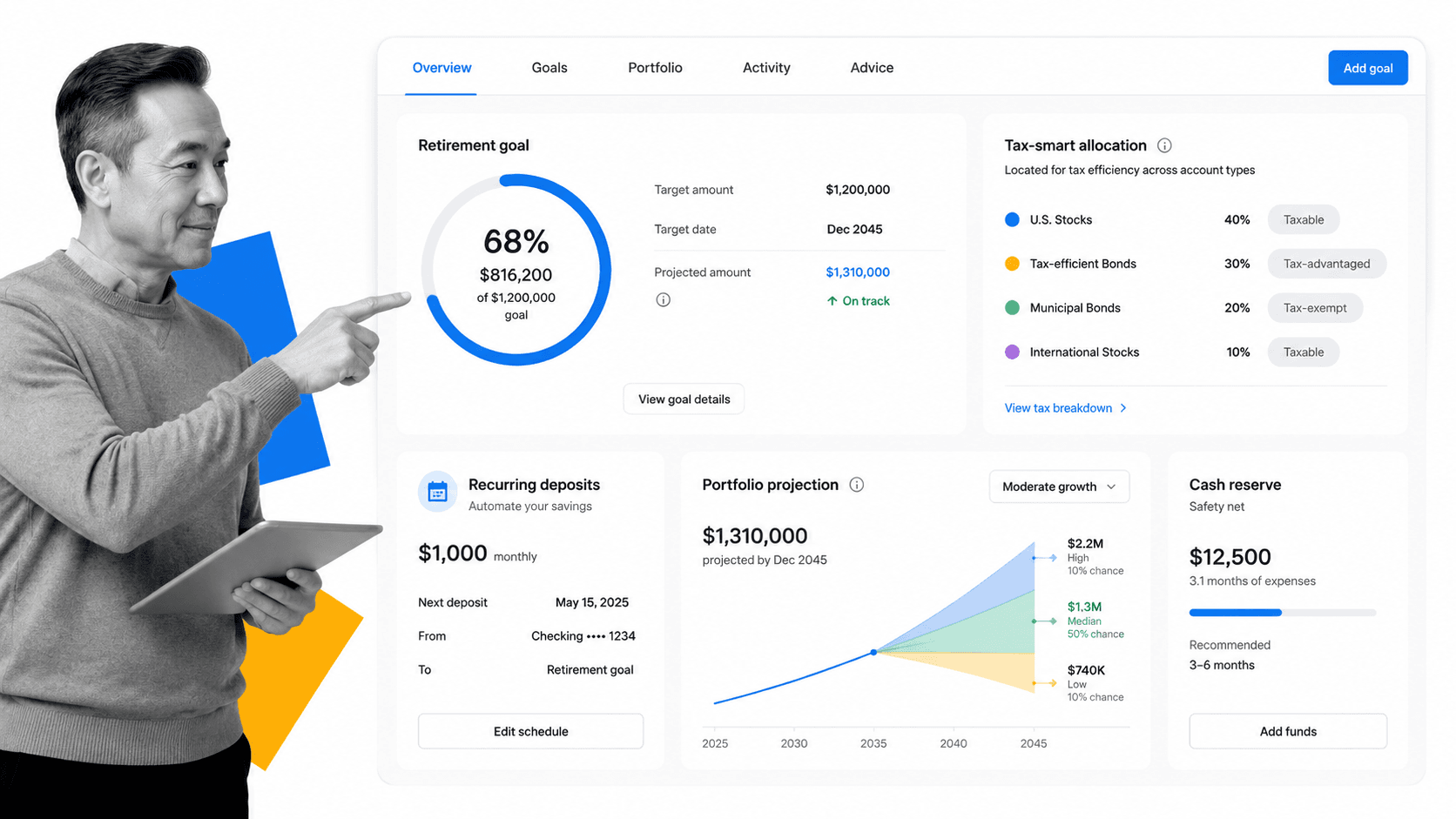
Best robo-advisor for flexible account types and advice options. Betterment Betterment remains a credible core robo-advisor because it supports automated portfolios, cash options, retirement accounts, recurring deposits, rebalancing, and optional access to human advice at higher tiers. It is one of the clearest options for readers who want a low-friction path from saving to investing.
The main decision is whether Betterment gives you enough planning depth. It handles automated investing well, but complex tax, estate, business, or equity-compensation questions may require a broader planning platform or a human advisor.
- Best fit: robo-advisor for flexible account types and advice options.
- Keep in mind: Decide whether you need advice, automation, budgeting discipline, or account visibility before choosing.
- Refresh decision: keep.
5. Fidelity
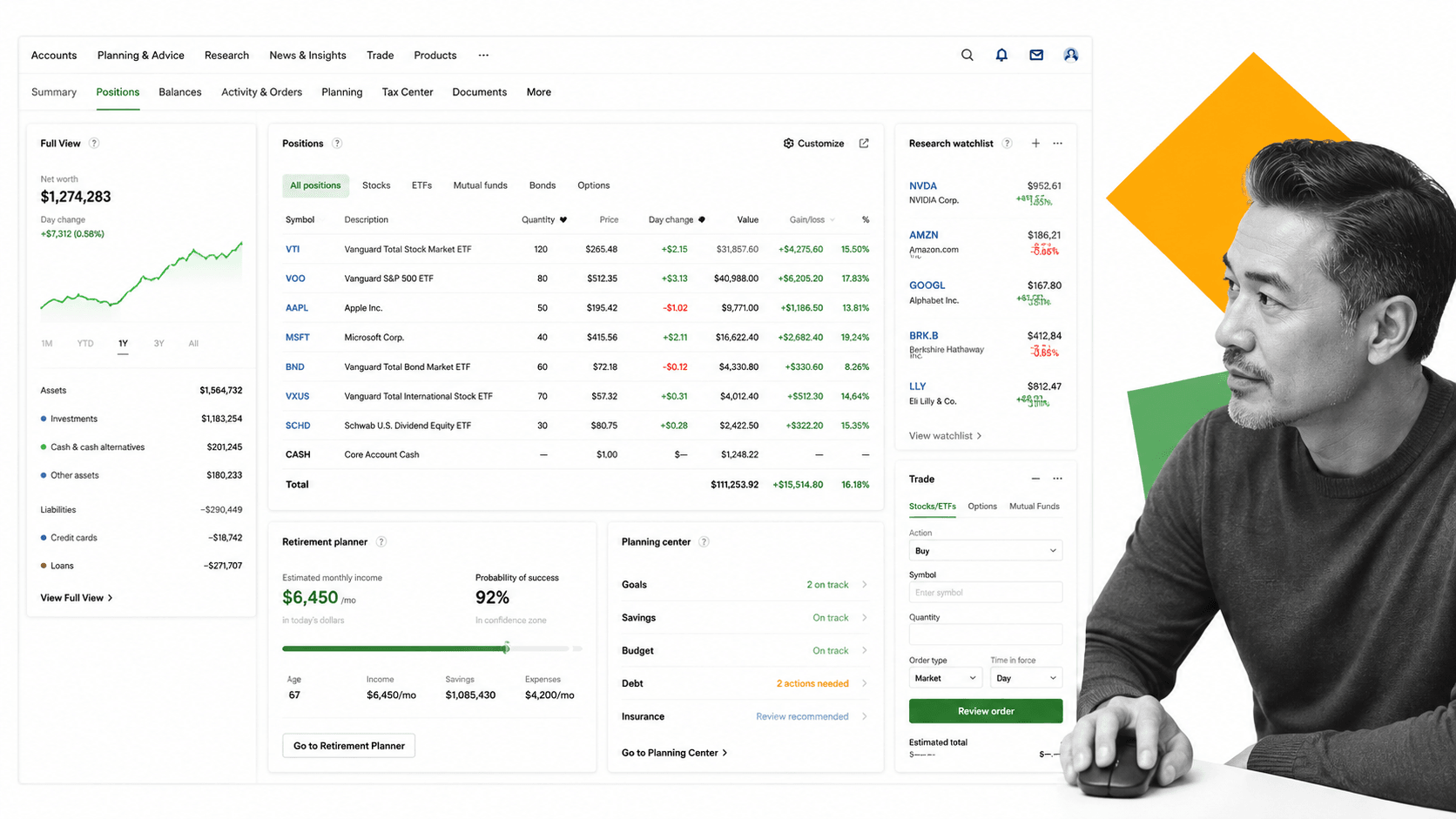
Best for investors who want brokerage depth plus planning support. Fidelity Fidelity belongs in the refreshed list because many readers do not want a standalone fintech app. They want a brokerage platform with planning tools, retirement accounts, research, cash management, advisor access, and long-term institutional stability. Fidelity is especially strong for people who already hold investments there and want fewer disconnected tools.
The tradeoff is complexity. Fidelity can do far more than a lightweight app, but the experience may feel heavier if you only want a simple household dashboard.
- Best fit: investors who want brokerage depth plus planning support.
- Keep in mind: Decide whether you need advice, automation, budgeting discipline, or account visibility before choosing.
- Refresh decision: add.
6. Vanguard
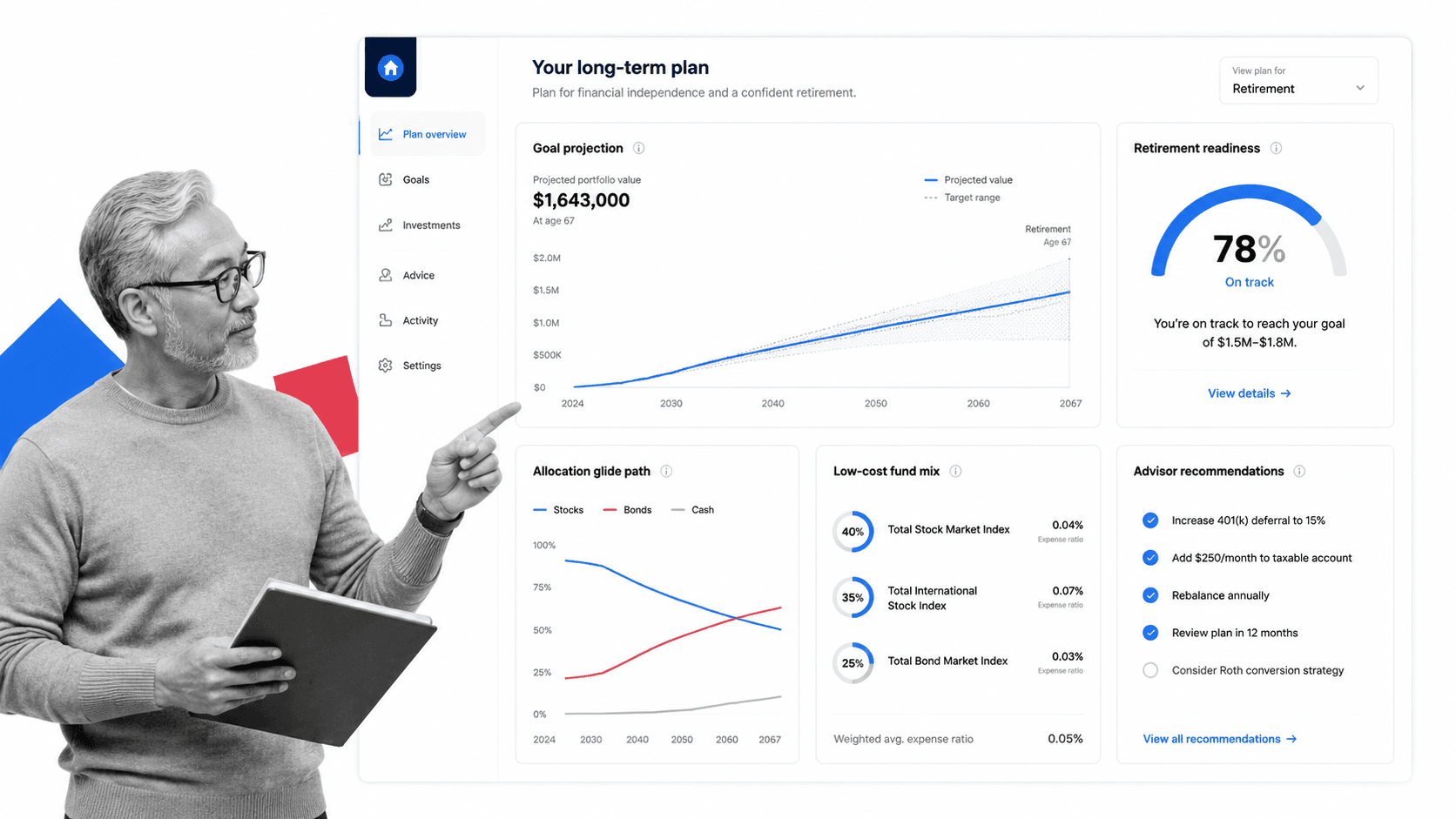
Best for low-cost long-term investment advice. Vanguard Vanguard is a strong choice for long-term investors who care about low-cost portfolios, retirement planning, and advice models that sit close to a traditional investing philosophy. It is not the flashiest app, but it is durable, familiar, and well suited to readers who want disciplined portfolio management.
Vanguard is less compelling if your top need is day-to-day budgeting, subscription cleanup, or a modern mobile-first dashboard. It is strongest as an advice and investing platform.
- Best fit: low-cost long-term investment advice.
- Keep in mind: Decide whether you need advice, automation, budgeting discipline, or account visibility before choosing.
- Refresh decision: add.
7. Monarch Money
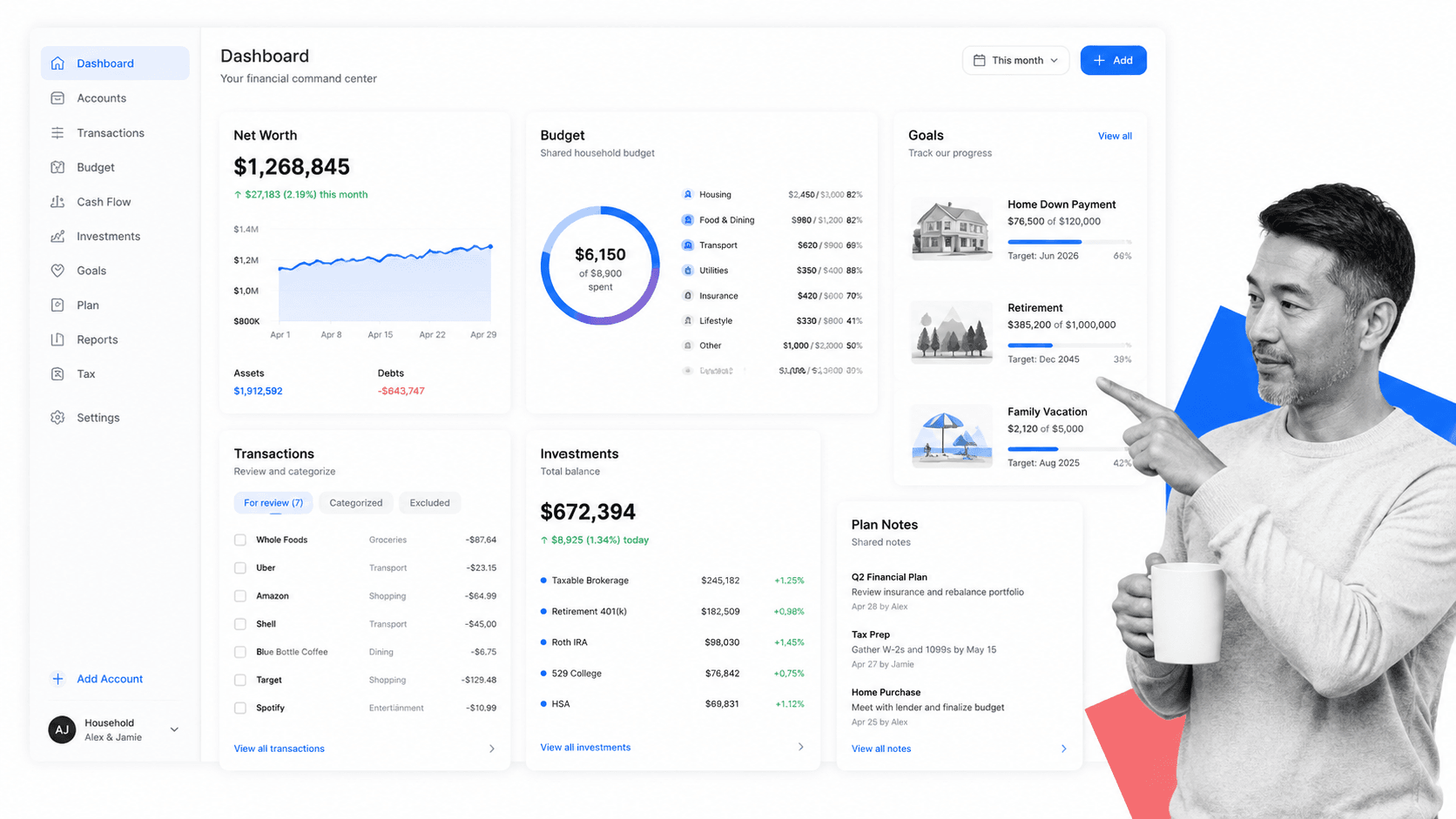
Best household finance command center. Monarch Money Monarch Money is a stronger current replacement for Mint-style account aggregation. It focuses on net worth, budgets, recurring expenses, goals, cash flow, collaboration, and a household-level financial picture. That makes it useful for families or couples who need the shared visibility that older budgeting apps promised but did not always deliver well.
Monarch is not a robo-advisor and should not be positioned as one. It is best as the control layer for cash flow, goals, and account visibility.
- Best fit: household finance command center.
- Keep in mind: Decide whether you need advice, automation, budgeting discipline, or account visibility before choosing.
- Refresh decision: add.
8. Rocket Money
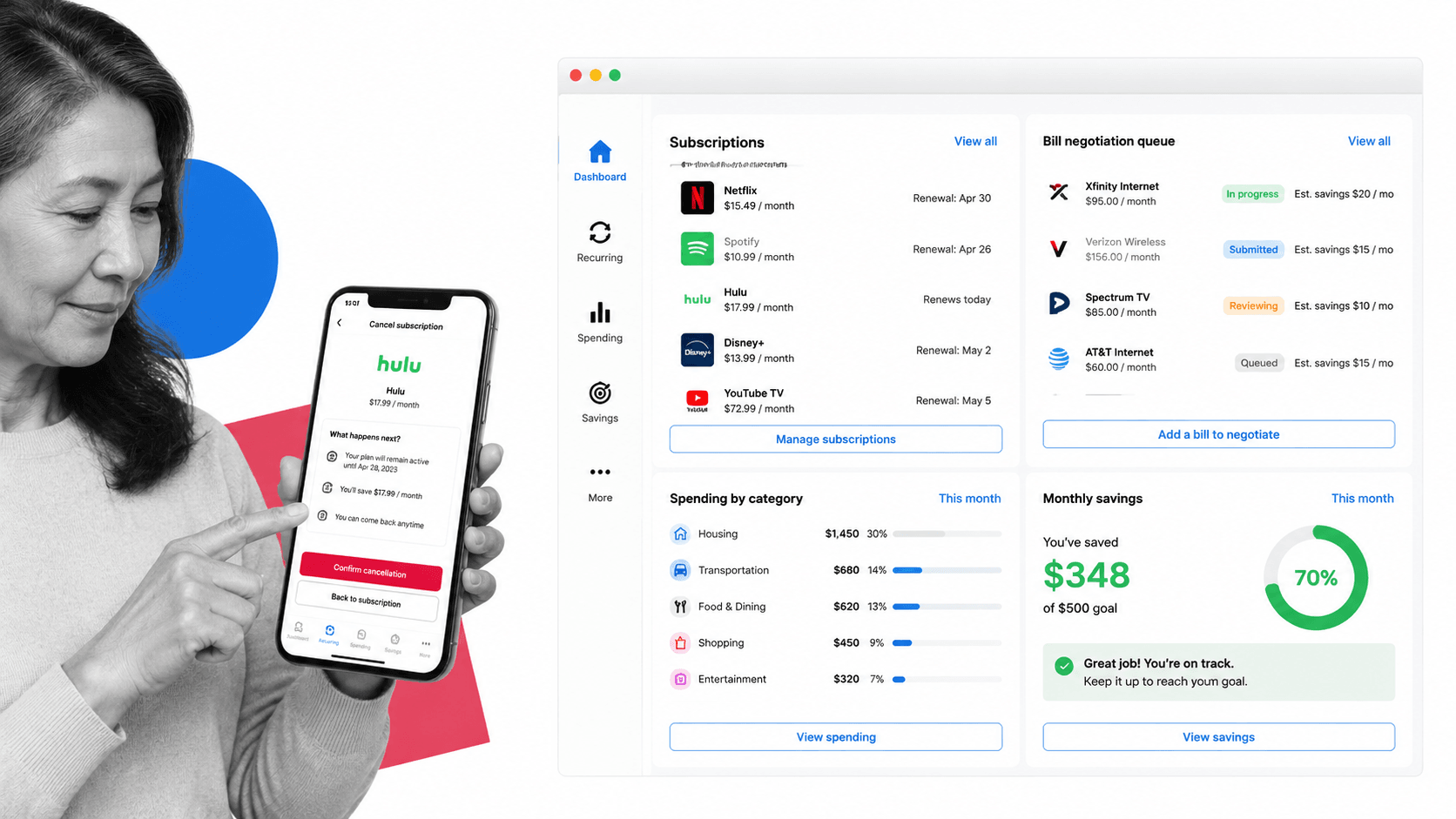
Best for bills, subscriptions, and spending control. Rocket Money Rocket Money earns a place because wealth management is not only about investing. For many households, the first unlock is controlling recurring charges, bills, spending patterns, and cash leakage. Rocket Money is a practical application for users who need to improve the money-management layer before they optimize investments.
It is not a complete wealth platform by itself. Use it when cash-flow control is the problem, then pair it with investing, retirement, and planning tools as your needs mature.
- Best fit: bills, subscriptions, and spending control.
- Keep in mind: Decide whether you need advice, automation, budgeting discipline, or account visibility before choosing.
- Refresh decision: add.
9. YNAB
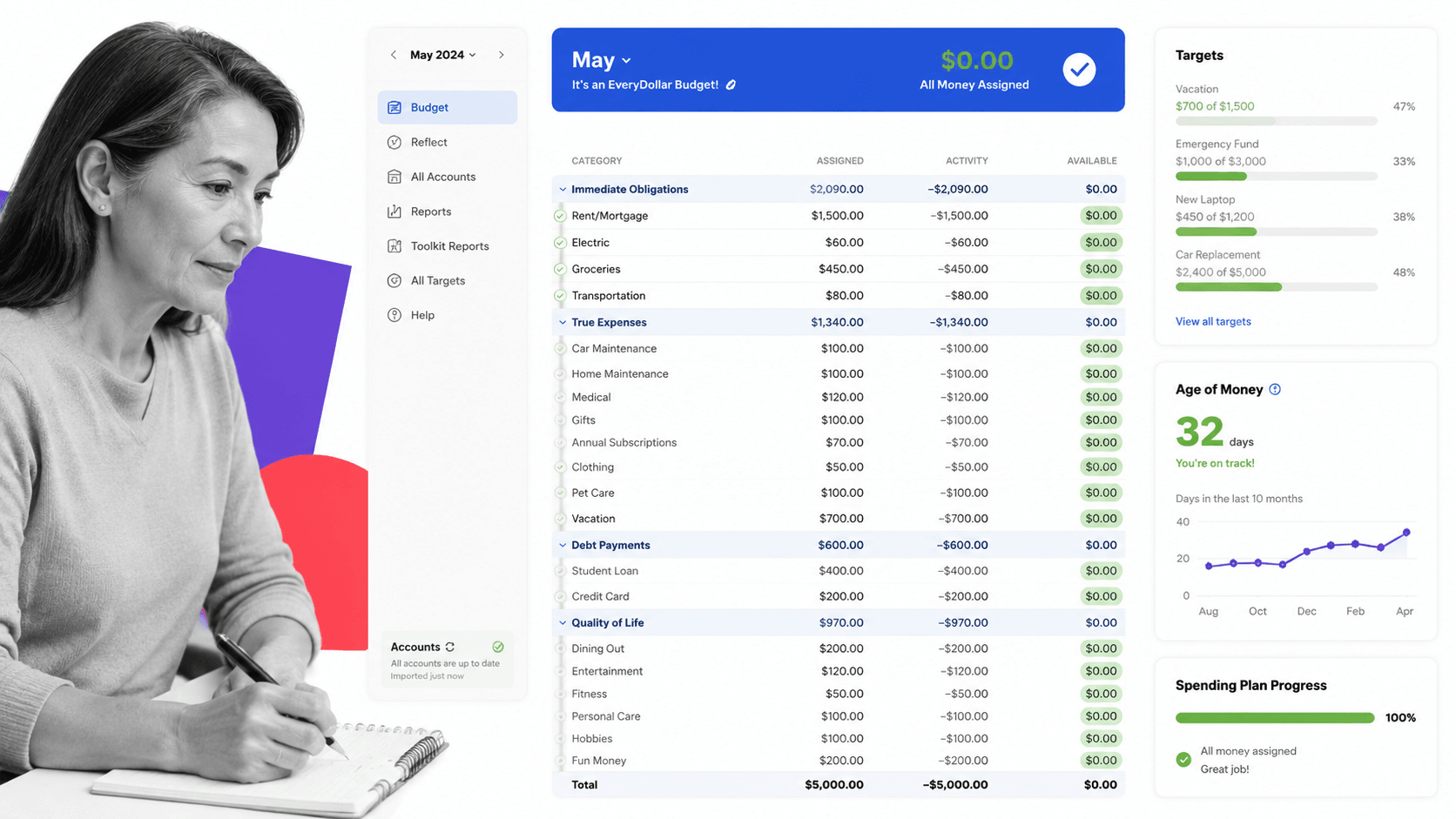
Best for zero-based budgeting discipline. YNAB YNAB is not a classic wealth management platform, but it belongs in the modern shortlist because it changes behavior. Its method pushes users to assign every dollar a job, plan ahead, and make tradeoffs before money disappears. That can be more valuable than another dashboard for people whose wealth problem is inconsistent cash decisions.
YNAB is strongest for budgeting discipline. It is weaker for portfolio management, retirement planning, and advisor-level wealth strategy.
- Best fit: zero-based budgeting discipline.
- Keep in mind: Decide whether you need advice, automation, budgeting discipline, or account visibility before choosing.
- Refresh decision: add.
10. Acorns
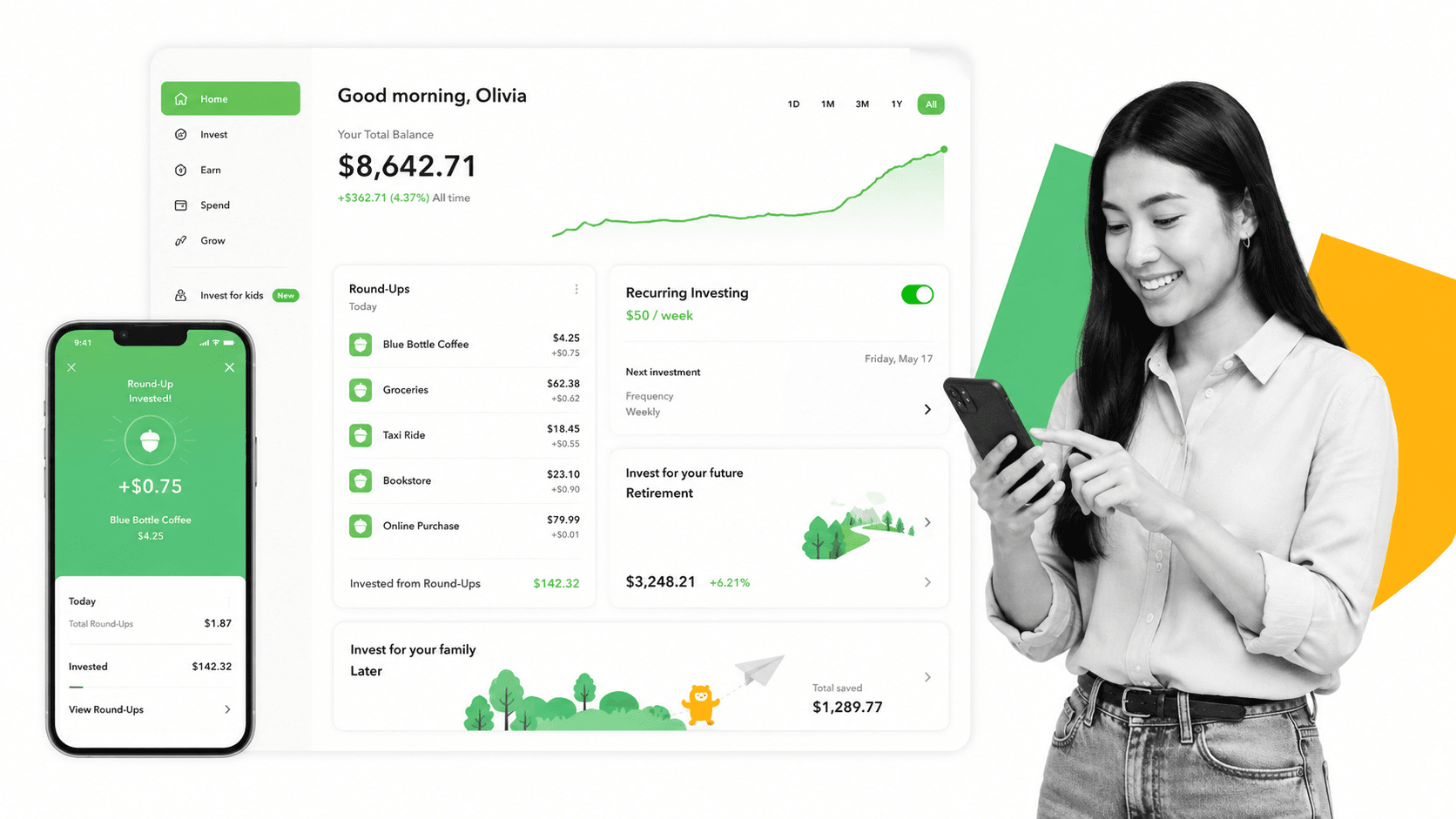
Best starter app for automated micro-investing. Acorns Acorns stays on the list, but with narrower framing. It is a beginner-friendly investing app built around round-ups, recurring contributions, retirement options, education, and simple portfolios. It can help people start investing, especially when inertia is the problem.
Acorns should not be framed as the best tool for experienced investors or complex wealth management. It is a starter system, not a complete financial operating system.
- Best fit: starter app for automated micro-investing.
- Keep in mind: Decide whether you need advice, automation, budgeting discipline, or account visibility before choosing.
- Refresh decision: rewrite.
What Is a Wealth Management Application?
A wealth management application is software that helps people or businesses organize, monitor, and improve their financial position. At the basic level, it pulls financial information into one place. At the advanced level, it supports planning, investing, tax strategy, retirement modeling, risk management, and follow-up actions.
The phrase can describe several different product types. A robo-advisor manages portfolios automatically. A planning platform gives users access to financial professionals and coordinated advice. A budgeting app controls cash flow. A brokerage app combines investing, research, and retirement accounts. A good shortlist should make those categories clear instead of pretending every app solves the same job.
For individuals, the main job is clarity: know what you own, what you owe, where your money is going, and what decisions need attention. For advisory firms, the main job is consistency: collect information, prepare recommendations, document reviews, track approvals, and make sure every client receives the same quality of service.
How to Choose a Wealth Management Application
Start with the decision you need the application to improve. If your biggest issue is cash flow, a budget-first app will beat an investing platform. If your accounts are already organized but your portfolio needs management, a robo-advisor or brokerage platform is a better fit. If your financial life includes equity compensation, tax planning, real estate, estate questions, or business income, a full planning platform may be worth the higher price.
- Advice model: Decide whether you want self-service tools, automated portfolios, occasional human help, or a dedicated planning team.
- Total financial picture: Look for account aggregation, net worth tracking, debt visibility, cash-flow views, and investment allocation.
- Planning depth: Match the app to your complexity, including retirement, taxes, estate planning, insurance, real estate, and business finances.
- Cost structure: Compare free dashboards, monthly subscriptions, annual flat fees, and assets-under-management pricing.
- Data quality: The app is only useful if account connections, categories, balances, and holdings stay accurate.
- Security: Prioritize multi-factor authentication, encrypted account connections, clear privacy policies, and reputable custodial or advisory partners.
- Workflow fit: Choose a tool you will review on a schedule. A powerful dashboard that nobody checks is not a management system.
This is where software and process need to work together. The app can show that a recurring bill increased, a portfolio drifted, or a retirement forecast changed. A documented process decides who reviews it, what threshold triggers action, what evidence is saved, and when the next review happens. For repeatable operating workflows, teams can use financial automation and Process Street checklists to keep decisions from living only in someone's inbox or memory.
Key Wealth Management Application Features
A useful wealth management application should help with more than one isolated task. The strongest products combine visibility, planning, automation, and review. Not every user needs every feature, but the feature set should match the financial job being solved.
- Account aggregation: Bank accounts, credit cards, investment accounts, retirement plans, loans, mortgages, and other assets in one view.
- Net worth tracking: A reliable balance-sheet view that updates as assets and liabilities change.
- Budgeting and cash flow: Categories, recurring bills, income timing, spending alerts, and shared household views.
- Portfolio management: Allocation views, performance tracking, rebalancing, tax-loss harvesting, dividends, and retirement account support.
- Goal planning: Retirement, home purchase, education funding, debt payoff, emergency funds, and other goals tied to timelines and assumptions.
- Tax awareness: Tax-loss harvesting, tax projections, charitable planning, capital gains awareness, and document readiness.
- Advisor collaboration: Secure document sharing, task lists, meeting preparation, notes, recommendations, approvals, and follow-up tracking.
- Security controls: Multi-factor authentication, encryption, access logs, permission controls, and clear data handling policies.
Benefits of Wealth Management Applications
The first benefit is a consolidated view. Most people do not make poor financial decisions because they lack another chart. They make poor decisions because their information is scattered across banks, brokerages, spreadsheets, emails, and memory. A good application reduces that fragmentation.
The second benefit is better timing. Wealth decisions are often time-sensitive: rebalance after a portfolio drift, revisit insurance after a major life change, adjust withholding after income changes, or stop a subscription before it compounds into waste. Applications surface signals earlier than manual review alone.
The third benefit is better follow-through. The best wealth management setups turn insights into actions: update beneficiaries, schedule a tax review, rebalance an account, change a contribution rate, build an emergency fund, or prepare documents before an advisor meeting. When paired with a workflow tool, those actions become trackable instead of aspirational.
Wealth Management Apps for Advisory Firms
For advisory firms, the application conversation is different. Client-facing wealth tools help clients see accounts and plans, but the firm also needs an operating layer behind the scenes. That layer handles onboarding, data collection, KYC and suitability steps, meeting preparation, recommendation review, compliance evidence, approvals, and recurring service calendars.
A firm can use a planning or portfolio platform for financial analysis while using a wealth management platform workflow to standardize how the team serves clients. That matters because the client experience depends on more than the dashboard. It depends on whether the same checks happen every time, whether handoffs are visible, and whether documentation is complete when a regulator, manager, or client asks for it.
Process Street is useful in this layer because it turns recurring advisory work into auditable workflows. Teams can build client onboarding checklists, annual review workflows, financial planning handoffs, document request processes, and approval trails. The wealth application provides financial data. The workflow makes sure the team acts on that data consistently.
FAQs
What is a wealth management application?
A wealth management application is software that helps users manage assets, liabilities, investments, budgets, goals, and financial decisions in one place. Some apps focus on automated investing, while others focus on planning, budgeting, advisory collaboration, or account aggregation.
What is the best wealth management application?
The best wealth management application depends on the job. Range is strong for holistic planning, Empower for free net worth and retirement tracking, Wealthfront and Betterment for automated investing, Monarch Money for household visibility, and YNAB for budgeting discipline.
Is Mint still a good wealth management application?
No. Mint was shut down by Intuit, so it should not be recommended as a current wealth management application. Readers looking for a Mint-style replacement should compare tools such as Monarch Money, Rocket Money, Empower, and YNAB depending on whether they need net worth tracking, subscriptions, account aggregation, or budgeting.
Are wealth management applications safe?
Reputable wealth management applications use security practices such as encryption, secure account-linking providers, multi-factor authentication, and permission controls. Users should still review each provider's privacy policy, account connection method, custodian relationships, and data-sharing terms before connecting financial accounts.
Do I need a robo-advisor or a budgeting app?
Use a robo-advisor when the main job is portfolio management, automated investing, rebalancing, and retirement account support. Use a budgeting app when the main job is cash-flow control, spending behavior, bill visibility, and household planning. Many users need both.
How can advisory firms use wealth management applications better?
Advisory firms should pair financial applications with documented workflows for onboarding, data collection, reviews, approvals, compliance evidence, and follow-up. This keeps client service consistent and makes financial recommendations easier to execute and audit.
