Onboarding Task Checklist Software
Onboarding task checklist software gives every action a named owner, due date, dependency, status, and completion record. Process Street turns task lists into repeatable workflows for employee, customer, vendor, contractor, tenant, and partner onboarding without forcing teams into a general project-management tool.
Trusted by more than 3000 companies











Stop losing onboarding work between teams
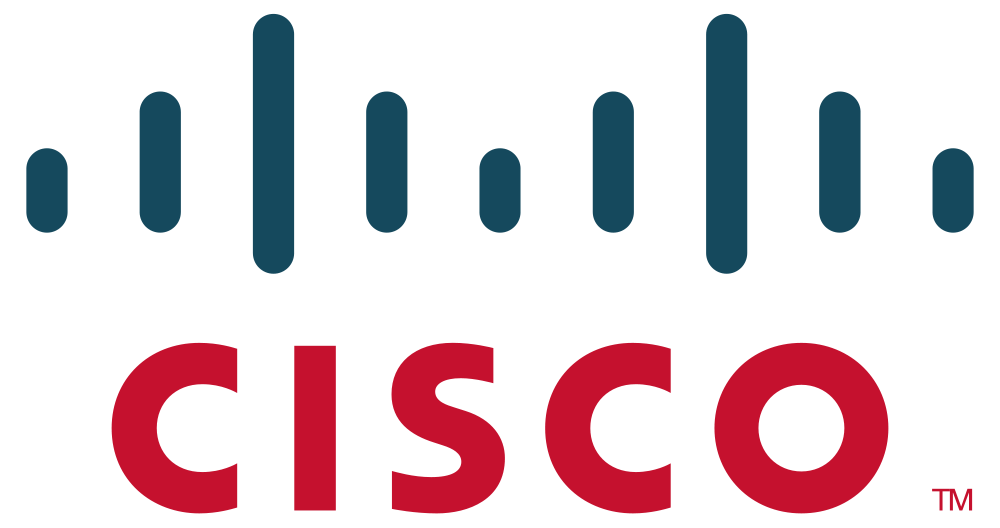
IT marks account setup complete while HR is still waiting for a policy acknowledgment and the manager has not scheduled first-week training. Process Street keeps those tasks in one run, assigns each owner, calculates due dates from the start or launch date, blocks dependent work, and escalates overdue steps. Compare assignee rules, calendar logic, dependencies, evidence requirements, and whether one checklist can adapt without duplicating templates. Salesforce uses Process Street task assignments and dynamic due dates in client onboarding, showing how named work and time-based follow-up scale beyond a static list. For broader HR, payroll, training, and employee-platform comparisons, use https://www.process.st/employee-onboarding-tools/.

Run every onboarding task with accountability
Ops launches a reusable task checklist for each onboarding case. Assign work across internal and external participants, set relative due dates, gate dependencies, send reminders, route exceptions, and keep blocked or overdue tasks visible until an owner resolves them. Dashboards let process owners compare active runs without turning the checklist into a free-form project board.
Learn more about OpsDocs governs the approved SOPs, policies, and task instructions behind each checklist, so every assignee works from the current version and acknowledgments stay connected to execution.
Learn more about DocsWhat to compare in onboarding task software
Route each task to HR, IT, managers, customers, vendors, or external participants with clear accountability.
Calculate deadlines from a start date, kickoff, approval, or preceding task instead of resetting dates manually.
Hold downstream tasks until prerequisites finish and change the checklist by role, location, service, or risk.
Remind the assignee, notify the process owner, and keep blocked work visible before readiness slips.
Keep timestamps, files, approvals, comments, and exception notes attached to the task that produced them.
See which onboarding cases are ready, at risk, blocked, or overdue without asking every task owner for an update. Filter by owner, due window, checklist type, or current status.
Related solutions
More from the Onboarding Software hub
Backed by happy clients

functional team collaboration.”



Frequently asked questions
Can't find the answer you need? Contact our support team.

Give every onboarding task an owner and a record
An industry-leading solution












Support that's actually there for you
Can't find the answer you need? Contact our support team.