





Smartsheet alternatives are project, work-management, database, professional-services, and workflow platforms that replace spreadsheet-style planning with a model better matched to the way a team actually works.
The best Smartsheet alternative depends on the problem you are solving: enterprise portfolio control, simple collaboration, visual work management, relational data, clear task ownership, suite-connected project planning, professional-services delivery, or governed recurring operations.
Best Smartsheet alternatives at a glance
Smartsheet is a powerful project management tool for teams that like grids, Gantt views, dashboards, reporting, formulas, forms, and automation. These alternatives are not identical copies. Each one changes the operating model, which is often the point of switching.
| Alternative | Best for | Why teams choose it | Main tradeoff |
|---|---|---|---|
| Wrike | Enterprise portfolio visibility | Structured workloads, dependencies, and cross-team planning | Configuration overhead |
| Basecamp | Simple team collaboration | Calm project homes with fewer moving parts | Limited portfolio and resource planning |
| monday.com | Visual AI-enabled work management | Flexible boards, automations, dashboards, and agents | Board sprawl without governance |
| Airtable | Structured-data operations | Relational records, interfaces, automations, and agents | Less direct for classic project execution |
| Asana | Task ownership and coordination | Clear owners, dates, goals, portfolios, and workload | Needs standards at enterprise scale |
| Zoho Projects | Suite-connected value | Gantt, time, issues, workload, and broad Zoho connections | Feature depth varies by plan |
| Scoro | Professional services | Projects tied to utilization, billing, and margin | Specialist PSA rather than a universal tool |
| Process Street | Governed recurring operations | Procedures connected to workflows, approvals, evidence, and audit history | Not a general-purpose portfolio planner |
How Smartsheet compares with other project tools
A useful comparison starts with the work model, not the longest feature list. Test one representative project in every finalist before moving a portfolio.
| Decision area | Smartsheet | What alternatives change |
|---|---|---|
| Primary work model | Spreadsheet-style grids and project plans | Depends on the alternative: tasks, boards, records, service delivery, or governed workflows |
| Best reason to switch | You need more structure than a spreadsheet but still value detailed planning | Your team needs simpler adoption, stronger ownership, relational data, portfolio control, or recurring execution |
| Migration risk | Existing sheets may contain formulas, reports, permissions, and automations | Rebuild one representative project first and test data, owners, dates, rules, evidence, and reporting |
| AI evaluation | Check what AI can draft, summarize, classify, and automate | Require human review, clear permissions, understandable actions, and a durable execution record |
Smartsheet replacement checklist
Use this checklist before comparing pricing or starting a free trial. It prevents a visually appealing tool from winning while the critical workflow, reporting, or control requirement gets missed.
| Requirement | Question to test |
|---|---|
| Ownership | Can every task, approval, and exception have a clear owner? |
| Views | Do teams get the list, board, timeline, calendar, workload, or database view they actually use? |
| Automation | Can routine routing and follow-up run without making the workflow impossible to understand? |
| Integrations | Do the specific handoffs to your systems work reliably, with errors and retries visible? |
| Governance | Can admins control templates, permissions, naming, releases, and reporting? |
| Evidence | Can you reconstruct who did what, when, under which approval? |
What to check before switching
The final decision ultimately depends on your team size, budget, desired features, and the kind of collaboration you need. Some teams want an all-in-one central hub. Others want an affordable alternative with a fast learning curve, a feature-rich platform for detailed project management, or a simple collaboration tool that colleagues can understand before making their first update.
Use clear criteria before you sign up for a free trial or commit to pricing. Check whether the application supports both individual and group work, whether the mobile app works well on both iOS and Android, whether files and schedules are easily accessible, whether the help center provides useful answers, and whether reports give full visibility into progress, owners, and blockers.
Pricing models deserve the same scrutiny. A flat rate can be attractive for large groups, while per-member packages may be more reasonable for smaller teams. Compare monthly costs, storage limits, support access, and whether core project management capabilities sit in the entry package or require a higher tier. A tool can look like a great price until timesheets, reporting dashboards, advanced permissions, or integrations become paid add-ons.
Templates also matter. If a platform offers numerous pre-made templates, custom workflows, real-time visibility, pending task views, notifications, and clear navigation, your team can manage projects faster without building every project from scratch. If your work depends on CRM data, payroll data, marketing design material, media files, or performance indicators, make sure the system can connect those sources without creating another disconnected network of tools.
1. Wrike
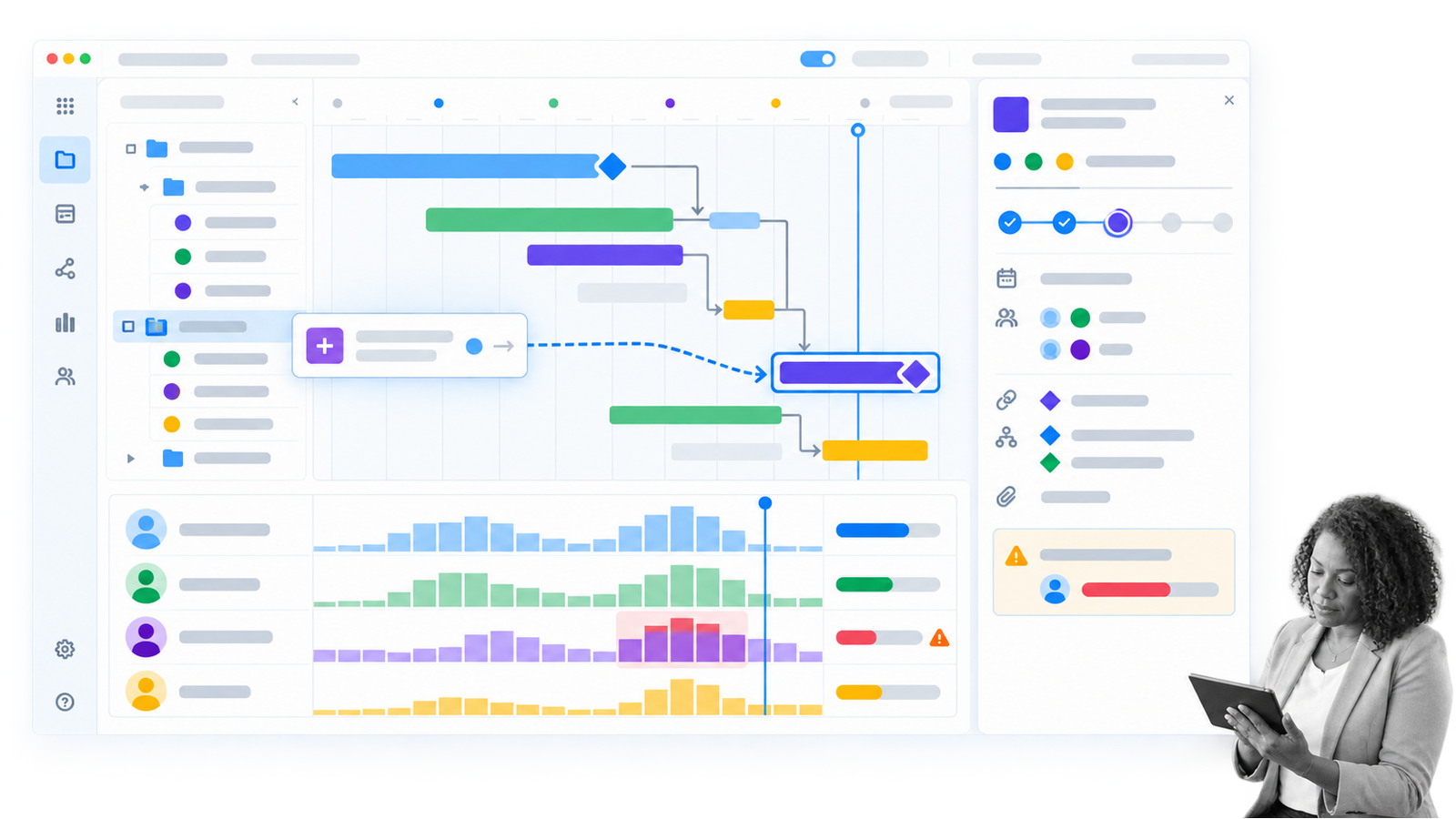
Wrike is a strong Smartsheet alternative for enterprises that need portfolio visibility across departments, programs, and complex projects. Its list, board, table, Gantt, calendar, workload, request, dashboard, and analytics surfaces let managers move between executive planning and task-level execution.
The biggest difference is structure. Work intake can enter through request forms, dependencies can be modeled on timelines, capacity can be compared across teams, and reporting can stay connected to active work. Current Copilot and agent capabilities add assistance without replacing the underlying project model.
Wrike fits teams with many stakeholders, shared resources, approval paths, and cross-project milestones. It is less attractive when a small team wants a tool that feels natural on day one. Spaces, folders, permissions, dashboards, and reporting conventions need deliberate ownership.
2. Basecamp
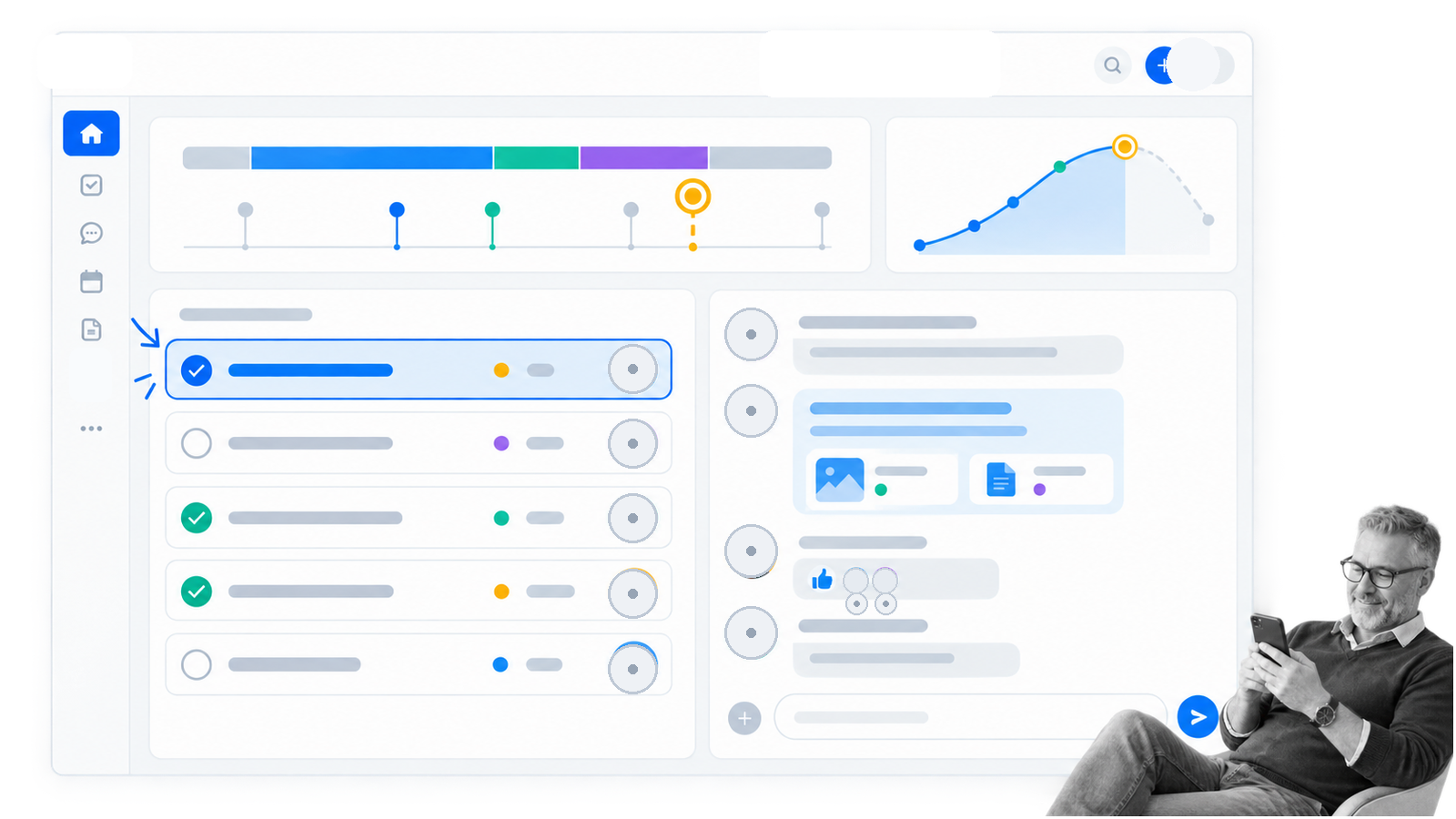
Basecamp is the simple alternative to Smartsheet in this list. Basecamp 5 gives each project a focused home for to-dos, messages, files, schedules, chat, check-ins, and Hill Charts without asking the team to design a complex grid first.
That collaboration-first model works well for agencies, consultants, small businesses, and internal teams that value shared context over extensive configuration. Clients and colleagues can understand where conversations, decisions, files, and next actions live.
Simplicity is also the limitation. Basecamp is not a direct substitute for advanced portfolio reporting, workload planning, resource allocation, detailed dependencies, or governed recurring operations. Choose it when your Smartsheet problem is complexity, not when the business needs deeper control.
3. monday.com

monday.com is a visual AI-enabled work platform built around boards, WorkForms, automations, dashboards, and multiple project views. Teams can plan campaigns, launches, client work, operations requests, and cross-functional projects without making a dense spreadsheet the center of the experience.
Its current AI layer includes workflow assistance, Sidekick, agents, and app-building capabilities. The practical advantage is that teams can combine status-driven work, intake, notifications, and reporting in an interface that many non-technical users scan quickly.
The main risk is board sprawl. A flexible workspace can become fragmented when every team invents its own columns, labels, permissions, and reporting logic. monday.com works best when someone owns templates, naming, access, automation standards, and the portfolio view across boards.
4. Airtable
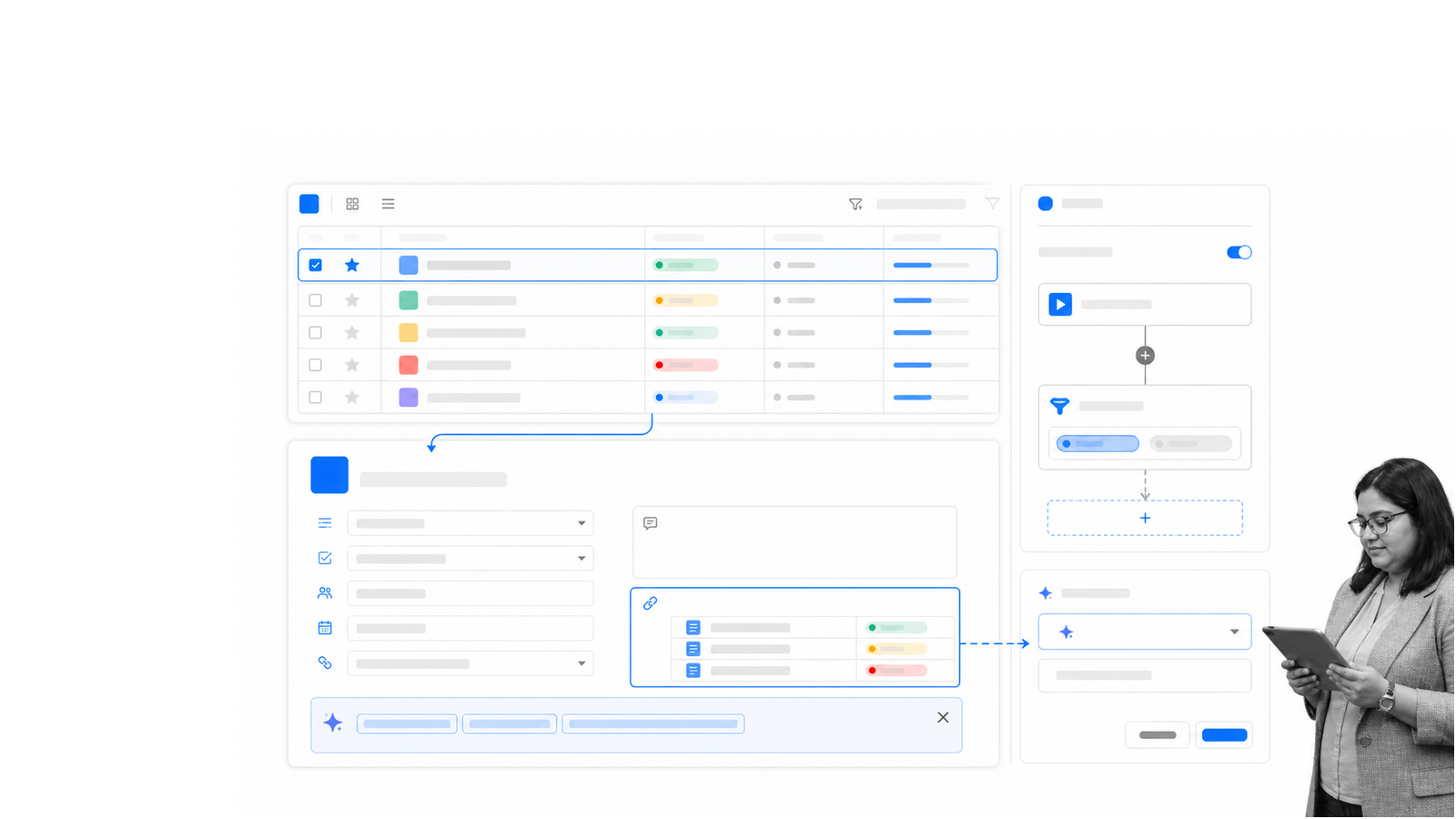
Airtable is an AI-native app platform for teams whose work is really a connected data problem. It combines structured records with linked relationships, interfaces, forms, automations, and agents, so teams can build operational apps rather than forcing every activity into project rows.
That makes Airtable useful for content operations, asset tracking, product operations, customer research, vendor management, inventory, and other work where records connect across projects and stakeholders. Different interfaces can expose the same underlying data to different teams.
It is not always the cleanest choice for classic project execution. Teams that mainly need task ownership, workload planning, dependencies, and portfolio reporting may prefer a dedicated project platform. Airtable is strongest when the data model is the foundation of the work.
5. Asana

Asana is one of the most familiar tools like Smartsheet for teams that want clear task ownership without spreadsheet-first habits. Lists, boards, timelines, calendars, goals, portfolios, forms, rules, workload, and reporting support both daily coordination and cross-team planning.
Its core loop is direct: create the task, assign one owner, set the due date, attach the context, and track completion. AI Studio and AI Teammates can help with triage, drafting, coordination, and routine workflows while the work remains visible to the humans responsible for it.
The strongest reason to choose Asana is adoption. People who resist dense grids often find the task model easier to scan and update. Large organizations still need governance around projects, portfolios, custom fields, permissions, rules, and the way teams represent status.
6. Zoho Projects
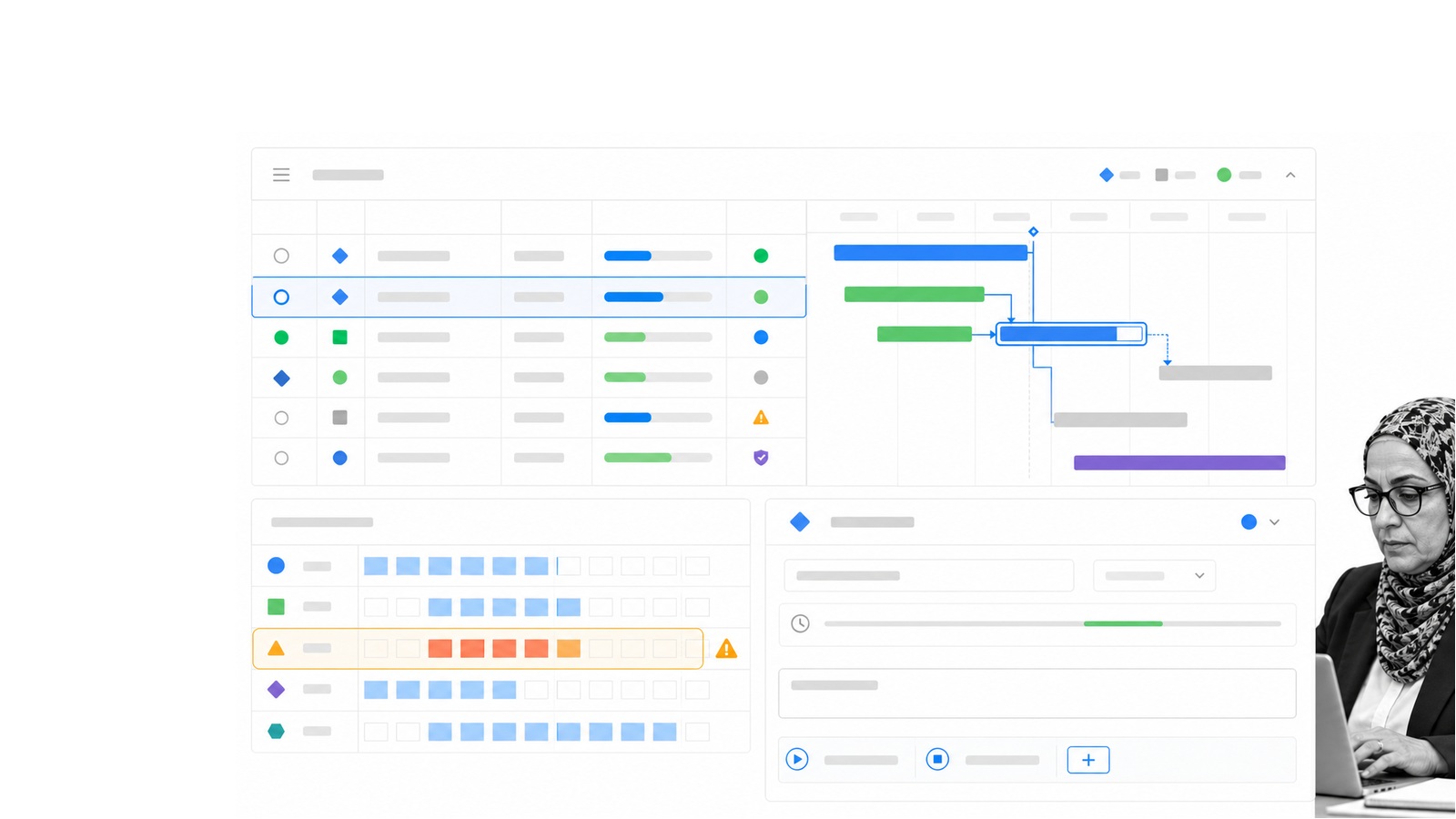
Zoho Projects is a practical Smartsheet competitor for teams that want conventional project depth inside the broader Zoho suite. It covers milestones, task dependencies, Gantt planning, issues, time logs, workload, budgeting, documents, forums, and project reporting.
The suite connection matters when project work touches CRM, finance, support, or other Zoho records. Current updates around AI Bridge, workload reporting, Gantt views, and connected tools make it more than a low-cost task list.
Compare plans carefully. The exact automation, reporting, storage, resource, and integration features available to the team can vary by package. Zoho Projects is a strong value choice when the organization wants a broad project system and benefits from the surrounding suite.
7. Scoro
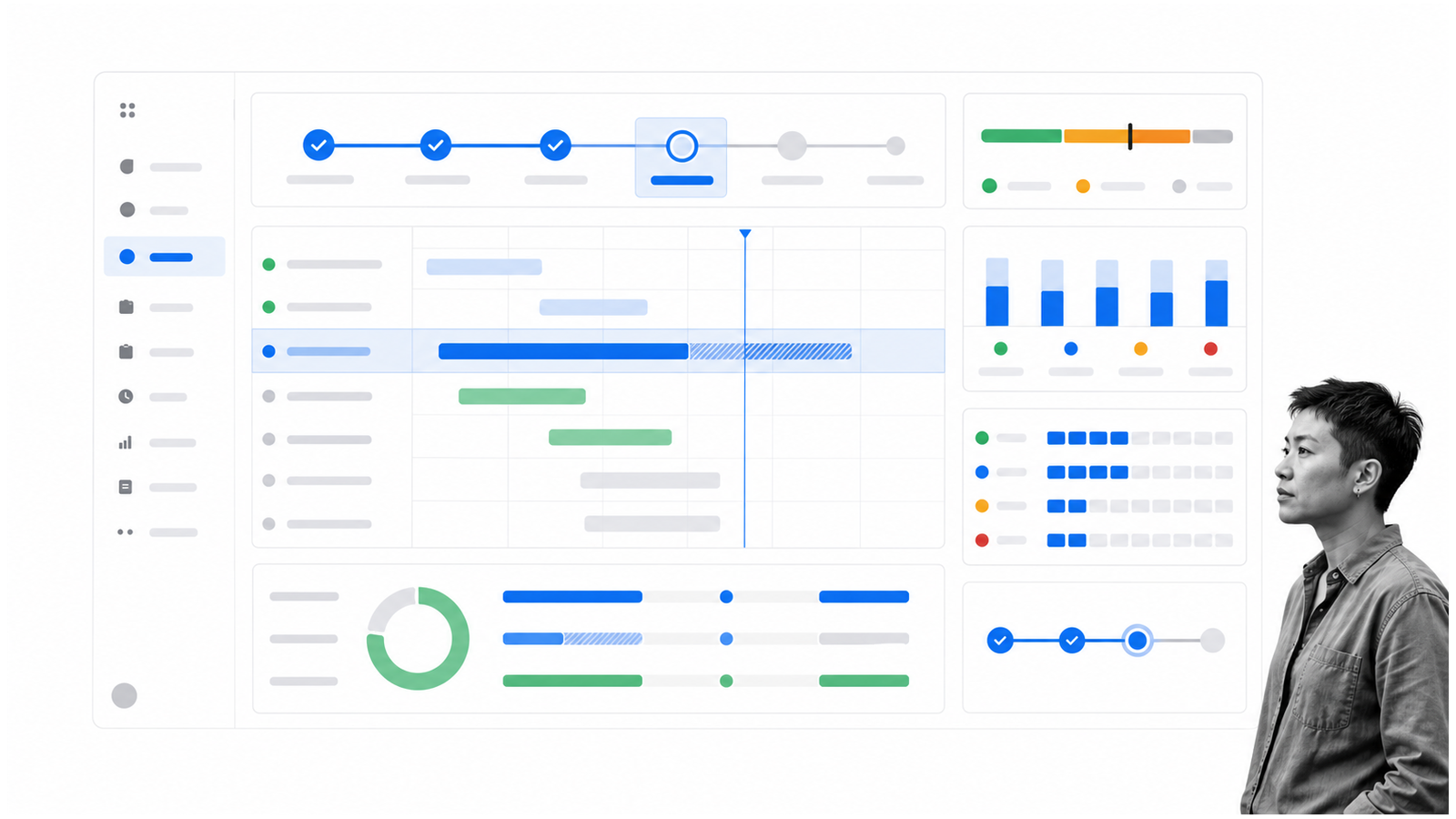
Scoro is built for professional-services firms that need project delivery connected to quoting, time, utilization, billing, and margin. Agencies and consultancies can use it to move from sales into planning, resourcing, delivery, invoicing, and profitability reporting in one operating model.
That is a meaningful difference from Smartsheet. The project is not only a collection of tasks and dates; it is a commercial engagement with planned effort, available capacity, billable work, and financial performance. Scoro brings those signals closer to the delivery plan.
The specialization can be a strength or a constraint. A general internal project team may not need the PSA layer. Scoro belongs on the shortlist when client work, utilization, revenue forecasting, and margin are part of the same project-management decision.
8. Process Street
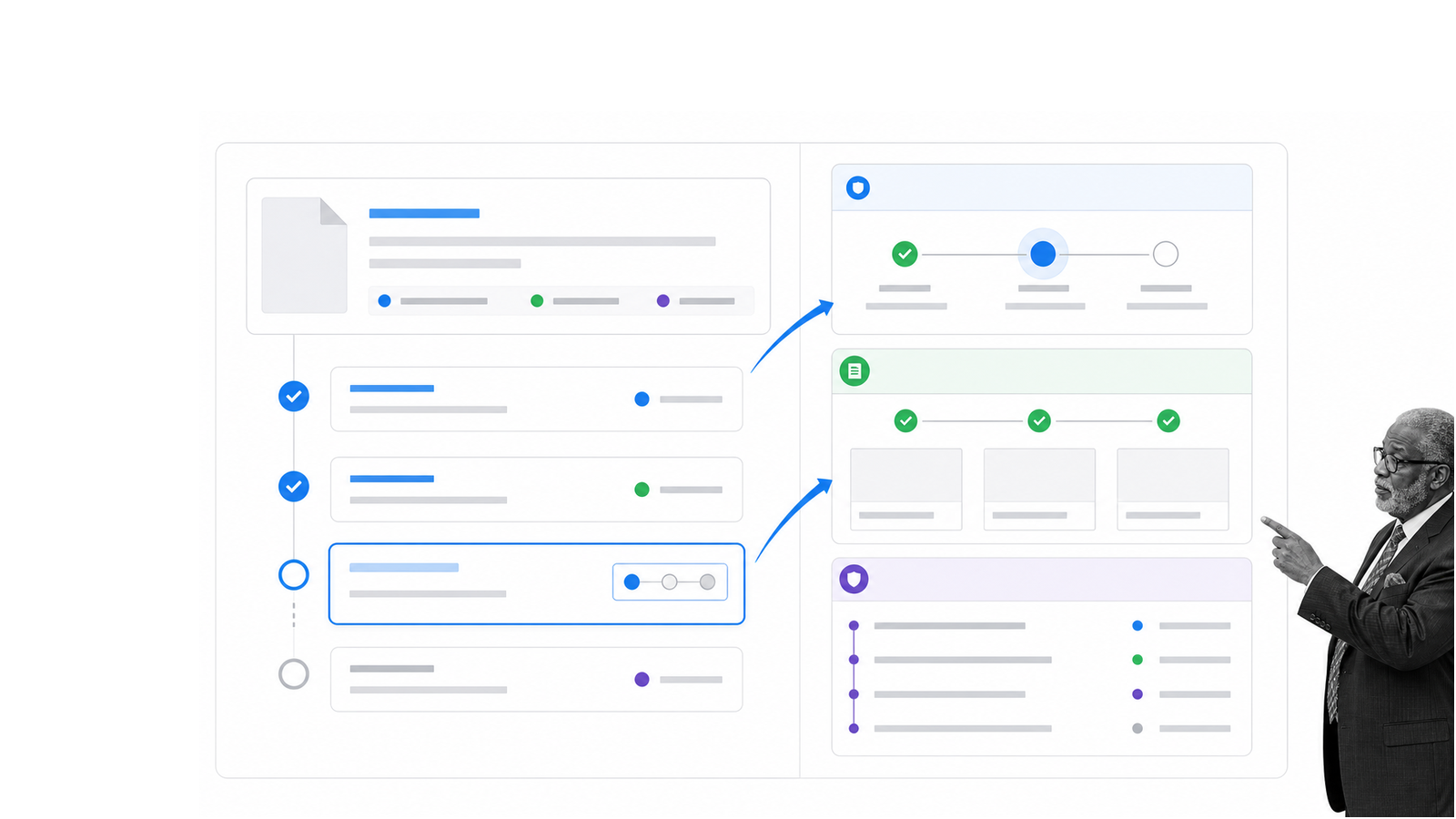
Process Street is a single Compliance Operations Platform with Docs and Ops capability areas plus built-in AI. Docs governs procedures and operational knowledge. Ops turns those instructions into recurring workflows with owners, forms, due dates, conditional logic, approvals, evidence, and a record of what happened.
It is the strongest fit here when Smartsheet is being used to run repeatable operational work such as onboarding, vendor reviews, procurement, client implementation, quality checks, audits, and offboarding. Teams can connect the governing procedure to the active workflow instead of separating instructions from execution.
Process Street supports native automations, API and webhooks, and connections to thousands of apps through Zapier, Make, and Power Automate. The distinction matters: Smartsheet is useful for planning and tracking projects. Process Street is useful when recurring steps must be followed, approved, evidenced, and auditable.
For a broader market view, compare the best project management software by operating model and team fit.
Frequently asked questions
What is the best Smartsheet alternative?
The best choice depends on the operating model. Wrike fits enterprise portfolios, Basecamp fits simple collaboration, monday.com fits visual work management, Airtable fits relational operations, Asana fits task ownership, Zoho Projects fits suite buyers, Scoro fits professional services, and Process Street fits governed recurring workflows.
What is a simple alternative to Smartsheet?
Basecamp is the simplest collaboration-first option in this list. Asana is also easy to understand when the team mainly needs clear task owners, due dates, project views, and status updates.
Is there a free Smartsheet alternative?
Several products offer limited free plans or trials, but packaging changes. Check the current vendor plan for user limits, storage, automations, Gantt views, dashboards, permissions, and reporting before treating a free tier as a long-term operating system.
Which Smartsheet competitor is best for large enterprises?
Wrike is a strong choice for enterprise portfolios and resource planning. Asana and monday.com also support large organizations, while the right decision depends on governance, permissions, reporting, integrations, and rollout ownership.
Is Airtable better than Smartsheet?
Airtable is often better when connected records, tailored interfaces, automations, and app-style workflows are central. Smartsheet may be more natural when the team wants spreadsheet-like project plans, formulas, Gantt views, and reporting.
Is Zoho Projects a good Smartsheet alternative?
Yes, especially for teams using the Zoho suite or seeking broad project-management features at a value-oriented price. Test plan-specific access to workload, reporting, automation, storage, and integrations before choosing.
Choose the work model first
Do not choose a Smartsheet competitor because its feature checklist is longer. Choose the system that matches the work: portfolios in Wrike, calm collaboration in Basecamp, visual coordination in monday.com, connected records in Airtable, task ownership in Asana, suite-based projects in Zoho Projects, professional-services economics in Scoro, or governed recurring execution in Process Street.
Build one real project with fictional data, include the hardest approval and integration, and ask the people doing the work to run it. The best tool is the one the team can maintain while preserving ownership, control, and a reliable record of execution.