Commercial Property Operations Workflow Software
Commercial property operations workflow software turns inspections, vendor reviews, work orders, tenant changes, and approvals into repeatable processes with clear owners. Process Street adds control and proof around the property systems your team already uses.
Trusted by more than 3000 companies












Keep property work moving after the request is logged
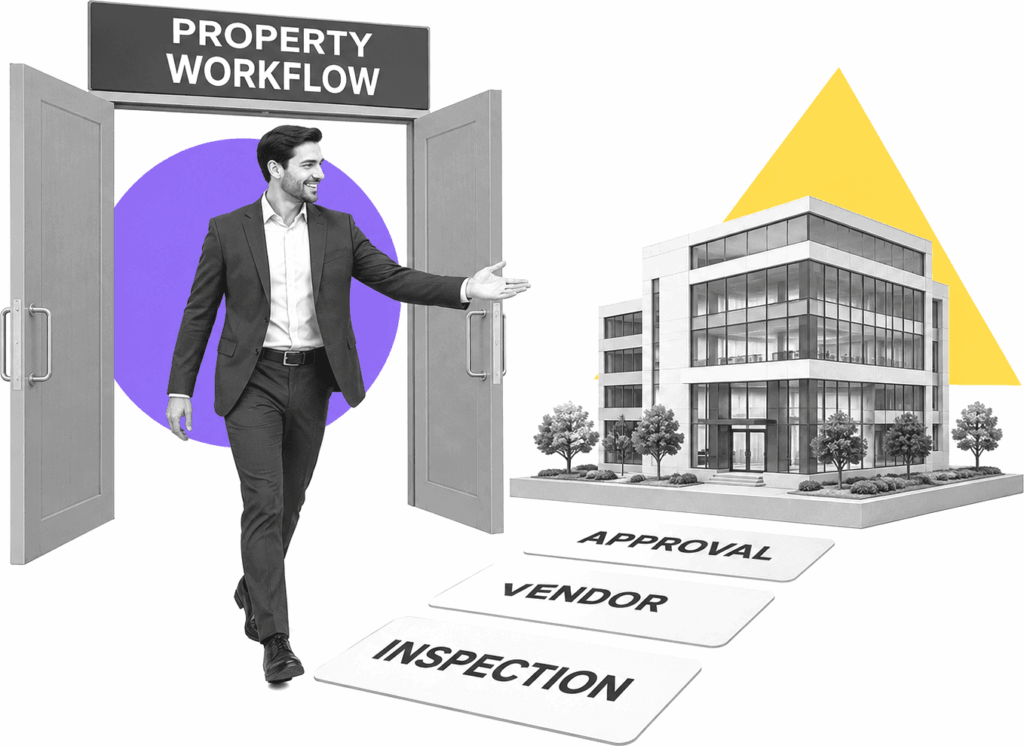
A failed rooftop inspection, expired vendor certificate, or stalled tenant improvement approval can leave a building exposed and nobody certain who owns the next step. Process Street assigns every handoff, applies conditional paths, escalates delays, and captures evidence. Colliers uses Process Street for property transitions, account management, and client approvals, showing how structured workflows support real commercial property operations.

Commercial property workflows to standardize
Assign recurring building, safety, accessibility, and quality inspections with required photos, findings, corrective actions, due dates, and signoff by property.
Collect insurance certificates, licenses, scopes, risk reviews, and approvals before a contractor starts work, then schedule renewal checks.
Route requests by property, asset, trade, and urgency through triage, quote review, authorization, scheduling, completion checks, and invoice approval.
Coordinate move-ins, move-outs, access, signage, fit-outs, and restoration without losing ownership between teams.
Govern site walks, budget approvals, contractor milestones, change reviews, punch lists, warranties, and closeout evidence.
Launch incident procedures with role-based tasks, escalations, communications, and a timestamped record.
Related solutions
More from the Operations Management Software hub
Backed by happy clients


functional team collaboration.”



Frequently asked questions
Can't find the answer you need? Contact our support team.

Run one property workflow with control and proof
An industry-leading solution












Support that's actually there for you
Can't find the answer you need? Contact our support team.