Work Instruction Software Digital Work Instruction Software For Manufacturing
 
WORK INSTRUCTION SOFTWARE

Digital work instruction software for manufacturing teams that need proof, not paper

Process Street helps manufacturing teams turn work instructions into assigned workflows with required fields, approvals, evidence capture, and audit trails. Use it when static SOPs, PDFs, or paper binders make shop-floor execution hard to control.
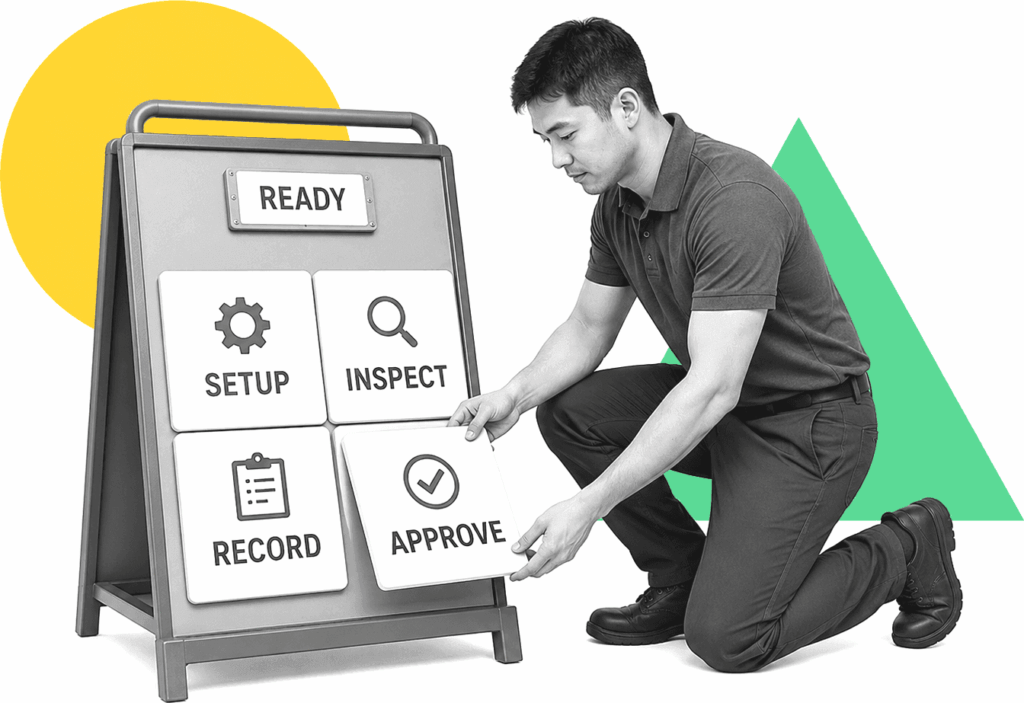
Manufacturing supervisor arranging labeled digital work instruction panels.

Trusted by more than 3000 companies

Salesforce logo
Cisco logo
Slack logo
TPG logo
Toast logo
Bettement logo
Colliers logo
Third Rock logo
Drift logo
Airtree logo
Blackbird logo
Evanston logo
Salesforce logo
Cisco logo
Slack logo
TPG logo
Toast logo
Bettement logo
Colliers logo
Third Rock logo
Drift logo
Airtree logo
Blackbird logo
Evanston logo
MANUFACTURING EXECUTION

Work instructions should control the work, not just describe it

A digital work instruction tool should tell operators what to do, capture the proof that it happened, and route exceptions to the right owner. Process Street connects instructions, SOPs, forms, approvals, and recurring workflows so quality, training, and operations teams can keep production work consistent across shifts and sites.

Operator following a controlled manufacturing instruction workflow.

How Process Street supports manufacturing work instructions

Ops

Ops turns those instructions into runnable workflows with assigned tasks, required fields, due dates, approvals, evidence capture, and audit trails. Teams can run production checks, training signoffs, maintenance steps, and quality reviews the same way every time.

Learn more about Ops
Docs

Docs gives manufacturing teams a governed place to maintain SOPs, work instructions, checklists, and quality procedures with review and approval paths. Instructions stay controlled instead of drifting across binders, PDFs, and shared drives.

Learn more about Docs
Cora

Cora helps teams turn existing procedures into workflows, spot missing steps, and improve recurring processes. It supports continuous improvement without making operators or quality managers rebuild every instruction from scratch.

Learn more about Cora

What to compare in digital work instruction software for manufacturing

Controlled instruction execution

Turn each instruction into a workflow with required tasks, owners, form fields, due dates, and completion records.

Approvals and version control

Route instruction changes, release approvals, and document reviews through a controlled process before teams use them on the floor.

Evidence capture

Require photos, files, notes, signatures, or checklist answers when production, maintenance, quality, or training work needs proof.

Conditional paths

Adapt instructions based on product, line, shift, exception type, quality result, or required follow-up without creating separate static documents.

Exception routing

Send failed checks, nonconformances, missing evidence, and overdue steps to the right reviewer before small issues turn into audit problems.

Manufacturing workflow fit

Use Process Street for repeatable operator training, production signoff, equipment checks, quality reviews, maintenance steps, and supplier handoffs.

Related solutions

More from the Work Instruction Software hub

Process Street turns shop floor work instructions into assigned workflows with required steps, evidence capture, approvals, and audit trails. Use it when paper instructions, PDFs, or shared-drive SOPs cannot prove operators followed the current process across shifts, stations, and quality checkpoints.
Manage each work instruction from review and release through assigned execution, evidence capture, and improvement. Process Street connects governed procedures to workflows your team can follow, supervisors can track, and auditors can verify. Use it when static documents cannot enforce the current standard or prove what happened.
Give every operator the approved steps for the current work order, then capture quality checks, deviations, and sign-off as production happens. Process Street turns controlled instructions into assigned workflows, so each shift follows the same standard and leaves usable proof.

Backed by happy clients

Colliers logo
With Process Street we've been able to bring documentation to life… allowing us to adapt processes quickly, improve governance and achieve consistent results
Linda White
Linda White
Head of Technology Services, Colliers
“A huge win. Delivers cross
functional team collaboration.”
Salesforce logo
Alex Hauer
Alex Hauer
Senior Success Consultant, Salesforce
Read case study
"It was the right choice for us. It helped our team move quicker"
BentoBox logo
Chelsea Lynch
Chelsea Lynch
Manager of CS operations, Bentobox
Watch case study

Frequently asked questions

Can't find the answer you need? Contact our support team.

What is digital work instruction software for manufacturing?
When should a manufacturer replace paper work instructions?
How does Process Street fit manufacturing work instructions?
Is Process Street an MES or ERP system?
How is this different from specialist 3D or CAD-based work instruction software?
Which manufacturing workflows should teams digitize first?
What manufacturing proof does Process Street have?

Turn manufacturing instructions into workflows your team can prove

Build controlled work instructions with owners, approvals, evidence, and audit trails in Process Street.
No credit card required

An industry-leading solution

Process Street Badge 10
Process Street Grid Leader 2025
Process Street High Performer 2025
Process Street Regional Leader 2025
Process Street Badge 13
Process Street Best Est. ROI 2025
Process Street Users Most Likely To Recommend 2025
Process Street Easiest To Use 2025
Process Street Fastest Implementation 2025
Process Street Badge 12
Process Street Badge 11
Process Street Users Love Us
Process Street Top 50 2024

Support that's actually there for you

Can't find the answer you need? Contact our support team.

5 minutes
average response time
98% customer rating
average rating
Customer support