Insurance workflow automation for legacy system replacement
Replace legacy insurance workflows in controlled phases instead of risking one disruptive cutover. Process Street coordinates people, approvals, exceptions, and evidence while policy, claims, billing, and rating systems remain authoritative until each migration wave is ready.
Trusted by more than 3000 companies











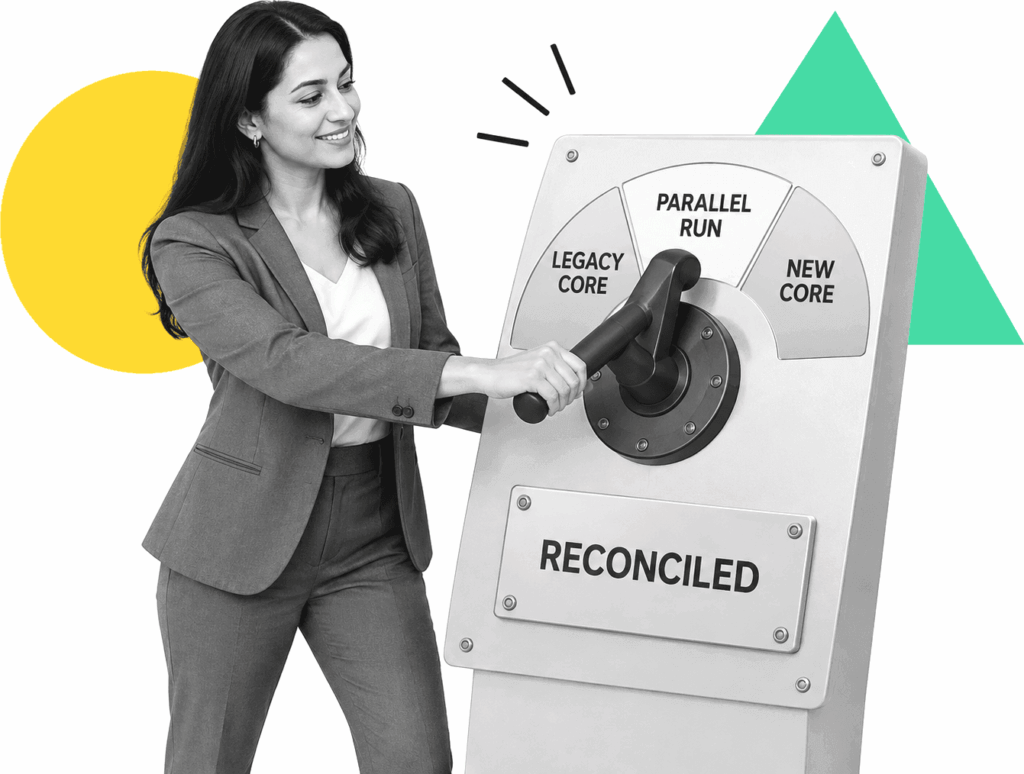
Move one workflow at a time without losing control
Use this approach when a legacy core cannot change quickly, but manual handoffs, email approvals, and spreadsheet tracking already create risk. Process Street turns one target process into an assigned workflow with conditional paths, due dates, human approval gates, integrations, and a complete execution record. Run old and new paths in parallel, compare outputs, route mismatches for review, and define exit criteria before retiring a step. Keep the core system as the source of truth until reconciliation, ownership, and rollback controls pass. For platform criteria beyond insurance, the broader workflow automation software category is covered at https://www.process.st/workflow-automation-software/.

Where Process Street fits during legacy replacement
Build governed migration-wave workflows for intake, data checks, approvals, exception handling, system updates, reconciliation, and cutover signoff. Operations and transformation teams can change the process without hard-coding every business rule into the old core or waiting for the full replacement program.
Learn more about OpsWhat to require from a migration workflow layer
Run legacy and replacement paths together, assign comparisons, and record which output becomes authoritative.
Route work by product, jurisdiction, risk, missing data, authority limit, or migration status.
Keep underwriters, claims leaders, compliance reviewers, and system owners accountable for material decisions.
Coordinate updates across policy, claims, billing, rating, document, and data systems through controlled integrations.
Attach comparison results, exceptions, approvals, files, comments, and timestamps to every migration run.
Require named exit criteria, accepted exceptions, rollback steps, and final authorization before retiring a legacy path.
Related solutions
More from the Workflow Automation Software hub
Backed by happy clients


functional team collaboration.”



Frequently asked questions
Can't find the answer you need? Contact our support team.

Start with one insurance migration workflow
An industry-leading solution













Support that's actually there for you
Can't find the answer you need? Contact our support team.