Student Form Automation Software
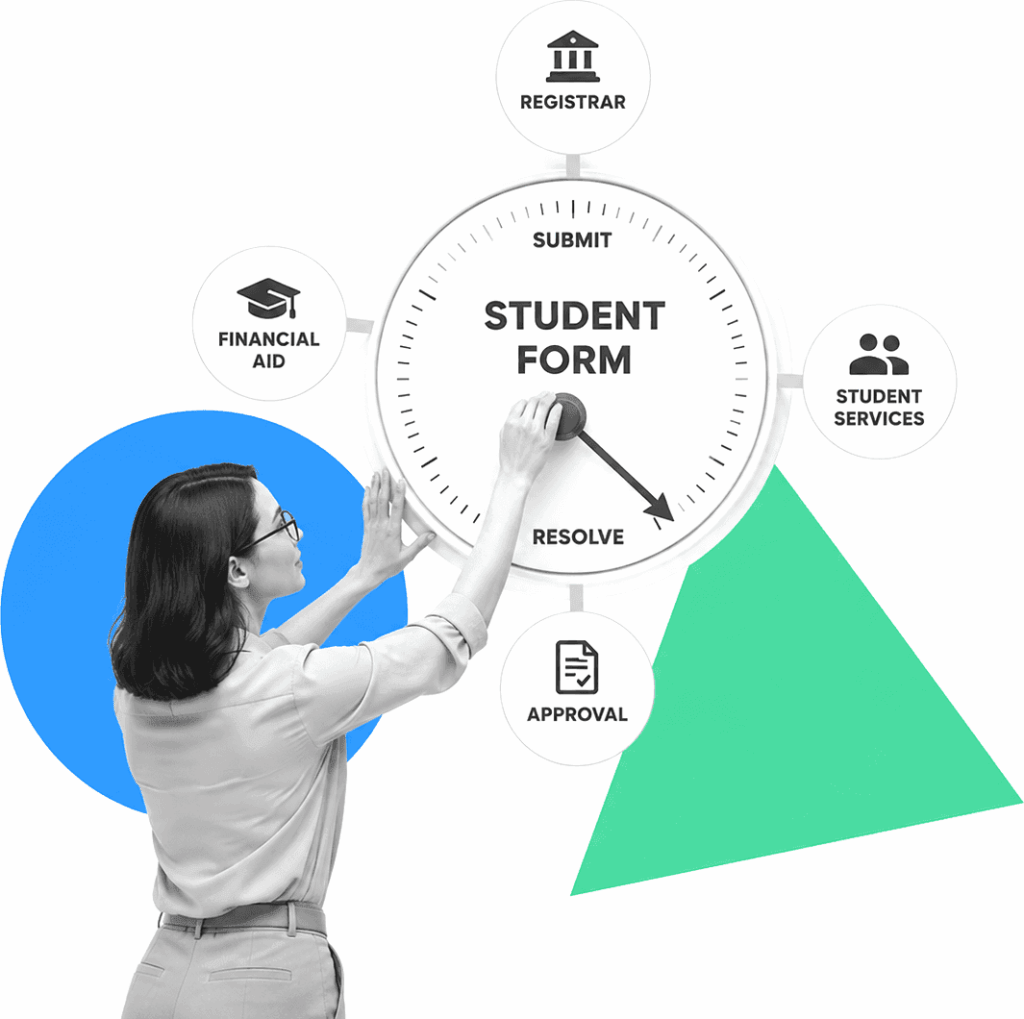
Student form automation software turns registration, course-change, accommodation, consent, financial-aid, and student-service submissions into assigned, trackable work. Process Street validates intake, routes each request, records approvals, triggers follow-up, and keeps the history from submission to resolution.
Trusted by more than 3000 companies












Choose software for what happens after submission
A form builder collects answers. Student form automation should also check required information, route the request by type or risk, assign the next owner, collect approval, trigger downstream work, notify the student, and retain the record. A shared status view lets staff filter what is new, waiting, approved, overdue, or resolved without asking each department for an update. Process Street fits institutions that need flexible workflows across departments. Keep the SIS, admissions CRM, LMS, or specialist platform as the source of record when it owns student data or academic transactions.

Run student forms as governed workflows
Workflows turn each submission into assigned tasks, conditional routes, approvals, due dates, reminders, notifications, integrations, and a timestamped completion record. Dashboards show queues by owner, stage, due date, and department during peak registration and intake periods.
Learn more about OpsDocs keeps form instructions, eligibility rules, review criteria, service standards, and exception procedures versioned and approved beside the work they govern.
Learn more about DocsWhat student form automation should control
Require the right fields and files, show relevant questions with conditional logic, and stop incomplete requests before they create avoidable follow-up.
Send each submission to the correct department, reviewer, or approval path based on request type, student answer, risk, or program.
Assign every next action, set due dates, remind owners, and escalate stalled requests without making students chase a shared inbox.
Keep reviewer context, approval decisions, comments, attachments, and timestamps in the same workflow as the submitted student information.
Trigger downstream workflows, notifications, document steps, and system updates after submission or approval instead of re-entering data manually. Keep the workflow linked to the originating student record.
Preserve the request, owners, status changes, evidence, decision, and completion record so teams can answer what happened without rebuilding it.
Related solutions
More from the Workflow Automation Software hub
Backed by happy clients


functional team collaboration.”



Frequently asked questions
Can't find the answer you need? Contact our support team.

Turn student forms into accountable workflows.
An industry-leading solution












Support that's actually there for you
Can't find the answer you need? Contact our support team.