


Turn every policy into automated workflows with built-in enforcement and audit-ready proof.



Free Workflow Apps
Free workflow apps help you organize repeatable work without committing to a paid platform on day one. The useful ones do more than hold a to-do list: they give work an owner, a status, a due date, a shared path, and enough structure to test whether the process can run consistently.
The catch is that free does not mean unlimited. Some apps cap collaborators or boards. Others limit storage, automation, workflow runs, or advanced controls. A free trial can be more useful than a free-forever board when the process includes approvals, permissions, required evidence, or cross-functional handoffs.
This guide compares five options for different operating needs. Process Street is ranked first because it gives you the strongest free way to test governed recurring execution. Trello, Asana, ClickUp, and monday.com each offer a free-forever path for lighter work.
In this article, you will compare:
- Free workflow apps at a glance
- How to choose a free workflow app
- 1. Process Street
- 2. Trello
- 3. Asana
- 4. ClickUp
- 5. monday.com
- When free workflow apps stop being enough
- A practical free workflow app test plan
- FAQs
Free workflow apps at a glance
The best choice depends on what you need to prove. Use a simple board when visibility is enough. Use a structured task system when ownership and views matter. Use a governed workflow trial when missed steps, approvals, or evidence create real risk.
| Tool | Best for | Standout feature | Pricing |
|---|---|---|---|
| Process Street | Testing governed recurring workflows | Workflow runs with approvals, required steps, roles, due dates, and evidence | Complimentary 14-day Pro trial, then paid plans |
| Trello | Visual Kanban workflows for small teams | Unlimited cards with up to 10 boards per Workspace | $0 Free plan for up to 10 collaborators per Workspace |
| Asana | Pairs coordinating projects and personal work | Unlimited tasks and projects with list, board, and calendar views | $0 Personal plan for up to 2 users |
| ClickUp | Teams wanting many work surfaces in one app | Unlimited tasks and members with Docs and multiple views | Free Forever plan |
| monday.com | Individuals and two-person teams using visual boards | Configurable boards, Docs, templates, and mobile apps | $0 Free plan for up to 2 seats |
If you are still mapping the category, the workflow apps comparison separates workflow apps by operating model, while the workflow automation apps guide explains how triggers and automation fit into recurring work.
How to choose a free workflow app
Start with the process, not the feature list
Pick one real recurring process before you open an account. Employee onboarding, invoice review, client onboarding, content promotion, and purchase requests are useful tests because they include ownership, handoffs, deadlines, and a clear completion state. A polished empty workspace tells you very little.
You can begin with an employee onboarding workflow, a client onboarding process, or an accounts payable workflow rather than designing a hypothetical demo.
Check the free boundary
Write down the limits that could interrupt the test: number of users, boards, projects, storage, automations, workflow runs, integrations, permissions, and reporting. A tool is not meaningfully free for your use case if the limit blocks the first complete run.
Test exception handling
Happy-path demos are easy. Change an intake answer, reject an approval, miss a due date, reassign an owner, and attach evidence. If the app cannot show what happened and what comes next, the workflow will still depend on manager memory.
Decide what the app should own
A project app may own tasks and milestones. A workflow app may own recurring procedures. A CRM may own customer records. Do not force every tool to become the system of record for everything. Clear boundaries make a free stack easier to maintain and easier to replace.
Measure adoption with observable behavior
Do not judge the test by account creation or positive feedback alone. Watch whether people open the app without reminders, complete work in the intended order, update status at the right time, and leave enough context for the next owner. Note every moment when someone returns to chat or a spreadsheet because the app feels slower than the old habit. Those behaviors reveal whether the workflow is genuinely usable. A free plan that the team ignores is not a bargain, while a focused trial that produces reliable execution can justify a clear purchasing decision.
1. Process Street
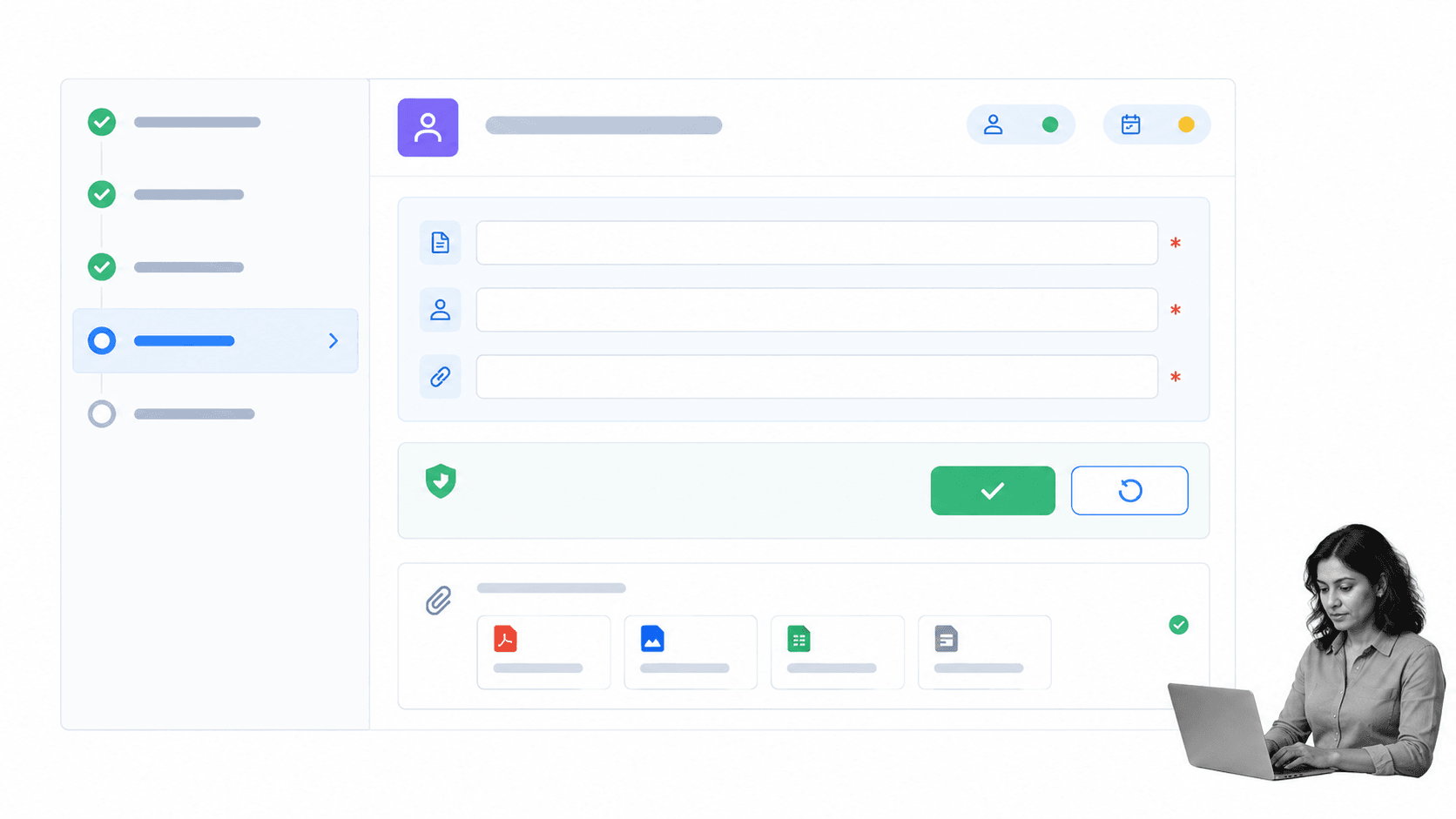
Best for: testing governed recurring workflows before rollout. Process Street gives new accounts a complimentary 14-day Pro trial with no credit card required, according to the Process Street pricing page.
The trial is different from a lightweight free board. You can build a workflow blueprint, launch workflow runs, assign work, collect structured information, route decisions, enforce task order, set dynamic due dates, and keep a record of execution. That makes it the best first test when a skipped step could affect a customer, employee, payment, audit, or regulated process.
Process Street is not free forever. It belongs at the top because the goal of a free evaluation is to answer the most expensive question: can the system run the real process with the controls you need? A limited trial of the right operating model can be more valuable than months inside a free tool that never tests approvals, permissions, or evidence.
Use the trial to build one workflow with a conditional path and one approval. The conditional logic documentation and approval task documentation show how to test both without turning the workflow into a giant process map.
- Choose it when: the process repeats and needs owners, required steps, approvals, or proof.
- Skip it when: you only need a personal task list or a casual team board.
- Trial test: run the same process twice, once on the happy path and once with a rejection or exception.
2. Trello
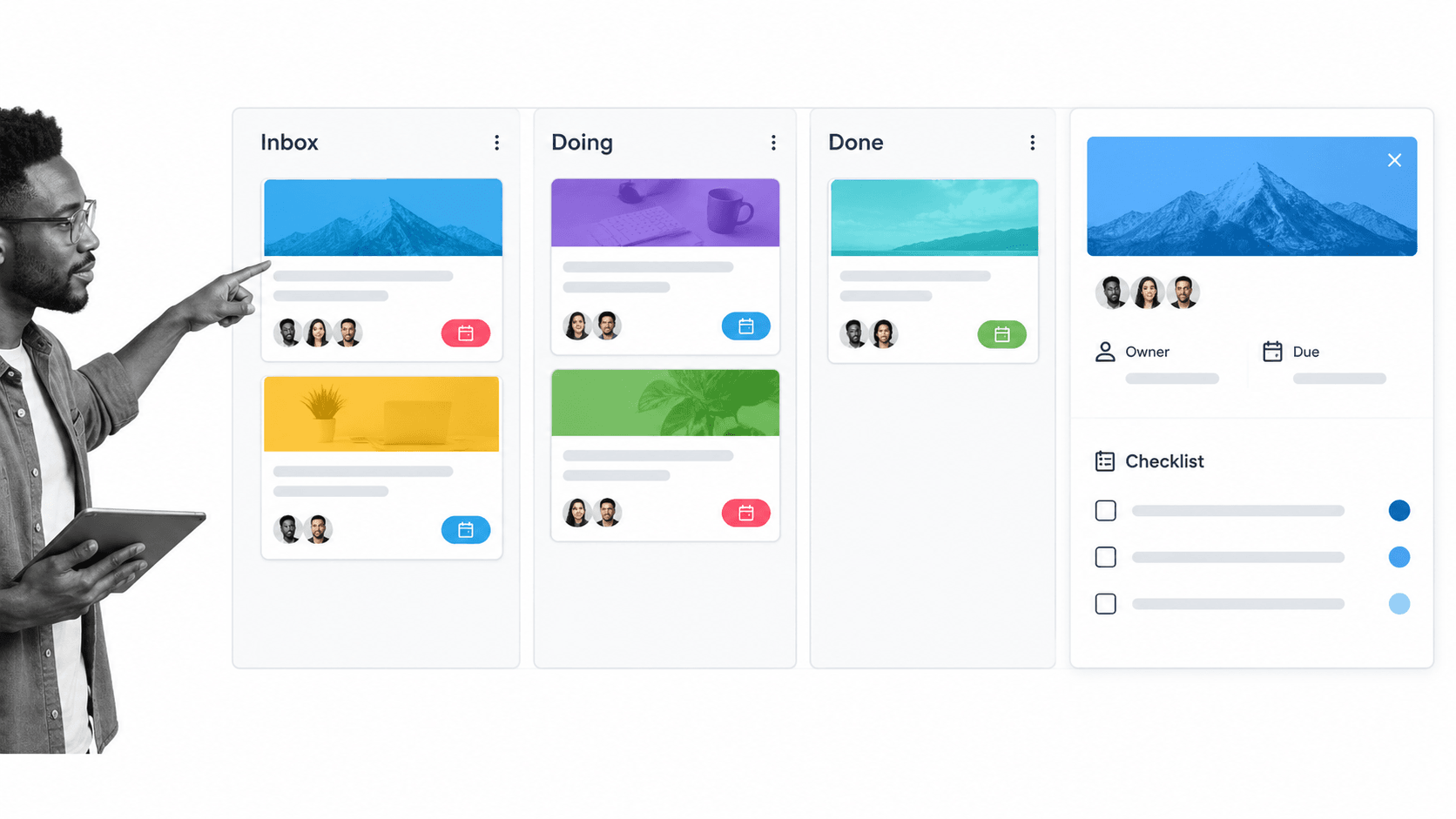
Best for: small teams that want a visual Kanban workflow. The official Trello pricing page lists a $0 Free plan for up to 10 collaborators per Workspace, with unlimited cards, up to 10 boards, assignees, due dates, and 250 Workspace command runs per month.
Trello works well when the workflow is easy to express as cards moving through stages. Editorial queues, recruiting pipelines, small launches, request backlogs, and personal planning all fit naturally. The board is quick to understand, and a card can hold a checklist, owner, due date, attachment, and conversation.
The simplicity is also the boundary. A board can show that a card reached Review, but the free setup may not enforce the same detailed procedure every time. Teams often compensate by adding long checklists, extra labels, and manual reminders. That is fine for low-risk work, but it becomes fragile when several departments must complete required steps.
Keep the board small. Use three to five stages, define what must be true before a card moves, and reserve automation for the handoffs that remove genuine manual work. If every card needs a different path, the process may need a workflow engine rather than a bigger board.
- Choose it when: cards and columns match how your team already thinks.
- Skip it when: the process needs strict approval gates, permissions, or evidence collection.
- Free-plan test: run one board with real collaborators and watch whether cards stall between stages.
3. Asana
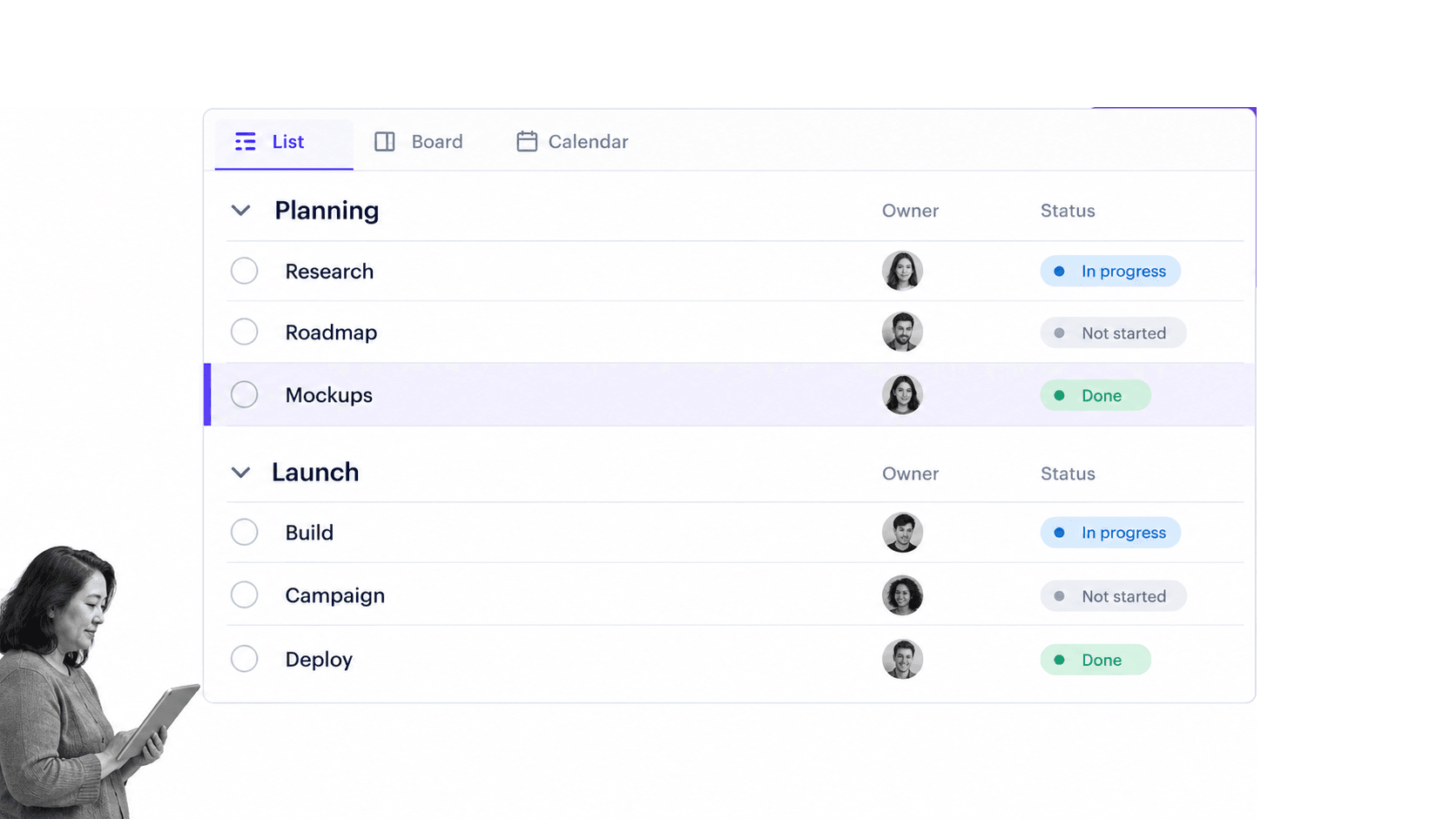
Best for: one or two people coordinating projects and personal work. The official Asana pricing page says Asana Personal is free forever for up to two users and includes unlimited tasks and projects plus list, board, and calendar views.
Asana is a good fit when a workflow sits inside a project. You can break work into tasks, assign responsibility, group tasks into sections, switch views, and keep status updates near the plan. This is useful for a founder and assistant, a consultant and client lead, or two operators building a repeatable launch cadence.
The two-user limit makes the free plan a focused test rather than a broad team rollout. Use an example from these Asana workflow examples to see whether sections, assignees, and views are enough to carry the process without extra spreadsheets.
Asana can represent recurring work, but you should inspect what happens when a task needs approval, conditional routing, structured intake, or evidence from another team. If those steps live in comments or separate documents, the project plan may be visible while the procedure remains informal.
- Choose it when: a pair needs structured tasks across list, board, and calendar views.
- Skip it when: more than two users need the free workspace or the process needs formal control.
- Free-plan test: build one project with recurring sections, clear owners, and a weekly status update.
4. ClickUp
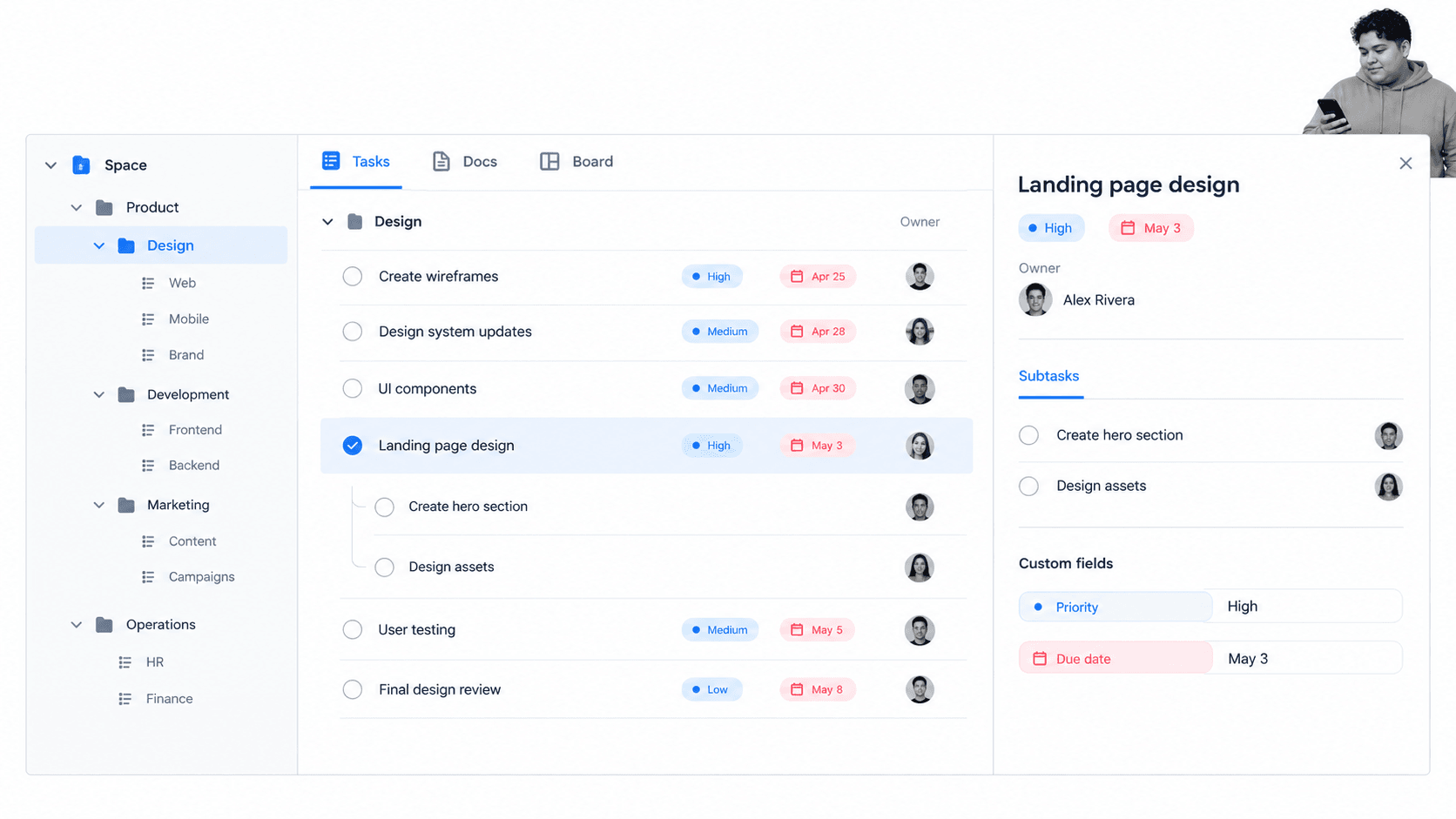
Best for: teams that want tasks, Docs, boards, and several planning surfaces in one free workspace. The official ClickUp pricing page lists a Free Forever plan with unlimited tasks and members, collaborative Docs, Kanban boards, sprint management, and calendar view.
ClickUp gives you room to model different kinds of work without changing tools. A team can keep process notes in Docs, organize work through a hierarchy, track tasks in a list, and switch to a board or calendar. That breadth is useful when you are still deciding what shape the workflow should take.
The tradeoff is setup discipline. More surfaces create more choices about Spaces, folders, lists, views, fields, and statuses. If every team builds its own structure, the free workspace can become harder to navigate than the work it replaced.
Start with one Space and one recurring process. Define the hierarchy, the official statuses, and the minimum fields before inviting the whole team. Add a second view only when it answers a real question that the first view cannot answer.
- Choose it when: you want a broad work hub with tasks, Docs, and multiple views.
- Skip it when: the team needs a simpler surface with fewer configuration choices.
- Free-plan test: measure how quickly a new user can find the next task without a walkthrough.
5. monday.com
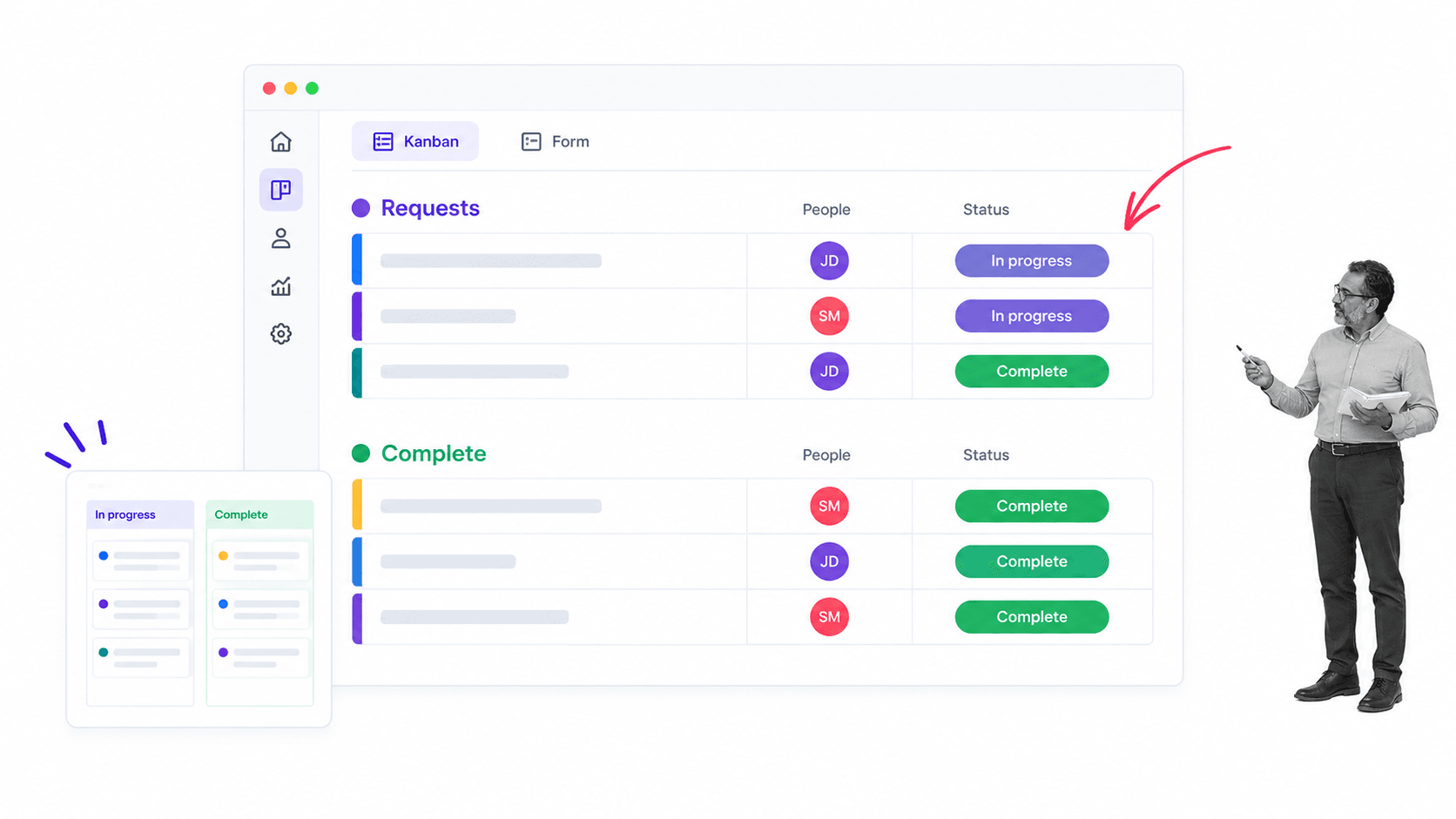
Best for: individuals and two-person teams tracking lightweight work on visual boards. The official monday.com pricing page lists a free-forever monday work management plan for up to two seats with up to three boards, Docs, templates, column types, and mobile apps.
monday.com is approachable when the workflow looks like a configurable table with people, status, priority, and dates. You can shape a board around requests, a small content calendar, client work, or a personal operating rhythm, then switch to a Kanban view when stages matter more than rows.
The important free-plan boundary is explicit in the monday.com Free Plan documentation: the Free plan does not include automations or integrations. That makes it useful for manual coordination and visual tracking, but it does not test whether events can trigger work across systems.
Keep the free board honest. If people must copy data from email, remind owners manually, or update several systems after every status change, count that effort as part of the workflow cost. A $0 subscription can still create expensive coordination work.
- Choose it when: one or two people want a configurable visual board.
- Skip it when: free-plan automations or integrations are essential to the test.
- Free-plan test: track one real request flow and count every manual handoff outside the board.
When free workflow apps stop being enough
A free workflow app stops being free enough when its limits force the process back into email, chat, spreadsheets, or memory. The upgrade signal is not that the team likes premium features. It is that the current limit prevents reliable execution.
The team limit blocks the real participants
A two-user plan can validate a personal system or a pair workflow. It cannot prove a cross-functional process that needs HR, IT, finance, legal, and an approver. Test with the people who actually own the handoffs before you decide the app fits.
The workflow needs controls
Upgrade or move when the process requires permissions, approvals, enforced order, conditional paths, evidence, or a durable audit trail. Those controls matter most when the cost of a skipped step is higher than the cost of the software.
Manual coordination becomes the hidden subscription
Count the hours spent copying data, chasing owners, reminding approvers, reconciling boards, and rebuilding status reports. If the free tool saves a license fee but adds recurring coordination, it may be the more expensive option.
The free workflow tools guide and free workflow management software go deeper on free-plan boundaries, while the workflow optimization guide helps you improve the process before blaming the app.
A practical free workflow app test plan
Choose one recurring process
Use something concrete. The content promotion workflow and HR process workflow are useful because they expose owners, deadlines, review points, and completion criteria.
Define the pass conditions
- Every task has one owner.
- The next step is visible without asking a manager.
- An exception has a defined route.
- A reviewer can approve or reject work.
- Completion leaves enough evidence to explain what happened.
Run the workflow twice
The first run should follow the normal path. The second should include a late task, changed answer, rejected decision, or reassignment. A reliable app handles both without forcing the team to invent a side process.
Review the operating cost
Record where work left the app, where someone copied data, and where a manager had to intervene. Compare that cost with the paid feature or different tool that would remove it. The answer should come from the run, not the marketing page.
Keep the smallest system that works
Do not buy complexity you cannot use. If a three-column board runs the process reliably, keep it. If the process needs controls and proof, use the trial to validate them before rollout. The right workflow app is the smallest system that can execute the real work without hidden manual patches.
FAQs
What are the best free workflow apps?
The best free workflow apps depend on the process. Process Street is the strongest free trial for governed recurring work, Trello for visual Kanban boards, Asana for two-person project coordination, ClickUp for a broad work hub, and monday.com for lightweight visual boards.
Is Process Street free?
Process Street is not free forever. New accounts receive a complimentary 14-day Pro trial with no credit card required, which lets teams test controlled workflows before choosing a paid plan.
What should a free workflow app include?
A useful free workflow app should provide a repeatable work surface, clear owners, statuses, due dates, comments, and enough history to understand what happened. Higher-risk workflows may also need approvals, permissions, conditional paths, and evidence capture.
Can free workflow apps automate approvals?
Some free plans include limited automation, while others reserve approvals or automation for paid tiers. Check the current vendor plan, then test one real approval path rather than assuming a status column provides the same control.
When should a team upgrade from a free workflow app?
Upgrade when user, board, automation, storage, permission, reporting, or workflow limits block the real process. You should also upgrade when manual reminders and copied data cost more than the paid feature that would remove them.
What is the difference between workflow and project management apps?
Project management apps organize work toward a goal with tasks, milestones, and views. Workflow apps focus on repeatable work that should follow the same path each time, often with handoffs, approvals, rules, and evidence.
