


Turn every policy into automated workflows with built-in enforcement and audit-ready proof.


7 Best Personio Alternatives & Competitors in 2026
Last updated:

Personio alternatives span several different product categories. Some are full human resources information systems, some lead with payroll or global employment, and one focuses on making recurring people processes enforceable. The right shortlist starts with the job your team needs the new system to own.
This comparison evaluates seven options using official vendor sources. It looks at system role, core capability fit, pricing model, free-plan availability, implementation scope, and the operating situations where each product is stronger. It does not treat every HR product as interchangeable, and it does not assume that replacing an HRIS is always the best answer.
The list is editorially maintained by the Process Street team and was verified in November 2026. Process Street ranks first for teams that need enforceable, trackable, recurring HR and SOP workflows. If your priority is an HR system of record, payroll processing, global employment, European HR administration, or enterprise HCM, the relevant specialist in the list is the better fit.
In this guide, you will find:
- Personio alternatives: what this comparison covers
- What is Personio?
- How we picked the best Personio alternatives
- Personio alternatives at a glance
- 1. Process Street
- 2. HiBob
- 3. BambooHR
- 4. Rippling
- 5. Deel
- 6. Factorial
- 7. Workday
- How to choose the right Personio alternative
- Personio migration checklist
- FAQs
- Run HR processes with control and proof
Personio alternatives: what this comparison covers
The best Personio alternative depends on what is driving the search. A team may want a simpler HRIS, a published entry price, stronger payroll coverage, a global employment platform, deeper enterprise planning, or a process layer that coordinates work around the system of record. Those are different buying problems and they should produce different winners.
Personio itself combines core HR, employee data, workflows, talent, payroll, workforce planning, compensation, analytics, and employee experience capabilities. Its official FAQ describes customized pricing based on employee count, selected products, implementation, and support. That breadth is useful, but it also means a buyer should compare the exact modules and operating model rather than a single feature checklist.
This page uses a neutral standard: choose the tool whose primary system role matches the work that must improve. A system of record should manage authoritative people data. A payroll product should calculate and file payroll. A global employment platform should support worker models and countries. A process platform should enforce recurring work, approvals, and evidence across those systems.
What is Personio?
Personio is the company behind Bob, a connected HCM platform. The official Personio platform page describes Core as the HRIS foundation for people data, organizational structure, self-service, workflows, approvals, analytics, and integrations. Additional suites extend that base into talent, payroll, planning, and finance.
Bob is a strong baseline for modern, growing, and multinational organizations that want people data and employee experience in one platform. Its strengths include configurable HR operations, engagement, performance, compensation, workforce reporting, and a platform designed for regular manager and employee use. Read the current product description on the official Personio platform page.
Teams usually evaluate alternatives when the desired system role changes. Some want a smaller HRIS, a payroll-led purchase, more direct IT administration, global employment services, a European operating model, or enterprise HCM depth. Others want to keep Personio but add stronger execution around onboarding, offboarding, payroll review, policy changes, and recurring approvals. That final case is where Process Street fits.
How we picked the best Personio alternatives
We selected tools that represent credible, distinct routes away from or around Personio. Every product was checked against current official product or pricing pages. The evaluation gives the greatest weight to primary job fit, then looks at system-of-record role, workflow depth, geographic coverage, public pricing, integration needs, and implementation scope.
- Primary job fit: the operational problem the product is built to own.
- System role: process layer, HRIS, payroll, global employment, European HR, workforce platform, or enterprise HCM.
- Execution and control: how work, approvals, assignments, and history are handled.
- Commercial clarity: whether public starting prices exist or a quote is required.
- Implementation scope: how much data, configuration, integration, and change management the product usually implies.
This methodology intentionally rewards specialization. Process Street is first only for recurring process execution. BambooHR is the stronger choice for a straightforward HR system of record. Rippling is stronger when employee data must control IT and finance systems. Deel is stronger for global employment. HiBob is stronger for a modern employee experience. Factorial is stronger for modular HR administration. Workday is stronger for complex enterprise HCM.
Personio alternatives at a glance
The table below summarizes the seven ranked alternatives. Prices are starting points or quote models shown by official vendor sources and can change. Buyers should request a complete quote that includes required modules, implementation, service, and expected headcount.
| Tool | Best for | Standout feature | Free plan | Starting price | Primary system role |
|---|---|---|---|---|---|
| Process Street | enforceable, trackable, recurring HR and SOP workflows | workflow runs with required steps, approvals, conditional logic, assignments, evidence, and history | Free trial | Custom quote | Process execution layer |
| HiBob | growing and mid-market organizations that want modern core HR with employee experience, talent, planning, and payroll options | a connected Core HR foundation with workflows, analytics, talent, payroll, planning, and finance suites | No public free plan | Custom quote | Modern HCM platform |
| BambooHR | growing teams that want an approachable HRIS with public core-plan pricing | employee records, reports, workflows, hiring, onboarding, time off, and optional payroll | No public free plan | From $10.25 per employee monthly | HR system of record |
| Rippling | teams that want HR, payroll, IT, and finance connected to one workforce record | a shared workforce data layer across employee systems, apps, permissions, devices, payroll, and finance | No public free plan | From $8 per employee monthly, plus a base fee | Workforce platform |
| Deel | international teams managing employees, contractors, employer-of-record services, and global payroll | global HR records, workflows, direct employees, contractors, employer-of-record services, and payroll | No public free plan | From $5 per person monthly for HR Core | Global HR and employment platform |
| Factorial | small and midsize teams that want modular HR, time, talent, document, and finance administration | a Core HR foundation with onboarding, documents, e-signatures, time, talent, and finance modules | No public free plan | From $8 per user monthly | Modular HR platform |
| Workday | large enterprises with complex global HCM, skills, planning, recruiting, payroll, and finance needs | enterprise HCM with core HR, workforce planning, talent, recruiting, learning, payroll, and analytics | No public free plan | Contact sales | Enterprise HCM suite |
A second way to read the shortlist is by system role: use HR workflow software when execution is the problem, compare BambooHR alternatives and Workday alternatives when the system of record is the problem, and evaluate payroll or global employment specialists when payment and worker coverage are decisive.
1. Process Street
Best for: Enforceable, trackable, recurring HR and SOP workflows.
Bottom line: Process Street is the best overall choice in this comparison when the central problem is not storing employee records but making repeatable people processes run correctly every time.
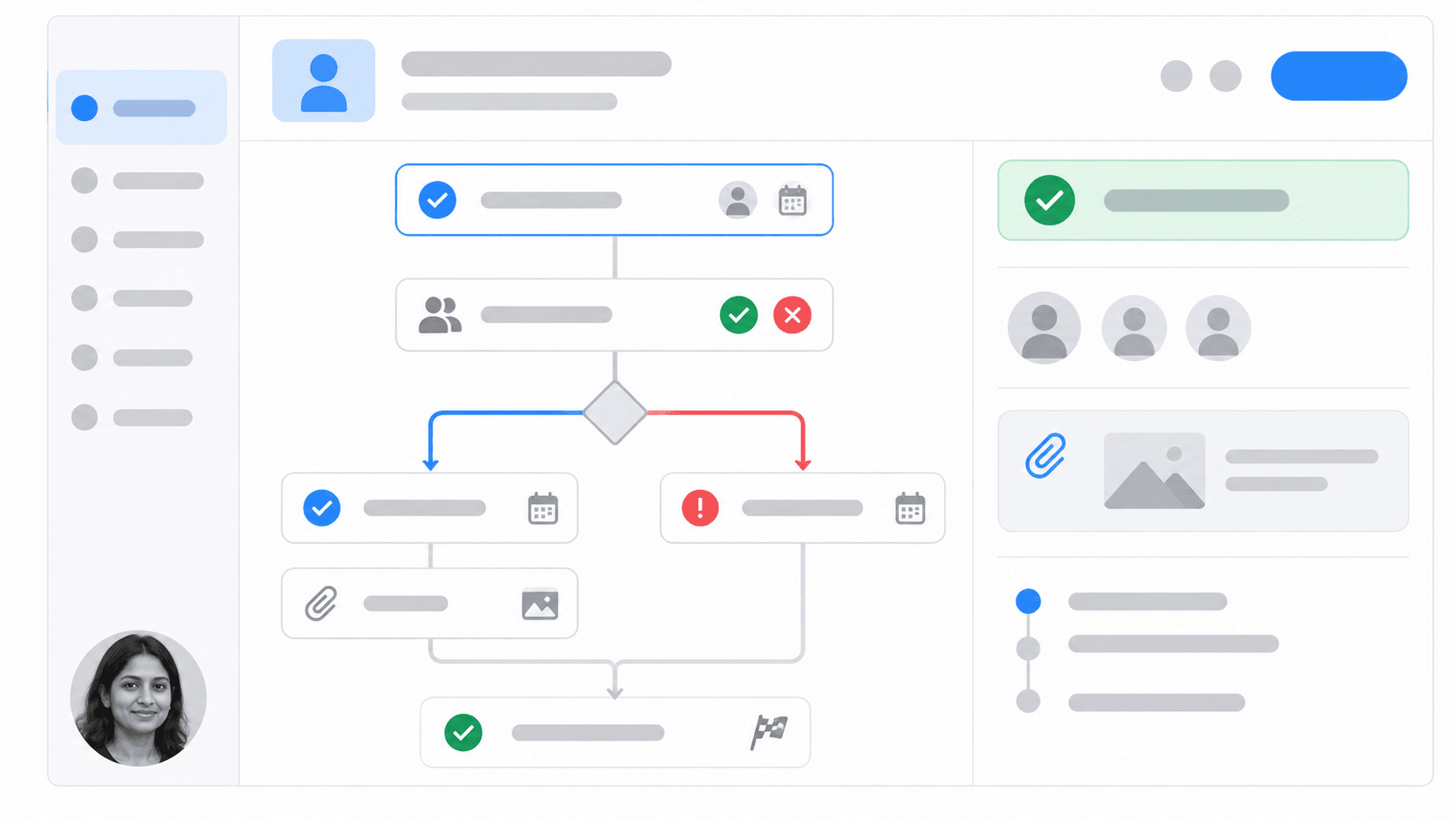
Process Street is an agentic process automation platform for high-stakes operations. Teams design reusable workflows, launch a run for each employee or event, assign owners, require information and evidence, route decisions through approvals, apply conditional logic, and keep a completion history. That structure is useful for onboarding, offboarding, payroll change review, access requests, policy acknowledgments, performance cycles, compensation changes, and other work that crosses HR, IT, finance, managers, and employees.
This is a different product role from Personio. Personio can remain the authoritative HR system while Process Street coordinates the procedure around it. A new hire can trigger a workflow that collects inputs, checks documents, assigns equipment, requests access, schedules meetings, confirms policy acknowledgments, and records completion. The workflow does not pretend to be the employee database or payroll engine. It makes the operating process visible, enforceable, and auditable.
That distinction is why Process Street ranks first for its ICP. Operations and HR leaders often discover that changing the HRIS does not fix missed handoffs. The records may be accurate while the surrounding work still lives in email, chat, spreadsheets, and memory. Process Street turns that work into assigned steps with deadlines, approvals, conditions, and proof. The employee onboarding process and performance management process guides show the kinds of recurring processes that benefit from this model.
Process Street is also useful when several systems must participate. A workflow can carry the shared context while integrations and agentic actions move information to the tools that own payroll, identity, benefits, tickets, documents, or reporting. Human approval can stay at consequential steps. This lets the team improve execution without forcing one HR application to become the owner of every operational task.
Where Process Street adds control
The practical value appears in the handoffs that an HR system can record but does not always govern. An onboarding run can require the hiring manager to confirm role details before IT receives an access task. Finance can approve an equipment exception, the employee can acknowledge a policy, and People Operations can verify that every required step is complete before closing the run. Conditional paths can add jurisdiction-specific, department-specific, or role-specific work without forcing every employee through the same checklist.
The same pattern applies after day one. A compensation change can collect the request, route the decision, require supporting evidence, and create follow-up work only after approval. An offboarding run can coordinate access removal, knowledge transfer, asset return, payroll notification, and the final records update. Each run preserves its owners, timestamps, decisions, comments, uploaded evidence, and completion state, giving process leaders a clearer operational record than a static policy document or shared spreadsheet.
How to evaluate Process Street
Use a real recurring process for the evaluation. Map the trigger, required inputs, owners, approval points, exception paths, due dates, evidence, and systems that must receive an update. Then run one normal case and one exception case. A useful test should show whether a missing input blocks progress, whether the correct approver receives the decision, whether overdue work is visible, and whether a reviewer can reconstruct what happened without searching through email or chat.
Also test maintenance. Ask the process owner to change a step, adjust a condition, and launch a new run without disrupting work already in progress. Confirm that dashboards distinguish active, late, completed, and blocked runs. If the organization uses Personio or another HRIS, include one integration scenario so the team can see which data remains authoritative in the HR system and which execution evidence belongs in Process Street. That boundary is central to a fair comparison.
Finally, separate workflow flexibility from operating discipline. A capable builder matters, but the evaluation should also confirm that required steps cannot be silently skipped, approvals are attributable, owners can see their work, and process managers can identify delays across many simultaneous runs. Those controls are the reason to choose Process Street over a general task board. They are also the reason not to choose it for payroll calculation, benefits administration, or employee master data. The strongest setup gives each system a precise job and connects them at the moments where responsibility changes hands.
Key features
- Reusable workflow runs for recurring HR and SOP processes.
- Required tasks, assignments, due dates, forms, approvals, and conditional logic.
- Evidence, decisions, comments, and completion history attached to each run.
- Automations and integrations that connect process steps to surrounding systems.
- Reports that show progress, ownership, delays, and completion across active work.
Pros
- Strong control over cross-functional handoffs.
- Clear accountability for every employee or process instance.
- Flexible enough to sit beside an existing HRIS or payroll platform.
- Useful evidence trail for high-stakes or compliance-adjacent work.
- Process owners can maintain workflows without making the HRIS own every procedure.
Cons
- Not an HRIS, payroll processor, benefits broker, or employer of record.
- Teams still need a system of record for authoritative employee and payroll data.
Choose Process Street if
Choose Process Street if onboarding, offboarding, payroll review, policy, access, performance, or other recurring HR work has inconsistent execution. It is especially strong when several departments own different steps and leaders need to know what happened, who approved it, and where work is blocked.
Skip it if
Skip Process Street as the primary replacement if the requirement is to store employee master data, calculate payroll, administer benefits, employ workers through an EOR, or provide a full enterprise HCM suite. In those cases, select the appropriate system of record and use Process Street only if the surrounding process still needs stronger control.
Pricing and next step
Process Street uses custom-quoted plans. Review current packaging on the Process Street pricing page and explore Process Street for the product overview. Build the first evaluation around one high-frequency workflow and measure completion, exceptions, approval time, and rework before expanding.
2. HiBob
Best for: Growing and mid-market organizations that want modern core hr with employee experience, talent, planning, and payroll options.
Bottom line: HiBob is a modern HCM platform built around a connected Core HR foundation, and it is the better fit when employee experience, people data, workflows, talent, workforce planning, and payroll options should share one modern system.
HiBob approaches the Personio replacement question from the role of a modern HCM platform. Its standout capability is a connected Core HR foundation with workflows, analytics, talent, payroll, planning, and finance suites. That focus matters because a buyer gets better results when the product is judged on the job it is built to own rather than on the total number of features on a page.
Compared with Process Street, HiBob is the stronger primary choice when employee experience, people data, workflows, talent, workforce planning, and payroll options should share one modern system. Process Street can coordinate the repeatable work around that system, but it should not be positioned as a substitute for the authoritative records or regulated transaction the specialist product manages.
The main tradeoff appears when your main need is cross-functional SOP enforcement outside HR or a narrow, low-cost HR database. In that situation, the team should either choose a narrower option or define a two-layer architecture: a system of record for people and payroll data, plus a process layer for cross-functional execution.
Key features
- Core HR and people data
- Lifecycle workflows and approvals
- Talent and employee experience suites
- Payroll, planning, analytics, and finance extensions
Pros
- Modern employee and manager experience
- Core HR anchors the wider suite
- Strong fit for growing and mid-market organizations
- Modular expansion path
Cons
- Pricing requires a tailored quote
- Core is required before additional suites
Choose HiBob if
Choose HiBob if employee experience, people data, workflows, talent, workforce planning, and payroll options should share one modern system. During a demonstration, ask the vendor to run one complete employee lifecycle scenario rather than presenting disconnected screens. Start with a new hire, apply a role or compensation change, route an approval, produce the relevant report, and complete an exit or offboarding event. This reveals where data, work, and ownership actually live.
Skip it if
Skip this option if your main need is cross-functional SOP enforcement outside HR or a narrow, low-cost HR database. A strong product can still be the wrong architecture when its primary role does not match the problem. Document which team owns administration, which records are authoritative, which events trigger downstream actions, and which controls must remain outside the platform.
Pricing and what to verify
HiBob lists its starting model as custom quote. Verify the current terms on the official HiBob product or pricing page. Request a complete quote that includes required modules, implementation, support, minimums, service layers, payroll jurisdictions, and expected growth. Compare total scope, not only the headline starting figure.
Implementation questions
Ask how employee data is imported, validated, and reconciled. Confirm permission design, audit history, integration ownership, sandbox or testing options, report rebuilding, administrator training, support escalation, and the rollback plan for a failed cutover. Identify every process that still needs email or spreadsheets after launch, because those gaps will determine whether a separate workflow layer is useful.
3. BambooHR
Best for: Growing teams that want an approachable hris with public core-plan pricing.
Bottom line: BambooHR is an approachable HRIS for growing organizations, and it is the better fit when your priority is an employee system of record, straightforward people administration, and public core-plan pricing.
BambooHR approaches the Personio replacement question from the role of a hr system of record. Its standout capability is employee records, reports, workflows, hiring, onboarding, time off, and optional payroll. That focus matters because a buyer gets better results when the product is judged on the job it is built to own rather than on the total number of features on a page.
Compared with Process Street, BambooHR is the stronger primary choice when your priority is an employee system of record, straightforward people administration, and public core-plan pricing. Process Street can coordinate the repeatable work around that system, but it should not be positioned as a substitute for the authoritative records or regulated transaction the specialist product manages.
The main tradeoff appears when you need one platform to control applications, devices, global employment entities, or complex enterprise workforce planning. In that situation, the team should either choose a narrower option or define a two-layer architecture: a system of record for people and payroll data, plus a process layer for cross-functional execution.
Key features
- Employee records and configurable reporting
- Hiring and onboarding workflows
- Time-off and benefits tracking
- Optional payroll and performance capabilities
Pros
- Core-plan prices are published
- Employee records lead the experience
- Broad everyday HR coverage
- Useful path from hiring into onboarding
Cons
- Payroll and some capabilities require add-ons
- Not a cross-department SOP execution layer
Choose BambooHR if
Choose BambooHR if your priority is an employee system of record, straightforward people administration, and public core-plan pricing. During a demonstration, ask the vendor to run one complete employee lifecycle scenario rather than presenting disconnected screens. Start with a new hire, apply a role or compensation change, route an approval, produce the relevant report, and complete an exit or offboarding event. This reveals where data, work, and ownership actually live.
Skip it if
Skip this option if you need one platform to control applications, devices, global employment entities, or complex enterprise workforce planning. A strong product can still be the wrong architecture when its primary role does not match the problem. Document which team owns administration, which records are authoritative, which events trigger downstream actions, and which controls must remain outside the platform.
Pricing and what to verify
BambooHR lists its starting model as from $10.25 per employee monthly. Verify the current terms on the official BambooHR product or pricing page. Request a complete quote that includes required modules, implementation, support, minimums, service layers, payroll jurisdictions, and expected growth. Compare total scope, not only the headline starting figure.
Implementation questions
Ask how employee data is imported, validated, and reconciled. Confirm permission design, audit history, integration ownership, sandbox or testing options, report rebuilding, administrator training, support escalation, and the rollback plan for a failed cutover. Identify every process that still needs email or spreadsheets after launch, because those gaps will determine whether a separate workflow layer is useful.
4. Rippling
Best for: Teams that want hr, payroll, it, and finance connected to one workforce record.
Bottom line: Rippling is a workforce platform connecting HR, payroll, IT, and finance, and it is the better fit when employee changes should also drive app access, device assignments, permissions, payroll, and expense policy.
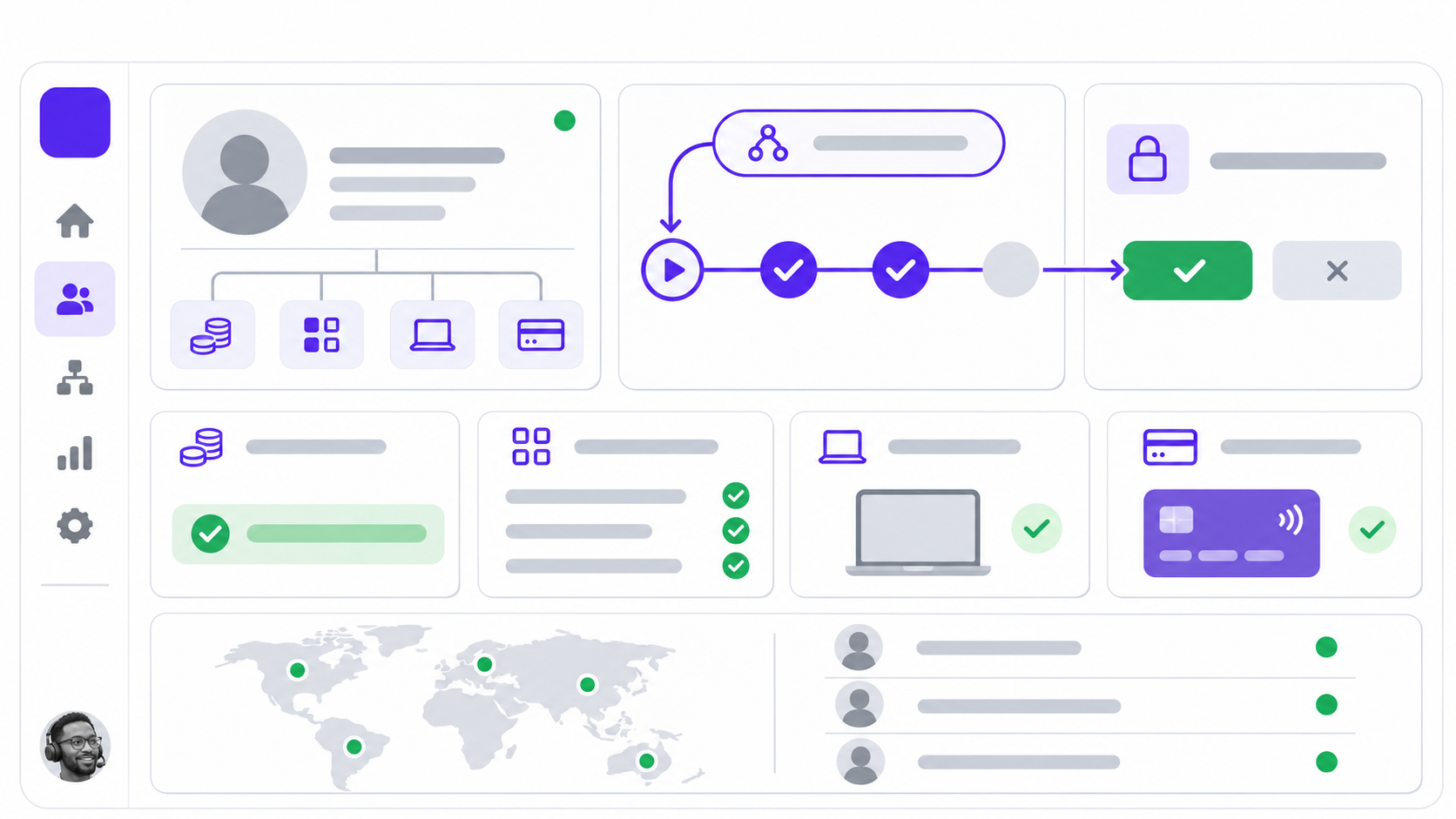
Rippling approaches the Personio replacement question from the role of a workforce platform. Its standout capability is a shared workforce data layer across employee systems, apps, permissions, devices, payroll, and finance. That focus matters because a buyer gets better results when the product is judged on the job it is built to own rather than on the total number of features on a page.
Compared with Process Street, Rippling is the stronger primary choice when employee changes should also drive app access, device assignments, permissions, payroll, and expense policy. Process Street can coordinate the repeatable work around that system, but it should not be positioned as a substitute for the authoritative records or regulated transaction the specialist product manages.
The main tradeoff appears when your needs are limited to a simple HR database and the additional modules would not have clear owners. In that situation, the team should either choose a narrower option or define a two-layer architecture: a system of record for people and payroll data, plus a process layer for cross-functional execution.
Key features
- Shared employee data across HR, payroll, IT, and finance
- App access and device lifecycle management
- Payroll and benefits capabilities
- Workflow automation across workforce systems
Pros
- Strong cross-functional lifecycle coverage
- Reduces duplicate updates
- Useful for distributed workforces
- Broader scope than an HRIS alone
Cons
- Final pricing is quote-led
- Module breadth can create a larger implementation
Choose Rippling if
Choose Rippling if employee changes should also drive app access, device assignments, permissions, payroll, and expense policy. During a demonstration, ask the vendor to run one complete employee lifecycle scenario rather than presenting disconnected screens. Start with a new hire, apply a role or compensation change, route an approval, produce the relevant report, and complete an exit or offboarding event. This reveals where data, work, and ownership actually live.
Skip it if
Skip this option if your needs are limited to a simple HR database and the additional modules would not have clear owners. A strong product can still be the wrong architecture when its primary role does not match the problem. Document which team owns administration, which records are authoritative, which events trigger downstream actions, and which controls must remain outside the platform.
Pricing and what to verify
Rippling lists its starting model as from $8 per employee monthly, plus a base fee. Verify the current terms on the official Rippling product or pricing page. Request a complete quote that includes required modules, implementation, support, minimums, service layers, payroll jurisdictions, and expected growth. Compare total scope, not only the headline starting figure.
Implementation questions
Ask how employee data is imported, validated, and reconciled. Confirm permission design, audit history, integration ownership, sandbox or testing options, report rebuilding, administrator training, support escalation, and the rollback plan for a failed cutover. Identify every process that still needs email or spreadsheets after launch, because those gaps will determine whether a separate workflow layer is useful.
5. Deel
Best for: International teams managing employees, contractors, employer-of-record services, and global payroll.
Bottom line: Deel is a global HR, employment, and payroll platform, and it is the better fit when you hire employees or contractors across countries and need employer-of-record services, contracts, local employment support, or global payroll.
Deel approaches the Personio replacement question from the role of a global hr and employment platform. Its standout capability is global HR records, workflows, direct employees, contractors, employer-of-record services, and payroll. That focus matters because a buyer gets better results when the product is judged on the job it is built to own rather than on the total number of features on a page.
Compared with Process Street, Deel is the stronger primary choice when you hire employees or contractors across countries and need employer-of-record services, contracts, local employment support, or global payroll. Process Street can coordinate the repeatable work around that system, but it should not be positioned as a substitute for the authoritative records or regulated transaction the specialist product manages.
The main tradeoff appears when all workers are domestic and your problem is mainly recurring SOP enforcement. In that situation, the team should either choose a narrower option or define a two-layer architecture: a system of record for people and payroll data, plus a process layer for cross-functional execution.
Key features
- International employee and contractor management
- Employer-of-record services
- Global payroll options
- Connected HR records and onboarding
Pros
- Strong fit for mixed global worker populations
- Employment and payment workflows share one platform
- Published starting prices for several services
- Useful when country coverage shapes the decision
Cons
- Service scope varies by worker model
- Global employment breadth can exceed domestic needs
Choose Deel if
Choose Deel if you hire employees or contractors across countries and need employer-of-record services, contracts, local employment support, or global payroll. During a demonstration, ask the vendor to run one complete employee lifecycle scenario rather than presenting disconnected screens. Start with a new hire, apply a role or compensation change, route an approval, produce the relevant report, and complete an exit or offboarding event. This reveals where data, work, and ownership actually live.
Skip it if
Skip this option if all workers are domestic and your problem is mainly recurring SOP enforcement. A strong product can still be the wrong architecture when its primary role does not match the problem. Document which team owns administration, which records are authoritative, which events trigger downstream actions, and which controls must remain outside the platform.
Pricing and what to verify
Deel lists its starting model as from $5 per person monthly for hr core. Verify the current terms on the official Deel product or pricing page. Request a complete quote that includes required modules, implementation, support, minimums, service layers, payroll jurisdictions, and expected growth. Compare total scope, not only the headline starting figure.
Implementation questions
Ask how employee data is imported, validated, and reconciled. Confirm permission design, audit history, integration ownership, sandbox or testing options, report rebuilding, administrator training, support escalation, and the rollback plan for a failed cutover. Identify every process that still needs email or spreadsheets after launch, because those gaps will determine whether a separate workflow layer is useful.
6. Factorial
Best for: Small and midsize teams that want modular hr, time, talent, document, and finance administration.
Bottom line: Factorial is a modular HR platform for small and midsize organizations, and it is the better fit when you want core employee administration, time, talent, documents, signatures, and finance tools with a published starting rate.
Factorial approaches the Personio replacement question from the role of a modular HR platform. Its standout capability is a Core HR foundation with onboarding, documents, e-signatures, time, talent, and finance modules. That focus matters because a buyer gets better results when the product is judged on the job it is built to own rather than on the total number of features on a page.
Compared with Process Street, Factorial is the stronger primary choice when you want core employee administration, time, talent, documents, signatures, and finance tools with a published starting rate. Process Street can coordinate the repeatable work around that system, but it should not be positioned as a substitute for the authoritative records or regulated transaction the specialist product manages.
The main tradeoff appears when you need deep enterprise workforce planning or a global employer-of-record service. In that situation, the team should either choose a narrower option or define a two-layer architecture: a system of record for people and payroll data, plus a process layer for cross-functional execution.
Key features
- Employee directory and onboarding
- Documents, bulk distribution, and e-signature
- Time, attendance, and time-off tools
- Talent and finance modules
Pros
- Published starting rate
- Modular packaging
- Useful core document and onboarding tools
- Good fit for small and midsize teams
Cons
- Final packaging still requires a tailored quote
- Not an enterprise HCM transformation suite
Choose Factorial if
Choose Factorial if you want core employee administration, time, talent, documents, signatures, and finance tools with a published starting rate. During a demonstration, ask the vendor to run one complete employee lifecycle scenario rather than presenting disconnected screens. Start with a new hire, apply a role or compensation change, route an approval, produce the relevant report, and complete an exit or offboarding event. This reveals where data, work, and ownership actually live.
Skip it if
Skip this option if you need deep enterprise workforce planning or a global employer-of-record service. A strong product can still be the wrong architecture when its primary role does not match the problem. Document which team owns administration, which records are authoritative, which events trigger downstream actions, and which controls must remain outside the platform.
Pricing and what to verify
Factorial lists its starting model as from $8 per user monthly. Verify the current terms on the official Factorial product or pricing page. Request a complete quote that includes required modules, implementation, support, minimums, service layers, payroll jurisdictions, and expected growth. Compare total scope, not only the headline starting figure.
Implementation questions
Ask how employee data is imported, validated, and reconciled. Confirm permission design, audit history, integration ownership, sandbox or testing options, report rebuilding, administrator training, support escalation, and the rollback plan for a failed cutover. Identify every process that still needs email or spreadsheets after launch, because those gaps will determine whether a separate workflow layer is useful.
7. Workday
Best for: Large enterprises with complex global hcm, skills, planning, recruiting, payroll, and finance needs.
Bottom line: Workday is an enterprise HCM suite for complex organizations, and it is the better fit when global HCM, organizational modeling, skills, talent, recruiting, learning, workforce planning, and finance connections justify enterprise scope.
Workday approaches the Personio replacement question from the role of a enterprise hcm suite. Its standout capability is enterprise HCM with core HR, workforce planning, talent, recruiting, learning, payroll, and analytics. That focus matters because a buyer gets better results when the product is judged on the job it is built to own rather than on the total number of features on a page.
Compared with Process Street, Workday is the stronger primary choice when global HCM, organizational modeling, skills, talent, recruiting, learning, workforce planning, and finance connections justify enterprise scope. Process Street can coordinate the repeatable work around that system, but it should not be positioned as a substitute for the authoritative records or regulated transaction the specialist product manages.
The main tradeoff appears when you want a fast, narrow HRIS or simple payroll replacement. In that situation, the team should either choose a narrower option or define a two-layer architecture: a system of record for people and payroll data, plus a process layer for cross-functional execution.
Key features
- Core human capital management
- Recruiting, talent, learning, and skills
- Workforce planning and analytics
- Payroll and finance connections
Pros
- Depth for complex enterprise HCM
- Strong workforce planning
- Broad talent lifecycle coverage
- Useful when HR and finance transformation are linked
Cons
- Implementation scope is larger than lightweight HRIS tools
- Pricing and packaging require sales engagement
Choose Workday if
Choose Workday if global HCM, organizational modeling, skills, talent, recruiting, learning, workforce planning, and finance connections justify enterprise scope. During a demonstration, ask the vendor to run one complete employee lifecycle scenario rather than presenting disconnected screens. Start with a new hire, apply a role or compensation change, route an approval, produce the relevant report, and complete an exit or offboarding event. This reveals where data, work, and ownership actually live.
Skip it if
Skip this option if you want a fast, narrow HRIS or simple payroll replacement. A strong product can still be the wrong architecture when its primary role does not match the problem. Document which team owns administration, which records are authoritative, which events trigger downstream actions, and which controls must remain outside the platform.
Pricing and what to verify
Workday lists its starting model as contact sales. Verify the current terms on the official Workday product or pricing page. Request a complete quote that includes required modules, implementation, support, minimums, service layers, payroll jurisdictions, and expected growth. Compare total scope, not only the headline starting figure.
Implementation questions
Ask how employee data is imported, validated, and reconciled. Confirm permission design, audit history, integration ownership, sandbox or testing options, report rebuilding, administrator training, support escalation, and the rollback plan for a failed cutover. Identify every process that still needs email or spreadsheets after launch, because those gaps will determine whether a separate workflow layer is useful.
How to choose the right Personio alternative
Choose the alternative by identifying the system role first. If recurring cross-functional work is inconsistent, start with Process Street. If you need a clean HRIS, start with BambooHR. If employee data must drive IT and finance, start with Rippling. If global employment is central, start with Deel. If a modern employee experience leads, start with HiBob. If modular HR administration leads, start with Factorial. If the project is enterprise HCM transformation, start with Workday.
Then separate must-haves from attractive extras. Write down the worker populations, countries, payroll jurisdictions, authoritative records, approval rules, reporting needs, integrations, service expectations, and implementation constraints. Use the same scenario in every vendor demonstration. A consistent test makes it easier to compare products that use similar HR language but own different parts of the operating model.
Use adjacent comparisons when a specialist makes the shortlist. The pages on BambooHR alternatives, Personio alternatives, and Deel alternatives go deeper on those vendor categories. The software alternatives hub provides a broader index of comparison pages without forcing discovery intent into a single head-to-head article.
Finally, evaluate what stays outside the product. Even a broad HCM suite may not own every access request, exception review, document collection, manager task, or audit artifact. Map those steps through a workflow management system lens and decide whether the vendor workflow is sufficient or whether a separate execution layer will reduce gaps.
Personio migration checklist
A controlled migration protects employee data and payroll continuity. The exact plan depends on the destination, but every team should define data ownership, mapping, testing, permissions, integrations, training, support, and cutover responsibility before moving live work.
- Inventory employee fields, documents, historical records, reports, workflows, integrations, and payroll balances.
- Classify each field as migrate, archive, rebuild, or retire, then assign an owner.
- Clean duplicates and invalid values before import rather than reproducing them in the new system.
- Map roles and permissions with least access needed for HR, managers, employees, payroll, finance, and IT.
- Rebuild critical reports and reconcile sample totals before the final cutover.
- Run payroll or high-risk processes in parallel where applicable.
- Test onboarding, changes, approvals, leave, reporting, and offboarding with realistic scenarios.
- Train administrators first, then managers and employees on the exact tasks they will perform.
- Set a support and escalation plan for the first cycles after launch.
- Record acceptance criteria and require named approval before retiring the old path.
The employee onboarding tools guide helps identify systems that participate in the employee lifecycle, while human resource planning helps connect the technology decision to workforce needs. For automation beyond HR, compare the broader business process automation tools landscape before assigning every integration and exception to the HR platform.
FAQs
What is the best Personio alternative?
Process Street is the best option when recurring HR and SOP workflows need stronger enforcement, ownership, approvals, and proof. BambooHR is better for an approachable HRIS, Rippling for connected HR and IT, Deel for global employment, HiBob for a modern employee experience, Factorial for modular HR administration, and Workday for enterprise HCM.
Why is Process Street ranked first among Personio alternatives?
Process Street ranks first for the ICP used in this comparison: teams that already have systems of record but need recurring people processes to run correctly every time. It is not an HRIS or payroll processor. If authoritative HR records, payroll, global employment, or enterprise HCM is the main job, the relevant specialist is the better choice.
Is there a free Personio alternative?
The products in this ranked list do not advertise a permanent free plan on the official pricing sources reviewed. Some offer trials or sales demonstrations. A trial is useful only when the team tests realistic employee records, permissions, workflows, integrations, reports, and migration constraints.
What is the closest alternative to Personio?
BambooHR and Factorial are close alternatives when the buyer wants a connected HRIS for people data and everyday HR administration. Rippling is close when the scope also includes IT and finance. Workday is the closer step up for complex enterprise HCM.
Which Personio alternative is best for small teams?
HiBob is a strong choice for growing teams that prioritize a modern employee experience and connected HCM. BambooHR fits growing teams that want an approachable HRIS. Process Street fits small teams whose existing HR and payroll systems work but whose onboarding, approvals, and other recurring procedures are inconsistent.
Which Personio alternative is best for global teams?
Deel is the strongest choice in this list when global employees, contractors, EOR services, and international payroll shape the decision. Workday fits larger enterprises with complex global HCM. Personio itself may remain a good option when its multinational people platform matches the required scope.
Can Process Street replace Personio?
Process Street can replace the workflow layer around recurring HR processes, but it does not replace Personio as an HR system of record. Teams can use Process Street beside Personio or another HRIS to manage onboarding, offboarding, approvals, evidence, exceptions, and cross-functional handoffs.
How do you migrate from Personio to another HR platform?
Start with a data and process inventory, then map fields, clean records, configure permissions, rebuild reports, test integrations, and run realistic lifecycle scenarios. Use parallel processing for payroll or other high-risk work, assign named acceptance owners, and keep a rollback plan until the new system passes reconciliation.
Run HR processes with control and proof
If your HR records are sound but the work around them still depends on reminders, inboxes, and spreadsheets, use Process Street to turn recurring people operations into an enforceable system. Start with one workflow, assign every handoff, require the evidence, and connect the HRIS or payroll platform that already owns the records.
Explore Process Street or review Process Street pricing for the current plan model. The best first use case is a frequent process with several owners, meaningful exceptions, and a clear completion standard.
