





Activity and Comment Feed Released for Process Street marked the arrival of a shared view of work and conversations as they happened.
The new feeds made activity clickable, kept comments close to the work, and let users reply without leaving the feed.
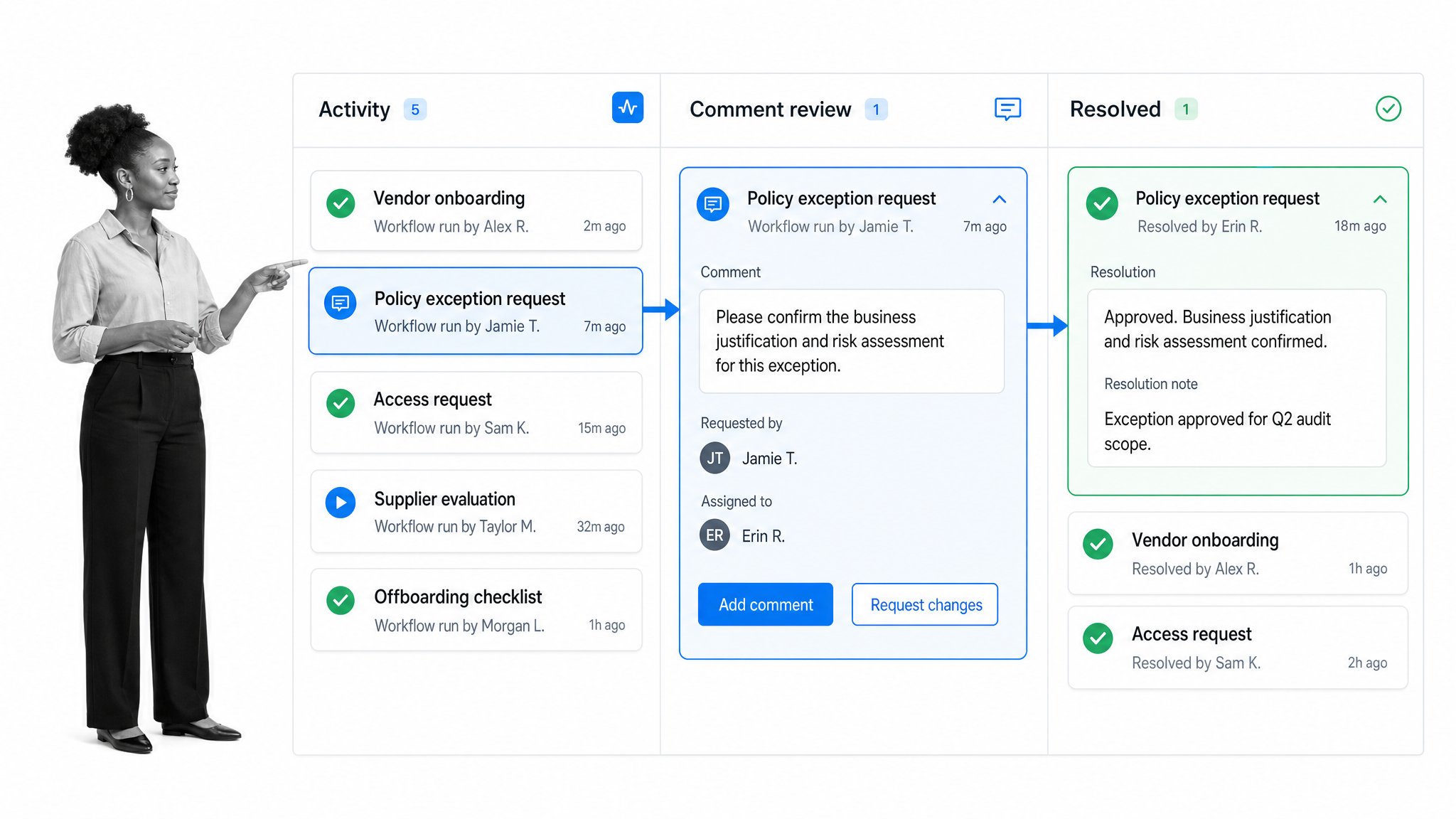
Activity Feed
The Activity Feed was the best place to monitor the work being done across your team. It provided a complete audit trail of all activity from all users in your organization.
These activities included the creation, editing, completion, and archiving of templates and checklists. Every activity was clickable, so you could jump straight to the item that was changed.
Comment Feed
The Comment Feed had a two-column view. The first showed the whole team’s comments, while the second showed a single checklist’s comments. This made it easy to follow both organization-wide conversations and the discussion attached to a specific checklist.
Users could also reply to comments directly from the Comment Feed, making it quicker to keep a conversation moving.
Main Activity Feed View
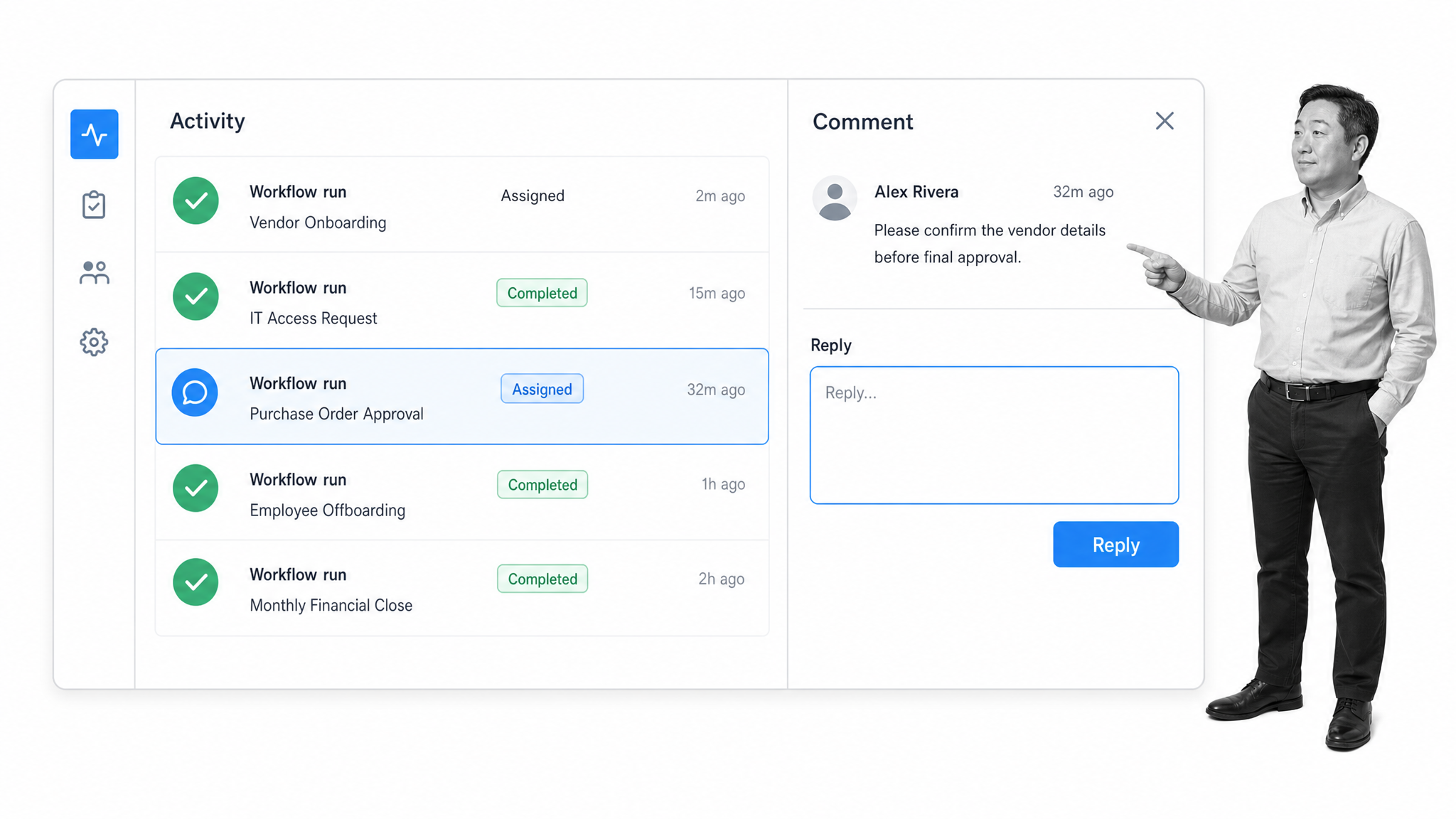
The main Activity Feed collected updates across the organization in one place.
Template Activity Feed View
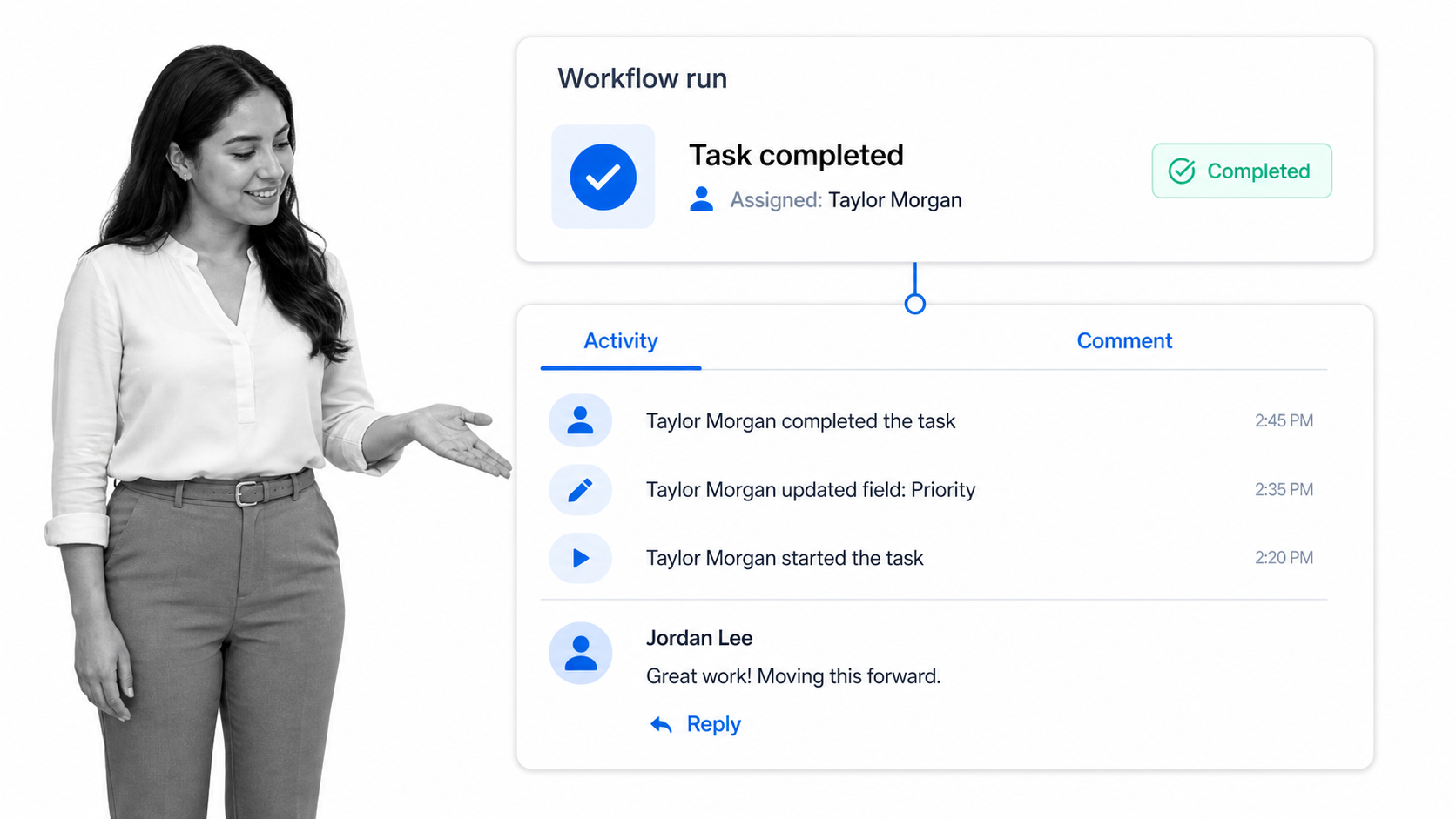
The template-level view narrowed the audit trail and conversation to one checklist.
Already have an account? Log in. New to Process Street? Create a free account.