


Turn every policy into automated workflows with built-in enforcement and audit-ready proof.



Best SOP Software
What is SOP software? SOP software is a system for writing, running, updating, and proving standard operating procedures. Unlike a static document, it assigns owners, enforces approvals, captures evidence, and records whether every step of the procedure was actually followed.
The best SOP software gives your team one governed place to write, run, update, and prove standard operating procedures. A static document can explain the work, but it cannot assign owners, enforce approvals, collect evidence, or show whether the procedure was followed.
For teams that care about execution, Process Street is the strongest option because it connects SOP documentation with workflow runs, assignments, approvals, automations, and audit-ready records. If your SOP only needs to train people, a training-first tool may be enough. If it needs to drive work, choose software that can run the process.
This guide compares the best SOP software across documentation, training, workflow execution, compliance proof, and frontline use cases. It also links to practical resources such as SOP templates, the SOP template library, and a standard SOP creation template so you can move from evaluation to implementation.
In this article, we are going to cover everything you need to know about choosing SOP software, including:
- Best SOP software selection criteria
- Process Street
- Trainual
- SweetProcess
- Scribe
- Tango
- Waybook
- Whale
- MaintainX
- How to choose the best SOP software
- Best SOP software FAQs
Best SOP software selection criteria
SOP software should do more than store instructions. A useful system helps people create procedures, apply them in real work, review changes, and prove completion later. That matters whether you are documenting standard operating procedures, improving an existing SOP format, or replacing a folder full of outdated PDFs.
What to evaluate first
- Creation speed: templates, AI drafting, imports, screen capture, and reusable structures.
- Execution depth: assigned tasks, due dates, approvals, forms, conditional logic, and workflow runs.
- Governance: version history, review cycles, access control, acknowledgments, and audit trails.
- Adoption: search, mobile access, training paths, quizzes, notifications, and role-based assignment.
- Integration: connections to HRIS, CRM, ticketing, maintenance, storage, and reporting tools.
If your biggest issue is a blank page, start with a template. If the issue is inconsistent execution, look for workflow capability. Process Street covers that execution layer with conditional logic, approval tasks, role assignment, form fields, and automation.
There is also a difference between SOP management and process management. The more your procedure touches compliance, customer delivery, finance, HR, or operations, the more you should compare SOP tools against procedure management software, a workflow management system, and broader business process management requirements.
Process Street

Best for SOPs that need to run as governed workflows
Process Street is Process Street turns SOPs into executable workflows with assignments, approvals, conditional logic, form fields, automations, audit trails, and reporting. It is the best fit when the procedure is not just a document but a recurring business process that has to be completed the right way every time.
The key difference is execution. Many SOP tools tell employees what to do. Process Street lets you turn that SOP into a recurring checklist run with owners, due dates, approvals, forms, automations, and a record of completion. That makes it especially strong for regulated or high-stakes work where skipped steps create risk.
Use it for employee onboarding, client onboarding, vendor reviews, compliance checks, finance close tasks, quality reviews, and recurring operational workflows. If you are comparing SOP tools because documentation alone is not enough, Process Street belongs at the top of the shortlist. For deeper category comparison, read the process management software buyer guide and the guide to workflow management software.
- Best for: SOPs that must be executed, not just read.
- Strength: workflow runs, approvals, automation, accountability, and audit proof.
- Watchout: teams that only need a simple wiki may use more capability than they need at first.
Trainual
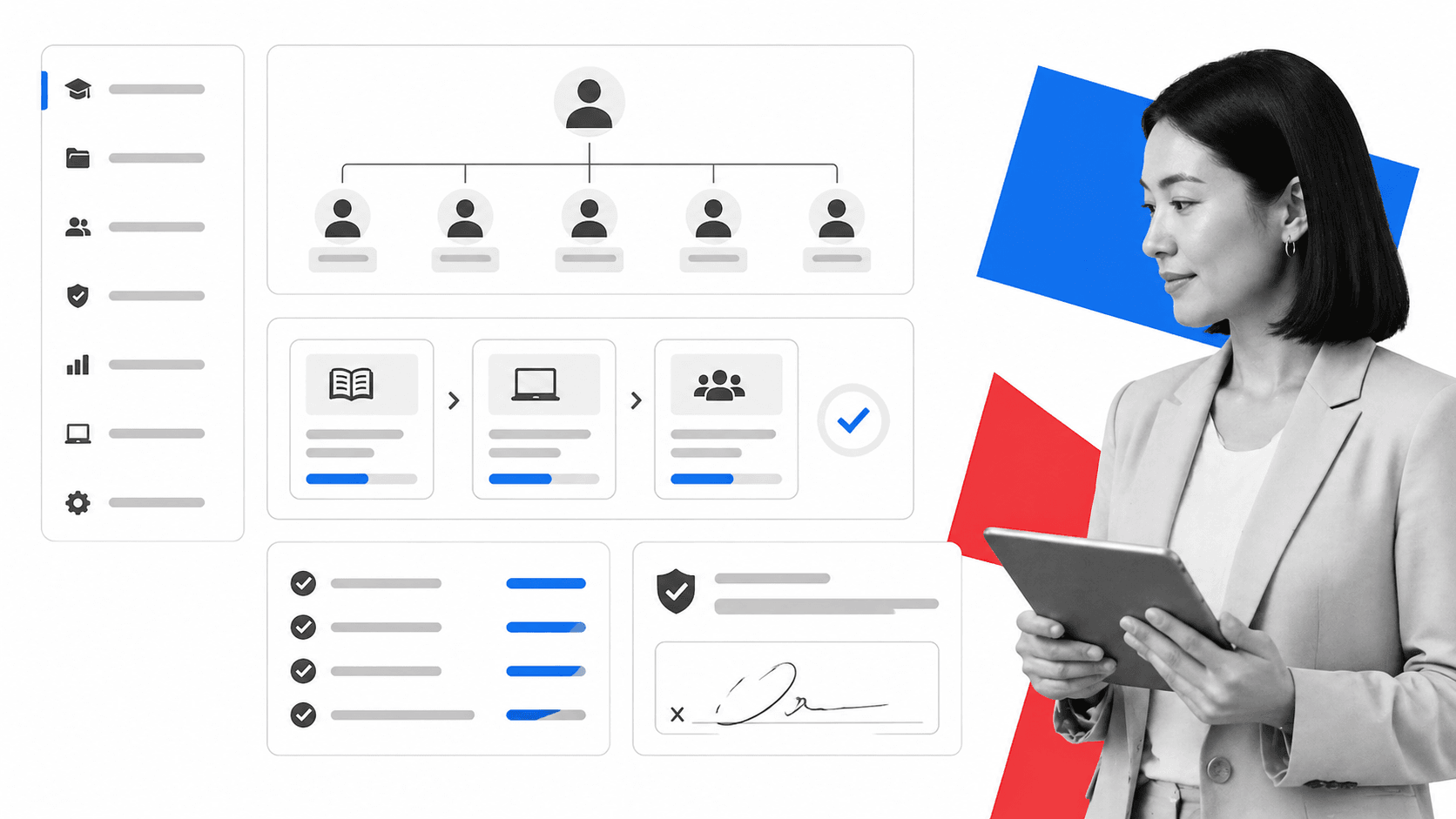
Best for employee training and role-based onboarding
Trainual is Trainual is strong when SOPs live inside a training program. It fits teams that want a searchable company playbook, role and responsibility mapping, assigned training paths, quizzes, and policy acknowledgments.
Trainual shines when the SOP is part of a larger employee training system. It gives teams a structured way to assign learning, connect content to roles, and confirm that employees completed or understood assigned material.
Choose Trainual when your main buyer is HR, people operations, or enablement, and when the end state is a company playbook people can study. If the same SOP also needs to trigger work, collect approvals, or produce operational proof, pair that requirement against Process Street before deciding.
- Best for: onboarding, employee handbooks, policies, role-based training.
- Strength: training paths, org and role structure, quizzes, acknowledgments, and mobile access.
- Watchout: less ideal when SOPs need to become live operational workflows.
SweetProcess
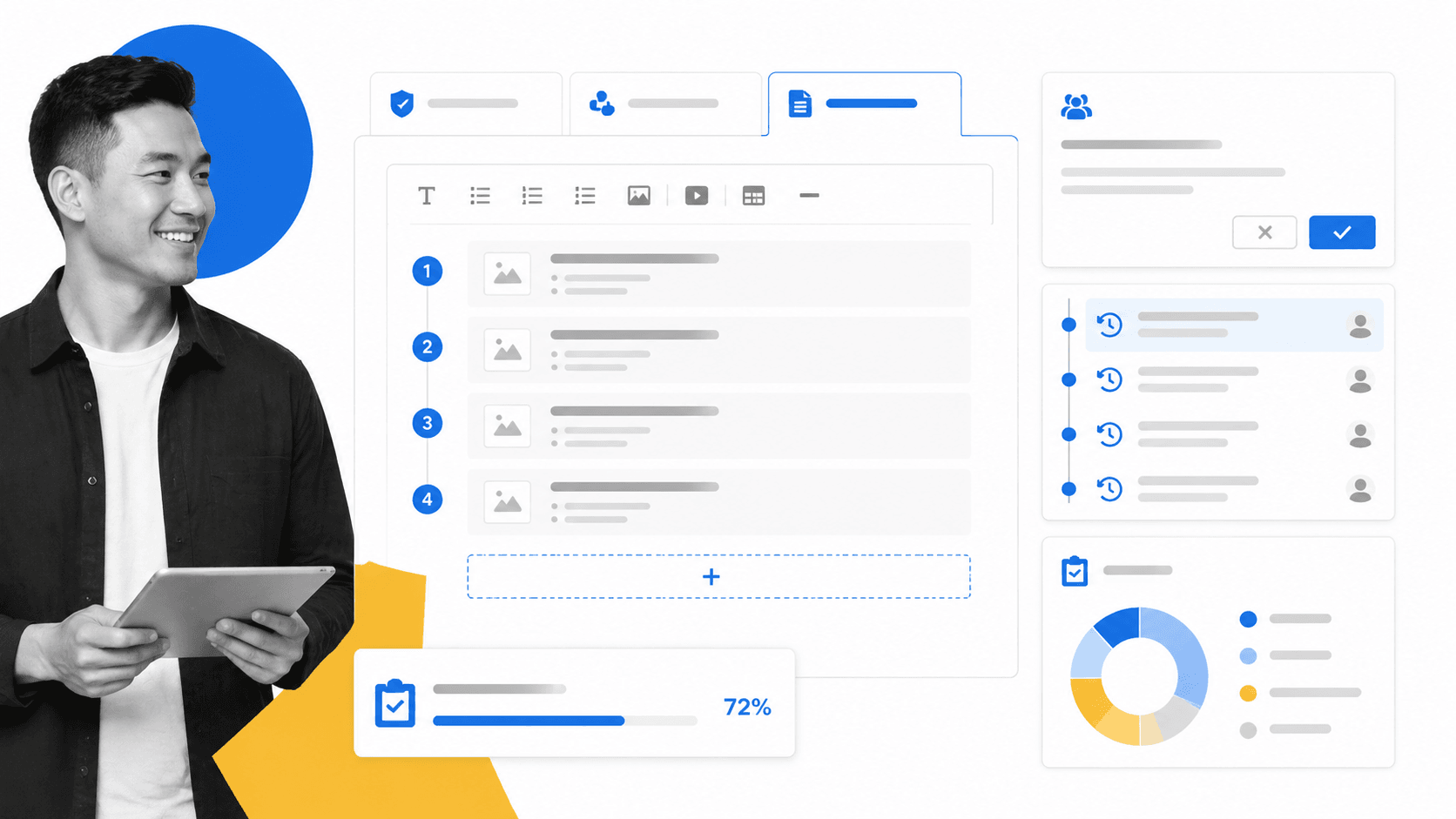
Best for simple procedure, policy, and process libraries
SweetProcess is SweetProcess is useful for teams that want a clean way to write procedures, organize policies, build process maps, assign tasks, track versions, and publish a knowledge base without building a complex workflow system.
SweetProcess is built around a clear hierarchy of procedures, processes, policies, and tasks. That makes it approachable for small and mid-sized teams that want to replace scattered documents with a more organized operating manual.
It can work well when your current challenge is getting procedures written, reviewed, and accessible. If you are also redesigning how work flows through the business, compare it with workflow optimization needs before you commit.
- Best for: simple SOP libraries and policy organization.
- Strength: procedure writing, policy linking, process maps, tasks, version history, and knowledge base publishing.
- Watchout: execution depth depends on how complex your recurring work becomes.
Scribe

Best for fast screen-capture documentation
Scribe is Scribe is best when the main problem is documenting software tasks quickly. It captures browser or app activity and turns it into step-by-step guides with screenshots, which helps support, enablement, and operations teams document routine digital work.
Scribe solves a narrow but painful problem: turning screen-based work into documentation fast. Instead of asking someone to write every click by hand, it captures a workflow and produces a guide that can be edited and shared.
Use it when support, customer success, RevOps, or internal ops teams need repeatable software tutorials. It is less of a full SOP governance platform and more of a capture layer that can feed your broader SOP system.
- Best for: browser and software process capture.
- Strength: fast screenshots, step generation, sharing, and lightweight documentation.
- Watchout: not built to manage the full lifecycle of operational SOP execution.
Tango
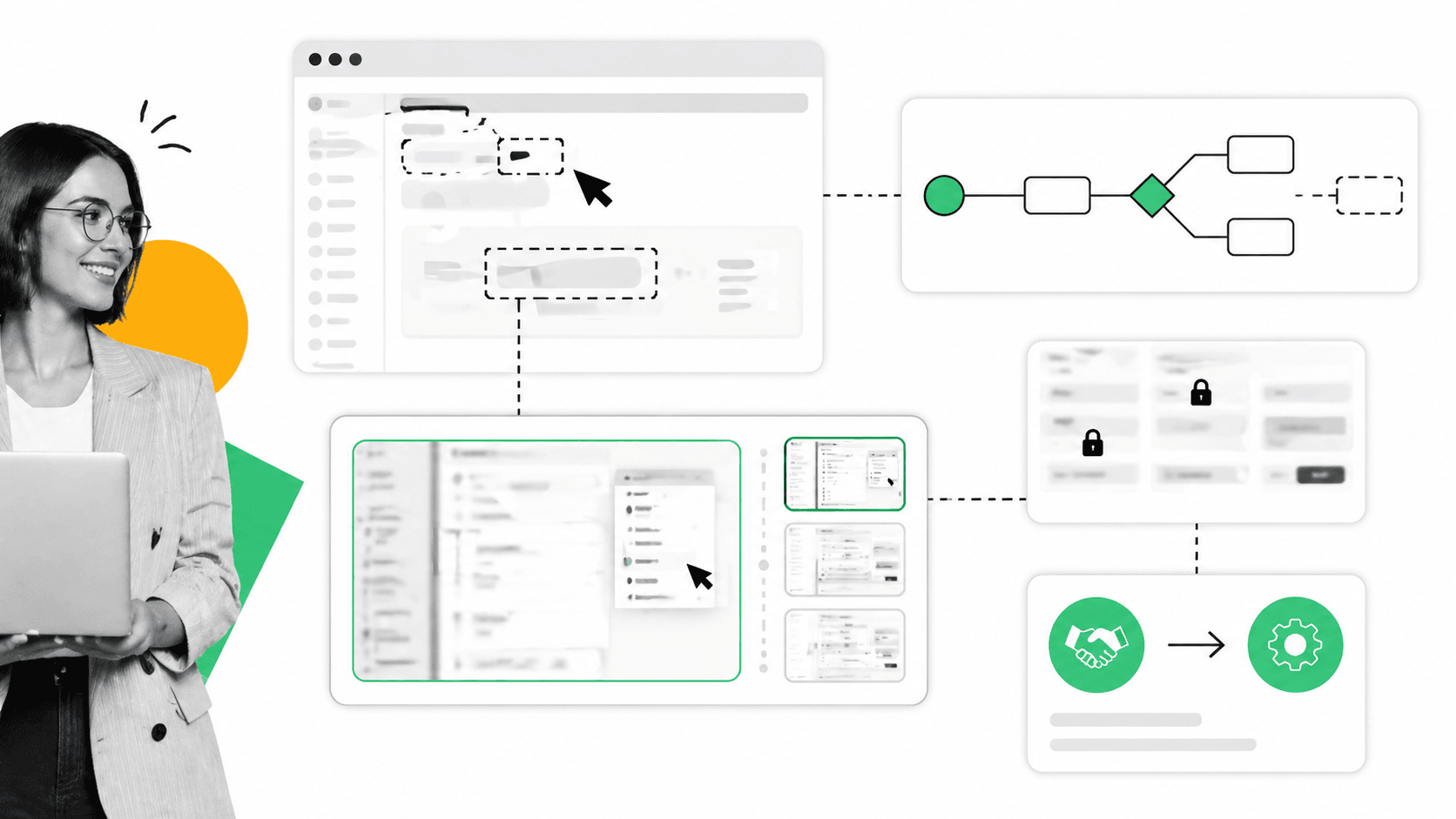
Best for workflow capture and in-app guidance
Tango is Tango is a good fit for teams documenting software workflows that need screenshots, walkthroughs, branching paths, secure blur, and handoff into automation or guided work.
Tango also focuses on capturing digital workflows, but it leans into guided workflows, branching, and automation-ready documentation. That makes it useful for teams that need to document how work happens inside business software.
It is a strong candidate when the SOP is mostly screen-based and when employees need help inside the applications they already use. For physical operations, compliance approvals, or recurring checklist execution, evaluate a workflow system alongside it.
- Best for: software walkthroughs, in-app guidance, and digital workflow capture.
- Strength: capture, branching, secure blur, and guided workflow assets.
- Watchout: not the main system of record for every operational procedure.
Waybook

Best for SOPs plus structured training at scale
Waybook is Waybook combines SOP creation, knowledge management, onboarding, AI-assisted writing, progress tracking, assessments, and revision history. It works well when the goal is consistent training and adoption across a growing team.
Waybook is built for teams that want SOPs to become a structured business playbook. It combines documentation, training, progress tracking, revision history, assessments, and AI-assisted writing in a way that supports consistent adoption.
Choose Waybook when the key question is whether employees can find and follow the right guidance. If the procedure needs to launch tasks, route approvals, and prove every step happened, include Process Street in the evaluation.
- Best for: scaling SOP knowledge and training across teams.
- Strength: searchable knowledge base, AI creation, progress tracking, assessments, and revision history.
- Watchout: work execution may need a separate workflow layer for complex operations.
Whale

Best for AI-assisted SOP documentation and review cycles
Whale is Whale brings process documentation, training, quizzes, AI drafting, analytics, and review workflows into one system. It is useful when teams want to see what knowledge is missing and keep SOPs current.
Whale is useful for teams that want documentation, training, quizzes, and review activity in one place. Its AI features and analytics can help identify what employees search for and what content needs to be created or improved.
That makes Whale a fit for enablement and operations teams that want to close knowledge gaps. It is strongest when the SOP problem is adoption and maintenance, not when every procedure needs deep workflow execution.
- Best for: knowledge gaps, training, quizzes, and review cycles.
- Strength: AI drafting, content analytics, assignment tracking, and SOP review workflows.
- Watchout: evaluate workflow execution depth separately.
MaintainX
Best for frontline operations and maintenance SOPs
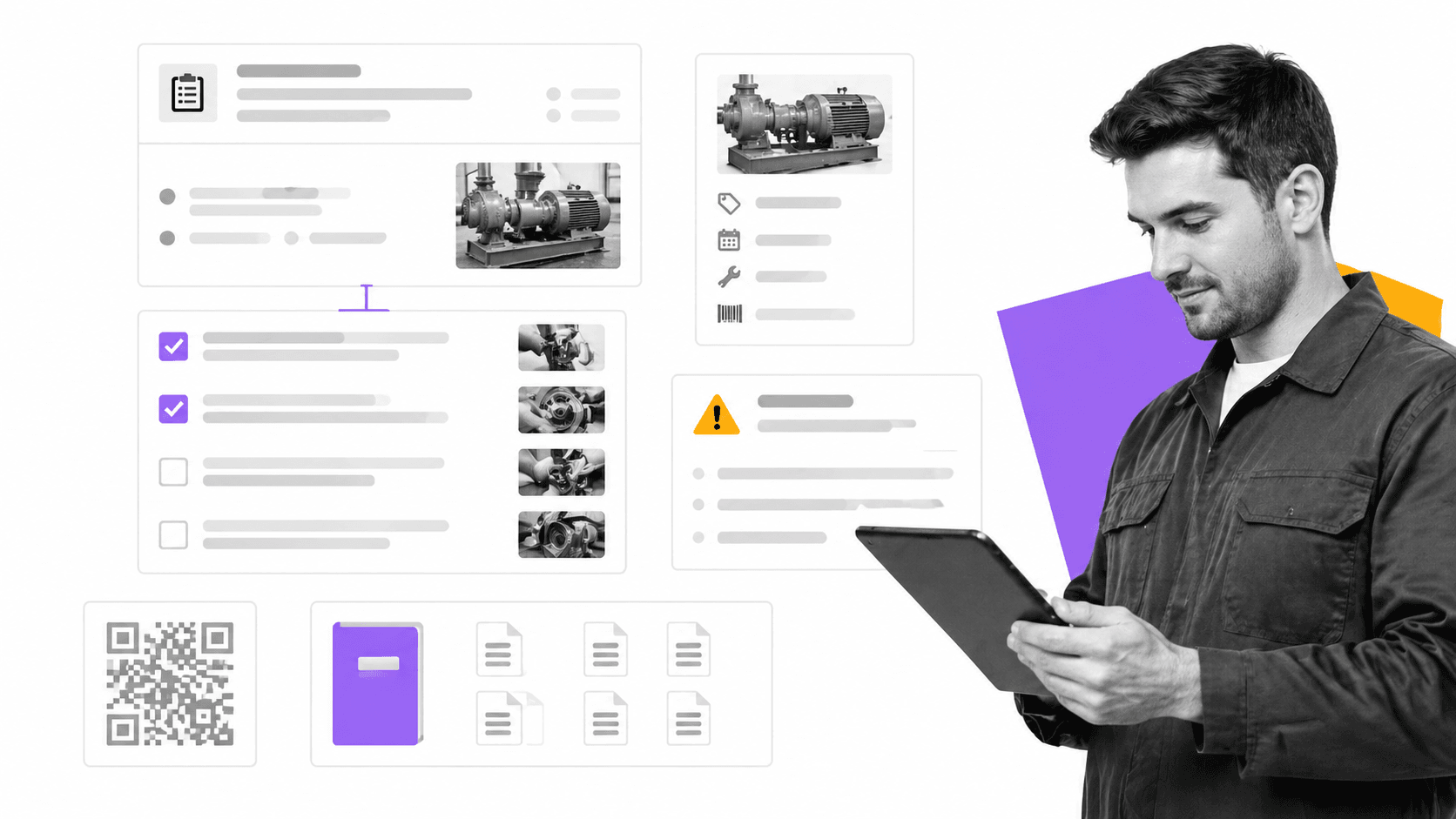
MaintainX is MaintainX is built for maintenance and frontline operations. It fits teams that attach procedures to work orders, guide technicians through safety or inspection steps, and keep asset-related work traceable.
MaintainX is different from the documentation-first tools in this list because it centers on frontline maintenance work. Procedures attach to work orders, guide technicians, and support inspections, safety checks, and asset-related tasks.
Choose MaintainX when SOPs live on the floor, in the field, or around equipment. It is less relevant for broad office SOPs, but very relevant for facilities, manufacturing, maintenance, and operations teams that need procedures tied to work orders.
- Best for: maintenance procedures, inspections, work orders, and frontline teams.
- Strength: mobile procedure execution, asset context, work order linkage, and technician guidance.
- Watchout: not designed as a general company-wide SOP library for every department.
How to choose the best SOP software
The best SOP software depends on the job your SOPs need to do. If they need to teach, choose a training-first platform. If they need to document screen-based work, choose a capture tool. If they need to run recurring work and prove completion, choose a workflow execution platform.
Match the tool to the operating problem
For simple documentation, a library is enough. For repeatable work, you need a system that assigns owners and tracks completion. For regulated work, you need proof. That is why teams evaluating SOP management software should also think about audit trails, approvals, control evidence, and integration with daily work.
- Choose Process Street when the SOP must become a recurring workflow with accountability and proof.
- Choose Trainual, Waybook, or Whale when training and knowledge adoption are the central problem.
- Choose Scribe or Tango when the bottleneck is capturing screen-based procedures quickly.
- Choose SweetProcess when you want a simple policy, process, and procedure library.
- Choose MaintainX when SOPs are tied to maintenance, inspections, assets, and frontline work.
Start with one workflow
Do not migrate every document at once. Pick one high-value process, such as onboarding, vendor review, safety inspection, quality review, or month-end close. Turn it into a live SOP, assign real owners, and run it. Then compare what happened against the intended procedure. This is where standard operating procedures become operational infrastructure rather than files people forget.
A strong pilot will show three things: whether employees can follow the SOP, whether managers can see the work, and whether the business can prove what happened later. If a tool cannot support those three outcomes for the process that matters most, it is not the right system for serious operations.
A practical buying checklist
Before you book demos, write down the three workflows that create the most operational risk today. Good examples are employee onboarding, customer onboarding, monthly close, safety inspection, vendor approval, quality review, access provisioning, and compliance evidence collection. For each workflow, ask what happens when a step is skipped, who notices, how long it takes to recover, and what proof you need later.
Then test every SOP platform against that workflow, not against a generic feature list. A documentation tool may look clean in a demo but fail when you need conditional paths, multiple owners, recurring schedules, file uploads, approvals, and escalation. A training tool may be excellent for teaching the procedure but weak at showing whether the work was completed correctly. A capture tool may create beautiful guides but still leave managers chasing completion in Slack.
Ask each vendor to show the full lifecycle: create the SOP, assign it, run it, update it, review the change, report on completion, and export proof. If any of those steps requires a spreadsheet workaround, write that down. Workarounds are usually where SOP systems break after the first enthusiastic rollout.
The strongest buying signal is not the editor. It is what happens after publishing. Can employees find the right SOP in the moment? Can managers see stuck work before it becomes a miss? Can compliance or operations leaders prove who did what, when, and with which version of the procedure? If the answer is yes, the tool is supporting execution. If the answer is no, the tool is only storing information.
When to consolidate tools
Many teams start with one system for documents, another for training, another for tasks, and another for compliance evidence. That can work for a while, but it creates drift. The training version of the SOP may not match the live checklist. The checklist may not match the policy. The evidence may live in a ticket, a spreadsheet, or an email thread. Nobody sees the full picture until something fails.
Consolidation makes sense when the SOP has business consequences. If the procedure affects customer delivery, employee access, regulatory compliance, financial controls, quality management, or safety, keeping the document separate from execution creates unnecessary risk. A governed workflow system reduces that gap by putting the procedure, work, owners, approvals, and evidence in one place.
That does not mean every company needs one giant platform on day one. Smaller teams can start with one painful recurring workflow and expand from there. The goal is to make the SOP useful in daily work, not to build a museum of perfect documentation. A good system should make the next correct action obvious and make the completed record easy to trust.
Best SOP software FAQs
What is SOP software?
SOP software is a platform for creating, organizing, updating, and sharing standard operating procedures. The best SOP software also helps teams assign work, track completion, manage approvals, and prove that procedures were followed.
What is the best SOP software for workflow execution?
Process Street is the best SOP software when procedures need to become recurring workflows. It connects SOPs with checklist runs, approvals, assignments, form fields, automations, and audit-ready records.
What is the best SOP software for employee training?
Trainual, Waybook, and Whale are strong options when the main goal is employee training and knowledge adoption. They focus on playbooks, learning paths, progress tracking, quizzes, and policy acknowledgment.
What is the best SOP software for screen capture?
Scribe and Tango are strong choices when you need to document screen-based workflows quickly. They capture steps and screenshots so teams can create guides without manually writing every instruction.
How should I choose SOP software?
Start by deciding whether your SOPs need to document knowledge, train employees, capture software steps, or run recurring work. Then evaluate creation speed, governance, execution depth, search, reporting, integrations, and audit proof.
Can SOP software help with compliance?
Yes. SOP software can help with compliance when it includes version history, approvals, access control, completion records, and audit trails. For high-stakes processes, choose a tool that proves the work happened, not just one that stores the procedure.
