Thousands of teams use Process Street, and we receive many requests for new features to help improve the experience. While we’re actively developing and releasing updates, not every feature may be available yet.
If you’re wondering whether a specific feature exists or you want to see a feature, here’s how to find out and share your request with us.
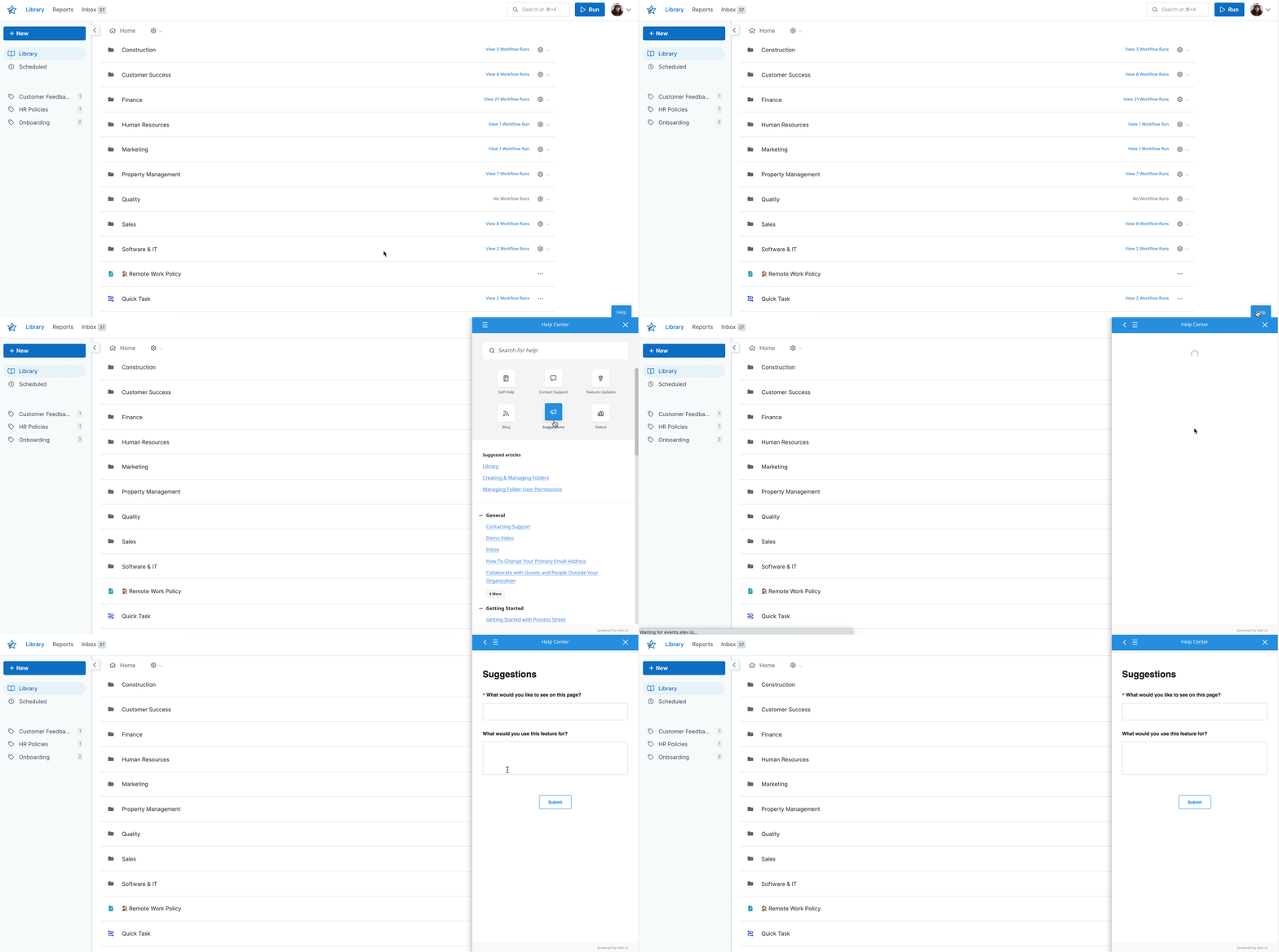
You can make suggestions when using the app by clicking on the Help button in the bottom right corner of your screen. Click “Suggestions“, type in your feature request, and hit “Submit” to send it to us.
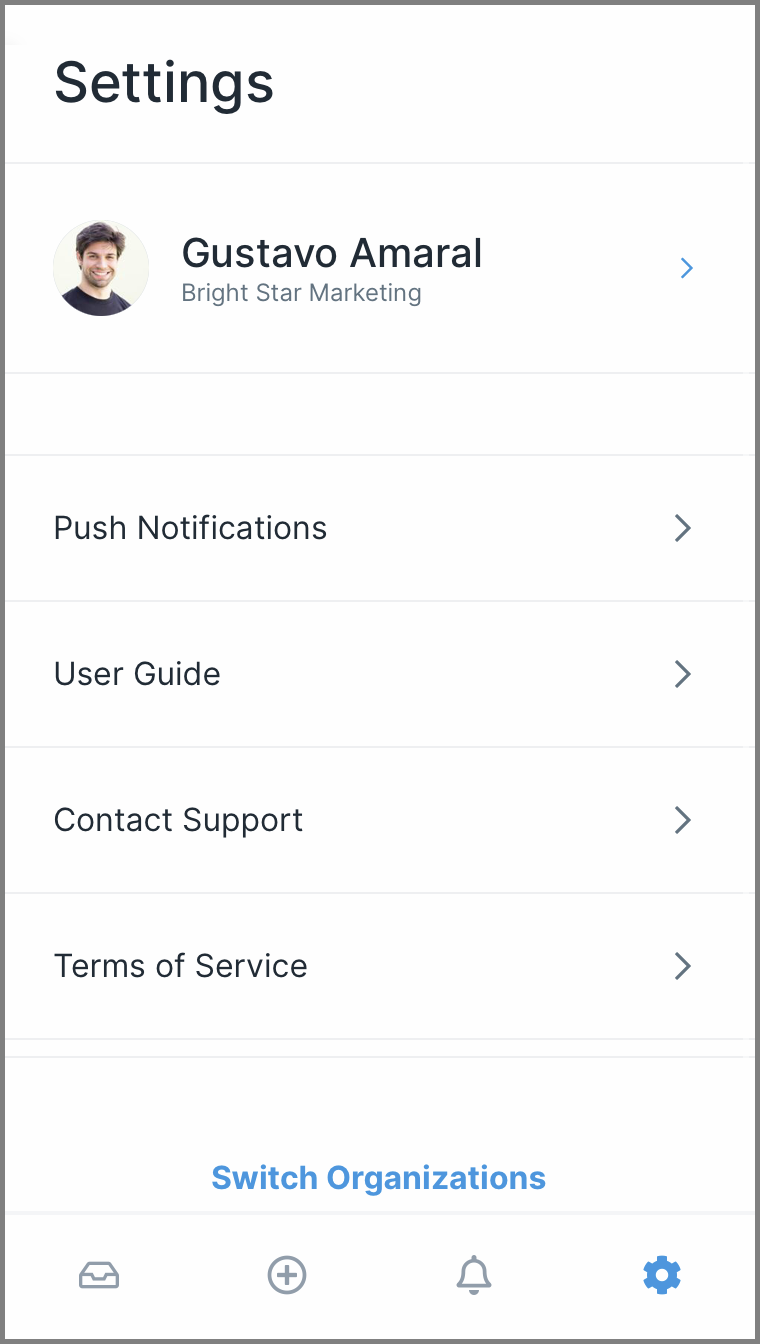
You can also leave us feedback and suggestions when using our iPhone app.
Your request is reviewed by our product team. If the feature gets enough support from other users or fits our roadmap, we’ll work to include it in a future update.
Help us improve this help center.







