We’ve just rolled out a powerful enhancement to the Send Email form field: you can now set a Reply-To address for rich (HTML) emails.
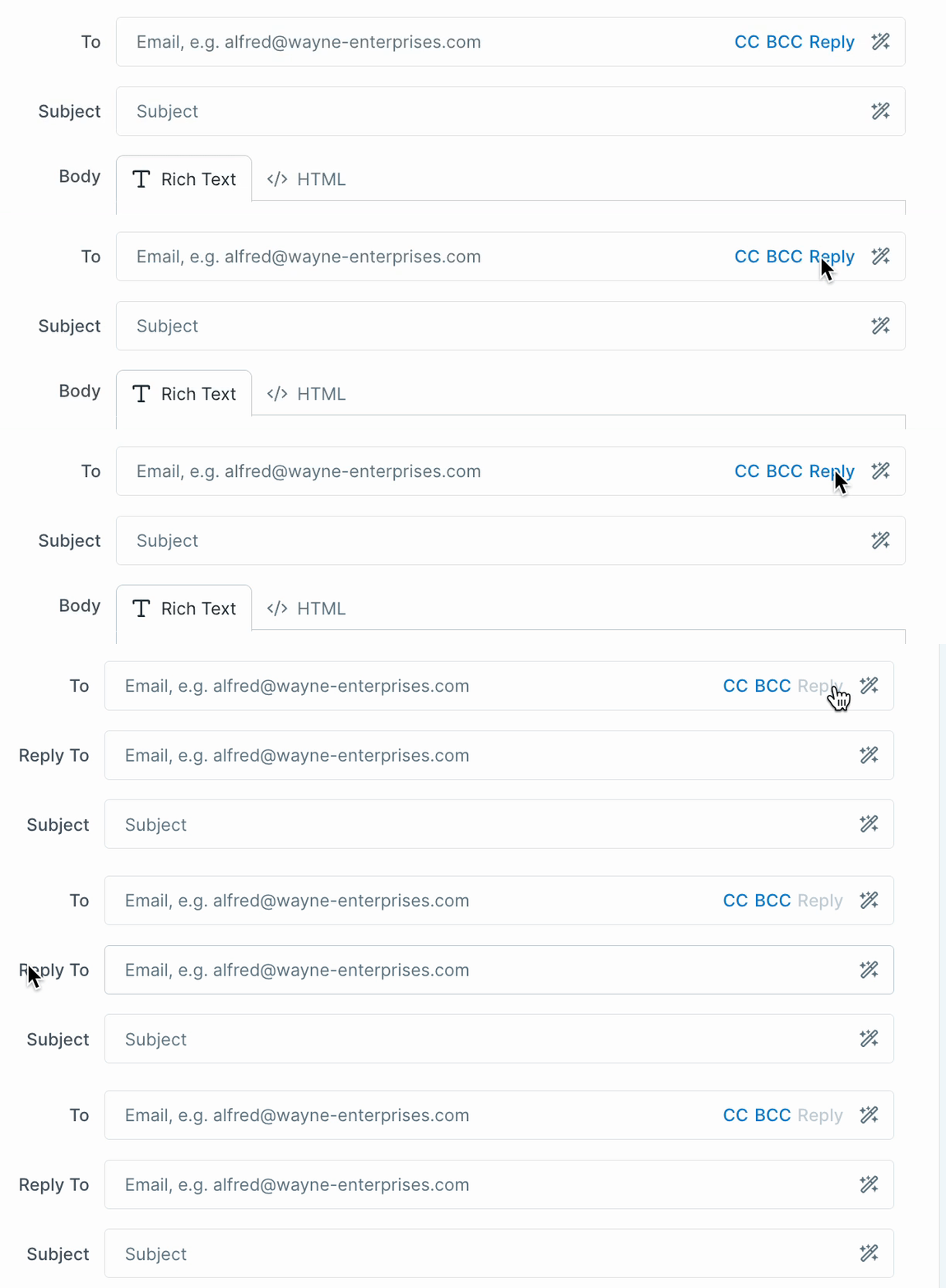
What this means
When someone replies to your email, you decide exactly who receives it—whether that’s the sender, a shared inbox, or a specific teammate. This only applies to rich emails sent through Process Street; plain text emails using mailto: links remain unchanged.
You can set the Reply-To field using:
- Variables
- Hardcoded addresses
- A combination of both (just like To, CC, and BCC)
Why it matters
- Seamless with Custom Sender Domain → replies can go straight back to the address shown in the From field.
- Flexible routing → send replies to a different address when using automations.
- Professional communication → manage responses with greater control and consistency.
Technical Notes
- Using Reply-To overrides the current default (which points to the user who sent the email).
- If you want to keep the same behavior, just use the current user variable.
- There are no restrictions on what you can set—any valid email address will work.
Learn more about the send email widget.







