


Turn every policy into automated workflows with built-in enforcement and audit-ready proof.



Task Management Tool
A task management tool is a system for capturing work, deciding what matters, assigning ownership, guiding completion, and showing what happened. It can be as simple as a personal list or as structured as a team workflow with dependencies, approvals, evidence, and automation. The right level depends on the work and the cost of getting it wrong.
Most task problems are not caused by a lack of effort. They come from vague requests, unclear owners, hidden dependencies, competing priorities, and tasks that are marked complete without a reliable outcome. A useful tool reduces those failure points. It makes the next action obvious and keeps the task connected to its purpose.
This guide explains what a task management tool should do, how it differs from adjacent work systems, how to choose one, and how to implement a task system that people will actually use.
In this guide, you will learn:
- What is a task management tool?
- What a task management tool should do
- Task management tool vs. to-do list, project software, and workflow software
- How to choose a task management tool
- How to build a reliable task system
- How to implement a task management tool
- How Process Street turns tasks into controlled execution
- FAQs
What is a task management tool?
A task management tool is any method or application that turns an intention into a manageable unit of work. A task needs a clear outcome, an owner, a priority, and enough context to act. Team tasks often need more: a due date, subtasks, dependencies, files, comments, rules, review states, and a durable completion record.
At the simplest end, a task tool records a unit of action. Team task management adds shared intake, workload decisions, handoffs, review rules, and operating data so many tasks can move through one trusted system.
The task is the smallest accountable unit of work
A project can contain dozens of deliverables. A process can contain repeated stages. A task is the point where somebody must act. That is why task design matters. A title such as update website is weak because it hides the expected result. Publish the approved pricing copy to the production page is actionable because the owner can tell when the work is complete.
A task management tool is more than a place to store reminders
Storage is only the first job. The tool must help work move. For an individual, that may mean a trusted inbox, a daily priority view, and reminders. For a team, it means consistent intake, assignment rules, handoffs, approvals, and reporting. The system should reduce coordination work instead of creating another status-update ritual.
The right tool matches task risk
A low-risk reminder can live in a simple list. A customer onboarding task, access review, finance close step, safety inspection, or policy approval needs more structure. As risk rises, the tool should add required information, permissions, escalation, evidence, and review. Complexity is justified when it prevents a meaningful failure.
A clear understanding of what a workflow is helps separate one-off tasks from recurring work that should follow a standard path. The tool should support both without forcing every reminder into a heavyweight process.
What a task management tool should do
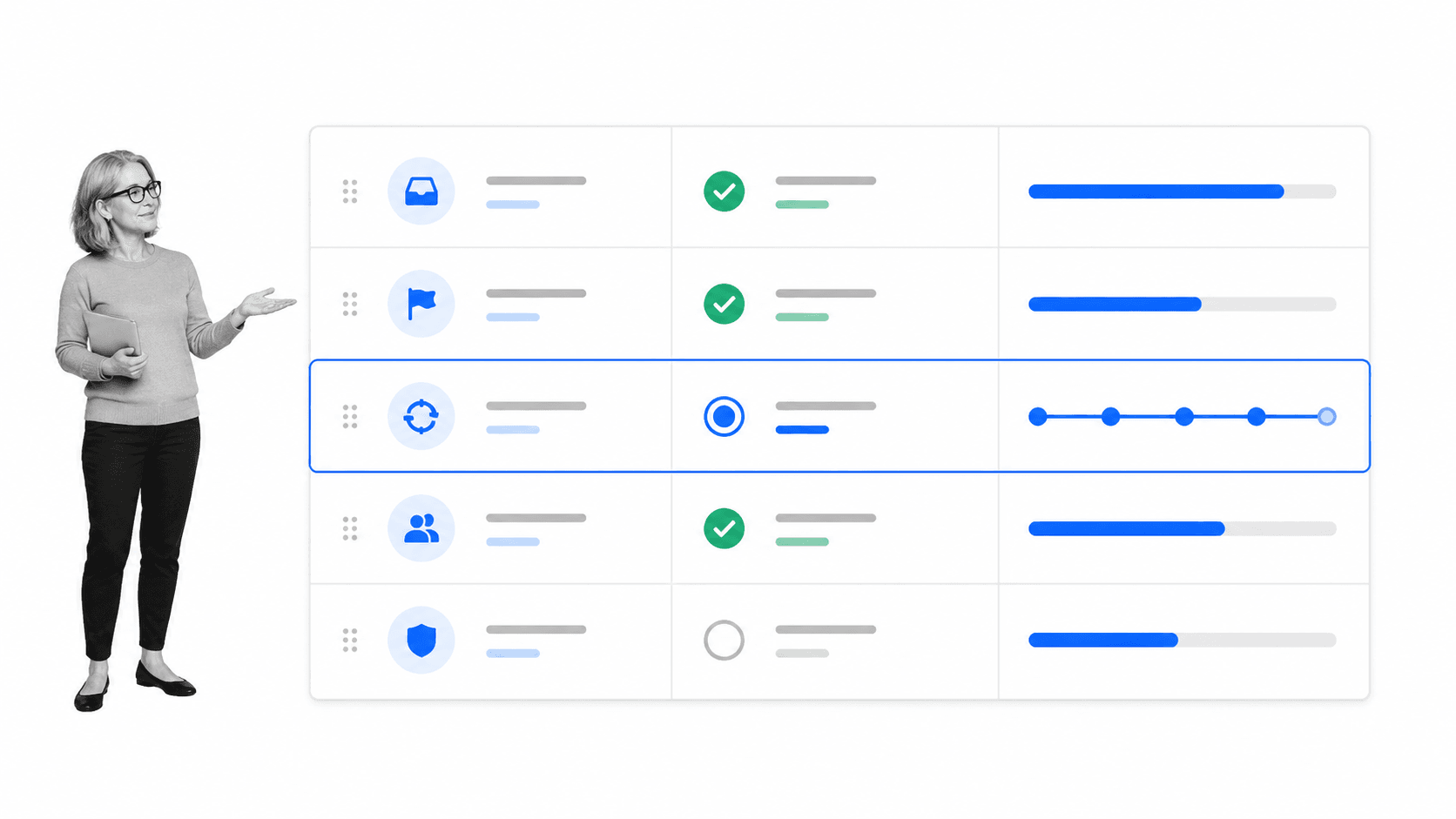
A strong task management tool covers the full path from request to result. Feature lists can be long, but the practical capabilities fall into a small number of jobs. Evaluate whether the tool makes each job easier and more reliable for the people who do the work.
Capture work with enough context
Tasks arrive through meetings, email, chat, forms, customer systems, schedules, and automated triggers. A task management tool needs a trusted intake point. The request should include the desired outcome, relevant files, source, urgency, and any rule that changes how the work must be handled. Incomplete intake creates rework later.
Clarify ownership and responsibility
Every active task needs one accountable owner, even when several people contribute. Group ownership often becomes no ownership. The tool should distinguish assignee, requester, reviewer, and follower so notifications and decisions reach the right people. A visible owner also makes escalation fairer because the expectation was clear from the start.
Set priority using shared rules
Priority should not be whoever asked most recently or most loudly. Define a small scale based on impact, urgency, risk, and dependency. The tool should let teams filter and order work without turning priority into a constantly changing opinion. A limit on active work is often more useful than another priority label.
Break work into actionable steps
Large tasks hide progress and uncertainty. Subtasks reveal the sequence and make handoffs visible. Use them when different actions, owners, or proof points exist, but avoid turning every click into its own task. The right level is detailed enough to guide action and simple enough to scan.
Manage dates, dependencies, and recurring work
Dates should represent real commitments or scheduling constraints. Dependencies show what must happen first. Recurrence creates a new task or workflow when work repeats. Together, these features stop teams from relying on memory. They also make capacity conflicts visible before a deadline is missed.
Support collaboration without losing the record
Comments, mentions, attachments, and decisions belong beside the task. Chat can help resolve an issue, but the outcome should return to the task management tool. Otherwise the system says one thing while the real decision lives in a private thread. The task becomes the shared operational record.
Route reviews, exceptions, and approvals
Some tasks require a decision before work can continue. Built-in approval tasks keep that decision in the operating path. Exception routing matters too. A standard case can move quickly while a risky or unusual case receives additional review.
Measure flow and completion quality
A completed count is not enough. Useful reporting shows work in progress, overdue tasks, blocked time, cycle time, repeat failures, and approval delay. The goal is to improve the system, not monitor people for its own sake. A good metric leads to a decision or process change.
Task management tool vs. to-do list, project software, and workflow software
Task management tools overlap with several software categories. The distinction is not absolute, and many products combine them. Choose based on the dominant job the team needs to perform rather than the label on a vendor page.
Task management tool vs. to-do list
A to-do list is optimized for quick personal capture and completion. It is ideal for errands, reminders, and individual follow-up. A team task management tool adds ownership, shared context, permissions, collaboration, and reporting. If tasks regularly move between people, a personal list will become a shadow system.
Task management tool vs. project management software
Project management software coordinates a temporary initiative with scope, milestones, resources, risks, and a finish. The Project Management Institute standards describe that broader discipline. A task management tool focuses on the actionable work units inside a project or outside one. Teams often use both views in the same platform.
Task management tool vs. workflow software
Workflow software is designed for repeatable sequences, rules, and handoffs. A task management tool may manage isolated or loosely related actions. When the same tasks recur with the same order, roles, approvals, and evidence, move them into task workflow management software so the standard is built into execution.
Task management tool vs. process management
Process management defines, governs, measures, and improves how a recurring outcome is produced. Tasks are the executable pieces of that process. A process tool is the stronger fit when the main problem is procedure design, control, and continuous improvement rather than a queue of independent work.
One system can serve several layers
The best architecture is not necessarily a separate app for each label. A team may need a personal work view, project portfolio, recurring workflows, and process documentation in one connected environment. What matters is that each layer has a clear source of truth and that work does not have to be copied manually between them.
How to choose a task management tool
Choose a task management tool by testing the operating problem, not by counting features. Start with real work, including the awkward exceptions. A polished demo can hide the daily friction that determines whether people adopt the system.
Define the work and the failure cost
List the task types the system must support. Note who requests them, who owns them, what information is required, and what happens when they are late or wrong. A tool for personal planning has different requirements from one that controls finance, HR, IT, safety, or compliance work.
Test the core user loop
Ask a real user to capture a task, understand the context, set a priority, complete the work, handle a blocker, and find the next task. Count unnecessary clicks and places where the user has to guess. Adoption depends on this loop being fast and obvious.
Evaluate structure and flexibility together
Too little structure creates inconsistency. Too much structure creates workarounds. The tool should enforce important fields and decisions while allowing low-risk work to stay light. Templates, custom fields, views, and rules should support different task types without requiring a new application for each team.
Check automation and integration fit
Tasks often begin or end in another system. The tool should accept triggers, update systems of record, and send useful notifications without making people copy data. The IBM overview of business process management explains how coordinated activities connect people, information, and systems around an outcome. Microsoft task management guidance provides another useful view of organizing and tracking work.
Assess control, security, and evidence
Review permissions, audit history, data retention, exports, approvals, and administrator controls. High-stakes tasks need proof that required steps happened. The control level should match the risk of the work and the obligations of the organization.
Calculate total administrative effort
Subscription price is only one cost. Include configuration, migration, training, upkeep, reporting, and integration maintenance. A cheaper tool can cost more when managers spend hours cleaning task data or reminding people to use it.
How to build a reliable task system
A reliable task system is a set of operating rules supported by software. Buying the tool first and inventing the rules later usually produces clutter. Define how work enters, moves, and ends before configuring views and automations.
Create one trusted intake
Choose where new work enters the system. Requests from email or chat should be converted into tasks, not left as parallel commitments. Use forms or templates for recurring request types so the owner receives the information needed to start.
Write a task quality standard
A good task title starts with a verb and names the result. The description explains why the work matters, what done means, and where the source material lives. The owner, priority, and due date follow shared rules. This small standard improves every view and report downstream.
Limit work in progress
Too many active tasks make every task slower. Set a practical limit for individuals or teams and finish work before starting more. A backlog is not a commitment. It is an option set that must be reviewed, ordered, and sometimes deleted.
Separate status from next action
Status describes where work is. The next action tells the owner what to do. A task can be in review but still need a specific reviewer and decision date. Make the next action visible so status labels do not become passive waiting rooms.
Use recurring workflows for repeated work
If a task pattern repeats, standardize it. A task management weekly review checklist can keep personal commitments clean, while a team workflow can assign multiple owners, collect evidence, and route approvals. Repetition is a signal to move knowledge into the system.
Review and improve the system
Run a weekly review for priorities and blockers, plus a periodic review of the task system itself. Remove stale fields, fix noisy notifications, simplify templates, and investigate recurring delays. Strong process documentation keeps the task rules current, while a workflow management system makes recurring paths executable. The tool should evolve with the work rather than become a fossilized configuration.
How to implement a task management tool
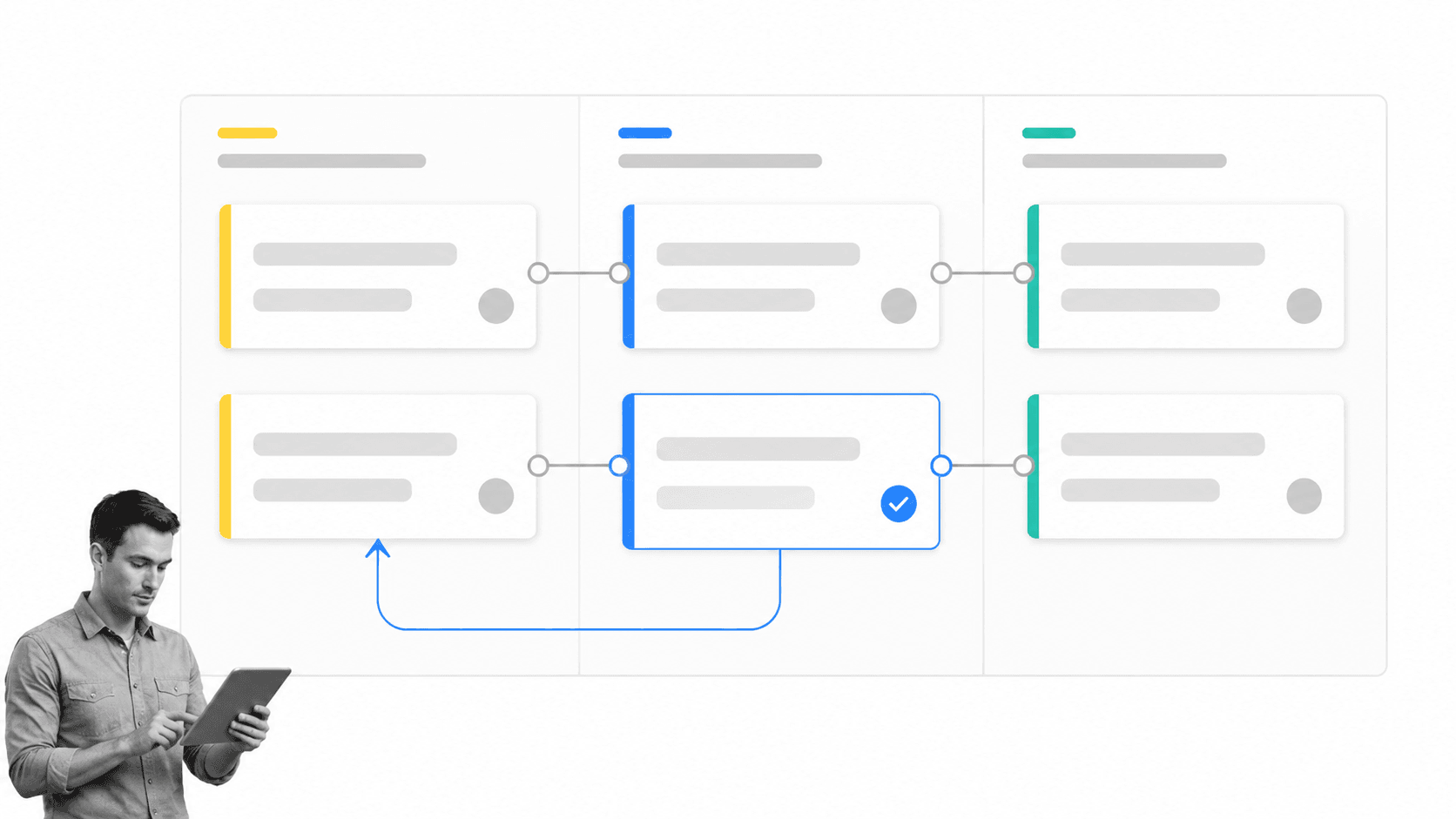
Implementation works best as a bounded operating change. Start with one real task stream, prove the rules, and expand from evidence. A company-wide launch before the core loop works will create resistance and messy data.
1. Inventory the current task sources
Find where commitments live today: inboxes, chat, spreadsheets, meeting notes, project boards, ticket systems, and personal lists. Identify duplicates and decide which system remains authoritative for each kind of data.
2. Select one high-value pilot
Choose work that repeats, crosses at least two people, and has visible pain. It should include normal cases and exceptions. Good pilots include access requests, employee onboarding actions, customer handoffs, content approvals, recurring reviews, and operational inspections.
3. Configure the minimum useful system
Create the task types, required fields, owners, priority rules, views, and notifications needed for the pilot. Avoid building every possible workflow. The first goal is a complete and trustworthy path for one use case.
4. Run real work and observe friction
Watch users complete tasks without coaching. Note where context is missing, where notifications arrive too late, and where the tool asks for information nobody uses. Test a late task, reassignment, rejected approval, and unusual case, not only the happy path.
5. Measure outcomes
Compare cycle time, overdue rate, rework, missed steps, approval delay, and time spent coordinating before and after the pilot. User sentiment matters, but behavior and outcomes reveal whether the system improved work.
6. Close old paths and expand
Once the pilot succeeds, make the new path the default. Archive duplicate trackers, redirect request channels, document the standard, and assign an owner for ongoing improvement. Teams beginning with limited budgets can compare free task management software before expanding one task stream at a time.
The Atlassian workflow management guide offers additional context on visualizing steps and improving flow. Use the principle, then adapt the system to the risk and cadence of your work.
How Process Street turns tasks into controlled execution
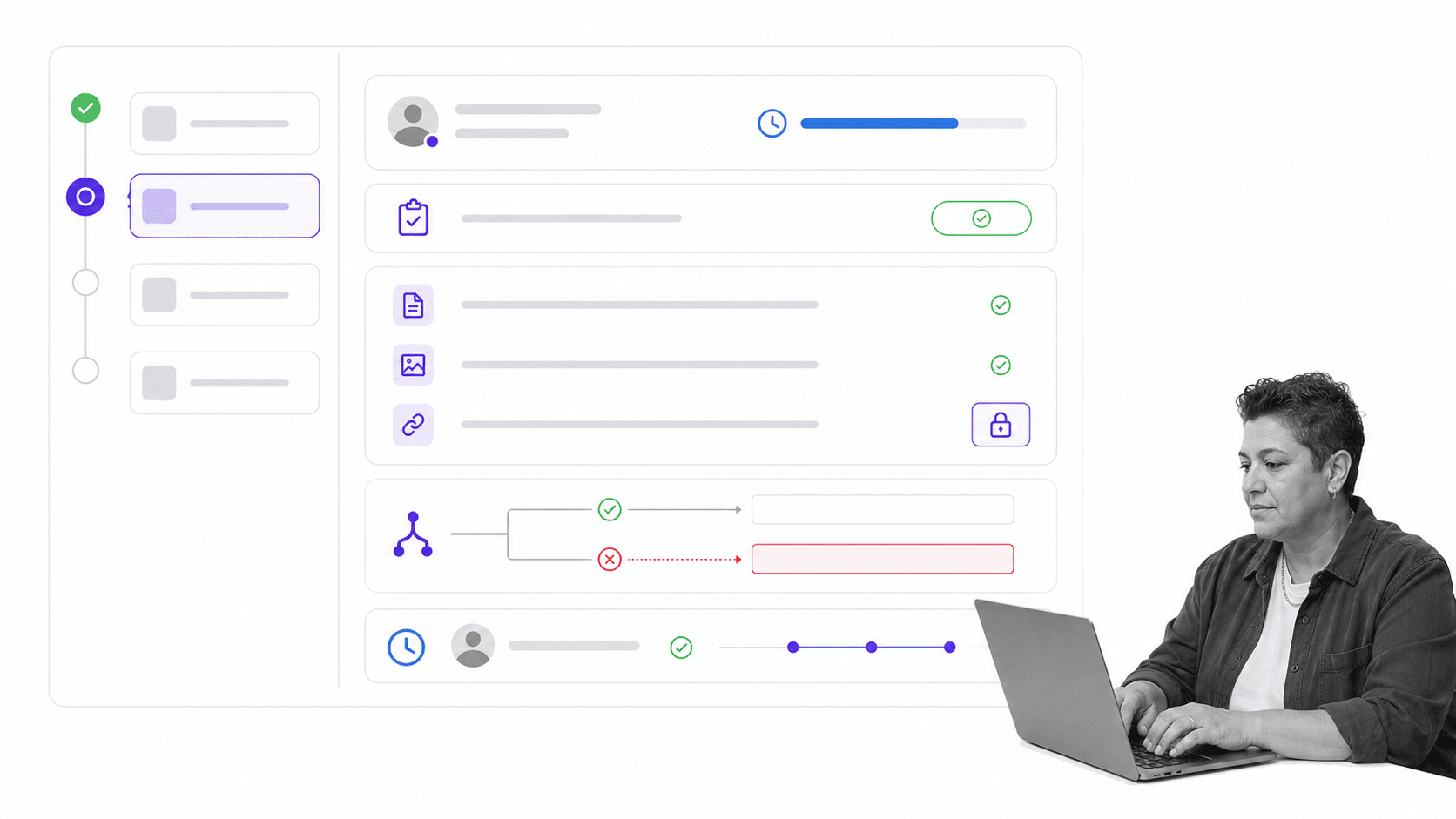
Process Street is an Agentic Process Automation platform for high-stakes operations. It connects tasks to the procedure, evidence, decisions, and systems around them, so recurring work can run consistently and leave a trustworthy record.
Manage one-off and workflow tasks
People can manage ad-hoc work with due dates, subtasks, and attachments through Process Street Tasks. Work that follows a repeatable process can run as a workflow with structured steps, owners, fields, and execution history. The user gets a practical work view without losing the process context.
Put the standard beside the task
Instructions and decisions should appear where work happens. Linking business process documentation to executable tasks reduces the gap between what the procedure says and what people actually do. Updates can improve the standard instead of creating another disconnected document.
Route work using data
Conditional logic can show or hide tasks and form fields based on workflow data or task completion. A routine case stays simple, while a risky response, failed check, or exception can trigger additional work and review.
Enforce decisions and capture proof
Required information, approvals, and execution history create control at the point of work. Managers do not have to reconstruct the story from chat and email. They can see what was requested, who acted, which path the task followed, and which decision allowed it to continue.
Connect tasks to the wider system
Agentic process automation can coordinate actions across the tools where the business already works. The task remains the accountable unit, while automations and agents handle repeatable system actions inside a governed process. The practical examples in task automation tools show how repetitive steps can move out of manual coordination without giving up oversight.
Teams comparing broader options can use the workflow tools guide and task management software comparison to understand adjacent categories. A task management tool guide should ultimately lead to one decision: the lightest system that makes important work reliable.
FAQs
What is a task management tool?
A task management tool is a method or application for capturing, prioritizing, assigning, completing, and reviewing work. Simple tools manage personal reminders. Team tools add shared ownership, context, due dates, collaboration, dependencies, approvals, automation, and reporting.
What should a task management tool include?
A useful task management tool should include clear intake, ownership, priorities, dates, subtasks, dependencies, collaboration, search, recurring work, and reporting. High-stakes teams should also look for permissions, required evidence, exception routing, approvals, and execution history.
What is the difference between a task management tool and project management software?
A task management tool focuses on individual units of action, whether they are one-off or recurring. Project management software coordinates a larger temporary initiative with scope, milestones, resources, risks, and a finish. Many platforms combine both layers.
When should a team use a workflow instead of a simple task list?
Use a workflow when the same work repeats with a consistent sequence, multiple owners, decision rules, approvals, or evidence requirements. A simple list is better for low-risk reminders and flexible one-off work.
How do you choose a task management tool?
Map the real work first. Test intake, ownership, completion, exceptions, integration, control, reporting, and administration with a representative pilot. Choose the lightest tool that reliably supports the work and its risk.
How do you implement a task management tool successfully?
Inventory existing task sources, choose one high-value pilot, configure the minimum useful system, and run real work through it. Measure outcomes, fix friction, close duplicate paths, and expand one task stream at a time.
