


You can build an MVP app without writing code by choosing one customer problem, mapping the smallest workflow that solves it, and using a no-code or AI-assisted builder to put that workflow in front of real users. The aim is not to recreate the final product. It is to learn whether people will use, value, or pay for the core outcome.
A useful MVP app combines one clear promise, one complete user journey, and one measurable behavior. Start with the riskiest assumption, select a build path that can test it, keep the rest manual where possible, and decide in advance what evidence would make you continue, change direction, or stop.
What are alphas, betas, and MVPs?
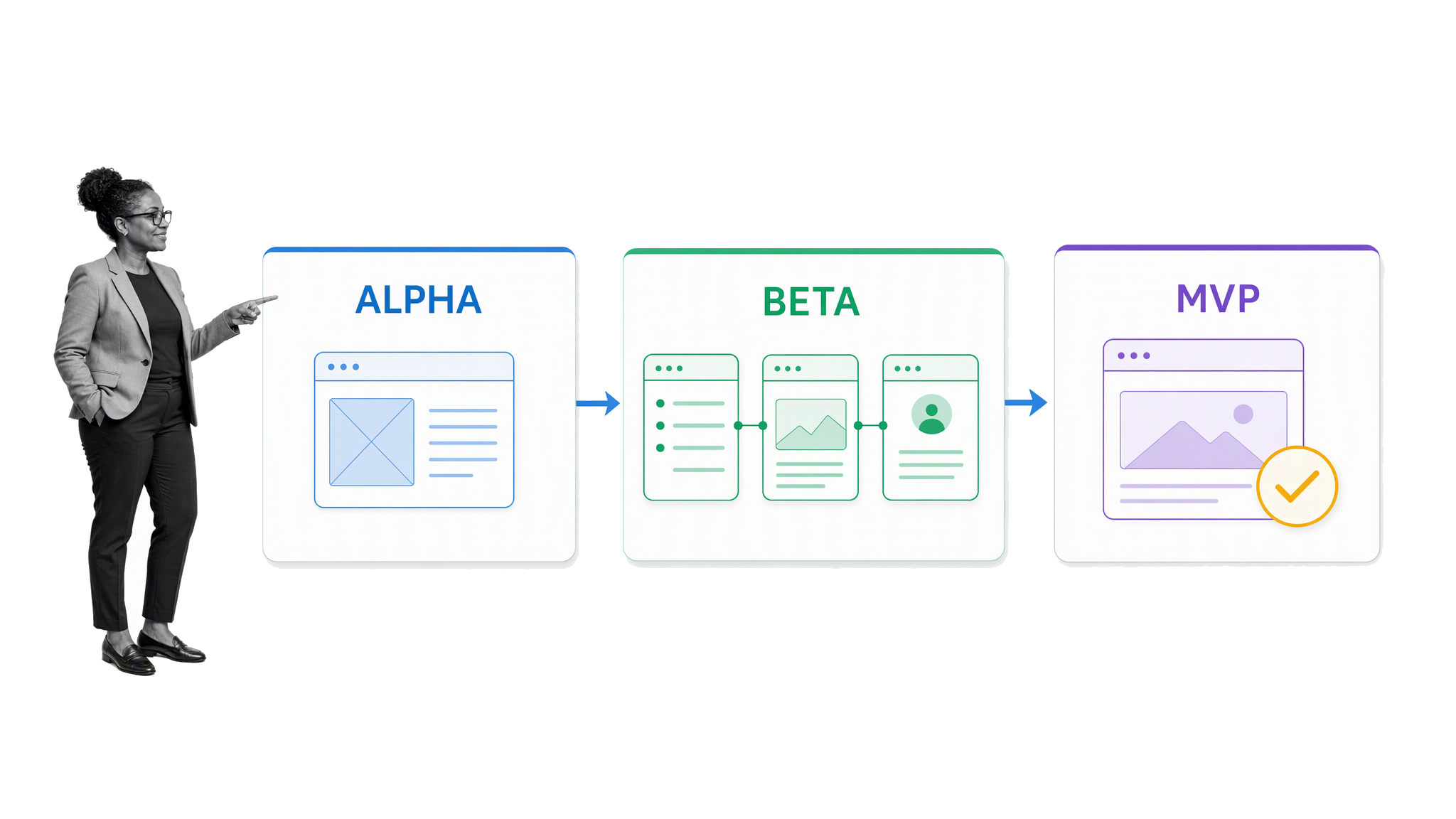
Alpha, beta, prototype, and minimum viable product are often used as if they mean the same thing. They do not. Alpha and beta usually describe how mature a product is. A prototype shows how an idea might work. An MVP is an experiment designed to test a business assumption through observable behavior.
Before choosing tools, take a perspective on the theory behind the creative process. You are not going to build a finished, beautiful product right now. Even if you were coding it, code is not magic. The immediate goal is to use free or affordable tools already available on the market to create a very basic version of the final product. How well you can construct that version depends on the concept. You can create a well-developed ecommerce startup using available platforms when the core experience follows familiar patterns. A complex product with unusual security, data, or performance requirements will be harder. You might build a basic checklist or todo list app while the strategy for scaling it comes later. The question is what kind of basic version will produce useful evidence.
Entrepreneurs choose between experiments that can validate or invalidate assumptions about a business model. These experiments could be interviews with potential customers, trying to build a client base on the promise of a future product, or building a basic version of an idea and testing it in the market. For some people, creating software means sitting down and writing code, line after line, slowly piecing together the idea until a version works. But developers have also created tools that let people build blogs, media outlets, forums, marketplaces, online stores, and web apps without coding expertise. Pointing, clicking, dragging, and dropping can make a product idea tangible enough to test, provided the chosen approach can support the behavior that matters. The practical challenge is not simply how to create software or make a product a reality; it is how to choose among different tools and a whole range of products without losing sight of the experiment.
An alpha explores whether the idea can work
An alpha is an early and incomplete version of a product. Important parts may be missing, unreliable, or represented by placeholders. Its job is usually to help the team explore feasibility and make the idea concrete enough to discuss.
An alpha can be useful for an internal review, a technical spike, or an early conversation with a trusted user. It does not need production-level polish, but it should answer a specific question. Can the team connect the required services? Can the workflow be represented clearly? Can a user understand the basic interaction?
When we talk about an alpha version, we are describing an iteration of the product which is not complete and likely not fully functional. It is a taster of what is to come. You might develop an alpha to show colleagues. It might not look good and it might not work fully, but with a version in front of them to try, they may realize that it could be useful in future. Think of the alpha as part of the early ideas process.
A beta is usable but still being refined
A beta has enough of the core product in place for people to use it for its intended purpose. It may still have rough edges, limited support, or incomplete secondary features. A closed beta gives a selected group access. An open beta makes the product available more broadly while signaling that the team is still learning and improving it.
Beta describes a stage in the development lifecycle. It does not automatically make the product an MVP. A team can build a feature-rich beta and still fail to test the assumption that matters most.
A more fleshed-out version of your product might be called your beta version. This version may have the core features in place and should work well enough for people to use it for its intended purpose. Companies can start with a beta version and move on to a fuller product after learning from feedback. Alpha and beta refer to a product’s stage in its software development lifecycle. Where the product fits in the strategy is a different question.
An MVP tests market behavior
A minimum viable product is the smallest credible experiment that tests whether a customer will take a meaningful action. That action might be joining a waitlist, completing a task, inviting a colleague, returning the next day, submitting business data, or paying for an outcome.
That definition matters because an MVP does not always begin as software. A landing page can test demand. A clickable prototype can test whether people understand a workflow. A manual concierge service can test whether the promised result is valuable. A working app becomes necessary when the behavior you need to observe depends on real interaction, repeated use, data, or automation.
The early stories behind Dropbox and Buffer are often used to make this point: the first useful test can be a demonstration or a simple demand signal rather than a complete system. Groupon offers another practical lesson. In a founder interview about its early operation, Andrew Mason described a customer-facing offer built on WordPress while important fulfillment work happened manually behind the scenes. The experience was real enough to test customer behavior before the company automated every step.
The best MVP is therefore not the version with the fewest features. It is the least expensive credible test of the riskiest assumption. If a nonfunctional prototype can answer the question, building an app is wasteful. If the question depends on users completing a real workflow, then a focused MVP app is appropriate.
The term MVP has become a buzzword within the startup scene as founders follow the lean playbook. There have also been conceptual disagreements about what an MVP really is and what it should do. An MVP can be an experiment designed to test value-proposition assumptions by measuring a behavior and learning from the results. Something does not necessarily need to be a product to be an MVP. Early Dropbox and Buffer experiments used a video or landing page. Pre-release signups helped validate assumptions about whether there was a need before a complete product existed. An MVP is as much a measure of market responsiveness as it is a stage of a product.
How to build an MVP app without code
A successful no-code MVP starts with the experiment, not the tool. Builders are easy to compare because their features are visible. The more important choices concern the customer, the workflow, and the evidence you need.
Write down the riskiest assumption
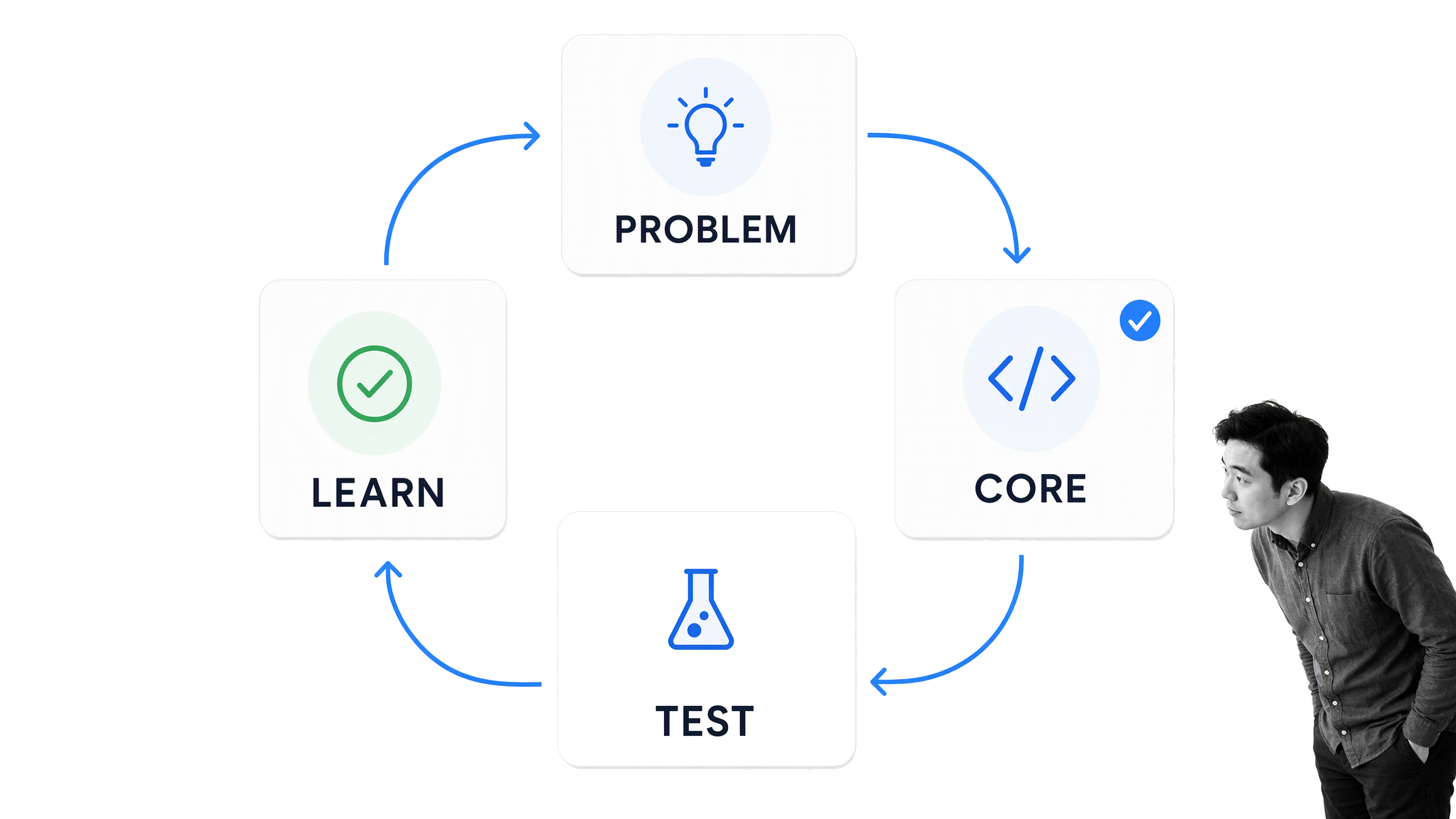
Describe the belief that must be true for the product to work. Avoid broad statements such as “people need a better scheduling app.” Make the assumption observable: “Independent cleaners will send a booking link to new clients and at least 30% of those clients will choose an available time without calling.”
Separate desirability, usability, feasibility, and viability. Interviews can reveal how people describe a problem, but they do not prove that someone will change behavior. A prototype can reveal confusion, but it does not prove willingness to pay. A functioning MVP can test real use, but only if it records the behavior connected to the assumption.
Choose one user and one job
An MVP app becomes unmanageable when it tries to serve every possible user. Choose a narrow starting group and describe the job they are trying to complete. “A manager reviews a safety incident and assigns corrective action” is more useful than “companies manage compliance.”
Map the journey from the trigger to the result. For the scheduling example, the path might be: provider creates availability, provider shares link, customer selects time, both receive confirmation. That complete path matters more than a long list of isolated features.
Define the core workflow
Turn the journey into a short sequence of screens, states, or tasks. Include the minimum data each step needs and the point where value is delivered. Then identify what can stay outside the product.
- Keep one primary action on each screen.
- Use existing authentication, payment, messaging, and storage services where practical.
- Handle low-volume exceptions manually before building an exception engine.
- Defer dashboards, advanced roles, preferences, themes, and secondary integrations unless the test requires them.
- Record the event that represents successful use.
A feature should survive only if removing it would make the experiment invalid or the experience untrustworthy. Security, privacy, accessibility, and basic reliability are not optional polish. They are constraints on what you can safely test.
Pick the lightest credible build path
Choose the simplest medium that can produce the behavior you need to measure. Use a landing page for demand, Figma for a clickable interaction test, WordPress or Webflow for a content-led service, Shopify for a commerce flow, Bubble for a database-backed web app, and FlutterFlow for a mobile-first app that needs native-device behavior.
AI-assisted builders can speed up layouts, formulas, data models, and code generation. They do not remove the need to understand what was generated. Review authentication, permissions, data handling, third-party dependencies, error states, and deployment ownership. If the app touches health, finance, employment, children, regulated records, or sensitive personal data, involve qualified security, privacy, and legal reviewers before exposing real information.
Build a thin vertical slice
A thin vertical slice completes the core journey from start to finish. It is better than building several polished screens that do not connect. Create the data structure first, add the minimum interface around it, and test each transition with realistic sample data.
Use neutral copy and explicit states. Tell users what will happen when they submit information. Provide a way to recover from an error. Confirm successful actions. Test the app at the screen sizes and connection speeds your first users actually have.
Recruit a small, relevant test group
Five relevant users can reveal serious usability problems, but market validation usually requires more behavior over time. Recruit people who experience the problem and can make the decision you are testing. Friends who want to be supportive are rarely a useful substitute.
Watch people attempt the workflow without coaching them through it. Ask what they expected at confusing moments. Record where they stop, how long the core task takes, whether they return, and whether they recommend or pay for the result. Qualitative observations explain why; event data shows how often.
Decide using evidence
Set a threshold before launch. For example: 20 target users receive an invitation, 10 start the workflow, six finish it, and three return within a week. The numbers will vary by product, but the rule prevents the team from changing the definition of success after seeing the result.
Continue when the behavior supports the assumption. Revise the workflow when users want the outcome but cannot complete the path. Change the offer when they understand the product but do not value the result. Stop when the problem is weak or the economics cannot work. An MVP earns its keep by making the next decision clearer.
Keep the MVP smaller than your product vision
Teams often make an MVP too large because they confuse credibility with completeness. A credible scheduling test needs available times, a booking action, confirmation, and a way to correct a mistake. It probably does not need team analytics, custom calendar colors, automated rescheduling rules, multiple subscription tiers, or an administrative reporting suite.
Use three tests when deciding whether a feature belongs. First, does the experiment fail without it? Second, would a reasonable target user refuse to participate without it? Third, is it required to protect the user, the business, or the data? If the answer to all three is no, move the feature into a later queue.
Manual work is a legitimate way to shrink scope. A person can review submissions, match requests, send reminders, approve exceptions, or prepare a result while volume is low. Make that work visible to the team, estimate its cost, and protect service quality. Manual fulfillment should teach you what to automate, not become an invisible burden that hides broken economics.
Be equally careful with AI-generated features. A generated interface can look finished before its permissions, failure paths, and data model are ready. Test with synthetic data first. Inspect every integration and secret. Confirm what the platform stores, where it stores it, who can access it, and how you can export or delete it. Speed is valuable only when the resulting experiment remains trustworthy.
Choose the right way to build your MVP
The right platform depends on the experience required by the experiment. Do not begin with a ranking of tools. Begin with the interaction, data, distribution, and operational constraints.
Start with a content-led experience
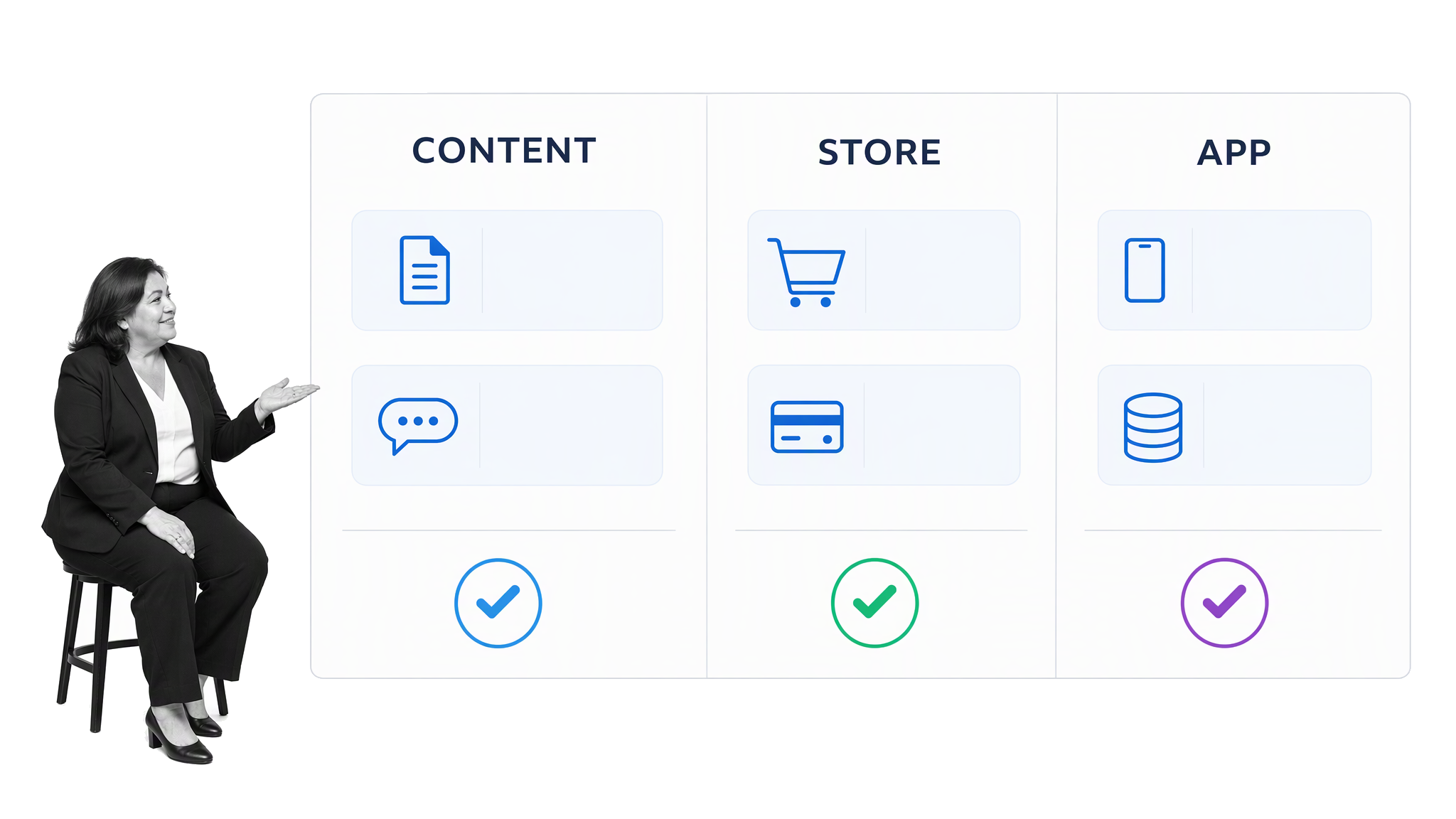
WordPress is a durable option when content, discovery, membership, or a familiar publishing model is central to the MVP. Its theme and plugin ecosystem can support forms, gated content, accounts, payments, directories, and commerce without a custom application. WordPress says it powers more than 43% of the web, which also means there is a large pool of documentation and experienced help.
Its strength is composition. The early Groupon example worked because the customer-facing offer could live on a simple site while the team fulfilled the service manually. That pattern still applies. If the customer only needs to discover an offer, submit information, pay, and receive a result, a website with careful operations behind it may be a better MVP than a custom app.
With WordPress, a builder enters a world of templates and themes that can create a functional and aesthetically pleasing website without high levels of coding ability. The key benefit comes not only from various themes but from another element of its expansive community: plugins. WordPress plugins can add logins and user accounts with WP User Manager, ecommerce elements with WooCommerce, payment processing through Braintree integrations, auto-moderation for comments with Akismet, and search engine optimization with Yoast. Choose only the capabilities the experiment needs.
The Groupon beginnings demonstrate how manual operation can support a credible front end. The founders adapted an existing WordPress theme for their own purposes, manually posted deals from around the Chicago area, used off-the-shelf software to generate PDF coupons, and emailed them to customers through Apple Mail. That approach tested the offer before the team invested in a complete automated platform.
Validate commerce with a standard storefront
Shopify is designed for products, carts, checkout, orders, and fulfillment. Use it when the main assumption concerns demand, price, acquisition, merchandising, or the ability to deliver a product profitably. A standard storefront can answer those questions before a team invests in custom commerce infrastructure.
Keep the first catalog narrow. Add only the capabilities required to complete the sale and fulfill the order. Avoid building elaborate loyalty, personalization, or marketplace features until repeat purchases and customer feedback show which improvements matter.
Shopify can create an online store with an app ecosystem that expands the functionality of an ecommerce business. Relevant capabilities include a shoppable social feed, shipping tracking, inventory management, and product sourcing so a seller does not always have to possess or handle the product. The MVP question is which of those capabilities is required to test demand and fulfill the first orders.
Build a database-backed interaction visually
Bubble supports visual construction of web and mobile applications with workflows, data, accounts, and integrations. It is a strong fit when users need to create records, search, match, collaborate, or move through conditional steps.
Scope the first interaction as a feature ladder. A discovery app might begin with a search field, a list of results, and one detail view. Accounts, saved items, recommendations, notifications, and community features can wait until people repeatedly use the core search. That preserves the most valuable lesson from early no-code experiments: prove the central interaction before expanding the system around it.
A more detailed version of that feature ladder begins with a blank page and one search experience. A person starts typing in an input box and the app automatically pulls results into a left-hand column, where they appear as still images or cards. Selecting a result opens it in the main section of the screen. The left-hand column can use infinite scroll for additional results. Accounts and favorite buttons can later let people save choices. A front page can eventually show trending choices across all users. The product moves from a search engine to a search and curation tool only after the central interaction works.
Choose native mobile only when the test requires it
FlutterFlow is a current option when the experiment genuinely needs iOS or Android behavior, mobile navigation, device capabilities, or app-store distribution. Its official platform guidance covers mobile apps and browser-based sharing, which can make early review easier before a store release.
Do not choose native mobile merely because the final vision is an app. A responsive web experience is faster to distribute and update. Native mobile becomes justified when notifications, offline use, camera or sensor access, device-level performance, or store presence is part of the assumption being tested.
Prototype complex interactions before building
Some concepts are too complex, sensitive, or expensive to build before the team understands the workflow. Figma can create a clickable prototype that connects screens, simulates interactions, and supports moderated testing without a backend.
A prototype is not automatically an MVP. It becomes a useful MVP experiment when it is tied to measurable behavior, such as whether users can complete the intended path, choose the offer, or commit to a next step. It cannot prove production performance, security, long-term retention, or willingness to trust the system with real data.
A visual mobile app development platform can start from premade templates, apply different skins, and add extra functionalities from a marketplace. Those building blocks can support ecommerce apps, content apps, basic marketplace flows, or a version of a mobile app idea designed to test market need and gain validation. Clickable prototypes take another path: upload designs, draw interactive areas on each screen, and connect each area to the next appropriate screen in the user journey. This can bring a complex product idea to life before full application development.
Compose existing capabilities around the core interaction
An MVP app can compose existing capabilities instead of recreating them. A form can collect a request, a payment service can charge the customer, an operations workflow can route the work, and a messaging service can send updates. The customer experiences one coherent outcome even if several systems and manual steps deliver it.
This approach works best when the differentiator is the service, decision, or process rather than the underlying infrastructure. Document the handoffs and ownership clearly. Hidden manual work is acceptable during validation; hidden confusion, lost data, or unreliable fulfillment is not.
Apply the method to a specific problem
The range of possible MVP apps is broad. A group-pool grocery shopping app could help people living in food deserts receive more frequent grocery deliveries by having one person shop for multiple families. An information platform could provide elderly residents with simplified and organized information about federal, state, and city rights and benefits. A childcare application could help parents and childcare providers connect during the application and enrollment process. A blight tracker could allow members of the public to identify and report issues in their neighborhood by submitting photos, writing reviews, and rating public harm from vacant properties.
Existing services can support other focused experiments. A two-sided marketplace can combine a visual app builder with automation and payment services. An on-demand mobile application can coordinate requests and providers. A connection app can test a swiping mechanism before the surrounding social network exists. A customer chat tool can combine a website widget with team messaging. These systems use integrations between different apps and services to become greater than the sum of their parts.
Small technical helpers can validate demand too. A Slack onboarding bot can use Slack’s Events API to deliver a clean set of instructions. A Messenger bot can be configured to behave according to a narrow support flow. An API client can access stories from The Guardian and pull them into a feed that a reader can filter or save. These are not reasons to add random features. They show how a library, script, or service can supply non-differentiating infrastructure while the MVP concentrates on a specific behavior.
Not every product can be built quickly with existing tools. A prototype can help a team explore more advanced iterations than it is able to build right now. It can assist companies looking to create enterprise software that cannot begin with a basic version because the required levels of security and quality are high. It can bring life to a complex idea that cannot reasonably be achieved with off-the-shelf software. The prototype should still lead to a defined behavioral test.
For deeper background, The Lean Startup methodology explains validated learning. Paul Graham’s Startups in 13 Sentences offers a concise founder perspective. The Harvard Business Review essay Building a Minimum Viable Product? You’re Probably Doing It Wrong explores why an MVP should test assumptions behind a value proposition rather than act as a miniature final release.
Evaluate the platform before committing
A tool that can build the first screen is not necessarily suitable for the whole experiment. Before committing, create a short proof that exercises the hardest part of the workflow. Test the required data relationship, integration, permission rule, device capability, or performance constraint. This prevents a polished interface from masking a fundamental limitation.
- Data ownership: Confirm that you can export records in a usable format and delete them when required.
- Access control: Check whether roles and permissions can express who should view, edit, approve, or administer information.
- Integration behavior: Test authentication, rate limits, retries, duplicate events, and failure notifications.
- Deployment: Understand hosting, custom domains, mobile-store requirements, backups, and rollback options.
- Operating cost: Model pricing at the volume that would represent a successful test, not just at the free-tier limit.
- Maintainability: Make sure another team member can understand the data model and workflows without relying on the original builder.
Also decide what happens if the MVP succeeds. Some teams will keep the no-code platform because it meets their needs. Others will add custom components, expose an API, or rebuild parts of the system. There is no universal requirement to rewrite a no-code product. The right decision depends on reliability, performance, control, cost, hiring, and the risk of migration. Preserve clean data and documented logic so that future options remain open.
Turn a successful MVP into a repeatable operation
Once the MVP produces a promising signal, resist the urge to automate everything at once. First make the successful workflow repeatable. Document what happened, who made each decision, what evidence was collected, where exceptions appeared, and which manual steps protected the customer experience.
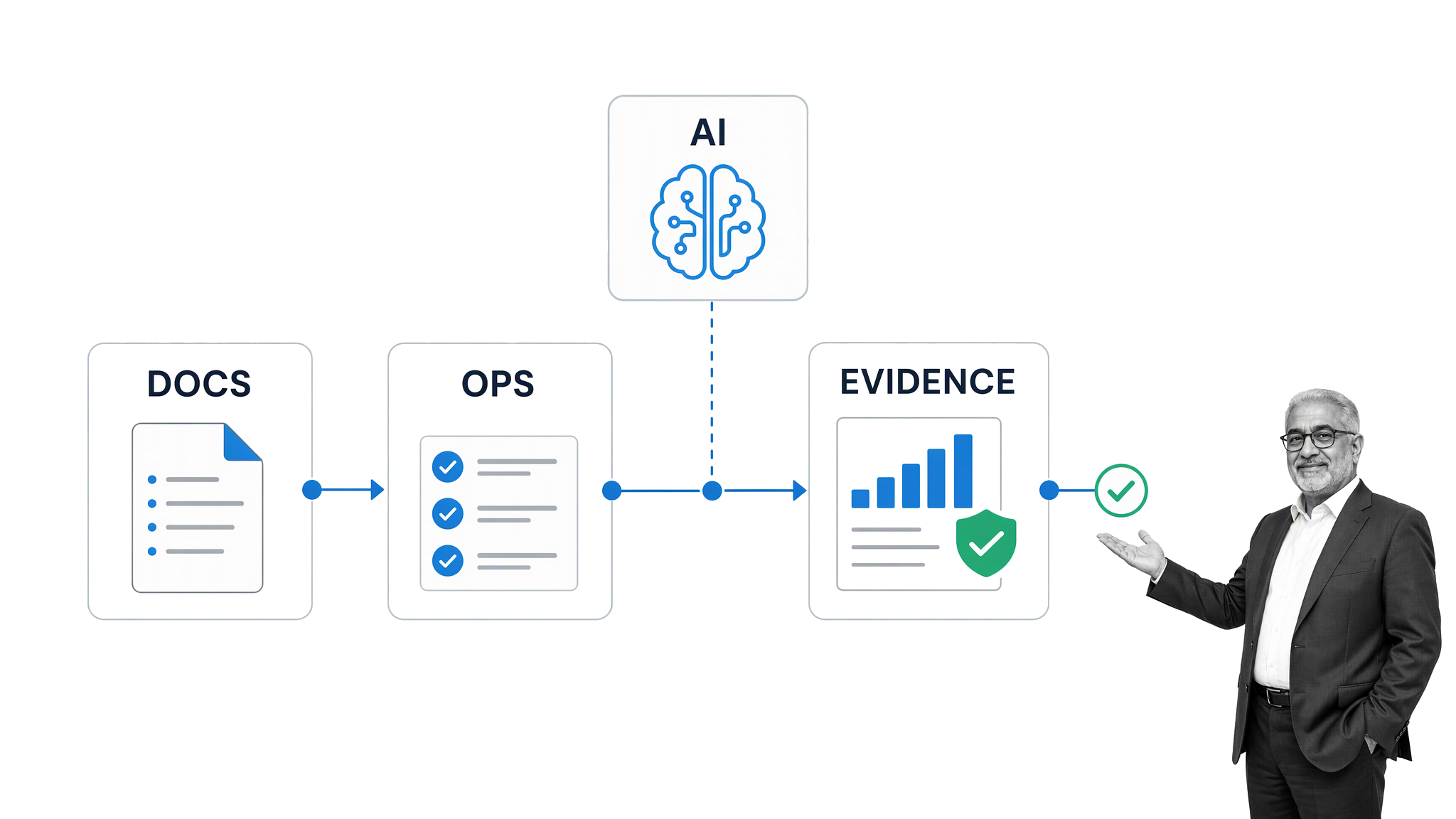
This is where an operations platform can support the product team. Process Street is a single Compliance Operations Platform with Docs and Ops capability areas plus built-in AI. Teams can document the approved way of working, run recurring release and review workflows, assign decisions, collect evidence, and keep an auditable record as the MVP becomes an operating product.
For example, the team can connect customer-feedback review, bug triage, privacy checks, release approval, and post-launch monitoring into one controlled flow. Built-in AI can help teams work with the information in that flow, while people retain responsibility for approvals, exceptions, and high-impact decisions.
A software development workflow also creates a useful boundary between learning and scaling. Changes that affect the core assumption can move quickly through a defined review. Changes that affect access, data, security, or compliance can receive the additional controls they require.
Automate what the MVP has proved
The order of automation should follow evidence. Start with steps that are frequent, stable, and expensive to perform manually. Keep judgment-heavy or rapidly changing steps visible until the team understands their variations. A stable handoff with clear inputs and outputs is usually a better automation candidate than a decision that still changes every week.
Track operational signals alongside product signals. Completion and retention show whether users receive value. Cycle time, rework, exception rate, support volume, and failed handoffs show whether the business can deliver that value consistently. A product can attract customers and still be unviable if each successful transaction creates too much manual effort.
As the team adds controls, keep them proportional to the risk. A simple content experiment needs a different review path from an app that handles financial approvals or employee records. Define owners, required evidence, approval thresholds, and escalation paths. This makes releases safer without turning every iteration into a large project.
Finally, preserve the learning record. Store the original assumption, test design, release version, participant criteria, observed behavior, decision, and follow-up. That history prevents the team from repeating abandoned experiments and gives later product decisions a defensible basis.
The next step is deliberately small: choose one audience, one problem, one core workflow, and one success metric. Select the lightest credible build path, launch it to relevant users, and let their behavior decide what deserves to be built next.
Write the test plan before opening the builder. Name the assumption, participant group, workflow, success threshold, safety constraints, and decision date on one page. That brief gives designers, operators, and reviewers the same definition of the experiment. It also makes tool selection easier because every platform can be judged against a concrete job instead of an aspirational feature list.