





A B2B SaaS application is cloud software built for teams and organizations rather than individual consumers. The strongest products do more than deliver a useful feature: they connect to the rest of the business, travel with the user, support safe change, and give administrators control over data, access, and outcomes.
This article was originally contributed by Andy Mura, an inbound marketer, entrepreneur, speaker, and SaaS enthusiast.
The nine capabilities below separate durable B2B SaaS applications from tools that create a new silo. They apply whether you are evaluating a platform, designing one, or trying to make an existing application ready for larger customers.
Why are B2B SaaS applications on the rise?
Corporations choose SaaS because they can reduce the cost of maintaining local infrastructure, deploy current software more consistently, and add capacity without a long hardware cycle. Subscription access also makes it easier to standardize a tool across distributed teams and keep everyone on the same version.
They can reduce costs for setting up and maintaining a local infrastructure, work with up-to-date software applications, overcome issues connected to legacy systems, and address challenges through the flexibility of adopting on-demand services. Decentralization and virtualization of resources make that flexibility possible, but the provider still has to earn trust through security and stability.
That does not mean every company will run solely in the cloud. Most enterprises operate a mixed environment that includes SaaS, private infrastructure, and long-lived systems of record. A useful B2B application must fit that reality. It should improve the way work moves without forcing an organization to replace every dependency at once.
For many well-established providers, the first step was to offer a subscription model for existing software. Over time, some added the option to choose between subscription-based, on-premise, or cloud delivery. That evolution explains why today’s enterprise portfolios often contain several deployment models at once.
The SaaS model is way older than many people think. The roots of hosted software reach back to mainframe time-sharing, as this history of SaaS explains. The big boom for modern cloud applications is more recent and connected to the ease of distribution through broadband internet connections. Browser-based interfaces and cloud infrastructure made the model broadly practical. Salesforce helped establish that a business application could be delivered as an online service from the start, while established vendors such as Microsoft, Adobe, Oracle, and SAP moved major product lines toward cloud delivery.
Growth has continued, but so has competition. Gartner projected public-cloud spending growth of 21.3% in 2026, while also describing a market in which hybrid cloud remains normal. Buyers can compare more alternatives, switch products more easily, and expect new capabilities quickly. The result is simple: a B2B SaaS application has to earn its place in the operating environment.
That pressure changes what buyers consider a complete product. A polished interface and a narrow feature can open the door, but enterprise adoption depends on implementation, security review, data movement, administration, and measurable value. The application is judged as part of a system, not as an isolated screen.
The obvious consequence is hyper-competition. Every modern SaaS solution shares its turf with alternatives that offer more or less the same service, so the key to survival is adapting quickly to current requirements.
The 9 essential B2B SaaS application features
These are the product and operating capabilities that matter most.
1. Integrations
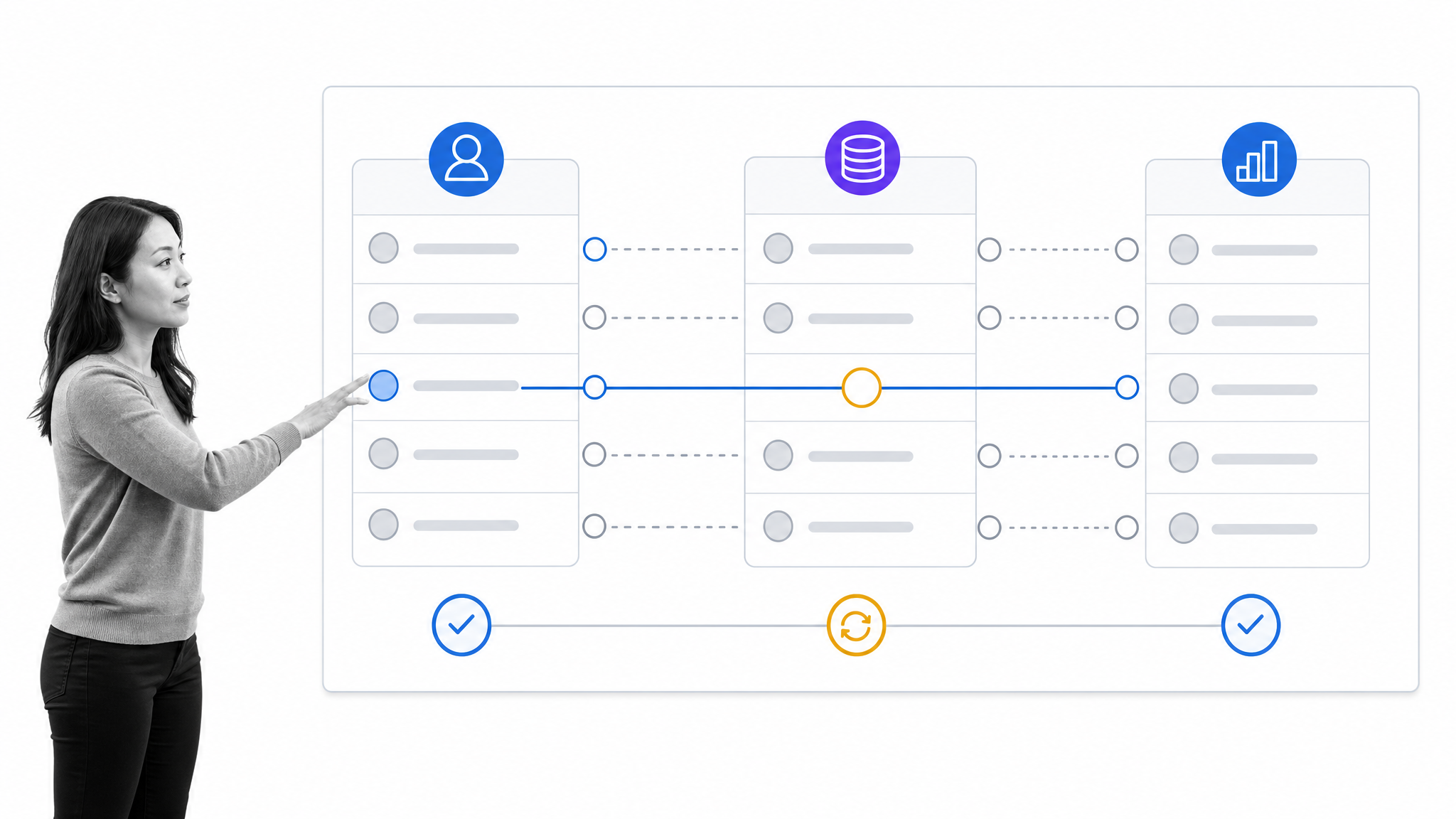
In the era of digital transformation, companies need a complete overview of the entire customer journey to provide a superior customer experience. A potential issue connected to cloud services is the emergence of information silos in enterprises. To prevent data from being segregated in separate cloud silos, SaaS companies need easy-to-deploy integrations within the client’s ecosystem.
A strong SaaS application can exchange and interpret information inside that ecosystem. It offers reliable APIs, webhooks, field mapping, identity-aware permissions, and clear synchronization health. Administrators should be able to see what moved, what failed, and how to recover without guessing.
Cross-functional units require access to centralized data that can be seamlessly shared by applications to manage and optimize operations throughout different steps of the customer journey or supply chain. No application can live on its own in a separate bubble. APIs should be treated as separate extensions of the product that integrate cleanly into the business infrastructure.
Cross-functional teams also need a shared operating view. A change in a customer record may need to update billing, trigger an onboarding workflow, and give support the right account context. Good integration design makes those dependencies explicit, protects sensitive fields, and prevents one failed connection from silently corrupting the rest of the journey.
2. Portability
A long time ago, people would go to work, punch the clock, sit at their desks, and boot their PC. At the end of the day they would switch off the computer, leave the office, and go home. Work was what happened in the office. Now the line that defines the workplace is blurry. Work happens wherever people have access to a stable connection.
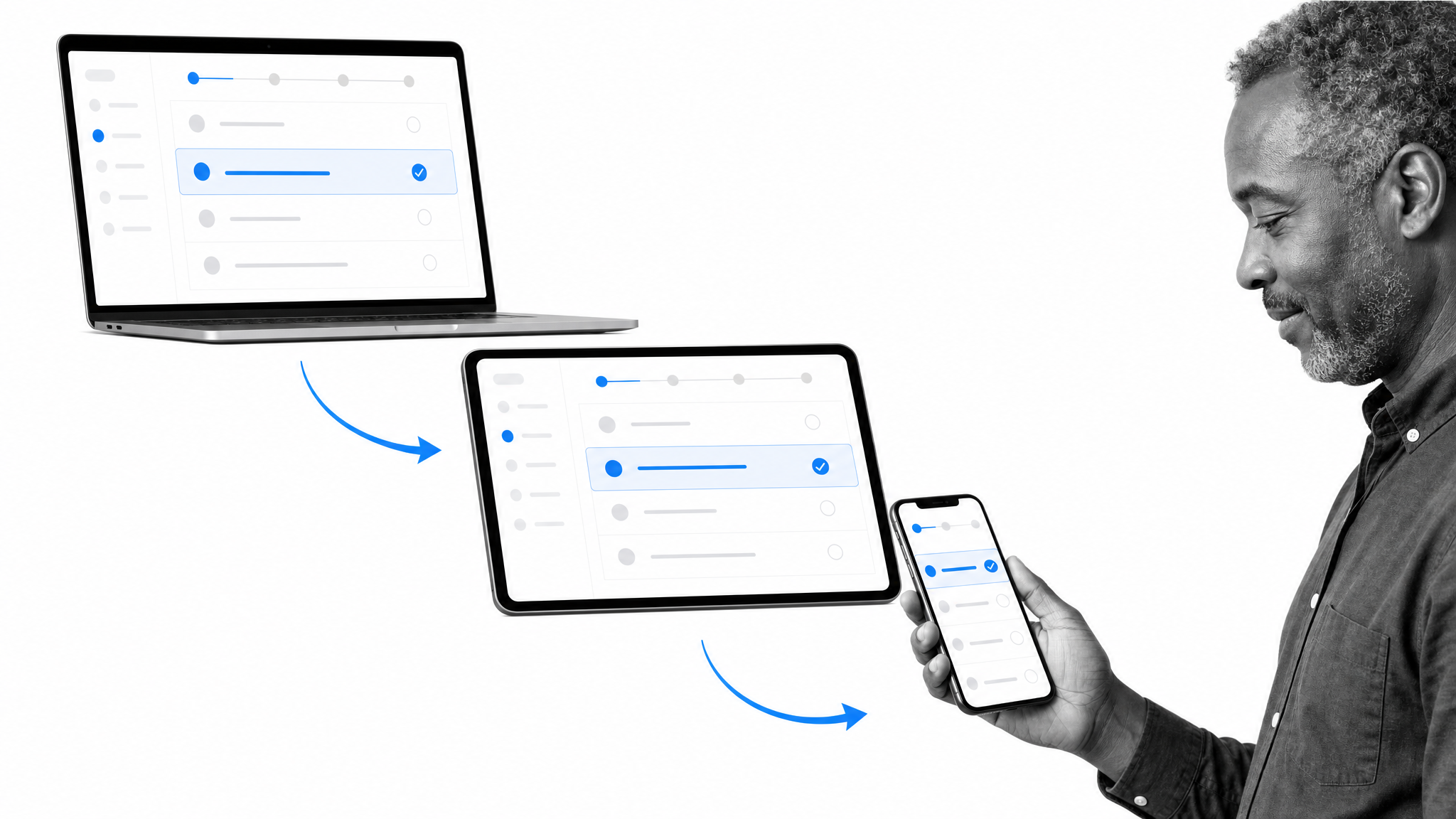
We work from home, remotely, during a commute, or at the airport before a business trip. Someone might start a project on a phone before a meeting, review it with colleagues on a tablet, and finish it on a laptop. Portability means the context, permissions, and current state survive that handoff.
Responsive screens are only the baseline. A portable application should make the right actions available for each device, protect data on untrusted networks, support accessible interaction, and avoid forcing users to reconstruct their place. The best workflow apps let people resume work instead of restarting it.
Not every workflow belongs on a small screen. Portability is also the discipline of deciding what can be approved, captured, or reviewed quickly and what needs a larger surface. Clear synchronization, sensible notifications, and honest offline behavior matter more than squeezing every desktop control into a mobile layout.
3. Modular Architecture and Microservices
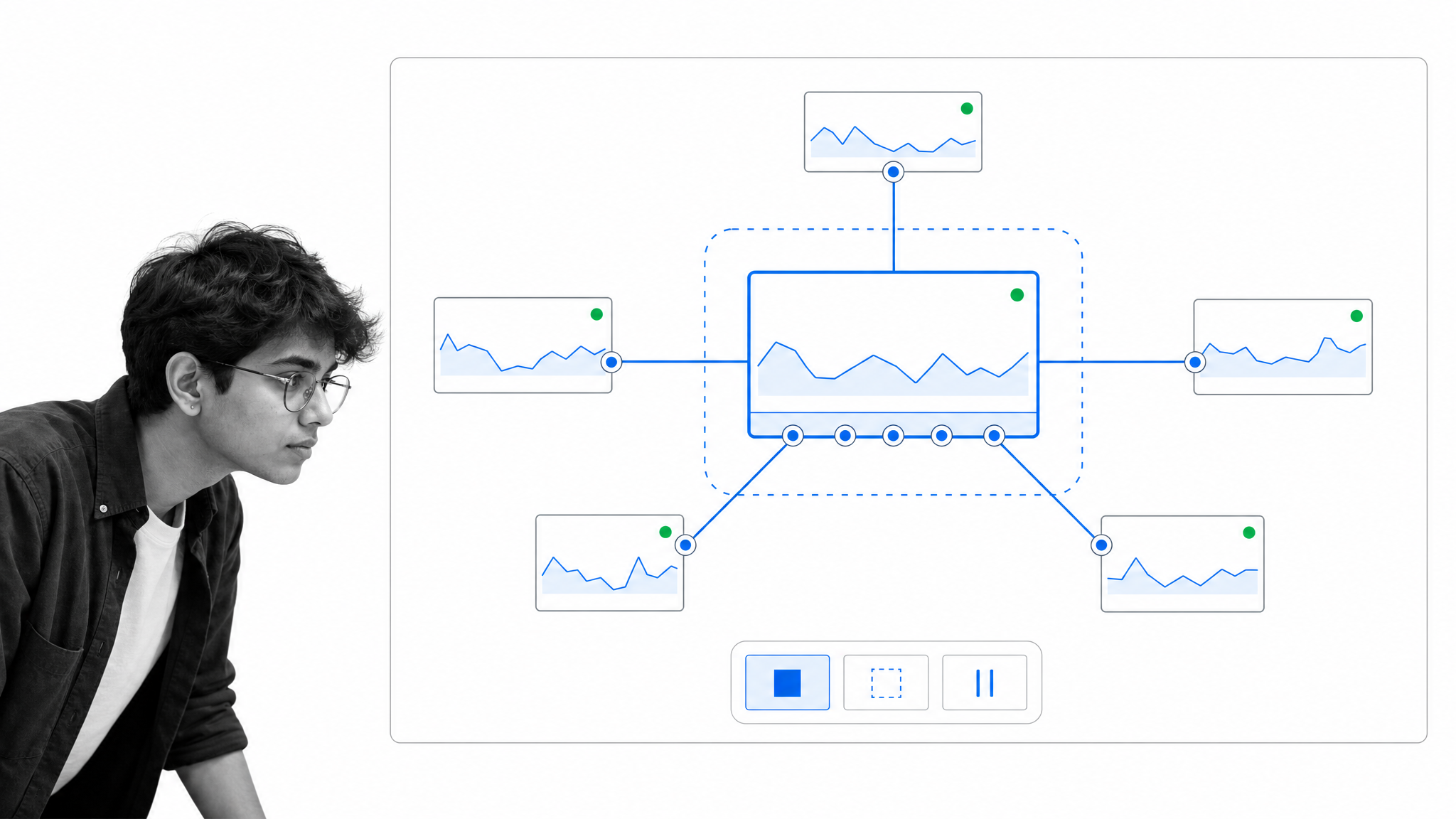
Introducing a microservices-oriented approach to development can help a SaaS business gain speed and save costs. The ability to develop modular components that communicate through APIs can accelerate release, boost flexibility and scalability, and isolate failures through lightweight, independent services.
Microservices are not automatically the right answer for every product. They introduce operational complexity of their own. The durable principle is modularity: clear boundaries, observable dependencies, versioned interfaces, and the ability to deploy or roll back a change safely. Architecture should reduce the cost of change, not merely distribute it.
Customers are the practical owners of a SaaS roadmap because their requirements change the product over time. Modular design gives a team room to add a capability, replace an aging component, or scale a busy path without turning every request into a full-system migration. A well-structured monolith can satisfy the same principle when its boundaries remain clear.
4. Onboarding Automation and Performance Support
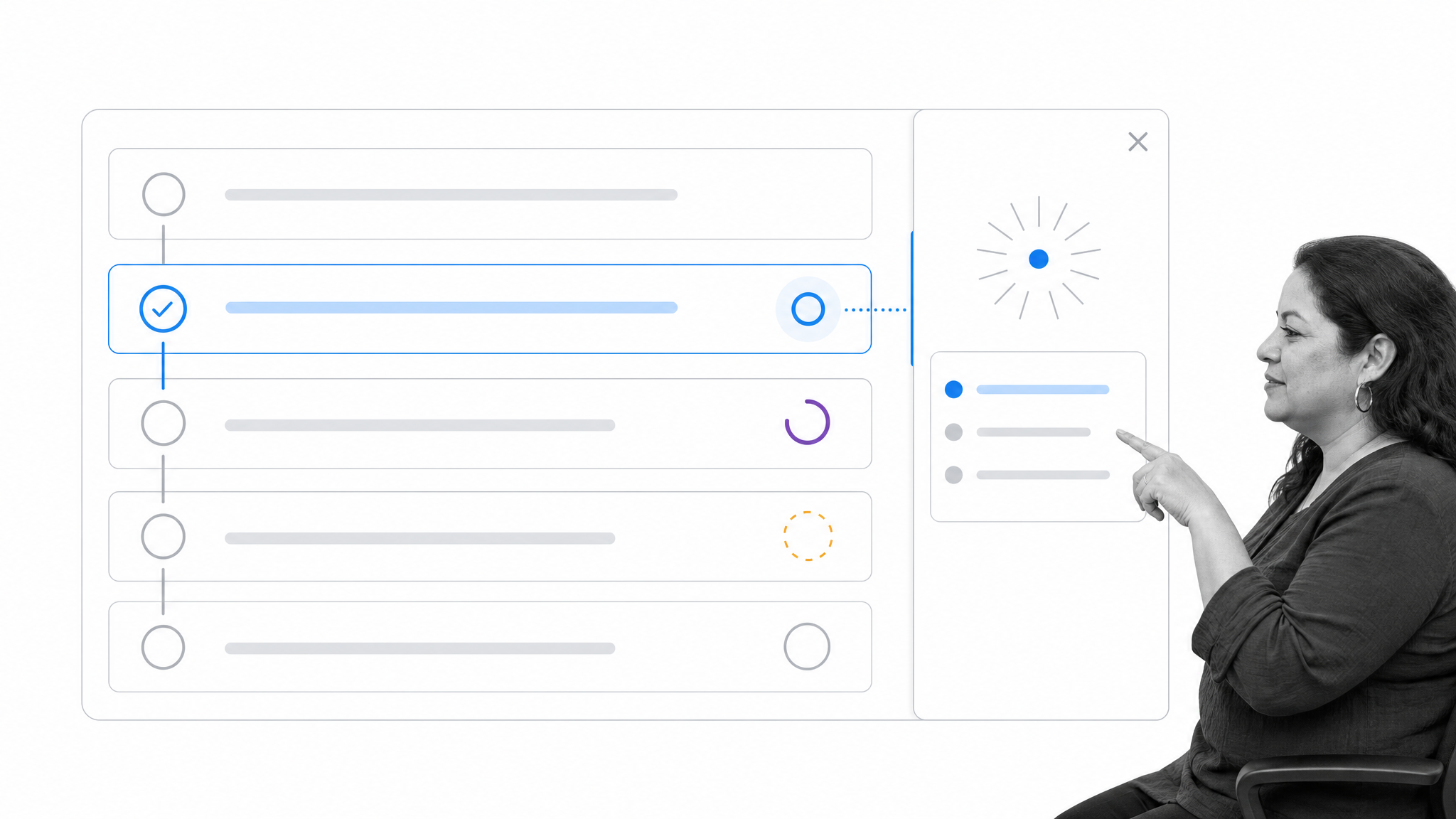
B2B SaaS applications become complicated because vendors need to account for real requirements across digital operations. Software has to mirror generic and specific internal processes while offering enough customization and flexibility for different use cases. Add analytics, reports, and constant updates, and it becomes clear why onboarding and performance support matter.
Good onboarding connects setup to the customer’s first useful outcome. It combines role-aware checklists, sample workflows, contextual help, and progress signals. In-app contextual assistance can reduce the distance between a question and the next action, but guidance should be easy to dismiss and return to later. The goal is competence, not a parade of tooltips.
Performance support continues after the welcome sequence. New reports, automation rules, and administrative controls create learning moments throughout the relationship. Usage signals can reveal where a team is stuck, but the response should be targeted: explain the blocked step, show a safe example, and let the user continue with the work they came to do.
5. Intelligent Applications
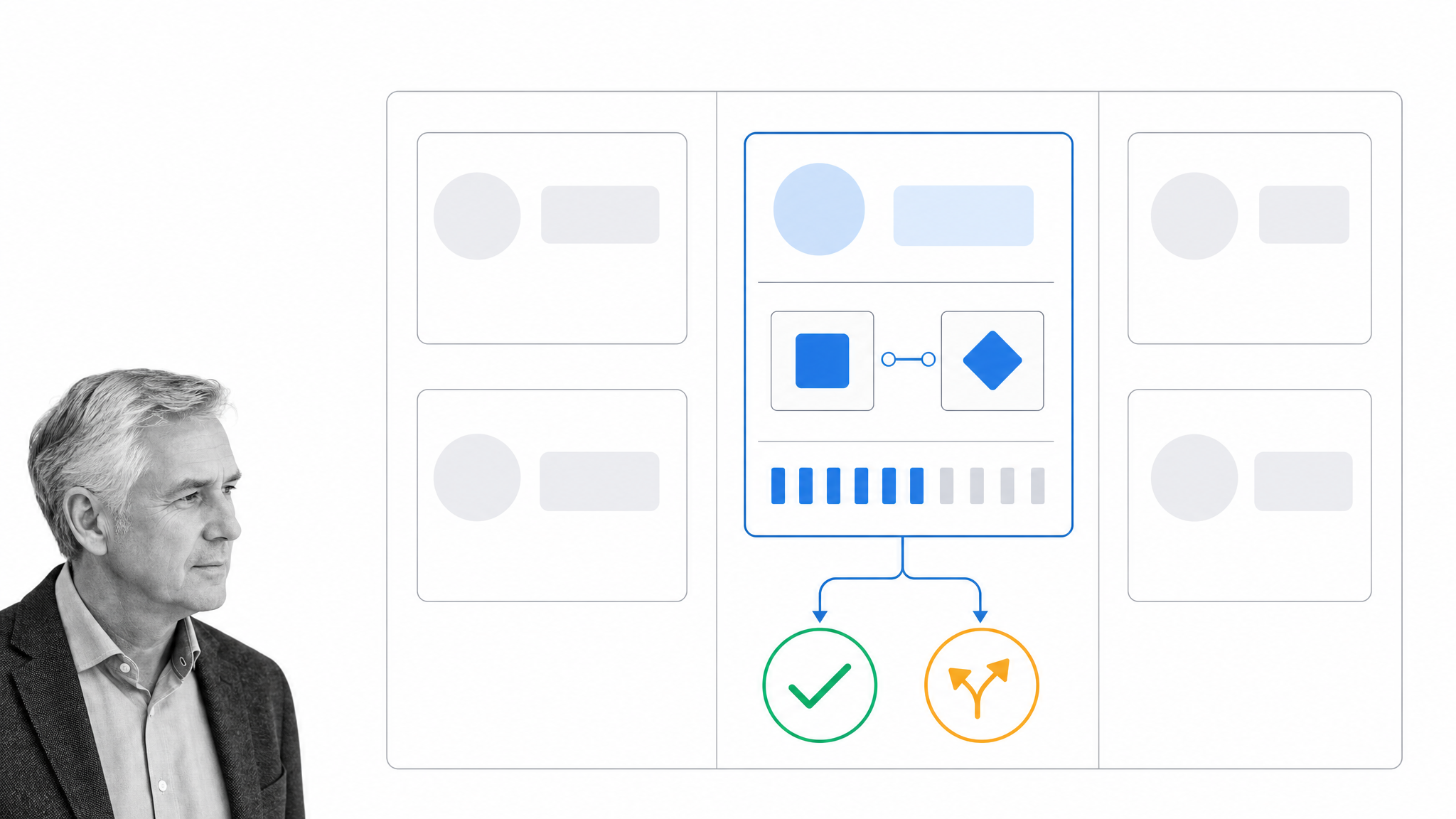
The amount of data and the complexity of modern processes require applications to be intelligent. Software solutions should provide information, automation, and insights, not only raw data. Built-in AI can summarize a case, identify a pattern, draft an artifact, suggest a solution, test a hypothesis, recommend a next step, or execute a bounded action. That can shorten the path from signal to decision.
Useful intelligence also needs control. An enterprise buyer should know which data an AI capability can access, why an action was proposed, what approval is required, and how the result is logged or reversed. High-impact actions need human review, clear permissions, and an escalation path. Intelligence without governance creates a faster way to make opaque mistakes.
The right level of autonomy depends on the task. Summarizing a long case may be safe to run automatically, while changing a payment instruction or closing a compliance exception should require a named reviewer. Mature products let an organization choose that boundary, test it, and tighten it as risk changes.
6. Legacy-System Compatibility
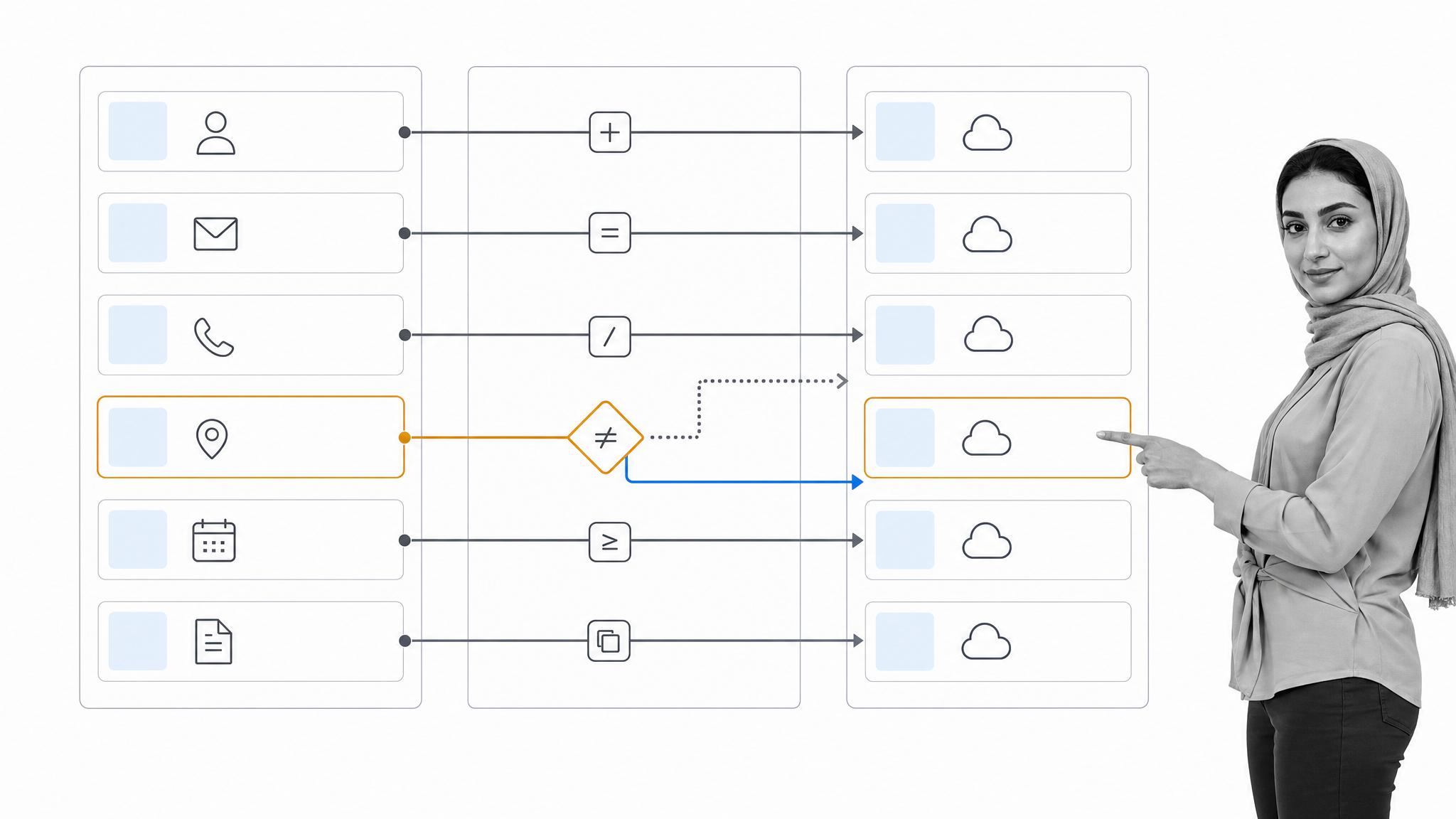
B2B SaaS applications can be complex because they have to cater to the needs of several units within the same company and many companies in different industries. Contemporary products also need to deal with legacy systems that corporations keep running. A finance platform, directory, or industry-specific system of record may be old, expensive to change, and essential to daily operations.
That makes compatibility a product capability. Application modernization can be incremental: expose data through an adapter, map fields, run old and new paths in parallel, and migrate by risk. A SaaS provider should document supported interfaces, make exceptions visible, and give customers a credible path away from brittle custom connections.
Compatibility is not the same as promising to support every historical system forever. The provider should define the contract, test the critical flows, and be clear about ownership when a dependency changes. That gives the customer a manageable transition plan instead of an open-ended integration project.
7. DevOps Readiness
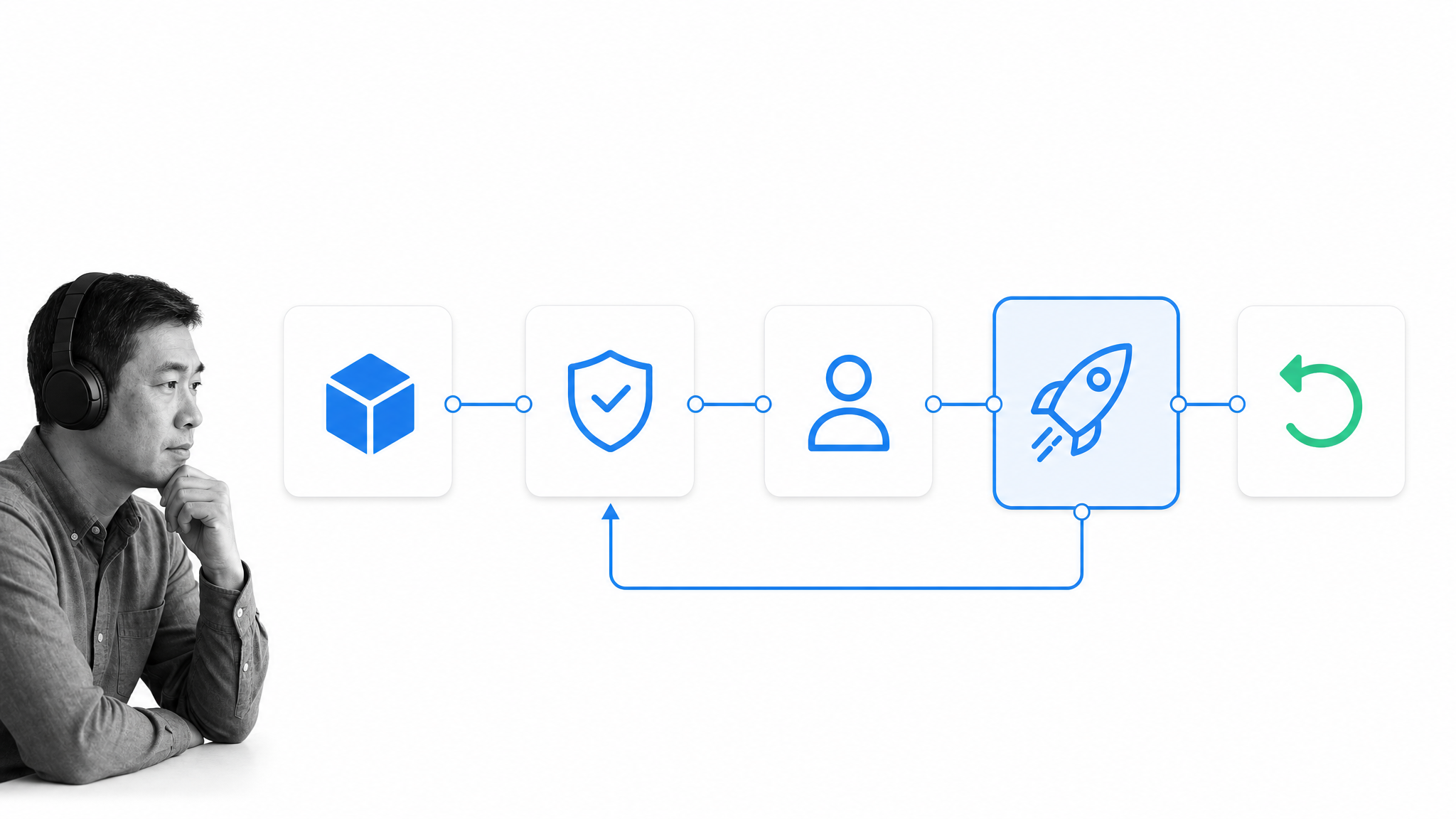
DevOps brings development and operations under the same roof to boost efficiency and innovation. Modern applications need to foster collaborative software development and solve major issues without creating disruption as a side effect. For SaaS customers, the practical result should be frequent improvement without frequent disruption.
That requires automated tests, staged deployment, observability, security checks, controlled migrations, and a working rollback path. Continuous testing gives teams feedback throughout the delivery pipeline rather than at the end. A reliable provider can explain how it detects failure, limits blast radius, communicates incidents, and restores service.
Customers may never see the pipeline, but they feel its quality. A small change should not erase configuration, break an API contract, or force every administrator into emergency testing. Release notes, status communication, and predictable maintenance practices turn engineering discipline into customer trust.
8. Customer Success
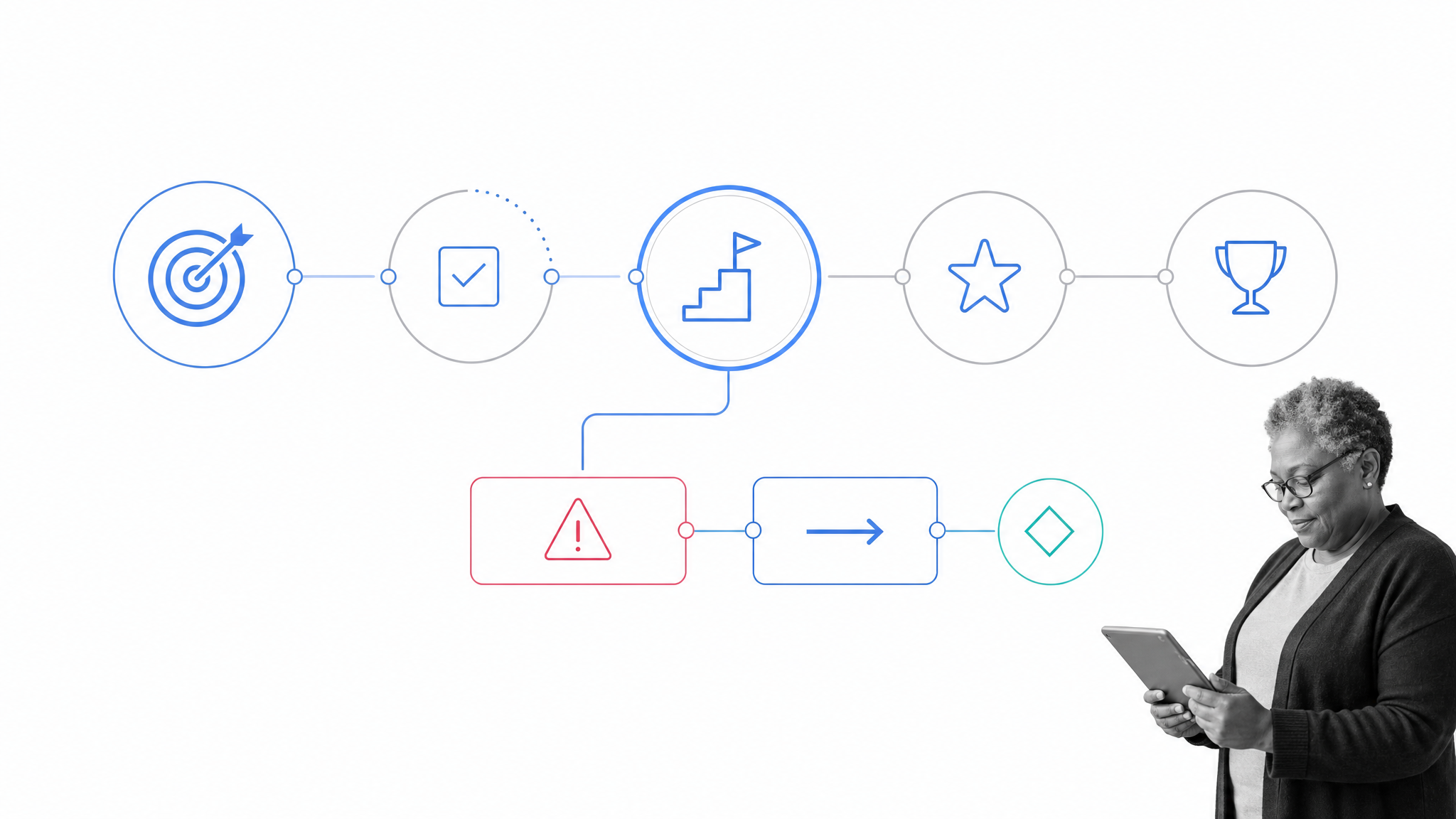
SaaS applications need to solve several problems, integrate deeply within company infrastructure, and generate a return on the implementation effort. That can lead to complexity and confusion. A great user experience, interactive contextual support, and educational content help a client identify specific use cases and trigger user and company adoption.
Enterprise customers need help connecting configuration to a business outcome, assigning specific KPIs, setting useful measures, managing migration, and planning a rollout that people will actually adopt.
A customer success program makes that work explicit. It gives both sides a shared outcome plan, reviews adoption and risk, and turns support signals into next actions. The purpose is not to create dependency on the vendor. It is to help the customer reach value, build internal capability, and make expansion a consequence of results.
The plan should be specific enough to manage. A business objective, owner, milestone, risk, and next action are more useful than a generic health score. When product usage falls, the conversation can focus on the affected workflow and the expected outcome rather than on activity for its own sake.
9. Centralized Identity and Access
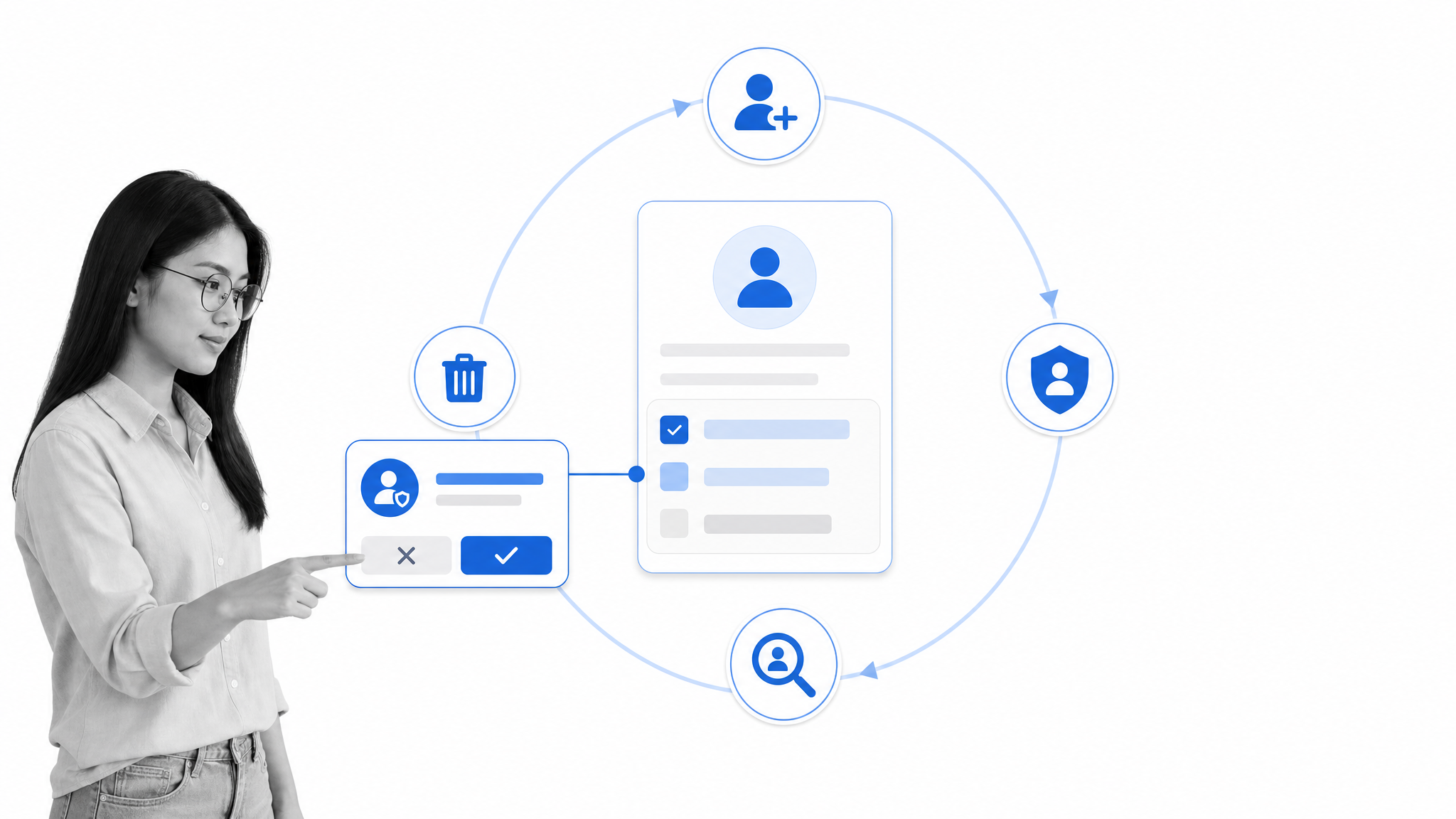
When I think about my weekly routine, I usually log in to at least 30 to 35 different applications. Cloud solutions live in the cloud, and it is common for people to switch between multiple applications several times a day. Multiplying separate passwords, roles, and offboarding steps across a company creates both friction and risk.
Enterprise-ready SaaS should support single sign-on through standards such as SAML or OpenID Connect, automated provisioning and deprovisioning through SCIM, multi-factor authentication, role-based access, and audit logs. Administrators need least-privilege defaults and regular access reviews. Centralized identity is not a convenience feature. It is part of the product’s security and compliance boundary.
Identity also has to follow the employee lifecycle. New users should receive only the access their role requires, role changes should update permissions, and departures should remove access promptly. Exceptions need an owner, an expiration path, and evidence that an administrator can review later.
Choosing durable B2B SaaS applications
The strongest B2B SaaS applications are easy to start and hard to outgrow. They connect with the operating environment, preserve context across devices, adapt without destabilizing the whole system, guide users toward value, and put meaningful controls around automation and access.
SaaS applications and cloud solutions remain attractive because of their flexibility, customization, applicability on mobile devices, security, and stability. The market demands lightweight on-demand software that solves multiple problems while remaining portable and capable of exchanging data with other applications. Modern SaaS solutions also need to allow customization while managing legacy issues, provide in-app support, and present intelligent insights that facilitate process optimization and accelerate process improvement.
Process Street is a Compliance Operations Platform that brings Docs and Ops capability areas together with built-in AI. Teams can document how work should run, execute recurring operations, and keep approvals, evidence, and accountability in the flow of work.
Whether you are buying or building, evaluate the operating system around the feature. The application that wins a demo is useful. The one that stays integrated, governable, and reliable after deployment is the one that earns a durable place in the business.
Ask how the product moves data, resumes work across devices, isolates change, teaches a new user, governs AI actions, connects to systems of record, ships safely, supports outcomes, and manages access. Those answers reveal far more about long-term fit than a checklist of headline features.