Call center software gives support and sales teams one system for handling calls, routing customers, accessing context, monitoring quality, and improving performance. Modern platforms also use AI for agent assistance, summaries, quality review, and workforce planning, while keeping people in control of high-stakes conversations.
The result is not just faster call handling. It is a more consistent operating system for every customer interaction, from the first ring to follow-up, coaching, escalation, and audit-ready records.
What is call center software?
Call center software manages voice interactions for inbound support, outbound sales, service, and collections. It typically includes automatic call distribution, interactive voice response, call recording, routing, agent workspaces, customer context, analytics, and integrations with CRM and help-desk systems.
A contact center platform extends that foundation across email, messaging, chat, and social channels. Many cloud contact center software products now bring both models together, adding AI-assisted summaries, recommended responses, conversation intelligence, automated quality review, and workforce management.
The distinction matters when buying. A voice-first team may need reliable telephony and routing. A larger customer operation may need a full cloud contact center that preserves context across channels, regions, and teams. In both cases, the software should make the next best action clear without hiding accountability behind automation.
Why do I need call center software?
To understand why every call center should invest in call center software, we need to look at how call centers used to operate without it.
Now, this is where I can bring my own experience to the party.
Many moons ago, I worked in a call center. It was an outbound sales call center that sold home insurance to the over 50’s.
Each morning I’d put my headset on, log myself into the ‘state-of-the-art’ predictive dialer system and nervously wait for my first verbal attack of the day.
The dialler system would automatically dial a randomly selected phone number from a big database of phone numbers, and as soon as someone answered, I would be connected to the call.
Well. That was the idea.
In practice, the dialler was often too slow to connect and I’d either join the call to hear a dial tone or, worse, I’d join the call to hear an (understandably) irked “Hello? HELLO? HELLOOOO?’’
Trying to pacify an already disgruntled recipient, was difficult, to say the least. What made it 100x harder was the fact that I knew NOTHING about the person I was calling. Not one thing! I didn’t know if they’d been called before. I had no idea if they already had home insurance. I had no clue if they were over 50 and therefore even qualified for the insurance I was selling. I sometimes didn’t even know their name.
When the call finished, I’d make my way to the front of the room and mark on a big whiteboard the status of the call; Callback, Not interested, Already has insurance, Not qualified, Sale.
If by some miracle I’d made a sale, I’d ring a big, old-school clanging bell, which would prompt a spatter of applause from my fellow call center victims…
Ahhh the good old days…
Anyway, enough reminiscing! I hope you can see from my brief trip down memory lane that back then call centers were detrimental places for building customer relationships.
Processes to manage calls were non-existent. The calls themselves lacked any sort of structure. Performance management and training didn’t happen, and any form of customer experience and relationship building was painfully missing in all calls. It was no wonder sales were few and far between.
I’m glad to say it’s a far cry from where we are now, and it’s all down to call center software.
Call center software provides the processes, workflows, and structure to call centers, leaving agents to focus on providing seamless customer experiences and building deeper relationships with customers.
So how does call center software do all that?
Glad you asked! Let’s find out…
How would I benefit from call center software?
To find out how call center software has revolutionized the call center landscape and why more and more businesses are adopting call center software to improve customer satisfaction levels, let’s look at the top four benefits of call center software.
Call center software benefit #1. Omnichannel experience
Customers crave a seamless process when they reach out to customer service. They want to move between channels and conversations easily. Plus, they’d give anything not to tell their painful story time and time again. (And again. And again.)
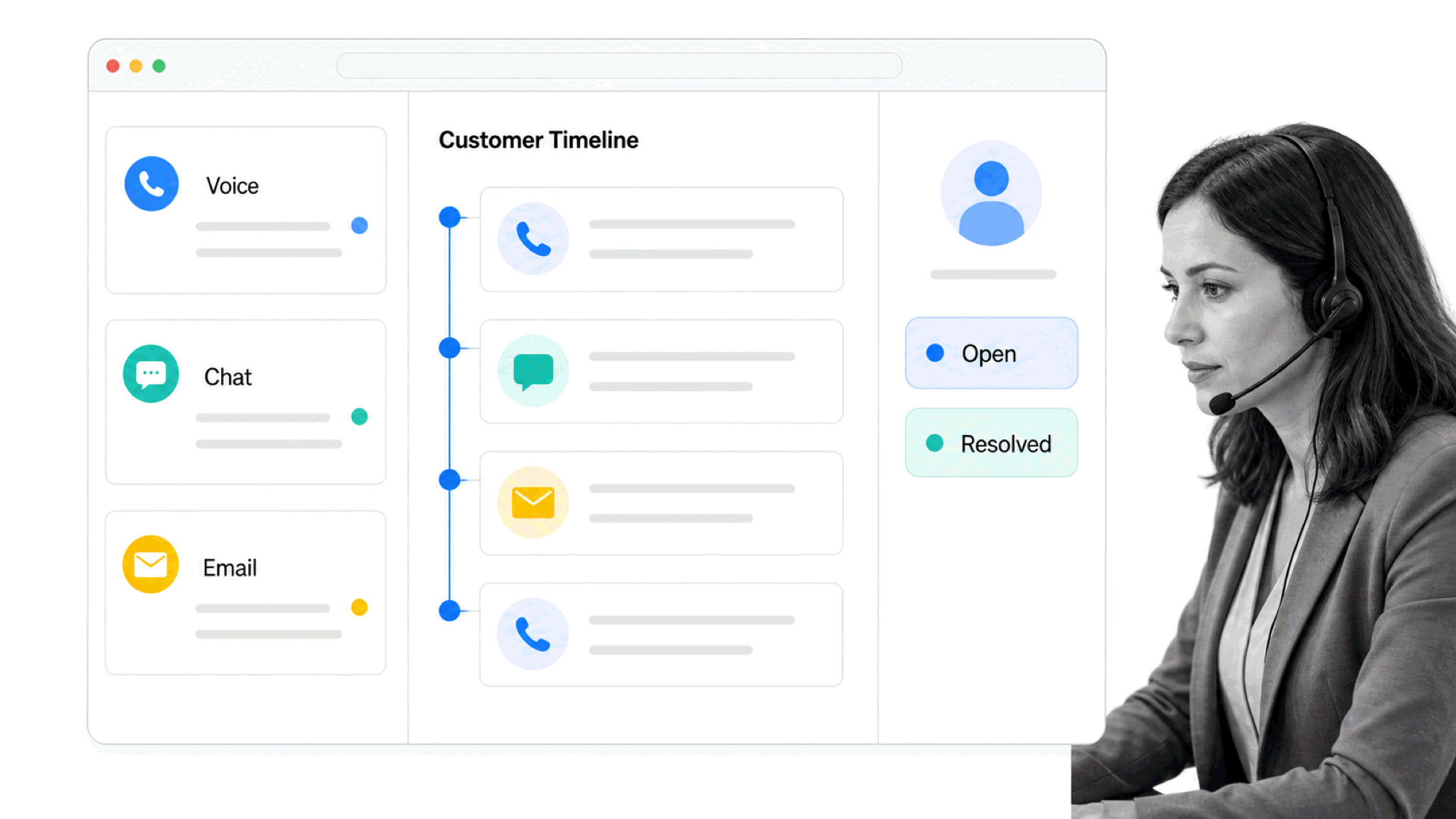
Call center software joins communication channels such as emails, live chat, and social media to your call center operation. This allows agents and customers to move between different channels, pass context between each channel, and interact in a variety of ways during the course of one interaction.
For example, When Brenda calls to say she’s ordered her new sparkly Spanx leggings in the wrong size, an agent can switch from the call to an MMS and ask her to take a picture of her receipt without stopping the conversation.
Having an omnichannel creates a unified customer service experience, it reduces customer friction and increases front line efficiency. It creates a consistent customer experience no matter what channel the interaction begins on.
Call center software benefit #2. Integration with CRM
Being able to integrate your call center functionality with your CRM system is incredibly beneficial. The more information an agent has about the customer they’re speaking to, the more effective they can be.
Many call center software tools provide this context through CTI (computer-telephony integration) pop-ups. The system identifies a customer through their phone number and displays all previous interactions through the browser, directly from the CRM. Agents can then understand the customer better and resolve their issues quicker.
Call center software benefit #3. Performance reporting
To keep the call center running efficiently, call centers need to have their finger on the pulse of performance analytics such as call volume, call duration, wait time, agent availability, the number of missed calls, break times and wrap time.
Call center software captures data and generates reports on these key performance metrics. This enables call centers to accurately assess agent efficiency, forecast call volumes, plan shift patterns, identify customer support trends, spot gaps in support coverage, and highlight potential training opportunities.
Call center software benefit #4. Call management
Probably one of the most obvious benefits of call center software is the ability to handle calls.
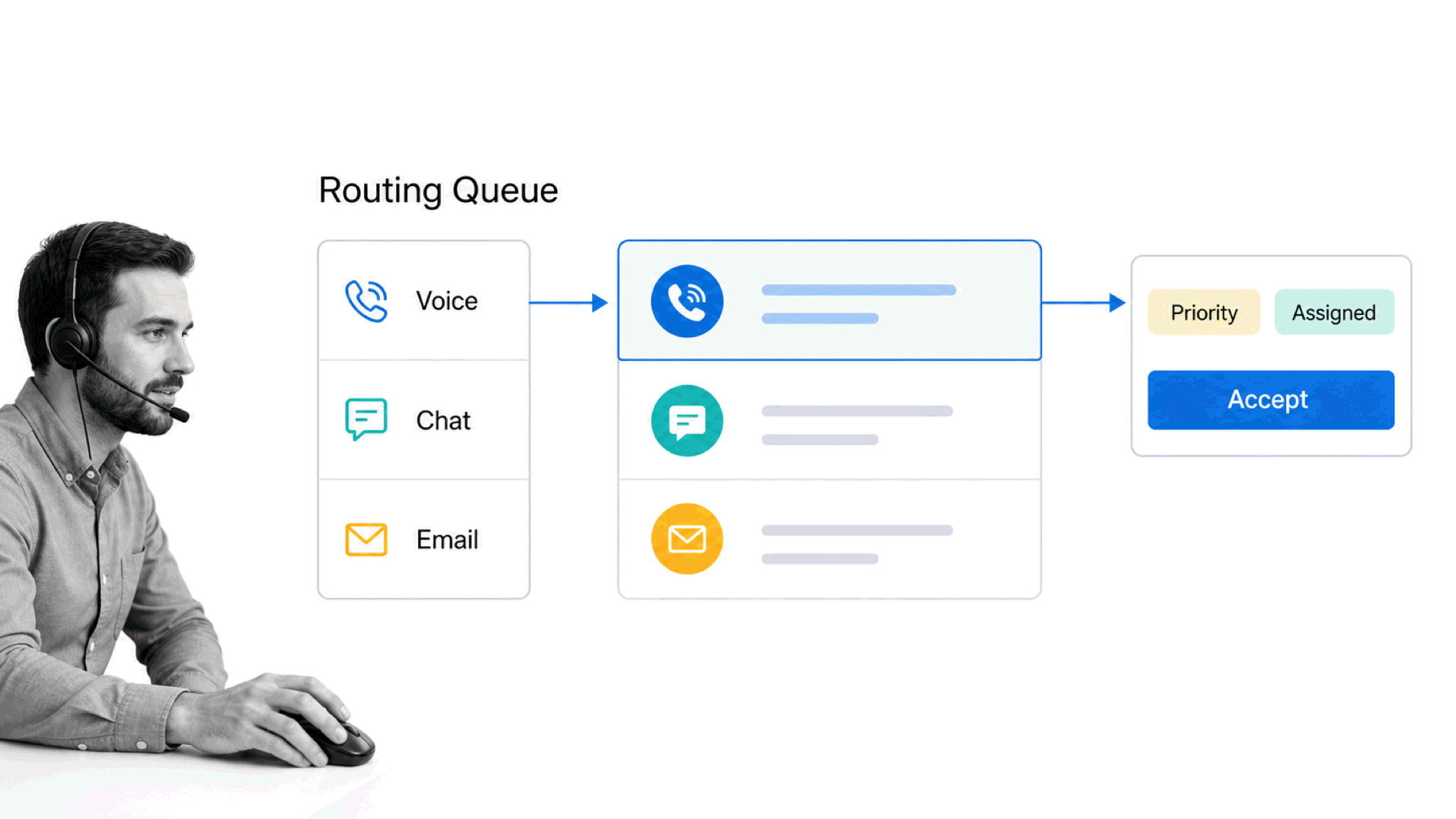
Call center software allows agents to hold, mute, forward, and end calls. It provides call recording features so you can playback and assess the quality of calls. Call queue management so you can set up a queue while callers wait for an agent and automated ticket creation and tagging to make sure all issues are logged and sent to the right person.
So, we understand why call centers are still living and breathing and why the majority of people still prefer being assisted by phone. Now it’s time to see what call center options are available.
What are the top five examples of call center software?
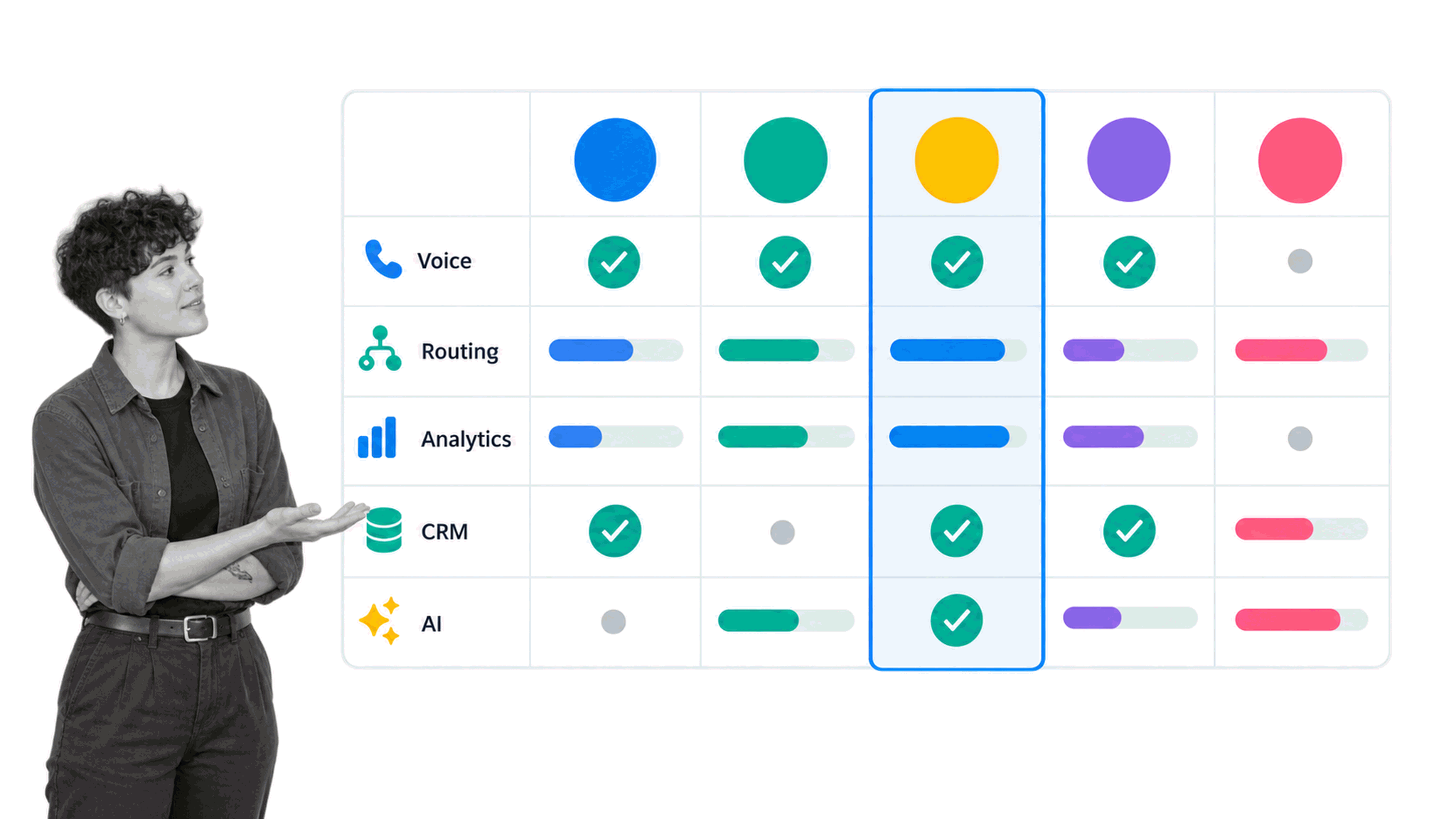
The right platform depends on your call volume, channels, regions, compliance requirements, CRM stack, implementation capacity, and the balance you want between human agents and AI. These five durable platforms cover a useful range of enterprise and mid-market needs.
1. Five9
Five9 combines inbound and outbound engagement, intelligent routing, workforce engagement, analytics, agent assistance, and automation. It is a strong fit for organizations that want a mature cloud contact center with extensive operational controls.
2. Genesys Cloud CX
Genesys Cloud CX supports omnichannel orchestration, workforce engagement, journey management, and AI-assisted service in one cloud platform. It is best suited to teams that need complex routing, global scale, and deep customer-experience operations.
3. NiCE CXone
NiCE CXone brings customer interactions, workforce engagement, quality management, analytics, workflow orchestration, and human plus AI agent operations together. It is a serious enterprise option when quality, governance, and optimization matter as much as telephony.
4. Talkdesk CX Cloud
Talkdesk CX Cloud focuses on AI-powered customer service, omnichannel engagement, workforce management, analytics, and industry-specific workflows. It is worth considering when a team wants cloud deployment with a strong automation and vertical-solution story.
5. RingCentral RingCX
RingCentral RingCX is an AI-first contact center platform for voice and digital channels, with routing, workforce tools, analytics, and integrations. It can be a practical fit for organizations that already use RingCentral communications and want to consolidate customer conversations.
Freshcaller remains useful for smaller voice-support teams. Zendesk Contact Center can make sense for organizations already standardized on Zendesk. Neither should be treated as the automatic default for every buyer.
Before choosing, test routing rules, CRM context, reporting, call quality, security controls, implementation support, data portability, and pricing at your actual volume. A polished demo matters less than whether supervisors and agents can run a normal day without workarounds.
How can I use Process Street with call center software?
Call center software manages conversations. Process Street governs the repeatable work around those conversations: onboarding agents, handling escalations, reviewing quality, managing SLAs, approving exceptions, following up on complaints, and proving that required steps happened.
Process Street is a single Compliance Operations Platform with Docs and Ops capability areas plus built-in AI. Docs keeps procedures governed and current. Ops turns those procedures into automated, auditable workflows. Built-in AI helps teams build, run, monitor, and improve the work without removing human ownership of customer outcomes.
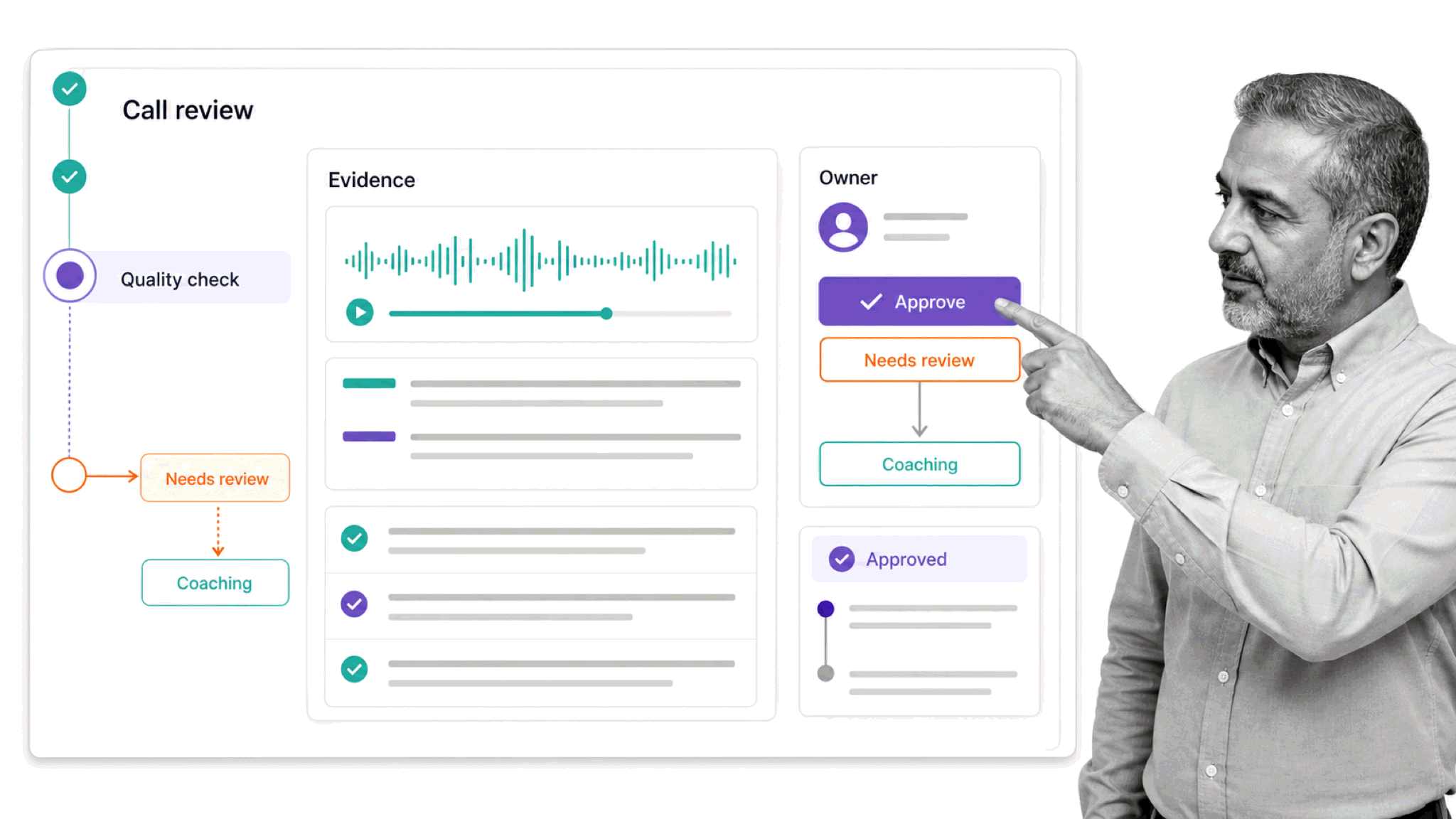
For a call center, that means the approved script, escalation policy, quality rubric, and compliance requirements can live beside the workflow that agents and supervisors actually run. Conditional logic adapts the path to the interaction. Assignments and due dates keep ownership clear. Approvals control sensitive decisions. The audit trail creates evidence for management, customers, and regulators.
Process Street has direct, universal integrations to 5,000+ systems. Need a new one? An AI agent builds it on the fly. That lets teams connect governed workflows to their contact center, CRM, help desk, identity systems, and reporting stack while preserving one accountable operating process.
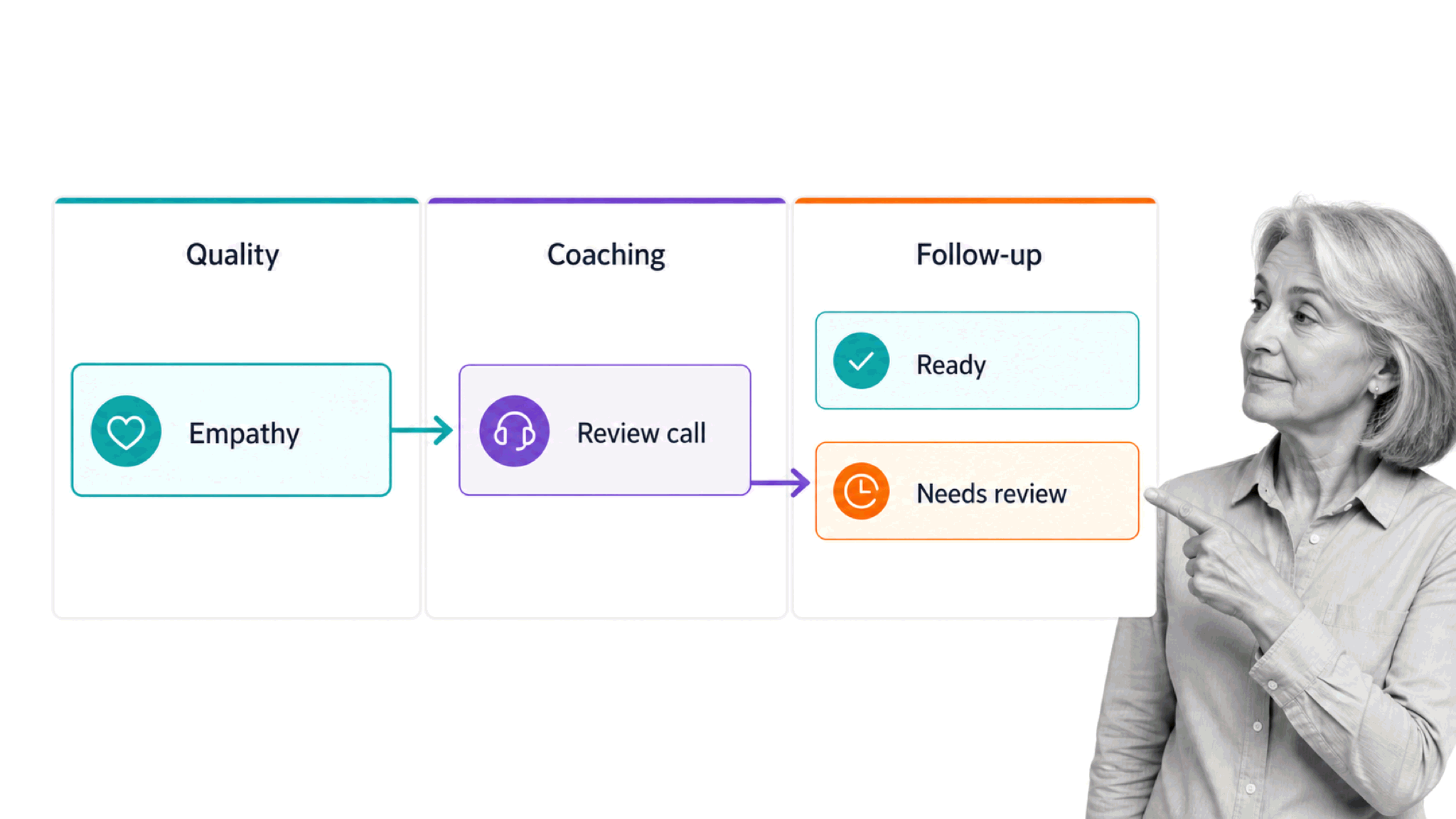
This is also where customer engagement software becomes more useful. The conversation platform handles the channel. Process Street makes sure onboarding, coaching, escalation, remediation, and follow-up are executed consistently across every channel.
You can use Process Street to run agent onboarding, call-quality reviews, complaint escalation, SLA management, shift handoffs, script approvals, training certification, and corrective actions. The templates below provide practical starting points.
As a direct example of how you can manage your call center with Process Street, check out this ready-made call center employee onboarding checklist:
This is the perfect way to introduce new agents to your call center. You can trigger a welcome email, give them key company information to read, and assign them new starter tasks for their first week and beyond. You can use this template as it is, with no set-up needed, or you can customize it so it fits your own individual processes and workflows.
If you liked what you saw with the Call Center Employee Onboarding Checklist, we’ve got another four call center focused templates for you to try:
Call Center SLA Management Checklist Template
This template has been designed for you to manage all your call center SLA’s. Add information about the companies involved, the purpose, goal, and objectives of the service level agreement and how long the agreement will last.
Open the Call Center SLA Management Checklist Template
Call Center SLA Metrics Tracking Process Template
This template has been designed to measure the performance metrics in your call center Service Level Agreements. You can input information into each task such as SLA objectives, service provider requirements, customer requirements, and performance data and conduct an effective review of your call center performance metrics against your SLA’s.
Open the Call Center SLA Metrics Tracking Process Template
Contact Prospects via Phone and Email Template
This template will take agents through the best practice process of contacting prospects via email or phone. As call center software has introduced the omnichannel, having a process to follow for both email and phone is essential.
Open the Contact Prospects via Phone and Email Template
Cold Calling Checklist
As the success rate with cold calling is low, it’s best to have a process in place that your agents can follow to make sure they attempt as many connections as possible without taking up loads of time.
Open the Cold Calling Checklist
For more detail, explore these related guides:
The secret behind call center success is not one dialer, dashboard, or AI feature. It is the operating system around the conversation: clear routing, useful context, consistent workflows, accountable decisions, quality coaching, and proof that the right work happened every time.
Get our posts &
product updates earlier by simply subscribing