


Turn every policy into automated workflows with built-in enforcement and audit-ready proof.



Management Tools

Management tools are the methods, systems, and software leaders use to plan work, assign ownership, coordinate execution, measure results, and improve how an organization operates. A useful tool turns a management decision into a repeatable action. It helps people know what matters, what happens next, who owns it, and what evidence proves the work was done.
The category is broader than project management software. It includes strategic planning frameworks, workflows, process documentation, performance routines, reporting surfaces, knowledge systems, risk controls, and communication mechanisms. Some tools are simple templates. Others are full operating platforms. Their value depends on whether they fit the work and whether the team actually uses them.
This guide explains the main types of management tools, how they improve day-to-day operations, what to evaluate before buying, how to build a practical tool stack, and how to roll out a new system without creating more administrative work.
In this guide, you will learn:
- What are management tools?
- Types of management tools
- How management tools improve work
- How to choose management tools
- How to build a practical management tool stack
- How to implement management tools successfully
- How Process Street turns management systems into execution
- FAQs
What are management tools?
A management tool is any structured mechanism that helps a leader move from intent to controlled execution. The mechanism might be a decision framework, a workflow, a scorecard, a meeting routine, a risk register, a standard operating procedure, or software that combines several of these functions.
Management tools connect decisions to action
A goal has little operational value until somebody owns it and the organization can see the path from decision to result. Management tools create that path. They translate a priority into projects, recurring processes, assignments, review points, and measures. The strongest tools do not only describe work. They shape how the work runs.
Tools can be methods, templates, or software
A RACI matrix is a method. A project charter is a template. A workflow platform is software. All three can solve management problems, but at different levels. Methods help people reason. Templates make a method repeatable. Software coordinates execution, stores evidence, and scales the routine across teams.
A manager who needs a reliable project start can use a project management framework template before buying another platform. The template exposes the required decisions, roles, approvals, and review points. Once the pattern is stable, software can automate it.
The right tool depends on the management job
A strategic planning problem needs a different surface from a frontline execution problem. A leadership team may need a portfolio view and decision cadence. A service team may need an executable workflow with routing and evidence. A compliance team may need controls, approvals, and audit history. Tool selection begins by naming the management job precisely.
Types of management tools
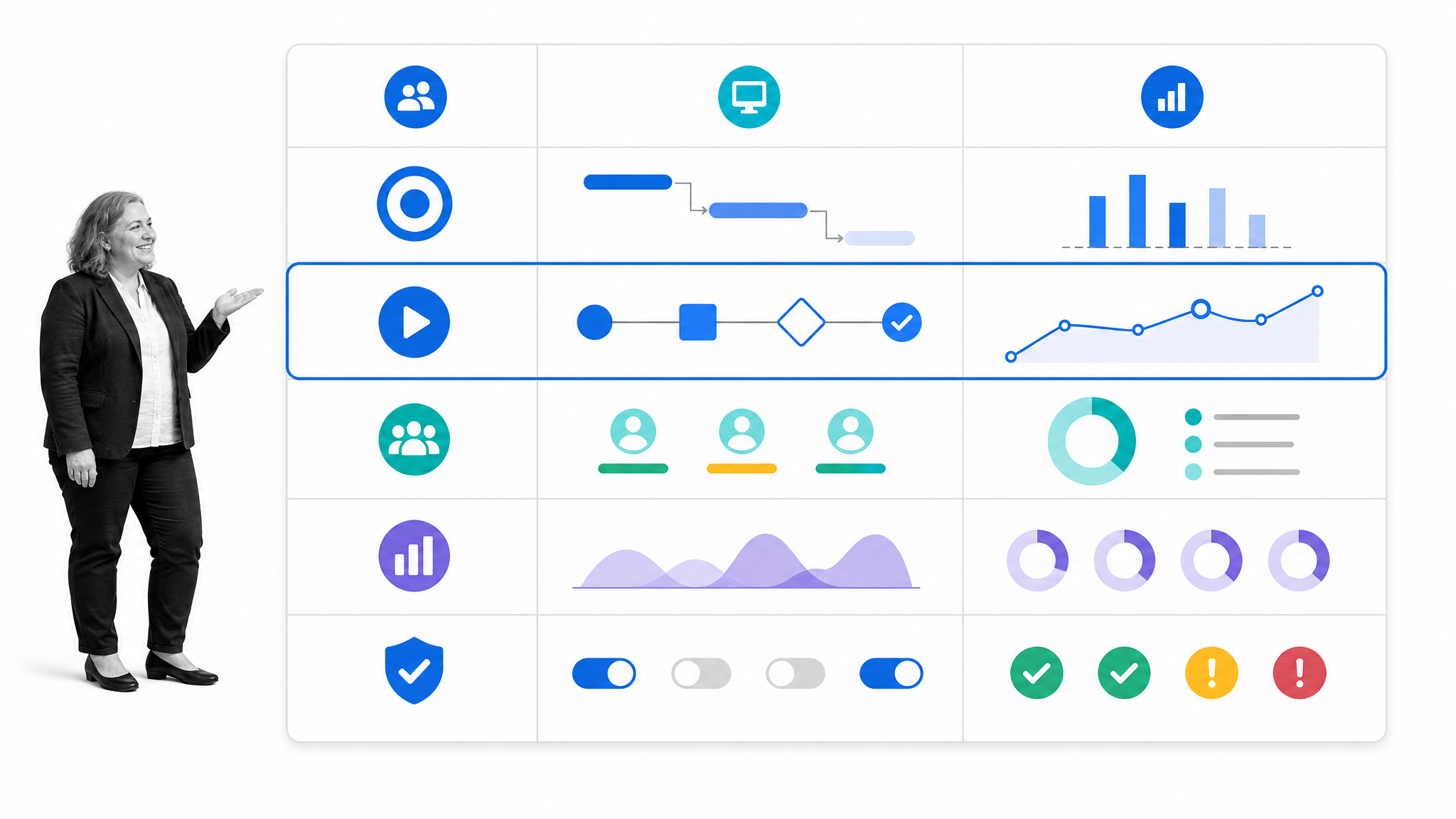
Most organizations need a small set of complementary tools rather than one application for every problem. These categories describe the management job each tool should perform. They can overlap, but each one needs a clear primary purpose.
Strategic planning and decision tools
Strategic tools help leaders choose priorities, define outcomes, compare options, and allocate resources. Examples include objective trees, scenario plans, decision matrices, operating plans, and portfolio reviews. The output should be a clear set of choices, not a slide deck that disappears after the meeting.
Project and portfolio management tools
Project tools organize temporary work with a defined outcome. They track scope, milestones, dependencies, risks, resources, and status. The Project Management Institute standard and body of knowledge gives teams a shared foundation, but the daily system still has to make ownership and next actions visible.
Workflow and task management tools
Workflow tools coordinate repeatable work. They assign tasks, route information, enforce sequence, manage exceptions, and retain execution history. This category is most useful when the same process runs repeatedly across people or systems. It is less about planning a one-time initiative and more about making an operating routine dependable.
Process and procedure management tools
Process tools document how work should happen and help teams improve it. A structured standard operating procedure template can capture purpose, scope, roles, steps, controls, and review history. Strong process management connects the documented procedure to the live workflow so instructions do not drift away from reality.
Teams that need deeper process discipline can explore process tools for design and improvement and the practical benefits of business process management before deciding how much software they need.
People and performance management tools
People tools support goals, feedback, one-to-ones, development, reviews, capacity, and accountability. A lightweight performance management workflow is often more useful than a complex dashboard if managers are not yet holding consistent conversations. The routine matters as much as the record.
Communication and meeting tools
Communication tools help a team share context, make decisions, and close loops. The tool may be a meeting agenda, asynchronous update, decision log, or collaboration surface. Its job is not to increase message volume. Its job is to make commitments clear and reduce the number of conversations required to move work forward.
A manager weekly report checklist creates a repeatable update structure so leaders can compare progress, blockers, decisions, and next actions without inventing a new format every week.
Knowledge and document management tools
Knowledge tools keep policies, procedures, decisions, and reference material current and findable. Records management adds retention, ownership, and accountability. The U.S. National Archives records management guidance illustrates why a trustworthy record needs governance, not just storage.
Measurement, risk, and control tools
Measurement tools track outcomes and operating signals. Risk and control tools make threats, obligations, mitigations, and evidence visible. The NIST Cybersecurity Framework is one example of organizing risk outcomes into a manageable system. A risk management process turns that discipline into assigned, recurring work.
How management tools improve work
Management tools create leverage when they reduce ambiguity and make the operating system easier to follow. A tool is not valuable because it has many features. It is valuable because the team makes better decisions, executes more consistently, and learns faster.
Clear ownership
Good tools attach an owner to every important outcome, project, process, control, and decision. Ownership is visible before work starts. That removes the common gap where everyone agrees something matters but nobody is responsible for moving it.
Repeatable execution
A repeatable process lowers the cognitive load of routine work. People do not need to reconstruct the sequence, remember every exception, or search for the latest instruction. The tool carries the structure, which lets the team focus on judgment and customer needs.
Faster, better decisions
A decision improves when the relevant context, evidence, options, and owner are available in one place. Approval gates and escalation rules keep a decision moving while preserving accountability. The goal is controlled speed, not extra bureaucracy.
Evidence and continuous improvement
Execution data shows where work stalls, where exceptions occur, and which controls are skipped. That evidence can improve the process. Quality management systems use the same logic: define the system, run it, measure it, and improve it. The ISO 9000 quality management family provides a recognized foundation for this cycle.
How to choose management tools
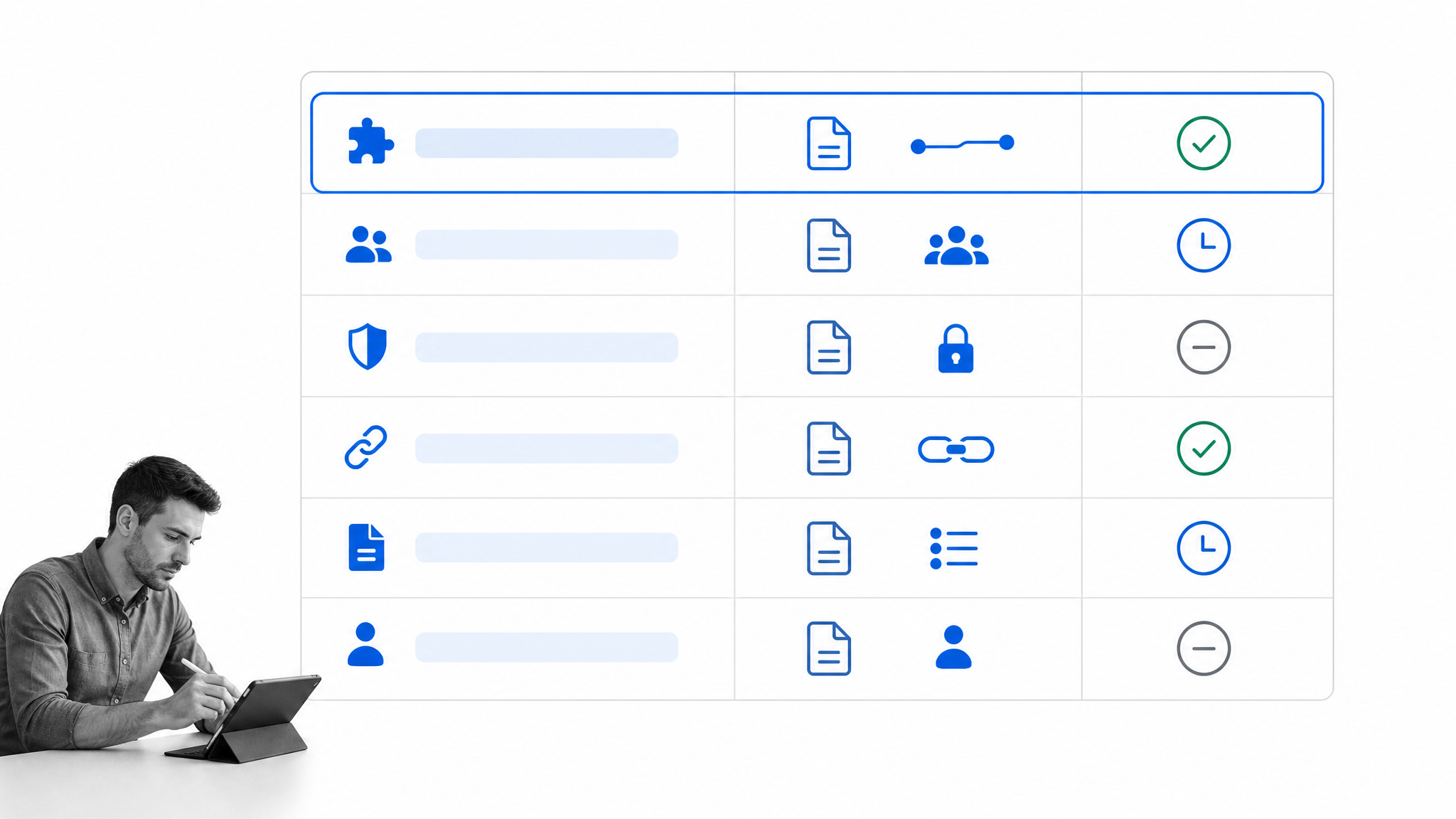
The easiest way to buy the wrong management software is to start with a feature comparison. Start with the operating problem. Define the work, risk, ownership, and evidence requirements first. Then evaluate whether a tool fits that system.
1. Name the management problem
Write the problem as an observable failure: approvals sit in email, recurring work misses steps, policies are out of date, managers cannot see blockers, or teams report different versions of the same metric. A vague goal such as better collaboration will attract a vague tool.
2. Map the workflow and decision points
Trace how the work moves from trigger to completion. Identify owners, handoffs, approvals, exception paths, required information, and evidence. If the problem is a recurring workflow, a task list without routing or control will not solve it.
3. Evaluate adoption friction
A powerful tool that only administrators understand will be bypassed. Test how quickly a real user can start work, find context, complete a task, handle an exception, and see what happens next. Adoption is a design requirement, not a training problem to solve later.
4. Check control and governance
Decide which actions need permissions, required fields, approvals, version history, and audit evidence. Safety, quality, financial, and compliance workflows need stronger control than a simple team reminder. The system should enforce the right level of rigor without slowing low-risk work.
The OSHA recommended practices for safety and health programs show the value of assigning responsibility, involving workers, identifying hazards, and improving the program. The same management pattern applies when a tool governs other high-stakes work.
5. Test integration and data ownership
List the systems of record involved and decide where data should live. A management layer should coordinate work without creating a second, conflicting source of truth. Confirm how information enters the workflow, how actions update other systems, and how the team can export its records.
6. Measure time to value and total administration
Count setup, migration, configuration, training, maintenance, and reporting effort. A lower subscription price can be expensive if the tool needs constant manual administration. A focused pilot should prove that the system reduces coordination work before the rollout expands.
How to build a practical management tool stack
A practical management stack has clear layers. Each layer answers a different question, and every tool has an owner. The goal is the smallest system that covers direction, execution, knowledge, communication, and measurement without duplicating records.
Start with systems of record
Identify where authoritative customer, employee, financial, product, and operational data lives. These systems remain the source of truth. The management stack should use that data to coordinate work, not copy it into disconnected spreadsheets.
Add an execution layer
The execution layer turns decisions and procedures into assigned workflows. It is where triggers, tasks, approvals, exceptions, evidence, and history come together. An operations management platform is useful when recurring work crosses functions and needs more control than a project board provides.
Connect knowledge to the work
Policies, procedures, and guidance should appear where people execute the task. If knowledge sits in a separate library, it becomes stale and people stop checking it. Link the current approved instruction directly to the workflow step that needs it.
Define the communication layer
Decide which updates belong in the workflow, which require a meeting, and which can be sent asynchronously. Keep decisions and evidence in the management system. Use chat for coordination, not as the permanent record of who approved what.
Use a small measurement layer
Choose a few measures tied to outcomes, flow, quality, and risk. Avoid dashboards that collect every available metric without a decision attached. Each measure should have an owner, a review cadence, and a clear response when it moves outside the acceptable range.
How to implement management tools successfully
Tool implementation is an operating change, not a software installation. The team has to agree on the new way of working, migrate the minimum useful context, run real work, and close the old path. A phased rollout gives you evidence before the change becomes expensive.
1. Choose one high-value use case
Start with a process that runs often, causes visible friction, and has a clear owner. It should be important enough to matter but bounded enough to improve within weeks. Avoid beginning with an enterprise-wide transformation.
2. Design the future workflow
Remove unnecessary steps before automating. Define the trigger, tasks, owners, required information, approvals, exceptions, outputs, and evidence. Build the simplest flow that produces a reliable result.
3. Configure with real users
Include the people who run the work. Their exceptions and workarounds reveal whether the design matches reality. A management system built only from leadership assumptions will look clean and fail on the first unusual case.
4. Pilot and measure
Run enough real cases to test normal work and exceptions. Measure cycle time, missed steps, rework, approval delay, administrative effort, and user completion. Use the evidence to fix the workflow before expanding.
5. Manage the change
Explain what is changing, why it matters, what old behavior ends, and where support lives. A change management process template keeps communication, training, approvals, monitoring, and post-implementation review connected. A broader change management plan helps coordinate stakeholders across a larger rollout.
6. Close the old path and improve the new one
Once the pilot succeeds, make the new workflow the default. Archive duplicate trackers, remove stale links, and assign ownership for ongoing review. Use execution evidence to improve the process instead of letting the tool become another static system.
How Process Street turns management systems into execution
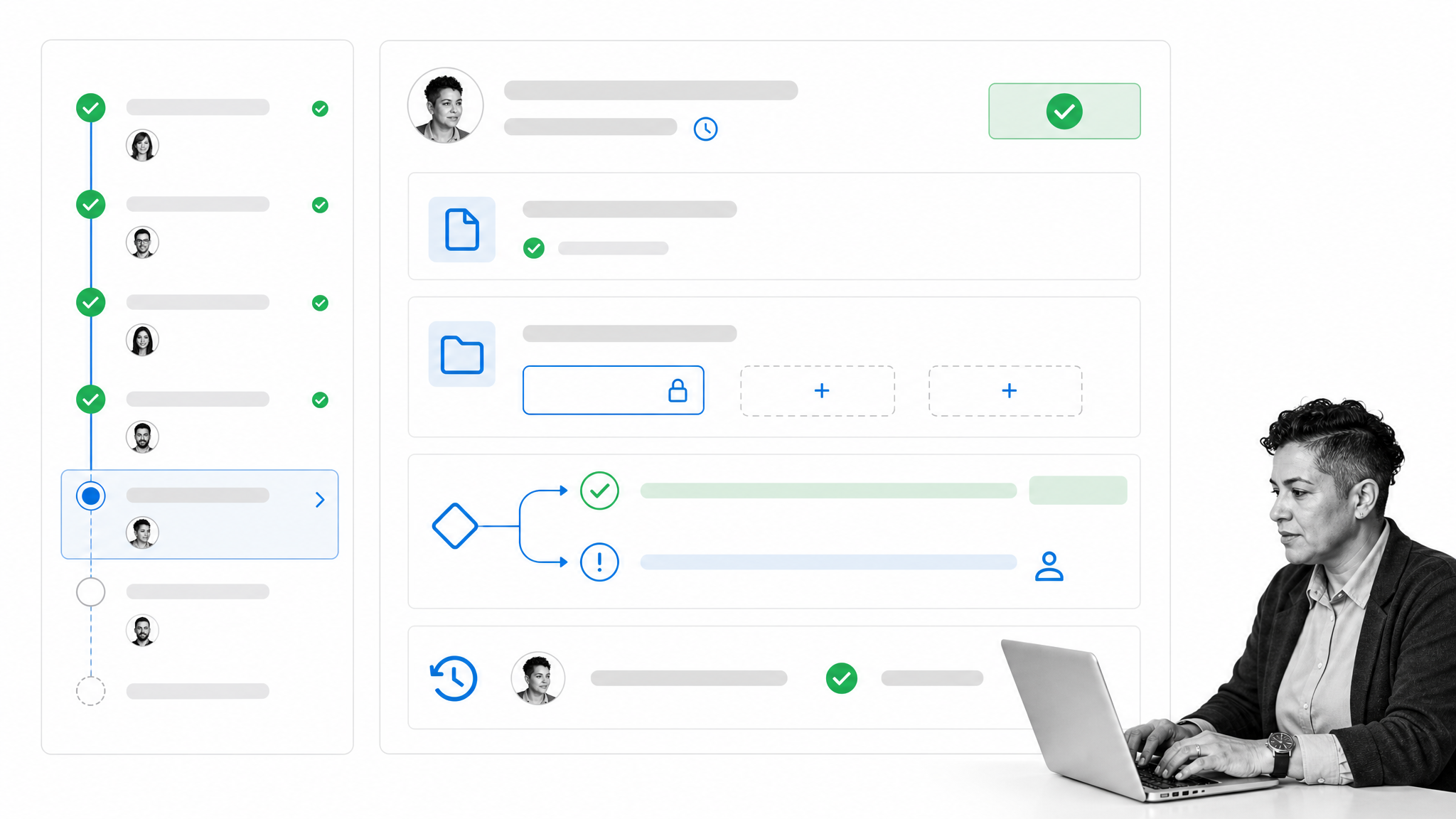
Process Street is a Compliance Operations Platform that connects governed procedures to recurring execution. Leaders can document how work should happen, turn that guidance into a workflow, assign owners, collect evidence, route exceptions, and retain the history of what happened.
Document the standard
A management routine starts with a clear standard: the objective, scope, owner, inputs, steps, controls, and expected output. Keeping that guidance beside the workflow gives people context without making them leave the work to search for a policy.
Run the process
Process Street workflows coordinate tasks, forms, assignments, and execution history in one operating surface. A recurring review, onboarding process, audit, approval routine, or service workflow can run from the same controlled design each time.
Route decisions and exceptions
Not every case follows the same path. Conditional logic in workflows can show or hide tasks and fields based on responses, while approval tasks create single, multi-stage, or sequential decision gates. The process stays flexible without becoming uncontrolled.
Capture proof and improve
Required fields and task history capture evidence during execution. Managers can review completion, exceptions, delays, and decisions without reconstructing the story from chat and email. That record turns a management tool from a planning surface into a system for control and improvement.
The distinction matters. manager tools for individual leadership practice help a person run meetings, feedback, and priorities. Process Street provides the operational layer that makes team processes repeatable, auditable, and easier to improve.
FAQs
What are management tools?
Management tools are methods, templates, systems, and software that help leaders plan work, assign ownership, coordinate execution, measure results, manage risk, and improve operations. A useful management tool turns a decision into a repeatable action and makes the outcome visible.
What are the main types of management tools?
The main types include strategic planning, project and portfolio management, workflow and task management, process and procedure management, people and performance management, communication, knowledge management, reporting, and risk and control tools. Most teams need a small combination of these categories.
Why are management tools important?
Management tools reduce ambiguity. They make ownership, sequence, decisions, evidence, and results visible, which helps a team execute consistently and improve faster. The tool matters when it changes how work runs, not when it only adds another place to update status.
How do you choose management tools?
Start by naming the operating problem and mapping the real workflow. Evaluate adoption friction, control requirements, integration, data ownership, time to value, and administrative effort. Run a focused pilot before committing to a broad rollout.
How many management tools should a team use?
Use the smallest stack that covers direction, execution, knowledge, communication, and measurement without duplicating records. Every tool should have a clear primary purpose and owner. Remove a tool when another system already performs the same job reliably.
How do you implement a new management tool successfully?
Choose one high-value use case, design the future workflow, configure it with real users, and pilot it with measurable outcomes. Then manage the behavior change, close the old path, and assign an owner to improve the new system over time.
