





Today we’re excited to announce a shiny new look for Process Street, built for our favorite people: our users. The new UI, or User Interface, is a fancy way of saying “how the app looks and feels.”
If you’ve been in the app in the last day, you would’ve seen that we finished the last few screens of the new UI and the app is now completely converted over.
We’re going to be focusing on optimizing the look over the next few weeks as we get feedback from you, our users, on what you like and don’t like. In case that wasn’t clear, I’m encouraging you to talk to us 🙂 [email protected]
Below are some of the key changes we made, but you really need to log in yourself to experience it in all its glory.
Dashboard
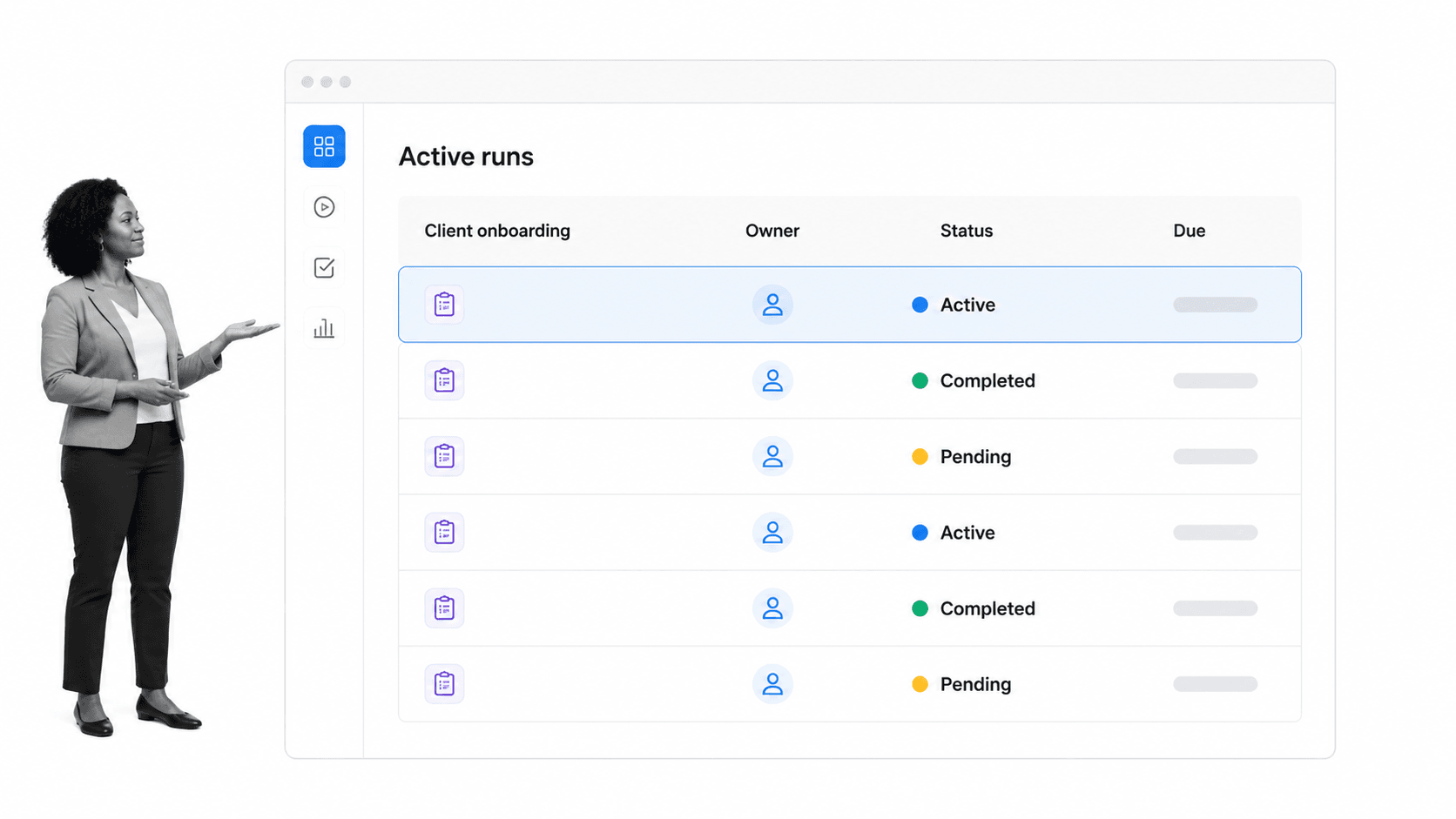
We introduced the dashboard a few weeks ago, but this is the first time we are officially announcing it. The dashboard gives you a beautiful space for workflow monitoring so you can see everything that is going on in your team.
Templates and the Editor
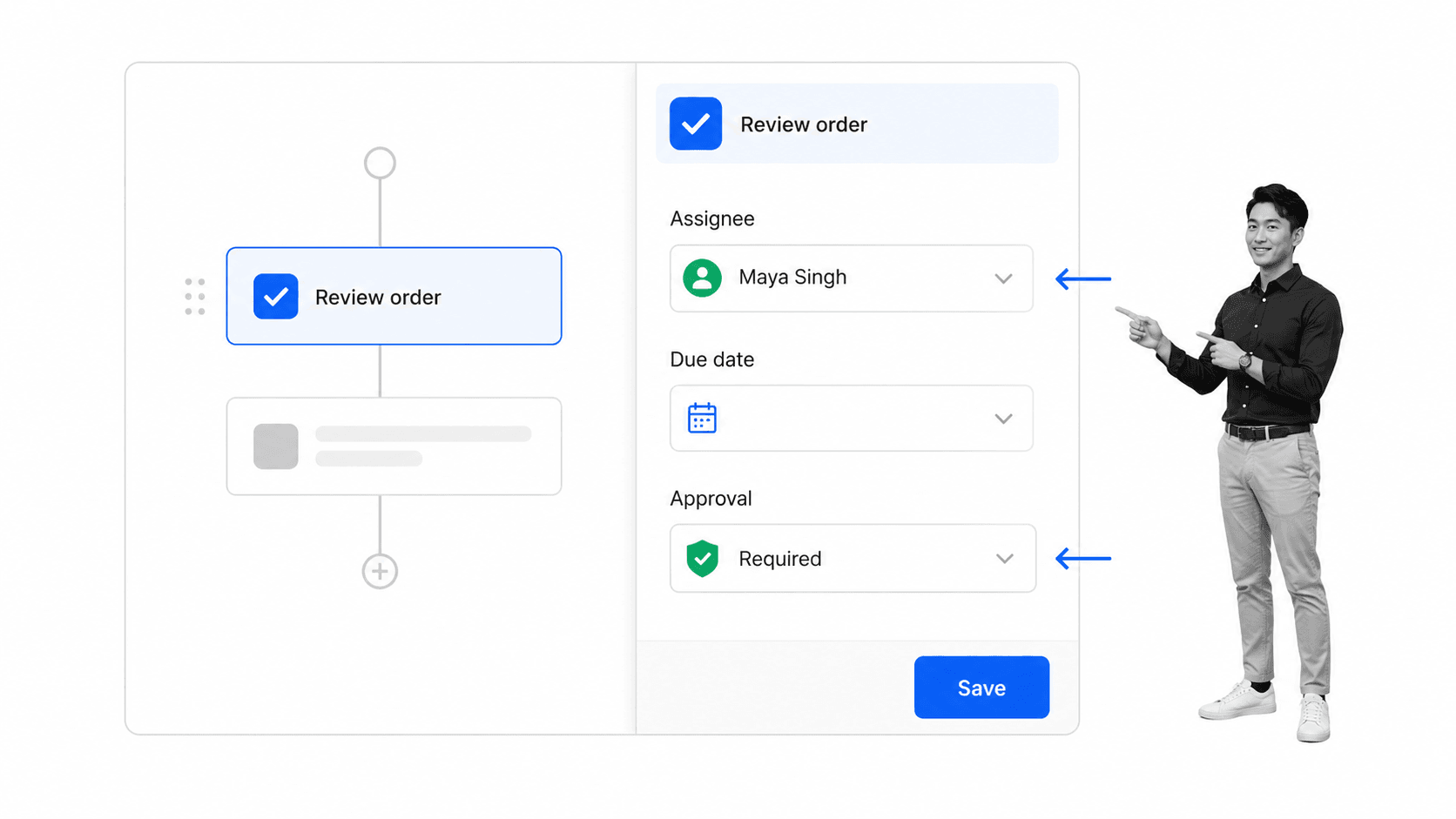
We have updated the template view completely. The two most notable changes are the introduction of “simple mode,” a view mode where you can see just the checklist and no content, and the addition of the slide out menu to the right. In the menu, you will find all the template controls, such as exporting and making public.
The editor has also had a major overhaul in the way it looks, but it still works in basically the same way.
Checklists
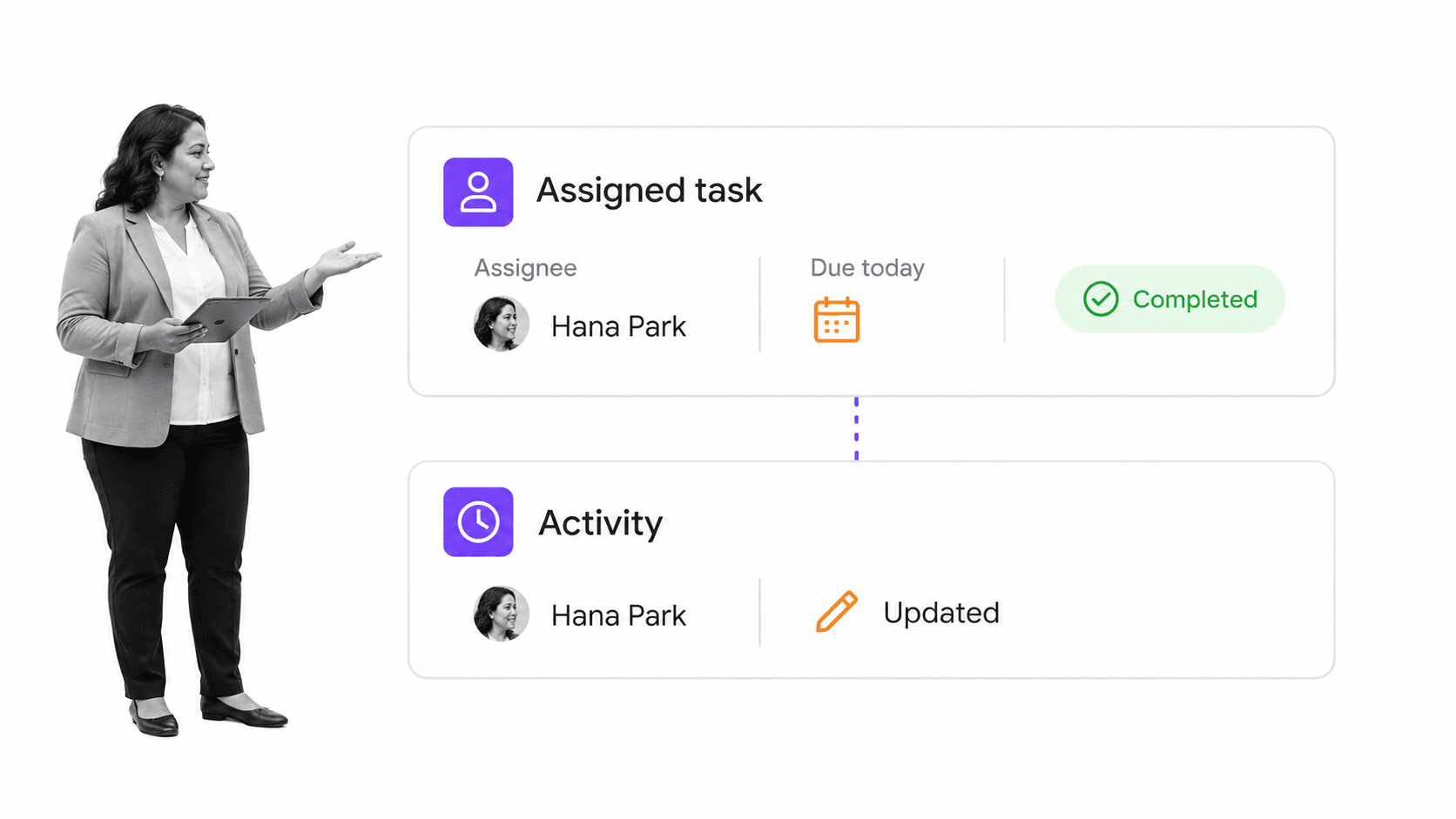
Checklists have adopted the same “simple mode” as templates plus the right slideout menu. The menu gives you an easy snapshot of activity and assignments and lets you quickly add people, change due dates, and more.
Speed
With these updates also comes huge speed improvements. We are pre-loading almost everything now, and many parts of the app feel instant as you are browsing around (just the way I like it!).
The Future
These are just the first of many changes we will be making to the UI, but they are most likely the biggest we will make for a while. We are focused on getting things just right and appreciate any feedback on changes we make, either now or in the future.
What do you think of the new UI? Let us know in the comments!