






A-Team Lending was a California-based mortgage broker with more than a dozen full-time employees and 20 commissioned salespeople. The company hired process consultant Cary Wan to improve its marketing and business systems.
Within the first month, Cary had automated a large part of its HR system. He estimated that the automation avoided at least $30,000 in additional staffing costs that the same work would otherwise require.
At the time, A-Team Lending was rapidly adding salespeople. That growth pushed the firm to make major changes to paperless employee onboarding. The workflow made onboarding paperless without asking employees to repeat the same information across every form.
Why the A-Team needed Process Street
Instead of asking each new hire to print, sign, scan, and return a stack of forms, Cary used Process Street to collect employee information once and trigger document automation. That saved Cary and new hires hours of repetitive data entry.
A friction-free onboarding process was especially useful for a lending team that frequently added commission-based salespeople. Faster setup reduced the number of manual handoffs in a highly regulated industry where employment paperwork could otherwise slow the process down.
We spoke with Cary about how he improved the company’s onboarding process and how Process Street helped the team make it paperless.
“Most employers will send employees a link to the forms, and at best they can print it, fill it out, sign, scan it and send it back… With Process Street, we’ve made our employee onboarding completely paperless.” — Cary Wan
While most of our case studies focus on the general business improvements that come with processes, this post has a real system we’re going to dive into and dissect, bit by bit.
The workflow shows how A-Team collected employee information once, used it across multiple documents, and routed completed forms for signature.
The central idea was straightforward: ask for information once, reuse it wherever the onboarding packet required it, and trigger the next action from a defined task. That approach replaced an informal chain of attachments and reminders with a repeatable sequence. It also preserved the human checkpoints that mattered, because Cary could review collected information and test the document mapping before the forms were sent for signature.
How A-Team Lending automated employee onboarding with Process Street
Alongside training and account setup, Cary’s onboarding workflow collected the employment paperwork required by the firm. Across those documents, the team gathered dozens of pieces of information, including names, addresses, identification details, signatures, and emergency contacts.
In Cary’s implementation, the workflow created and routed the following forms:
- Zero loan fraud agreement
Cary reduced the problem to its essentials. His setup called for more than 50 unique pieces of employee information, and fields such as name and address appeared on several forms. Instead of asking the employee to enter the same information repeatedly, Cary used Process Street to collect it once and route it to each required document:
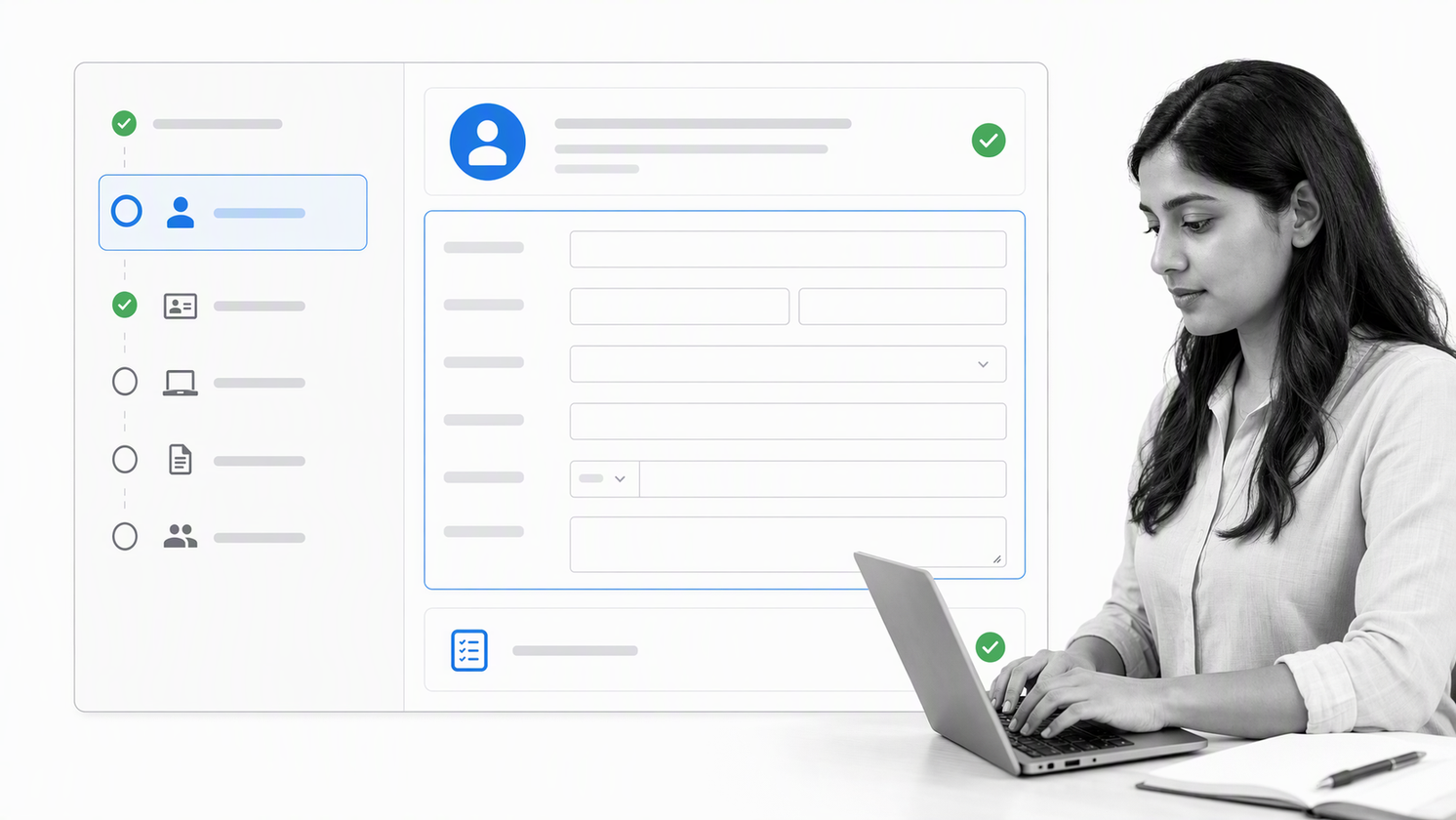
The first two tasks, Team Member Info and Form W-4, collected the employee’s most common details. Once a first and last name were captured in the first task, Cary could reference those fields in later forms instead of re-entering them.
Cary’s setup used WebMerge, now Formstack Documents, connected to Process Street through Zapier. Formstack Documents populated uploaded form templates with data collected in a Process Street workflow. The exact checked-task document-merge recipe remains available.
For Cary, sending a form for signature became as simple as completing the matching task in the workflow.
The following steps show how his Form W-4 process worked.
The design separated data collection from document production. Process Street coordinated the onboarding tasks and held the reusable employee information, while the document creation platform populated the prepared form templates. Zapier passed data between those systems when the relevant checked tasks were completed. In the action step and template section, Cary could map Process Street form fields to the document fields and test the result with sample data. That separation kept the employee experience simple while allowing the operations team to inspect each stage and correct a field before it reached a signature request.
Turning your forms into fillable PDFs
Cary started with the official Form W-4 PDF. Government PDFs can include preset form fields, but the field names are not always clear enough for reliable mapping. He used a PDF editor to create descriptive variable names. Adobe Acrobat’s current guidance explains how fillable PDF fields are created and edited.
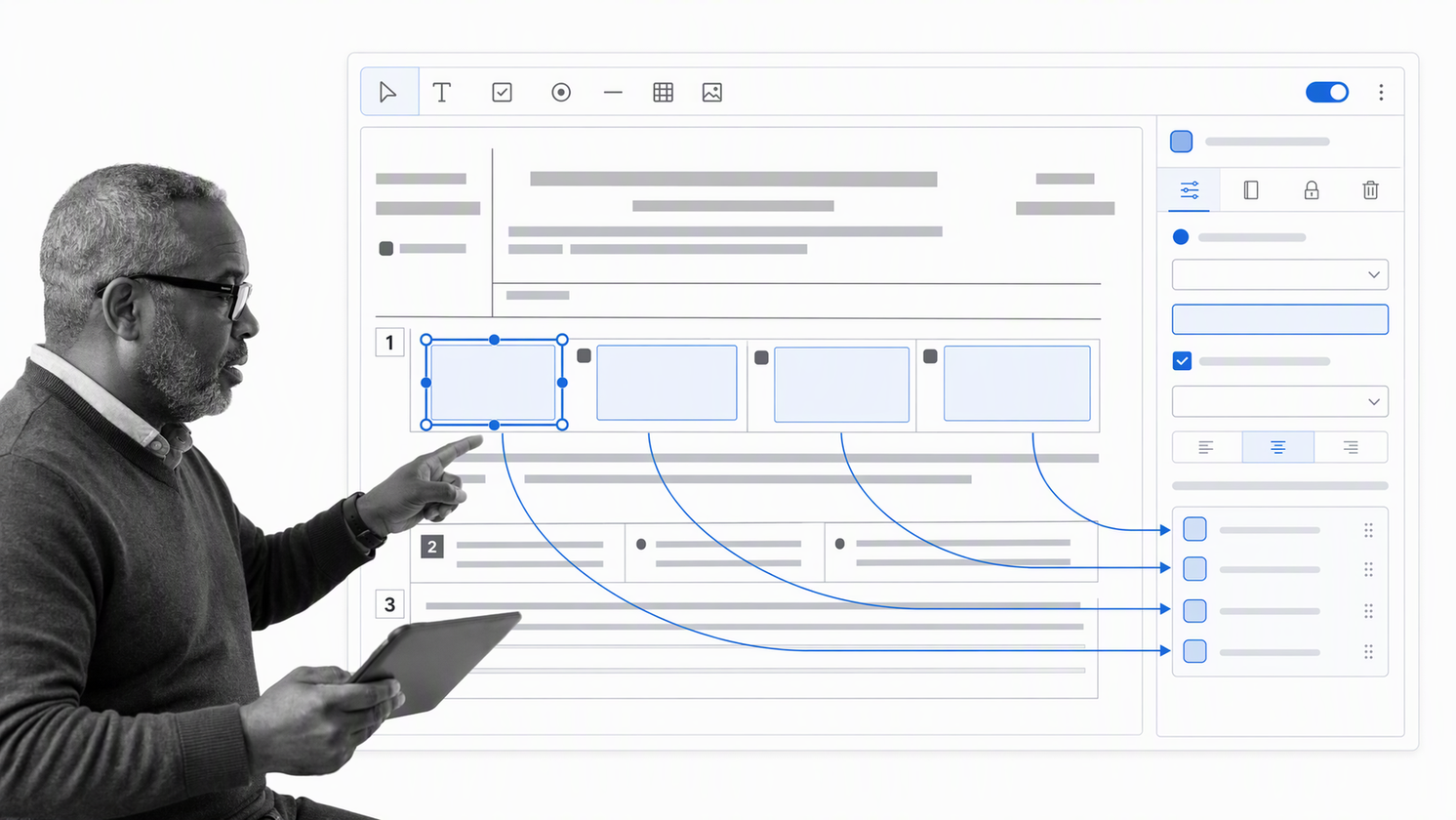
Cary said this setup was the most time-consuming step. He estimated that digitizing the forms and configuring the automation took about one working day, while the resulting savings were equivalent to one full-time employee.
Uploading the forms to Formstack Documents
After preparing the fillable PDF, Cary uploaded it to WebMerge, now Formstack Documents, and created a document template.

The field names created in the PDF appeared in the document-generation surface, where they could receive information from the workflow.
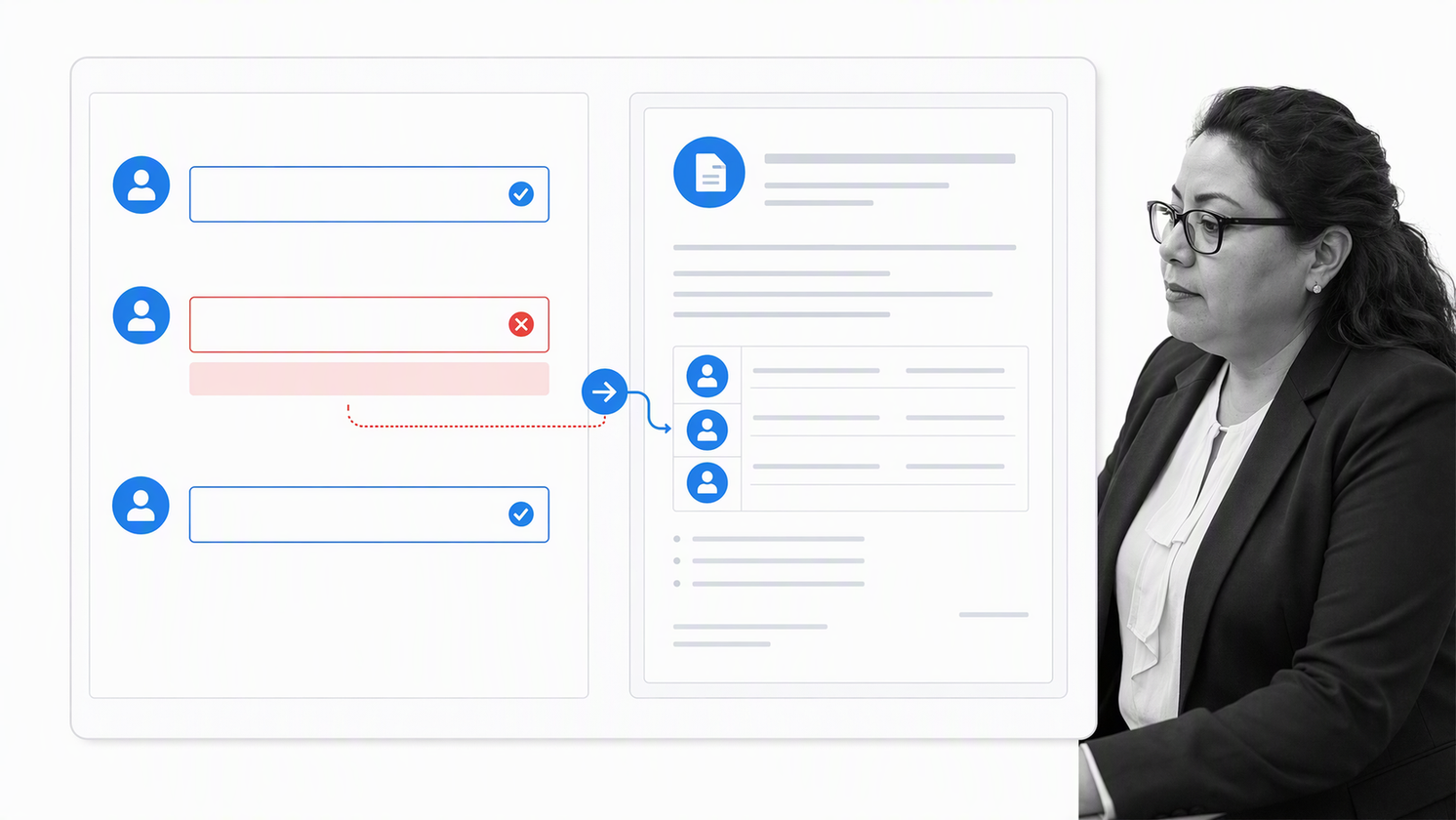
On the Process Street side, Cary used a workflow to collect employee information. Each task covered a different form, and fields captured only information that was unique to that document. Shared information from the first task could be reused throughout the workflow.
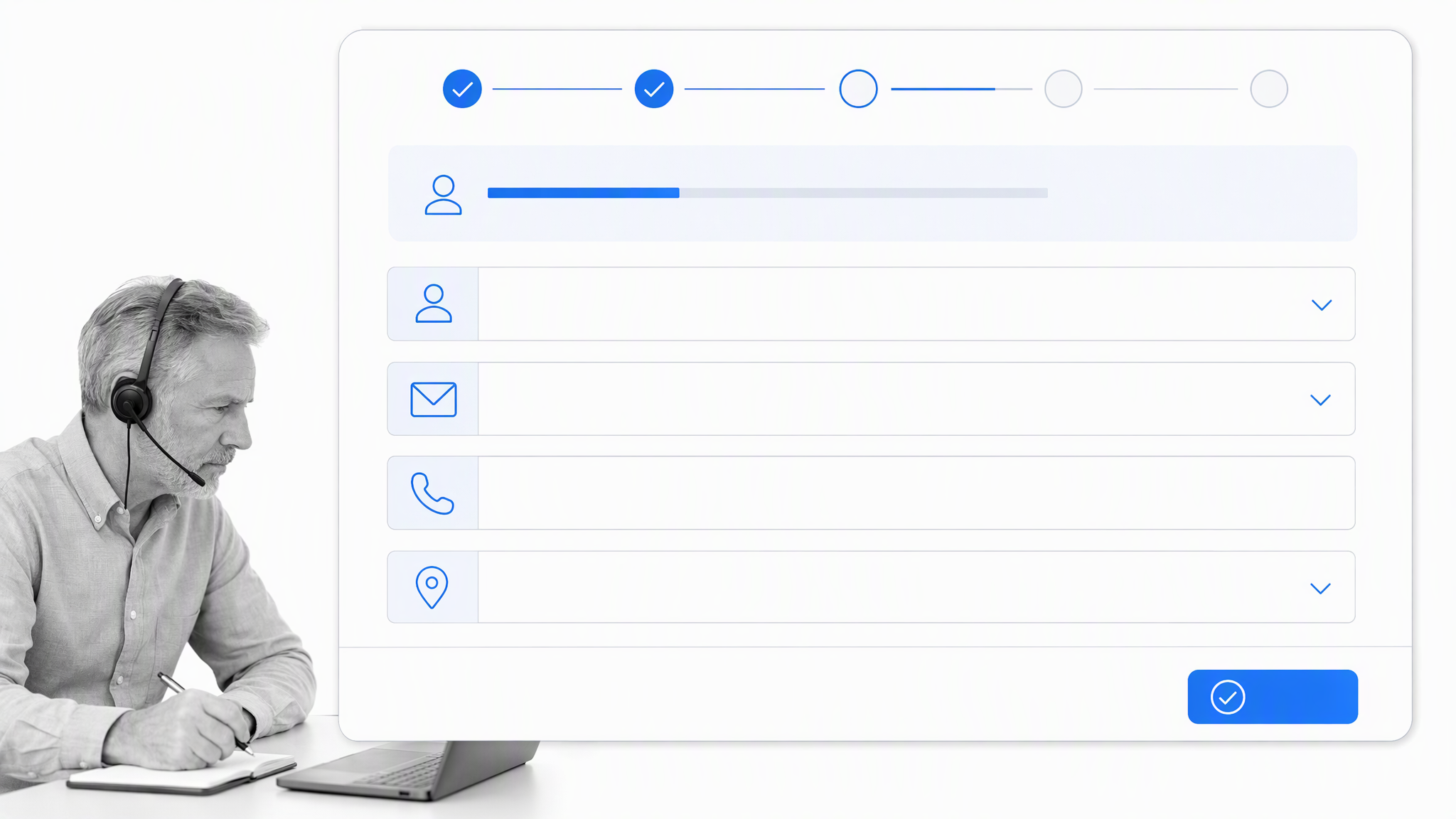
Linking Process Street and Formstack Documents with Zapier
The connection listened for a completed task in Process Street and then sent its information to Formstack Documents. Cary selected the workflow and Form W-4 task that should trigger the document step.
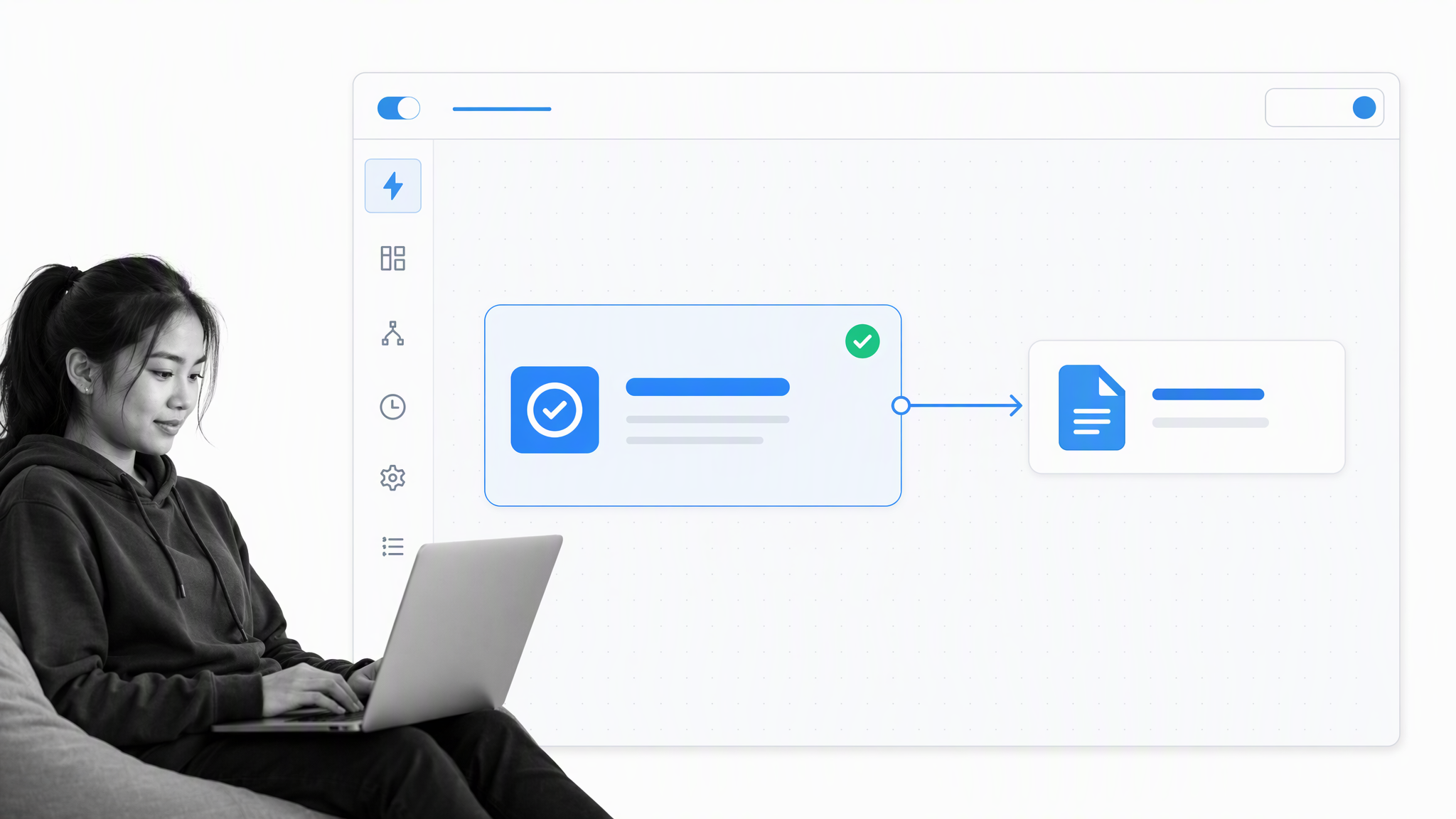
To test the connection, Cary ran the onboarding workflow with sample data, completed the Form W-4 task, and confirmed that the trigger received the expected fields.
The second half of the connection selected Formstack Documents’ document-merge action, which accepted data from the workflow and inserted it into the document fields.
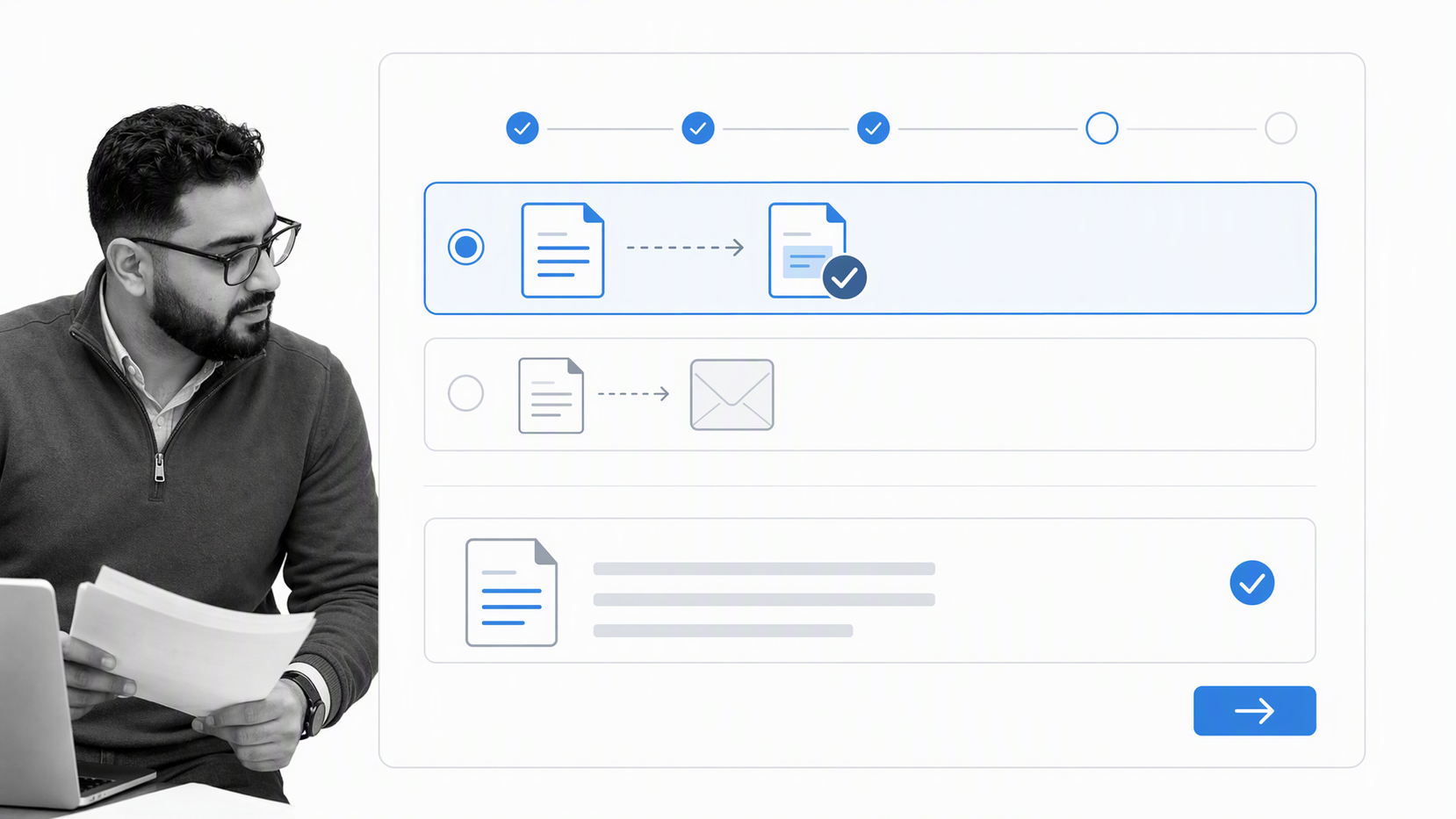
Cary then mapped each Process Street field to its matching document field. Because the fields had been named clearly in the PDF, the source and destination variables could be paired directly:
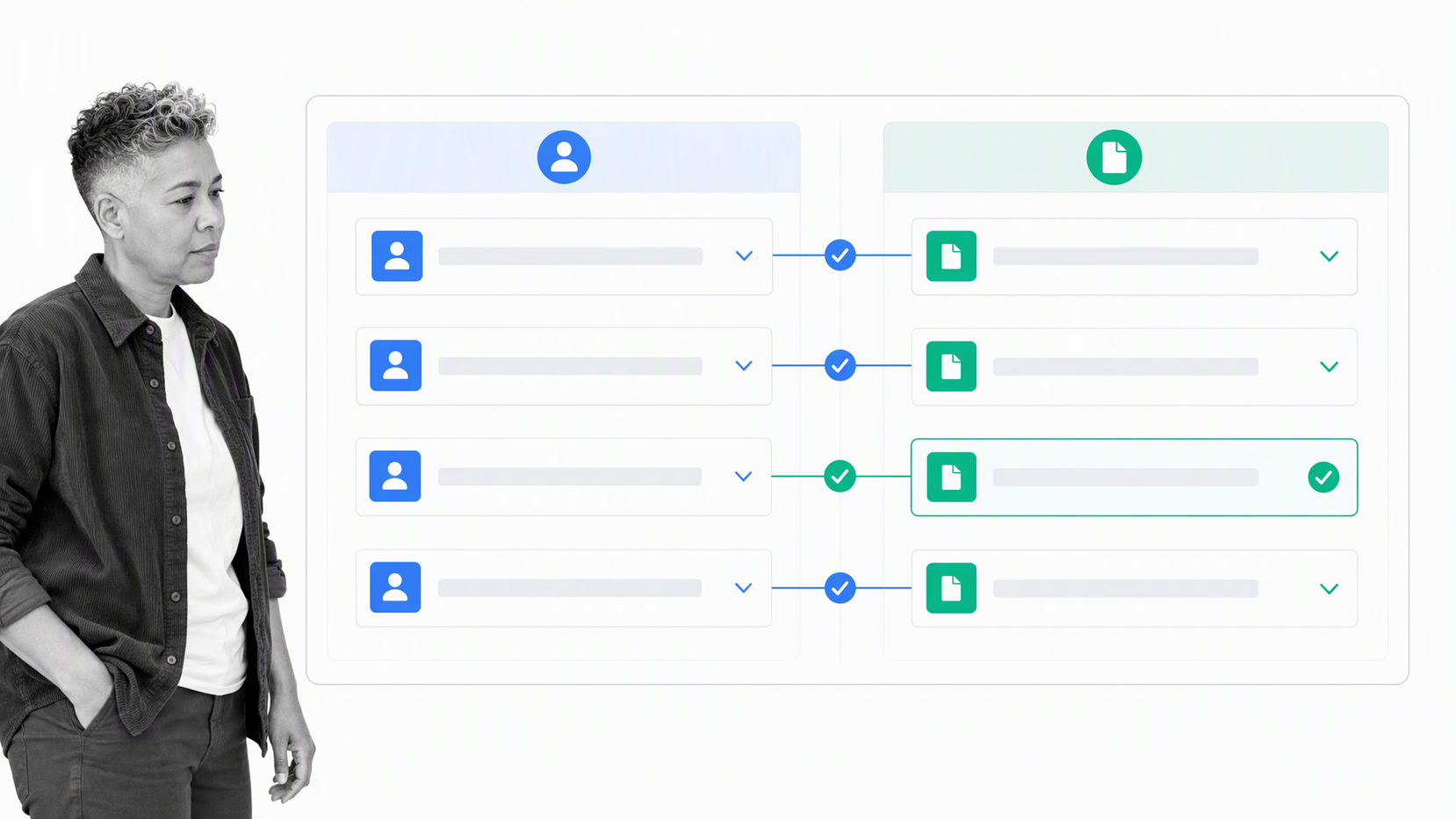
After that mapping was complete, Cary could assign the employee a Process Street workflow run to collect the information.
Clear field naming is the practical foundation of this automation. A source field should have one stable meaning, and each destination should map to the matching document field. Testing the connection with sample data before assigning it to a new employee helps reveal missing values, incorrect formats, and mismatched destinations. Once the mapping is verified, the same workflow can support repeated onboarding runs without rebuilding the document logic for every hire.
Collecting signatures automatically
When the required tasks were completed, Formstack Documents created the finished document.
Many employment documents also require signatures. Cary connected the document workflow to DocuSign eSignature so the completed form could move directly into a signature request.
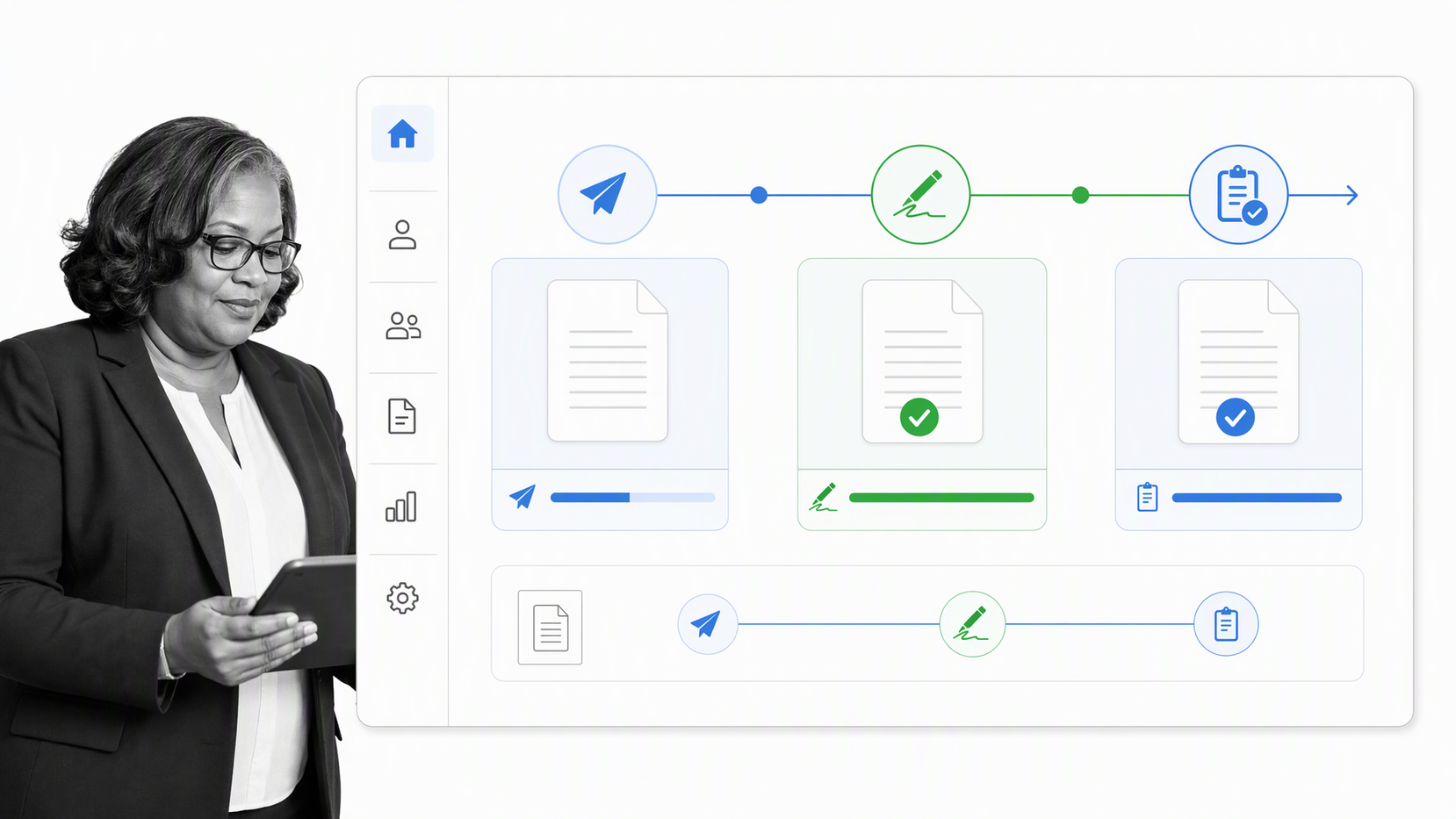
The document was emailed to the employee, who could sign it and return it without printing or scanning.
For teams designing a similar digital employee onboarding flow, the signature request should be treated as a controlled step rather than the end of the process. The workflow should confirm which document was generated, who received it, whether the request was completed, and where the signed copy was retained. Those checkpoints help operations teams spot an incomplete handoff without searching through inboxes or asking a new hire to repeat information they have already supplied.
Results
A process that might otherwise take hours could run with limited manual input from HR staff.
For A-Team Lending, faster completion meant fewer opportunities for the hiring process to stall over a minor handoff.
“Annoyances like printing, signing and emailing are obstacles that prevent people from taking action and drag the process to take longer than it should. If you can get your onboarding to be easy, fun, and fast — using Process Street’s beautiful UI and ease of DocuSigning from your phone/computer — then it’s more likely to be completed and you close the deal quickly.”
Because A-Team frequently onboarded commission-based loan salespeople, every hour saved on setup compounded over time.
The reusable-data pattern is what made the result durable. Employee details entered at the start of the workflow could be referenced by every later document step, while form-specific information stayed with the task that needed it. This reduced repeated typing for the employee and gave the operator a clearer place to check each value before a document was created. It also made the handoff easier to follow: collect the data, validate the fields, generate the document, request the signature, and retain the completed record.
“Traditionally, forms are very repetitive. S — “
Process Street is one Compliance Operations Platform with Docs and Ops capability areas plus built-in AI. Teams can govern onboarding procedures, run the work consistently, and keep proof of completion together.