






Having everything you need in one place makes life easier, doesn’t it?
That’s why Process Street is launching the Slack App.
Pega research into operational-support workers found that employees switched among 35 job-critical applications more than 1,100 times every day. That constant context switching adds friction to even simple work.
Turn your Slack workspace into a super-tool for recurring work with the Slack App. You can receive Process Street notifications, work on tasks, approve or reject decisions or documents, and complete workflow runs without leaving Slack.
Open fewer tabs, work from one place, and add more time back into your day with the Process Street Slack App.
Sounds good, right?
That’s because it is. But don’t take our word for it. Read on for a quick overview of:
- What the new Slack App is, how it works, and what it does
- How you will benefit from the Slack App
- How to get the new Slack App
Ready to make your life easier?
Slack App overview

Process Street, for those who don’t know, is no-code workflow software that turns everyday business processes into actionable checklists and automated workflows. We have teamed up with Slack to bring our users the Slack App.
In a nutshell, the Slack App connects your Process Street account to Slack so you can communicate with your team, receive Process Street notifications, action tasks, complete workflow runs, and approve or reject items, all from within Slack.
How the integration works
Once you’ve installed the Slack App, you’ll start to receive Slack notifications each time:
- Someone mentions you in a comment;
- An approval task you’ve been assigned is ready for review;
- Someone assigns you to a task or workflow run;
- Your work is approved or rejected;
- A task you’ve been assigned is due.
Once you’ve received a notification, you can open the corresponding task or workflow run and view its details. For supported tasks and approvals, you can complete the action without switching tools.
All. From. Within. Slack.
That’s what the Process Street Slack App is, what it does, and how it works. But the question is, what does all that mean for you?
Benefits of the Slack App
I’ll be the first to admit that I usually work with about twenty different tabs, at least four new windows, and probably three or four different platforms open at the same time.
This causes confusion, frustration, and considerable stress. Especially if I’m up against the clock, working towards a tight deadline.
Flicking through tabs, logging in and out of different systems, and reopening the same tool three or four times because I can’t remember which damned tab it’s already open in is unproductive, inefficient, and chaotic.
But now, with the launch of our new Slack App, with just one tool I can:
- Communicate with the entire company;
- Get instant updates on progress;
- Request items from the team;
- Review work;
- Action tasks;
- Complete workflow runs;
- Approve or reject items.
This clears the clutter and allows me to work faster, which gives me the time and space I need to focus on my key ROI tasks.
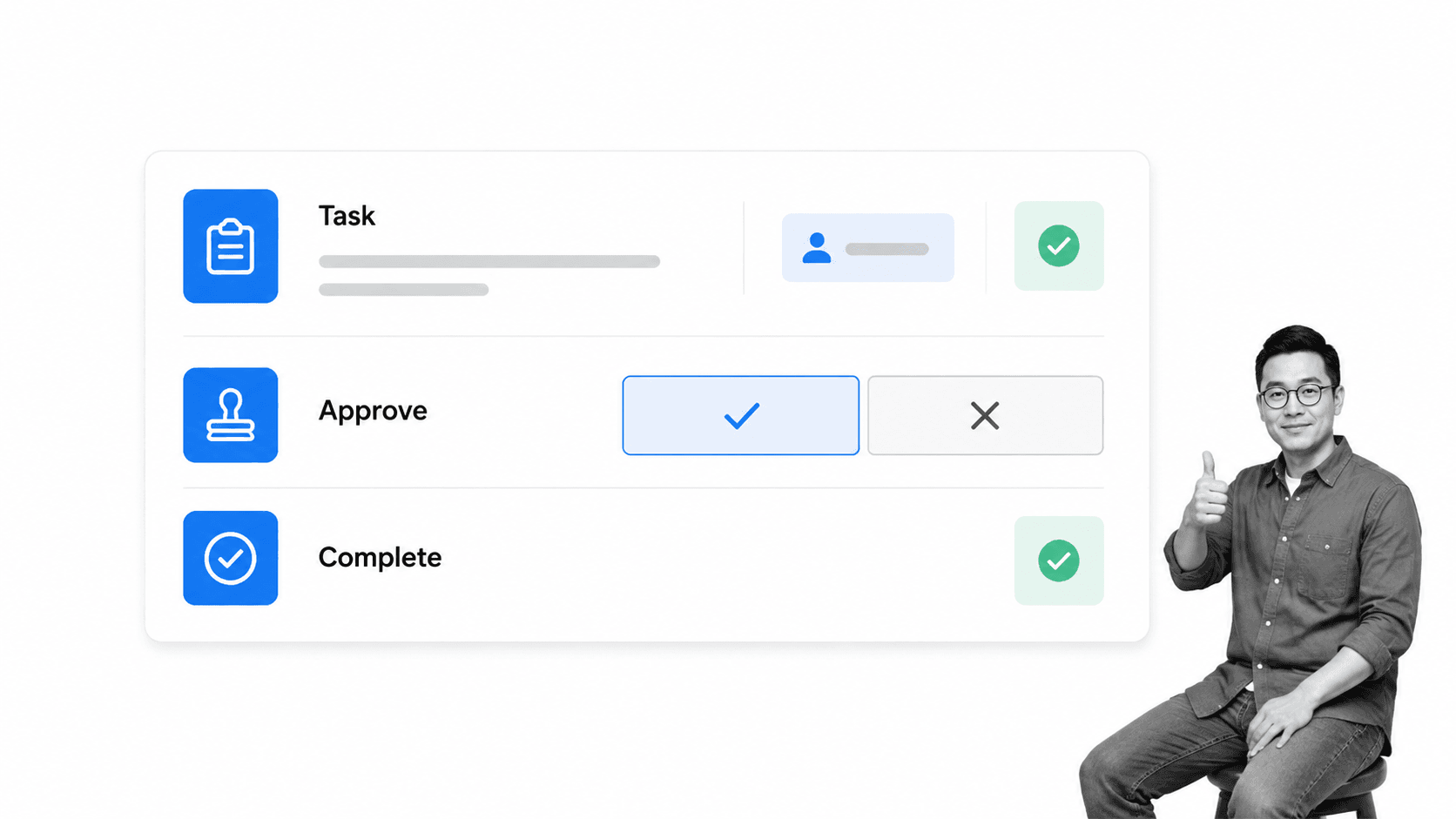
When you start to use our Slack App, Slack will become the conversation surface for Process Street. Process Street will still power your team’s workflows behind the scenes. At launch, Slack became the conversation surface and Process Street remained the workflow builder behind the recurring work.
You can return to Process Street when you need to start a new workflow run, edit a workflow, or view the status of your team’s processes. For daily task completions and approvals, you’ll love how much you can get done in Slack.
The Slack App in action
Let’s say you head up the HR department in a busy financial organization. You use Slack to communicate with your team and the firm’s 500 employees. You use Process Street to manage recurring tasks and workflows, and countless other HR tools, apps, and platforms to help with your role.
Because you’re always in meetings, interviews, or disciplinaries, you’re rarely at your desk. So you rely on a quick check-in with Slack between appointments to stay up to date.
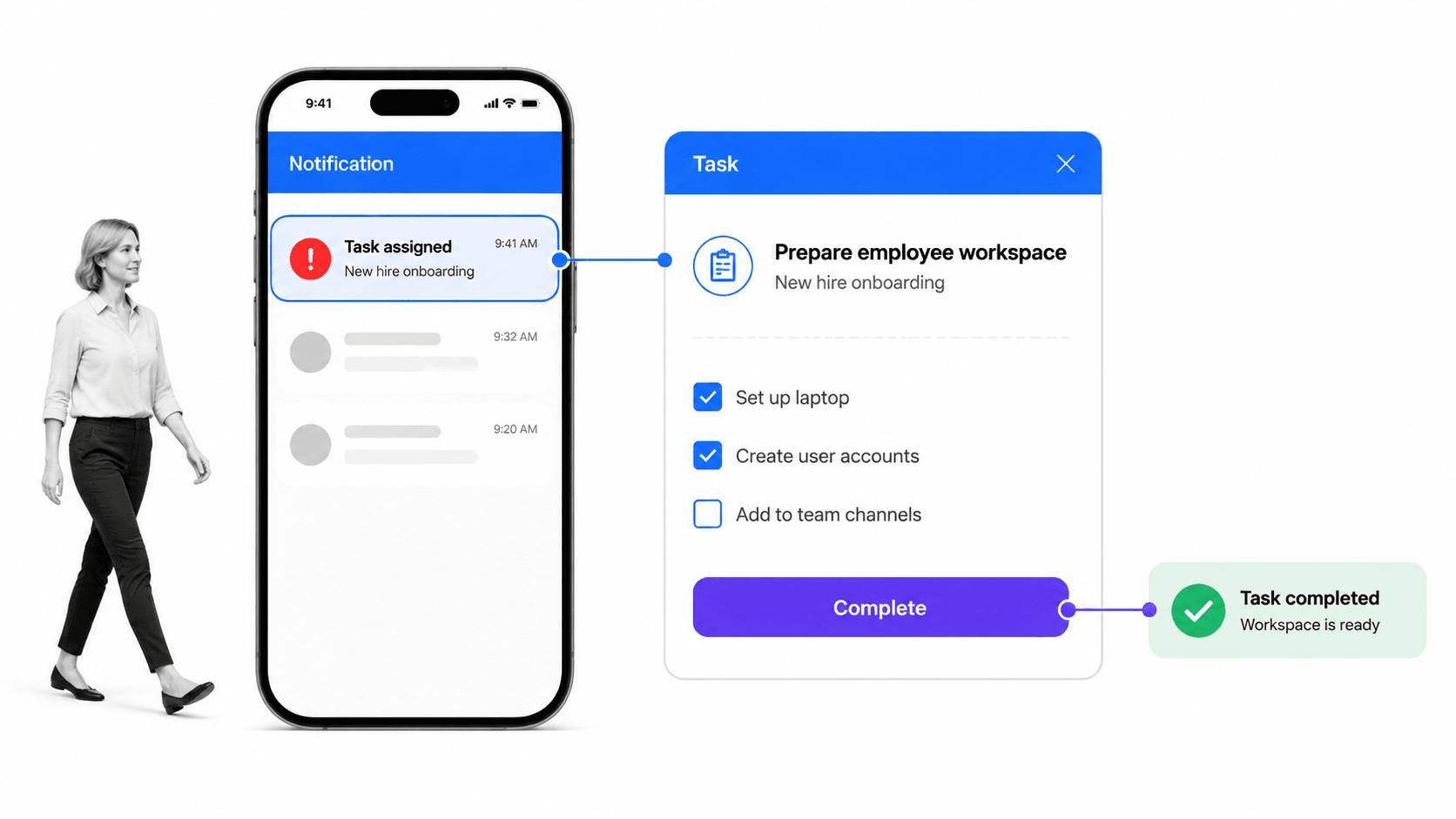
But when you’re finally able to get back to your desk and log into Process Street so you can tackle your task list, you’re often overwhelmed with a barrage of outstanding actions that desperately need your attention.
Sally has sent you thirteen contracts to approve. Twelve people have mentioned you in several different onboarding checklists, and you’ve been assigned to ten tasks in the budget planning checklist that all need urgent action.
But you have another meeting to go to in ten minutes!
Wouldn’t it be good if you could tackle all those things in one fell swoop while checking Slack for updates between meetings? Then, when you get back to your desk, instead of wading through a huge backlog of tasks, workflow runs, actions, and approvals, you can focus on more important work.
I think it’s time to install the Slack App, don’t you?
Installing the Slack App
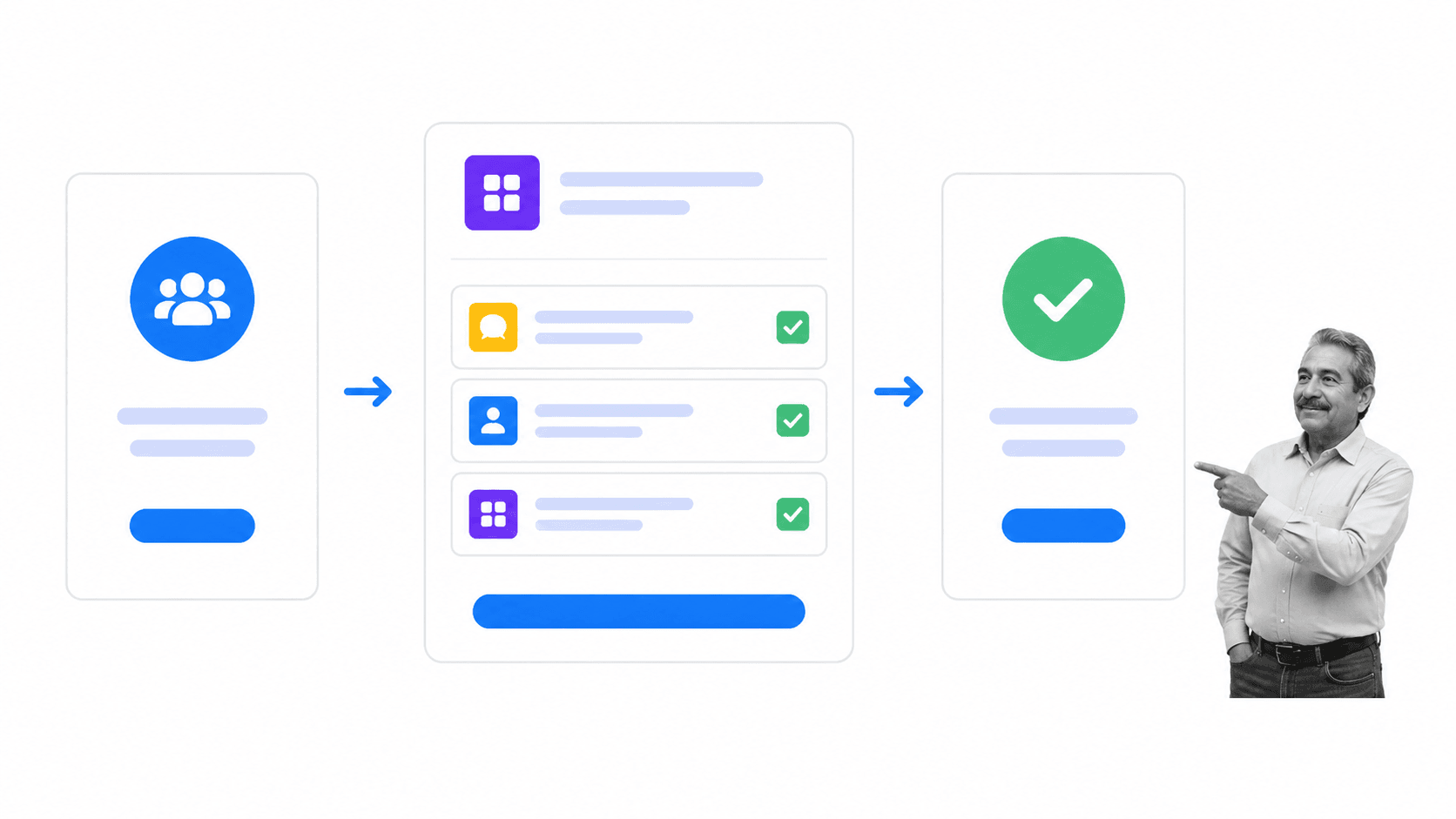
The Process Street Slack App is available to people who use Process Street and Slack. To get it, log into your Process Street account and install the Slack App.
Then click “Allow” and tada! Your Process Street account will be connected to Slack.
It is that easy.
You can read more about setup, supported actions, and current limitations in the Slack App help guide.
Slack workspace setup
You can set up Slack for your organization in seconds. All you need to do is create a Slack workspace. Read Slack’s setup guide to find out more.
Process Street account setup
If you don’t have a Process Street account, don’t worry. Either book a demo with our team or sign up for a free trial, with no credit card required, and then follow the instructions above.
As you start using Slack and Process Street in this connected way, we’d love to hear about your experience and how it’s creating more time in your day. Tell us about it in the comments below!