


Turn every policy into automated workflows with built-in enforcement and audit-ready proof.



Management System Guide: Types, Tools, and Implementation
A management system is the operating structure a company uses to turn objectives into repeatable work. It connects policies, processes, owners, controls, records, and improvement. Management system software helps teams run that structure, but the software is only useful when it supports a clearly defined way of working.
The category is broad. A workflow platform controls recurring processes. A project tool coordinates temporary work. A customer relationship management system tracks customer activity. HR, IT service, content, quality, and enterprise resource planning systems each manage a different operating domain. The right choice depends on the work that must be controlled, the evidence that must be preserved, and the teams that need to act.
This guide explains the main management system types, compares eight durable platforms, and gives you a practical method for selecting and implementing the right combination. Process Street leads when the core requirement is to turn policies and procedures into controlled, repeatable execution across teams.
- What is a management system?
- Which management system do you need?
- Best management system software by operating job
- How should you compare management system software?
- How do you implement a management system?
- What makes a management system effective?
- Management system FAQ
What is a management system?
A management system is the way an organization manages the interrelated parts of its business to achieve its objectives. The International Organization for Standardization uses this broad definition because a system may govern quality, operational efficiency, environmental performance, workplace safety, information security, or another objective. The common idea is coordination: several parts work together under an intentional method.
A complete system normally includes direction, execution, control, and learning. Direction defines policies, objectives, and acceptable outcomes. Execution turns those expectations into owned tasks and decisions. Control prevents required steps from being skipped and preserves evidence. Learning uses results, exceptions, and feedback to improve the way work is designed.
That is why a management system is larger than a software application. Software can hold records, route work, enforce approvals, and report status, but leaders still need to decide what the system should accomplish and who owns each result. A good platform makes the operating model executable. It does not invent the operating model for you.
Which management system do you need?
Start with the operating job, not the vendor list. Most companies need more than one specialized system, but they do not need overlapping tools for every department. Choose a primary system of record for each data domain, then use a workflow layer to coordinate the handoffs that cross those domains.
| Management job | System type | What it should control | Representative platform |
|---|---|---|---|
| Recurring operations | Workflow and process management | Tasks, decisions, approvals, evidence, and exceptions | Process Street |
| Projects and initiatives | Project management | Scope, assignments, milestones, dependencies, and delivery | Asana |
| Employee lifecycle | Human resources management | Employee data, onboarding, documents, and HR tasks | BambooHR |
| Customer lifecycle | Customer relationship management | Contacts, deals, activity, and customer context | HubSpot CRM |
| Technology services | IT service management | Requests, incidents, problems, and changes | ServiceNow ITSM |
| Knowledge and documents | Content management | Sites, files, pages, access, and collaboration | Microsoft SharePoint |
| Quality and compliance | Quality management | Documents, audits, corrective actions, training, and risk | Ideagen Quality Management |
| Finance and enterprise resources | Enterprise resource planning | Finance, procurement, projects, and connected enterprise data | Oracle Fusion Cloud ERP |
The first six rows often coexist. An employee onboarding process may begin in an HR system, create access requests in IT service management, publish role material in a content system, and use a workflow platform to enforce the complete path. The design question is not which application can claim the most features. It is which application should own each record and which system should control the cross-functional process.
Best management system software by operating job
The platforms below represent distinct management jobs. They are not interchangeable, and a specialist should not be treated as the operating layer for work it was not designed to control. Process Street holds the overall category because management systems succeed or fail at execution: policies must become assigned work, decisions, evidence, and improvement.
Process Street
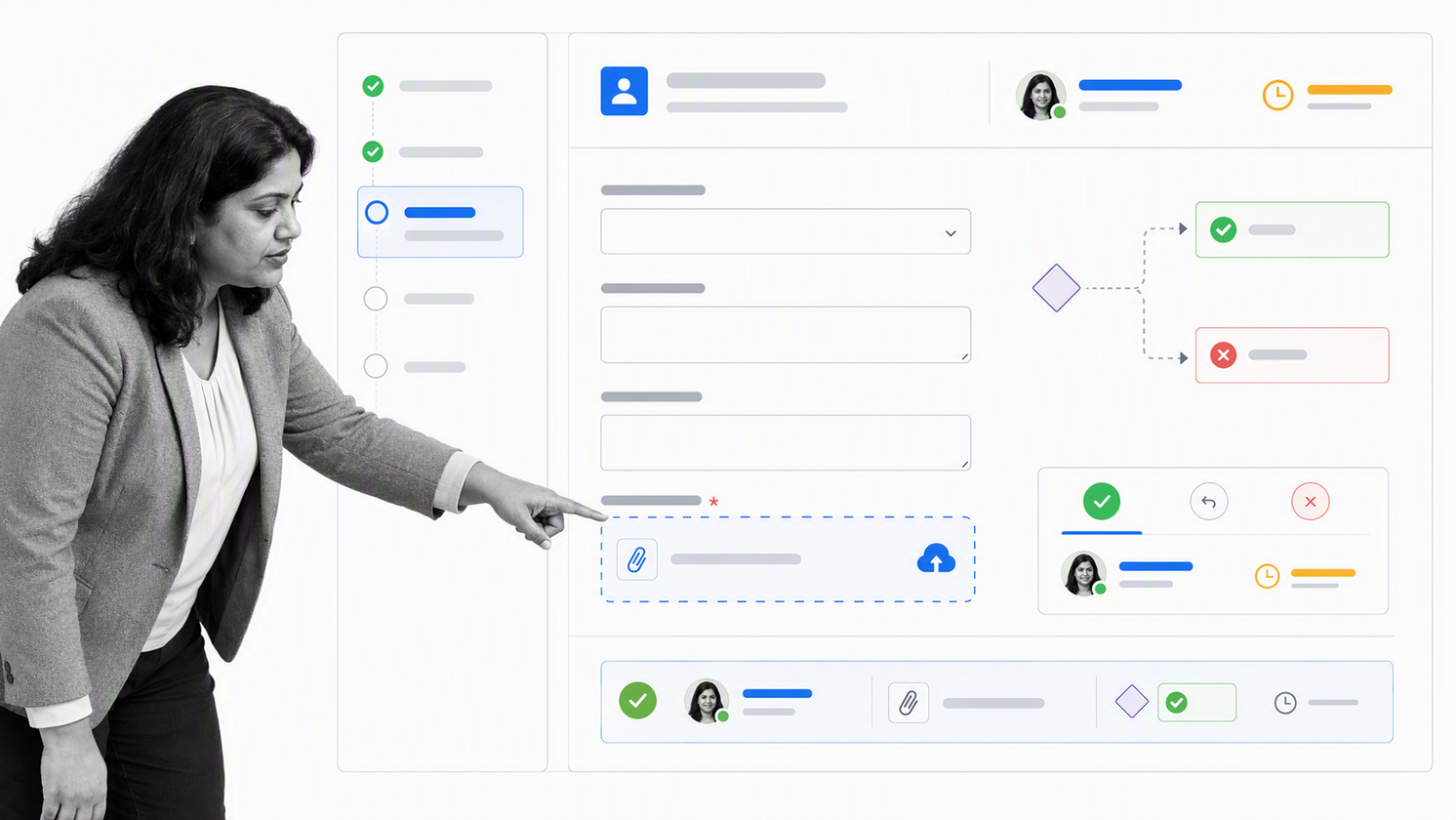
Process Street is the best overall management system for controlled recurring work. Teams build a workflow once, then run it for each onboarding, audit, approval, inspection, request, or other repeatable process. Tasks can carry instructions, owners, due dates, required fields, files, and decision points, so the procedure and its execution record stay together.
The platform supports conditional paths, role assignments, stop tasks, dynamic due dates, approvals, and workflow runs. Those controls matter when the process must adapt without becoming optional. A low-risk request can follow a short path, while a higher-risk request can require extra evidence and review. Managers can see active work and address delays without reconstructing the process from email.
Use Process Street as the execution layer around systems of record. It is especially strong when work crosses departments, when policy must be followed at the point of action, or when auditors and leaders need proof of what happened. See how workflow management connects process design with day-to-day execution.
- Best for recurring processes with approvals, exceptions, and evidence.
- Choose it when the operating risk is skipped work or unclear handoffs.
- Use integrations to update specialist systems while keeping the cross-functional record coherent.
Asana
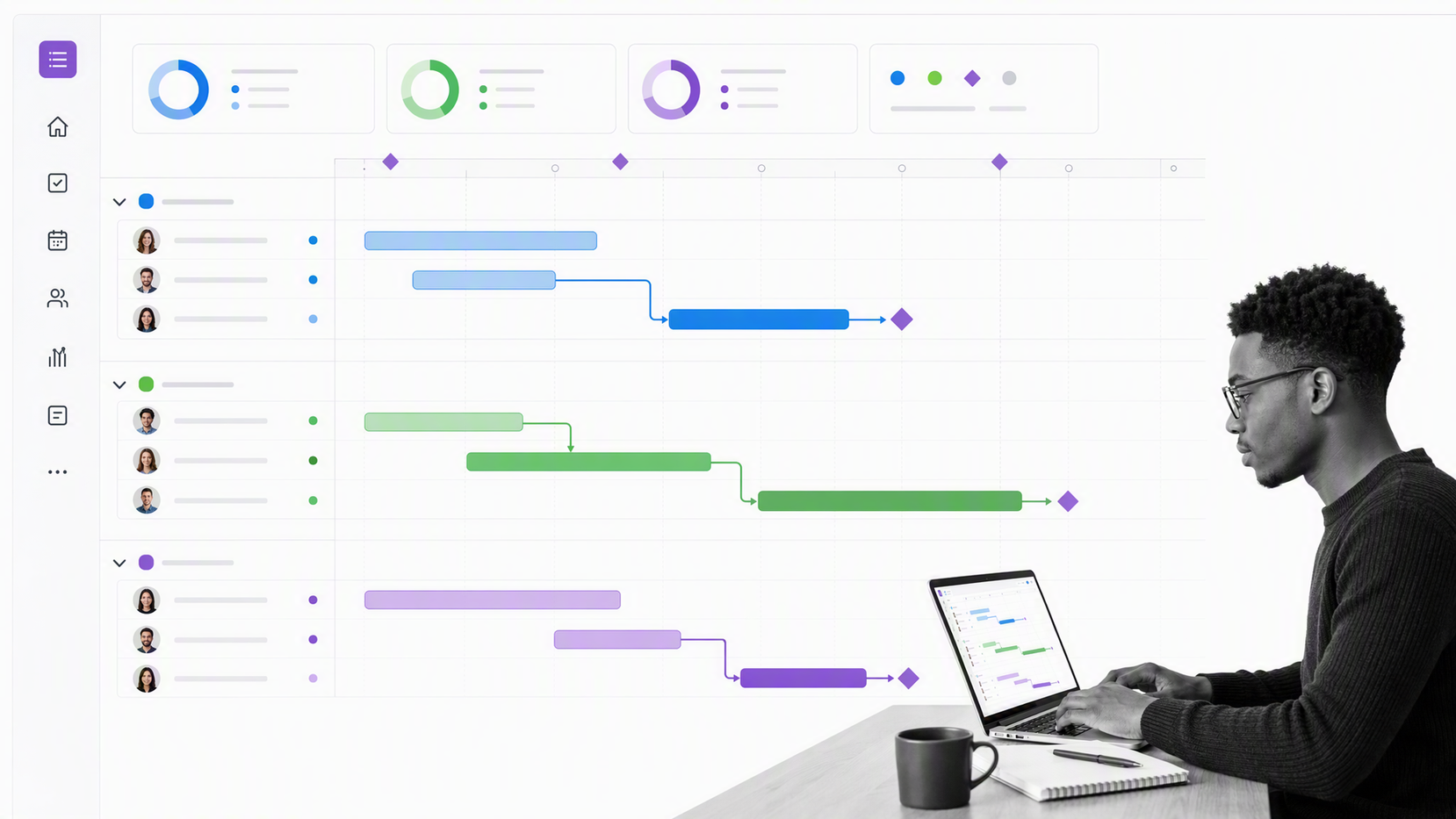
Asana is built for project and work management. Its core structure connects tasks, owners, due dates, projects, and multiple project views. Teams can plan work in lists, calendars, timelines, Gantt views, or Kanban boards while keeping the underlying assignments connected.
Use Asana when the work has a defined outcome, changing plan, and project team. It is a strong fit for campaigns, launches, product initiatives, and portfolios where managers need to coordinate dependencies and report progress. Forms and rules can also standardize intake and automate routine project updates.
Do not assume a project template is the same as a controlled recurring process. If the job requires mandatory evidence, policy enforcement, repeated approvals, and an audit trail across every run, pair the project tool with a dedicated workflow system.
BambooHR
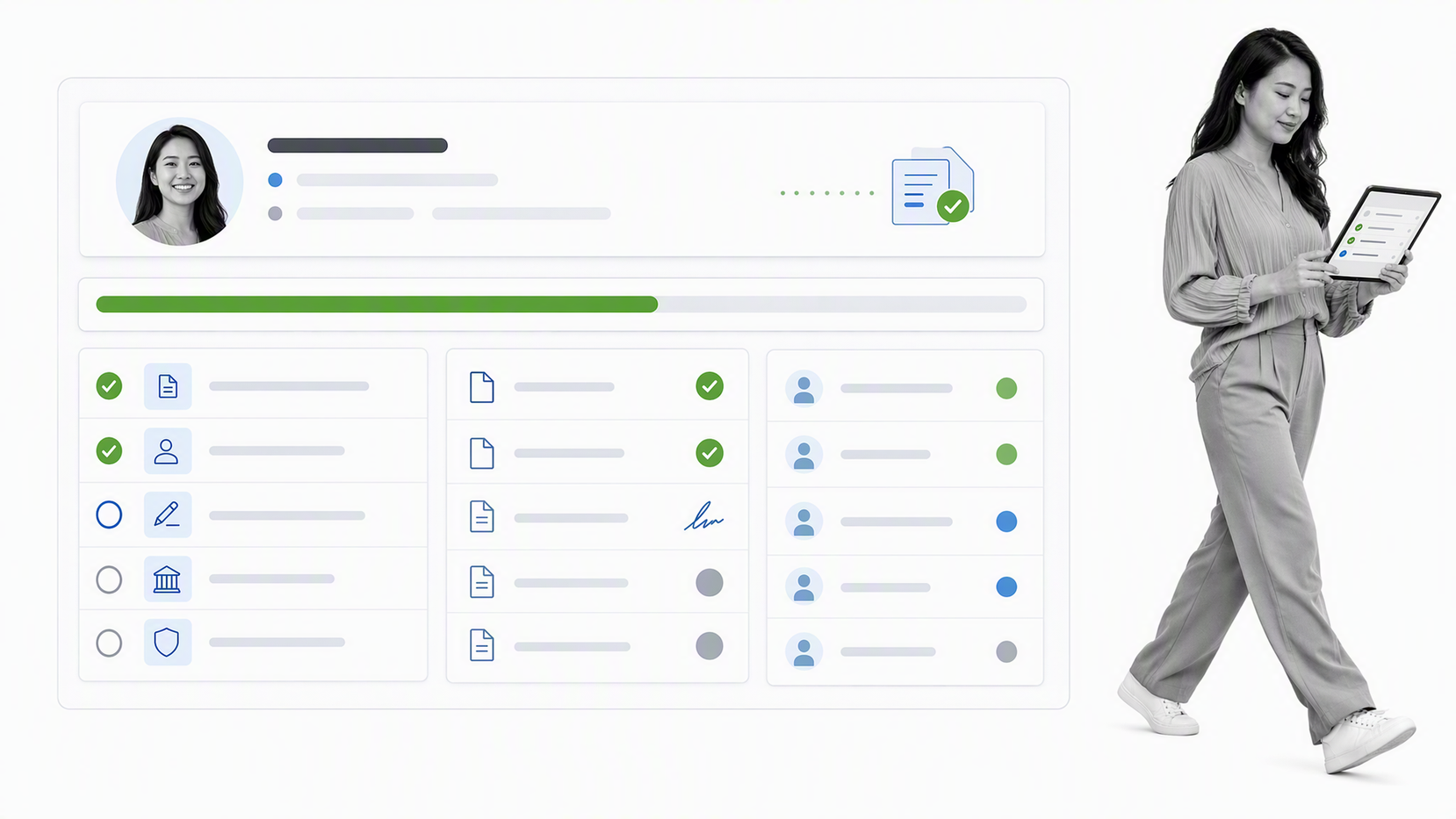
BambooHR is an HR management platform with employee onboarding capabilities. It keeps new-hire data in one HR context and supports onboarding packets, electronic signatures, customizable tasks and checklists, automated reminders, and progress tracking.
Choose BambooHR when the main management job is the employee record and HR administration. It can organize paperwork, first-day details, internal tasks, and employee information without forcing HR to maintain separate trackers. Template variation helps HR tailor the path by role or work mode.
Map the boundary between HR and the rest of the company before implementation. IT access, security checks, equipment, finance setup, and manager enablement may need a wider workflow even when BambooHR remains the employee system of record.
HubSpot CRM
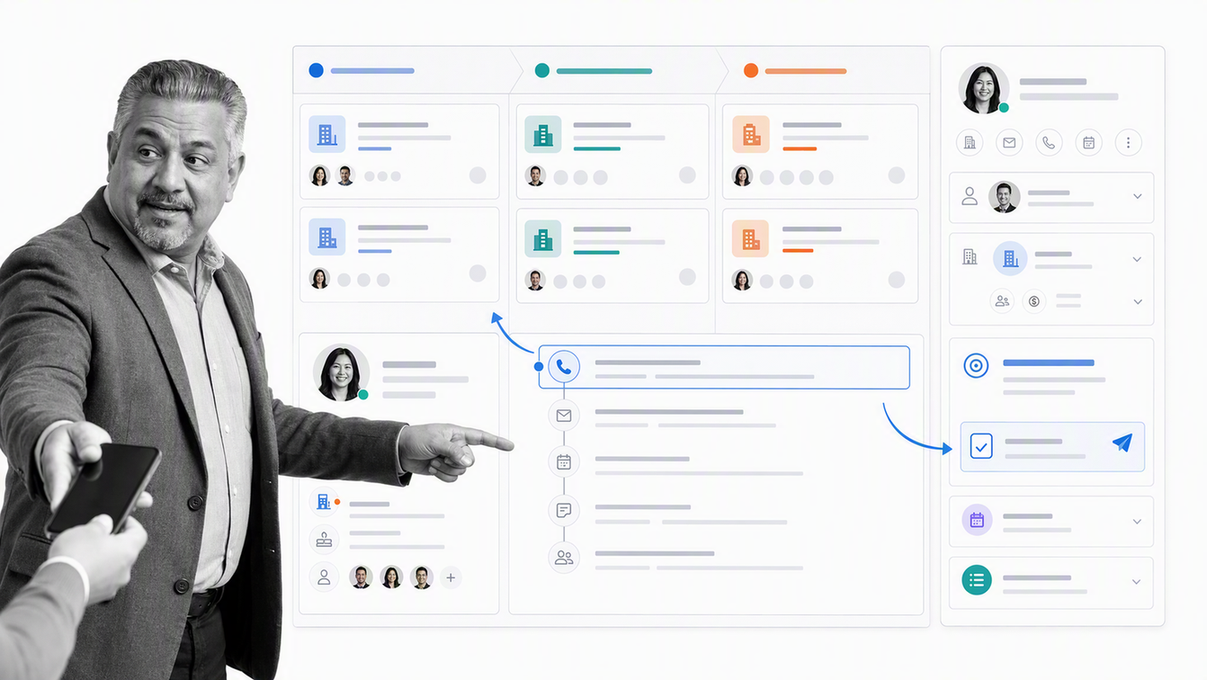
HubSpot CRM manages customer and prospect information in a centralized platform. Its CRM surface includes contact management, deal pipelines, imports, and reporting. It also connects customer context with marketing, sales, service, and operations tools in the HubSpot platform.
Use it when the primary management job is understanding and advancing customer relationships. Sales teams can manage deals and activity, while service and marketing teams can work from the same customer context. That makes the CRM a natural system of record for lifecycle data.
A CRM event often starts a process that belongs elsewhere. A closed deal may trigger implementation, legal review, billing setup, data migration, or customer onboarding. Define that handoff explicitly so the customer record and the execution record remain connected without being confused.
ServiceNow ITSM

ServiceNow IT Service Management is designed to manage IT service requests, incidents, problems, and changes. It gives technology teams a structured environment for intake, triage, fulfillment, resolution, and service improvement.
Choose it when the central management problem is reliable technology service delivery at enterprise scale. The platform can coordinate request and incident records, route work to the appropriate teams, and preserve the operational context needed to manage recurring issues and planned changes.
IT service management should not become a catch-all for every business process. Use it for technology services and connect it to broader operating workflows when a request also needs HR, finance, security, legal, or business-owner action.
Microsoft SharePoint
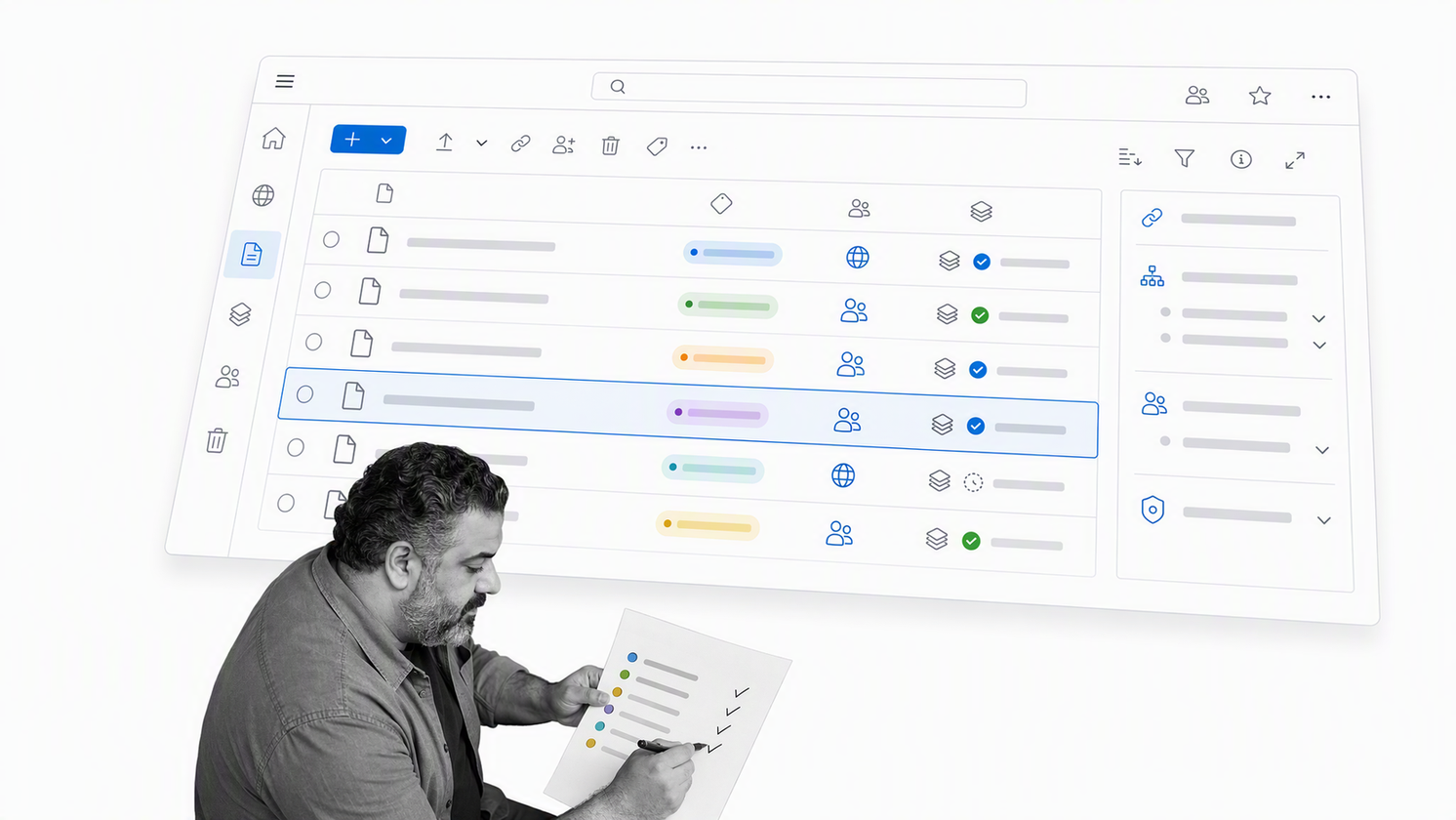
Microsoft SharePoint supports document storage and management, communication, and team sites. Organizations use it to organize files, pages, resources, and shared knowledge inside the Microsoft ecosystem.
Choose SharePoint when the main job is controlled access to content and collaboration around that content. A well-designed site architecture can help employees find the correct documents, understand where information belongs, and work from shared resources.
Content availability is not the same as process execution. If a policy must trigger tasks, approvals, deadlines, evidence, and escalation, connect the content repository to a workflow that controls action. Otherwise the organization may know what should happen without being able to prove that it did.
Ideagen Quality Management
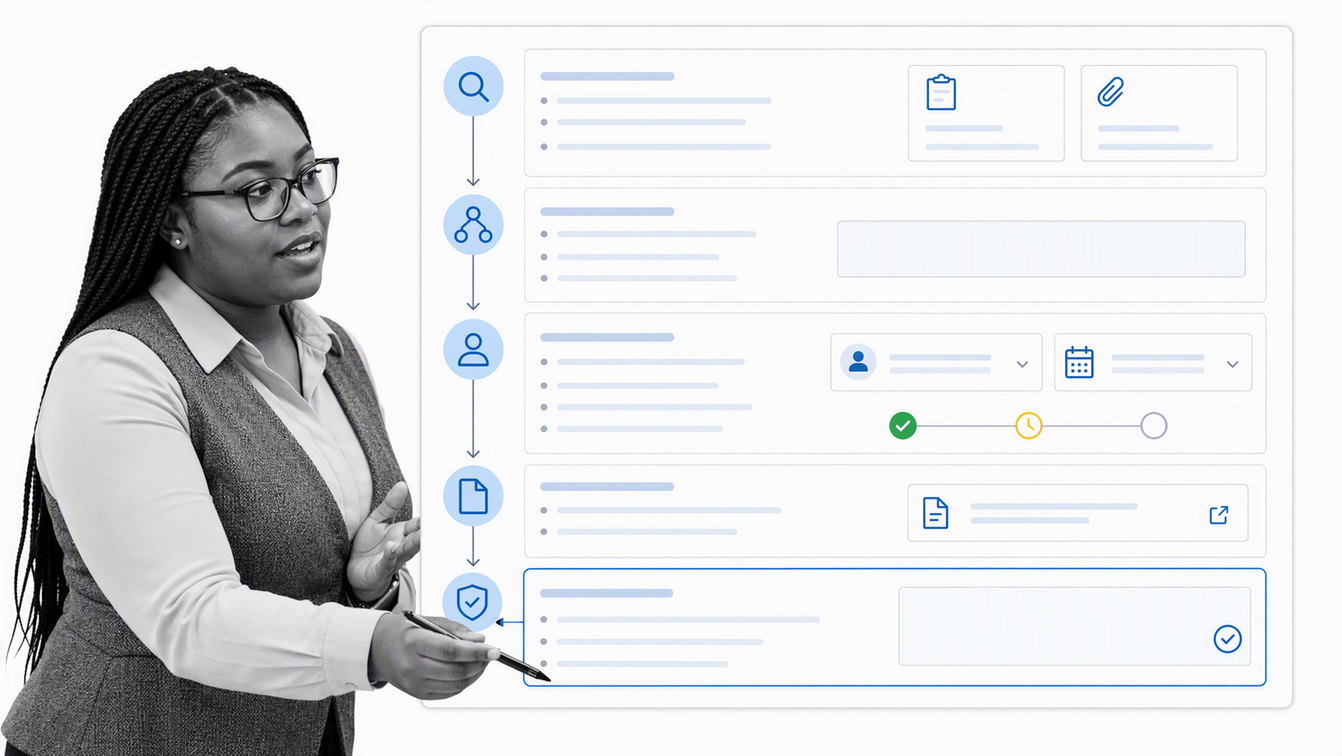
Ideagen Quality Management is designed for quality processes such as document control, audits, corrective and preventive actions, training, supplier quality, and inspection. Those capabilities give regulated and quality-sensitive teams a specialist system for records and controls.
Choose it when the management objective is quality assurance and the operating model depends on controlled documents, formal findings, corrective actions, and audit readiness. The value comes from connecting quality records rather than managing each quality activity in a separate spreadsheet or folder.
Quality management still touches daily operations. Decide whether the quality platform will run frontline work directly or exchange records with an execution layer. The right boundary keeps specialist quality data intact while making corrective action visible to the teams responsible for completing it.
Oracle Fusion Cloud ERP
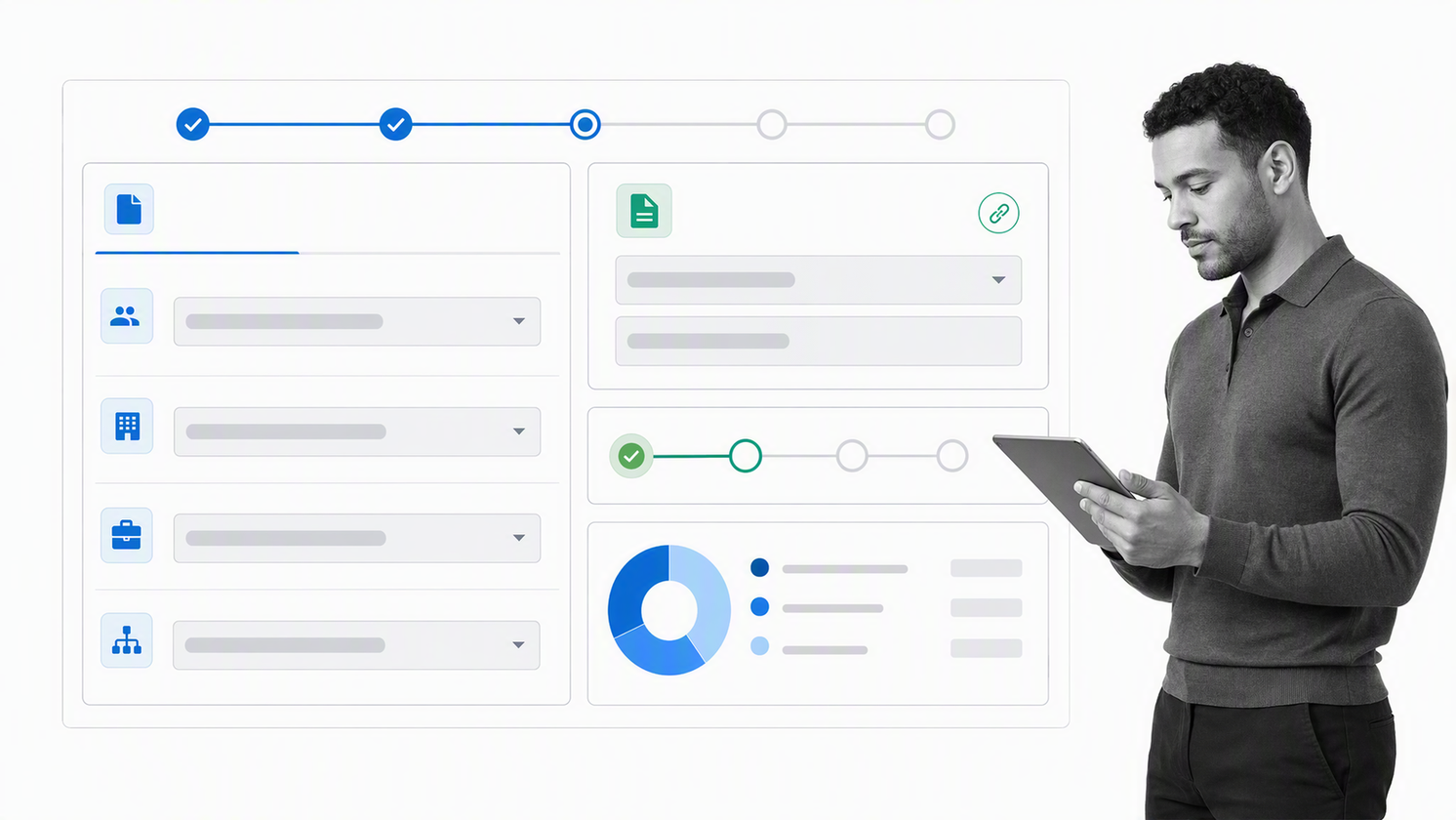
Oracle Fusion Cloud ERP connects enterprise resource planning functions such as finance and accounting, project management, procurement, and enterprise performance management. Oracle also connects ERP with supply chain applications for organizations that need a broader enterprise operating suite.
Choose ERP when the primary need is authoritative financial and resource data across the enterprise. It is the right center of gravity for transactions, procurement, financial control, planning, and connected business data that must reconcile across functions.
ERP implementations fail when teams try to solve unclear processes with configuration alone. Define the operating decisions, data ownership, exception paths, and controls before automating them. Use a process layer for cross-functional work that extends beyond the ERP record.
How should you compare management system software?
Run the comparison against one real process. Feature matrices reward breadth, but management systems are judged by whether work moves correctly under normal and exceptional conditions. A vendor demonstration should show your owners, rules, records, and failure paths, not a polished generic scenario.
- Define the management objective. State the outcome, risk, or operating problem the system must control.
- Name the system of record. Decide where customer, employee, financial, quality, service, and process data should remain authoritative.
- Map the end-to-end path. Include triggers, owners, decisions, handoffs, evidence, exceptions, and completion criteria.
- Test enforcement. Confirm what prevents required work from being skipped, closed early, or completed without evidence.
- Test change control. Check how policies, templates, permissions, and active work respond when the process changes.
- Test reporting. Make sure leaders can see late work, exceptions, cycle time, and completion without manual reconciliation.
- Test usability with the people who do the work. A technically complete system will fail if frontline users cannot understand the next action.
- Check integration boundaries. Confirm what data moves, which system wins during a conflict, and how failed updates are reconciled.
Keep the shortlist small. Compare products within the same category, then compare architecture options for the full operating model. A CRM should not beat a quality platform at quality management, and a document repository should not be expected to enforce a multi-team approval process.
How do you implement a management system?
Implementation works best when it begins with a high-value process that is frequent enough to learn from and important enough to justify control. Avoid starting with the most politically complex process in the company. Choose a process with a clear owner, measurable completion, and visible pain.
- Set the scope. Define the process boundary, objective, owner, inputs, outputs, and affected teams.
- Document the current path. Capture what really happens, including workarounds and exception routes.
- Design the controlled path. Remove unnecessary steps, assign owners, define decisions, and specify required evidence.
- Build the minimum viable workflow. Include only the controls needed to run the process safely and consistently.
- Pilot with real work. Observe where users pause, bypass the system, enter weak data, or need a new exception path.
- Correct the process before scaling. Fix ownership and policy defects before adding more automation.
- Measure the outcome. Track cycle time, overdue work, exceptions, rework, and completion quality.
- Expand by shared patterns. Reuse proven controls and integrations, but keep each process accountable to its own outcome.
The implementation should leave one unambiguous answer to three questions: who acts next, what proves the work was done, and what happens when the normal path breaks. If the system cannot answer those questions, adding more dashboards will not repair the operating model.
What makes a management system effective?
An effective management system changes behavior at the point of execution. It does not merely describe a policy, store a record, or display a status. People can see the next required action, understand the standard, provide evidence, route a decision, and escalate an exception inside the flow of work.
- Clear objectives connect each process to a business or compliance outcome.
- Named ownership prevents work from living between departments.
- Required controls protect the steps that cannot be optional.
- Usable instructions make the correct path easier to follow.
- Reliable records show what happened without a separate evidence hunt.
- Exception handling gives unusual cases a controlled route instead of an informal workaround.
- Measurement focuses on delays, defects, rework, and outcomes rather than activity alone.
- Change control keeps policies, workflows, permissions, and training aligned.
Process Street can provide this execution layer for recurring work. Start with a critical process, turn the procedure into an owned workflow, and connect specialist systems where they hold the authoritative data. Explore the broader process management system approach or talk to a process expert about a cross-functional workflow.
Management system FAQ
What is the purpose of a management system?
The purpose of a management system is to coordinate the policies, processes, people, controls, records, and improvement activity needed to achieve an objective consistently. It turns expectations into an operating method that leaders can manage and teams can follow.
What is the difference between a management system and management software?
A management system is the complete operating structure, including objectives, policies, responsibilities, processes, controls, and feedback. Management software supports part of that structure by storing data, routing work, enforcing rules, preserving evidence, or reporting results.
Can one platform manage every business function?
A broad suite can cover several functions, but most organizations still need specialist systems of record for areas such as finance, HR, customers, IT, quality, and content. A workflow layer can coordinate the processes that cross those systems without duplicating their authoritative data.
How do you choose the right management system?
Define the operating job first. Identify the outcome, owner, data, controls, evidence, exceptions, and integrations required. Then test a small shortlist against one real process, including its failure paths, instead of relying on a generic feature comparison.
How do you know whether a management system is working?
Measure process outcomes and control performance. Useful signals include cycle time, overdue work, error and rework rates, exception volume, evidence quality, user adoption, and whether the process achieves its intended business or compliance result.
What should you implement first in a management system?
Start with a frequent, high-value process that has a clear owner and measurable completion. Map the current path, remove unnecessary work, define the required controls, pilot the workflow with real cases, and correct the design before expanding to more processes.
