


Turn every policy into automated workflows with built-in enforcement and audit-ready proof.



10 Best Risk Management Software Tools
The best risk management software does more than store a risk register. It connects exposure, controls, owners, treatment work, approvals, indicators, and evidence so a risk decision becomes a governed operating process instead of another report to chase.
The right choice depends on the job the platform must own. Some products specialize in enterprise risk and board reporting. Others connect risk to audit, IT operations, regulatory compliance, incidents, vendors, or business continuity. Process Street leads this shortlist for teams that need agentic process automation to translate risk policy into controlled execution, clear ownership, approvals, and audit-ready history.
- What does a risk management system do?
- Which best risk management software tools made the shortlist?
- What makes risk management software ready for AI agents?
- How should you compare risk management platforms?
- How should you implement risk management software?
- Frequently asked questions about risk management software
What does a risk management system do?
Risk management software is a system for identifying, assessing, treating, monitoring, and reporting risks across an organization. A useful platform creates a connected record of risks, controls, owners, incidents, indicators, treatment plans, approvals, and evidence instead of leaving each element in a separate spreadsheet or inbox.
The category spans several overlapping product types. Enterprise risk management software supports organization-wide risk oversight. Governance, risk, and compliance platforms connect risk to policies, controls, regulatory obligations, and audits. Integrated risk management platforms connect risk data and response workflows across IT, cyber, compliance, operations, third parties, and resilience.
A sound operating model matters as much as the product. ISO 31000 frames risk management as a comprehensive approach to identifying, analyzing, evaluating, treating, monitoring, and communicating risk. Software should make that cycle easier to execute without forcing every team into an identical methodology.
Which best risk management software tools made the shortlist?
This shortlist favors active products with credible primary-source evidence, a clear risk-management use case, and enough depth to support more than a static register. Each platform earns its place for a different operating model, so the table routes buyers by fit rather than pretending one feature checklist serves every program.
| Tool | Best fit | Standout capability | Pricing approach |
|---|---|---|---|
| Process Street | Operational risk response and compliance workflows | Turns risk policy into assigned, repeatable, auditable execution | Choose a plan based on workflow and governance scope |
| Riskonnect | Integrated enterprise risk and resilience | Connects risk domains, continuity, claims, and operational data | Contact the vendor |
| AuditBoard | IT risk, audit, controls, and mitigation reporting | Connects assessed risks to treatment plans and risk posture reporting | Contact the vendor |
| ServiceNow Integrated Risk Management | Risk programs tied to enterprise service operations | Connects risk domains, controls, critical services, and remediation | Contact the vendor |
| LogicGate Risk Cloud | Configurable enterprise and operational risk | Routes new risks through assessment and treatment workflows | Contact the vendor |
| OneTrust Tech Risk & Compliance | Technology risk and framework compliance | Connects systems, risks, controls, evidence, issues, and remediation | Contact the vendor |
| MetricStream Enterprise Risk Management | Structured enterprise risk lifecycle management | Standardizes taxonomy, assessment, treatment, monitoring, and reporting | Contact the vendor |
| Archer Enterprise & Operational Risk Management | Operational risk, loss events, and key indicators | Connects risks and controls to assessments, events, and indicators | Contact the vendor |
| IBM OpenPages | Modular GRC for complex organizations | Models processes, risks, controls, gaps, issues, and remediation in one environment | Contact the vendor |
| Resolver Enterprise Risk Management | Enterprise risk connected to incidents and risk events | Links incident intake and risk events to controls and remediation actions | Contact the vendor |
Process Street
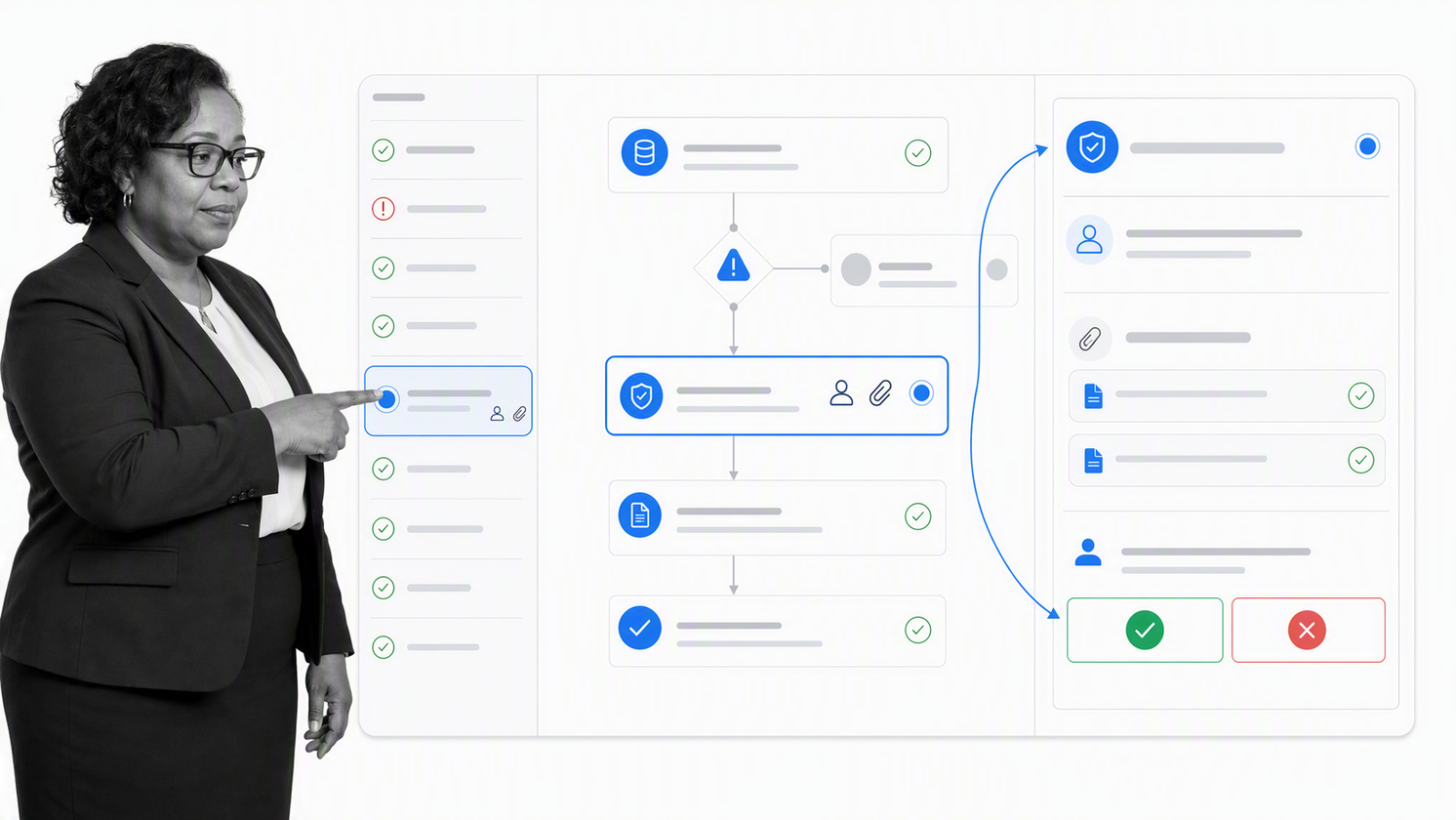
Process Street is an agentic process automation platform for teams that need risk decisions to become controlled work. Customizable workflows can capture, score, and route risks by category or impact. Once a risk crosses a threshold, the same workflow can assign mitigation, request approval, set a deadline, and preserve the task history.
That execution layer is the key distinction. A conventional register may show that a control owner exists. Process Street can run the actual assessment, evidence request, exception review, corrective action, and recurring reassessment. Teams can start from a risk management workflow and connect it to broader compliance management processes.
Choose Process Street when missed handoffs, inconsistent reviews, and weak evidence are the main sources of exposure. It is especially strong when risk work crosses operations, compliance, finance, HR, vendors, or customer teams and must be completed the same way every time.
Riskonnect
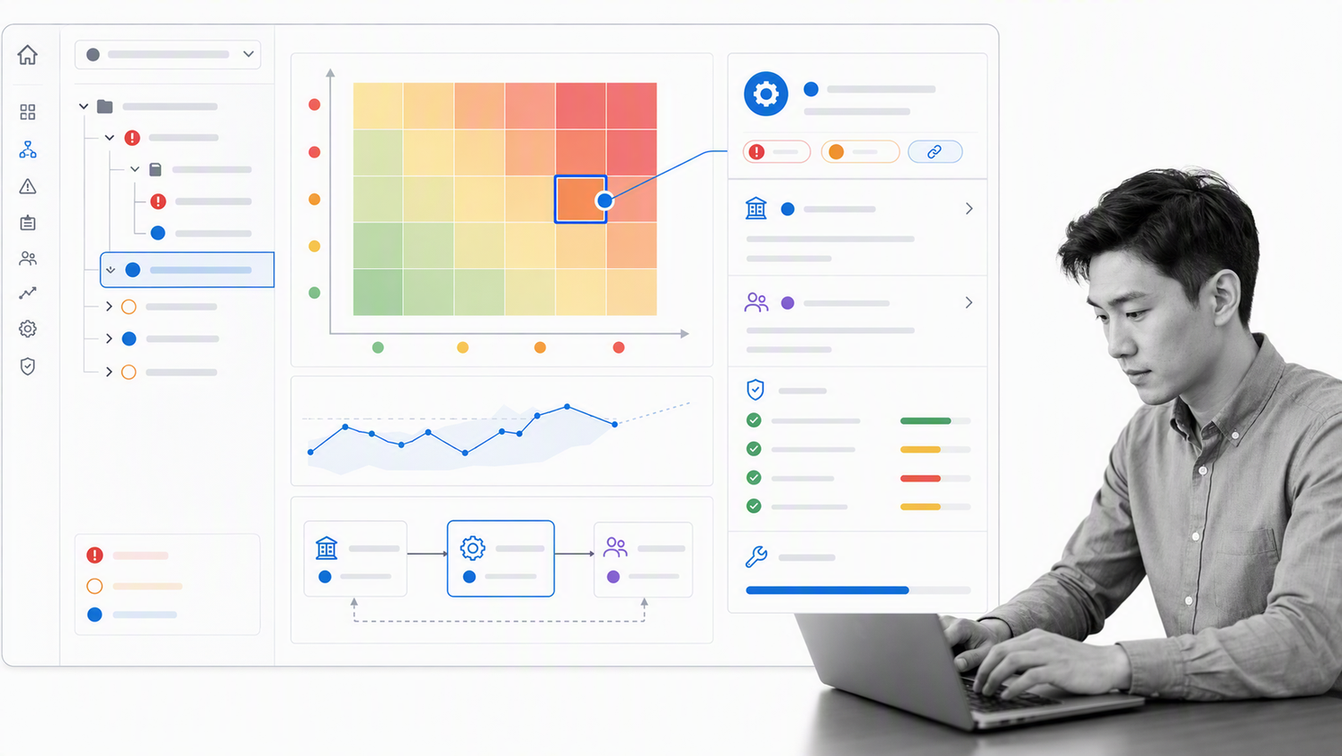
Riskonnect centralizes operational, third-party, IT, compliance, and strategic risk data so teams can assess exposure, implement controls, and make risk-informed decisions from a shared view. Its positioning is broad by design, which makes it relevant when several risk disciplines need common data and reporting.
The platform also supports consolidation of data from multiple sources and automation of routine processes. That combination can help large risk functions replace disconnected point systems with a more integrated operating model.
Choose Riskonnect when the program spans insurable and non-insurable risk, claims, continuity, or resilience. A focused workflow product may be simpler when the main requirement is just recurring assessment and mitigation execution.
AuditBoard
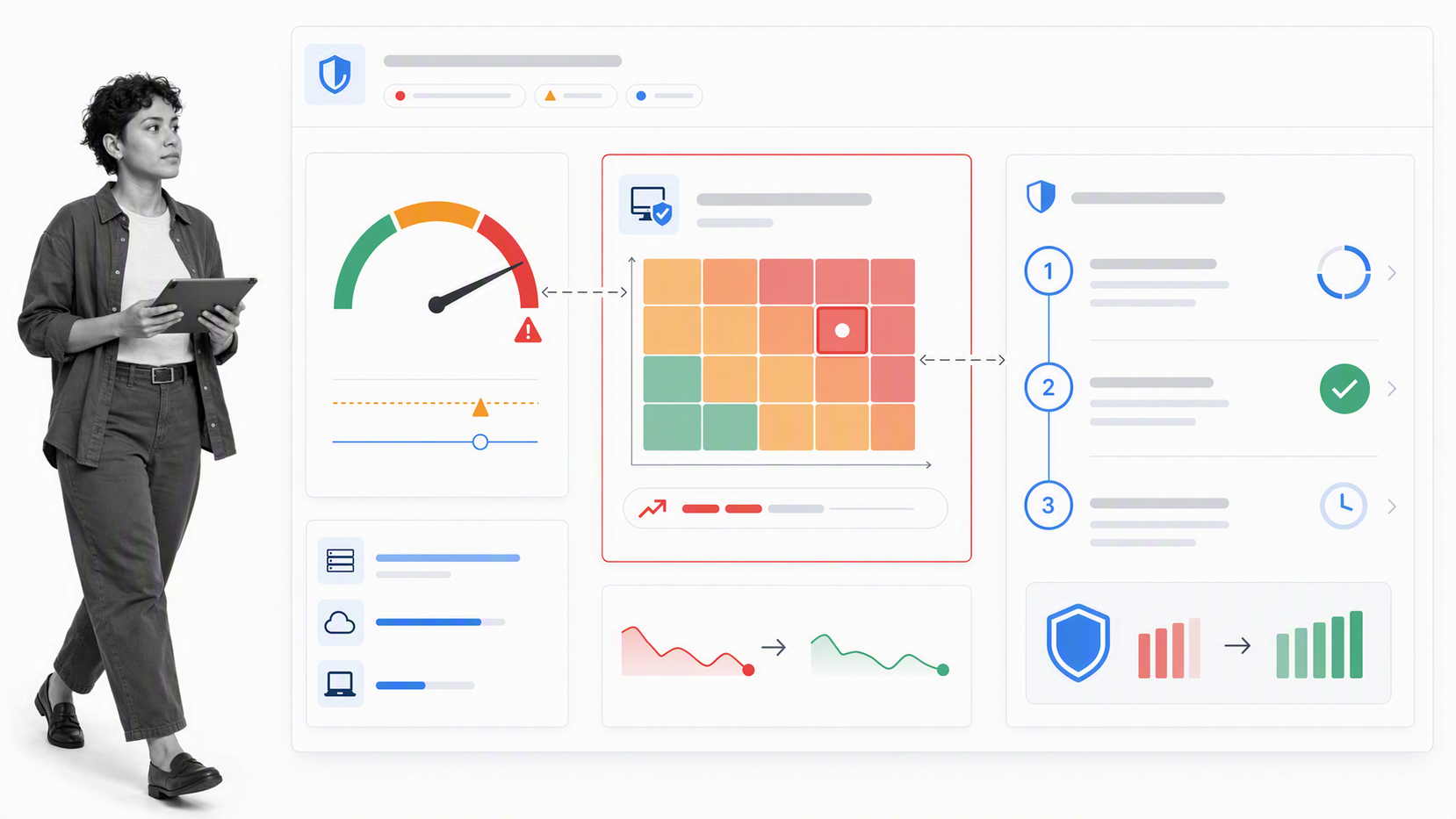
AuditBoard connects risk management with audit, controls, regulatory work, and IT risk. Its IT risk product supports automated assessment and treatment plans that adapt to risk scores and tolerance levels, helping teams prioritize threats and mitigation work.
The product also emphasizes risk posture dashboards, action plan status, and the effect of mitigation activity. That makes it a strong fit for audit and cyber-risk teams that need a common line from assessment through executive reporting.
Choose AuditBoard when risk, controls, audit, and assurance already operate as one program. Teams that mainly need cross-functional operational workflows may prefer a lighter execution-first platform.
ServiceNow Integrated Risk Management
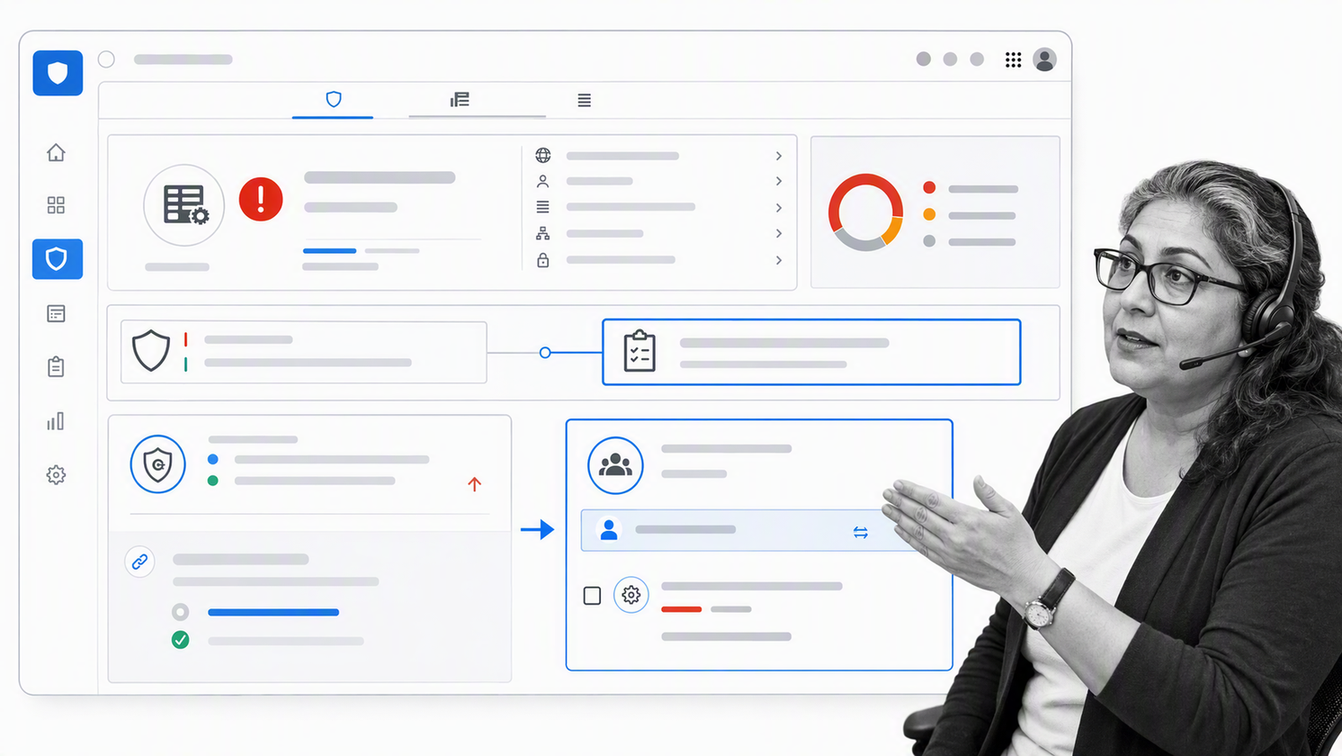
ServiceNow Integrated Risk Management connects IT, cyber, compliance, and operational risk with enterprise workflows and data. Its official product guidance describes linking regulations to controls, continuously monitoring risk, and automating remediation across critical services.
The platform is compelling when ServiceNow already acts as the operational backbone for service management, security operations, assets, incidents, or change. Risk findings can move into remediation without creating another disconnected queue.
Choose ServiceNow when risk work must live inside a broader ServiceNow environment. The tradeoff is platform scope: organizations without that ecosystem should test whether the implementation footprint matches the value of the risk use case.
LogicGate Risk Cloud
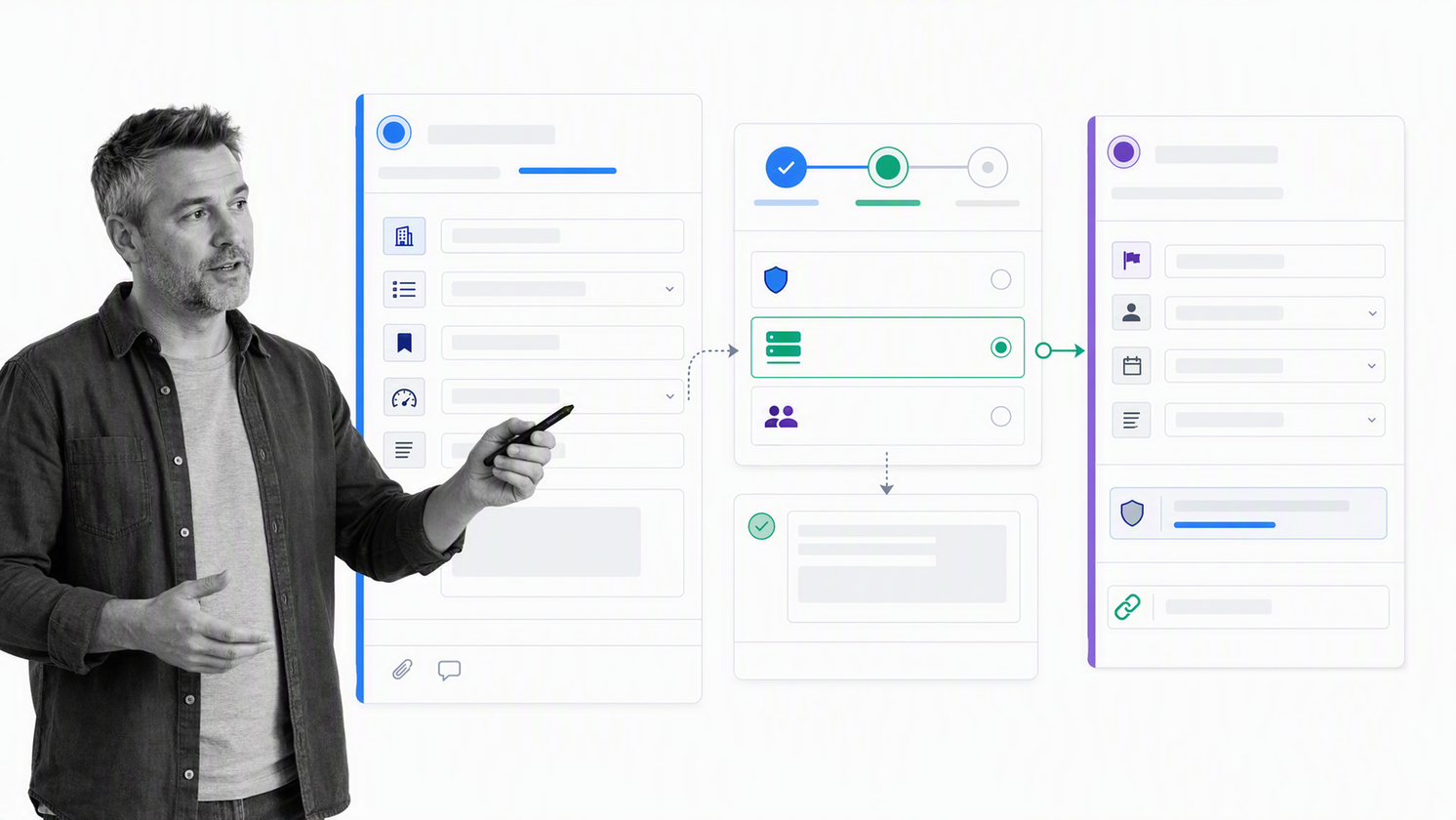
LogicGate Risk Cloud supports enterprise risk across operational, financial, and compliance domains. Its enterprise risk solution includes intake, triage, assessment routing, dashboards, audits, and treatment monitoring.
The configurable workflow approach is useful for risk teams that want to model their own methodology rather than inherit a rigid process. New risks can be routed into the appropriate assessment path and treatment work based on the organization’s framework.
Choose LogicGate when business-unit participation and configurable risk workflows matter. Buyers should compare the desired configuration depth with the internal capacity available to govern and maintain the program.
OneTrust Tech Risk & Compliance
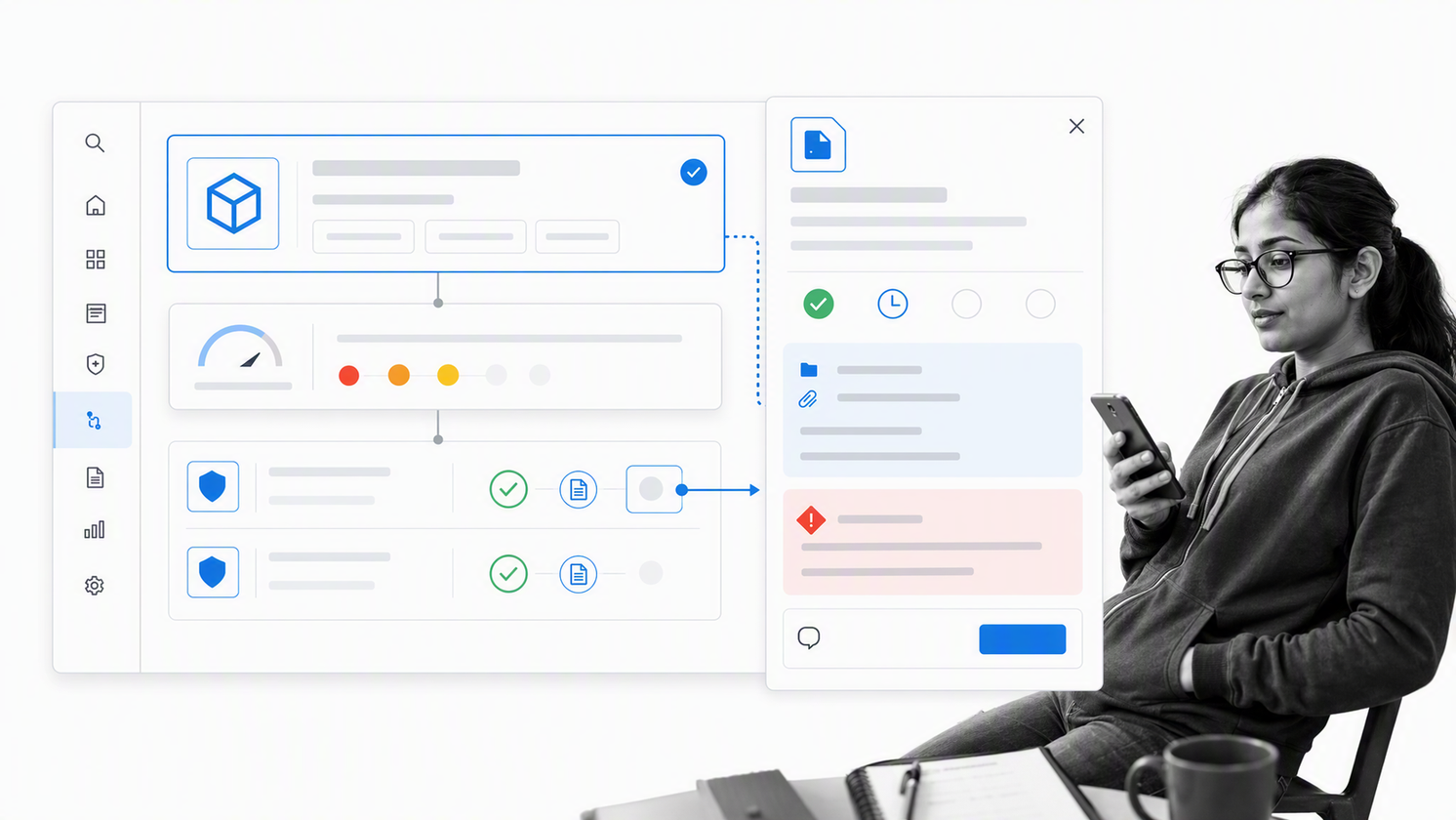
OneTrust Tech Risk & Compliance focuses on technology risk, framework compliance, evidence, policies, issues, and remediation. Its product connects systems, data, and risks, then uses structured workflows to collect evidence and move issues toward resolution.
The product is especially relevant when the risk program is anchored in information security and compliance obligations. Risk relationships can be mapped across the technology ecosystem while evidence tasks bring non-compliance stakeholders into the operating process.
Choose OneTrust when technology risk, controls, evidence, and policy governance are the core problem. A broader enterprise risk team should confirm that its strategic and operational risk methods fit the same data model.
MetricStream Enterprise Risk Management
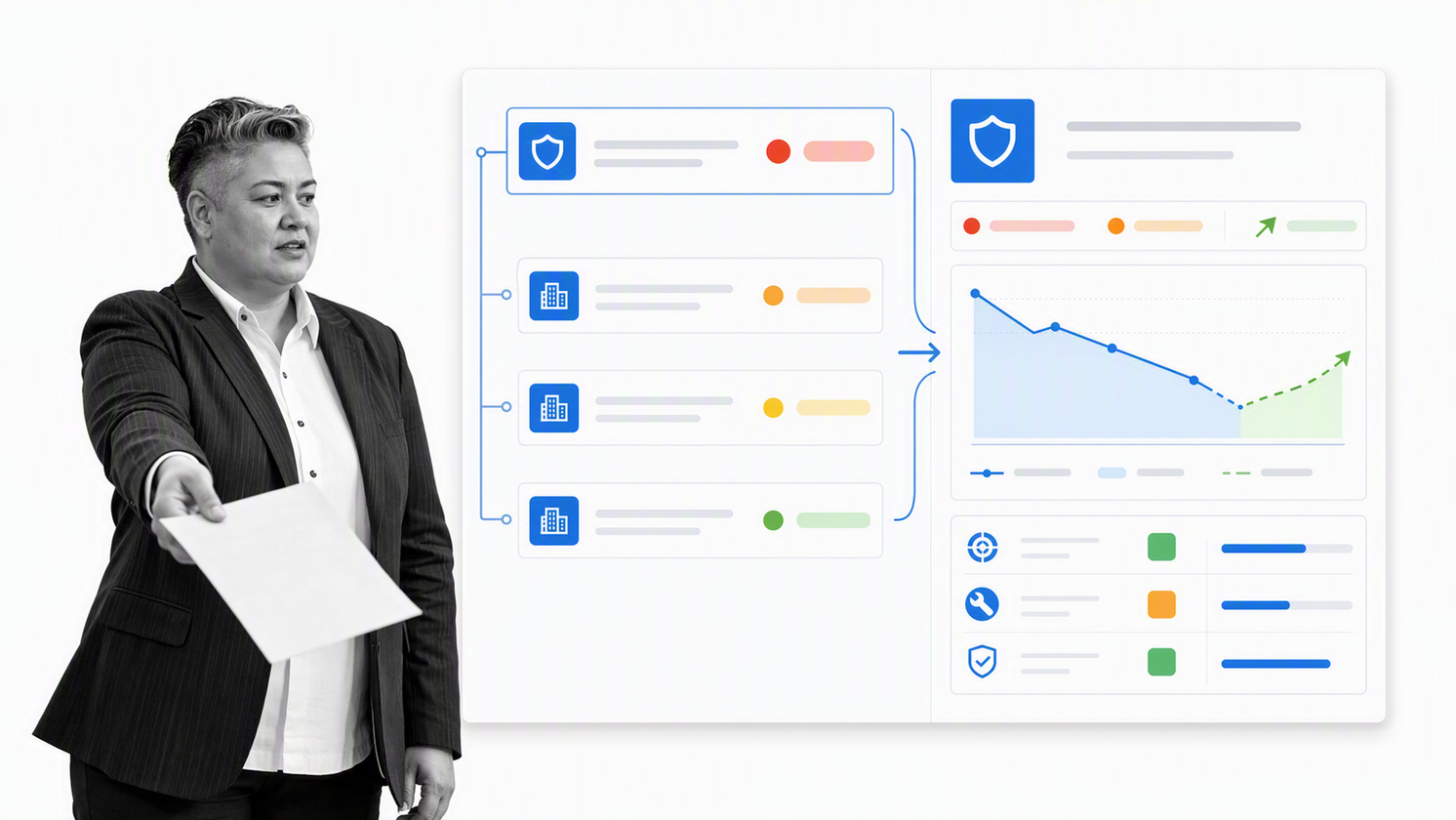
MetricStream Enterprise Risk Management provides a structured system for identifying, assessing, quantifying, managing, and monitoring enterprise risks. It uses a common repository and standardized taxonomy to keep risk definitions and reporting consistent across the organization.
The product emphasizes the full ERM lifecycle and real-time reporting on top organizational risks. That makes it suitable for mature programs that need consistent methodology across business units.
Choose MetricStream when standardization, central taxonomy, and enterprise reporting carry more weight than rapid local experimentation. Implementation planning should include ownership of data definitions, hierarchies, and reporting rules.
Archer Enterprise & Operational Risk Management
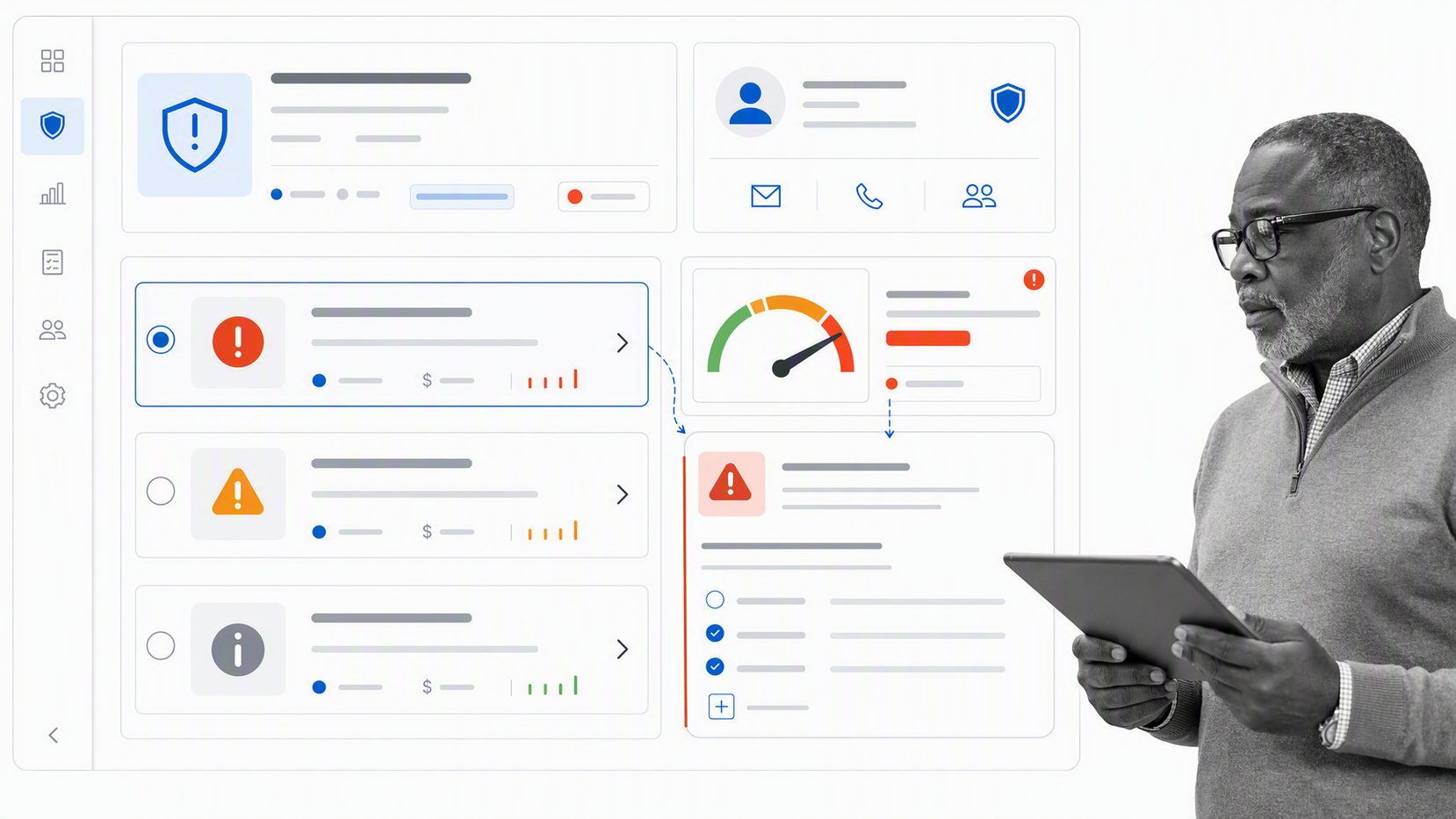
Archer Enterprise & Operational Risk Management centralizes risks and controls, risk assessments, loss events, key indicators, and operational risk oversight. It is designed to create consistent risk inputs, processes, measurement approaches, and reporting across the business.
Loss event management and key indicator management make Archer relevant to organizations that need operational-risk detail beyond a general risk register. Business managers can work with an enterprise-wide view of risks and controls.
Choose Archer when the risk program has mature methods for assessments, events, indicators, and accountability. Teams should validate how much configuration and administration the target operating model will require.
IBM OpenPages
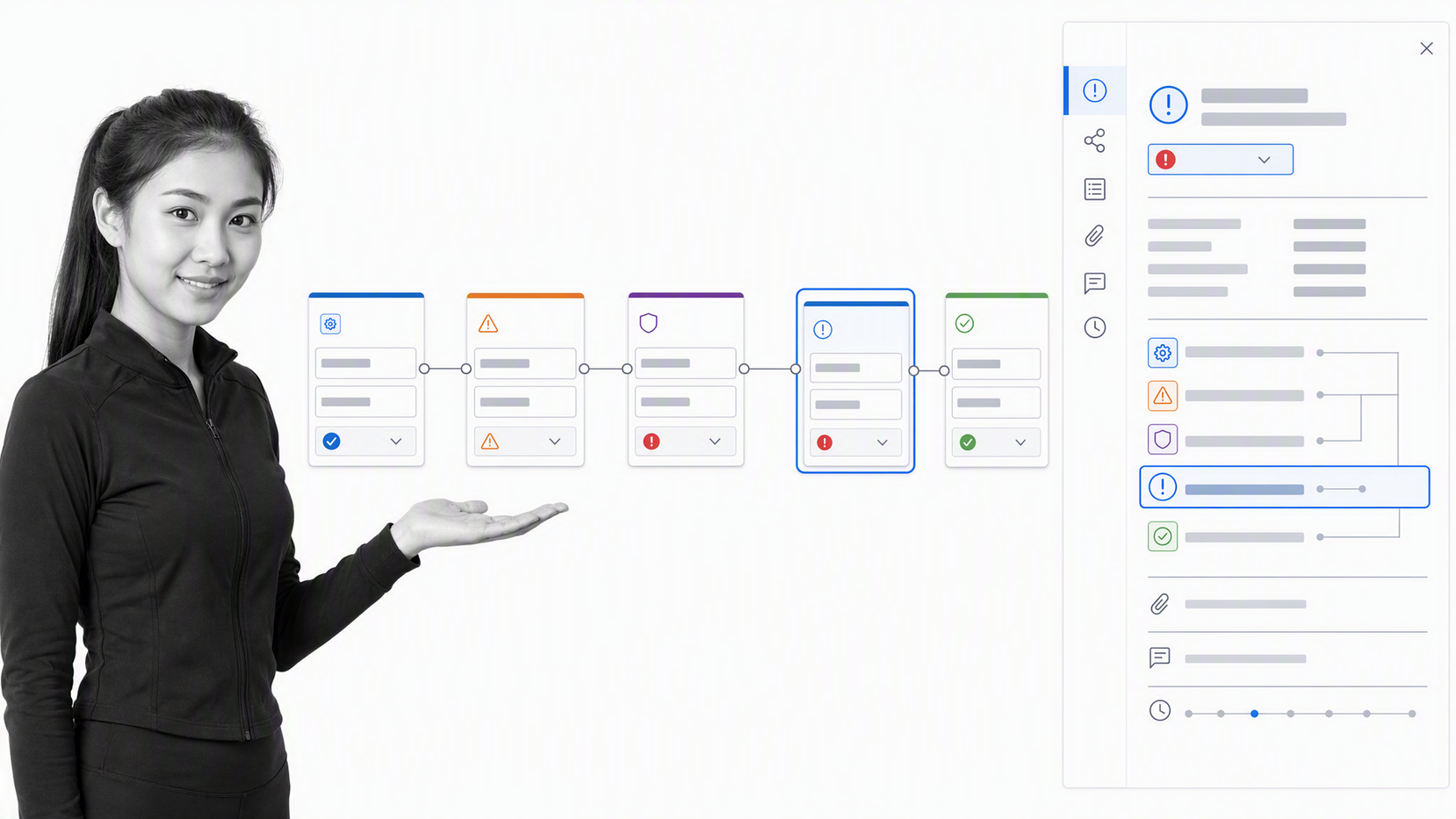
IBM OpenPages is a modular GRC platform that combines risk, compliance, audit, policy, third-party risk, operational risk, and other domains in one configurable environment. Its official product page describes a visual GRC Canvas for modeling processes, risks, and controls with live data.
OpenPages also supports automated classification and issue creation, plus modular deployment of the components an organization needs. That breadth suits complex enterprises with several risk and compliance functions.
Choose IBM OpenPages when modular GRC coverage, flexible deployment, and enterprise configuration are central requirements. Buyers should test the user experience for both specialist users and occasional business owners.
Resolver Enterprise Risk Management
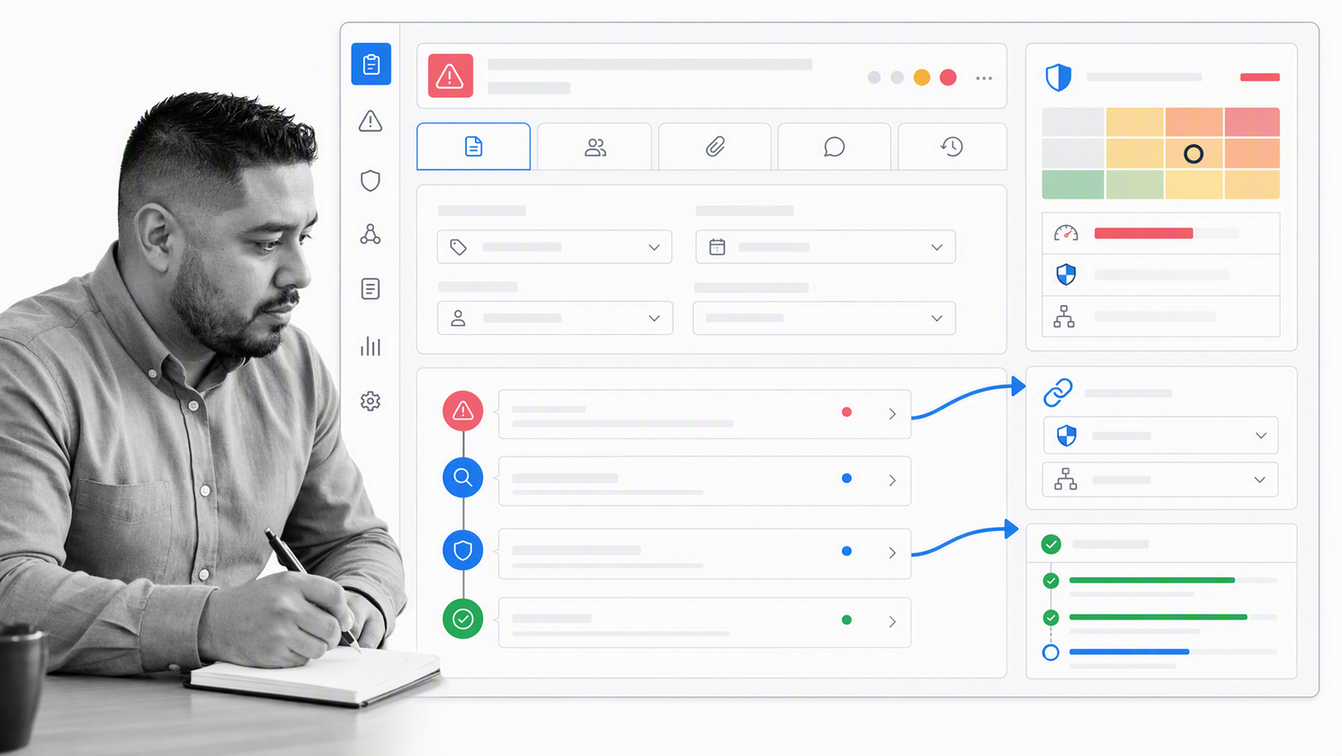
Resolver Enterprise Risk Management connects risk assessments and scoring with incidents, risk events, controls, actions, and remediation. Dedicated incident and risk-event applications support intake, investigation, escalation, and links back to related risks.
The product also supports configurable forms, workflows, permissions, audit trails, and activity history. That makes it relevant to organizations that want operational events to inform the enterprise risk picture.
Choose Resolver when incident and risk-event data should feed directly into risk analysis and response. Teams focused primarily on compliance evidence or audit management may find a more specialized product better aligned.
What makes risk management software ready for AI agents?
An AI-ready risk system connects analysis to controlled action. Agents can classify intake, identify relationships, summarize evidence, draft treatment options, and route follow-up work. Human owners should remain accountable for risk acceptance, exceptions, materiality judgments, and closure.
Governance matters as much as capability. The NIST AI Risk Management Framework organizes AI risk work around govern, map, measure, and manage. Buyers should test whether an AI-enabled platform preserves the inputs, decisions, approvals, and changes behind each recommendation, and whether a reviewer can correct or reverse the action.
How should you compare risk management platforms?
A polished dashboard can hide a weak operating model. Compare products against the work your team must complete, the evidence it must preserve, and the decisions leadership must make. A controlled pilot should test the full path from risk intake to remediation closure, not just the register.
1. Match the product to the risk scope
Define whether the priority is enterprise risk, operational risk, IT and cyber risk, third-party risk, quality risk, project risk, audit, compliance, resilience, or a combination. Broad suites reduce fragmentation, but a narrower system may be easier to adopt when one domain owns the problem.
2. Test the risk model and control relationships
The platform should support the scoring method, taxonomy, appetite, tolerance, controls, indicators, events, and treatment logic your program actually uses. It should also preserve historical changes so reviewers can see why a score or response changed.
3. Follow the work after assessment
Risk management fails when assessments create findings but no one owns the response. Test assignments, due dates, approvals, escalation, evidence collection, exceptions, and recurring review. This is where workflow automation turns a register into an operating system.
4. Evaluate integrations and data ownership
List the systems that supply risk signals and the systems that execute remediation. Confirm how identities, assets, vendors, incidents, controls, and tasks synchronize. A strong integration story includes error handling, ownership, and reconciliation, not just a connector catalog.
5. Validate reporting for each audience
Risk owners need action queues. Program leaders need trends, overdue treatment, control effectiveness, and emerging exposure. Executives need concise context about business impact and decisions. Auditors need traceable evidence. Test each audience with real data before selecting a platform.
6. Check governance, security, and AI controls
Confirm access controls, audit history, data residency needs, retention, change management, and deployment responsibilities. If the product uses AI, ask which outputs are reviewable, traceable, and reversible. AI should accelerate classification, analysis, and drafting without replacing accountable risk decisions.
For cyber and privacy risk, the NIST Risk Management Framework offers a useful test of operational completeness: prepare, categorize, select, implement, assess, authorize, and monitor. A product does not need to mimic those labels, but it should support the responsibilities and evidence behind the lifecycle.
How should you implement risk management software?
Start with one risk domain and one complete response loop. A good pilot might cover vendor onboarding risk, an operational incident review, a control failure, or a quarterly enterprise risk assessment. The pilot should be important enough to expose real constraints but bounded enough to complete quickly.
- Define the risk object, scoring method, appetite, control relationship, and owner.
- Map the current intake, assessment, decision, mitigation, approval, and monitoring steps.
- Remove duplicate fields before migration instead of reproducing spreadsheet clutter.
- Configure roles and permissions around accountability, not organizational convenience.
- Import a small set of real records and run them through the full lifecycle.
- Measure completion time, overdue work, data quality, evidence completeness, and user adoption.
- Expand only after the pilot produces a stable template and clear governance owner.
Keep the first release simple. A risk team gains more from one reliable workflow that closes mitigation work than from a giant taxonomy that business owners cannot use. Once the core loop works, add integrations, additional risk domains, executive reporting, and advanced analytics in controlled stages.
Frequently asked questions about risk management software
What is risk management software used for?
Risk management software is used to identify, assess, treat, monitor, and report risks. It connects risk records with owners, controls, indicators, incidents, mitigation plans, approvals, and evidence so teams can manage exposure consistently.
What is the difference between ERM software and GRC software?
ERM software centers on enterprise-wide risk oversight and decision-making. GRC software connects governance, risk, and compliance activities, often including policies, controls, audits, regulatory obligations, and evidence. Many platforms support both.
Can small businesses benefit from risk management software?
Yes. A small business can benefit when risks, owners, deadlines, or evidence have outgrown spreadsheets. The best starting point is usually a focused workflow for one recurring risk process rather than a large enterprise suite.
How long does risk management software implementation take?
Implementation time depends on scope, data quality, integrations, governance, and configuration. A focused pilot can move quickly, while an enterprise GRC program may require staged design, migration, testing, training, and rollout across several teams.
What data should be migrated into risk management software?
Migrate active risks, owners, controls, treatment plans, open issues, key indicators, and essential history. Archive or clean duplicate, obsolete, and unowned records before import so the new platform starts with trusted data.
Should risk management software include AI?
AI can help classify risks, summarize evidence, identify relationships, and draft treatment suggestions. Buyers should require reviewable outputs, traceability, clear human accountability, and a safe way to correct or reverse AI-assisted actions.
