


Turn every policy into automated workflows with built-in enforcement and audit-ready proof.



Business Automation Companies
Business automation companies help teams turn repetitive work into reliable systems. Some coordinate people through recurring workflows. Others connect applications, automate desktop actions, route projects, or orchestrate AI agents. The best choice depends on what you need to automate and how much control the process requires.
This guide compares nine business automation companies across those different layers. It starts with Process Street because structured execution, policy enforcement, approvals, and audit evidence are the foundation for automation that must run correctly every time.
Business automation companies guide
- What are business automation companies?
- What types of business automation companies exist?
- Benefits of business automation companies
- What should you look for in a business automation company?
- Which business automation companies fit different needs?
- How do you choose the right business automation company?
- Business automation company takeaways
- Business automation company FAQs
What are business automation companies?
Business automation companies provide software and services that reduce manual work, coordinate tasks, connect systems, and make repeatable processes run with less intervention. Their products range from focused task automation to platforms that manage an end-to-end process across people, data, applications, and AI.
The category is broader than a simple trigger that sends data from one app to another. Current automation platforms may include workflow orchestration, robotic process automation, process mining, forms, approvals, document handling, integrations, task routing, and monitoring. Academic research on business process automation in industry also describes the market as extending beyond narrow task automation into more comprehensive process capabilities.
A useful way to think about the category is this: automation handles an action, while business process automation controls how a complete outcome moves from request to completion. A strong platform does not just make one task faster. It defines the sequence, assigns responsibility, handles exceptions, records what happened, and gives the organization a repeatable operating model. The business process automation guide explains that broader operating model in more depth.
What types of business automation companies exist?
Most buyers are not choosing between identical products. They are choosing between different automation layers. Clarifying the layer prevents a team from buying an excellent tool for the wrong job.
- Workflow and compliance operations platforms coordinate recurring work across people and systems. They are strongest when steps, approvals, evidence, ownership, and policy enforcement matter.
- Integration and orchestration platforms move data and trigger actions across applications, APIs, databases, and cloud services. They are strongest when system connectivity is the main constraint.
- Robotic process automation platforms automate actions in desktop software, websites, and legacy systems. They are useful when a process depends on user-interface actions or systems with limited APIs.
- Work management platforms organize projects, requests, tasks, and status changes, then automate actions around those records. They fit teams that want automation inside a shared project workspace.
- Agentic automation platforms add AI agents that can interpret goals, generate outputs, make bounded decisions, or coordinate tools. These capabilities still need governance, clear process context, and human review for high-stakes work.
Many vendors now span several layers. That makes product pages sound similar, but their operating centers remain different. Start with the work itself, then choose the layer that controls it most naturally.
Benefits of business automation companies
The strongest business case for automation is not simply doing more work faster. It is making execution more consistent, measurable, and resilient.
Reliable execution
Automation can assign tasks, route approvals, validate inputs, and trigger follow-up actions without relying on memory. That reduces missed steps and makes the process easier to run across locations, teams, and time zones.
Lower coordination overhead
Manual handoffs create email chains, status meetings, duplicate data entry, and repeated reminders. A connected workflow moves the work and its context together, so people spend less time asking what happens next.
Scalable processes
A documented and automated process can handle additional volume without requiring an equal increase in supervision. Teams can reuse the same operating pattern for new clients, employees, vendors, audits, or locations while keeping ownership clear.
Better operational data
When work runs through a structured system, the organization gains data about cycle time, exceptions, bottlenecks, completion, and accountability. That creates a stronger basis for improvement than anecdotal feedback or a static process document.
Stronger compliance and control
High-stakes processes need more than speed. They need approvals, access control, evidence, version history, and an audit trail. Automation can embed those requirements into the work itself, which is why governed execution matters for finance, healthcare, quality, security, and regulated operations. See the guide to process standardization for the connection between repeatability and control.
What should you look for in a business automation company?
Start with a real process, not a feature checklist. Choose a process with a clear trigger, owner, outcome, and measurable pain. Then evaluate each company against the following criteria.
- Process fit: Can the platform represent the full sequence, including human work, system actions, approvals, waits, and exceptions?
- Control requirements: Does the process need permissions, policy enforcement, version control, evidence capture, or a detailed audit trail?
- System reach: Can the product connect to the applications, databases, desktop software, and documents involved in the process?
- Ownership: Can the people closest to the work build and maintain the automation, or will every change require a specialist?
- Exception handling: What happens when data is missing, an approval is rejected, a system is unavailable, or an AI step is uncertain?
- Observability: Can operators see active work, failed actions, bottlenecks, and overdue responsibilities without assembling reports manually?
- Governance: Can administrators manage access, reusable components, changes, and automation standards as adoption grows?
- Adoption: Is the interface understandable for the people who will execute and improve the process every day?
Run a pilot with one complete process. Test the happy path, rejected approvals, incomplete forms, unavailable systems, duplicate requests, and ownership changes. A polished demo proves that a feature exists. A realistic pilot proves that the process can survive daily operations.
Define success before the pilot begins. Useful measures include completion time, manual touches, rework, missed deadlines, exception volume, and the time required to investigate a failure. Measure the current process first, then compare the same measures after automation. This keeps the buying decision tied to operational results instead of the number of actions, bots, recipes, or templates created.
Also examine the operating model behind the software. Decide who can build automations, who approves changes, who responds to failures, and who reviews performance. A platform may be easy to configure but difficult to govern at scale. Another may offer deep technical control while creating a queue for specialist teams. The right balance depends on process risk, internal skills, and how frequently the underlying work changes.
Finally, evaluate the complete lifecycle rather than the first successful run. Teams need a way to discover opportunities, document the intended process, build and test the automation, release it safely, monitor outcomes, and improve it over time. Ask vendors to demonstrate how a failed step is diagnosed, how a process owner updates a rule, and how administrators can see dependencies before a connected system changes.
A practical selection scorecard should weight must-have capabilities more heavily than optional conveniences. Eliminate products that cannot meet security, integration, or control requirements. Then compare the remaining choices on implementation effort, maintainability, operator experience, and expected impact. This approach makes tradeoffs visible and reduces the risk of selecting a broad platform that is impressive in a demo but poorly matched to the process that needs to run.
Which business automation companies fit different needs?
The companies below are not interchangeable. Each earns a place by covering a distinct automation need. Process Street leads because it combines structured recurring execution with approvals, automation, and auditable control, the layer most organizations need before adding more connectors, bots, or agents.
1. Process Street
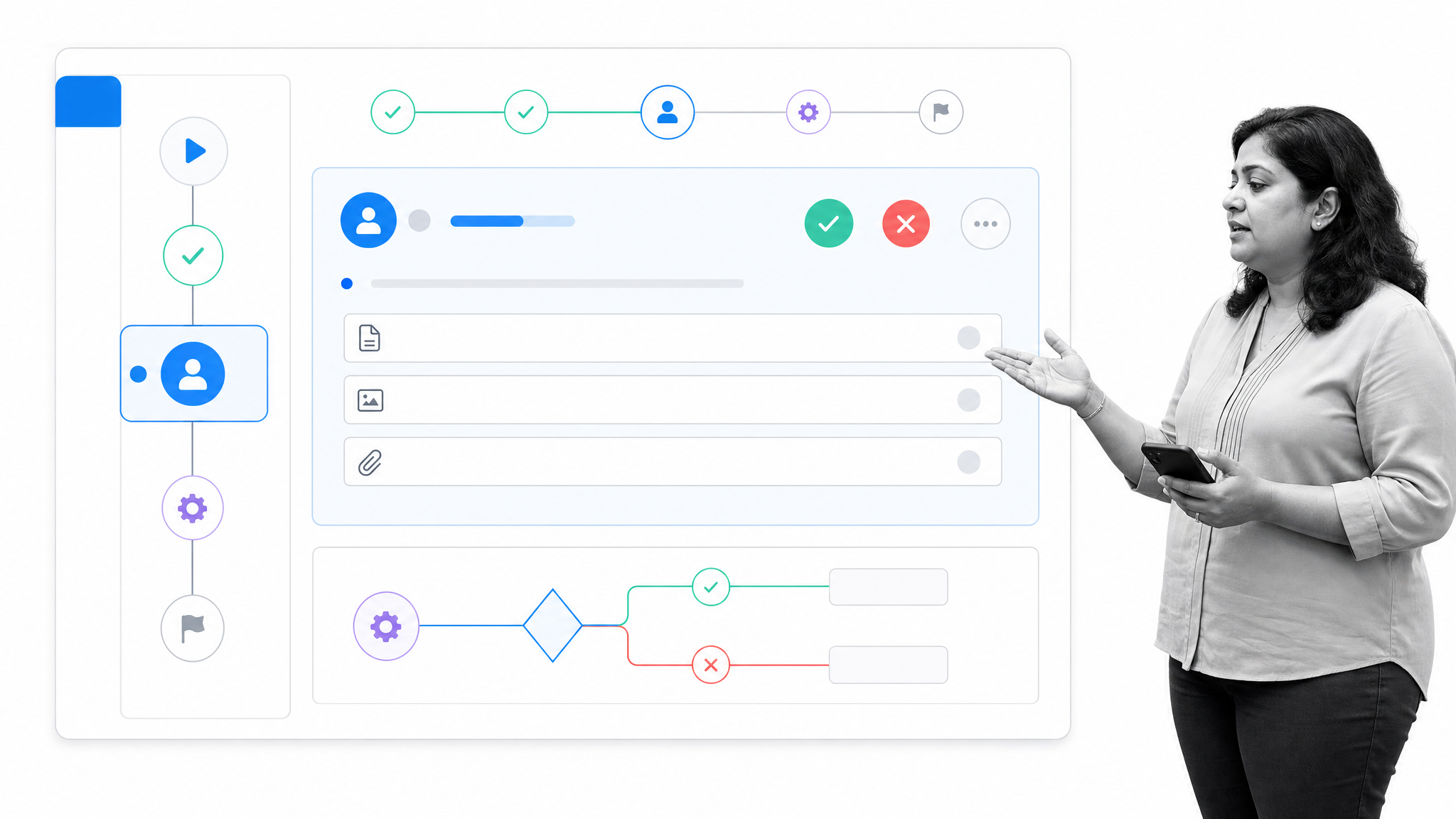
Best for governed recurring workflows and compliance operations.
Process Street turns policies and procedures into structured workflows with tasks, forms, approvals, conditional logic, and automation. Its operating center is the complete recurring process: who owns each step, what data is required, which rules apply, what happens next, and what proof remains after completion.
That makes it a strong fit for onboarding, approvals, audits, quality processes, document-controlled operations, vendor reviews, and other work where a skipped step creates risk. Teams can connect people, systems, and data in one governed flow while keeping execution visible and auditable. Explore Process Street Ops to see how those workflows are structured.
Choose Process Street when the process itself is the product: the sequence must be followed, exceptions must be handled, and leaders need evidence that the work was done correctly.
2. Microsoft Power Automate
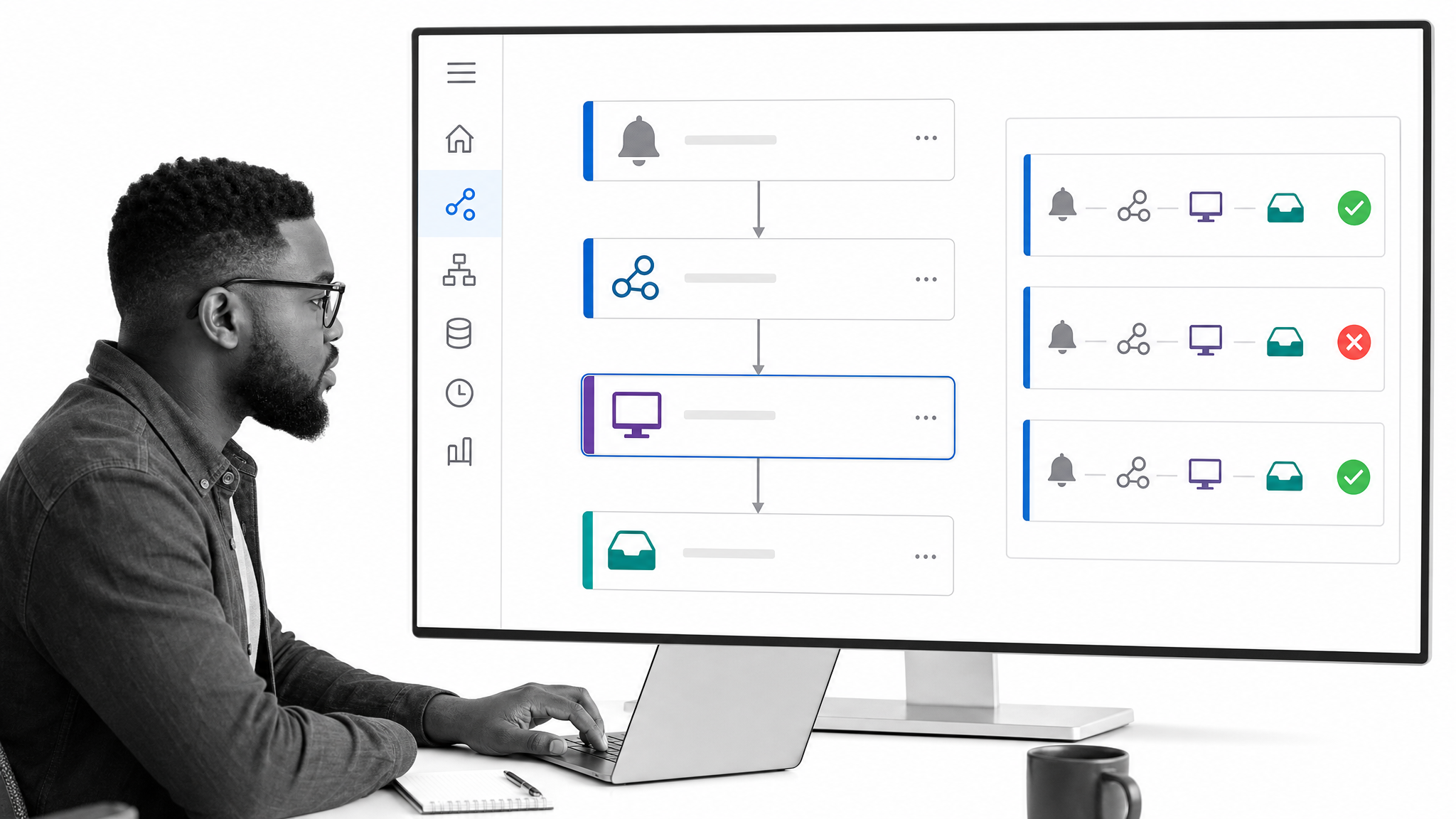
Best for Microsoft-centered cloud and desktop automation.
Microsoft Power Automate combines cloud flows, desktop robotic process automation, process mining, and orchestration. Native experiences across Microsoft 365 products make it a natural option for organizations whose work already lives in Teams, Excel, SharePoint, Outlook, and the wider Power Platform.
Its desktop automation capabilities also matter when a workflow touches legacy software or user interfaces that cannot be handled through a clean API. Choose Power Automate when Microsoft ecosystem depth and a mix of cloud and desktop actions outweigh the need for a dedicated compliance operations layer.
3. UiPath
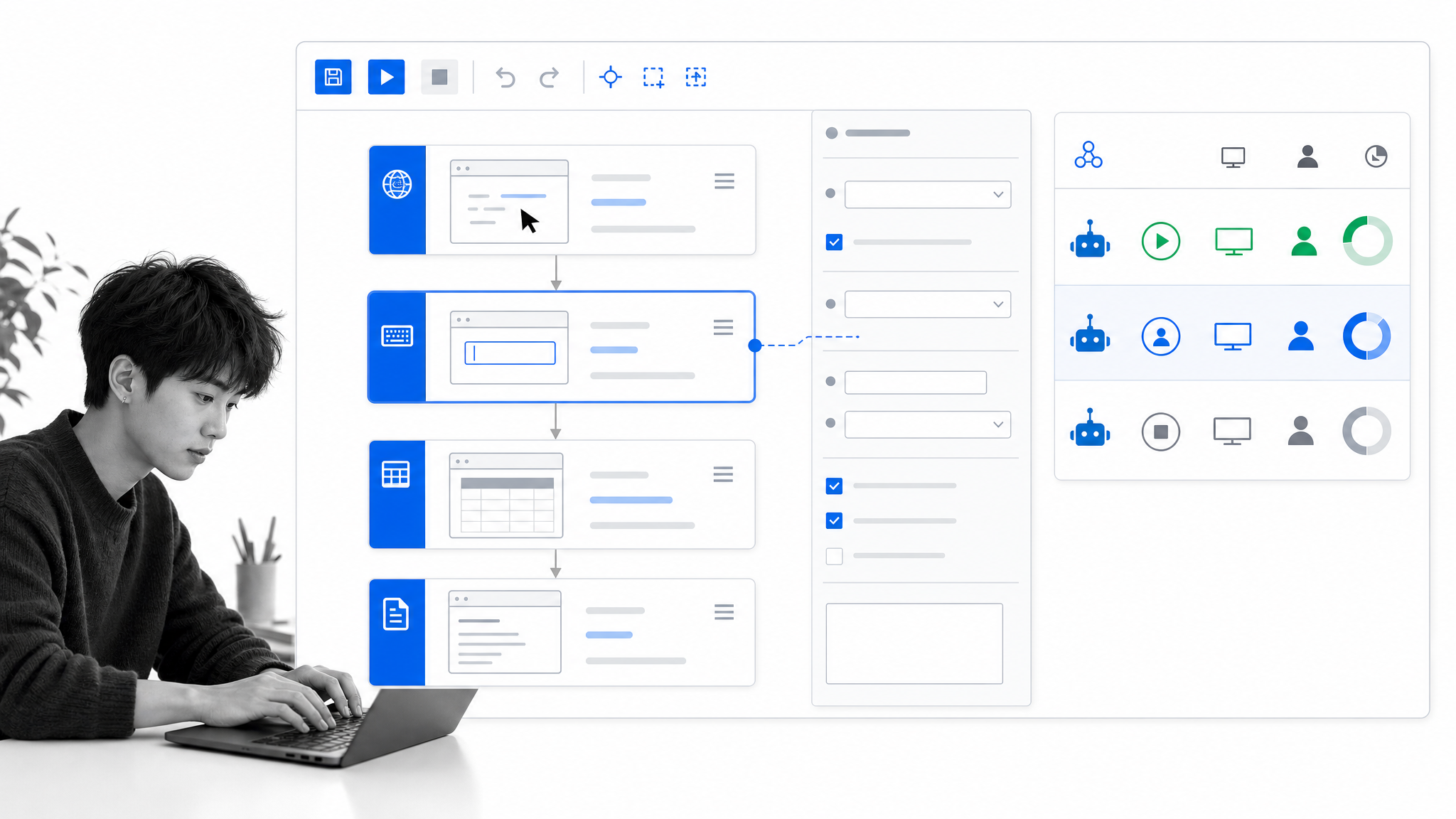
Best for enterprise UI automation and a broad RPA program.
UiPath supports governed automation across systems, applications, robots, agents, and teams. Its platform includes process mining, task mining, robots, Studio, Orchestrator, and tools for long-running workflows, which gives enterprise automation teams a broad environment for discovering, building, deploying, and managing automations.
UiPath is most relevant when the automation program must interact deeply with desktop interfaces, legacy systems, documents, and complex enterprise applications. It is a substantial platform, so buyers should evaluate implementation ownership, governance, and ongoing maintenance alongside technical reach.
4. Automation Anywhere
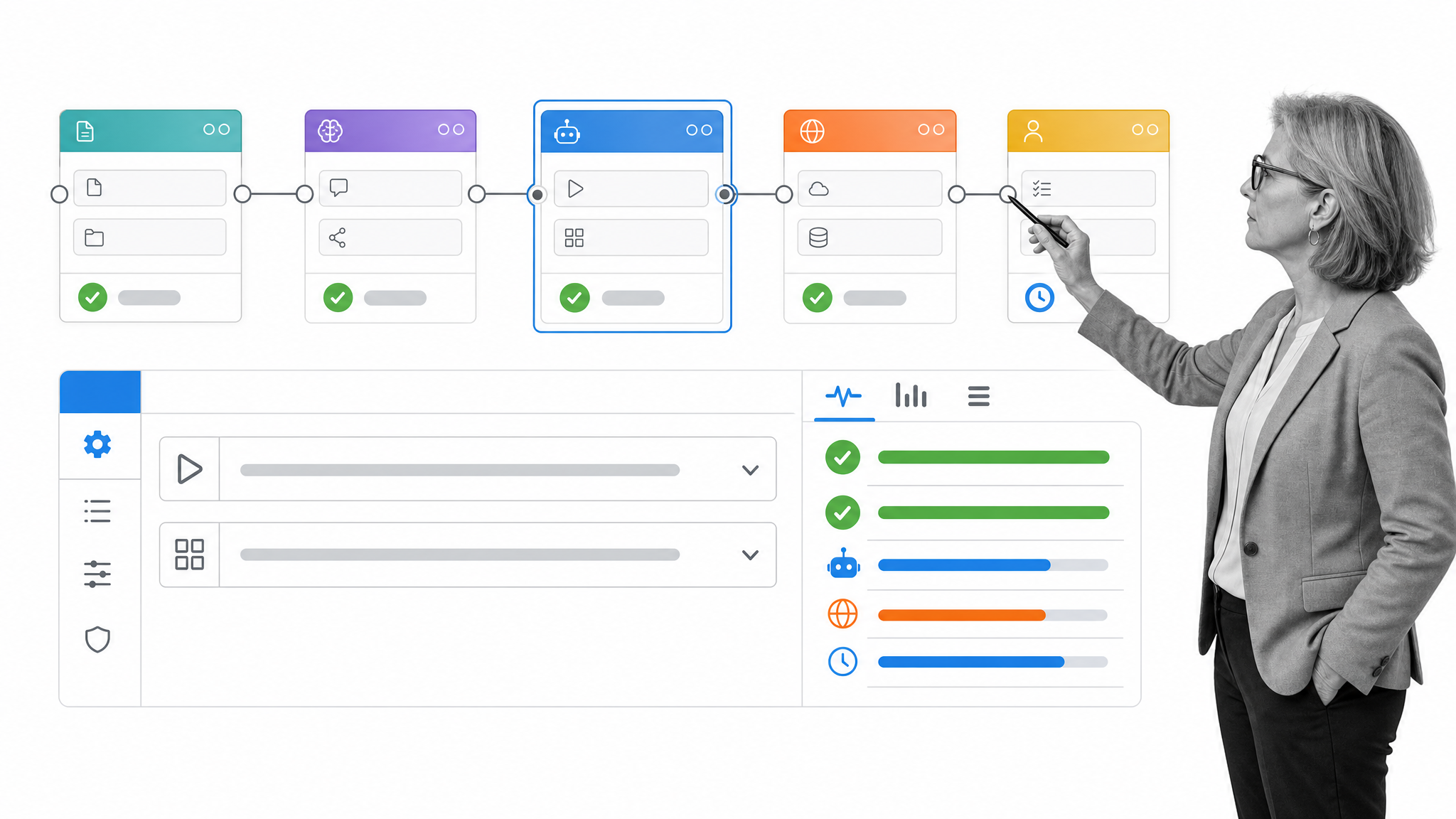
Best for combining enterprise RPA with agentic process automation.
Automation Anywhere combines AI agents, robotic process automation, APIs, documents, and human expertise in a governed platform. Its product set includes process discovery and document automation as well as tools for orchestrating end-to-end workflows.
This combination fits organizations that have an established bot strategy and want to coordinate more adaptive automation around it. The evaluation should focus on where deterministic bot actions end, where agent decisions begin, and which steps require human review or formal approval.
5. Workato
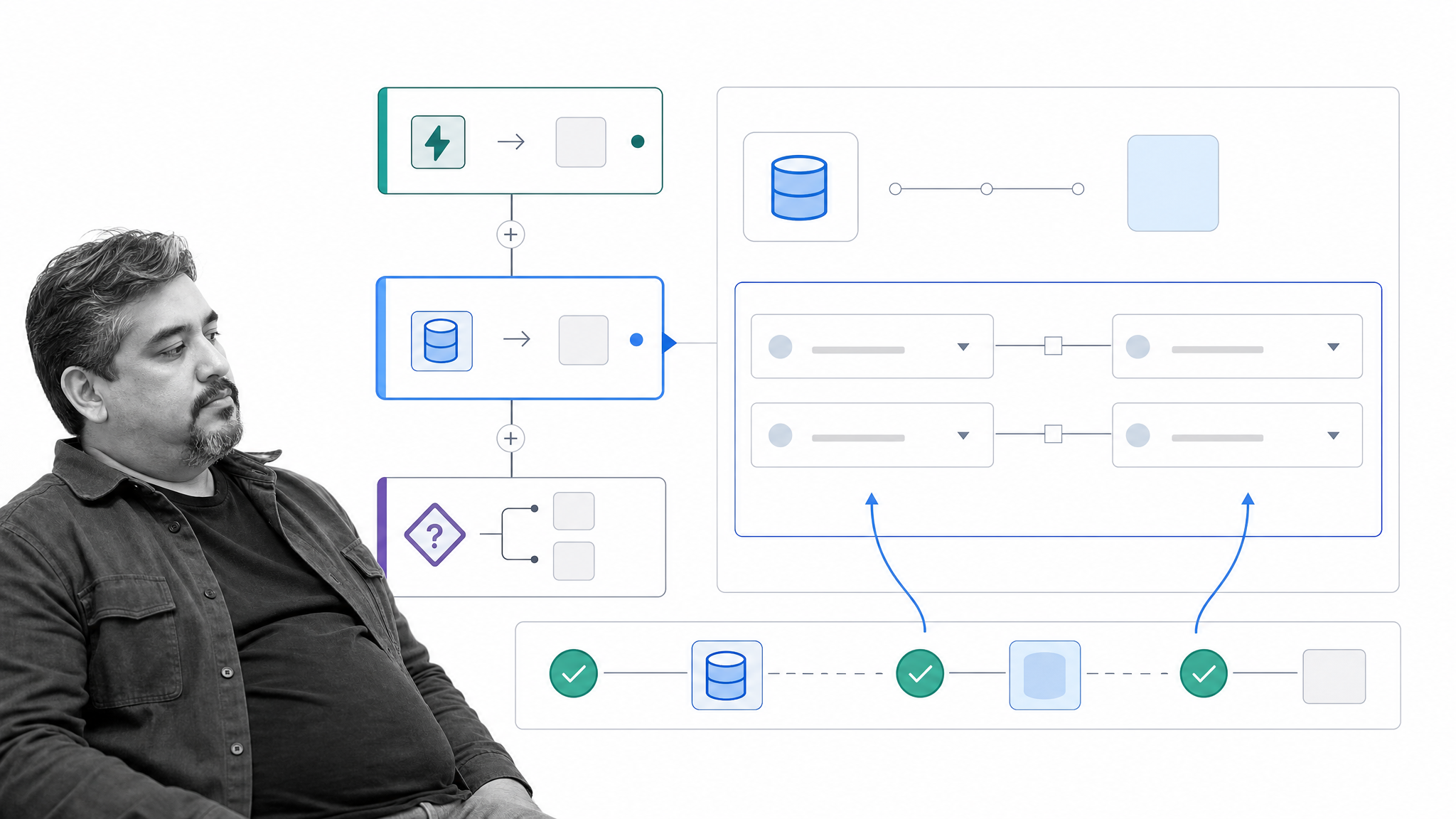
Best for enterprise integration and orchestration across a complex stack.
Workato orchestrates processes, applications, data, and APIs in one platform. It connects SaaS and on-premises systems, databases, data platforms, language models, documents, and legacy infrastructure, making connectivity and system orchestration its central strength.
Workato is a strong candidate when a process spans many enterprise systems and integration teams need reusable, governed automation components. It can coordinate agents and business logic as well, but buyers should still define the human workflow, exception path, and evidence requirements surrounding those system actions.
6. Zapier
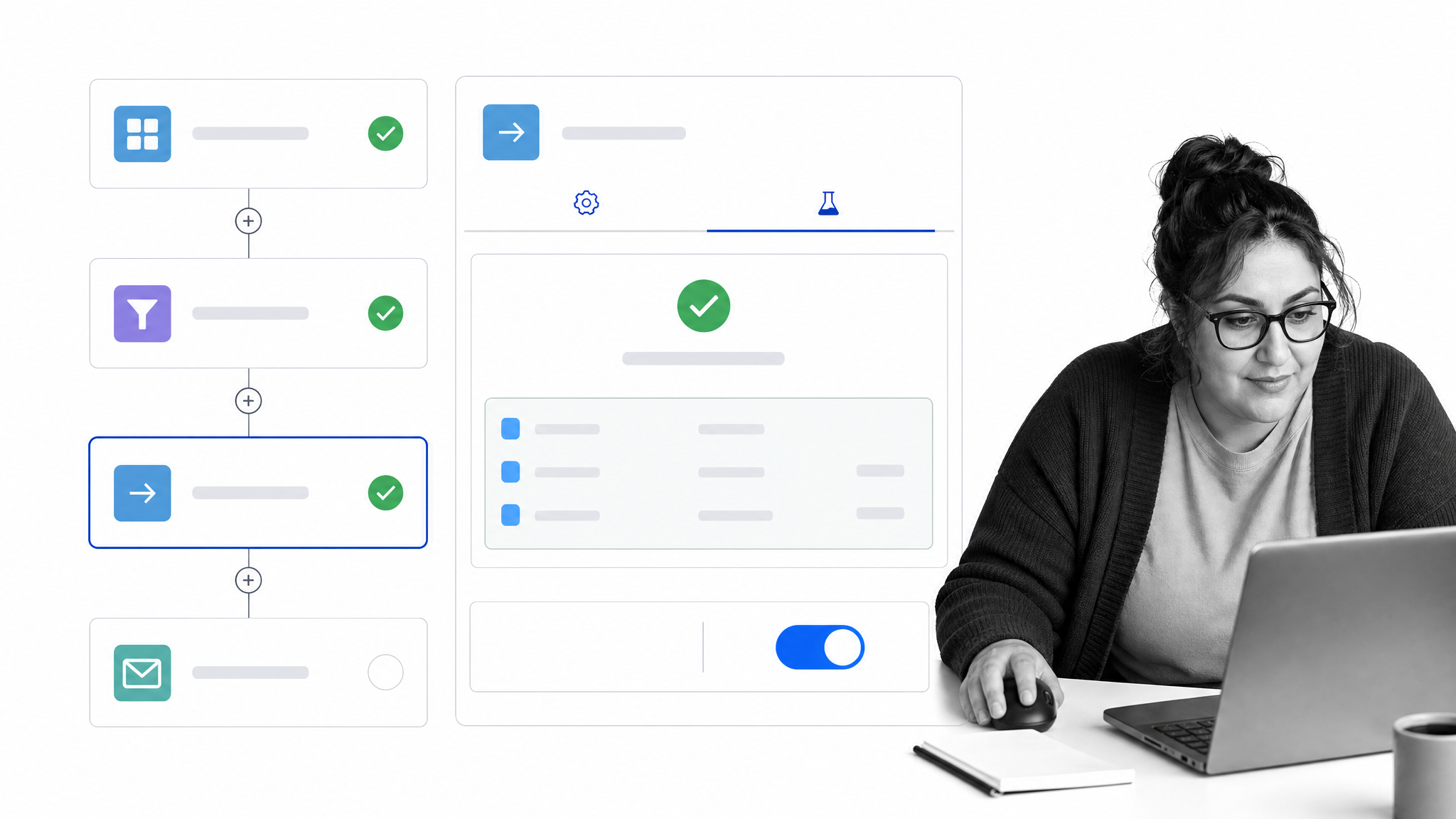
Best for accessible no-code automation across common business apps.
Zapier connects workflows across a large ecosystem of business applications. Its automation platform includes no-code workflows alongside Forms, Tables, Agents, and enterprise governance capabilities, which lets teams begin with simple triggers and grow into more connected operating patterns.
Choose Zapier when speed, app reach, and ease of building are the main priorities. For compliance-critical or deeply recurring work, pair cross-app actions with a system that controls the full process, its approvals, responsibilities, and evidence.
7. monday.com

Best for visual work management with board-based automation.
monday work management organizes work on boards, then uses automations, integrations, and AI workflow steps to reduce repetitive coordination. Automations can trigger actions when board data changes, while dashboards and views help teams track work across projects and portfolios.
It fits teams that want requests, projects, tasks, and status reporting in one visual workspace. Evaluate it carefully when the process requires strict procedural order, policy versioning, detailed evidence, or controls that extend beyond project records.
8. Asana
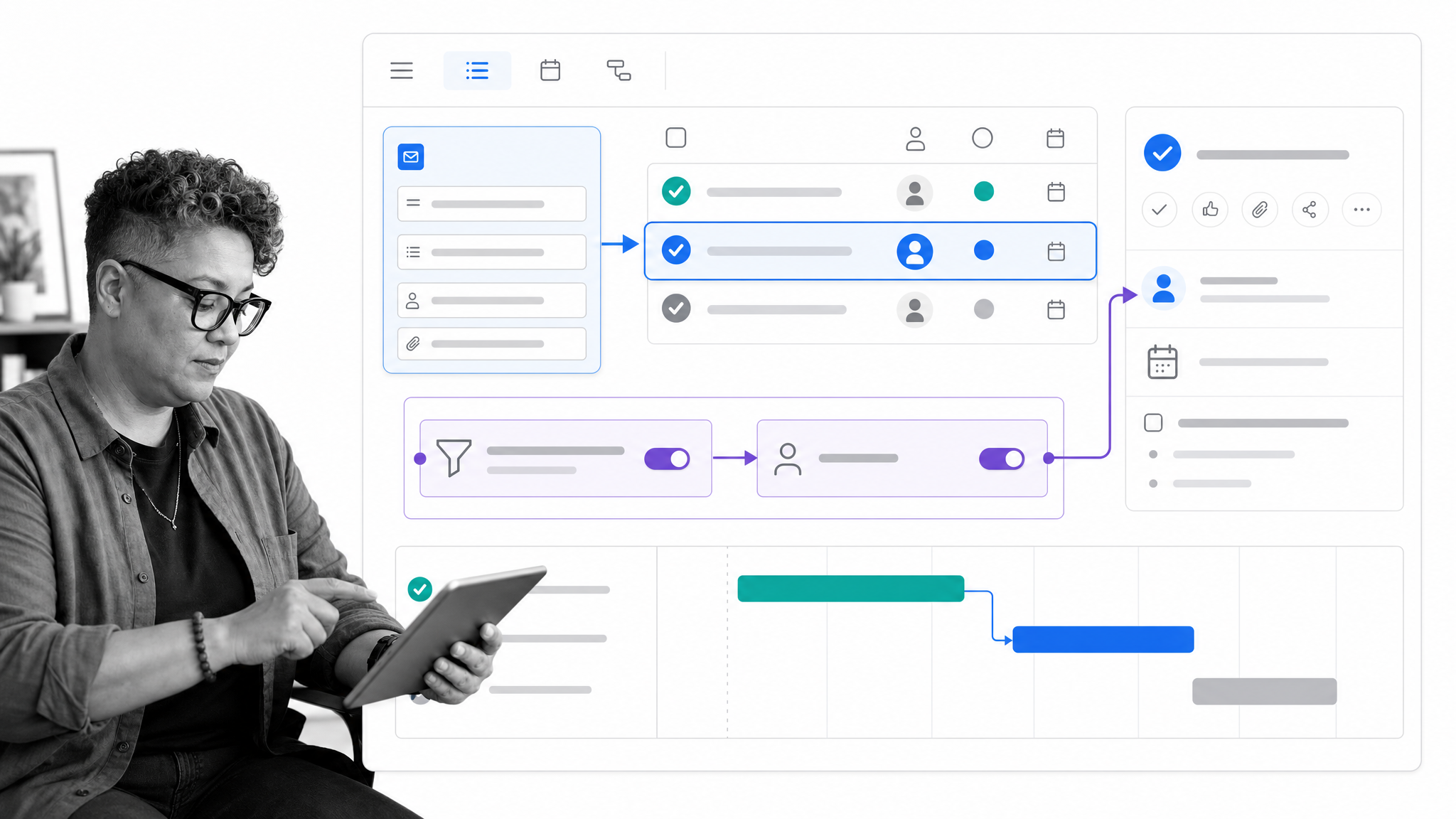
Best for project workflows, structured intake, and task routing.
Asana Forms collect structured requests, create tasks, and trigger workflows. Rules use triggers and actions to move, assign, and notify around routine work, while templates and reusable Bundles help teams standardize project structures across multiple initiatives.
Asana is a practical choice for teams whose automation begins and ends with project and task coordination. If the workflow must enforce a detailed SOP, manage formal approvals, or produce audit evidence across multiple systems, test those requirements explicitly during the pilot.
9. Nintex
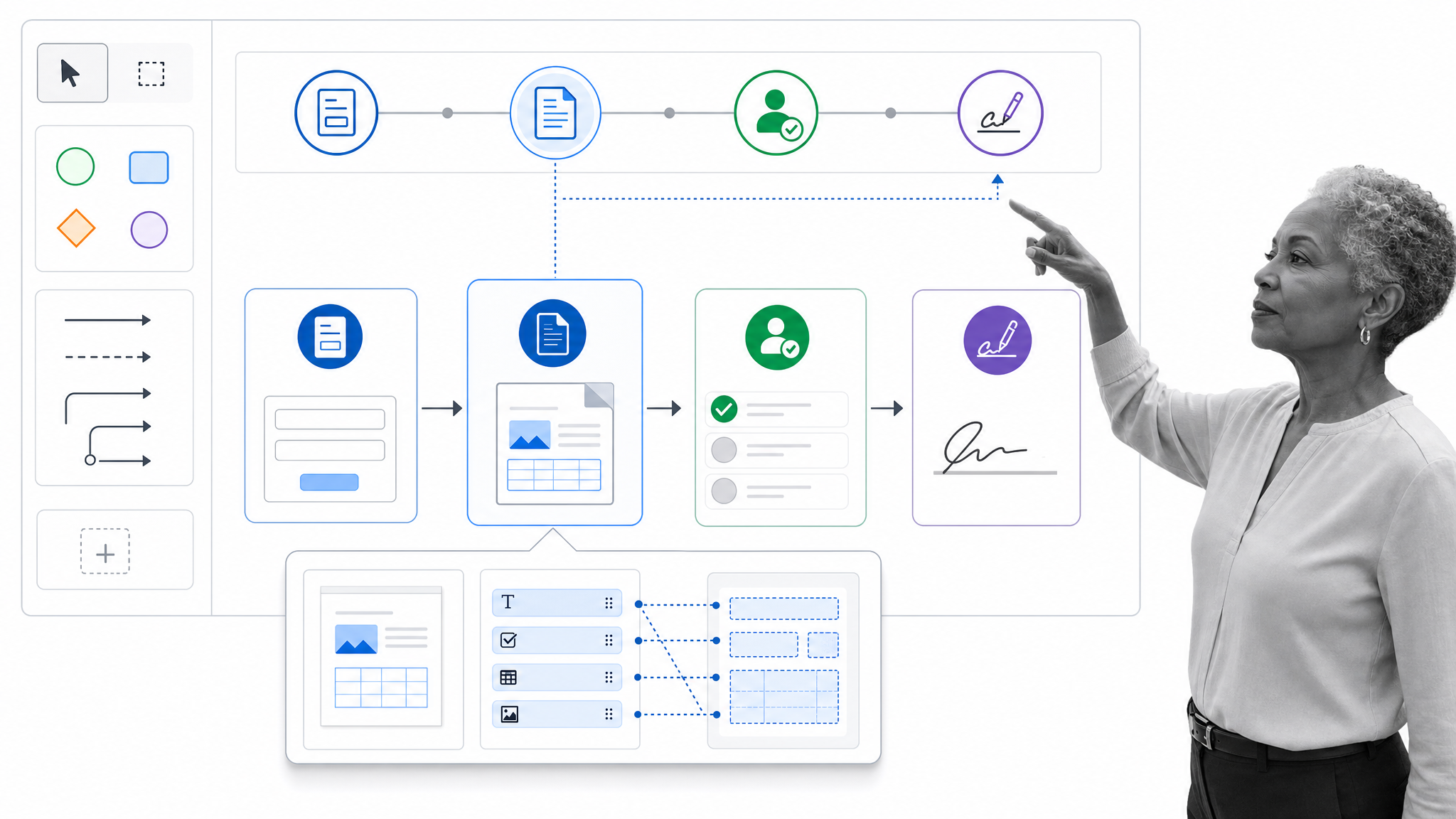
Best for broad process automation with cloud and self-hosted options.
Nintex spans workflow, process management, application development, document automation, eSign, and robotic process automation. It offers cloud and self-hosted environments, which gives organizations options when deployment model and data control are central requirements.
Nintex is relevant for organizations that want several process automation capabilities from one vendor, especially across Microsoft or Salesforce environments. Compare the exact product environment, administration model, and process governance features needed for your use case rather than assuming every capability is identical across deployments.
How do you choose the right business automation company?
Choose the company that controls the hardest part of your process. If the main problem is skipped steps, inconsistent execution, approvals, and audit evidence, start with a governed workflow platform. If it is moving data between cloud applications, start with integration automation. If it is operating desktop software, start with RPA. If it is coordinating projects and requests, start with work management.
Then decide how the layers will work together. A complete automation stack may use Process Street to govern the end-to-end process, an integration platform to move data, and an RPA tool to operate a legacy screen. The right architecture gives each system one clear job instead of forcing a single product to imitate every layer.
Before signing a broad contract, run one process from trigger to completion. Measure setup effort, exception recovery, operator adoption, cycle time, maintenance burden, and proof of completion. Include security, compliance, and IT stakeholders early if the automation will touch sensitive data or critical systems.
Business automation company takeaways
Business automation companies create the most value when they make a process reliable, not merely faster. Define the operating outcome, identify the automation layer, and test the exception path before expanding.
For recurring work where policy, accountability, approvals, and evidence matter, Process Street provides the control surface for execution. It turns the procedure into the workflow, connects the required systems, and leaves a clear record of what happened. Request a Process Street demo to map a real process and see how the automation would run.
Business automation company FAQs
What is a business automation company?
A business automation company provides software or services that automate tasks, coordinate workflows, connect systems, or manage complete business processes. Different companies specialize in workflow execution, integration, RPA, work management, or AI-assisted orchestration.
How do you choose a business automation company?
Start with one complete process and identify its hardest requirement: governed steps, system integration, desktop actions, project coordination, or adaptive AI work. Test the product with real exceptions, approvals, ownership changes, and reporting needs before expanding.
What is the difference between BPA and RPA?
Business process automation manages an end-to-end process across tasks, people, systems, rules, and outcomes. Robotic process automation focuses on software robots that perform user-interface actions in desktop applications or websites. An end-to-end process may use RPA for one or more steps.
What is the main benefit of business automation?
The main benefit is reliable execution. Automation reduces manual coordination, standardizes repeatable work, handles routine actions, and creates operational data. In controlled processes, it can also enforce approvals and preserve evidence for audits.
How do you integrate business automation tools with existing software?
They may use native integrations, APIs, webhooks, integration platforms, database connections, or robotic process automation. The right method depends on the system, available access, data sensitivity, required reliability, and whether the software has a usable API.
